Framekit templates
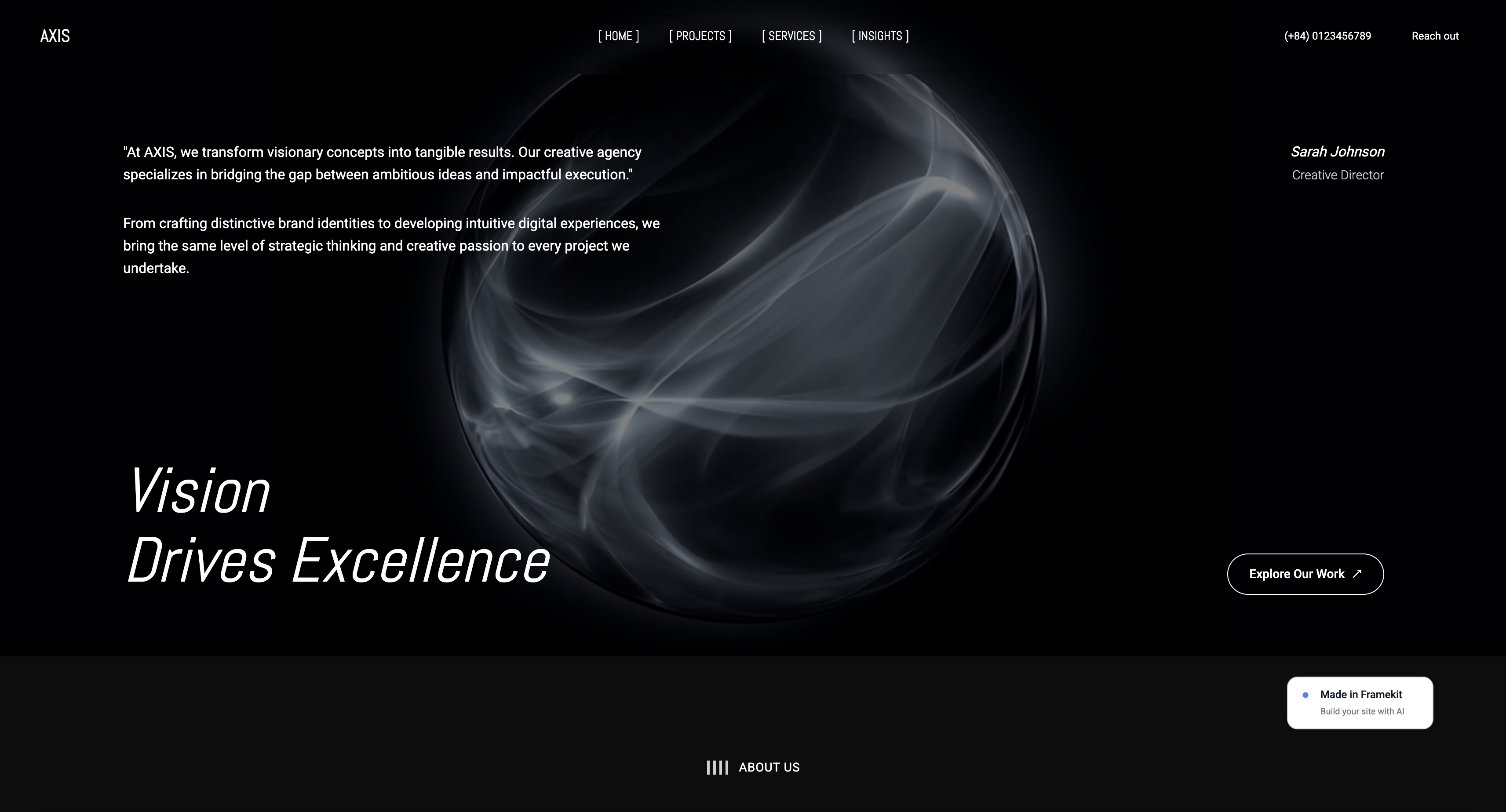
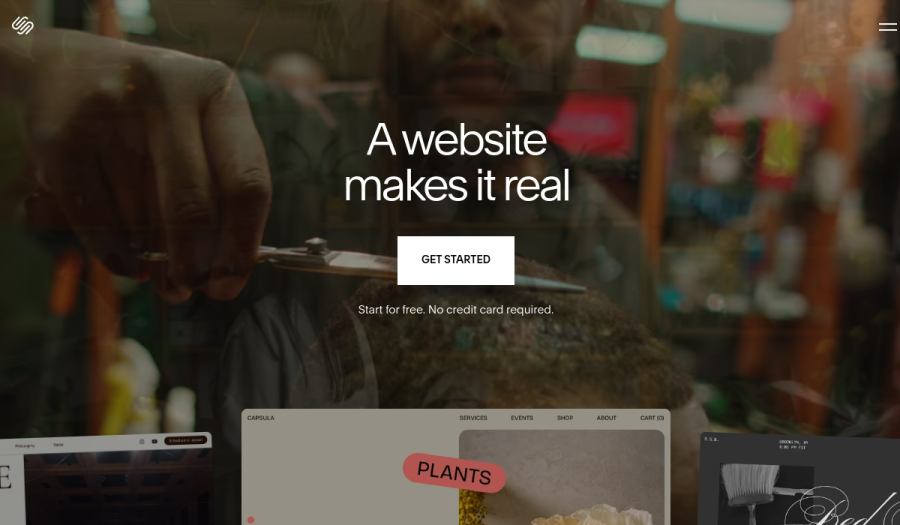
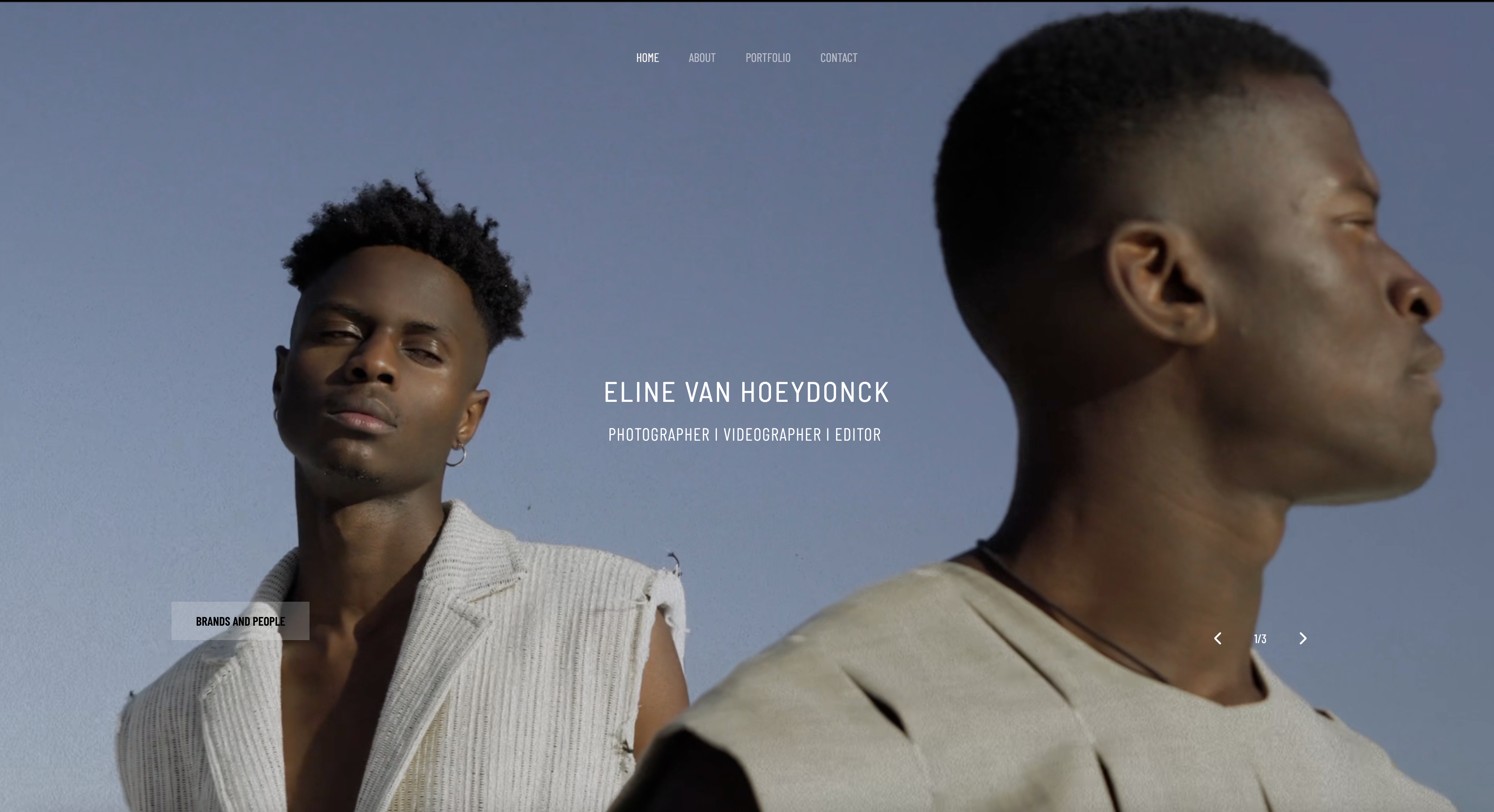
Start from a designer-made template
 Use template
 Use template
 Use template
 Use template
 Use template
 Use template
 Use template
 Use template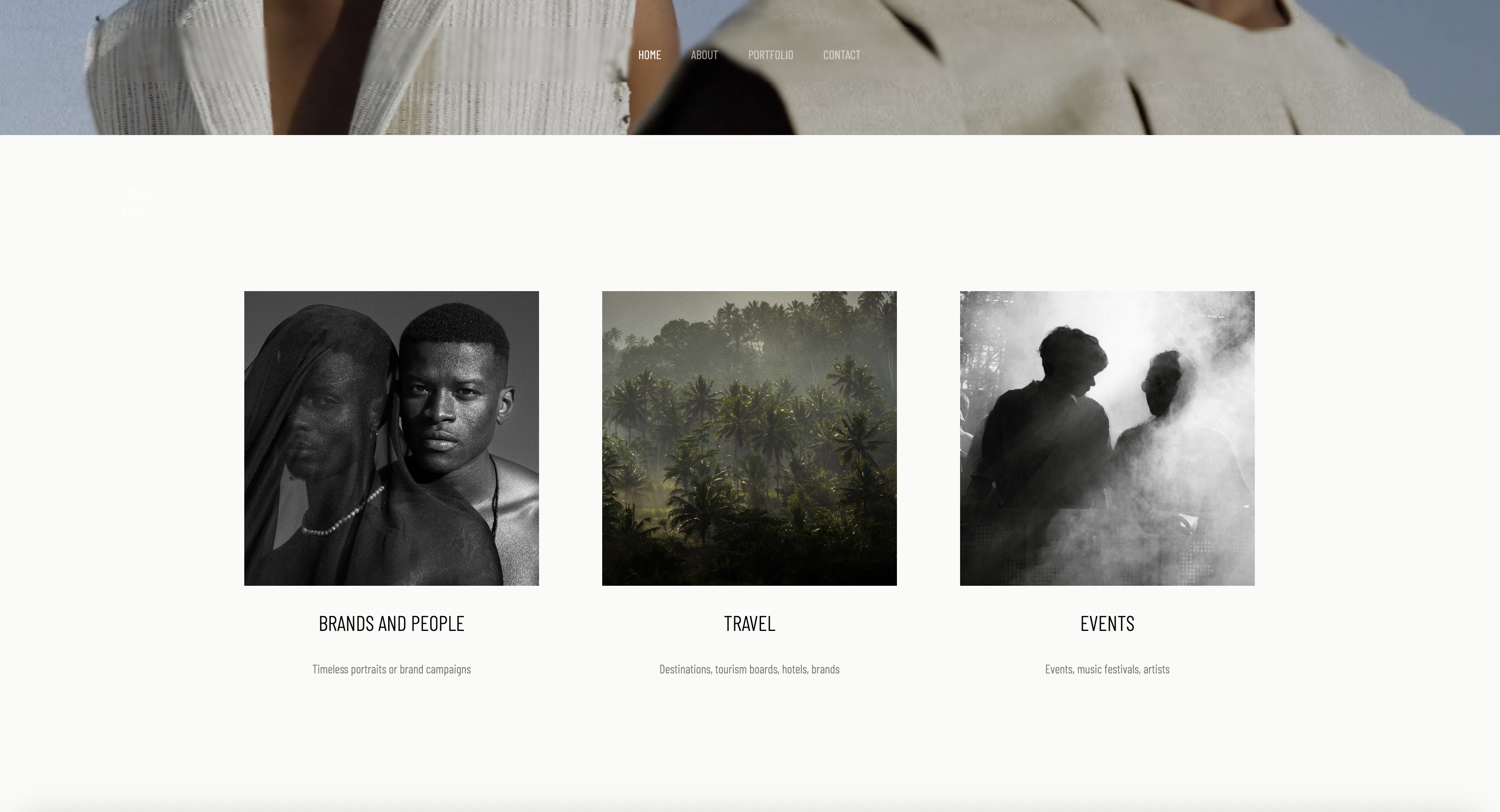
Adobe Portfolio is the only website builder most creatives already own without knowing it.
If you pay for Photoshop, Lightroom, or any other paid Creative Cloud plan, a finished website is sitting in your subscription at no extra cost, which makes "is Adobe Portfolio worth it" a strange question. There is no price to weigh.
The real question is whether a free site that cannot sell anything, cannot deliver client galleries, and stops existing 14 days after you cancel Creative Cloud is good enough to be your professional home on the web.
Adobe Portfolio is a website builder included at no extra cost with paid Adobe Creative Cloud plans, offering 12 themes, up to five published sites, Lightroom and Behance sync, and custom domains, with no ecommerce, blogging, or client gallery features.
That sentence is the whole product; this review is about whether it covers your actual job.
Framekit, which we make, is the comparison we keep returning to below, because it covers the three jobs Portfolio leaves out: a digital store, client galleries and a blog, all on a domain that survives cancelling Creative Cloud.
Adobe Portfolio is worth it in 2026 if you already pay for Creative Cloud and your website's only job is to display work and take enquiries, because the marginal cost is zero and the Lightroom sync is real.
It is not worth building on if your site also needs to sell digital products, deliver client galleries, or publish a blog, because Portfolio does none of those, by Adobe's own description, and the site stays online only while your Creative Cloud subscription does.
In that case a standalone builder such as Framekit, Squarespace, or Format is the safer foundation.
Full disclosure: we make Framekit, a competing website builder, so we have an obvious interest in this verdict. Our fix: every Adobe fact below is cited to Adobe's own pricing pages and official help articles, checked this week, and we say plainly where Adobe Portfolio beats us, starting with price, where a bundled free product beats a paid one by definition.
How We Reviewed Adobe Portfolio for This Verdict
This review is built from Adobe's own published record rather than a fresh hands-on build, and you should know exactly which is which before trusting any number on this page.
Verified from primary sources, July 2026. Every plan price, feature claim, and cancellation rule below was checked on July 29, 2026 against Adobe's live pages: the Adobe Portfolio FAQ, the official product knowledgebase, the Portfolio plans page, and Adobe's Creative Cloud plans page.
Where we state what the product cannot do, we quote Adobe's own help center, not a competitor's summary.
Reported as community sentiment. Claims about slow product development are widespread among creatives but are not something Adobe states anywhere, so we flag them as sentiment and say what we could and could not confirm.
Re-verified 20 September 2026. Adobe's published plan prices were rechecked against the pages linked above, and our own comparison was updated to reflect the galleries, decks and store Framekit has shipped since July.
The carried example. Throughout this review we price one working case: a portrait photographer on the $19.99 per month Photography plan, about $240 a year she already pays for Lightroom and Photoshop, who delivers roughly 20 client shoots a year and wants to sell a $24 preset pack on the side.
What Adobe Portfolio Actually Includes
The included feature set is narrower than most builders but deeper than "free" suggests, and Adobe documents all of it in its official knowledgebase, the source for every line in this table.
| Feature | Included | Source |
|---|---|---|
| Themes | 12 (Lina, Thomas, Mercedes, Marta, Lukas, Sawdust, Matthias, Andreas, Marina, Hegen, Ludwig, Rose) | Knowledgebase theme list |
| Published websites | Up to 5 per account | Portfolio plans page |
| Custom domain | Yes, connect your own or buy via Namecheap | Knowledgebase |
| Lightroom sync | Yes, Lightroom and Lightroom Classic | helpx.adobe.com FAQ |
| Behance integration | Yes, two-way project sync | helpx.adobe.com FAQ |
| Password protection | Site-level and page-level | Knowledgebase |
| Adobe Fonts | Included | helpx.adobe.com FAQ |
| Hosting and SSL | Included | Knowledgebase |
| Online store | No | "What is Adobe Portfolio?" help article |
| Blog | No | Same article |
| Client proofing galleries | No | Not offered in product or docs |
Two details in that table deserve a closer look.
First, the theme count is exactly 12: Adobe's own theme documentation lists them by name, and themes set structure you cannot change, only restyle.
Second, publishing a project automatically creates a Behance account if you do not have one, per Adobe's FAQ, and your work appears on a public Behance profile unless you adjust the privacy settings.
In one linethe product includes everything a display-only site needs, including the custom domain most free plans withhold, and nothing a creative business runs on.

What Adobe Portfolio Costs in 2026
Adobe Portfolio has no standalone price and cannot be bought on its own, which Adobe confirms in its FAQ, so its real cost is whichever Creative Cloud plan you enter through, and these are the current US routes checked in July 2026.
| Plan that includes Portfolio | Price | What else you get |
|---|---|---|
| Behance Pro | $9.99/mo, annual commitment | 0% Behance platform fees, advanced analytics |
| Lightroom (1TB) | $11.99/mo | Lightroom with 1TB storage |
| Photography (1TB) | $19.99/mo | Lightroom, Lightroom Classic, Photoshop, 1TB |
| Single app (Photoshop, Illustrator, etc.) | $22.99/mo | That one app |
| Creative Cloud Pro | $69.99/mo | 20+ apps |
Two pricing notes matter for photographers specifically.
The old $9.99 Photography plan with 20GB of storage is gone from Adobe's US pricing: the photography plans comparison page now sells only the $11.99 Lightroom plan and the $19.99 Photography plan, both with 1TB, and both include it.
And the cheapest current route is not a photography plan at all but Behance Pro at $9.99 a month with an annual commitment, per the Portfolio plans page.
For our carried example the math is simple: she already pays $19.99 a month for Lightroom and Photoshop, so its marginal cost is $0.00. That is the entire case for the product, and no standalone builder can beat it.
In one lineif you already pay Creative Cloud, the builder is free in the only sense that matters; if not, the cheapest way in is $9.99 a month, which buys a full standalone builder elsewhere.
Where Adobe Portfolio Genuinely Wins
A fair review has to start with the wins, because for a specific kind of creative this product is close to unbeatable and pretending otherwise would be exactly the vendor bias you should watch for.
The price cannot be argued with. For an existing Creative Cloud subscriber, every alternative on the market costs more, because everything costs more than zero.
Our own cheapest paid plan is $9 a month, and against a $0 marginal cost that is a real $108 a year buying things Adobe's builder does not do, not a better version of what it does.
The Lightroom sync is a real workflow, not a checkbox. Photos sync into your pages from Lightroom and Lightroom Classic through your Creative Cloud account, per Adobe's FAQ.
A photographer who culls and edits in Lightroom can update her site without exporting and re-uploading files, which most builders, ours included, still require.
No ads, no upgrade banners, no upsell. Because it is a retention perk rather than a revenue product, the published site carries no advertising and the editor is not trying to sell you a higher tier, an incentive most free plans cannot escape.
The custom domain is included. Nearly every standalone builder holds custom domains hostage to a paid tier.
You can connect a domain you own, or buy one through its Namecheap integration, at no extra charge, which for a display-only site is the most valuable item on the included list.
In one linePortfolio wins on price, Lightroom flow, and a bundled custom domain, and if a clean display site is truly all you need, you can stop reading here.
What Happens to Your Site When You Cancel Creative Cloud
The tether to Creative Cloud is the single most important fact in this review, because it changes what you are building from an asset into a perk, and Adobe documents it precisely.
Per the official knowledgebase article on canceling your subscription, a canceled plan puts your site into a 14-day grace period, after which it goes offline.
Your content survives inside the editor, and resubscribing later lets you republish without rebuilding, but the live site, the one your clients visit and Google indexes, is gone.
Think about the mechanism, not just the rule. Portfolio is not sold; it exists to make canceling Creative Cloud more expensive than the invoice says.
The day you consider switching to Capture One or Affinity, your website joins the calculation on Adobe's side of the ledger.
For our carried photographer, $240 a year stops being an editing-software decision she can revisit freely and becomes the hosting bill for her professional identity.
The outage also outlasts itself. Fourteen days offline is long enough for search engines to start dropping pages, so even a lapse between plans can cost rankings the site spent years earning.
Your own domain stays yours to point elsewhere, but the site behind it must be rebuilt, because Portfolio has no site export.
In one linecancel Creative Cloud and your site is offline 14 days later, so the site is a benefit you rent, not a property you own.

What Adobe Portfolio Cannot Do, in Adobe's Own Words
You do not have to take a competitor's word for the gaps, because Adobe's own help center draws the boundary plainly: the official "What is Adobe Portfolio?" article says that if your site requires features like online stores, blogging tools, or extensive third-party integrations, you should explore other website platforms.
Here is what each gap costs in practice.
No store means the site cannot earn. There is no checkout, no payment processing, and no digital delivery of any kind.
Our carried photographer wants to sell a $24 preset pack; her only option is linking out to a storefront on someone else's domain, splitting her traffic and brand across two properties.
If she sells 100 packs a year, that $2,400 of revenue runs entirely through whichever second platform she picks, with its fees and branding.
Our guide to selling Lightroom presets from your own website shows that stack on one site instead.
No client galleries means a second subscription. Portfolio's password protection hides a page; it does not run a delivery workflow.
There are no client favorites, no per-gallery download controls or PINs, no ZIP downloads, and no proofing.
A working photographer using it still needs Pixieset, Pic-Time, or a similar tool, putting the most-visited part of her client experience on a vendor subdomain.
Our client gallery platform comparison covers that market.
No blog means no search growth. A display-only portfolio ranks for your name and little else, because ranking requires pages that answer questions people search.
Portfolio offers no blogging tools, so the highest-return SEO work a creative can do is unavailable on the platform, a gap that costs nothing in year one and compounds every year after.
In one lineAdobe's own docs say Portfolio is not for stores, blogs, or heavy integrations, and each gap becomes a second subscription or forgone income the moment your site is a business.
Is Adobe Portfolio Still Being Developed?
The most common criticism of Adobe Portfolio in creative communities is that it is abandoned, and precision matters here because the honest picture is more specific than the complaint.
What we can verify: the product is documented, supported, and maintained. Several official knowledgebase articles were updated within days of our check this July, and the theme list, plans page, and FAQ are all current. "Abandoned" in the literal sense is false.
What we cannot verify: any recent feature development. The theme count stands at 12, the feature list on Adobe's own pages matches what reviewers described years ago, and Adobe publishes no roadmap or changelog for Portfolio.
The widespread view among photographers and designers is that Portfolio is a retention feature that receives maintenance rather than investment.
We share that read, but it is community sentiment plus an absence of announcements, not a documented fact, and you should weight it accordingly.
One structural signal is worth noting: Adobe Portfolio has no standalone listing on major software review sites.
Searching G2 for it surfaces Behance, rated 4.5 out of 5 from 377 reviews, rather than any Portfolio product page.
Review platforms track products that compete for buyers; a bundled perk with no price never shows up to be judged.
In one linePortfolio is maintained but shows no visible feature investment, and the stagnation charge is credible sentiment Adobe neither confirms nor contradicts.
The Alternatives Worth Pricing Before You Default to Free
Free-with-CC is the right answer for some creatives and a default that quietly costs others real money, so the fair move is to price the standalone paths against it honestly, including where each loses to Portfolio.
Framekit is our product, so calibrate accordingly.
Framekit is an AI website builder for photographers, filmmakers, designers, and other solo creatives: its models, Cadence and Score, generate the site's actual layout and typography from a description of your work rather than filling one of a dozen fixed themes.
More to the point, it covers the three jobs Portfolio does not: a built-in store for digital products with a fee that starts at 5% on the free plan and drops to 0% on the $39 per month Business plan, client galleries on every plan with password and PIN protection, favorites, per-gallery download controls, and ZIP delivery from your own domain, and a blog with full SEO controls.
Our carried photographer would sell her $2,400 a year of preset packs on the free plan for $120 in fees, deliver her 20 shoots from the same domain, and pay $0 to $108 a year depending on whether she wants a custom domain, which needs the $9 Starter plan.
Where Portfolio beats us, plainly: marginal price, because $0 beats every plan we sell, and Lightroom sync, which we do not have; she would export and upload.
If her site will only ever display work, Portfolio is the better deal and we would rather say so than have you discover it.
Squarespace is the safest template-led all-rounder, rated 4.4 out of 5 from 1,136 reviews on G2, with a design floor Portfolio's 12 themes cannot match and a real blog.
It costs about $19 a month billed annually, and its store charges a 7% digital-content fee on the Basic plan, falling to 5%, 1%, and 0% up the tiers, per Squarespace's pricing page.
On our carried $2,400 of sales that 7% is $168 a year on top of roughly $228 of subscription, and it still has no client galleries.
Our Squarespace worth-it review prices that stack end to end.
Format is the photographer-native pick, and the closest thing to Portfolio-plus-the-missing-pieces: client galleries and a commission-free store are built in, and Lightroom integration is on the feature list.
Its Basic plan lists at $10 a month billed annually on a current promotion, normally $14, per Format's pricing page.
The trade-off is a lower design ceiling and page and image caps on the entry plan.
If your reason for leaving is specifically the Creative Cloud tether, our Adobe Portfolio alternatives guide ranks nine standalone options on exactly that test, and our free portfolio website without a subscription breakdown covers the no-subscription route.
In one lineevery alternative costs more than Portfolio's zero and does more than Portfolio's display-only job, and the decision is which of those two facts describes your business.

How to Decide: Four Questions in Order
Run these four questions in order and stop at the first yes, because each is a harder requirement than the one before it and the first yes settles the choice without a feature spreadsheet.
Will you sell anything from your site, now or within two years? If yes, Portfolio is out on day one; there is no store to grow into. Pick a builder with commerce built in, Framekit or Squarespace among them, and price the fees at your realistic volume.
Do you deliver work to clients, shoot by shoot? If yes, Portfolio covers only the marketing half of your stack, and you will pay for a gallery tool anyway.
Decide between one platform that does both halves, which is the case Framekit makes, and a two-tool stack you accept knowingly.
Is there any realistic scenario where you cancel Creative Cloud in the next three years? If yes, do not build your professional address on a site that goes offline 14 days after that decision.
A portfolio's value compounds with time; a foundation you might have to abandon forfeits that.
Did you answer no three times? Then use Adobe Portfolio and keep your money. You already pay for it, and a $9 to $19 monthly alternative buys you nothing you have a use for. Revisit the first question once a year.
Frequently Asked Questions
Is Adobe Portfolio worth it in 2026?
Adobe Portfolio is worth it in 2026 for creatives who already pay for Creative Cloud and need only a display portfolio: it adds no cost and includes 12 themes, up to five sites, a custom domain, and Lightroom sync.
It is not worth building on if your site must sell products, deliver client galleries, or run a blog, because it does none of those, and the site goes offline 14 days after you cancel Creative Cloud.
Does Adobe Portfolio work without Creative Cloud?
No. Adobe Portfolio cannot be purchased or used standalone; Adobe's FAQ states it is available only through paid Creative Cloud plans, including Single App, Photography, and Behance Pro.
Without an active paid plan you can still edit your site, but you cannot publish it, so there is no free-forever way to keep an Adobe Portfolio site live.
What happens to my Adobe Portfolio site if I cancel Creative Cloud?
Your Adobe Portfolio site stays live for a 14-day grace period after you cancel Creative Cloud, then goes offline, per Adobe's official knowledgebase.
Your content remains in the editor, and resubscribing later lets you republish without rebuilding. Your custom domain stays yours if you registered it yourself, but there is no site export, so moving to another builder means rebuilding.
Can I sell prints or presets on Adobe Portfolio?
No. Adobe Portfolio has no store, no checkout, and no payment processing, and Adobe's own help center directs people who need online stores to other platforms.
To sell prints or presets you would link out to a separate storefront on another service, splitting your traffic and branding.
Creatives who want the portfolio and the store on one domain need a builder with commerce built in, such as Framekit, Squarespace, or Format.
Does Adobe Portfolio have client galleries for photographers?
No. Adobe Portfolio offers site and page password protection, but no client proofing workflow: no favorites, no per-gallery download controls or PINs, no ZIP downloads, and no print ordering.
Photographers on Portfolio typically add a dedicated gallery platform, which means a second tool and a delivery link on another company's domain.
Does Adobe Portfolio have a blog?
No. Adobe Portfolio provides no blogging tools, and Adobe's "What is Adobe Portfolio?" help article explicitly points users who need blogging to other website platforms.
The practical cost is search visibility: a display-only portfolio ranks for your name and little else, and the pages that attract clients from Google cannot be built on Portfolio.
Which Creative Cloud plans include Adobe Portfolio?
Adobe Portfolio is included with the Creative Cloud All Apps (now Creative Cloud Pro), Single App, and Photography plans, per Adobe's FAQ, and the Portfolio plans page also lists Behance Pro.
In July 2026, US routes include the $11.99 Lightroom plan, the $19.99 Photography plan, single apps at $22.99, and Creative Cloud Pro at $69.99 a month.
What is the cheapest way to get Adobe Portfolio?
The cheapest route to Adobe Portfolio in July 2026 is Behance Pro at $9.99 a month with an annual commitment, which includes up to five published Portfolio sites. The $11.99 Lightroom plan is the cheapest photography-focused route.
Note that $9.99 a month is also standalone-builder money: full builders with stores and galleries start at similar or lower prices.
Adobe Portfolio vs Framekit: which one should a photographer use?
Adobe Portfolio is the better choice if you already pay for Creative Cloud and only need a display portfolio, because it costs nothing extra and syncs with Lightroom, which Framekit does not.
Framekit is the better choice when the site is a business: it adds a digital product store with fees from 5% down to 0% on the $39 Business plan, client galleries with PINs, favorites, and ZIP delivery on every plan, a blog, and no tie to any other subscription.
Adobe Portfolio vs Squarespace: which is better for creatives?
Adobe Portfolio wins on price for Creative Cloud subscribers, since it is included free, while Squarespace at about $19 a month wins on design range, blogging, and commerce.
Squarespace charges a 7% digital-content fee on its Basic plan, falling to 0% only on its top Advanced tier, and neither product includes client proofing galleries.
Choose Portfolio for a free display site, Squarespace for a content-led site with a store.
Can I move my domain off Adobe Portfolio later?
Yes. If you connected a domain you registered yourself, or bought one through Portfolio's Namecheap integration, you control it at the registrar and can point it at any new platform whenever you want.
The site itself does not move: Adobe Portfolio has no site export, so the pages must be rebuilt. Keeping your domain in your own registrar account is the best insurance policy Portfolio users have.
Final Verdict: Is Adobe Portfolio Worth It?
Yes for a display case, no for a foundation, and the deciding question is not the product but your plans for the next three years.
If you pay for Creative Cloud anyway and your website's whole job is showing work and taking enquiries, Portfolio at zero marginal cost, with a custom domain and Lightroom sync, is close to unbeatable and you should use it without guilt.
Reviews that pretend otherwise are selling you something.
But the free price buys a display case, not a foundation.
The site cannot sell, cannot deliver client work, cannot publish, and survives only as long as your Adobe subscription, with a 14-day grace period as the whole margin between your professional presence and a blank page.
Every one of those limits is documented by Adobe itself. A creative whose website is becoming a business outgrows Portfolio on a specific day: the day the first product or client gallery needs a home.
Verdict: use Adobe Portfolio if you are certain your site will stay a brochure and your Creative Cloud subscription is permanent; build on a standalone platform the moment either certainty wobbles, because the cost of Portfolio is not the price, it is the move you will eventually make under deadline.
Where Framekit loses here deserves the same plainness: for a pure display portfolio funded by a Creative Cloud plan you already keep, Framekit is not the better deal, Portfolio is, and our Lightroom integration does not exist while Adobe's is excellent.
The trade-off reverses when the site has to earn: store, galleries, and blog on one domain you keep regardless of what you decide about Adobe.
Related reading: our ranked Adobe Portfolio alternatives, the best client gallery platforms comparison, our honest Squarespace for photographers review, and how to run a free portfolio website with no subscription.
Every Adobe price, plan, and policy above was verified July 2026 against Adobe's live pricing pages and official Portfolio knowledgebase, and competitor prices against their published pricing.