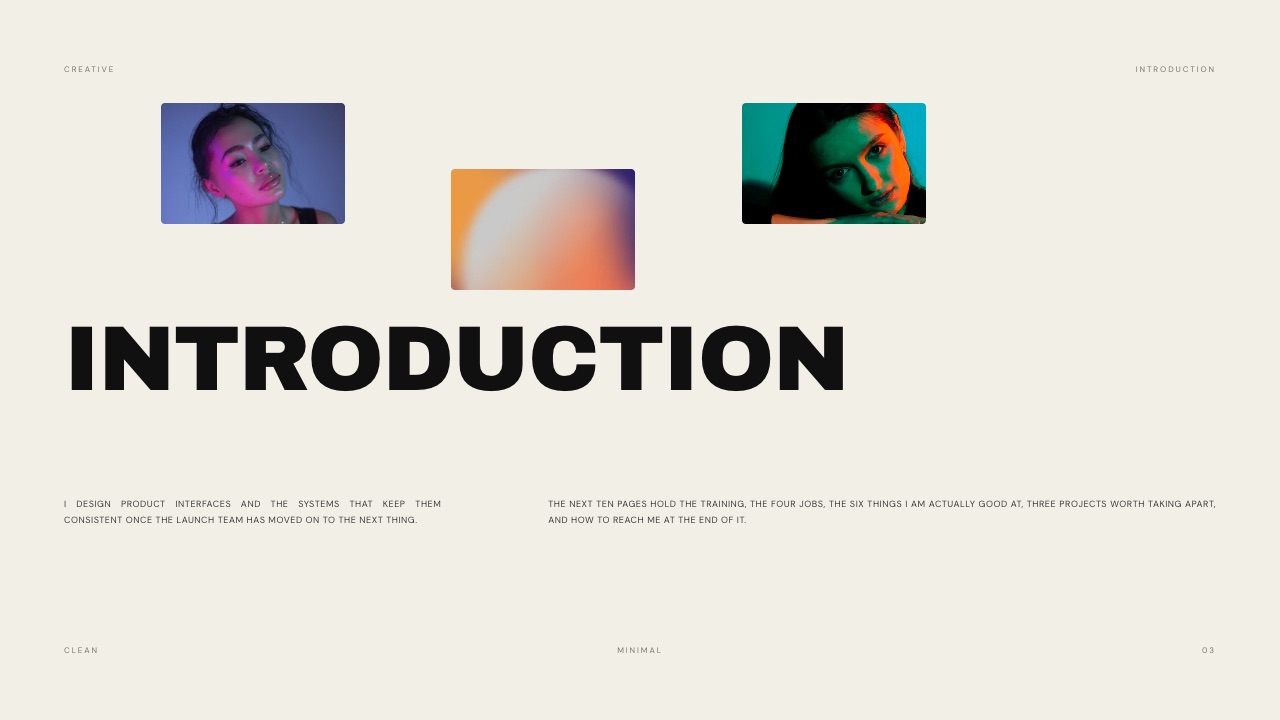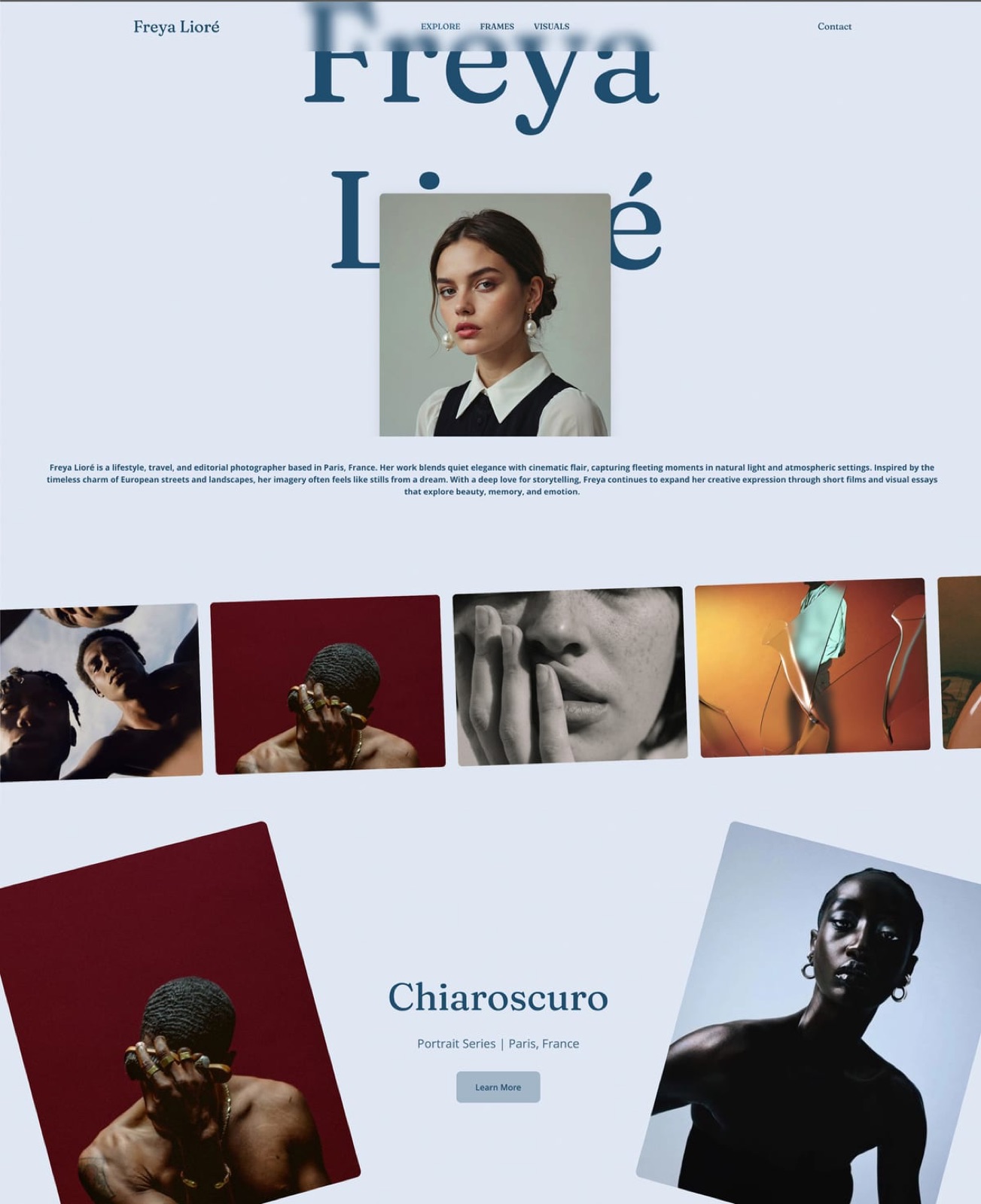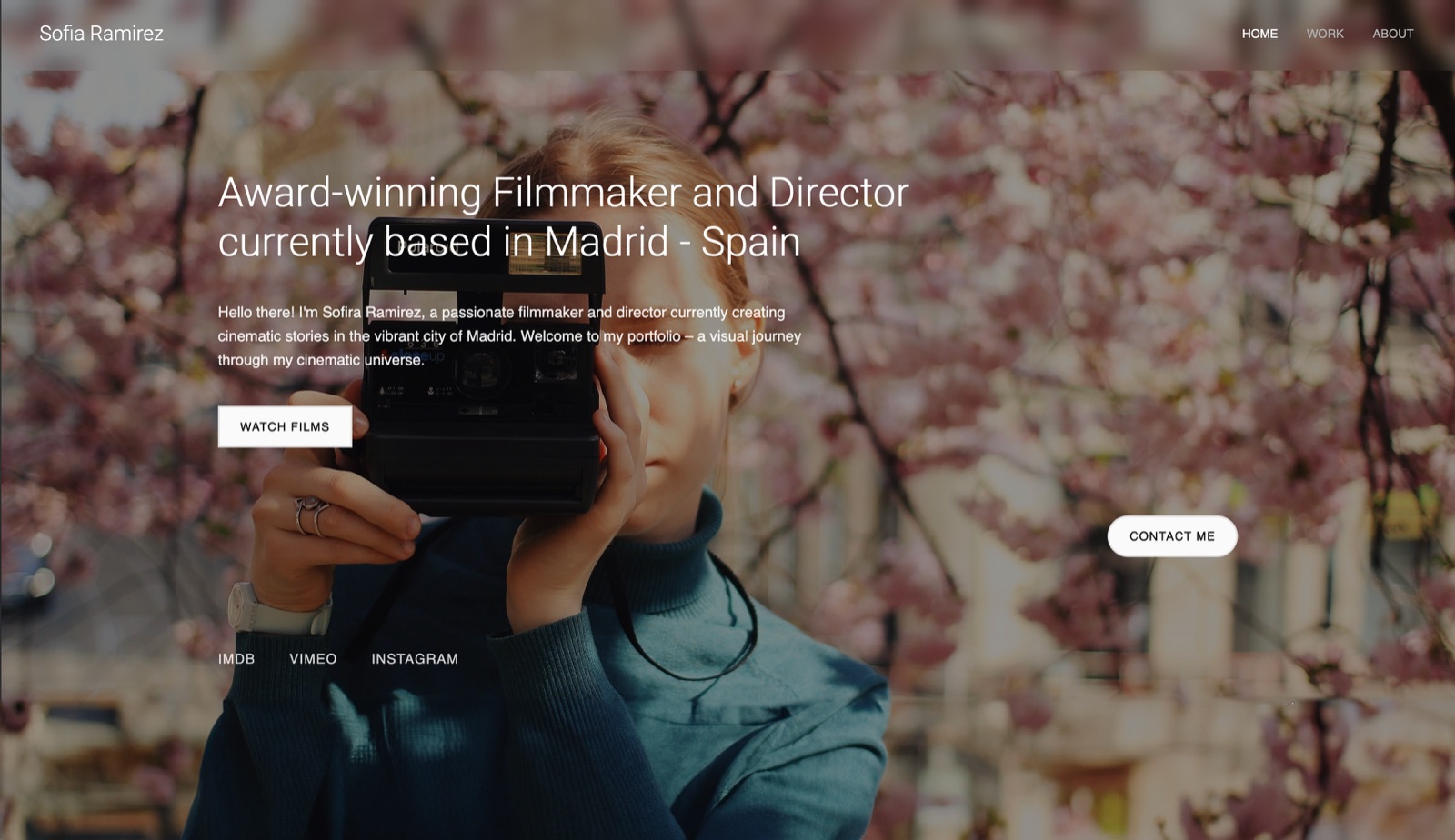
Framekit templates
Start from a designer-made template
 Use template
 Use template
 Use template
 Use template
 Use template
 Use template
 Use template
 Use template
The uncomfortable research finding about design case studies is how little of one gets read. Hiring managers and prospective clients scan, decide within a screen or two whether this person can think, and either keep going or leave.
Everything after that first decision is confirmation.
Which means the choice of case study template matters less for how it looks and more for what it puts in the first screen.
Most designer case study templates put a large hero image and a project title there, which tells a reader nothing they could not get from a thumbnail, and bury the problem, the constraint, and the outcome three scrolls down.
The work was good. The case study buried it.
A design case study is a structured account of one project that shows what the problem was, what you decided, why you decided it, and what changed as a result, so that a reader can judge how you think rather than only what you produce.
The best case study template for designers in 2026 is a published page on your own domain, because it can be found in search when someone looks for the kind of work you do, it can be updated when a project's results improve, and it lives at a permanent link you can put in an application or a proposal.
Framekit is our own tool for that and it is ranked first below, so read the disclosure. Behance is the best free option with an audience already attached, Notion is the fastest to publish, and a Figma deck is the right format when you are walking someone through the work live.
Full disclosure: Framekit is our own product and we have ranked it first, so treat that with appropriate suspicion. We built the same case study on all seven, we link to every one of them, and we say plainly where each beats us: Behance brings an audience we cannot, Notion is faster to publish and free forever, Squarespace has a larger designed-template library, Webflow gives more layout control, and Figma is better for anything presented live. Read the ranking knowing that.
How We Compared These Case Study Templates for Designers
We built the same case study seven times: a brand identity project for a small coffee roaster, with a problem statement, research notes, three rejected directions, the chosen direction, the applied system across packaging and signage, and outcome figures.
Nine images, two short videos of packaging in motion, and roughly 1,200 words.
What lands in the first screen. We measured what a reader sees before scrolling, because that is where the decision is made.
Findability. Whether the case study can be discovered by someone searching for the kind of work it contains, rather than only by someone you send it to.
Time to publish. From opening the tool to a live, shareable URL.
Maintenance. What happens when a project's results improve six months later, which they often do.
Cost, at published annual rates.
Three kinds of claim, kept apart. Ours by hand in August 2026: the seven builds, the first-screen measurements, the publish timings, and the update tests. From published pricing: every figure below, linked where it carries weight.
From other people: recurring themes in public reviews and hiring discussions, always labelled as sentiment rather than as our finding.
What Building the Same Case Study Seven Ways Showed
The findings that mattered were structural rather than aesthetic, and the biggest one is about what templates put above the fold.
- 5 of 7 default templates put a hero image and a project title in the first screen and nothing else. None of them put the problem there.
- 3 of 7 produce a page that can be found in search by someone who was not sent the link.
- Time to a live URL ranged from 12 minutes to just under 3 hours.
- 4 of 7 let you update the case study in place so everyone holding the link sees the new version.
- Cost ranged from $0 to $228 a year for a single case study, and the free options are genuinely usable.
- The two videos of packaging in motion played inline in 4 of 7. In the rest they became still frames or external links.
Case Study Formats for Designers Compared
The weighting: what the first screen communicates 25%, findability 25%, ease of updating 20%, design control 20%, cost 10%. Findability is weighted as heavily as the first screen because a case study nobody can find only works when you send it, which halves what it is for.
| Format | Findable in search | Time to publish | Update in place | Cost per year |
|---|---|---|---|---|
| Your own domain | Yes | ~45 min | Yes | $0 to $228 |
| Behance | Yes, plus platform audience | ~25 min | Yes | $0 |
| Notion | Limited | ~12 min | Yes | $0 to $120 |
| Squarespace | Yes | ~90 min | Yes | From about $228 |
| Figma deck | No | ~60 min | Only for new viewers | $36 to $192 |
| Canva PDF | No | ~40 min | No, re-export | $0 to $144 |
| Webflow | Yes | ~3 hours | Yes | From about $168 |
1. Framekit: Best for a Case Study You Own

Best fordesigners who want case studies that are found rather than only sent.
Framekit is an AI website builder for designers and studios, and it is our own product, ranked first here for one reason we can defend and one you should weigh yourself.
The defensible reason is that a case study on your own domain does three things no other format on this page does all at once: it appears in search results for the kind of work it describes, it updates in place for everyone holding the link, and it sits at a permanent URL that outlives any platform.
Our build took about forty-five minutes and published to a real domain. Both packaging videos played inline. When we changed an outcome figure six months later in the update test, every existing link showed the new number.
The real numberfree to start, $9 a month on Starter, $19 on Pro, with 20% off annual billing. A portfolio with four case studies fits inside the free plan.
The standout detailcase studies on your own domain compound. Five published case studies about brand identity work make your site the thing that turns up when someone searches for a brand identity designer in your city, which is a source of enquiries that Behance and a PDF cannot produce.
The gotchayou bring your own audience. Behance puts your work in front of people who were not looking for you, and we do not, which for a designer early in their career is a real disadvantage rather than a small one.
We also do not have Squarespace's breadth of designed templates, and a designer who wants a very specific unconventional layout will get further in Webflow.
Skip it ifyou need reach more than ownership, or the case study is confidential and will only ever be sent under NDA.
Verdict: the right home for case studies that should work while you are asleep, and the wrong choice if what you need is an audience today. Ranked first with that caveat stated rather than hidden.
2. Behance: Best Free Option With an Audience
Best fordesigners who need eyes on the work more than they need a domain.
Behance is free, it is where art directors and recruiters actually browse, and its project format is well suited to a visual case study.
Our build took twenty-five minutes, the second fastest, and the platform surfaced it to people in the relevant category without us doing anything.
The real numberfree, with no cap on projects.
The standout detailthe audience is the product. Nothing else on this page puts your work in front of someone who was not already looking for you, and for a designer without a client list that is worth more than ownership.
The gotchathe layout is Behance's, every project looks structurally like every other project, and the URL belongs to Adobe. If the platform changes its algorithm or its format, your case studies change with it and you have no say.
Skip it ifyou are established enough that enquiries come from search rather than from browsing.
What reviewers say elsewhereBehance is consistently cited in designer surveys as the most-used portfolio platform, with the most common criticism being the sameness of project pages.
Verdict: the best free start and a poor long-term home. Most designers should publish on Behance and on their own domain rather than choosing.
Already outgrowing the platform layout? Our guide to the best Behance alternatives covers where designers move next.

3. Notion: Fastest Way to Publish a Case Study
Best fordesigners who need a case study live today and will improve it later.
Twelve minutes from opening the tool to a public URL, which was by far the fastest of the seven. A published Notion page reads cleanly, embeds video, works on any device, and can be updated in seconds.
The real numberNotion is free for personal use including public publishing, with Plus at $10 per user a month billed annually.
The gotchait looks like Notion, and discoverability is limited compared with a proper site. For an application where you send the link, that is fine. For being found, it is not.
Skip it ifthe case study needs to look designed, which for a designer it arguably always does.
Verdict: the best emergency option and a weak permanent one. Genuinely useful for getting the writing done before worrying about the layout.
4. Squarespace: Best Designed Template Library

Best fordesigners who want a polished case study layout without building one.
Squarespace's portfolio templates are the most complete designed starting points here, with case study layouts that already handle image grids, full-bleed sections, and typographic hierarchy.
Our build took about ninety minutes and looked the most conventionally professional of the seven.
The real numberSquarespace plans start from around $19 a month billed annually, so roughly $228 a year, with a domain included in the first year on annual plans.
The gotchathe templates are recognisable. Anyone who looks at a lot of portfolios can identify a Squarespace one, and for a designer being judged on originality that is a specific cost that does not apply to a copywriter or a photographer in the same way.
Skip it ifyour differentiator is visual identity.
Verdict: the safest-looking result on this page and the least distinctive. Good for designers whose work speaks for itself and who want the container to disappear.

5. Figma: Best for a Case Study You Present
Best forportfolio reviews, interviews, and any case study you walk someone through.
A case study presented live is a different artefact from one that is read, and Figma is the best tool here for the presented version.
Real layout control, components so a series of case studies stays consistent, and the ability to click into a live prototype mid-conversation, which for product designers is the strongest possible evidence.
The real numbera Collab seat is $3 a month billed annually, which is $36 a year and includes Figma Slides. A Full seat with design-file editing is $16 a month, or $192.
The gotchanobody finds a Figma file. It has no search presence, it asks a viewer to navigate an unfamiliar interface, and sharing it as a .pptx flattens everything interesting into static groups.
Skip it ifthe case study is being read rather than presented.
Verdict: excellent for the interview and useless for the search result. Most designers need both and only build this one.
6. Canva: Best for a PDF Case Study
Best fordesigners whose case studies are attached to applications and proposals.
Some processes still require a PDF portfolio, and Canva is the fastest way to a good-looking one. Our forty-minute build produced a clean multi-page document with the image grids intact, and it exported cleanly.
The real numberCanva Pro is $18 a month or $144 a year, and the free tier exports without a watermark and handles this job.
The gotchaa PDF freezes everything. The two packaging videos became still frames, the outcome figure that improved six months later stayed wrong in every copy already sent, and nobody will ever find it in a search result.
Skip it ifthe case study will be sent more than a handful of times.
Verdict: the right format when a file is required and the worst format for everything else. Keep one, do not rely on it.
7. Webflow: Best for Designers Who Build
Best fordesigners comfortable with layout systems who want complete control.
Webflow gives you the highest ceiling of the seven. Any layout you can conceive is achievable, the output is a real site with real search presence, and a CMS collection means adding the ninth case study takes minutes rather than repeating the build.
The real numberWebflow site plans start from around $14 a month billed annually, roughly $168 a year, with workspace pricing on top for team use.
The gotchajust under three hours to publish, the longest of the seven, and that was with prior familiarity. For a designer who is not also a builder, the case study you never finish is worse than a plainer one that is live.
Skip it ifyour bottleneck is time rather than control.
Verdict: the most capable and the slowest. Right for designers who enjoy the building, wrong for those who want the case study published this week.
The Case Study Structure That Actually Gets Read
This is the part no template supplies, and it matters more than every ranking above. Across the seven builds, the same six-part structure worked regardless of tool.
1. Lead with the problem, not the project. The first line should state what was wrong and for whom, in one sentence a stranger understands.
"A regional coffee roaster was losing shelf visibility against three national brands" beats "Brand identity for Rook Coffee" every time, because the second one is a caption and the first one is a hook.
2. Name the constraint. Every interesting design decision comes from a constraint, and a case study without one reads as decoration. Budget, timeline, an existing system you could not change, a printing limitation.
This is the single most-skipped element and the one that most demonstrates judgement.
3. Show what you rejected. Three directions you did not choose, with one sentence each on why, tells a reader far more about how you think than the finished work does. This is the section that separates a portfolio from a gallery.
4. Explain one decision in detail. Not all of them. Pick the decision that a non-designer would question and defend it properly. Depth on one choice reads as expertise; shallow coverage of ten reads as a slideshow.
5. Give an outcome with a number. Sales, applications, load, retention, time saved, anything measurable, and if you genuinely have no numbers then say what the client said and attribute it. A case study with no outcome is a mood board with captions.
6. Say what you would do differently. One honest sentence. It costs you nothing with a good client and it filters out the ones who wanted a supplier rather than a collaborator.
In one linemost designers spend their effort on the images and their reader's attention is spent in the first screen, so putting the problem, the constraint, and the outcome above the fold is worth more than any template choice.
What Case Studies Cost to Publish and Maintain
Priced for a designer publishing four case studies a year and updating outcome figures occasionally.
| Format | Cost per year | Time to publish one | Found without being sent |
|---|---|---|---|
| Behance | $0 | ~25 min | Yes, plus platform browsing |
| Notion, free | $0 | ~12 min | Limited |
| Framekit, free plan | $0 | ~45 min | Yes |
| Canva, free tier | $0 | ~40 min | No |
| Figma, Collab seat | $36 | ~60 min | No |
| Canva Pro | $144 | ~40 min | No |
| Webflow, site plan | ~$168 | ~3 hours | Yes |
| Framekit Pro | $228 | ~45 min | Yes |
| Squarespace | ~$228 | ~90 min | Yes |
A test that takes thirty seconds. Open your most recent case study and read only what is visible before you scroll. If a stranger could not tell you what problem was being solved, the template is working against you, and no amount of image quality fixes it.
Which Case Study Format Should You Use?
The right format depends on whether the case study needs to be found, sent, or presented, and most designers need at least two of those, so work down these questions in order.
1. Do you need enquiries to arrive without you sending anything? Publish on your own domain, and add the case study to Behance as well rather than instead.
2. Are you early in your career and need people to see the work at all? Behance, free, with an audience already attached.
3. Do you need something live today? Notion, published in about twelve minutes, and improve it later.
4. Is the case study for an interview or a portfolio review? Build it in Figma, where you can click into a live prototype during the conversation.
5. Does an application require a PDF attachment? Canva, and keep the web version as the source of truth.
6. Do you want a polished layout with no building? Squarespace, accepting that the template is recognisable.
7. Do you enjoy building and want complete control? Webflow, budgeting three hours for the first one and minutes for the rest.
8. Are you doing all of this and still not being read? Fix the first screen before you change the tool.
Frequently Asked Questions
What should a design case study include?
A design case study should include the problem and who had it, the constraint that shaped the work, two or three directions you rejected with reasons, one decision explained in depth, an outcome with a number, and one honest sentence about what you would do differently.
The problem, the constraint, and the outcome belong in the first screen, because that is where most readers decide whether to continue.
How long should a design case study be?
A design case study should be long enough to explain one decision properly and short enough that the first screen carries the argument, which in practice is around 800 to 1,500 words with nine to fifteen images.
Length matters far less than order, since most readers decide within the first screen whether to keep going.
Is Behance still worth using for case studies in 2026?
Behance remains worth using because it is free and it puts work in front of art directors and recruiters who were not looking for you, which no self-hosted site does.
Its limitations are that every project page looks structurally the same and the URL belongs to Adobe, so most designers publish there and on their own domain rather than choosing between them.
Should a case study be a web page or a PDF?
A case study should be a web page when it needs to be found in search, updated after publication, or contain video, and a PDF when an application or procurement process requires an attachment.
A PDF freezes outcome figures at the moment of export and cannot be discovered by anyone you did not send it to.
Where can designers find free case study templates?
Behance and Notion both let you publish a case study for free with no watermark or cap, Canva's free tier includes case study layouts that export cleanly to PDF, and Framekit's free plan publishes case study pages on a domain.
Free options in this category are genuinely usable rather than trials.
How many case studies should a design portfolio have?
Three to five case studies is the usual working range, because a reader rarely gets past the third and a thin fourth weakens the first three.
Depth on fewer projects consistently outperforms breadth, particularly when each one explains a decision rather than displaying an outcome.
Do case studies need results and numbers?
Case studies are substantially stronger with a measurable outcome, and where no numbers exist an attributed client quote about a specific change is the next best thing.
A case study with no outcome at all reads as a presentation of images rather than as evidence that the work did something.
Can a case study be a presentation instead of a page?
A case study works well as a presentation for interviews and portfolio reviews, where a narrator controls the pace and can click into a live prototype, and Figma is the strongest tool for that version.
It works badly as the only format, because a deck cannot be found in search and asks a remote reader to navigate an interface.
How do you make a case study findable in search?
Publishing on a domain you own, writing the problem statement in the language a client would actually search, and naming the discipline and the sector in the page title and headings are what make a case study findable.
Behance adds platform-level discovery, while Notion pages, Figma files, and PDFs are effectively invisible to search.
Should you show work you rejected in a case study?
Showing two or three rejected directions with one sentence each on why is the highest-value section of most case studies, because it demonstrates judgement rather than output.
It is also the most commonly omitted, which means including it differentiates a case study more cheaply than any amount of additional polish.
Will a case study on a Framekit site get seen the way a Behance one does?
No, and for a designer early in their career that is a real disadvantage rather than a footnote. Behance puts your work in front of people who were not looking for you, and your own site does not: it converts the people who already arrived.
A portfolio with four case studies fits inside Framekit's free plan, $9 a month on Starter adds your domain, and there is 20 percent off annual billing, so running both costs very little.
The sequence that works for most designers is publishing to Behance for reach and keeping the canonical, fuller version on a site you own.
Final Verdict
The best case study format for most designers is a page on a domain they own, published alongside a Behance version rather than instead of one.
The page does the work that arrives without you asking, and Behance does the work of putting the project in front of people who were not looking. Neither replaces the other, and most designers only build one.
More importantly, the template is not the problem. Five of the seven default templates we tested put a hero image and a project title in the first screen and nothing about the problem being solved, which is the single most common reason good work reads as decoration.
Where Framekit loseswe have no audience to give you. Behance will put your work in front of art directors this week and we will not, which for a designer without a client list is a bigger advantage than anything we offer.
We also have fewer designed templates than Squarespace and less layout control than Webflow, and for a case study you present in an interview, Figma is the better tool.
If reach is your problem rather than ownership, start with Behance and come back to us when enquiries matter more than views.
If you do one thing after reading this, rewrite your first screen so a stranger knows what problem you solved before they scroll.
Related reading: our guides to the best portfolio website templates, what makes a good photography portfolio, the best website builder for graphic designers, and portfolio mistakes costing creatives clients.
Prices above were read from published vendor pricing in August 2026. Website builder plans in particular change and promotional first-year rates are common, so check the renewal price rather than the introductory one.