Framekit templates
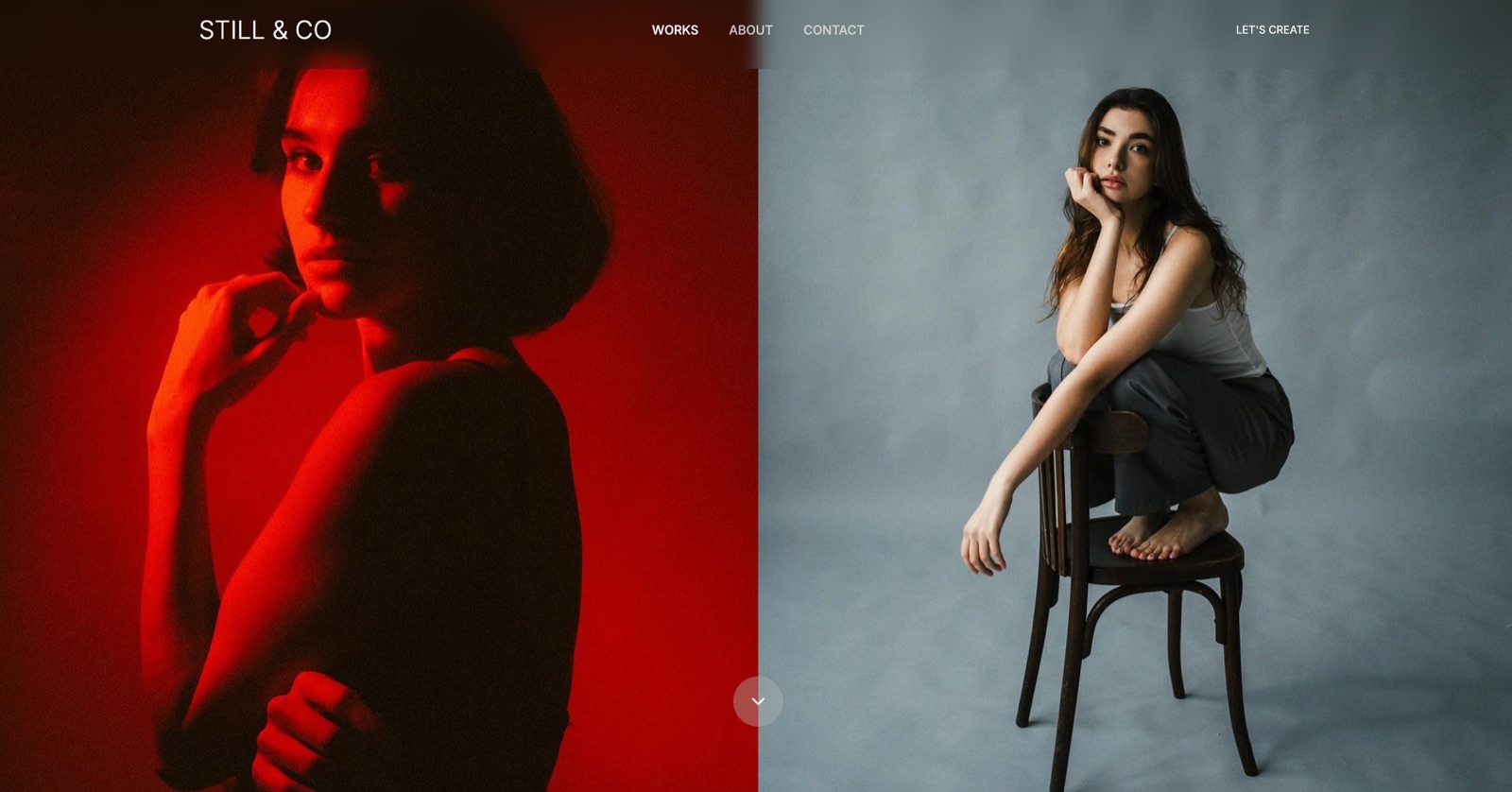
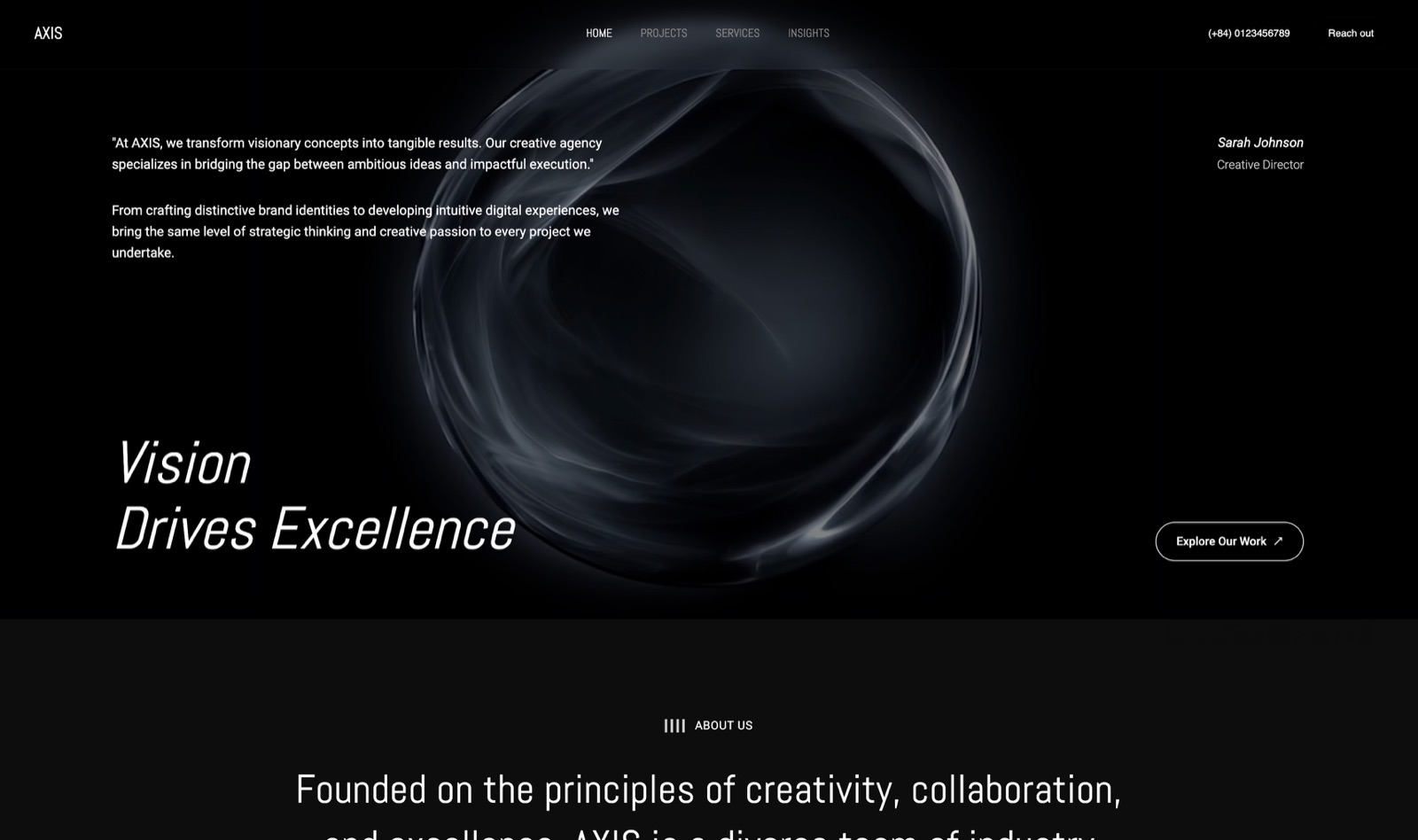
Start from a designer-made template
 Use template
 Use template
 Use template
 Use template
 Use template
 Use template
 Use template
 Use template
A photographer with 18,000 Instagram followers sells about forty copies of a $39 mobile preset pack a month through the link in her bio. That is $1,560 a month, and her link in bio tool takes 9 percent of it, which is $140.40. She is on a plan that costs four and a half euros.
She had assumed the four and a half euros was the price. It is the smaller half of the price. The larger half is a seller fee that appears in the plan comparison as a single line and never appears on an invoice, because it comes out of each sale before the money reaches her.
That fee is now the defining fact of this category, and both of its leaders charge exactly the same rate.
A link in bio tool is a hosted single page that collects the links you cannot fit in a social profile, and in 2026 most of them are really storefronts with a link list attached. That change is why the pricing has stopped being about themes and started being about percentages.
The best link in bio tool depends on whether the page is a stopgap or a storefront.
If your work is the product, Framekit is our pick, because the link page, the portfolio, the galleries and the store are one site on your own domain, so every tap builds your search position instead of a platform's, and the sale fee starts at 5 percent, drops to 3 percent on Pro and reaches 0 percent on Business at $39 a month.
We are not the cheapest: Beacons has the most capable free plan in the category and its Creator Plus plan at $25 a month billed annually takes the seller fee to 0 percent, which pays for itself above $278 a month in sales.
Linktree remains the best pure link page and charges the same 9 percent seller fee until its Premium plan at 27.50 euro a month, and Carrd at $19 a year is the cheapest way to own the page outright.
Full disclosure: Framekit is our own product and it is ranked first below on the strength of ownership rather than price, so here is the number that argues against us up front. At $1,560 a month in sales, Beacons Creator Plus costs $25 a month billed annually and our Business plan costs $31 on the same annual basis, or $39 monthly. If a link page with a checkout is genuinely all you need, Beacons is cheaper than us and we would rather print that than bury it.
How We Tested 9 Link in Bio Tools
We built the same page nine times.
The test page belongs to a working photographer: a profile photo, eight links covering a portfolio, a print shop, three recent client projects, a newsletter signup, and a booking form, plus one product for sale, a $39 mobile preset pack that stays at $39 on every platform.
Every account was created fresh in August 2026 with no promotional code, on a European connection, and where a vendor served euros we quote euros rather than converting, because a conversion rate printed today is wrong tomorrow.
Where a platform quotes both a monthly and an annual rate we give both, because in this category the gap between them is unusually wide.
Measured means we built the page and ran the flow. Verified means we read it on the vendor's own pricing page in August 2026 and are reporting it with a link. Community sentiment means creators report it consistently in public and we did not reproduce it.
We quote no third-party star ratings anywhere in this guide, because the large review aggregators blocked automated access during this round of testing. Instead every price links to the page it came from.
In a category whose real differences are percentages, a number you can click beats a rating you cannot check.
The rubric: cost at real selling volume 30 percent, what you own when you leave 25 percent, page design and control 20 percent, analytics and audience capture 15 percent, speed to first publish 10 percent.
Selling cost carries the most weight because the 9 percent finding below outweighs every design difference in the category by an order of magnitude.
In one lineone photographer's page with eight links and a $39 product, built nine times on fresh August 2026 accounts, ranked mostly on what it costs to sell through.
By the Numbers
Nine tools, one page, one product. These are the figures that reorganised our ranking.
- 9 percent is the seller fee on both Linktree's entry paid plan and Beacons' free plan. Two competing companies, the same rate, neither of them mentioned on a homepage.
- $278 a month in sales is the point where Beacons Creator Plus at $25 becomes cheaper than the free plan, because 9 percent of $278 is $25.
- 256 euro a month in sales is the equivalent crossover on Linktree, from Starter at 4.50 euro to Premium at 27.50 euro.
- $140.40 a month is what a 9 percent seller fee costs our test photographer at $1,560 a month in sales, against a plan price of about $5.
- $19 a year is Carrd Pro, which includes payment-enabled forms that run through your own Stripe account with no platform seller fee.
- $18.75 a month is Later's cheapest plan, and it has no free tier at all, which makes it the most expensive entry point in this comparison by a wide margin.
- $2.99 a month is Milkshake Lite, the cheapest paid plan of any tool here.
- 3 of 9 let you publish on a custom domain without paying: none of them, in fact, at the free tier, which is the quiet consensus of the category.
- 0 of 9 give you the page's underlying files if you leave. Every one of them is rented.
What Each Tool Costs at $1,560 a Month in Sales
Every figure below is the monthly cost of our test photographer's page at forty $39 sales a month, using the cheapest plan on each platform that reaches 0 percent where one exists, before card processing, which every platform charges separately.
| Tool | Entry price | Seller fee | 0% seller fee from | Cost at $1,560/mo |
|---|---|---|---|---|
| Beacons Free | $0 | 9% | Creator Plus | $140.40 |
| Beacons Creator Plus | $25/mo annual | 0% | This plan | $25.00 |
| Linktree Starter | 4.50 euro/mo annual | 9% | Premium | About 145 euro |
| Linktree Premium | 27.50 euro/mo annual | 0% | This plan | 27.50 euro |
| Carrd Pro | $19/year | None, your own Stripe | Always | $1.58 |
| Milkshake Pro | $5/mo annual | Not published | Not published | $5.00 |
| Campsite.bio Pro | $7/mo | No store | Not applicable | $7.00 |
| Later Starter | $18.75/mo annual | No store | Not applicable | $18.75 |
| Ko-fi free account | $0 | 5% on shop sales | Ko-fi Gold | $78.00 |
| Framekit Starter | $9/mo | 5% | Business at $39 | $87.00 |
| Framekit Business | $39/mo | 0% | This plan | $39.00 |
Two lines in that table are doing all the work. Carrd Pro at $1.58 a month is the cheapest way in the category to take money through a link page, because its payment forms run on your own Stripe account and Carrd takes nothing.
And Beacons Free at $140.40 a month is the most expensive plan in the table despite costing nothing, which is the whole point of this article.
1. Framekit: Best If the Link Page Should Be a Real Site

Framekit is an AI website builder for photographers, filmmakers, designers, and creators, and it is first here on a single argument: a link in bio is a page you rent under someone else's handle, and a site is a page you own under your own name.
Everything a link tool does, a home page does, with the difference that the traffic builds your search position rather than the platform's.
The real numberFree at $0 publishes up to 10 pages with a 5 percent fee on product sales and Framekit branding. Starter at $9 a month adds your own custom domain and removes the branding. Pro at $19 drops the sale fee to 3 percent.
Business at $39 takes it to 0 percent. On our photographer's $1,560 a month, Starter costs $87 all in and Business costs $39.
The standout detailthe link page, the portfolio, the client galleries, and the store are the same site on the same domain.
A follower who taps the link and then searches your name a week later finds the same pages again, and that second visit is the one that turns into work. A rented handle on someone else's domain sends that search traffic to the platform.
The gotcha, stated plainlyat the volume in our test, we are not the cheapest. Beacons Creator Plus reaches 0 percent at $25 a month billed annually and our Business plan reaches it at $31 on annual billing, or $39 monthly. Carrd reaches 0 percent for $19 a year.
If your entire requirement is a page with eight links and one checkout, both of those are better financial decisions than us, and the case for a site only becomes decisive when the site is doing more than the link page could.
Skip it ifyou want to be publishing in four minutes on your phone. Milkshake will beat us on that by a wide margin and always will.
Verdict: The right answer when the page is the front door to a business rather than a stopgap between Instagram and nothing. The wrong answer if all you need is a list of links and you need it today.
2. Beacons: The Best Free Plan, and the Same 9 Percent
Beacons has the most capable free tier in this comparison by a distance, and it is also the clearest example of the category's economics.
The free plan sells unlimited digital products, builds a media kit that updates itself from your social accounts, creates affiliate links, and gives you real-time analytics. It also takes 9 percent of everything you sell.
The real numberthe pricing page lists Free at $0 with 9 percent seller fees, 30 daily AI credits, and 50 email sends a month.
Creator is $8.33 a month billed annually at $100 a year, or $10 monthly, and adds a free custom domain and 500 email sends.
Creator Plus is $25 a month billed annually at $300 a year, or $30 monthly, and is where seller fees drop to 0 percent, courses and memberships become sellable, and email sends go unlimited.
Creator Max is $75 a month annually at $900 a year, or $90 monthly.
The standout detail, and it is the single most useful number in this article: the crossover from Free to Creator Plus is $278 a month in sales, because 9 percent of $278 is $25.
Any creator selling more than that through Beacons and sitting on the free plan is paying the company for the privilege of not paying it. Our test photographer at $1,560 a month is overpaying by $115.40 every month by staying free.
The gotchathe custom domain arrives on Creator at $8.33 a month, but the 0 percent seller fee does not arrive until Creator Plus at $25. Those are two different upgrades, and the one most people want first is not the one that saves them money.
Skip it ifyou want a quiet, typographically restrained page. Beacons is designed for creators who lean into the creator aesthetic, and toning it down takes work.
Verdict: The best value in the category once you configure it correctly, and an expensive default if you do not. Buy Creator Plus the month you pass $278 in sales, not before and definitely not later.
3. Linktree: The Default, and What the Default Costs
Linktree is the category and, for a page whose job is genuinely to be a list of links, it remains the most polished version of that. Building the eight-link page took under five minutes and looked right without adjustment.
The reason it is second rather than first is the same reason Beacons is third rather than second: the pricing is organised around a fee most users never see quoted.
The real numberthe pricing page served us euros: Free at 0 euro, Starter at 4.50 euro a month billed annually or 6 euro monthly, Pro at 10.50 euro annually or 13 euro monthly, Premium at 27.50 euro annually or 32 euro monthly, and an Agency or Enterprise tier at custom pricing.
Starter's feature list includes the line "Sell products (9% seller fees)". Premium's includes "Sell digital products (0% seller fees)" and a Linktree affiliate shop where you keep 100 percent.
The standout detailthe gap between the plan that lets you sell and the plan that lets you keep the money is 23 euro a month, which means the crossover is 256 euro a month in sales. That is a low threshold. A creator selling one $39 product a week is already past it.
The gotchaPro at 10.50 euro is the plan most people buy, for the themes and the advanced analytics, and it does nothing about the 9 percent. You can spend more and still be paying the seller fee, which is the most expensive middle tier in this comparison.
Skip it ifyou sell more than about 250 euro a month and are unwilling to pay 27.50 euro to stop the fee. In that band Linktree is strictly worse value than Beacons, which reaches 0 percent for $25.
Verdict: Still the best-made link page in the category and no longer the cheapest way to sell from one. If you use it, either sell nothing or go to Premium. Our Linktree alternatives guide covers the exits in detail.

4. Carrd: The Cheapest Way to Own the Page
Carrd is not marketed as a link in bio tool and is one of the best ones available, because a link in bio is a one-page site and Carrd is the best one-page site builder there is.
The test page took longer to build than on Linktree, maybe twenty minutes, and came out looking like a designed page rather than a template with a photograph at the top.
The real numberthe free tier builds and publishes up to three sites, and Pro starts at $19 a year with a 7-day free trial.
Pro unlocks custom domains with SSL, forms including payment-enabled ones, third-party widgets and embeds, analytics, and removal of Carrd branding.
That is $1.58 a month, and the payment forms run through your own Stripe or PayPal account, so Carrd takes no percentage of anything you sell.
The standout detailat $1,560 a month in sales, Carrd costs $1.58 and Beacons Free costs $140.40. That is not a rounding difference between competitors, it is a different business model, and it is available for less than the price of a coffee a month.
The gotchaCarrd gives you a payment form, not a store. There is no product catalogue, no order management, no automatic file delivery, and no customer records.
You are responsible for getting the file to the buyer, and at forty sales a month that is a real job unless you wire up a delivery service.
Skip it ifyou need the file to arrive automatically. That gap is the reason people pay 9 percent elsewhere, and it is a legitimate reason.
Verdict: The best price-to-ownership ratio in this comparison by a wide margin, with a genuine operational cost attached. Our Carrd alternatives guide covers what to use when the manual delivery stops being tolerable.
5. Milkshake: Fastest From Nothing to Published
Milkshake is built to be used on a phone, and it is the only tool here where the entire test page was created without touching a laptop.
For a creator who is already on their phone when the idea arrives, that is not a gimmick, it is the difference between a page existing and not existing.
The real numberMilkshake's plans are Free at $0, Lite at $2.99 a month, Pro at $5 a month billed yearly at $59.99, and Pro Plus at $8.33 a month billed yearly at $99.99.
The free plan includes hosting with no time limit, unlimited links and cards, professional templates, customisable colours and fonts, QR code sharing, 30 days of analytics, and the ability to sell digital files through Stripe.
No card is required to start.
The standout detailselling digital files through Stripe is on the free plan, and Milkshake's pricing page does not publish a seller fee against it.
We are reporting that as an absence rather than a claim of zero, because a fee that is not published is not the same as a fee that does not exist, and you should confirm it at checkout before you build a business on it.
The gotchaanalytics on the free plan stop at 30 days. For a creator trying to work out which link actually produces bookings, a rolling month is the shortest useful window and often not long enough.
Skip it ifyou want the page to look like it belongs to a studio rather than a person. Milkshake's card-based aesthetic is distinctive and does not disappear.
Verdict: The best tool here for speed and the cheapest paid plan in the comparison. Treat the selling capability as unproven until you have read the fee at checkout.
6. Campsite.bio: Best Analytics Per Dollar
Campsite.bio is the tool for someone who wants to know what the page is doing rather than how it looks.
Its reporting was the most useful of the nine, and it is the only one where multiple profiles and collaborators are priced as explicit add-ons rather than bundled into a tier you did not want.
The real numberthe pricing page lists Free at $0 with unlimited links, advanced customisation, and a tip jar.
Pro is $7 a month, with 16 percent off yearly billing, adding multiple profiles, 60 days of analytics, premium integrations, and custom domain support.
Pro Plus is $24 a month with 6 profiles, 4 collaborators, analytics with no time limit, advanced reporting with filtering, and CSV export. Organisation plans run $14 and $29 a month.
Add-ons are $1.50 a month per extra profile, $1.50 per collaborator on Pro tiers, and $6 per member on organisation plans.
The standout detailCSV export of your analytics on Pro Plus. Almost nothing in this category lets you take your data out in a form you can analyse yourself, and for a creator negotiating a brand deal, click data you can put in a spreadsheet is worth more than a dashboard you can only screenshot.
The gotchathere is no real store. Campsite does tips and link types, not product catalogues with file delivery, so if you sell you are sending people elsewhere and paying that platform's fee anyway.
Skip it ifselling is the point. This is a measurement tool with a link page attached.
Verdict: The best choice for a creator whose link page is a marketing asset rather than a shop, particularly one working with brands who ask for numbers.

7. Ko-fi: The Link Page That Is Really a Tip Jar
A Ko-fi page does the link in bio job perfectly adequately while being organised around a different question: not "where should I click" but "how do I support this person".
For some creators that framing doubles their income and for others it undercuts their prices, and which one you are is knowable in advance.
The real numberKo-fi takes 0 percent on tips and a 5 percent service fee on shop sales, memberships, and commissions on a free account, with card processing separate. Ko-fi Gold replaces that 5 percent with a flat monthly subscription.
On our photographer's $1,560 a month, the free account's service fee is $78, which is well under Linktree's or Beacons' 9 percent but well over Carrd's nothing.
The standout detail5 percent is the lowest seller fee of any free plan in this comparison, and it is roughly half what the two category leaders charge. For a creator who wants to sell without paying a monthly subscription at all, Ko-fi is the cheapest credible option here after Carrd.
The gotchaKo-fi Gold is 12 dollars a month for a 0% service fee, which is published on the pricing page rather than the Gold page, so it pays for itself at 240 dollars a month of fee-bearing income. Every other tool in this comparison publishes its numbers before signup.
Skip it ifyou are selling to businesses or at commercial rates. A $39 preset pack sitting in a tipping interface reads as a donation with a file attached.
Verdict: Excellent value for a creator with a warm audience and mixed income. The wrong frame for professional pricing.
8. Later: Only If You Already Pay for Scheduling
Later's Link in Bio is a feature of a social media scheduling platform rather than a product in its own right, and it should be evaluated that way.
Its distinguishing trick is real: the page mirrors your Instagram grid, so a follower who remembers a post can find it by its image rather than by a text link, and for a photographer whose work is the memorable part, that is the correct interaction model.
The real numberLater's plans are Starter at $18.75 a month billed annually or $25 monthly, Growth at $37.50 annually or $50 monthly, and Scale at $82.50 annually or $110 monthly.
Link in Bio is included from the Starter plan. There is no free tier, only a 14-day trial.
The standout detailthe grid-mirroring page is the only genuinely different interaction design in this comparison. Everything else is a vertical list of buttons.
The gotcha$18.75 a month is the most expensive entry point here by a factor of two, and you are buying a scheduling suite. As a link in bio purchase alone it makes no sense at all.
Skip it ifyou do not already need social scheduling. This is a $225-a-year link page otherwise.
Verdict: Good if the scheduler is already on your card, indefensible if it is not. Judge it as a scheduling tool that includes a link page, which is what it is.
9. Stan Store: The One We Could Not Price
Stan Store deserves a place in this comparison because it defined the shape most of the others have copied: a link page that is unapologetically a checkout, aimed at creators selling coaching, digital products, and courses to a social audience.
Creators who use it report that the conversion-oriented design does its job.
The real numberwe do not have one. Stan Store did not publish a plan and price on a public page we could read in August 2026, and its pricing sits behind a signup flow.
We are not quoting a figure from a third-party article, because in this category prices move and secondhand numbers are how wrong prices spread.
The standout detailthe entire product is organised around a single conversion path rather than a link list, which is a genuinely different design philosophy from Linktree's and closer to a landing page builder.
The gotchaan unpublished price is itself information. Every other tool in this comparison lets you know what it costs before you create an account, and that difference is worth weighing.
Skip it ifyou want to compare costs before committing, which is the entire reason you are reading this article.
Verdict: A credible product we cannot responsibly rank on price. If you are considering it, get the number from the signup flow and hold it against Beacons Creator Plus at $25 a month, which is the closest equivalent we could verify.
The 9 Percent Nobody Mentions
In one linethe two most popular link in bio tools charge the same 9 percent seller fee and both remove it only on a plan costing between $25 and 27.50 euro a month, which means the cheap plan is the expensive one for anyone who sells.
The economics of this category changed when the link page became a storefront, and the pricing pages have not caught up with how people read them. Nobody compares link in bio tools on transaction fees, because for years there were none.
Here is the arithmetic, with our photographer's $1,560 a month.
On Beacons Free, the 9 percent seller fee costs $140.40 a month, which is $1,684.80 a year. On Beacons Creator Plus, the fee is zero and the plan costs $300 a year. Switching saves $1,384.80 annually and takes about two minutes.
On Linktree Starter, the same 9 percent costs about 140 euro a month against a plan price of 4.50 euro. On Linktree Premium the fee is zero and the plan is 27.50 euro. The saving is roughly 1,350 euro a year.
And on Carrd Pro, the fee is zero because the payment runs through your own Stripe account, and the plan costs $19 a year. The saving against Beacons Free is close to $1,660 a year, and the cost is that you deliver the file yourself.
Here is a test you can run in sixty seconds. Open your link in bio tool's plan comparison page and search it for the word "seller" or the phrase "transaction fee".
If a percentage appears next to your current plan, multiply your last month's sales through that page by it. Then compare the answer to the annual price of the cheapest plan on the same page that shows 0 percent.
Most creators who run this find the upgrade paid for itself several months ago.
The reason this is worth doing rather than assuming: the fee is invisible. It is deducted before the payout, so it never appears as a charge, and a creator watching their bank account sees a slightly smaller number rather than a bill.

What You Actually Own
In one linenone of the nine tools gives you the page when you leave, and the difference that matters is whether the audience and the search position leave with you.
Three things are worth checking before you commit to any of them.
The handle. A link in bio address is on the platform's domain, so every business card, every printed flyer, and every social profile you update points at an address you do not control.
If the platform changes its terms, its pricing, or its existence, that address is not portable. A custom domain fixes this and is a paid feature on every tool here.
The email addresses. Several of these tools collect subscribers for you, and the export path varies. Confirm you can download your list as a CSV before you have several hundred people on it, not afterwards.
Beacons and Campsite both have clear export routes; check yours.
The search position. This is the one nobody prices. Links, clicks, and mentions accumulating on a platform handle build that platform's search authority rather than yours.
Four years of people linking to a rented page produces nothing you can move. The same four years on your own domain produces an asset that shows up when a prospective client searches your name, which is the search that actually books work.
We go through the mechanism in moving from Instagram to your own website.
How to Choose
In one lineanswer in order and stop at the first yes.
- Do you sell nothing through the page, and want it live in five minutes? Linktree Free, or Milkshake Free if you are on a phone. Both are fine and neither will cost you anything.
- Do you sell more than about $280 a month through the page? Move to a 0 percent plan today. Beacons Creator Plus at $25 a month billed annually is the cheapest verified route, and Linktree Premium at 27.50 euro is its equivalent.
- Are you comfortable delivering files yourself? Carrd Pro at $19 a year with payment-enabled forms on your own Stripe account. Nothing here is close on price.
- Do brands ask you for click data? Campsite.bio Pro Plus at $24 a month for reporting with filters and CSV export.
- Is your income mostly tips, commissions, and support? Ko-fi, at 5 percent on a free account.
- Do you already pay for social scheduling? Later, and use the Link in Bio you are already buying.
- Is the page the front door to a working creative business with a portfolio, clients, and a shop? Build the real site. Framekit Starter at $9 a month puts it on your own domain, and Business at $39 takes the sale fee to zero.
Frequently Asked Questions
What is the best link in bio tool in 2026?
Beacons is the best link in bio tool for creators who sell, because its free plan is the most capable in the category and Creator Plus at $25 a month billed annually removes the 9 percent seller fee. Linktree is the better pure link page.
Carrd at $19 a year is the cheapest way to run one on your own domain, and a full website beats all of them once the page is the front door to a business.
Does Linktree take a percentage of my sales?
Yes. Linktree's pricing page lists a 9 percent seller fee on its Starter plan and 0 percent seller fees on Premium, which is 27.50 euro a month billed annually or 32 euro monthly.
The crossover is about 256 euro a month in sales, above which the more expensive plan is cheaper overall.
Does Beacons take a percentage of my sales?
Yes, 9 percent on the free plan and on Creator. Seller fees drop to 0 percent on Creator Plus, which is $25 a month billed annually at $300 a year, or $30 monthly.
Because 9 percent of $278 is $25, any creator selling more than roughly $278 a month is losing money by staying on a cheaper plan.
What is the cheapest link in bio tool that lets me sell?
Carrd Pro at $19 a year, because its payment-enabled forms run through your own Stripe or PayPal account and Carrd takes no percentage. The trade-off is that Carrd provides a payment form rather than a store, so you handle file delivery and customer records yourself.
Can I use a custom domain on a free link in bio plan?
Not on any of the nine tools tested. Custom domains are a paid feature everywhere in this category. The cheapest routes are Carrd Pro at $19 a year and Beacons Creator at $8.33 a month billed annually.
Note that on Beacons the custom domain and the 0 percent seller fee are two separate upgrades.
Is a link in bio better than a website?
For a list of links, no meaningful difference.
For a business, a website wins on the three things a link page cannot do: it lives on a domain you own, it accumulates search authority under your own name, and it can hold a portfolio, a store, and client galleries in one place.
The practical test is whether anyone would ever search for you and expect to find that page.
What happens to my page if I stop paying?
It usually reverts to the free tier rather than disappearing, which means branding returns and the custom domain stops resolving.
That last part is the expensive one, because any printed or embedded link pointing at your custom domain breaks. Check the downgrade behaviour before you print anything.
How do I move my links to a new platform?
Manually, in every case we tested. None of these tools exports a page you can import elsewhere, so budget an hour to recreate the links and longer if you have collected email subscribers, which should be exported as a CSV first.
This is why the custom domain matters: with one, the address survives the move.
Do link in bio tools hurt my SEO?
They do not hurt it so much as fail to build it. Clicks and links accumulating on a platform-owned handle build that platform's authority, not yours, and none of it transfers when you leave.
A site on your own domain converts the same attention into a search position that shows up when someone searches your name, which is the search that produces work.
Which link in bio tool is best for photographers?
Later's grid-mirroring page suits image-led accounts best among the dedicated tools, at $18.75 a month billed annually.
But for a photographer specifically, the honest answer is usually a portfolio site with the links on the home page, because the same visit that finds your links should be able to see your work and book you.
We cover the wider setup in content creator media kit websites.
Framekit vs Beacons: which is cheaper for a creator selling $1,560 a month?
Beacons, at that volume.
Its Creator Plus plan reaches a 0 percent seller fee at $25 a month billed annually, while Framekit's Business plan reaches 0 percent at $31 on annual billing or $39 monthly, so Beacons is the cheaper route to the same zero.
On Framekit Starter the same month costs $87 all in, against $39 on Business, which is the upgrade the volume justifies.
What the extra buys is not a lower fee but a different asset: ten pages on your own domain instead of one rented page, so the traffic builds your search position rather than a platform's.
Final Verdict
If you sell nothing through your link page, use Linktree's or Milkshake's free plan and stop thinking about it.
If you sell anything at all, the most valuable thing in this article is a single number: 9 percent, charged by both category leaders, removed only on a plan costing $25 to 27.50 euro a month.
Check which side of that line you are on tonight, because the fee is deducted before payout and will never appear on a bill.
If you want the cheapest possible arrangement and can deliver files yourself, Carrd Pro at $19 a year is not close to being beaten.
Where Framekit loses. At the selling volume in this test, Beacons Creator Plus at $25 a month billed annually is cheaper than our Business plan at $31 on the same basis, and Carrd Pro at $19 a year is cheaper than everything.
We do not publish in four minutes from a phone the way Milkshake does, and we do not mirror an Instagram grid the way Later does.
Our argument is not that we are the cheapest page, it is that a page you own on a domain you control is worth more over three years than the fee difference.
If you disagree with that, one of the eight tools above is a rational purchase and we would rather you made it deliberately.
Related readingthe best Linktree alternatives, website versus Instagram for creatives, and tools to sell digital products on Instagram.