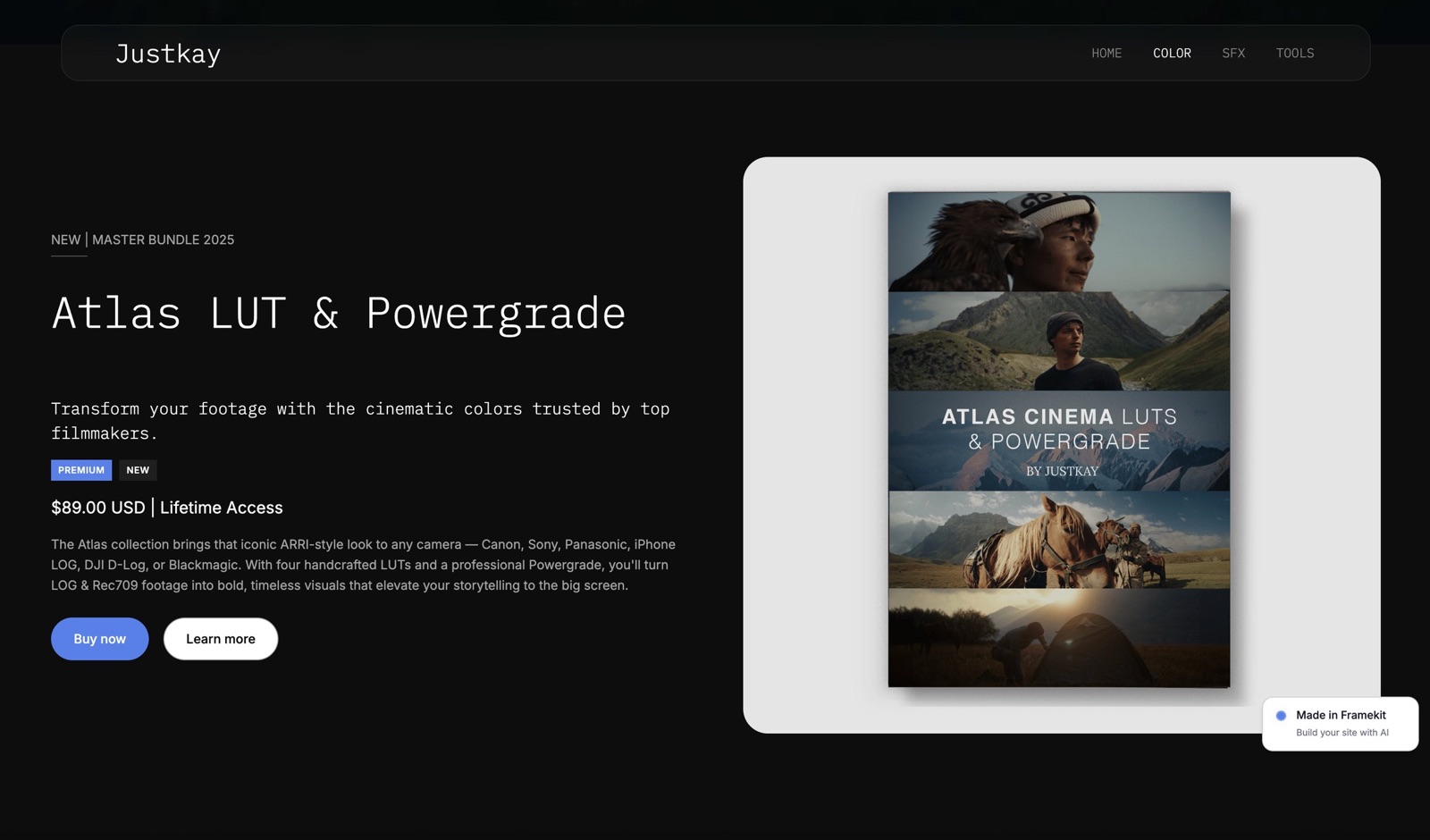
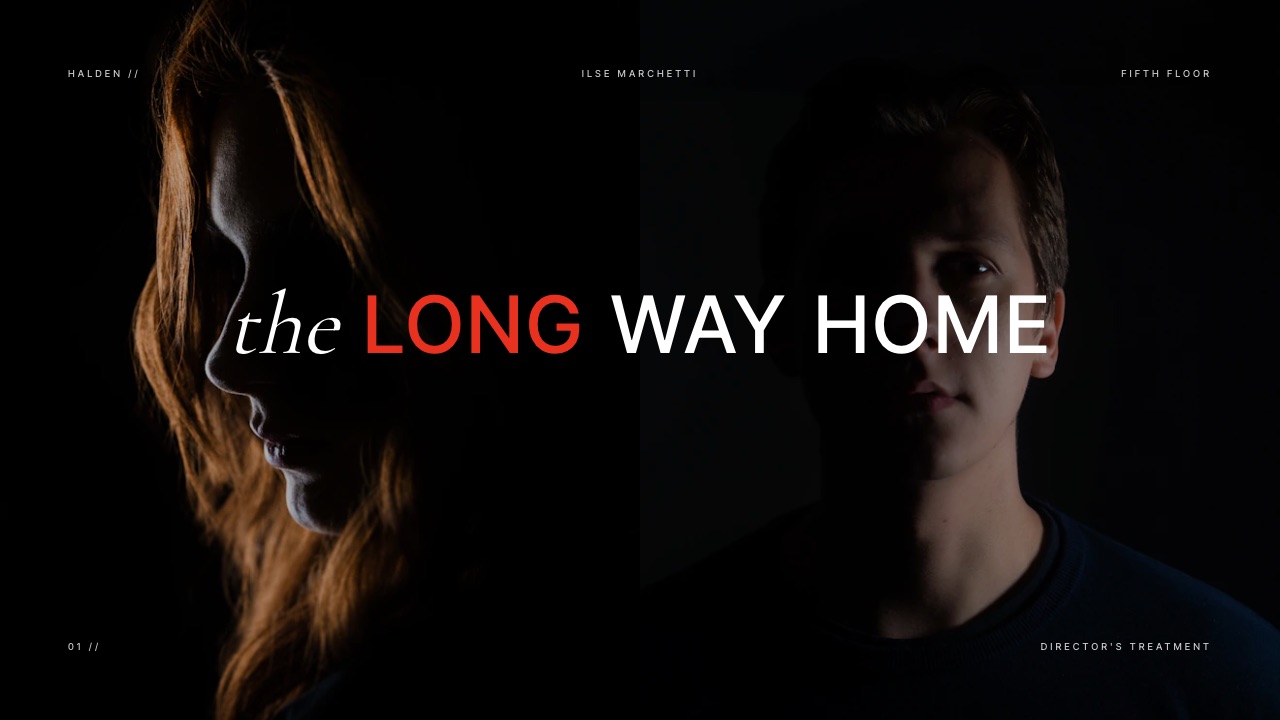
Framekit templates
Start from a designer-made template
 Use template
 Use template
 Use template
 Use template
 Use template
 Use template
 Use template
 Use template
A thousand people tap the link in your bio this month. Twenty of them buy your $29 product. That is $580, and the difference between the cheapest and most expensive tool in this guide is about $46 of it.
Now suppose your checkout converted at 3% instead of 2%. That is thirty sales instead of twenty, or $870 instead of $580.
One percentage point of conversion is worth $290 a month. The entire fee spread is worth $46.
That ratio is the reason this guide ranks on checkout mechanics rather than on pricing, and it is the opposite of how every other comparison in this series works - because on an Instagram funnel the traffic is scarce and the fee is not the constraint.
A link-in-bio selling tool is a hosted page that turns the single link Instagram allows into a storefront, taking payment and delivering the file without the buyer leaving their phone.
Instagram does not sell digital products natively in most regions, so what these tools actually solve is two constraints: you get one link, and that link opens inside Instagram's own embedded browser, which behaves unlike Safari or Chrome in ways that cost you sales.
Framekit is the best tool for selling digital products from Instagram in 2026 if you have a body of work worth showing, because a single link can lead to a page that both proves you are worth buying from and takes the payment - which is the conversion problem rather than the fee problem.
Whop is the cheapest on published rates at roughly $21.66 on a $580 month, and Payhip's free plan is the best zero-cost complete option. Read the in-app browser section before choosing anything, because it decides more of your revenue than the fees do.
Full disclosure: Framekit, ranked #1 below, is our own product, and it is more tool than some sellers need. Stan Store gets you selling from a bio link faster than anything here, Linktree is the page an audience recognises instantly, Lemon Squeezy files your EU tax, and Payhip's free plan costs nothing at all. Every alternative is linked.
How We Compared and Weighted These Tools
Instagram sellers are quoted percentages that only appear as plan features, so here is how each figure was established before anything is ranked.
- Verified from primary sources: platform fees, subscription prices and free-tier limits were taken from each vendor's published pricing in September 2026, with card processing kept separate throughout.
- Assessed hands-on: what a buyer arriving from a story sees, how many taps stand between the link and payment, and whether the file delivers itself.
- Not assessed: in-app Instagram commerce features, which vary by region and change frequently.
The weighting: what the platform takes from each sale carries the most weight, then who owns the buyer afterwards, then how quickly you can be selling.
Under the opposite weighting, where being live this afternoon matters most, Stan Store wins and Framekit places fourth. No performance or speed figures are published here.
How We Priced This
One funnel throughout: 1,000 profile link clicks a month, converting at 2% on a $29 product - twenty sales, or $580 in monthly revenue. That is a realistic small-creator funnel rather than an optimistic one.
Card processing at 2.9% plus 30 cents applies where the tool does not include it.
Three grades of claim. Read at the vendor's own page in the first week of August 2026 covers Gumroad, Payhip, Lemon Squeezy, Big Cartel, Sellfy, Shopify, Whop's fee documentation and Framekit's plan file. Used directly covers Gumroad, Payhip and Lemon Squeezy. Not verifiable covers Stan Store, whose pricing page did not resolve for us, Beacons, which blocks automated access, and Linktree's prices - its pricing page states that they vary by region and change frequently, though we could confirm the tier structure of Free, Starter, Pro and Premium with commerce features on the top tier.
By the numbers:
- $290 a month is what one percentage point of checkout conversion is worth on this funnel.
- $46 a month is the entire spread between the cheapest and most expensive tool here.
- 6x is the ratio between those two.
- 1 link is what Instagram gives you, which is the constraint every tool here is built around.
- 3 of 11 tools would not show us a verifiable price.
- 1 tool gates its commerce features to its most expensive tier.
- 2% to 3% is a realistic conversion band for cold profile traffic on a $29 product.
The Rubric
We scored on five criteria, weighted for a funnel where traffic is the scarce resource and fees are not. That inverts the usual priority order in this series, where cost normally leads and conversion mechanics come further down.
| Criterion | Weight | What it covers |
|---|---|---|
| Checkout conversion mechanics | 35% | Wallet buttons, field count, in-app browser behaviour |
| What the one link can carry | 25% | Whether it leads to proof as well as a product |
| Cost on a $580 month | 20% | Platform fee plus processing at this volume |
| Mobile presentation | 15% | Whether the page reads well on a phone at a glance |
| Buyer capture | 5% | Whether you get the email for next time |
Conversion carries more than a third of the score, which we have not done anywhere else in this series. On a funnel this size the arithmetic simply demands it: the fee difference is $46 and a point of conversion is $290.
What the Funnel Actually Costs
| Tool | Model | Cost on $580/month | Effective rate |
|---|---|---|---|
| Whop | 2.7% + 30c published | $21.66 | 3.7% |
| Big Cartel | Platinum, $15/mo flat | $37.80 | 6.5% |
| Lemon Squeezy | 5% + 50c, processing included | $39 | 6.7% |
| Payhip | Free plan, 5% | $51.80 | 8.9% |
| Framekit | Free plan, 5% | $51.80 | 8.9% |
| Framekit | Starter, $9/mo + 5% | $60.80 | 10.5% |
| Framekit | Business, $39/mo, 0% | $61.80 | 10.7% |
| Sellfy | Starter, $39/mo, 0% | $61.80 | 10.7% |
| Gumroad | 10% + 50c | $68 | 11.7% |
| Stan Store | Not verifiable | Not published | Not published |
| Linktree Premium | Commerce on top tier, price varies by region | Not published | Not published |
| Beacons | Blocks automated access | Not published | Not published |
The spread from $21.66 to $68 is $46.34 a month at this funnel size. It is worth having, and set against a point of conversion at $290 it is emphatically not the decision.
Note also what the table shows about our own plans: at this volume Framekit's free plan is cheaper than its paid ones, because 5% of $580 is less than a monthly subscription.
A creator at twenty sales a month should be on the free tier, and we would rather say that than let a comparison table imply otherwise.
In one lineat 1,000 clicks a month every tool here is affordable, so choose the one that converts best and revisit the fee when your traffic is ten times larger.
Selling from TikTok instead? The best tools to sell digital products on TikTok runs the funnel from views rather than clicks and reaches the opposite conclusion on pricing: at that scale a flat monthly plan costs 18.2% of revenue.
The In-App Browser Is Where the Money Leaks
In one lineyour bio link does not open in the browser your buyer normally uses, and everything that makes checkout easy lives in the browser they normally use.
When somebody taps a link in Instagram, it opens inside Instagram's own embedded browser rather than in Safari or Chrome. That is a deliberate product decision by Instagram and it has consequences your buyer experiences as friction and you experience as a flat conversion rate.
Four specific things behave differently and all four cost you sales:
Saved cards and autofill are unreliable. The buyer's browser has their card details saved. The in-app browser frequently does not have access to them in the same way, which turns a two-tap purchase into typing sixteen digits on a phone.
Wallet buttons are inconsistent. Apple Pay and Google Pay are the single biggest conversion feature available on mobile, and whether they appear correctly inside an embedded browser varies by device, app version and payment provider.
When they work, they remove the entire friction problem. When they do not, you are back to the keyboard.
Sessions do not persist the way people expect. A buyer who leaves and returns may find themselves logged out or restarted, which matters for any flow with more than one step.
Some buyers escape to their real browser and lose the thread. The "open in browser" option exists and using it means re-finding your link. Every buyer who does this is a buyer you may not see again.
There is no tool in this guide that fixes the in-app browser, and that is worth stating plainly rather than implying one does.
What good tools do is minimise the number of things that can go wrong inside it: fewer form fields, wallet buttons where available, no account creation required, and a single page rather than a multi-step flow.
The test you should run this week
- Open Instagram on your own phone, tap your own bio link, and buy your own product.
- Count the taps and note every point where you had to type something.
- Do it again on a device that is not yours, where nothing is saved.
Most creators doing this for the first time find two or three removable steps. At 1,000 clicks a month, removing enough friction to move conversion from 2% to 3% is worth $290 - which is six times the difference between the cheapest and most expensive tool in the table above.
1. Framekit: Best Use of the One Link You Get

Framekit is an AI website builder for photographers, filmmakers, designers and other creators, and its relevance here is specific to the constraint: Instagram gives you one link, and the question is what that link can carry.
The real numberthe transaction fee is 5% on Free and Starter, 3% on Pro at $19 a month and 0% on Business at $39, with card processing separate.
At twenty sales a month the free plan costs $51.80 all in - and as the table notes, at this volume the free plan is the correct one rather than the paid tiers.
The standout detailone link can lead to a page that does both jobs.
Somebody arriving from a reel has never seen your work in context, and a page that shows the work and takes the payment answers "is this person any good" and "how do I buy" in the same scroll. A bare product link answers only the second.
The honest gotchawe do not fix the in-app browser, no tool does, and we bring no traffic of our own - the entire funnel in this guide is traffic you generated on Instagram. Whop is also less than half the cost at this volume on published rates.
Skip it ifyou have no body of work to show, in which case a plain product page is doing the same job for less.
Verdict: the best answer to the one-link constraint if your work is the reason people would buy, and unnecessary if it is not.
2. Whop: Cheapest Published Rate
Whop's published fee schedule is the lowest of any tool in this guide that includes both a storefront and file delivery, and it carries no monthly commitment - which suits a funnel whose volume depends on whether a reel performs.
The real number2.7% plus 30 cents for domestic cards with no monthly platform fee stated, which on our funnel is $21.66 a month - a 3.7% effective rate.
The standout detailno monthly commitment means a creator whose Instagram traffic is unpredictable pays only when sales happen, which suits a funnel that depends on whether a reel performs.
The honest gotchathe fee schedule is a menu with separately priced add-ons, and the platform is built around community and access products rather than one-off file sales from a bio link.
Skip it ifyour product is a straightforward download and you want a storefront designed for that.
Verdict: the cheapest rate in the guide, on a platform aimed slightly elsewhere.
3. Payhip Free Plan: Best Zero-Cost Complete Option
Payhip's free plan gives you a hosted storefront, checkout and automatic delivery with no monthly cost, which is the right shape for a bio-link funnel that may or may not perform.
The real numberthe free plan takes 5%, with Plus at $29 a month and 2% and Pro at $99 with no transaction fee. At twenty sales a month, the free plan costs $51.80 and Pro would cost $121.80 - so the free tier is emphatically correct at this volume.
The standout detailfunds settle into your own Stripe or PayPal account rather than a platform balance, and the checkout is clean enough not to add friction inside the in-app browser.
The honest gotchathe page is unmistakably a Payhip page, which for a creator whose brand is the product is a real cost.
Skip it ifpresentation is central to why people buy from you.
Verdict: the best free complete option, and the one to start on before anything paid.
4. Lemon Squeezy: Best With Tax Handled
Lemon Squeezy is a hosted store with no monthly fee that becomes your merchant of record, which matters because Instagram audiences are international by default.
The real number5% plus 50 cents per transaction with processing included, or $39 a month on our funnel.
The standout detaila creator selling from Instagram has no idea which country the next buyer is in, and international sales tax arrives from the first sale rather than at some threshold. Having that handled at no monthly cost is worth more than the fee difference against a bare link.
The honest gotchaat $29 the 50-cent fixed fee is 1.7%, so the all-in rate is about 6.7% - fine here, and worse if your product is cheaper.
Skip it ifyour audience is concentrated in your own country.
Verdict: the sensible pick for an international audience, which most Instagram audiences are.
5. Big Cartel: Cheapest Flat Fee
Big Cartel is the cheapest flat-fee storefront in this guide, and it becomes the right answer the moment your Instagram funnel stops being experimental and starts being reliable, because a flat fee does not grow with your traffic.
The real numbera free Gold plan, Platinum at $15 a month and Diamond at $30, with digital products from Platinum. On our funnel that is $37.80 including processing.
The standout detailbecause the fee is flat, doubling your Instagram traffic does not double your cost. At 40 sales a month it is still $15 plus processing, where a 10% method would have doubled.
The honest gotchatransaction fees are not published on the pricing page, so the $15 is a plan price rather than a verified total.
Skip it ifyour traffic is unpredictable and you would rather pay nothing in a quiet month.
Verdict: the cheapest option in this guide the moment your funnel is reliable.
6. Gumroad: Fastest, Most Expensive
Gumroad is the tool most creators reach for first when putting a product behind a bio link, and at this funnel size it is the most expensive option here.
The real number10% plus 50 cents per sale, or $68 a month on our funnel - an 11.7% effective rate and roughly triple Whop's.
The standout detailthe checkout is genuinely well-optimised for mobile, which given the in-app browser problem is worth more than the table suggests. This is a case where the expensive option may still be the right one.
The honest gotchaat $68 a month on $580 of revenue you are paying an agency-sized percentage for a checkout, and the crossover against a flat plan arrives quickly.
Already there? Gumroad's fees explained has the arithmetic and the best Gumroad alternatives covers where creators move.
Verdict: an excellent checkout at the worst rate here. Fine while you are testing, expensive once the funnel works.
7. Sellfy: Flat Fee With a Storefront
Sellfy is a hosted storefront that takes no percentage of your sales at all, which suits a creator whose Instagram funnel has become predictable enough to justify committing to a monthly cost regardless of how a given month performs.
The real numberStarter is $39 a month billed monthly or $29 yearly, with 0% transaction fees and an annual sales cap of $10,000. Our $6,960 a year fits inside that cap, and the monthly cost on our funnel is $61.80 including processing.
The honest gotchaat twenty sales a month a $39 plan is 6.7% of revenue before processing, which is worse than several percentage-based options. Flat plans need volume to make sense and this funnel does not have it yet.
Skip it ifyou are at this traffic level. Come back at fifty sales a month.
Verdict: a good store priced for a bigger funnel than the one this guide describes.
8. Stan Store: Popular and Unverifiable
Stan Store is among the most widely used link-in-bio storefronts among creators selling digital products, and unlike most tools here it was designed specifically for this funnel rather than adapted to it from a general-purpose store.
The real numberwe could not obtain one. Stan Store's pricing page did not resolve to company pricing during our checks, returning a store-level placeholder instead, so unlike the verified entries above there is no figure here we can stand behind.
Any price you read elsewhere was not confirmed at the vendor's own page today.
The standout detailthe product is designed around exactly the constraint this guide is about - one link, mobile-first, built for creators selling to their own audience. That focus is real and is why it is popular.
The honest gotchaa flat monthly subscription on a funnel this size is a meaningful percentage of revenue, and without a verified price you cannot calculate which side of the crossover you are on.
Skip it ifyou need to compare total cost before committing.
Verdict: genuinely fit for purpose and impossible for us to price. Check the current figure directly.
9. Linktree: Commerce Is on the Top Tier
Linktree is the default link-in-bio tool and the one most creators already have installed, which makes its commerce features the path of least resistance and, as it turns out, not the cheapest path once you look at which tier they sit on.
The real number, partially verifiedLinktree's pricing page sets out four tiers - Free, Starter, Pro and Premium - with commerce features on Premium.
The page itself states that prices vary by region and change frequently, so we are reporting the tier structure, which we could confirm, and not the prices, which we could not.
The standout detail, and it is the findingselling is gated to the most expensive tier. A creator who already uses Linktree for links and assumes adding a product is a small step is looking at an upgrade to its top plan rather than a feature toggle.
The honest gotchayou are also selling from a linktr.ee page, which carries all the presentational limits of the format.
Skip it ifselling is the main job. This is a link tool that also sells rather than a store.
Verdict: convenient if you already pay for Premium, and an expensive route to a checkout if you do not.
10. Beacons: Could Not Verify
Beacons is a link-in-bio and creator-store platform positioned directly against Stan Store and Linktree, with selling built into the product rather than added as a premium tier. It belongs in the consideration set even though we cannot price it.
The real numbernot available to us. Beacons blocks automated access to its pricing page, so there is no verified figure to report and we will not estimate one.
Skip it ifyou need a comparable cost figure before choosing.
Verdict: in the consideration set, outside what this guide can price.
11. Shopify: Overbuilt for a Bio Link

Shopify has the strongest checkout of anything in this guide and is simultaneously the most machinery anyone could reasonably put behind a single link in an Instagram bio. Both of those things are true and they pull in opposite directions.
The real numberon the pricing served to us, Basic is EUR 29 a month with card processing at 1.9% plus EUR 0.25, plus a downloads app for digital products, plus a 2% surcharge if you use any payment provider other than Shopify Payments.
The standout detailthe checkout conversion is genuinely excellent, and given that this guide ranks on conversion that deserves acknowledgement rather than dismissal.
The honest gotchayou are assembling a plan, an app and a theme to sell one digital product to twenty people a month, and the checkout still opens in the same in-app browser as everyone else's.
Skip it ifyou sell only digital products from a bio link.
Verdict: the best checkout attached to far more platform than this funnel needs.
The neighbouring platform runs on different mechanics entirely. Selling digital products on TikTok covers where the link can live there and what the platform takes when it hosts the transaction itself.
Decision Guide
This is ordered by what actually decides it on a funnel this size, which is what your one link should carry rather than which fee is lowest. Work down and stop at the first yes.
1. Is your work the reason people would buy?
Yes: send the link to a page that shows the work and takes the payment. Framekit on the free plan at this traffic level, moving to a paid plan when the volume justifies it.
2. Do you want the lowest published rate with a storefront included?
Yes: Whop at 2.7% plus 30 cents, or $21.66 on this funnel.
3. Do you want a complete free option that delivers files automatically?
Yes: Payhip's free plan at 5%.
4. Is your audience international and the tax question worrying you?
Yes: Lemon Squeezy at 5% plus 50 cents, with the obligation handled from the first sale.
5. Is your funnel predictable and above about fifty sales a month?
Yes: Big Cartel Platinum at $15, where a flat fee stops scaling with your traffic.
6. Do you already pay for Linktree Premium?
Then use its commerce features rather than adding a tool. If you do not, do not upgrade for this - cheaper routes exist.
7. Are you optimising fees at 1,000 clicks a month?
Stop. Run the checkout test in the section above instead. One point of conversion is worth six times the entire fee spread.
Frequently Asked Questions
These are the questions creators ask once the reels are working and the sales are not, which is where most Instagram funnels stall.
What is the best tool to sell digital products on Instagram in 2026?
Framekit is the best tool for selling digital products from Instagram if your own work is the reason people buy, because the single link Instagram gives you can lead to a page that both proves you are worth buying from and takes the payment.
Whop is cheapest on published rates at $21.66 on a $580 month, and Payhip's free plan is the strongest complete option that costs nothing monthly.
Can you sell digital products directly on Instagram?
Not natively in most regions. Instagram's shopping features are built around physical goods, so selling a digital product means sending people to an external checkout - which is what every tool in this guide does.
The practical consequence is that your bio link and the page behind it are the whole funnel.
Why do my Instagram sales convert badly?
Frequently because of the in-app browser. Links tapped inside Instagram open in its own embedded browser, where saved cards and autofill are unreliable and wallet buttons like Apple Pay appear inconsistently.
A buyer who would have completed in two taps in Safari ends up typing a card number on a phone, and a meaningful share do not finish.
How much does it cost to sell on Instagram?
Between about $21.66 and $68 a month on a funnel of 1,000 clicks converting at 2% on a $29 product, which is $580 in revenue. That is an effective rate of 3.7% to 11.7% depending on the tool.
The more useful number is that one percentage point of conversion on the same funnel is worth $290, or six times the entire fee spread.
Is Stan Store worth it?
We cannot tell you, and that is the honest answer. Stan Store's pricing page did not resolve to company pricing during our checks, so there is no verified figure to compare against the tools we could price.
The product is genuinely built for this funnel and popular for good reasons; check the current price directly and compare it against the $21.66 to $68 range above.
Does Linktree let me sell digital products?
Yes, on its top tier. Linktree's pricing page sets out Free, Starter, Pro and Premium tiers with commerce features on Premium, and states that prices vary by region and change frequently.
The practical point is that adding selling to an existing Linktree is an upgrade to the most expensive plan rather than a feature toggle.
Should I use a link-in-bio tool or my own site?
A link-in-bio tool if you sell one or two products and value setup speed; your own page if your work is what persuades people. Instagram gives you one link either way, so the question is what that link should carry.
A creator whose portfolio does the selling is wasting the link on a bare product page.
How do I improve checkout conversion from Instagram?
Reduce taps and typing. Enable wallet payments where your provider supports them, remove every form field that is not the email address and the payment method, do not require account creation, and keep the whole thing on one page.
Then buy your own product from your own phone on a device where nothing is saved, and count the steps.
Do I need an email list if I sell on Instagram?
Yes, more than most sellers, because Instagram controls whether your audience sees you and an email list does not. Most tools in this guide give you buyer email addresses; use them.
The single reel that does well is worth far more if the people it brought can be reached again without the algorithm's permission.
What conversion rate should I expect from a bio link?
Between 1% and 3% of link clicks for cold profile traffic on a $29 product is a reasonable band, with warm traffic from an engaged audience going higher.
The figures in this guide use 2% deliberately, because it is realistic rather than flattering, and because the whole argument turns on what a single point either side of it is worth.
Can I sell on Instagram without any tool at all?
You can take payment with a link and send files by hand, which works at very low volume and stops working quickly.
The reason the tools in this guide exist is delivery and the checkout page, not payment - and at twenty sales a month, manual delivery is around twenty emails you will get tired of sending.
Does Framekit help with the in-app browser problem?
No, and nothing in this guide does. The embedded browser is Instagram's, and no seller-side tool changes how it handles saved cards or wallet buttons.
What a good page does is reduce the number of things that can go wrong inside it - fewer fields, no account creation, wallet buttons where available, one page rather than a flow.
The Verdict
Framekit wins for the creator whose work is the reason anybody would buy, because the constraint Instagram imposes is one link and the question is what that link carries.
A page that shows the work and takes the payment answers both of a stranger's questions in one scroll, where a bare product page answers only the second.
At this funnel size, though, we would point you at our own free plan rather than a paid one - 5% of $580 is less than any subscription we sell - and Whop is less than half the cost on published rates.
Both of those facts are in the table above rather than buried, because a comparison that quietly recommends its own paid tier at a volume that does not justify it is not worth reading.
The finding that matters more than the ranking: one percentage point of checkout conversion is worth $290 a month on this funnel, and the entire fee spread is worth $46. Instagram's in-app browser is where that percentage point is lost, no tool here fixes it, and the only reliable way to find your own leaks is to buy your own product on a phone where nothing is saved.
Where Framekit loseswe bring no traffic - every click in this guide is one you earned on Instagram - and we do not fix the in-app browser any more than anyone else does.
Whop is cheaper, Payhip's free plan is a complete option at no monthly cost, and if you have no body of work to show then a plain product page does the same job for less.
Verdict: at 1,000 clicks a month, pick on conversion and use a free tier. Run the checkout test this week. Come back to the fee table when your traffic is ten times larger, because that is when $46 a month starts to matter.
Fees and plan prices were read from each vendor's published page in early August 2026. Stan Store, Beacons and Linktree's prices could not be verified and are labelled where they appear; Linktree's own pricing page states that prices vary by region and change frequently.
Related reading9 ways to sell digital products without a website, the best Linktree alternatives, how to move from Instagram to your own website, the best checkout tools for selling digital products, and website vs Instagram for creatives.
YouTube behaves differently because its traffic keeps arriving for years, which is the subject of 8 best tools to sell digital products on YouTube.
Most of these routes end at a creator store, and the best Stan Store alternatives prices ten of them against one $97 program.
The two products most Instagram sellers end up comparing are covered directly in Beacons vs Stan Store.