Framekit templates
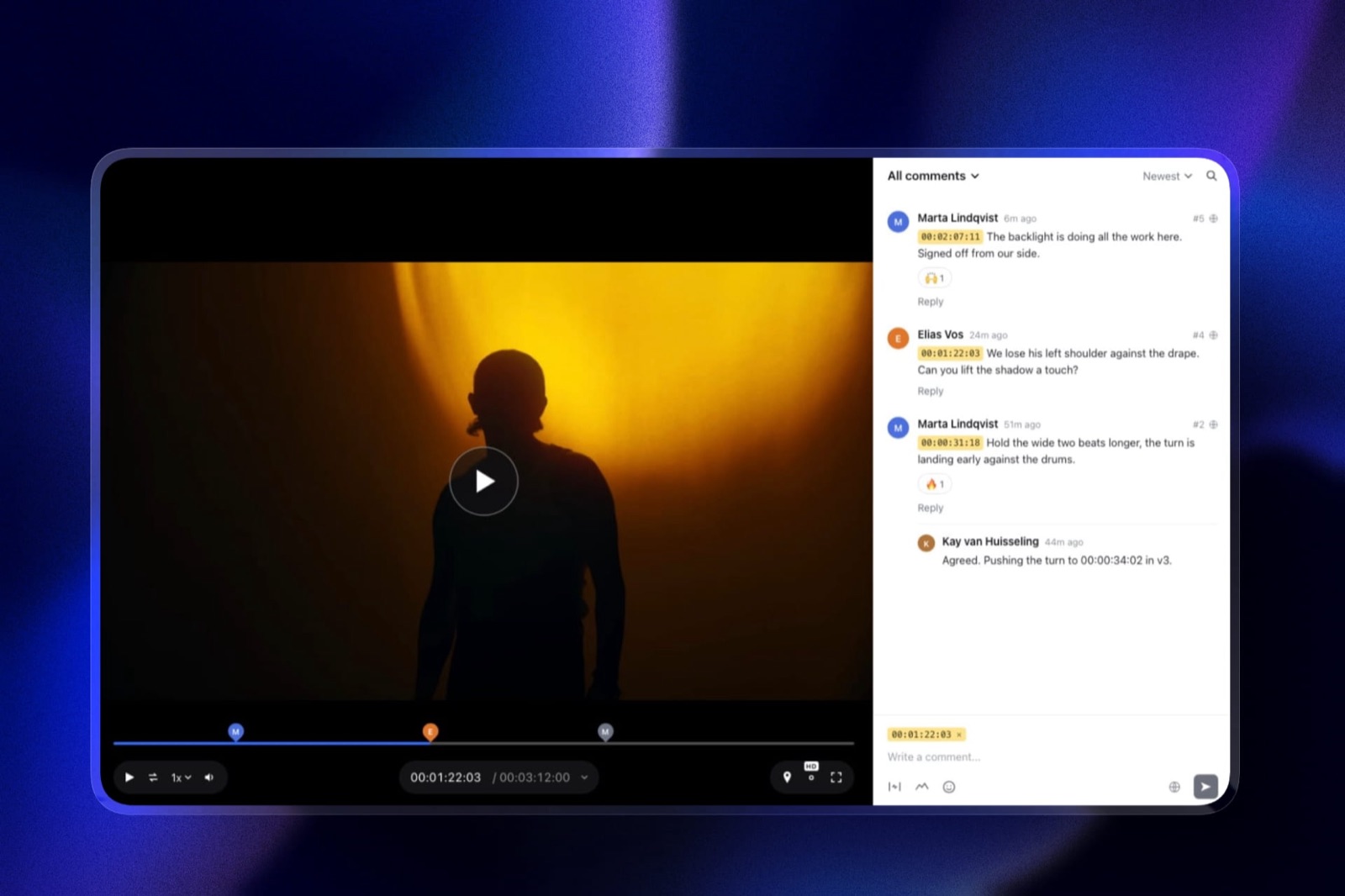
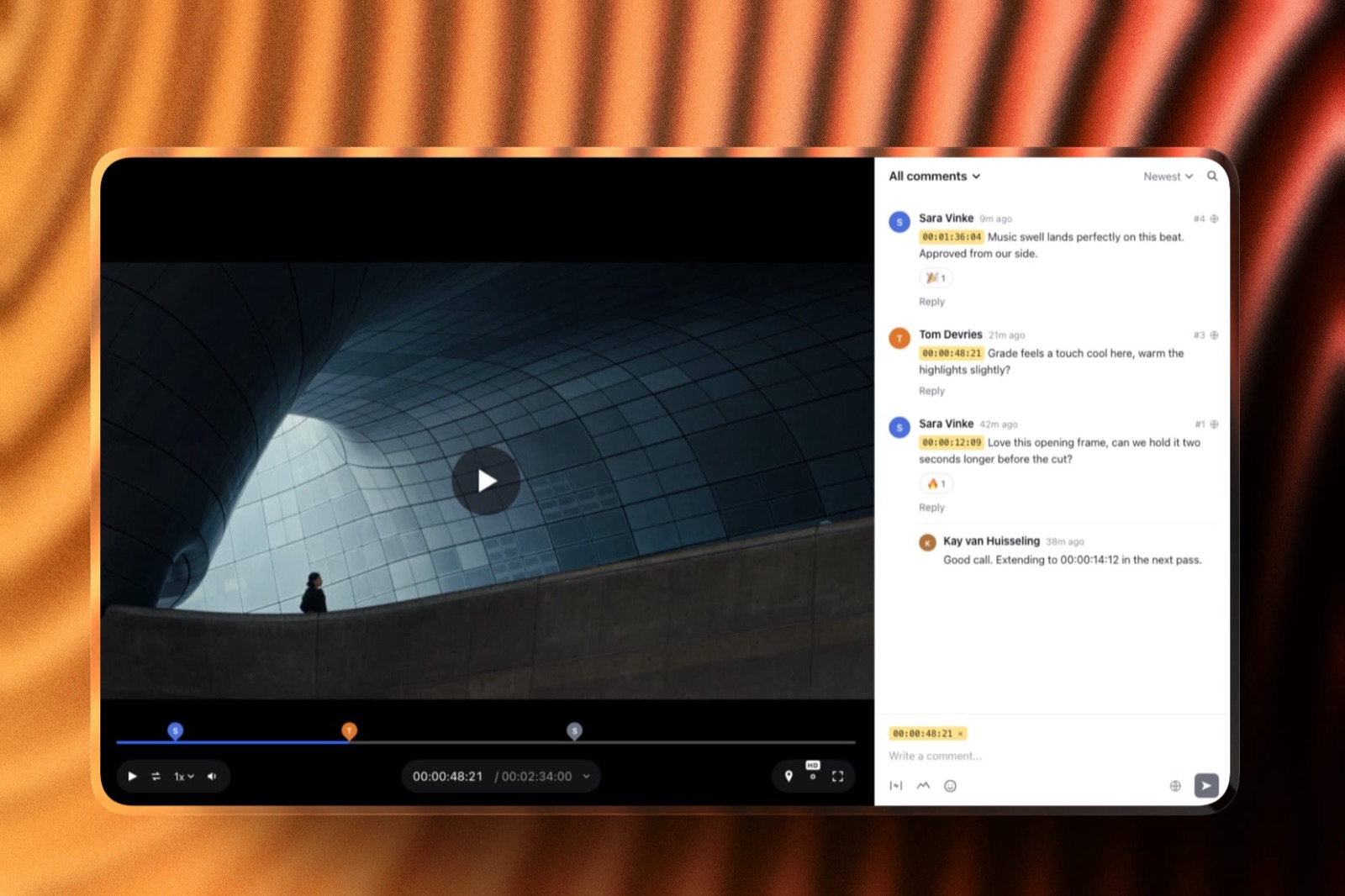
Start from a designer-made template
 Use template
 Use template
 Use template
 Use template
 Use template
 Use template
 Use template
 Use template
Wedding review breaks the assumptions every video review tool is built on. Your reviewers are a couple who have never used software like this, plus whichever parent has opinions about the speeches. They will not create an account.
They will not learn a workspace.
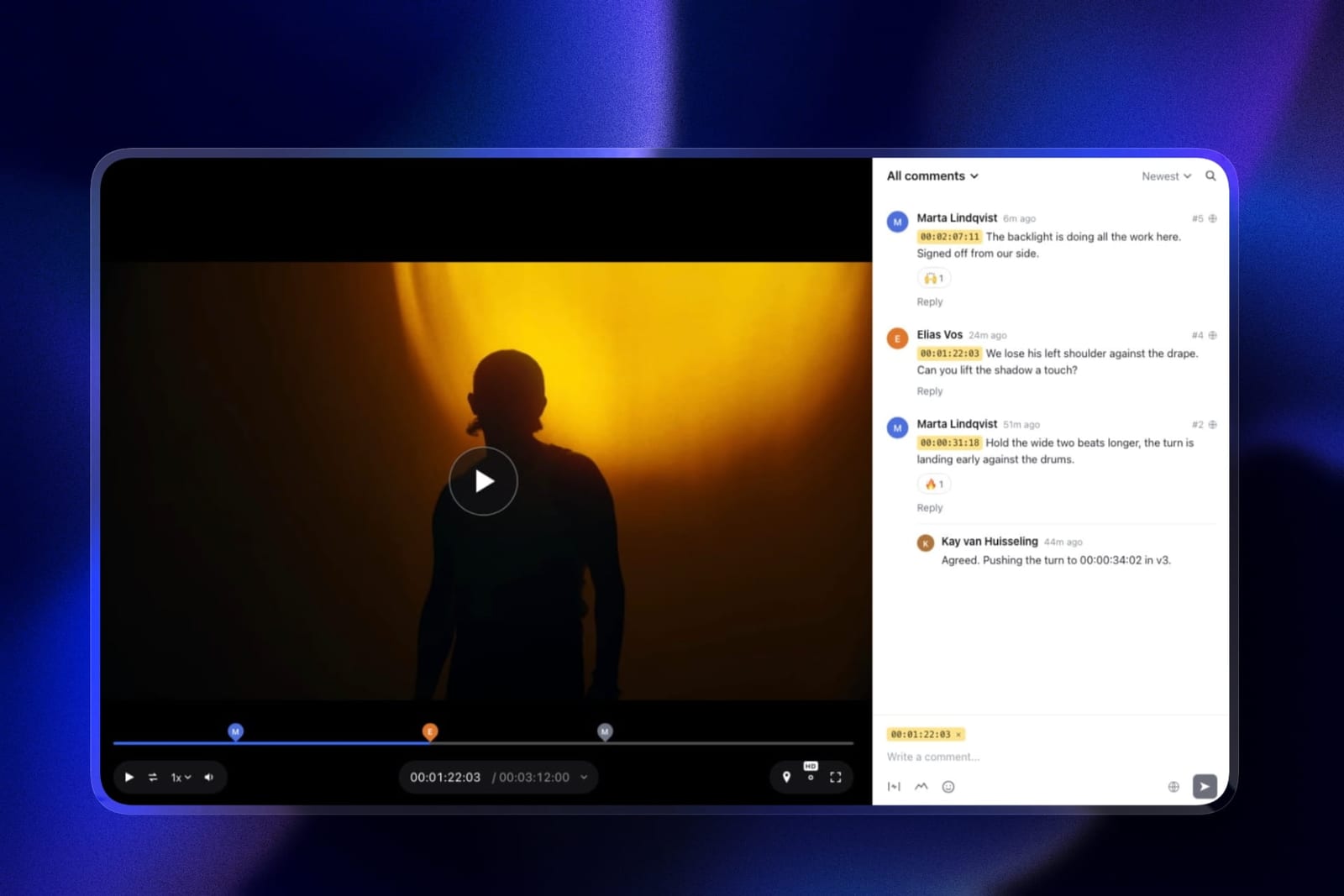
And their feedback is emotional rather than technical: "can we see more of my grandmother" is not a note you can put a timecode on, but "at 2:14 that shot of my grandmother is too short" absolutely is, and the tool decides which one you get.
Then there is the shape of the work. A wedding videographer runs a dozen or more jobs at once in season, each one private, each one with a deadline that is somebody's anniversary. Seats are irrelevant. Project count and privacy are everything.
A video review tool for wedding videographers is a platform that hosts a highlight film on a private link, lets a couple leave timestamped comments without creating an account, and holds enough concurrent projects to cover a full season.
Re-verified September 2026: Framekit's free storage, shared storage pool and drawing tools were corrected in this version.
The best video review tool for wedding videographers in 2026 is Framekit, because review projects are unlimited on every plan including free, every reviewer comments as a guest with no account and no per-person charge, and password protection, an email gate and link expiry are all included free, which matters when the content is somebody's private wedding.
Vimeo is the better pick if you also deliver the film publicly, and ReviewStudio is the strongest free alternative.
Full disclosure: Framekit is our own product and we rank it first here. It also has a limitation that matters specifically to wedding work and to almost no other genre, which is that it will not hold a full-length ceremony film. That is explained in full in our entry rather than buried, because for some wedding videographers it is disqualifying.
How We Tested 9 Tools for Wedding Work
We ran a real season shape rather than a single job: eleven concurrent weddings at different stages, each with an 8-minute highlight film at around 1.2GB, reviewed by two people who had never used a review platform, with a full 74-minute ceremony film as a second deliverable on three of them.
August 2026, fresh accounts.
The test that decided most of the ranking was deliberately unglamorous. We sent each review link to a reviewer with no account and watched whether they left a timestamped comment or replied by email instead. Every tool that required a signup got an email back.
Measured means we ran the season. Verified means the figure was read at the vendor's own published pricing page and linked inline.
The two constraints nobody warns wedding videographers about
Concurrent projects, not storage. In season you have ten or more films live at once. Frame.io's free tier allows two projects. Filestage's free tier allows one.
A tool that caps projects will make you delete a delivered wedding to start a new one, and deleting the project deletes the approval alongside it.
File size on the ceremony film. A highlight film is small and every tool here handles it.
A full ceremony or reception film at 60 to 120 minutes is a different object, often several gigabytes, and most review platforms are sized for compressed review exports rather than long-form deliverables.
This is the constraint that catches wedding videographers specifically, because no other genre routinely reviews something 90 minutes long.
What Wedding Review Actually Requires
Every figure below was read at the vendor's own published pricing page in August 2026 and priced for one videographer running a full season, because per-seat rates are close to meaningless in a genre where nobody on your side needs a login but everybody on the client's side needs to comment.
- 3 of 9 tools allow unlimited concurrent review projects on a free plan, which is the constraint that matters most in season: Framekit, ReviewStudio and Krock.io on paid.
- Frame.io's free tier allows 2 projects and 2 members, which is unusable for a season and forces the 180 dollar a year Pro tier.
- Password protection, an email gate and link expiry are free on Framekit and start at 15 dollars per member on Frame.io, which is the clearest split in this comparison for private client work.
- The cheapest way to review a whole season is free, on Framekit or ReviewStudio, then 84 dollars a year on Kollaborate Basic.
- Framekit's per-file cap tops out at 3GB on Business and it rejects sources over two hours, so a long ceremony film may not fit at all.
- Krock.io includes from 2TB at 10 dollars per user, which is the most headroom here for videographers who archive as well as review.
- 0 of 9 tools are designed for non-technical reviewers, so guest access without signup is the closest proxy and 5 of 9 have it.
| Tool | Season cost | Concurrent projects | Guest comments, no account | Password and expiry |
|---|---|---|---|---|
| Framekit | Free, or 108 dollars | Unlimited, even free | Yes, anonymous by default | Free on every plan |
| Vimeo | About 96 euros | Unlimited | Yes | Privacy controls on paid |
| ReviewStudio | Free, or 144 dollars | Unlimited | Yes, unlimited guests | On paid |
| Krock.io | 120 dollars | Unlimited on Pro | Yes, unlimited reviewers | On paid |
| Frame.io | 180 dollars | 2 on free, unlimited on Pro | Yes | Pro and above |
| Wipster | 119.40 dollars | Unlimited | Yes | On paid |
| Kollaborate | 84 dollars | Unlimited | Yes | On paid |
| Dropbox Replay | From 120 dollars plus storage | Four bundled uploads | Yes, no account needed | Dropbox link settings |
| Google Drive | Free | Unlimited | Yes, but no timecodes | Link sharing only |
Jump to the decision tree if you already know whether you deliver full ceremony films.
The Best Video Review Tools for Wedding Videographers in 2026
Ranked on how well each handles a non-technical reviewer and a full season, since those are the two things wedding work has that other genres do not. The first four get full reviews.
1. Framekit: Best for Wedding Delivery

Framekit is an AI website builder with video review built in, and its shape happens to match wedding work unusually closely, largely because the things it does not charge for are the things this genre needs most and the things it does not offer are the things couples never ask for.
Review projects are unlimited on every plan including free, so a full season sits in one account without deleting anything.
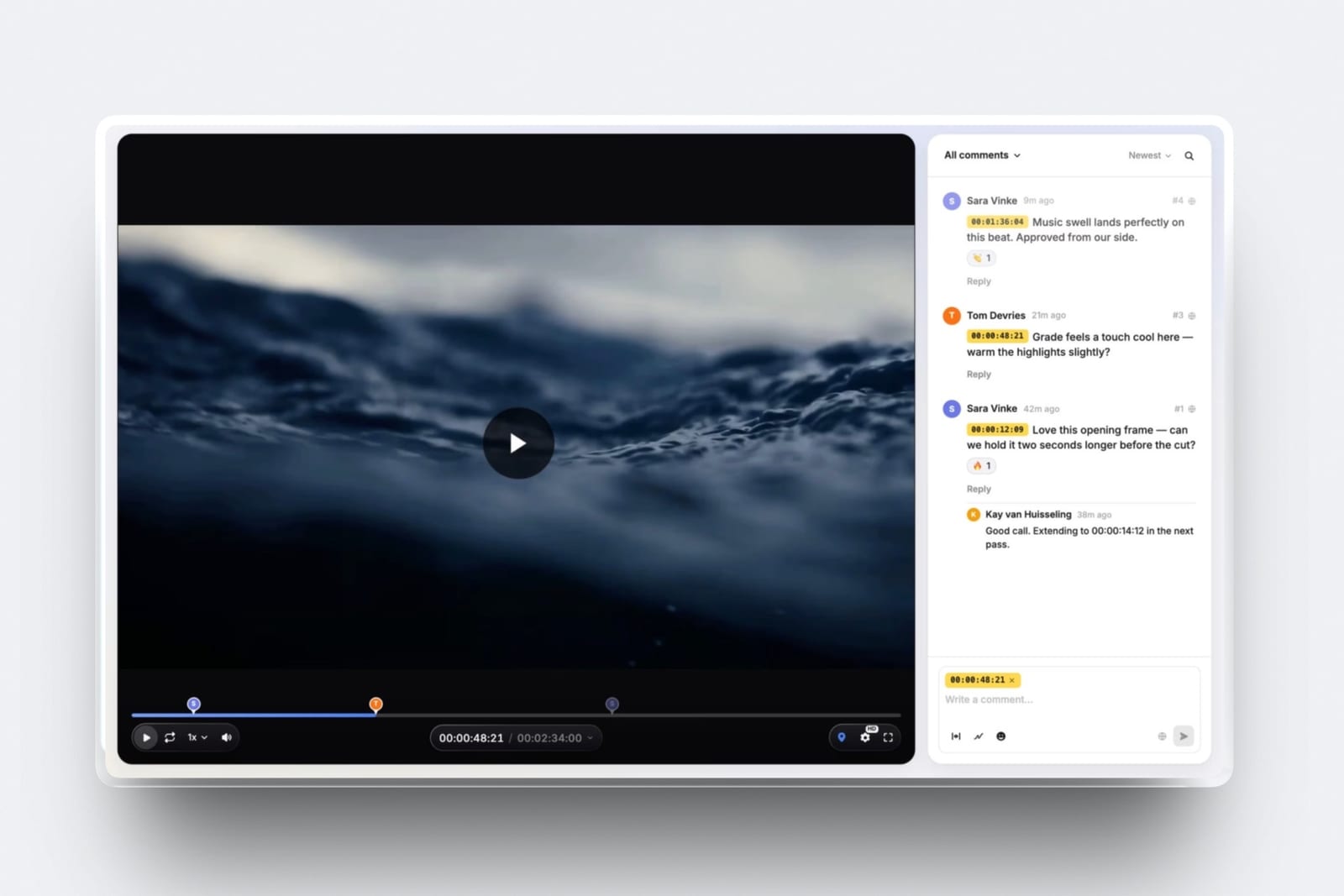
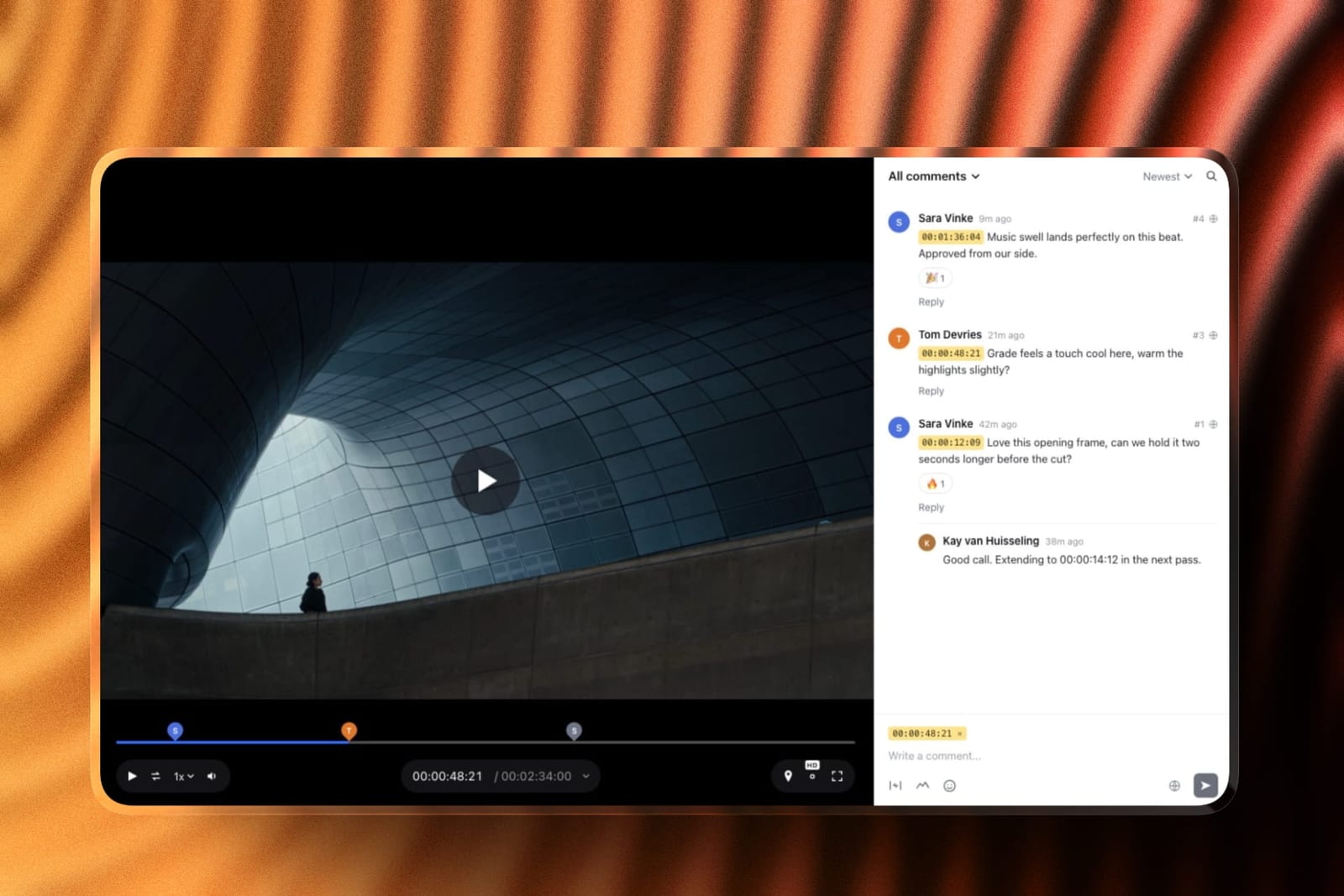
Every reviewer is a guest, with anonymous comments allowed by default, so a couple and both sets of parents can all leave notes without an account and without costing you a seat.
And the controls that matter for private content, a password, an optional email gate before the page opens, an expiry date with a reminder, and a download toggle, are all on the free plan.
The real numberfree covers 2GB with a 500MB per-file cap, which held two 1.2GB highlight films only after re-export. Starter at 9 dollars a month gives 10GB and a 1GB cap; Pro at 19 dollars gives 100GB and a 2GB cap, which is the tier a working season actually needs.
The standout detailthe review page is designed like a portfolio page rather than a software interface, with your logo, typeface and accent colour from twelve typography presets and four banner layouts, at your own subdomain.
For a couple opening a link to see their wedding for the first time, that presentation is part of the delivery rather than incidental to it, which is a genuinely different requirement from a producer reviewing a commercial.
The honest gotcha, and it is specific to this genreFramekit will not hold a full-length ceremony film. The per-file cap is 3GB even on Business, and sources longer than two hours are rejected outright.
Our 74-minute ceremony film needed careful compression to fit, and a three-hour raw ceremony would be refused.
There is a partial mitigation worth knowing: a long H.264 MP4 at 1080p or below plays the original file at full quality rather than a downscale, so length alone does not degrade what the couple sees. But size is a hard wall.
Skip it iffull ceremony and reception films are a reviewed deliverable rather than a straight delivery. Krock.io or Vimeo will hold them and we will not.
Verdict: the best fit for the highlight-film review that most wedding feedback actually concerns, and the best client-facing presentation at any price. Pair it with a transfer tool for the long films.
2. Vimeo: Best If You Also Deliver Publicly
Starter is about 8 euros a month billed annually with 1 user and 2TB, with review and collaboration tools included and password privacy and unlisted links on the hosting side.
The real number2TB is more than enough for a season of highlight films and full ceremony films together, at roughly 96 euros a year. Nothing else here gives that much room at that price.
The standout detailthe same file the couple reviews becomes the film you publish, without a second upload. For a wedding videographer whose marketing is a public reel of past work, that removes a whole step and a whole copy.
The gotchathe review sidebar is the same at every tier, so paying more buys player branding, watermarks and lead capture rather than better review. Drawing on the frame is not confirmed anywhere in Vimeo's published material.
Verdict: the strongest all-round choice if your finished films live publicly on your own account, and the best storage-to-price ratio for long-form ceremony work.
3. ReviewStudio: Best Free Option
ReviewStudio puts unlimited users and unlimited guests on a free 5GB tier, with versioning, compare mode, present mode and approval management across all file formats, which is the most capability any vendor here gives away without asking for a card.
The standout detailpresent mode, where one person drives playback while others watch, is on the free tier. For a couple reviewing together on a call with you, that is closer to how wedding feedback actually happens than asynchronous commenting is.
The gotcha5GB total will hold about four 1.2GB highlight films before you are managing space, which in season is a few weeks.
Verdict: the best free tool here for wedding work if you clear finished films promptly, and unusually good for the couple-plus-family review shape because guests are unlimited.
4. Krock.io: Most Room for Long Films
Pro is 10 dollars per user per month with unlimited team size and from 2TB, with unlimited reviewers on every plan including free, 4K playback named explicitly, and review across video, image, audio and PDF.
The real number120 dollars a year for 2TB, which comfortably holds a season of both highlight and full ceremony films, with extra terabytes at 10 dollars a month.
Verdict: the answer if you review long-form deliverables rather than only highlights. Unlimited reviewers on every plan suits the couple-and-family pattern as well as anything here.
5. Frame.io: Overqualified and Priced for Teams
Frame.io brings the deepest review toolkit in this comparison to a genre that mostly does not need it: Pro is 15 dollars per member per month with 2TB, with frame-accurate range comments, drawn annotation, version stacks and editorial panels for Premiere Pro and Final Cut.
The gotchathe free tier's 2-project cap makes it unusable across a season, and the client-facing controls a wedding needs, passphrase protection, share expiry and disabling downloads, all start at Pro. So the entry price for wedding work here is 180 dollars a year.
Verdict: a better review tool than this genre requires, at a price aimed at post houses. Right only if you also shoot commercial work.
6. Wipster: If You Want Annotation
Light is 9.95 dollars a month with 50GB for one person, with annotation and Premiere Pro and After Effects extensions, and comments that become checkable tasks.
Verdict: the checklist is genuinely useful when eleven weddings are live at once. Couples rarely draw on frames, so the annotation is less valuable here than in commercial work.
7. Kollaborate: Cheapest Paid Season
Basic is 7 dollars a month or 60 dollars a year for 30GB, with unlimited projects and unlimited bandwidth, rising through twelve tiers as your archive grows.
Verdict: the cheapest paid way to cover a season, with an interface a couple will notice is dated at exactly the moment you want them impressed.
8. Dropbox Replay: If Your Files Already Live There
Replay adds frame-accurate comments, drawing and live shared-cursor sessions to storage you may already be paying for, with no account needed for reviewers, sold as an add-on from 10 dollars a month rather than as a plan in its own right.
The gotchathe entitlement bundled into paid Dropbox plans is four file uploads in total, which is under half a wedding season.
Verdict: convenient if Dropbox is already your archive. The four-file bundle is irrelevant at wedding volume, so budget the add-on.
9. Google Drive: What Most Wedding Videographers Actually Do
15GB free, a link every couple can open without being asked to sign up for anything, and a comment box that attaches to the file rather than to a point on the timeline, which is the whole problem stated in one sentence.
The gotchathis is where "can we see more of my grandmother" comes from. Without timecodes the couple describes rather than points, and you interpret, and the interpretation is where the extra round comes from.
Verdict: listed so you can see what staying costs. Everything above it is better and most of it is free.
The Reviewer Who Will Not Sign Up
In one linethe single biggest determinant of whether wedding review works is whether the couple can leave a note without creating an account, and it decides more outcomes than any feature on this page.
Wedding reviewers are not being paid to use your software. A producer reviewing a commercial will make an account because it is their job; a bride's mother will not, and if the link asks her to, she will email you her thoughts instead and you are back to prose.
Five of the nine tools here allow a guest to comment with no account. Framekit allows anonymous comments by default and can optionally require just an email address, which is a much lower bar than a password and an account.
Dropbox Replay explicitly requires no Dropbox account. ReviewStudio allows unlimited guests. Frame.io and Wipster both support external reviewers by link.
The test you can runsend your next review link to your least technical friend and say nothing else. Whatever they do is what your couples will do.
The Ceremony Film Problem
In one linewedding videography is the only genre that routinely asks a review platform to hold a 90-minute deliverable, and most of them are not sized for it.
Highlight films are easy. At 5 to 10 minutes and roughly a gigabyte, every tool in this comparison handles them without complaint, which is why most reviews of this category never surface the issue.
Full ceremony and reception films are not. At 60 to 120 minutes they are frequently several gigabytes, and platforms sized for compressed review exports start refusing them.
Framekit caps individual files at 3GB even on Business and rejects sources over two hours outright. Wipster Light gives 50GB total, which is fine for storage and says nothing about per-file limits.
Vimeo at 2TB and Krock.io at 2TB have the headroom.
There is a reasonable workaround that most wedding videographers arrive at independently: review the highlight film, deliver the ceremony film.
The couple's feedback is almost entirely about the highlight, because that is the film with editorial decisions in it, while the ceremony film is a record rather than a cut.
If that describes your work, the file-size ceiling never binds and you should choose on project count and guest access instead.
If your couples genuinely give notes on the full ceremony film, choose Vimeo or Krock.io and treat everything else on this page as unsuitable regardless of its other merits.
Which Tool Fits Your Wedding Workflow? A Decision Tree
Work through these in order and stop at the first yes, since the first two questions eliminate more of this page than the rest combined.
- Do couples review the full ceremony film, not just the highlight? Vimeo at about 8 euros a month or Krock.io at 10 dollars per user. Framekit will refuse a long file and most others are sized for review exports.
- Do your finished films live publicly on your own account as marketing? Vimeo, where the reviewed file becomes the published one.
- Do you run more than two weddings at once? Not Frame.io free. Framekit, ReviewStudio, Krock.io, Wipster and Kollaborate all allow unlimited projects.
- Is the content sensitive and the link private? Framekit, where a password, an email gate and expiry are all on the free plan rather than behind a paid tier.
- Do you want the couple's first look at their film to feel like part of your brand? Framekit, for the branded page at your own address.
- Do you want to pay nothing at all? Framekit free for unlimited projects, or ReviewStudio free if you want unlimited named users and present mode and can manage 5GB.
- Do you also shoot commercial work? Frame.io at 15 dollars per member covers both, and the wedding half will be overqualified.
- Do you also deliver photos? Framekit runs client galleries on the same subscription. Our client galleries for wedding photographers guide covers that side.
Frequently Asked Questions
What is the best video review tool for wedding videographers in 2026?
Framekit is the best video review tool for wedding videographers in 2026, because review projects are unlimited on every plan including free, reviewers comment as guests with no account and no per-person charge, and password protection, an email gate and link expiry are included free rather than behind a paid tier.
Vimeo is the better choice if you also deliver films publicly or review full ceremony films.
Can couples leave feedback without creating an account?
Yes, on five of the nine tools here, and it is the most important question in this comparison. Framekit allows anonymous guest comments by default and can optionally require only an email address. Dropbox Replay requires no account at all.
ReviewStudio allows unlimited guests, and Frame.io and Wipster support external reviewers by link. A tool that demands a signup will get an email back instead of a timestamped note.
Can I review a full ceremony film?
Not on every tool, and this is the constraint specific to wedding work.
Framekit caps individual files at 500MB on free, 1GB on Starter, 2GB on Pro and 3GB on Business, and rejects sources longer than two hours, so a long ceremony film may not fit.
Vimeo at 2TB on Starter and Krock.io at 2TB on Pro both have the headroom. Most wedding videographers review the highlight film and simply deliver the ceremony film.
How many weddings can I have in review at once?
On Framekit, ReviewStudio, Krock.io, Wipster and Kollaborate, unlimited. On Frame.io's free tier, two, which is unusable in season and pushes you to Pro at 180 dollars a year.
Concurrent project count matters far more than storage for wedding work, because a tool that caps projects forces you to delete a delivered wedding along with its approval record.
Is there a free video review tool for wedding videographers?
Yes, two good ones. Framekit's free plan allows unlimited review projects on 10GB of pooled storage, 3GB of it video, with a 500MB per-file cap, and includes drawing on the frame, password protection, an email gate and link expiry.
ReviewStudio's free plan gives unlimited users and unlimited guests on 5GB with drawing, versioning and present mode. Both show vendor branding on the page, which paid plans remove.
How do I keep a couple's wedding film private?
Use a tool where privacy controls are not a paid upgrade. Framekit includes password protection, an optional email registration gate, link expiry with a reminder and a download toggle on its free plan.
Frame.io puts passphrase protection, share expiry and disabling downloads behind Pro at 15 dollars per member. Vimeo offers password privacy and unlisted links on its paid hosting tiers.
What is the best way to handle feedback from parents and family?
Choose a tool with no per-reviewer charge and no seat count, so inviting more people costs nothing and you are not rationing access.
Framekit is flat per account with unlimited guests, Krock.io advertises unlimited reviewers on every plan, and ReviewStudio allows unlimited guests even on free.
The alternative, collecting family opinions secondhand through the couple, is where most contradictory notes come from.
Should wedding videographers use Frame.io?
Only if you also shoot commercial work.
Frame.io is a deeper review tool than wedding feedback requires, its free tier's two-project cap is unusable across a season, and the client-facing privacy controls a wedding needs all start at Pro, making the real entry price 180 dollars a year.
For weddings alone, cheaper tools handle the job and present better to a couple.
How do I stop couples giving vague feedback?
Give them a tool where the comment box is attached to the timeline rather than to the file, which is the entire difference between "can we see more of my grandmother" and "at 2:14 that shot is too short".
Every dedicated review tool on this page does this and Google Drive does not. Beyond that, ask them to watch once without commenting, then again leaving notes, which reliably reduces contradictory feedback.
What file size should I export a wedding highlight for review?
Under 1GB if possible, which comfortably fits every tool here including Framekit's 1GB Starter cap, and under 500MB if you intend to use a free plan.
An H.264 MP4 at 1080p is the safest format, since it plays everywhere without a codec question and, on Framekit specifically, long files at 1080p or below play the original at full quality rather than a downscale.
Can I use the same tool for photos and video?
Partly. Framekit runs client photo galleries and video review on the same subscription from one shared storage pool, so a hybrid wedding shooter delivering stills and a film does not pay two vendors.
Krock.io reviews video, image, audio and PDF in one account. Dedicated photo gallery platforms generally do not offer timestamped video review, and dedicated review tools are not photo delivery galleries.
Does review software help with wedding revision limits?
Yes, more than most videographers expect.
A timestamped comment thread with versions and a recorded approval gives you a dated record of what the couple asked for and what they signed off on, which turns "we thought that was included" into a reference rather than an argument.
That works on free tiers as well as paid ones, and it matters more in weddings than in most genres because the emotional stakes make disputes harder.
Will a full ceremony film fit in Framekit's review tool?
Usually not, and this is the limit to check before you commit a season to it. The free plan holds 2GB with a 500MB per-file cap, Starter at $9 a month gives 10GB with a 1GB cap, and Pro at $19 gives 100GB with a 2GB cap.
Highlight films fit comfortably at Pro.
Full ceremony and reception films, which routinely run several gigabytes, do not, and if those are a reviewed deliverable rather than a straight delivery then Krock.io or Vimeo will hold them and Framekit will not.
Couples reviewing a highlight film, though, leave timecoded comments without making an account.
Final Verdict
Framekit is the best video review tool for wedding videographers in 2026 for the review that wedding feedback actually concerns, which is the highlight film.
Unlimited review projects on every plan covers a full season without deleting anything, every reviewer comments as a guest at no extra cost so the couple and both families can all be included, and the privacy controls that private content demands are free rather than a paid upgrade.
Vimeo is the better all-round answer if your finished films live publicly on your own account, and it is the right answer outright if couples review full ceremony films.
Where Framekit loses, and who should not use it. Framekit will not hold a long ceremony film.
The per-file cap is 3GB even on Business and sources over two hours are rejected, so if your couples give notes on a 90-minute ceremony or reception film rather than on a highlight, we are the wrong tool and Vimeo or Krock.io with 2TB is the right one.
Couples almost never draw, though the pen is there on every plan, and notes can be ticked off as done.
What we lack is a side-by-side version compare, so checking a recut against the first cut means switching versions rather than watching both at once, and notes do not carry forward from one version to the next.
The general advice for this genre is narrower than the tool choice: whatever you pick, stop sending highlight films through a file host. The timecode is the whole product.
Related readingthe 12 best video review tools, video review tools for freelance editors, client galleries for wedding photographers, and website builders for wedding videographers.
Prices were read at each vendor's published pricing page in August 2026 and priced for a single videographer running a full season rather than for a team, since seat counts are largely irrelevant to this genre.