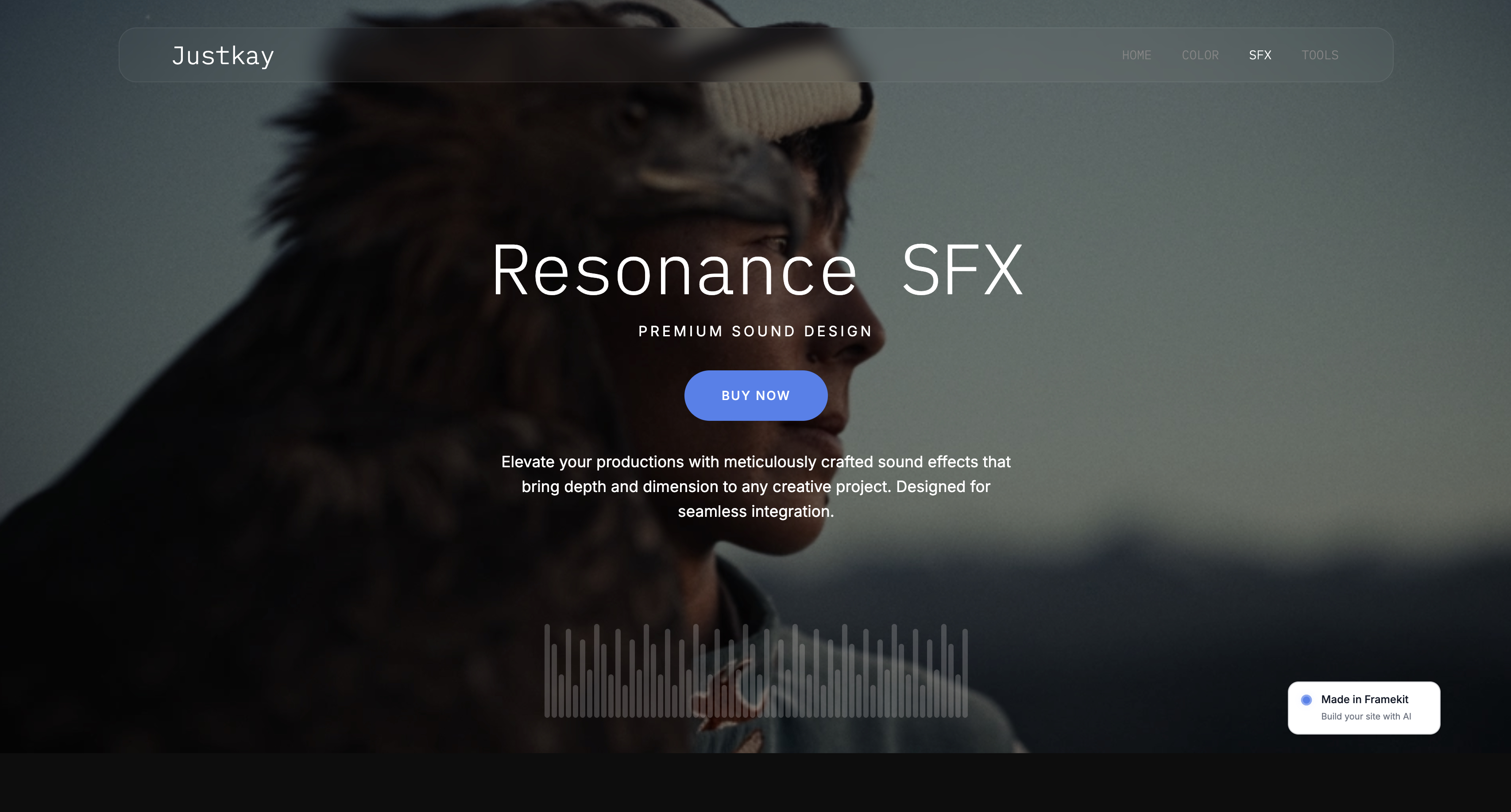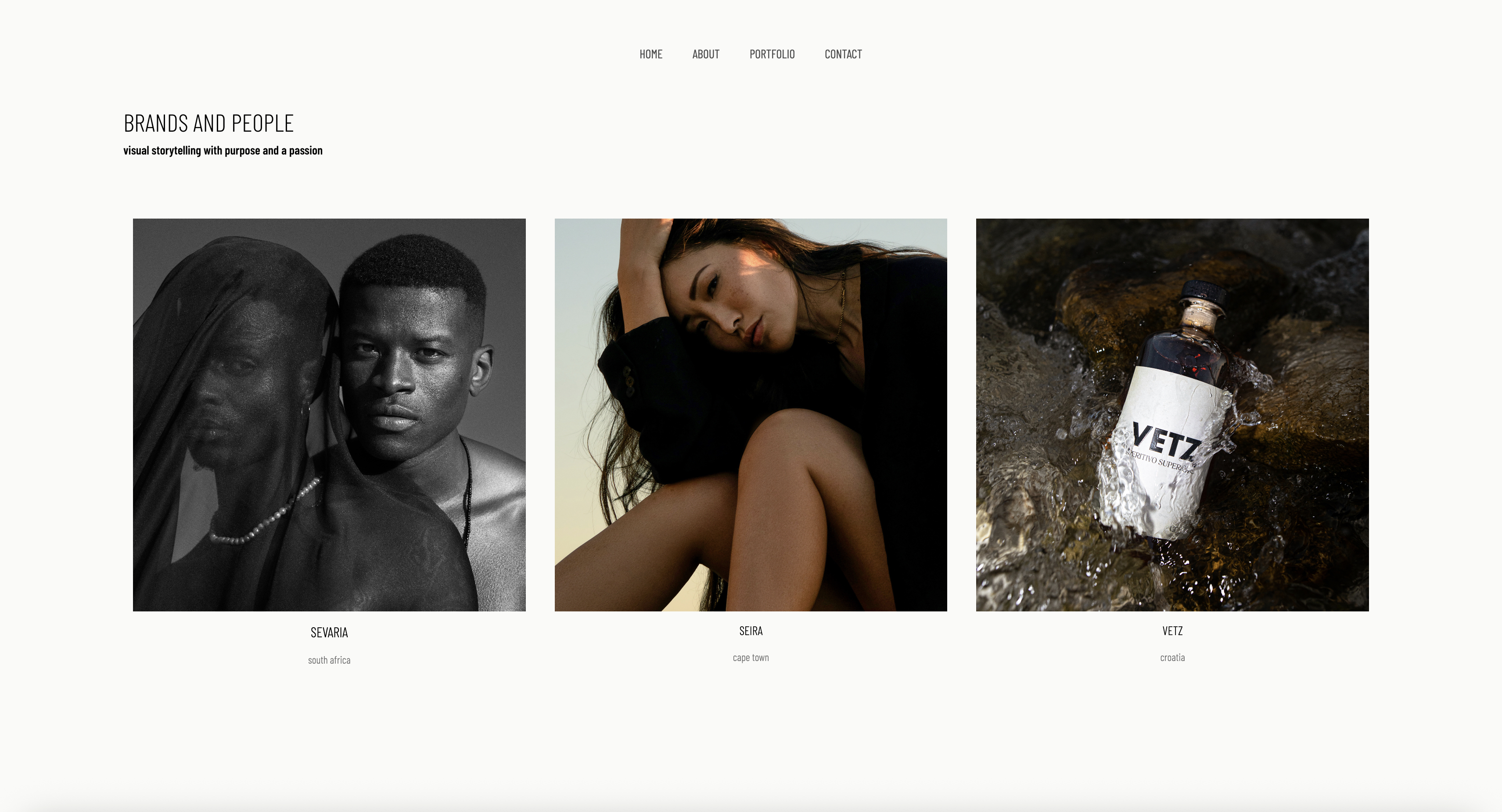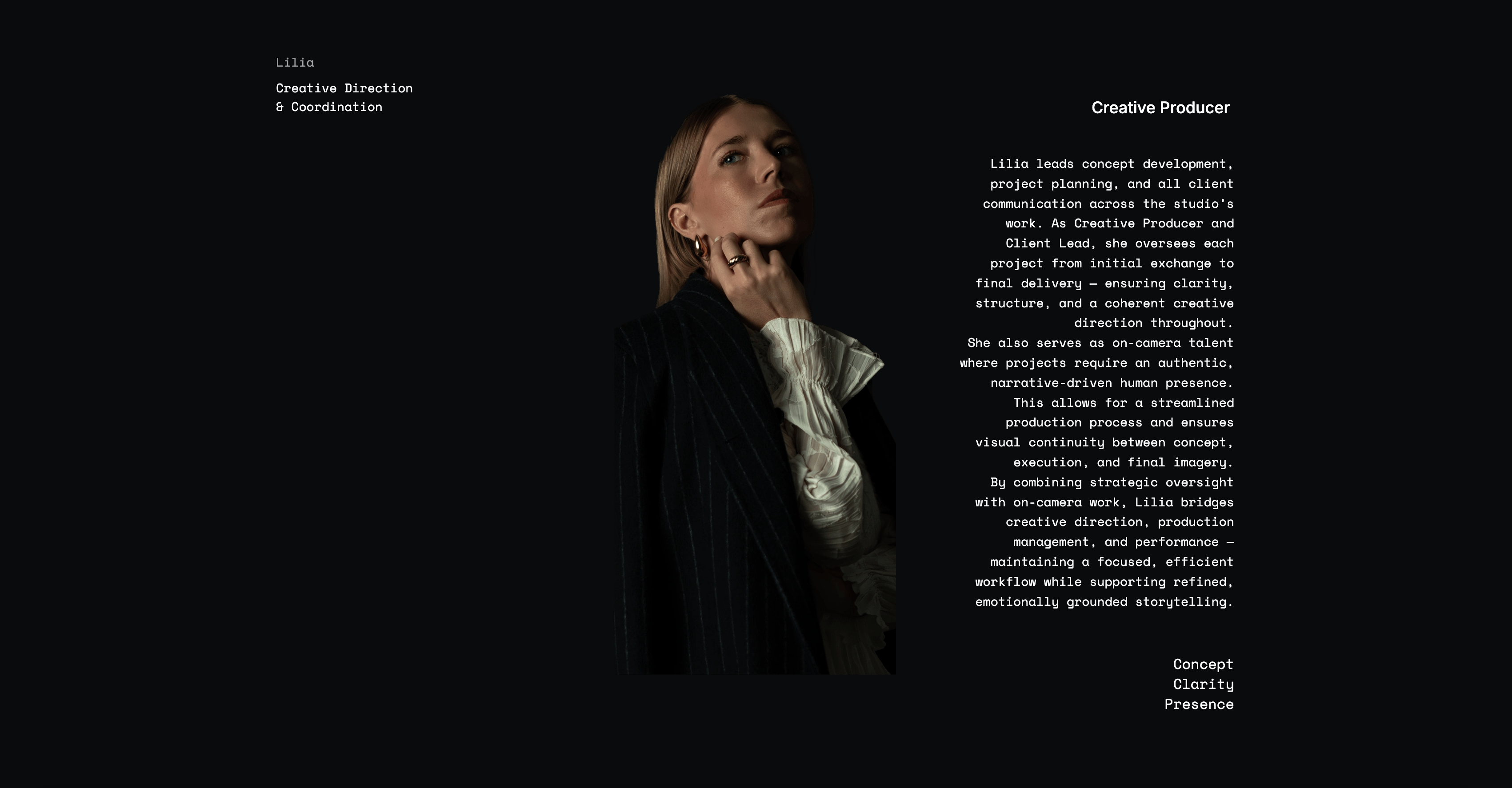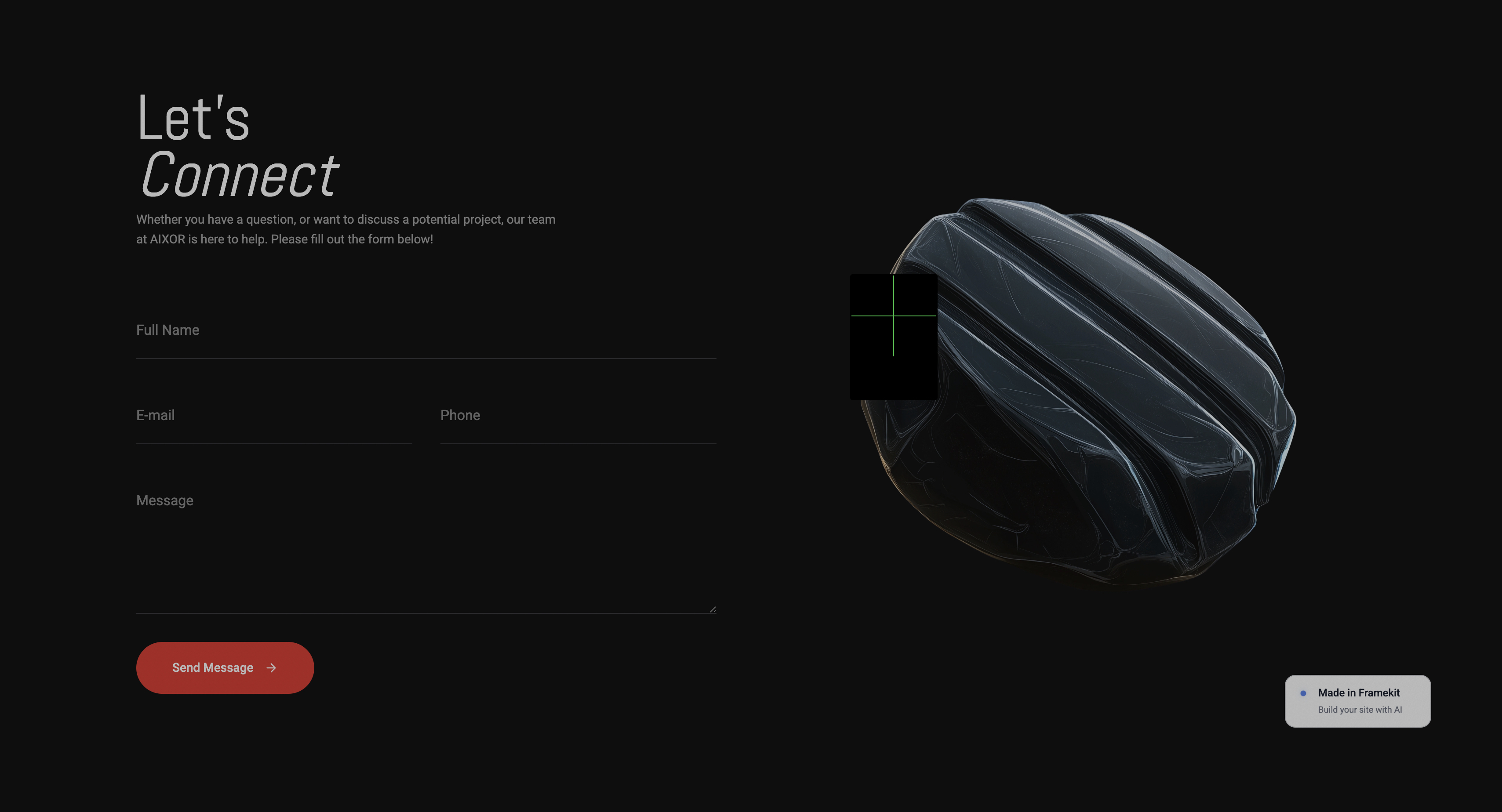
Framekit templates
Start from a designer-made template
 Use template
 Use template
 Use template
 Use template
 Use template
 Use template
 Use template
 Use template
Four of the eight tools in this comparison will not tell you what they cost. Not "starting from", not "contact us for volume discounts", not a number with an asterisk.
You fill in a form, a salesperson calls, and a price is constructed for you based on how large your company appears to be.
That is normal in this category and it is worth sitting with for a moment, because it is not normal anywhere else in creative software.
That opacity is the defining feature of digital asset management software in 2026, and it distorts every comparison written about it, including the ones that quietly repeat a number a vendor gave a reviewer two years ago.
The tools that do publish prices are dramatically cheaper than the ones that do not, and the difference is not explained by capability. It is explained by who they are selling to.
So we loaded the same archive into all eight and wrote down what happened when we asked the price.
Digital asset management software is a system that stores creative files with structured metadata so they can be searched, permissioned, versioned, and distributed, and the useful distinction between products is not features but whether they are sold to a marketing department or to a working studio.
Filecamp is the best digital asset management software for most creative studios in 2026, because it publishes its prices, starts at $29 a month, and includes unlimited users on every plan, though 20GB of storage on that entry tier is small for a photography archive.
Eagle is the better answer for a solo designer at $34.95 once, Air is the best free starting point for a creative team, and Canto, Brandfolder, Bynder, and Daminion will all require a sales call before you learn anything about cost.
Updated in September 2026: we re-verified Framekit's plans, corrected its storage description to the current pooled allowance, and added how client galleries fit next to a DAM; the DAM prices are as read in August 2026.
How We Tested These DAM Tools
We loaded one real archive into every system rather than working from feature matrices: three years of a two-person photography studio, 4,200 files in total, comprising 3,800 RAW and JPEG pairs across 46 shoots, 210 logo and brand files in mixed formats, 90 delivered client PDFs, and 40 video clips, originally spread across a NAS, a Dropbox account, and two laptops with inconsistent folder names.
That archive was chosen because it breaks the assumptions DAM marketing makes. Enterprise DAM demos use 300 tidy marketing assets with consistent naming.
A real studio archive is mostly camera files with names like DSC_4471, duplicated across two drives, with the useful information living in the folder path rather than in any metadata field.
Whether a tool can make that searchable is the entire question.
Confidence levels appear throughout and they matter more than usual here. Where we say we loaded, searched, or hit something, we did it in the product.
Where a figure is published, we read it on the vendor's own pricing page in August 2026.
Where a figure is reported, it comes from third-party trackers because the vendor does not publish one, which in this category is the majority case and is the single most important thing this article has to tell you.
Two systems we paid for and ran with the full archive: Filecamp Advanced and Eagle. Two we ran on free tiers: Air and Adobe Bridge.
Four we could only evaluate through trials, demos, and documentation, because their pricing is gated behind a sales conversation, and we say so plainly in each entry rather than implying a hands-on test we did not run.
Our weighting, which you are free to reject: price transparency 25 percent, search and metadata quality 25 percent, cost at a realistic size 20 percent, sharing and client delivery 15 percent, and what happens to your files if you leave 15 percent.
Transparency carries a quarter of the score deliberately. A tool that will not publish a price cannot be compared, and a category where that is normal deserves to be marked down for it.
In one linewe loaded the same 4,200-file two-camera studio archive into eight systems in August 2026, weighted price transparency as heavily as search quality, and marked every vendor that would not publish a number.
By the Numbers
Eight systems, one messy archive, one month. These figures decided the ranking, and the first one is the reason this article exists in the form it does.
- 4 of 8 do not publish any price on their own pricing page: Canto, Brandfolder, Bynder, and Daminion.
- $29 a month is Filecamp Basic, the cheapest published price here, and it includes unlimited users.
- $34.95 once is Eagle, which activates on 2 devices and includes free updates, the only genuine one-time purchase in this comparison.
- $100 a month is the reported entry price for Pics.io Solo with 1 user, roughly three and a half times Filecamp Basic.
- 20GB is what Filecamp Basic includes, which held our 210 brand files and 90 PDFs comfortably and did not come close to holding 3,800 RAW files.
- 120 credits a month is Air's free allowance, described by Air as roughly 20GB of enriched storage or 24 AI-generated images, with full access to every feature.
- $3 per 1,000 images is where Daminion's AI tagging add-on starts, one of the few concrete numbers any quote-only vendor here publishes.
- $0 is what Adobe Bridge costs, and it does most of what a small studio actually wanted from a DAM.
- 3 of 8 are realistically affordable for a studio of one to five people: Filecamp, Eagle, and Air.
The Full Comparison Table
Rows marked "quote only" mean the vendor's own pricing page displays no dollar figure at all, which we verified in August 2026.
Where a price is marked reported, it comes from third-party trackers rather than the vendor, and you should treat it as an indication rather than a quote.
| Tool | Best for | Published price | Users | Files stay yours |
|---|---|---|---|---|
| Filecamp | Small studios that want a price | $29/mo Basic, 20GB | Unlimited, all plans | Export, hosted |
| Eagle | Solo designers, one payment | $34.95 once, 2 devices | Single user | Yes, local |
| Air | Creative teams starting free | Free tier, 120 credits/mo | Not published | Hosted |
| Adobe Bridge | The free tool you may own | Free | Single user | Yes, local |
| Canto | Mid-market marketing teams | Quote only | Scales with team | Hosted |
| Brandfolder | Brand portals and distribution | Quote only | Not published | Hosted |
| Pics.io | Teams on Google Drive or S3 | $100/mo Solo, reported | 1, then $15 each | Yes, your storage |
| Bynder | Large organisations | Quote only | Custom package | Hosted |
Three rows in that table say "quote only" and one says "reported". That is half the category declining to compete on price in public, and it is the strongest available signal about who each product is actually built for.
1. Filecamp: The Best DAM for Studios That Want a Price
Filecamp won because it does the unglamorous thing the rest of this category avoids: it puts numbers on a page and then honours them.
Our 210 brand files, 90 client PDFs, and a curated selection of shoot exports went in, got tagged, and became searchable by client and by year without a consultant, a demo, or a discovery call.
The real number: Filecamp publishes Basic at $29 a month or $348 a year with 20GB of storage, Advanced at $59 a month or $708 a year with 50GB, and Professional at $89 a month or $1,068 a year with 100GB.
Every plan includes unlimited users, free bandwidth, and no setup fee, and there is a 30-day free trial of Professional with 10GB.
Unlimited users on a $29 plan is the detail that decides this.
In a category where per-seat pricing is standard and quotes scale with headcount, a small studio can give its second shooter, its retoucher, its designer, and every client a login for the same $348 a year.
That is not a marginal saving, it is a different pricing model.
The standout detail nobody writes about: because users are unlimited and free, Filecamp doubles as a client delivery portal without a second subscription.
We gave three clients access to their own folders with download permissions and no ability to see each other, which is most of what a separate delivery tool would have been bought for.
The gotchathe storage tiers are small for photography. 20GB on Basic held our brand assets and PDFs and would not hold 3,800 RAW files, so a studio archiving camera originals is looking at Professional at $1,068 a year or keeping RAWs elsewhere.
Filecamp is best used as the library of finished and brand assets rather than as the archive of everything.
Skip it ifyour problem is 4TB of RAW files. That is a backup and archive problem, not a DAM problem, and the answer is different.
Verdict: The best value in this comparison and the only mid-market tool here that will tell you its price without a phone call. Buy Basic at $348 a year if you are storing finished work, and do not try to put your camera originals in it.
Delivering finished sets to clients is a separate job with better tools; our comparison of client gallery platforms covers that end properly.
2. Eagle: The One-Time Purchase for a Single Designer
Eagle is the answer for the person this category ignores: one designer, one machine, tens of thousands of reference images, screenshots, fonts, and inspiration saved over years with no system at all.
It indexes files on your own disk, tags them, finds them by colour, shape, and format, and never asks for a subscription.
The real number, which comes from third-party listings and Eagle's own support documentation rather than a conventional pricing table: Eagle is a one-time purchase reported at $34.95, activating on 2 devices, with free updates included.
Some listings still show $29.95, so treat the exact figure as approximate and confirm at checkout, but the model is unambiguous: you pay once.
Against Filecamp's $348 a year, Eagle at roughly $35 once is a hundredth of the cost over a decade. It also does a completely different job, which is the point. Filecamp is a shared library with permissions. Eagle is a personal visual memory that happens to be a database.
The standout detail: search by dominant colour and by aspect ratio.
Loading 210 brand files and 40 video thumbnails into Eagle and then finding "that orange packaging shot, landscape" in four seconds is the kind of retrieval that no metadata scheme you would actually maintain can match.
The gotchait is local software with no meaningful multi-user story. Two people cannot share an Eagle library in the way two people share a Filecamp account, and syncing a library across machines through a cloud folder is possible and not officially the model.
Skip it ifmore than one person needs to search the same library, or clients need access.
Verdict: The best money in this comparison at roughly $35 once for a solo creative's reference and asset library. Not a team tool and not pretending to be one.
3. Air: The Best Free Starting Point for a Creative Team
Air is built for creative teams rather than for IT departments, and it shows in the parts that matter: the interface is visual first, comments live on the asset, and versioning is presented as something a designer would recognise rather than as a compliance feature.
Loading our shoot exports produced something that felt like a working library on the first afternoon.
The real number is partially published and we will be precise about which part.
Air's own pricing page names Free, Starter, Business, and Enterprise plans and states that the free plan includes 120 credits per month, which Air describes as enough for around 20GB of enriched storage or 24 AI-generated images, with full access to every Air feature.
It did not display dollar figures for the paid tiers to our checks, so we are not going to invent them.
Full feature access on the free tier is unusually generous and is the reason Air ranks third rather than lower despite the pricing opacity above free. A two-person studio can run a genuine shared library at zero, with the credit system as a usage meter rather than a feature wall.
The standout detail: the credit model itself. Rather than capping features or seats, Air meters enrichment, which means the free tier degrades gracefully as you grow instead of stopping dead. That is a fairer shape than a hard storage cap and it is rare.
The gotchacredits are a unit you have to learn, and 120 a month translating to "around 20GB of enriched storage or 24 AI-generated images" is two very different things sharing one budget. Model your actual usage before assuming the free tier covers you.
Skip it ifyou need to know what year two costs before you commit a library. That number is not on the page.
Verdict: The best free tier in this comparison and the most pleasant tool here for creative teams. Start free, and get the paid pricing in writing before you migrate anything important.
4. Adobe Bridge: The Free DAM You May Already Have
Adobe Bridge belongs in an honest version of this list because a large share of the studios searching for DAM software already have a free, capable, locally-running asset browser installed and have never opened it.
Bridge reads your existing folders, writes standard metadata that other applications can read, batch-renames, and filters by camera, lens, rating, and keyword.
The real number is zero. Bridge is free with an Adobe account and does not require a Creative Cloud subscription.
For our 3,800 RAW and JPEG pairs it was, bluntly, the only tool in this comparison that handled camera originals at that volume without a storage bill, because the files never move.
The standout detail: it writes to XMP sidecars and embedded metadata rather than to a proprietary database.
Keywords added in Bridge travel with the file into Lightroom, into Capture One, and into any other application that reads standard metadata, which means the work you do organising is not hostage to Bridge continuing to exist.
The gotchait is a browser, not a system. There is no sharing, no permissions, no client access, no versioning worth the name, and no way for a second person to search your library without sitting at your computer.
Skip it ifanyone other than you needs to find a file.
Verdict: Free, local, standards-based, and genuinely the right answer for a solo photographer whose real problem is finding their own work. Not a DAM in the collaborative sense and not a substitute for one.
5. Canto: Capable, Mid-Market, and Priced by Conversation
Canto is a serious product with a long history and a real advantage over the cheaper tools here: its metadata model and its AI tagging genuinely cope with a large, inconsistent library, which is exactly the condition our 4,200-file archive was in.
If you have tens of thousands of assets and several teams, it does things Filecamp does not attempt.
The real number does not exist publicly.
Canto's pricing page lists four plans, Core Essentials, Enhanced Collaboration, Omni Brand Solution, and Advanced, with a "Get pricing" button on the first three and "Talk to sales" on the fourth.
The page states that pricing scales based on your team size and storage needs and invites you to tell them about your team so they can build a plan that fits. No dollar figure appears anywhere.
We want to be even-handed about what that means. Custom pricing is not inherently predatory, and for a 200-person organisation with unusual storage needs a quote is genuinely more accurate than a tier.
For a five-person studio it means you cannot compare Canto to Filecamp without spending a week in a sales process, and most five-person studios will simply not do that.
The standout detail: the plan names themselves are informative. "Omni Brand Solution" and "Enhanced Collaboration" describe a marketing department's org chart rather than a studio's workflow, which tells you who the product is for more clearly than any feature list.
The gotchabecause pricing scales with team size and storage, growth is the thing you are agreeing to be charged for, and the rate at which it scales is not disclosed before you sign.
Skip it ifyou are under ten people. You will spend more time getting a price than the software would save you in the first quarter.
Verdict: A capable mid-market DAM that we cannot rank higher because we cannot tell you what it costs. If you are large enough for a procurement process, it belongs on your shortlist.
6. Brandfolder: A Brand Portal First, an Archive Second
Brandfolder is best understood as a distribution product rather than a storage product.
Its purpose is that a franchisee, a reseller, an agency, or a journalist can find the correct logo, the approved photograph, and the current one-pager without emailing anyone, and it does that job well enough that large organisations pay a lot for it.
The real number is again absent.
Brandfolder's pricing page names two tiers, Premium and Enterprise, describing Premium as being for organisations wanting a more scalable, intelligent DAM platform and Enterprise as being for large-scale deployments with significant storage, user, and distribution requirements.
Both link to the same action: book a demo. There is no figure of any kind.
For a creative studio the honest read is that this is not your category of product.
Brandfolder solves a problem you have when hundreds of people outside your company need your assets, and a photography studio with 46 shoots and three retained clients does not have that problem no matter how disorganised the archive feels.
The standout detail: usage analytics on assets, meaning you can see which images are actually being downloaded and used. For a brand team justifying a photography budget that is the single most valuable feature in this entire article, and for a studio it is irrelevant.
The gotchatwo tiers, no prices, and demo-gated evaluation means you cannot even trial it on your own terms.
Skip it ifthe people who need your files are countable on two hands.
Verdict: A strong brand distribution portal for organisations, unrankable on value because no value can be calculated. Not a studio tool.
7. Pics.io: A DAM Layer on Storage You Already Pay For
Pics.io takes the most interesting architectural position in this comparison: rather than storing your files, it sits on top of your existing Google Drive or Amazon S3 and adds the metadata, search, versioning, and permissions layer.
Your assets stay where they are and you are buying the index rather than the disk.
The real number is reported rather than verified, because Pics.io's pricing page failed our automated checks.
Third-party trackers in 2026 report Solo at $100 a month including 1 user, Micro at $225 a month for 10 or more users, Small at $680 a month for 50 or more, and Enterprise as custom, with additional users on the small plan reported at $15 a month each.
Confirm all of that at the source before acting on it.
If those figures are current, Solo at $100 a month is roughly $1,200 a year for one person, which is three and a half times Filecamp Basic and gives that one person a DAM layer over storage they are also paying Google or Amazon for.
That is a defensible purchase for a team with an established Drive-based workflow and a difficult one for a studio.
The standout detail: because the files remain in your own Drive or S3 bucket, leaving Pics.io does not mean migrating terabytes. You lose the metadata layer and keep every file exactly where it already was, which is the cleanest exit in this comparison.
The gotchayou are paying twice in a sense, once for storage and once for the layer, and the layer is the expensive half.
Skip it ifyour archive is not already living in Google Drive or S3. The architectural advantage evaporates.
Verdict: The best exit story in this comparison and, at a reported $100 a month for one seat, hard to justify for a small studio. Compelling for a Drive-native team of ten.
8. Bynder: The Enterprise Answer, Priced Individually
Bynder is the largest and most complete system here and it is included so this article is not accused of pretending the enterprise tier does not exist.
Brand guidelines, creative workflow, studio automation, and distribution all live in one platform, and organisations with hundreds of contributors genuinely need that.
The real number does not exist by design.
Bynder's pricing page states that every customer, whether a global enterprise or an ambitious upcoming business, has a custom-made package tailored to their business needs and therefore a unique price point, and that modular plans are customised for specific use cases.
The recommended route is a quote, or a 15-minute consultation followed by a customised demo.
That is at least honest about its own logic, and it is worth noting the phrase "ambitious upcoming business", which is how enterprise software describes a small company it is willing to sell to.
If you are a five-person studio and a Bynder representative is enthusiastic about your growth trajectory, you are being sized rather than served.
The standout detail: the modular structure means the platform genuinely can be scoped down, so a mid-sized creative agency can buy a subset rather than the whole system. That is more flexible than the marketing implies.
The gotchaimplementation is a project, not an install. Budget for time and internal ownership alongside whatever the licence costs.
Skip it ifyou do not have someone whose job includes owning this system.
Verdict: The right class of product for a large organisation and entirely wrong for the audience of this article. We cannot rank it on value for the same reason as the others: there is no number.
Why Half This Category Will Not Publish a Price
Four of eight vendors here show no figure at all, and understanding why is more useful than complaining about it, because it tells you what you are walking into and how to get a real number quickly.
Quote-only pricing exists for three legitimate reasons and one commercial one.
The legitimate reasons are that storage and bandwidth costs vary enormously with library size, that seat counts in enterprises are genuinely unpredictable, and that these platforms are modular so two customers may buy different products under one name.
The commercial reason is price discrimination: a vendor that learns your company size, your industry, and your budget before quoting can charge each customer close to what they will bear, and publishing a number forecloses that.
What this means practically for a small studio is that your quote will be shaped by how you present yourself, which is an uncomfortable thing to know and a useful one. Three tactics shorten the process considerably.
Ask for the entry tier by name rather than describing your needs, because describing needs invites a larger package.
Ask directly what the per-user and per-terabyte increments are, since scaling is where the real cost lives and it is usually disclosed on request.
And ask what the renewal uplift cap is in writing, because an unremarkable first-year price with an uncapped renewal is the standard shape of a bad DAM contract.
The alternative, and the one we would recommend for most readers, is to stay in the half of the category that publishes.
Filecamp at $348 a year with unlimited users, Eagle at roughly $35 once, Air's free tier, and Adobe Bridge at zero are four real options where the price is a fact rather than the outcome of a negotiation.
In one linefour of the eight DAM tools here publish no price because custom quoting lets them charge each customer differently, so ask for the entry tier by name, ask for per-user and per-terabyte increments, and ask for a written renewal cap.
Does a Small Studio Actually Need a DAM?
The most honest finding from loading a real archive into eight systems is that most of the studios asking this question have a different problem, and buying a DAM does not solve it.
It is worth separating the three problems that get confused, because each has a different and much cheaper answer.
"I cannot find my own files." This is a search and metadata problem and it is solved locally for nothing.
Adobe Bridge or Eagle will index what you already have, write standard keywords, and make a decade of shoots findable, without moving a byte or paying a subscription. Our 3,800 RAW pairs became searchable in Bridge in an afternoon.
"My files are not safe." This is a backup problem and a DAM is a bad answer to it.
DAM storage is expensive per gigabyte compared with dedicated backup, and no system in this comparison is a substitute for a proper 3-2-1 backup arrangement.
Our guide to photo backup solutions covers that job with the right tools.
"Clients and collaborators cannot get the right file." This is a delivery and permissions problem, and it is the only one of the three that a DAM genuinely solves well.
It is also the one where Filecamp's unlimited users at $348 a year is dramatically better value than anything quote-only, because the entire cost of the problem is the number of people who need access.
If you are a studio of one to three people and your honest answer is the first problem, spend nothing. If it is the second, spend on backup. Only the third justifies a DAM, and the moment it does, it usually justifies it clearly.
In one linecannot-find-my-files is solved free by Adobe Bridge or Eagle, not-safe is a backup problem a DAM handles badly, and only cannot-share-with-the-right-people actually justifies buying digital asset management software.
Metadata, Migration, and What Happens When You Leave
The question nobody asks during a DAM evaluation is the one that determines whether the purchase was a good idea five years later: if you leave, what leaves with you? Because a DAM's value is the metadata layer, and metadata is far easier to trap than files are.
There are three positions and they are genuinely different. Standards-based means keywords and ratings are written into the file itself or into a sidecar that any application reads, which is what Adobe Bridge does with XMP.
Leaving costs you nothing because the organisation is in the files. Storage-external means the files live in your own Google Drive or S3 and only the index is the vendor's, which is Pics.io's model and the cleanest exit among the hosted tools. Fully hosted means both the files and the metadata live with the vendor, which covers Filecamp, Air, Canto, Brandfolder, and Bynder, and where the export path is a feature rather than a property of the architecture.
For fully hosted systems, three specific things to establish before you commit, ideally in writing.
Whether bulk export includes metadata or only files, because a folder of correctly-named originals with the tags stripped is a fraction of what you built.
Whether export is self-service or requires a support request, because the second one becomes a negotiation at exactly the moment you have decided to leave.
And whether there is a retention window after cancellation, because the answer varies from indefinite to very short.
The habit that protects you regardless of vendor is unglamorous: write your critical taxonomy into the files themselves before you upload them.
Keywords embedded in XMP travel through every system in this comparison, and rebuilding a tag structure from scratch after a migration is the single most common reason studios stay on a DAM they have outgrown.
In one lineembed your keywords in the files as XMP before you upload anything, because in fully hosted systems the metadata is the part that does not leave with you.
The Twenty-Minute Test to Run on Your Own Archive
Do this before you contact a single vendor. Open the folder where your work actually lives and answer three questions with numbers.
First, how many gigabytes of files you genuinely need other people to reach, which is almost never the whole archive and is usually the finished exports and brand assets, so that number decides whether Filecamp's 20GB Basic tier at $348 a year is sufficient.
Second, how many people need to search rather than just receive, because if the answer is one you should be using Adobe Bridge or Eagle and spending nothing.
Third, how many times in the last year you failed to find a file you knew existed, because if that number is under five you have a filing habit problem rather than a software problem and no purchase in this article fixes it.
A Naming Convention That Still Works in Ten Years
Before any software in this comparison earns its price, the cheapest improvement available to a creative business is a filename that describes itself, and almost no studio has one.
Our 4,200-file test archive contained files called DSC_4471 alongside files called final_FINAL_v3_USE_THIS, which is the normal condition rather than an unusual one.
A convention that survives has four parts and no more: date, client or project, a short descriptor, and a version or sequence number.
Written as year-month-day first, files sort chronologically in any system on any operating system without a database, which is the whole point. Everything else is decoration.
Three rules make it durable. Use no spaces and no characters beyond hyphens and underscores, because spaces break links and clever characters break on the operating system you do not currently use.
Never encode status in the name, since final and approved are states that change and dates are states that do not.
And never renumber, because a sequence with a gap in it is a file you deleted and a sequence you renumbered is a link somebody else has that now points at the wrong image.
The genuine value of this is that it works with no software at all.
A folder of well-named files is searchable by the operating system, by any DAM you later adopt, and by whoever inherits the archive, which is more than can be said for a metadata scheme that lives inside a subscription.
Adopt the convention first, then decide whether you need a DAM, and you will frequently discover you needed the convention.
In one linedate first as year-month-day, then client, then descriptor, then version, with no spaces and no status words, and a folder of well-named files stays searchable with no software at all.
The Four Metadata Fields Worth Filling In
Digital asset management sells itself on rich metadata and the honest finding from loading a real archive is that almost nobody maintains rich metadata, including the people who bought the software to do it.
What does get maintained is a small number of fields, and choosing which ones is the difference between a system that works and one that is abandoned in month three.
Four fields carry nearly all the retrieval value for a creative business. Client or project, because that is how you actually think about work. Usage rights, meaning what you are allowed to do with this file and until when, which is the field that prevents an expensive mistake rather than saving time. Status, in the narrow sense of whether this is a delivered final or a working file.
And people, where a person appears and a release exists, which becomes the most valuable field in the archive the first time you need to find every frame of one model.
Everything else, camera settings, lens, location coordinates, colour profile, is either captured automatically or is a field you will fill in for two weeks and then stop.
There is no harm in the automatic ones and considerable harm in designing a workflow around a field that depends on discipline you will not sustain.
The most important of the four is usage rights, and it is the one most often skipped.
A photograph licensed to a client for one year, or a model release limited to a named campaign, is a commercial constraint that lives nowhere except your memory unless it lives in the file, and the cost of getting that wrong is not an hour of searching.
In one linemaintain client, usage rights, status, and people, let everything else be captured automatically, and treat usage rights as the field that prevents an expensive mistake rather than the one that saves you time.
The Decision Guide
Take these in order and stop at the first one that matches. Most readers will stop in the first three, which is the honest shape of this category rather than a failure of the products in it.
Start with people. Does anyone other than you need to search the library? If no, you do not need digital asset management software. Adobe Bridge is free and Eagle is roughly $34.95 once, and either will solve finding your own work. Stop here. If yes, continue.
Is the thing you actually need file safety rather than file finding? If yes, buy backup rather than a DAM, because DAM storage is expensive per gigabyte and none of these systems replaces a proper backup arrangement. If no, continue.
Do you want to know the price before you commit? If yes, your shortlist is Filecamp at $29 a month with unlimited users, Air's free tier, and Pics.io at a reported $100 a month.
If you are willing to run a sales process, Canto, Brandfolder, and Bynder open up. If no, continue.
Is your archive mostly finished exports and brand assets rather than camera originals? If yes, Filecamp Basic at $348 a year with 20GB and unlimited users is the best value in this article.
If your archive is camera originals at scale, keep them out of any DAM and index them locally with Bridge instead.
Does your team already work inside Google Drive or Amazon S3? If yes, Pics.io adds the metadata layer without moving the files, at a reported $100 a month for one seat, and it has the cleanest exit here because the files never left your storage.
Are more than fifty people outside your company downloading your assets? If yes, this is a brand distribution problem and Brandfolder or Bynder are the correct class of product. Budget for implementation as a project rather than an install.
Any branch. Are you evaluating a quote-only vendor? Ask three things in writing before you go further: the entry tier price by name, the per-user and per-terabyte increments, and the renewal uplift cap. If any of the three is not forthcoming, that is your answer.
Where Client Delivery Fits Next to a DAM
Every system in this comparison is inward-facing: it organises what you have made so your own team can find it, and none of them is built to hand a finished shoot to the client who paid for it or to show the best forty images to a stranger who might hire you.
That outward half is what Framekit does, and it is our product, so apply whatever discount a vendor's opinion deserves; it is not asset management software and it is not ranked above.
Framekit is an AI website builder with client galleries in the same account.
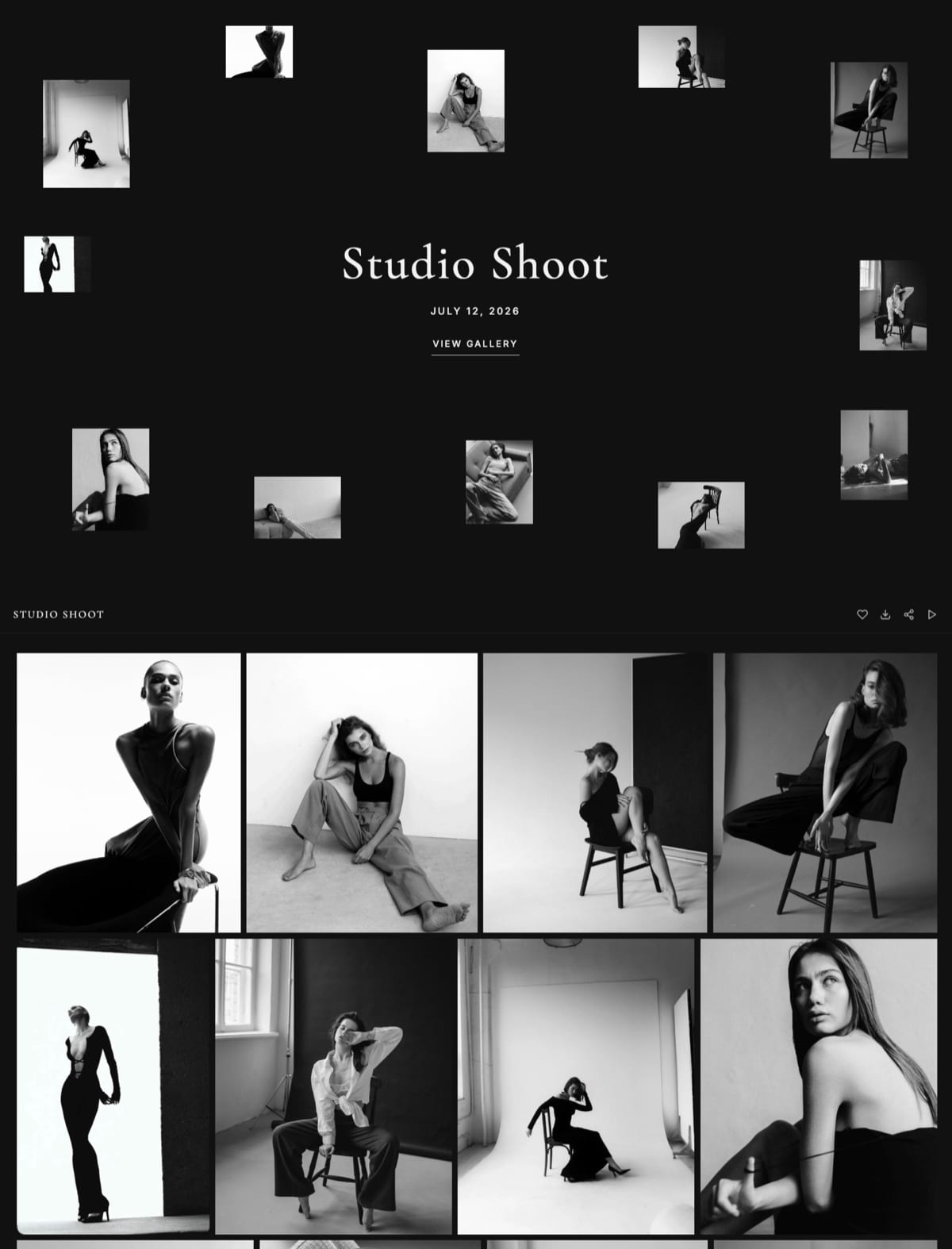
A gallery holds photos and video together behind one share link, clients tap a heart to pick favourites for an album or print order, downloads can be the full set or favourites only behind a PIN, and photos can be watermarked.
Galleries are unlimited on every plan, and storage is one pool shared with your site: 10GB free, 50GB on Starter at $9 a month, 300GB on Pro at $19 and 2TB on Business at $39.
The honest division of labour: a DAM answers "where is that file" for your team, a gallery answers "here are your files" for a client. Framekit has no metadata schema, no permission tiers for internal users and no unlimited storage, so it replaces neither Filecamp nor Eagle.
Frequently Asked Questions
What is the best digital asset management software for a small studio?
Filecamp is the best digital asset management software for a small creative studio, because it publishes its prices, starts at $29 a month or $348 a year, and includes unlimited users on every plan, which is unusual in a category that normally charges per seat.
Its constraint is storage: Basic includes 20GB, which suits finished exports and brand assets but not an archive of camera originals.
For a solo creative who only needs to find their own files, Adobe Bridge is free and Eagle is roughly $34.95 once.
Why do DAM vendors not publish their prices?
Four of the eight tools we tested, Canto, Brandfolder, Bynder, and Daminion, publish no price on their own pricing pages.
The stated reasons are that storage, seat counts, and module selection vary enormously between customers, which is genuinely true at enterprise scale.
The unstated reason is that quoting individually lets a vendor charge each customer close to what they will bear.
If you are evaluating one, ask for the entry tier by name, the per-user and per-terabyte increments, and a written cap on renewal increases.
Do I actually need a DAM as a freelance photographer?
Probably not. If your problem is finding your own files, that is solved for free by Adobe Bridge or for roughly $34.95 once by Eagle, both of which index files where they already are.
If your problem is that your files are not safely backed up, a DAM is an expensive and poor answer and you need backup software instead.
A DAM genuinely earns its cost only when several people, including clients or collaborators, need to find and download the right file without asking you.
Filecamp vs Canto: which should I choose?
Choose Filecamp if you want a known price and a small team, and Canto if you are large enough to run a procurement process. Filecamp publishes $29, $59, and $89 a month for 20GB, 50GB, and 100GB with unlimited users on all plans.
Canto publishes four plan names, Core Essentials, Enhanced Collaboration, Omni Brand Solution, and Advanced, with no figures and a "Get pricing" button, and states that pricing scales with team size and storage.
Canto's metadata and AI tagging are stronger; Filecamp's economics are far better for a studio.
What is the cheapest digital asset management tool?
Adobe Bridge is free, and Eagle is a one-time purchase reported at $34.95 activating on two devices with free updates, which makes it the cheapest paid option here by a wide margin over any subscription.
Among hosted multi-user systems, Filecamp Basic at $29 a month or $348 a year is the cheapest published price, and it includes unlimited users, so the effective cost per person falls as your team grows rather than rising.
Can I use Google Drive or Dropbox as a DAM?
You can, up to a point, and the point arrives when you need to find something by what it shows rather than by what it is called.
Folder structures encode one hierarchy, and creative work needs several: by client, by year, by usage rights, by campaign.
Pics.io exists precisely for this situation, adding a metadata and search layer on top of Google Drive or Amazon S3 without moving your files, at a reported $100 a month for a single user, which is expensive for a solo creative and reasonable for a Drive-native team.
What happens to my metadata if I leave a DAM?
It depends on the architecture, and this is the question to ask before you commit rather than after. Adobe Bridge writes standard XMP metadata into files and sidecars, so nothing is trapped.
Pics.io keeps your files in your own Google Drive or S3, so leaving costs you the index rather than the assets.
Fully hosted systems including Filecamp, Air, Canto, Brandfolder, and Bynder hold both, so confirm in writing whether bulk export includes metadata, whether it is self-service, and how long files are retained after cancellation.
Is Eagle a real DAM or just an image organiser?
Eagle is a single-user visual asset library rather than a collaborative DAM, and for one designer it does the important half of the job better than the expensive tools do.
It indexes files on your own disk, tags them, and searches by colour, shape, and format, which is the retrieval pattern designers actually use.
What it does not do is multi-user access, permissions, client delivery, or approval workflow, so it is a personal tool that happens to be excellent rather than a team system that happens to be cheap.
How much storage does a photography studio actually need in a DAM?
Far less than the size of your archive, which is the most useful thing to realise before pricing anything. Camera originals belong in backup and local storage, not in a DAM priced per gigabyte.
What belongs in a DAM is the material other people need: finished exports, brand assets, delivered PDFs, and selects.
In our 4,200-file test archive, that subset was comfortably under 20GB while the whole thing was several hundred gigabytes, which is the difference between Filecamp Basic at $348 a year and Professional at $1,068.
Should a DAM replace my client gallery tool?
No, and trying to make it do both usually produces a worse version of each.
A DAM is an internal library with permissions; a client gallery is a delivery experience designed for a non-technical person to view, favourite, and download a specific set.
Filecamp's unlimited users make it usable as a rough delivery portal, which is genuinely useful, but it is not a substitute for a proper gallery.
Our comparison of ways to deliver client photos covers the difference in detail.
Is a client gallery the same as a DAM?
No. A DAM such as Filecamp or Eagle organises and permissions files for your own team, while a client gallery such as Framekit's delivers a finished set to a client with favourites, PIN-protected downloads and watermarks.
Most studios need both: the DAM for the archive, the gallery for each delivery.
Final Verdict
Filecamp is the best digital asset management software for creative studios in 2026, and it wins on two things that have nothing to do with features.
It publishes its prices, which half this category refuses to do, and it includes unlimited users on every plan, which inverts the pricing model that makes every competitor expensive for a growing team.
At $348 a year for Basic, a studio can give staff, freelancers, and clients access without a per-seat conversation.
Where Filecamp loses is storage, and it loses clearly. 20GB on Basic will not hold a photography archive, so camera originals have to live elsewhere and the DAM becomes a library of finished and brand assets.
That is the correct architecture anyway, but it means Filecamp does not solve the problem some readers think they are buying.
It is also not for a solo creative, where Adobe Bridge is free and Eagle at roughly $34.95 once does the retrieval job better, and it is not for a large organisation distributing assets to hundreds of external partners, where Brandfolder and Bynder are the right class of product.
The honest summary after loading the same archive eight times: most people reading this should spend nothing.
Index locally with Adobe Bridge or Eagle, back up properly with dedicated backup software, and buy a DAM only when several people who are not you need to find files without asking you.
When that day comes, start with the vendors that will tell you a price, and ask the quote-only ones for their per-user increment and their renewal cap before you spend a week in a sales process.
And do not confuse the archive with the shopfront. Organising the work is not the same as getting clients from your website, and a studio with immaculate metadata and a neglected portfolio has optimised the wrong end.
Related readingThe best photo backup solutions for photographers, client portal tools for creatives, and photo delivery tools.
Also in this seriesAI image upscalers and what a creative software stack costs.