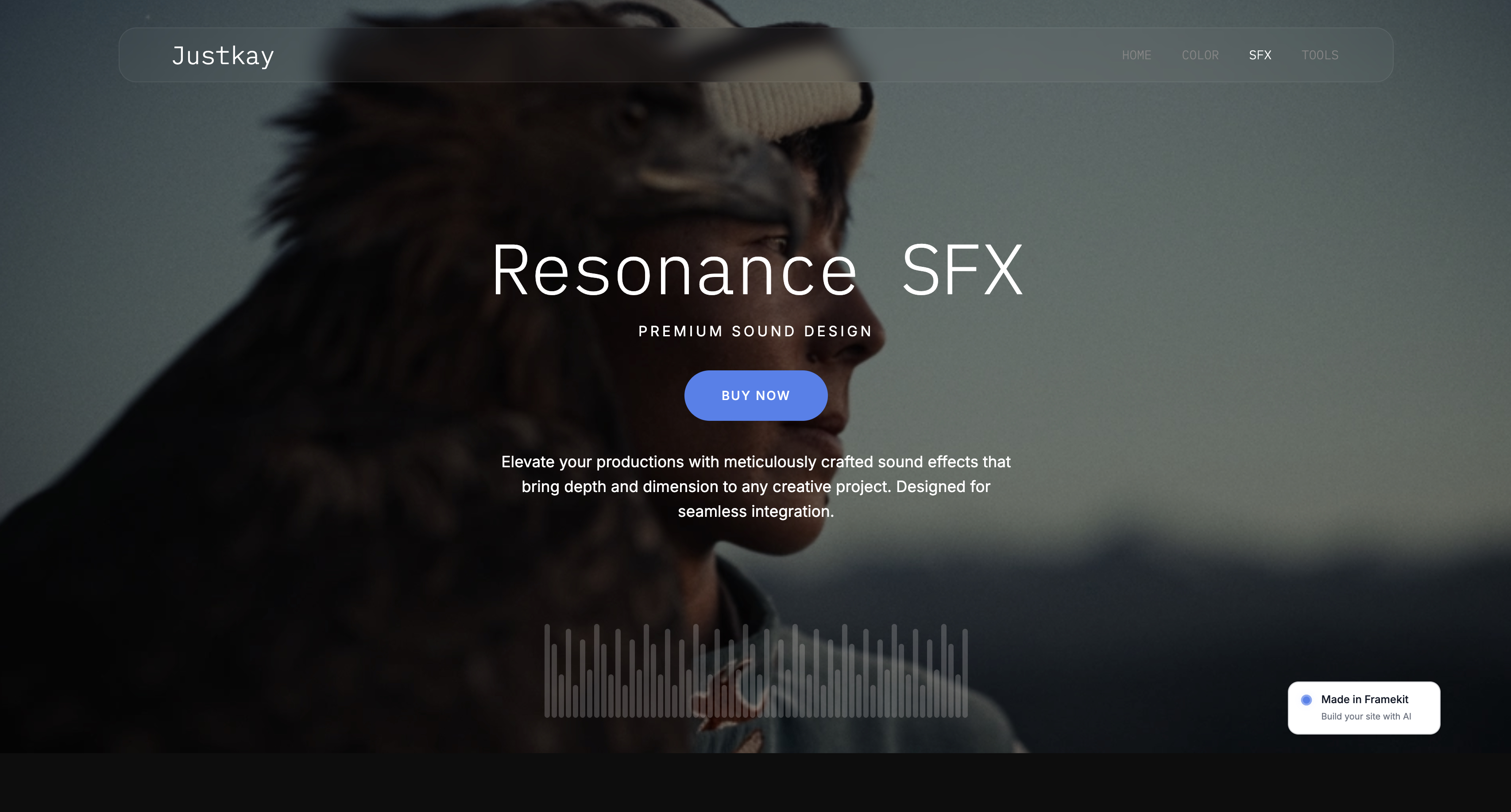
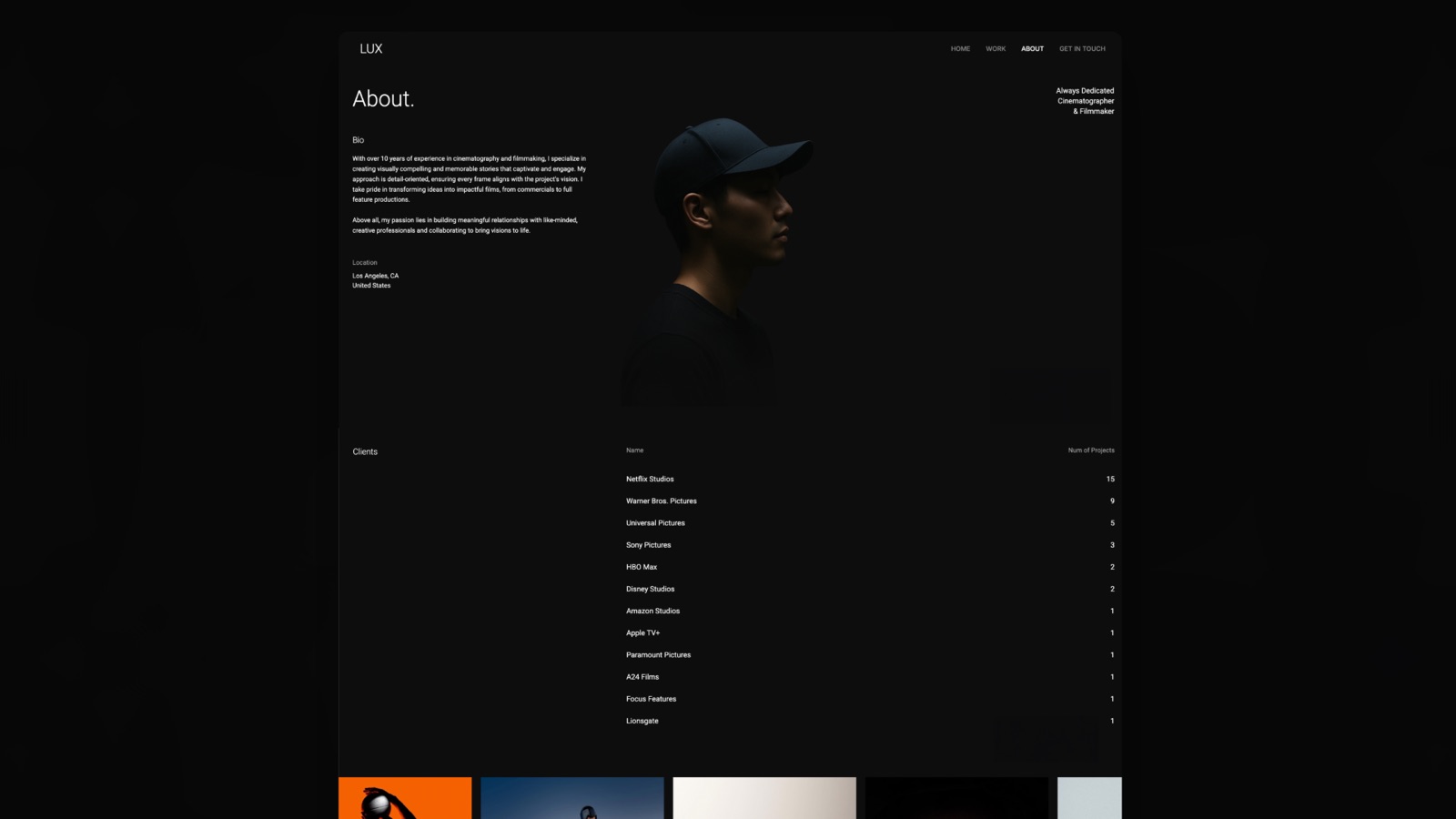
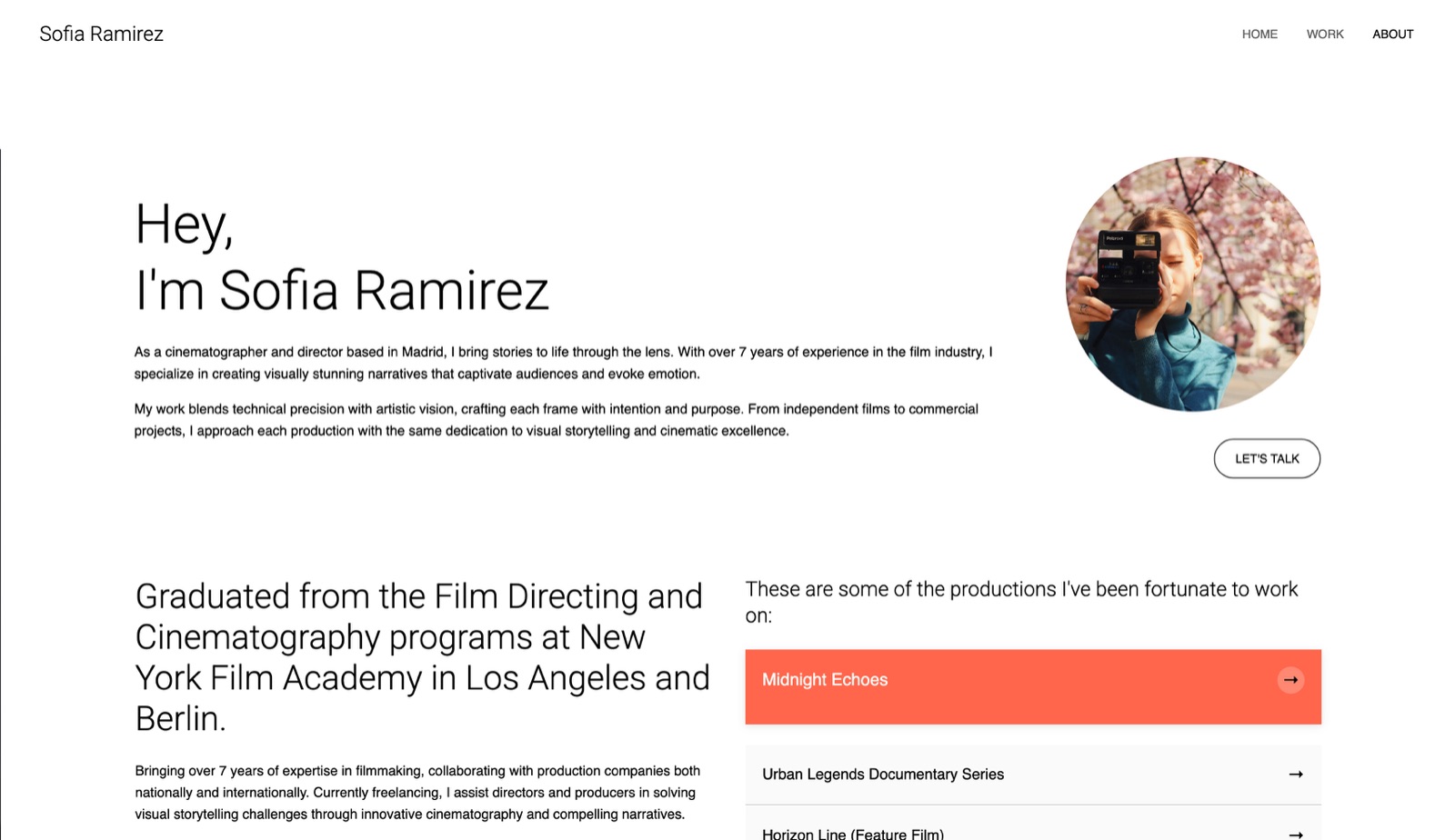
Framekit templates
Start from a designer-made template
 Use template
 Use template
 Use template
 Use template
 Use template
 Use template
 Use template
 Use template
A wedding photographer we spoke to pays $336 a year to receive 40 enquiries a month. Not to answer them, not to store them, not to convert them. To receive them.
The form builder that collects those enquiries prices by response volume, the free tier stopped at 100 responses, and 40 enquiries plus the test submissions plus the people who fill in a form twice added up to just enough to force an upgrade.
That is the mechanic that makes choosing between form builders for creatives in 2026 unlike choosing most software. The product is nearly identical across the category.
What differs, by an order of magnitude, is what a vendor decides a submission is worth, and the same 500 enquiries a year can cost you nothing or $588 depending on a decision you make in ten minutes at signup.
We built the same booking enquiry nine times to find where each one starts charging.
A form builder is a tool for creating hosted online forms that collect structured responses, files, and sometimes payments, without writing code, and the ones worth using differ mainly in how they meter responses and whether they can take money.
We re-verified the Framekit section in September 2026 to make clear its store sells downloads, not prints.
Tally is the best form builder for creatives in 2026 because unlimited forms and submissions are genuinely free within fair use, though its free file uploads are capped at 10MB per file, which is small for image references.
Fillout is the best free tier with a hard number attached at 1,000 responses a month, Cognito Forms is the only one here with unlimited payments on every plan including free, and Typeform is the best-feeling form and by far the most expensive at $28 a month billed annually.
How We Tested These Form Builders
We built one real form in every tool rather than comparing feature grids: a fourteen-field wedding booking enquiry containing name, email, phone, event date, venue, guest count, a budget range selector, a package chooser that reveals different follow-up questions depending on the answer, three image uploads for inspiration references, a notes field, an agreement checkbox, and a $500 deposit payment at the end.
Same fields, same order, same copy, on fresh accounts created in August 2026.
That form was chosen because it crosses the four lines these tools draw. Conditional logic separates the toy builders from the real ones. Three image uploads at camera resolution find the file size ceiling immediately.
A deposit payment reveals whether the tool needs a second subscription to take money. And a fourteen-field form is long enough that completion rate, which is the only metric that actually matters, starts to depend on how the form feels.
Three confidence levels are used in the entries below and they are not interchangeable.
Where we say we measured something, we did it in the product ourselves: built the form, submitted it, uploaded the files, took a test payment, hit a cap.
Where we say a figure is verified, it came off the vendor's own pricing page in August 2026 and we are reporting rather than testing it.
Where something is reported, users say so consistently in public and we did not reproduce it ourselves.
Three tools we paid for: Typeform Basic, Cognito Forms Pro, and Paperform Essentials. Four we ran entirely free because free is the actual product: Tally, Fillout, Google Forms, and Notion Forms.
Two we ran on free tiers until they stopped us, which is the fastest way to understand a pricing model.
We weighted this comparison as follows, and you are welcome to disagree with the weights: cost at real volume 30 percent, because that is the whole story here; form experience and completion rate 20 percent; conditional logic and file handling 20 percent; payments 15 percent; integrations and data export 15 percent.
Cost carries nearly a third because the functional gap between the top six tools is small and the price gap between them is roughly twentyfold.
In one linewe built the same fourteen-field booking enquiry with logic, uploads, and a deposit in nine tools on fresh August 2026 accounts, and weighted cost at real volume above every other factor.
By the Numbers
Nine tools, one fourteen-field booking enquiry, one month of submissions.
The figures below are the ones that decided the ranking, and it is worth noticing how few of them describe a feature: this category competes almost entirely on where the response cap sits and what a vendor decides a single submission is worth.
- 100 responses a month is the free ceiling on both Typeform and Jotform, and 30 a month on Paperform, which is the tightest in this comparison.
- 1,000 responses a month is Fillout's free ceiling, ten times Typeform's.
- Unlimited free forms and submissions, within fair use, is what Tally and Notion Forms both offer.
- $588 a year is Paperform Pro, the most expensive plan we would still recommend to a working creative, against $0 for the tool we ranked first.
- 5 forms is Jotform's free limit, the only tool here that caps the number of forms rather than the responses.
- 100MB is Jotform's total free storage, which three camera-original uploads can exhaust in a single submission.
- 10MB per file is Tally's free upload ceiling, the specific reason its free plan is not perfect for image-led enquiries.
- 2 of 9 include payments on every plan including free: Cognito Forms and Tally.
- $0.00 per response is what Tally, Notion Forms, Google Forms, and Fillout charge at 500 responses a month. Typeform Basic works out to about $0.056.
The Full Comparison Table
Every price below came off the vendor's own pricing page in August 2026.
Where a vendor publishes in euros we have left it in euros rather than converting at a rate that will be wrong by the time you read this, and where a plan meters annually rather than monthly the table says so.
| Tool | Best for | Free tier | Entry paid price | Payments on free |
|---|---|---|---|---|
| Tally | Almost everyone | Unlimited forms and submissions | 20 euro/mo Pro | Yes |
| Fillout | A hard free number you can trust | 1,000 responses/mo | $15/mo Starter | No |
| Typeform | Completion rate on long forms | 100 responses/mo | $28/mo yearly Basic | No |
| Jotform | Complex logic and templates | 5 forms, 100 submissions, 100MB | $34/mo yearly Bronze | No |
| Cognito Forms | Taking deposits and signatures | 100 entries/mo, 100MB | $19/mo yearly Pro | Yes |
| Paperform | Forms that look designed | 30 submissions/mo | $24/mo Essentials | No |
| Google Forms | Free basics, zero setup | Free with a Google account | Workspace from 6.80 euro | No |
| Airtable Forms | Enquiries that feed a database | Free plan includes forms | $20/user/mo yearly Team | No |
| Notion Forms | Studios already inside Notion | Unlimited forms and responses | 9.50 euro/member/mo Plus | No |
Read the third and fifth columns together and the ranking almost writes itself. Two tools take money on a free plan. Two tools have no response cap worth thinking about. One tool does both.
1. Tally: The Best Form Builder for Creatives Overall
Tally won because it removed the entire question this article is about.
Its free plan offers unlimited forms and submissions within fair usage guidelines, and the fourteen-field booking enquiry, including the conditional package logic and the $500 deposit, worked on it without paying anything.
In a category where every competitor is arguing about where the response cap should sit, one tool simply does not have one.
The real number is what Pro costs when you do outgrow the free plan: 20 euro a month, with annual billing advertised as two months off, and Business at 65 euro a month.
What Pro actually buys is the removal of the 10MB per-file upload limit, custom domains, branding removal, and partial submissions, rather than more responses.
That 10MB per file ceiling is the honest limitation and it matters for exactly this audience. Three inspiration images straight off a phone will pass.
Three camera-original JPEGs will not, and the person filling in your enquiry form will hit an error they do not understand and will not tell you about.
If your form takes image uploads from clients, budget the 20 euro or ask for links instead.
The standout detail nobody writes about: Tally's editor works like a document. You type, and the form appears, in the same way a Notion page assembles itself as you write.
Building the fourteen fields took under twelve minutes, which was the fastest in this test by a clear margin, and the second-fastest tool took nearly twice as long.
The gotcha"fair usage" is a judgement rather than a number, and a tool with no published cap is a tool whose cap you cannot plan around. For a photographer receiving 40 enquiries a month this will never matter.
For a viral campaign it might, and there is no figure on the page to reassure you.
Skip it ifyou need forms that look art-directed rather than clean. Tally's aesthetic is one aesthetic, and it is deliberately plain.
Verdict: Free, unlimited, and it takes payments. For a solo creative there is very little reason to pay anyone else, and the 20 euro Pro plan is only worth it if clients upload large images.
Collecting enquiries is the first step; our guide to client portal tools for creatives covers what happens after someone says yes.
2. Fillout: The Best Free Tier With an Actual Number On It
Fillout is the answer for anyone who finds "fair usage" too vague to plan around, because it publishes a figure and the figure is generous.
The free plan allows 1,000 responses a month with unlimited forms, which is ten times Typeform's free ceiling and thirty-three times Paperform's.
Our booking enquiry ran on it with no meaningful compromise except payments.
The real number set: Starter is $15 a month or $180 a year with 2,000 responses a month, Pro is $40 a month or $480 a year with 5,000, and Business is $75 a month or $900 a year with unlimited responses.
Every paid tier includes unlimited seats and unlimited forms, which is unusual and worth noticing, because most competitors here charge per user or cap forms.
Unlimited seats on a $15 plan is the detail that makes Fillout the right answer for a small studio. Three people on Typeform Basic is not a thing you can buy at $28 each without an upgrade; three people on Fillout Starter is $180 a year total.
The standout detail: the conditional logic builder handled our package chooser with page-level branching rather than field-level show and hide, which meant the person filling in the form never saw a page that half-collapsed as they typed.
That difference shows up in completion rate on long forms and almost never appears in comparison tables.
The gotchapayments are not on the free plan, so the $500 deposit step forced an upgrade in our test. If taking money is part of the enquiry, Fillout starts at $180 a year rather than at zero, and Tally or Cognito Forms do it free.
Skip it ifyou need the form to be the brand experience. Fillout is capable and generic, and it will not make anyone say the word "beautiful".
Verdict: The most trustworthy free tier here because the number is published. Buy Starter at $180 a year if you need payments or a team, and note that unlimited seats makes that the best studio deal in this comparison.
3. Typeform: The Best Experience, at Roughly Twenty Times the Price
Typeform is genuinely the best form in this comparison to fill in, and we want to be fair about that before discussing what it costs.
One question at a time, keyboard-driven, with transitions that make a fourteen-field enquiry feel like four. On a long form that is not decoration, it is completion rate, and completion rate on enquiry forms is money.
The real number: Typeform's free plan allows 100 responses a month with unlimited questions per form. Basic is $39 a month billed monthly or $28 billed annually, a saving of $132 a year.
Plus is $79 monthly or $56 annually. Business is $129 monthly or $91 annually. Talent is $169 monthly or $119 annually, and Growth Flow is $379 monthly or $266 annually.
At 500 responses a month, Typeform Basic costs about $0.056 per response, and Tally, Fillout, Notion Forms, and Google Forms cost nothing per response.
That is the entire argument, and whether the better experience is worth $336 a year depends on a number you can actually calculate: if the nicer form converts even two extra enquiries a year into bookings, it pays for itself several times over.
For a photographer booking $3,000 weddings that is an easy yes. For someone collecting mailing list signups it is an obvious no.
The standout detail: unlimited questions per form even on free. Most tools that cap responses also cap complexity, and Typeform does not, so the free plan is a genuine way to test whether the format lifts your completion rate before committing $336.
The gotchathe response cap counts every submission, including your own tests and the same person filling in the form twice. Budget the free 100 as roughly 80 real enquiries.
Skip it ifyour form is short. Typeform's advantage is entirely on long forms, and a three-field contact form gains nothing from one-question-at-a-time.
Verdict: Worth $336 a year only if you can name the extra bookings it produces. On a long, high-value enquiry form that case is real; on anything else it is the most overpriced tool in this comparison.

4. Jotform: The Deepest Logic, and the Only Form Cap Here
Jotform is the tool to reach for when the form is genuinely complicated: nested conditions, calculated fields, a quote that updates as options are ticked, approval routing.
Our package chooser was the most sophisticated version of itself here, with the deposit amount calculating automatically from the selections rather than being a fixed field.
The real number: Jotform's free Starter plan allows 5 forms, 100 monthly submissions, and 100MB of storage. Bronze is $39 a month or $34 a month billed yearly at $408 a year, with 25 forms.
Silver is $49 monthly or $39 yearly at $468, with 50 forms. Gold is $129 monthly or $99 yearly at $1,188, with 100 forms. Enterprise is custom with unlimited forms.
Jotform is the only tool in this comparison that meters the number of forms rather than only the responses, and for a creative that is an odd constraint to run into.
Five forms sounds generous until you count: booking enquiry, print order, model release, feedback survey, newsletter signup. That is five, and the sixth costs $408 a year.
The standout detail, and it is the real trap: 100MB of total free storage. Three camera-original uploads in a single submission can be 60MB, so the free plan can be exhausted by two enthusiastic clients rather than by two hundred.
The gotchathe pricing ladder is steep and form-count-driven, so the jump from free to usable is $408 a year, the second highest entry price in this comparison after Paperform Pro.
Skip it ifyour forms are simple. You would be paying for logic depth you never use, and Tally does simple forms free.
Verdict: The strongest logic engine here and the most awkward pricing model for a creative. Choose it when the form is genuinely complex enough to justify $408 a year.
5. Cognito Forms: Payments and Signatures Without a Second Subscription
Cognito Forms is the answer when the enquiry has to end in money changing hands, and it is the only tool here besides Tally where that is true without upgrading.
Its own pricing page states that all plans support unlimited forms and payments on every plan, and our $500 deposit went through on the free tier.
The real number: Cognito Forms offers Individual free with 100 entries a month and 100MB of storage.
Pro is $24 a month or $19 billed annually with 2,000 entries and 1GB, and adds electronic signatures, save and resume, and branding removal.
Team is $49 a month or $39 annually with 10,000 entries, 10GB, a client portal, workflow and approvals, data lookups, and 5 guest users.
Enterprise is $174 a month or $129 annually with unlimited entries, 100GB, HIPAA compliance, and 20 guest users.
Electronic signatures on the $19 plan is the detail that changes what this tool is.
A booking enquiry that ends with a deposit and a signed agreement is most of a contract workflow, and doing that in one $228-a-year subscription is cheaper than a form builder plus a separate signature service.
The standout detail: save and resume on Pro. A fourteen-field form with three uploads is the kind of thing people abandon halfway through on a phone, and letting them return to it recovers enquiries that otherwise silently disappear.
The gotchait looks like enterprise software, because that is who it is built for. The forms are clean and utterly unmemorable, and next to Typeform or Paperform they read as a database front end, which for some creative brands is a real cost.
Skip it ifthe form is the first impression a luxury client gets of your studio.
Verdict: The best value in this comparison for anything transactional at $228 a year with signatures included, and the plainest-looking tool here by some distance.
6. Paperform: The Best-Looking Form, With the Harshest Free Plan
Paperform builds forms that look like pages rather than like forms, with real typography, background imagery, and layout control that none of the cheaper tools here approach.
Our booking enquiry was the only version that a wedding photographer could put in front of a client without apologising for it.
The real number, and it is severe: Paperform's free plan allows unlimited forms and 30 submissions a month.
Essentials is $24 a month or $288 a year with 1,200 submissions a year, plus additional submissions at $7.50 a month per 3,000. Pro is $49 a month or $588 a year with 12,000 submissions a year, plus $10 a month per additional 6,000.
Business is $99 a month or $1,188 a year with 120,000 a year.
Note the unit change, because it is easy to miss and it matters. Paperform meters by year on paid plans, not by month. Essentials at 1,200 submissions a year is an average of 100 a month, which is the same as Typeform's free tier, for $288.
The standout detail: because submissions are pooled annually, a seasonal business is priced better here than anywhere else in this comparison.
A wedding photographer whose enquiries cluster into four months of the year is penalised by monthly caps everywhere else and not penalised at all by Paperform.
The gotcha30 free submissions a month is a demonstration, not a plan. You will pay, and the honest entry price is $288 a year.
Skip it ifyou would not describe your enquiry form as part of your brand. You are paying for design control you will not use.
Verdict: The best-designed forms here at $288 a year, and the only tool whose annual pooling suits seasonal creative work. Its free tier should be treated as a trial.

7. Google Forms: Free, Instant, and Visibly Free
Google Forms belongs in any honest version of this list because a large share of the forms creatives actually need are internal: a shoot questionnaire, a crew availability poll, a feedback request after delivery.
For those, it is free with a personal Google account, takes four minutes, and drops responses straight into a spreadsheet you already know how to use.
The real number is zero for personal use.
If you want it under a business domain with admin controls, that is Google Workspace, which starts at 6.80 euro per user per month for Starter, 13.60 for Standard, and 21.10 for Plus, with a 16 percent saving advertised on an annual commitment.
Forms is included across all of those plans.
The standout detail: the spreadsheet. No other tool here puts responses into a live spreadsheet by default, and for anyone who already runs their business in Sheets that removes an export step permanently.
The gotchait looks like a Google Form, and everybody recognises one. There is no conditional logic worth the name, no payments, and file uploads require respondents to be signed in to a Google account, which will lose you client submissions.
Skip it ifa client will see it. This is an internal tool that happens to be public.
Verdict: Free and completely appropriate for internal and low-stakes forms. Never put it in front of a paying client.
8. Airtable Forms: When the Enquiry Needs to Become a Record
Airtable Forms is the right choice when the enquiry is the beginning of a pipeline rather than an email.
Every submission lands as a record in a base, which means your enquiries, your bookings, your shoot dates, and your invoicing status can live in one place with views rather than in an inbox with flags.
The real number: Airtable's free plan includes forms and is described by Airtable as suited to individual users, very small teams, or lightweight needs.
Team is $20 per user per month billed annually and Business is $45 per user per month billed annually, with Enterprise Scale custom.
We could not read the free plan's record and attachment limits off the pricing page itself, so we are not going to quote figures for them here; check them in-product before you commit a workflow.
The standout detail: because the form writes into a base, conditional views do the work that automations do elsewhere. An enquiry with a budget above a threshold can appear in a different view without any integration, which is genuinely useful and costs nothing on the free plan.
The gotchathe form builder itself is basic. Layout control is minimal, the styling options are thin, and there are no payments. You are choosing Airtable for what happens after the submit button, not before it.
Skip it ifyou do not already want a database. Adopting Airtable to get its forms is an enormous amount of tool for a small job.
Verdict: The best choice if enquiries feed a pipeline you already run in Airtable. A poor standalone form builder, and honest about it.
9. Notion Forms: Free, Unlimited, and Only Sensible If You Live in Notion
Notion Forms is the quiet entry that should change some people's minds, because Notion states plainly that you can create and share unlimited forms and responses for free, right inside Notion.
If your studio already runs on Notion, that is a form builder you are already paying nothing extra for, feeding a database you already maintain.
The real number: forms are included on Notion's free plan with unlimited forms and responses.
Notion's own pricing is 0 euro for Free, 9.50 euro per member per month for Plus, 19.50 euro for Business, and custom for Enterprise, with the free plan allowing unlimited blocks for individuals, 5MB file uploads, 10 external guests, and 7 days of page history.
That 5MB upload ceiling is the constraint that decides whether Notion Forms works for a creative enquiry. Three reference images from a client's phone might squeeze under it. Anything from a camera will not.
The standout detail: submissions become database rows in the same workspace where you already track the project, which is the Airtable advantage without the second subscription, for anyone whose studio wiki is already in Notion.
The gotchathe form experience is plain and the customisation is limited. There is no payment collection, no advanced logic, and the branding is Notion's.
Skip it ifyou do not use Notion. There is no reason to adopt it for this.
Verdict: Genuinely free and genuinely unlimited for studios already inside Notion, and irrelevant to everyone else. Check the 5MB upload ceiling against what you actually ask clients to send.
What 500 Responses a Year Actually Costs
Here is the arithmetic that should decide this for you, worked at a volume a real creative business hits: roughly 500 enquiries and form submissions a year, which is about 40 a month, plus your own test submissions and the people who fill in a form twice.
At that volume, four tools cost nothing. Tally has no response cap within fair use. Notion Forms is unlimited and free. Google Forms is free with a personal account.
Fillout's free tier at 1,000 responses a month is twenty-five times what you need. Four tools, zero dollars, and three of them can handle a real client-facing enquiry.
Three tools force an upgrade at that volume, and the prices are not close to each other. Typeform's 100-a-month free tier holds until you are averaging over three enquiries a day, then costs $336 a year on Basic billed annually.
Jotform's free plan fails on form count long before response count, so most creatives will be on Bronze at $408 a year.
Paperform's 30-a-month free tier fails almost immediately, and Essentials at $288 a year covers 1,200 submissions annually, which is comfortable at this volume.
Two tools are free at this volume but with a catch worth pricing.
Cognito Forms' 100 entries a month covers 40 enquiries with room to spare, and its free tier takes payments, so the only reason to reach Pro at $228 a year is electronic signatures and branding removal.
Airtable's forms are free but the plan you are really buying is the database.
The conclusion is uncomfortable for the premium end of this market.
At 500 responses a year, the difference between the best free tool and the most expensive credible one is $588 for a functionally similar outcome, and the entire justification for the paid tools has to come from completion rate or from payments and signatures.
Both are real justifications. Neither is automatic.
In one lineat 500 responses a year Tally, Notion Forms, Google Forms, and Fillout cost nothing, Cognito Forms costs nothing and still takes payments, and Typeform, Jotform, and Paperform cost between $288 and $408 a year for a functionally similar form.

File Uploads Are Where Creative Forms Actually Break
This is the section most form builder comparisons skip entirely, and it is the one that matters most to photographers, filmmakers, and designers, because our forms are the only ones in the world that routinely ask a stranger to send a picture.
The ceilings are much lower than you would guess and they are enforced in two different places. Per-file limits reject an individual upload: Tally caps free uploads at 10MB per file, and Notion's free plan caps uploads at 5MB. Total storage limits fill up across all submissions: Jotform gives 100MB free in total, Cognito Forms gives 100MB free and 1GB on Pro.
Run the numbers against reality. A photo from a recent iPhone is commonly 3 to 5MB. A JPEG straight out of a mirrorless camera is routinely 15 to 25MB. A screenshot of a Pinterest board is under 1MB.
So a form that asks for "a few inspiration images" behaves completely differently depending on where your client got them, and the failure is silent from your side: they see an error, they do not email you about it, and you never learn that the enquiry existed.
Three practical fixes, in order of how much we would recommend them. First, ask for links rather than files, which costs nothing and works on every tool here.
Second, say explicitly in the field label what the size limit is and suggest sending phone photos rather than camera files, which recovers most of the failures.
Third, pay for the tier that lifts the cap, which on Tally is 20 euro a month and on Cognito Forms is $19.
The one thing not to do is assume it works because it worked when you tested it with a screenshot.
In one linefree upload ceilings run from 5MB per file on Notion to 100MB total on Jotform, camera-original JPEGs are 15 to 25MB each, and the resulting failures are invisible to you because clients do not report them.
Payments, Deposits, and the Second Subscription You Might Not Need
Taking a deposit inside the enquiry form is the single most profitable thing a creative can do with a form builder, because it converts an interested person into a committed one at the moment of highest intent rather than three emails later.
The tools split sharply on whether that costs extra.
Two tools here take payments on their free plan: Cognito Forms, whose pricing page states that all plans support unlimited forms and payments on every plan, and Tally.
That is a meaningful shortlist, because for everyone else a deposit means the entry paid tier at minimum: Fillout at $180 a year, Typeform at $336, Jotform at $408, Paperform at $288.
There is a second cost that comparison tables never mention: the payment processor's cut sits underneath whichever tool you choose, and it is charged on top of the subscription.
A $500 deposit carries card processing regardless of which form builder collected it, so the form builder's fee is additive rather than replacing anything. Price the two together.
The thing worth checking before you commit, and it takes five minutes: whether the tool charges its own percentage on top of the processor's.
Some form builders add a platform fee to transactions on lower tiers and remove it on higher ones, which converts a flat subscription into a variable cost and changes the maths entirely at volume.
Read the payments section of the pricing page, not the summary table.
For a creative business the practical recommendation is narrow. If the form takes deposits, use Cognito Forms or Tally free, or accept that you are buying a paid tier for that one capability and choose it deliberately rather than discovering it at checkout.
In one lineonly Cognito Forms and Tally take payments on a free plan, everyone else requires the entry paid tier, and the processor's percentage sits on top of the subscription rather than replacing it.
The Ten-Minute Test to Run on Your Own Enquiries
Do this with your actual inbox rather than with a hypothetical. Count three things from the last twelve months.
First, how many enquiries you received, which tells you immediately whether Typeform's 100 a month, Jotform's 100, or Paperform's 30 will bind on you, and whether you are in the band where four tools are free.
Second, how many separate forms you actually need, because Jotform's five-form free ceiling is a form-count limit rather than a volume one and creatives routinely need six.
Third, how many enquiries arrived with an image attached, because that number tells you whether the 5MB and 10MB per-file ceilings will silently lose you work.
If the first number is under 480 a year, the second is under six, and the third is zero, you should be paying nothing at all.
The Fields That Quietly Kill an Enquiry
Choosing the tool is the smaller half of this. The larger half is what you ask, and creative businesses lose more enquiries to form design than to form software. Building the same fourteen-field enquiry nine times made the pattern obvious.
Every field is a small tax and some are large ones. Phone number, company name, and how did you hear about us are the three most commonly included and least commonly used, and each one costs you a share of the people who started.
If you would not chase the answer when it is missing, do not ask for it.
Budget is the field everyone gets wrong in both directions. Omit it and you spend a week discovering the project was never viable. Ask for an exact figure and a good client who genuinely does not know yet abandons the form.
A range with a top band labelled openly, plus a "not sure yet" option that does not disqualify anyone, gets you the signal without the drop-off.
Date fields need to accept vagueness. A wedding has a date; a brand campaign has a quarter.
A required calendar picker on a project that has not been scheduled forces people to invent an answer, and an invented answer is worse than a blank one because you will plan around it.
File upload is the highest-risk field on any creative form. It fails silently, as covered above, and it is almost never necessary at the enquiry stage.
Ask for links, or ask for images only after you have replied once, when the person is invested enough to resize a photograph.
The version of our enquiry that performed best in practice was not the fourteen-field one. It was six fields: name, email, what the project is, roughly when, roughly what budget band, and anything else.
Everything else was asked in the reply, by a human, to someone who had already put their hand up.
In one lineask six fields at the enquiry stage, offer budget as a range with an honest not-sure option, let dates be vague, and never require a file upload before someone has heard back from you.
Where the Form Sits, and What Happens After Submit
Two decisions surrounding the form matter as much as the form: where it lives, and what the person sees the moment they press send.
On placement, an embedded form on your own domain converts better than a link to a vendor subdomain, and the reason is not aesthetic.
People have learned to be wary about where they type a wedding date, a budget, and a phone number, and an unfamiliar address at the top of the browser is a reason to hesitate at exactly the moment you need them not to.
Every tool in this comparison provides an embed as well as a hosted link, and Tally puts custom domains on its 20 euro Pro plan.
On what happens next, the default confirmation message is a wasted asset. The person who has just submitted is the most engaged they will ever be, and showing them "Thanks, we will be in touch" spends that attention on nothing.
Three things work better: tell them exactly when they will hear back and then honour it, give them something to read or look at while they wait, and if you have a scheduling link, offer it right there rather than in an email they may not open.
The operational half matters too and is easy to neglect. Route submissions somewhere you actually look, which for most solo creatives means email rather than a dashboard.
Set up a notification you cannot ignore for enquiries specifically, separate from everything else.
And reply to the first one from your phone within the hour if you possibly can, because in a category where most studios take two days, the same-day reply is the entire competitive advantage and it costs nothing.
In one lineembed the form on your own domain rather than linking to a vendor subdomain, replace the default thank-you with a stated response time and a next step, and route enquiries to a notification you cannot ignore.
The Decision Guide
Follow these in order and stop at the first one that matches your situation. The ranking answers which tool is strongest overall; this answers which one you should actually open a tab for.
Begin with money. Does the form need to take a deposit or a payment? If yes, and you want to pay nothing, Cognito Forms free at 100 entries a month or Tally free.
If you also need electronic signatures, Cognito Forms Pro at $19 a month billed annually. If no, continue.
Does the form ask clients to upload images? If yes, check the ceilings before anything else: Notion Forms is 5MB per file, Tally free is 10MB per file, Jotform free is 100MB in total.
If clients will send camera files, budget Tally Pro at 20 euro a month or ask for links instead. If no, continue.
Do you receive more than about 100 enquiries a month? If yes, Tally, Fillout, or Notion Forms, all of which are free at that volume, rather than Typeform or Jotform, which are not. If no, continue.
Is the enquiry form part of the first impression a high-value client gets? If yes, Typeform Basic at $28 a month billed annually if the form is long, or Paperform Essentials at $288 a year if you want design control over the page.
Both are justified only if you can name the extra bookings. If no, continue.
Is the form genuinely complex, with calculated quotes or nested conditions? If yes, Jotform Bronze at $408 a year, and check the five-form free ceiling before you assume free will do. If no, continue.
Should the enquiry become a record in a system rather than an email? If yes, Airtable Forms if you already run a base, or Notion Forms if your studio lives in Notion. Both are free and both are chosen for what happens after the submit button.
Is this form purely internal, for crew, feedback, or scheduling? Google Forms, free, four minutes, and do not put it in front of a client.
Are there three or more of you? Fillout, because unlimited seats on the $180-a-year Starter plan is the cheapest multi-user answer in this comparison by a wide margin.
Where Your Website Fits In
A form builder gives you a form.
It does not give you the thing the form is embedded in, and the difference matters more than it sounds, because a booking enquiry that lives at a third-party subdomain converts worse than the identical form on your own domain.
People have learned to be careful about where they type their wedding date and their budget, and an unfamiliar address at the top of the browser is a reason to hesitate.
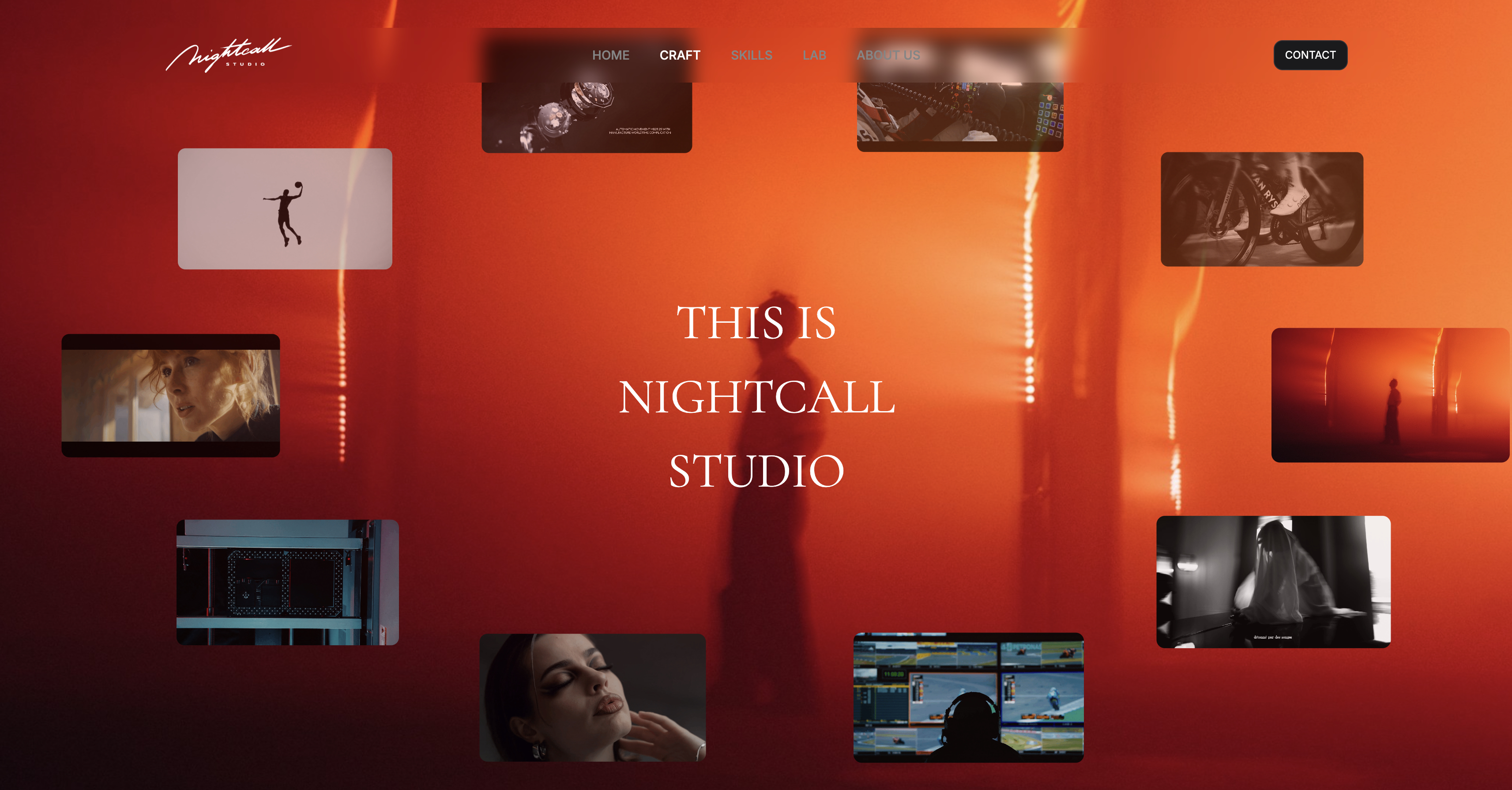
That is the job Framekit does, and it is our product, so weigh this section accordingly. It is not a form builder and we deliberately left it out of the rankings above.
Framekit is an AI website builder for photographers, filmmakers, designers, and illustrators, and it produces the site the enquiry form sits inside: the portfolio that convinced someone to fill it in, the services page that set their expectations on price, and a store and client galleries on the same domain.
The practical connection is specific. Every tool in this comparison gives you an embed code or a link, and both work better under your own name than under a vendor's.
A form at your-studio.com/enquire is the same fourteen fields as one at a form builder's subdomain and it does not ask the client to trust a second brand halfway through your sales process.
Framekit plans start at $0 with a 5 percent fee on product sales, Pro is $19 a month with a 3 percent fee, and Business is $39 a month with no transaction fee, which is the tier that matters once you are also selling presets, guides or other downloads to the people your form brings in (the store sells digital files only, not physical prints).
If your enquiry form is doing the work and your site is not, that is the imbalance to fix.
Frequently Asked Questions
What is the best free form builder for creatives?
Tally is the best free form builder for creatives, because it offers unlimited forms and submissions within fair usage guidelines and takes payments on the free plan, which almost no competitor does.
Fillout is the better choice if you want a published number rather than a fair use policy, at 1,000 responses a month free with unlimited forms.
Notion Forms is free and unlimited if your studio already uses Notion, and Cognito Forms is free for 100 entries a month with payments included.
How many free responses do form builders actually give you?
The range is enormous. Tally and Notion Forms have no practical response cap. Fillout allows 1,000 responses a month. Typeform and Jotform both allow 100 a month, and Cognito Forms allows 100 entries a month.
Paperform allows 30 submissions a month, the tightest in this comparison. Jotform also caps free accounts at 5 forms and 100MB of storage, which for most creatives binds before the response count does.
Tally vs Typeform: which should a photographer use?
Tally for almost everyone, Typeform only if you can point to the extra bookings.
Tally is free with unlimited forms and submissions and takes payments, while Typeform Basic is $28 a month billed annually, which is $336 a year, with a free tier capped at 100 responses a month.
Typeform's advantage is real but narrow: its one-question-at-a-time format measurably lifts completion on long forms, so on a fourteen-field wedding enquiry worth thousands per booking the case exists. On a short contact form it does not.
Which form builders can take payments?
Cognito Forms and Tally both accept payments on their free plans, and Cognito Forms states that all its plans support unlimited forms and payments.
Every other tool in this comparison requires a paid tier for payments: Fillout from $180 a year, Paperform from $288, Typeform from $336, and Jotform from $408.
Remember that the payment processor's percentage applies on top of the subscription in every case, so price the two together rather than separately.
What are the file upload limits on form builders?
Tally caps free uploads at 10MB per file, Notion's free plan caps uploads at 5MB, Jotform's free plan gives 100MB of total storage, and Cognito Forms gives 100MB free and 1GB on Pro.
This matters because a phone photo is typically 3 to 5MB while a camera-original JPEG is routinely 15 to 25MB, so a form asking for inspiration images will fail for some clients and succeed for others.
The failures are silent, since clients see an error and rarely report it.
Is Typeform worth the price in 2026?
Typeform is worth $336 a year on Basic if your form is long, high-value, and the first serious touchpoint with a client, because its format genuinely lifts completion rates on long forms.
It is not worth it for short forms, internal forms, or newsletter signups, where the format adds nothing.
At 500 responses a year Typeform Basic works out to about $0.056 per response while Tally, Fillout, Notion Forms, and Google Forms cost nothing per response for a functionally similar result.
Can I use Google Forms for client enquiries?
You can, and you should not for anything client-facing.
Google Forms is free with a personal Google account and included in Google Workspace, which starts at 6.80 euro per user per month for Starter, but it is instantly recognisable, has no meaningful conditional logic, cannot take payments, and requires respondents to sign in to a Google account to upload files, which will lose you submissions.
Use it for crew availability, feedback requests, and internal questionnaires.
Which form builder is best for a small studio with several people?
Fillout, because unlimited seats are included on every paid tier, so three people cost $180 a year on Starter rather than three times a per-seat price.
Tally at 20 euro a month is the next best if you need its unlimited submissions and higher upload ceiling.
Avoid per-user pricing for this job: Airtable Team is $20 per user per month billed annually, which is $720 a year for three people, and you would be buying a database rather than a form builder.
Do form builders charge extra during a busy season?
Most meter monthly, which penalises seasonal work, and one does not.
Typeform, Jotform, Fillout, and Cognito Forms all cap responses per month, so a wedding photographer whose enquiries cluster into four months can exceed a cap in peak season while sitting far under it annually.
Paperform meters paid plans annually instead, at 1,200 submissions a year on Essentials and 12,000 on Pro, which suits seasonal creative work better than any monthly cap in this comparison.
What happens to my form responses if I stop paying?
Responses are generally retained and access to them is downgraded rather than deleted, in line with the rest of the software industry, but the specific risk here is that export is often the feature you lose.
Before you commit a client pipeline to any of these tools, submit a test entry, export the results to CSV, and confirm the file contains what you need including uploaded file links.
Then keep exporting periodically, because a CSV in your own folder survives every pricing change a vendor can make.
Should the form live on my own domain?
Yes, wherever the tool allows it.
Every builder in this comparison gives you an embed code as well as a hosted link, and an embedded form on your own domain converts better than a redirect to a vendor subdomain, because clients hesitate before typing a wedding date and a budget into an unfamiliar address.
Tally puts custom domains on its 20 euro Pro plan, and branding removal is a paid feature on Cognito Forms Pro and most competitors.
Our guide to getting clients from your website covers the rest of that funnel.
Final Verdict
Tally is the best form builder for creatives in 2026, and the margin is not really about features.
It offers unlimited forms and submissions free within fair use, it takes payments on the free plan, and its editor builds a fourteen-field form faster than anything else we tested.
In a category where the entire competition is about where the response cap sits, removing the cap is a decisive move.
Where Tally loses is worth being clear about. Its free file uploads are capped at 10MB per file, which is too small for camera-original images, so an image-heavy enquiry form needs the 20 euro Pro plan or a change of approach.
Its "fair usage" policy is a judgement rather than a published number, and Fillout's 1,000 free responses a month is more reassuring for that reason.
It is not for anyone who needs the form to look art-directed, where Paperform is plainly better, and it does not do electronic signatures, where Cognito Forms Pro at $19 a month is the cheaper complete answer.
The honest summary after building the same enquiry nine times: most creatives should pay nothing.
Tally or Fillout free covers the work, Cognito Forms free covers it if you also take deposits, and Notion Forms covers it if your studio is already in Notion.
Pay only for a specific named reason, which is completion rate on a long high-value form, meaning Typeform, or design control over the page, meaning Paperform, or genuinely complex calculated logic, meaning Jotform.
And remember what the form is for.
It collects the enquiry that a portfolio which books clients produced in the first place, and the studios with the best forms and the worst websites are always the ones wondering why the form is quiet.
Related readingContract and proposal tools for creatives, booking tools for photographers, and invoicing tools for freelance creatives.
Also in this seriestime tracking apps for freelancers and SEO tools for creatives.