Framekit templates
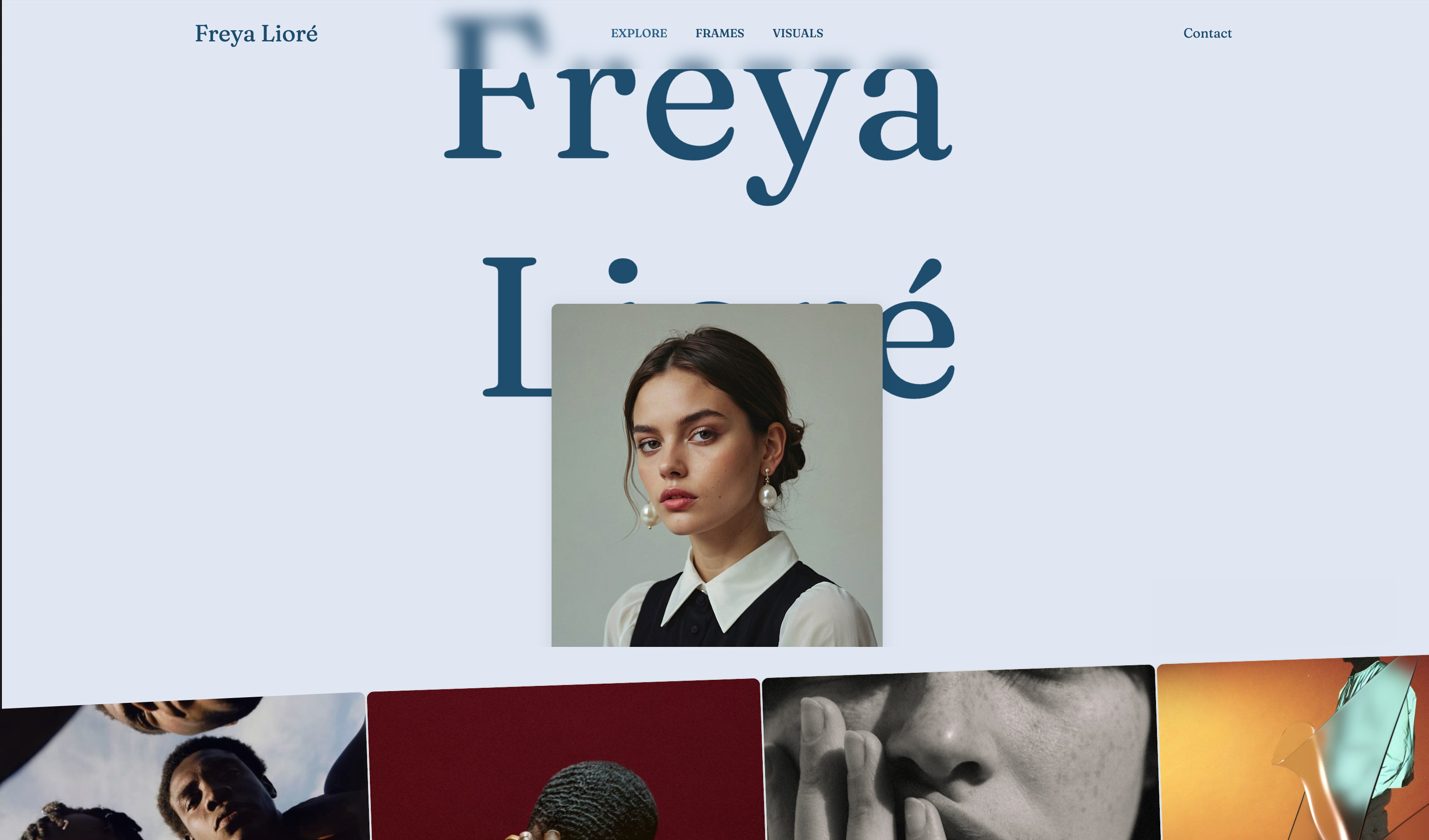
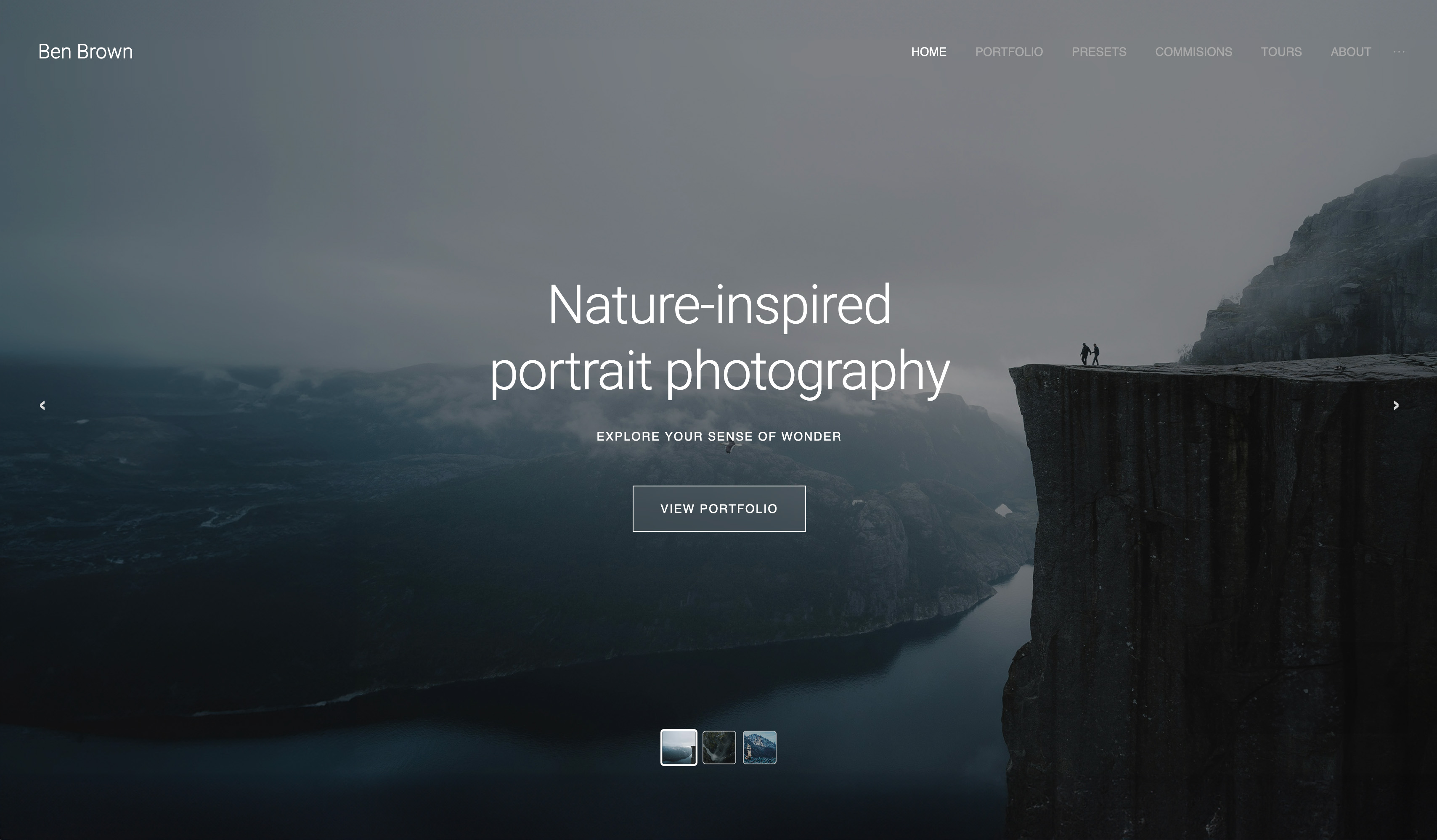
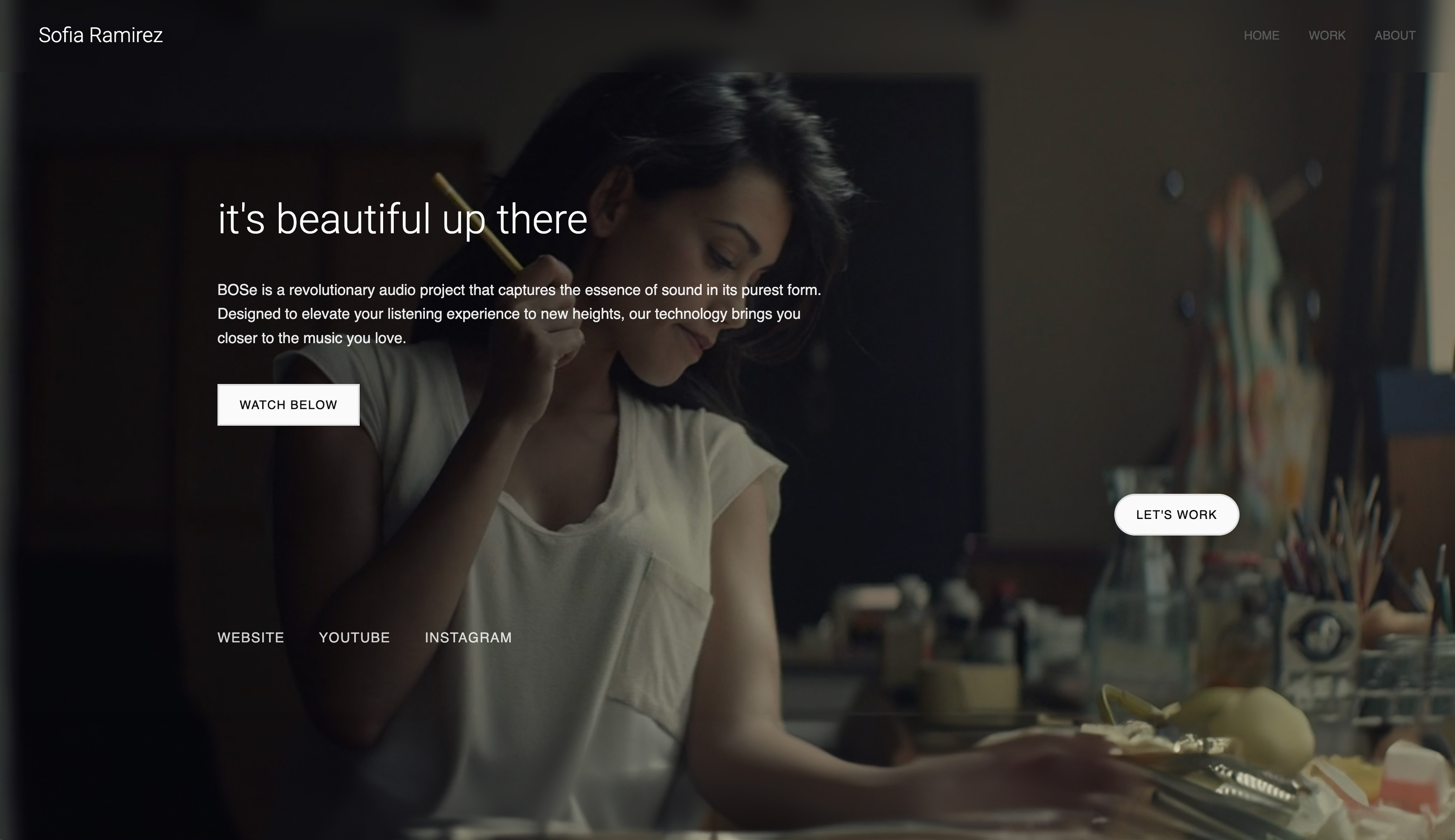
Start from a designer-made template
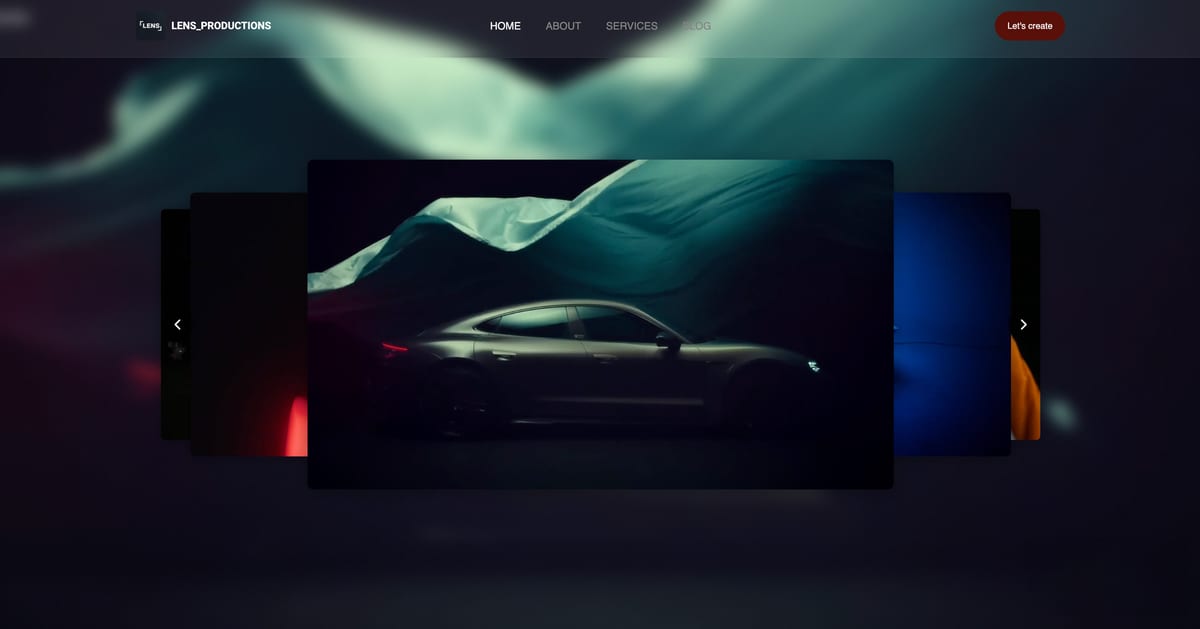
 Use template
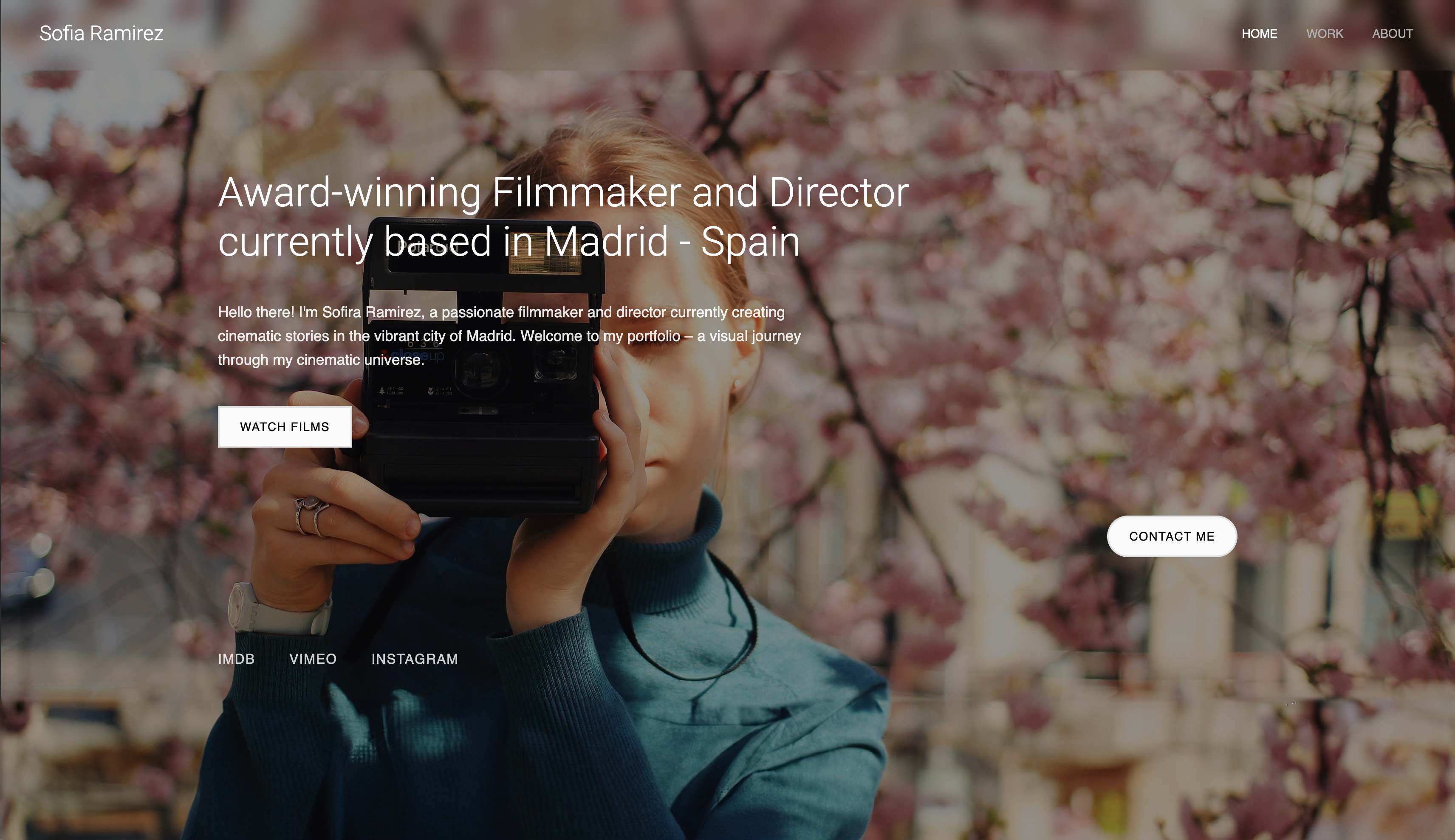
 Use template
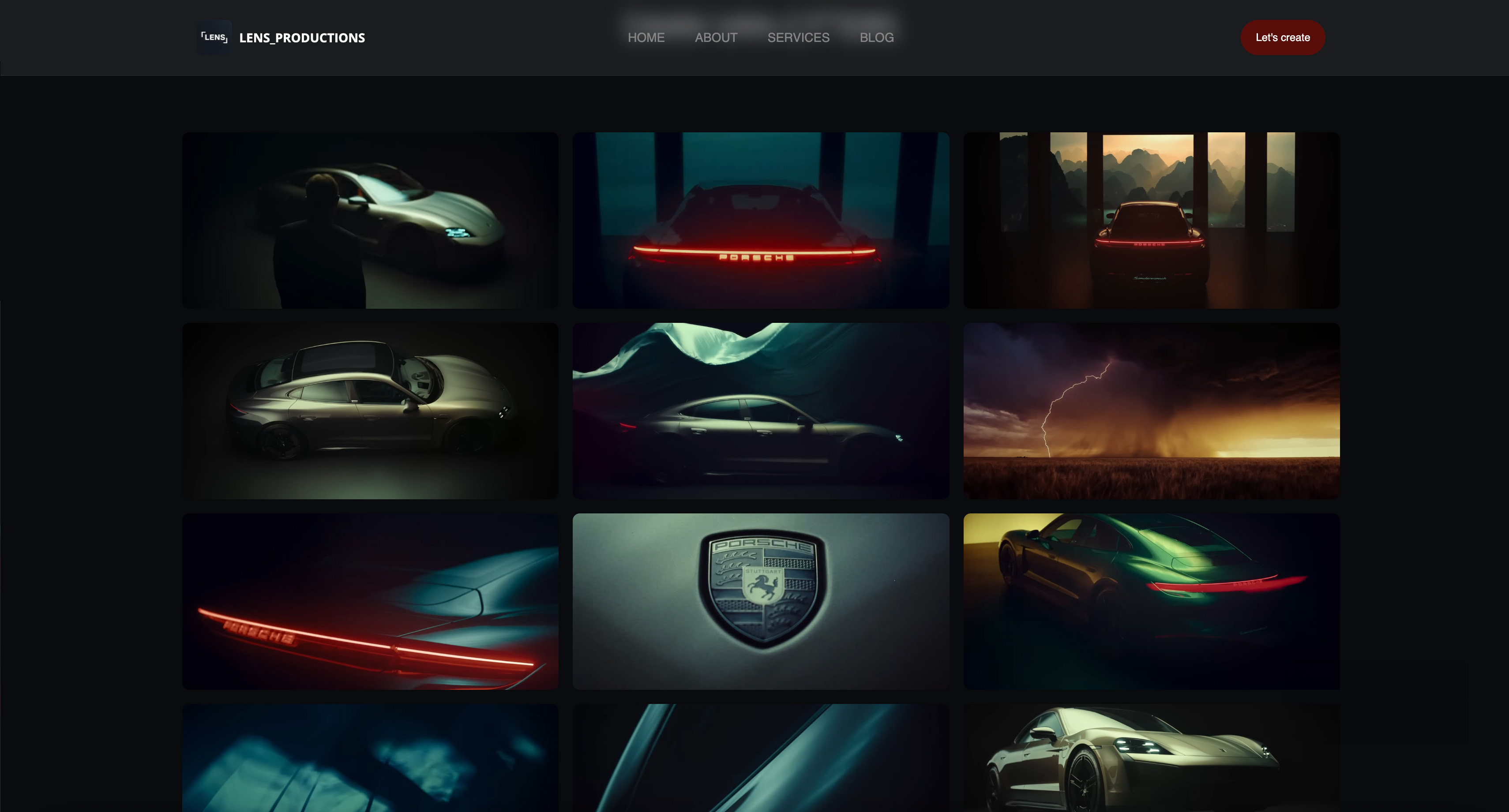 Use template
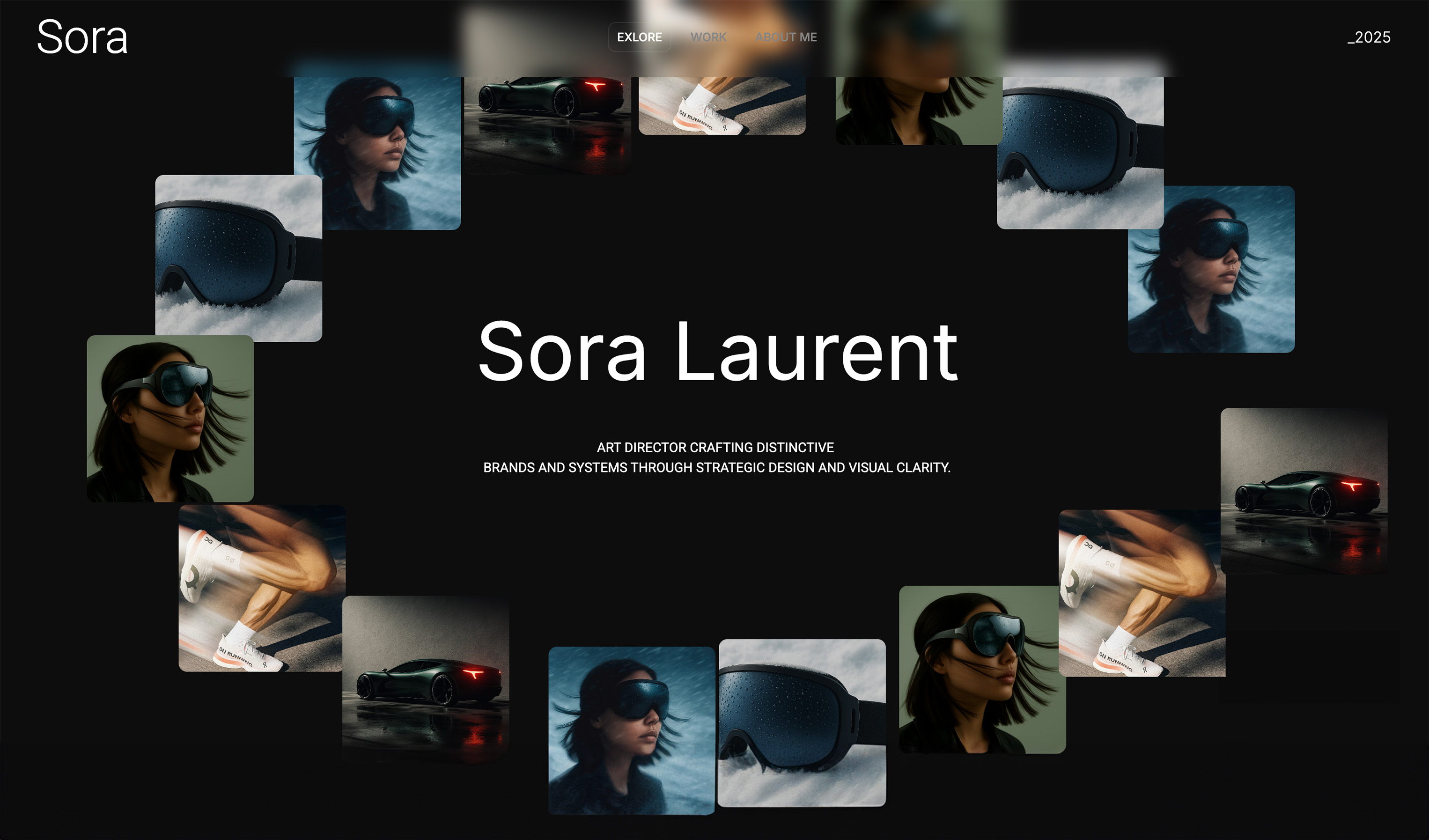 Use template
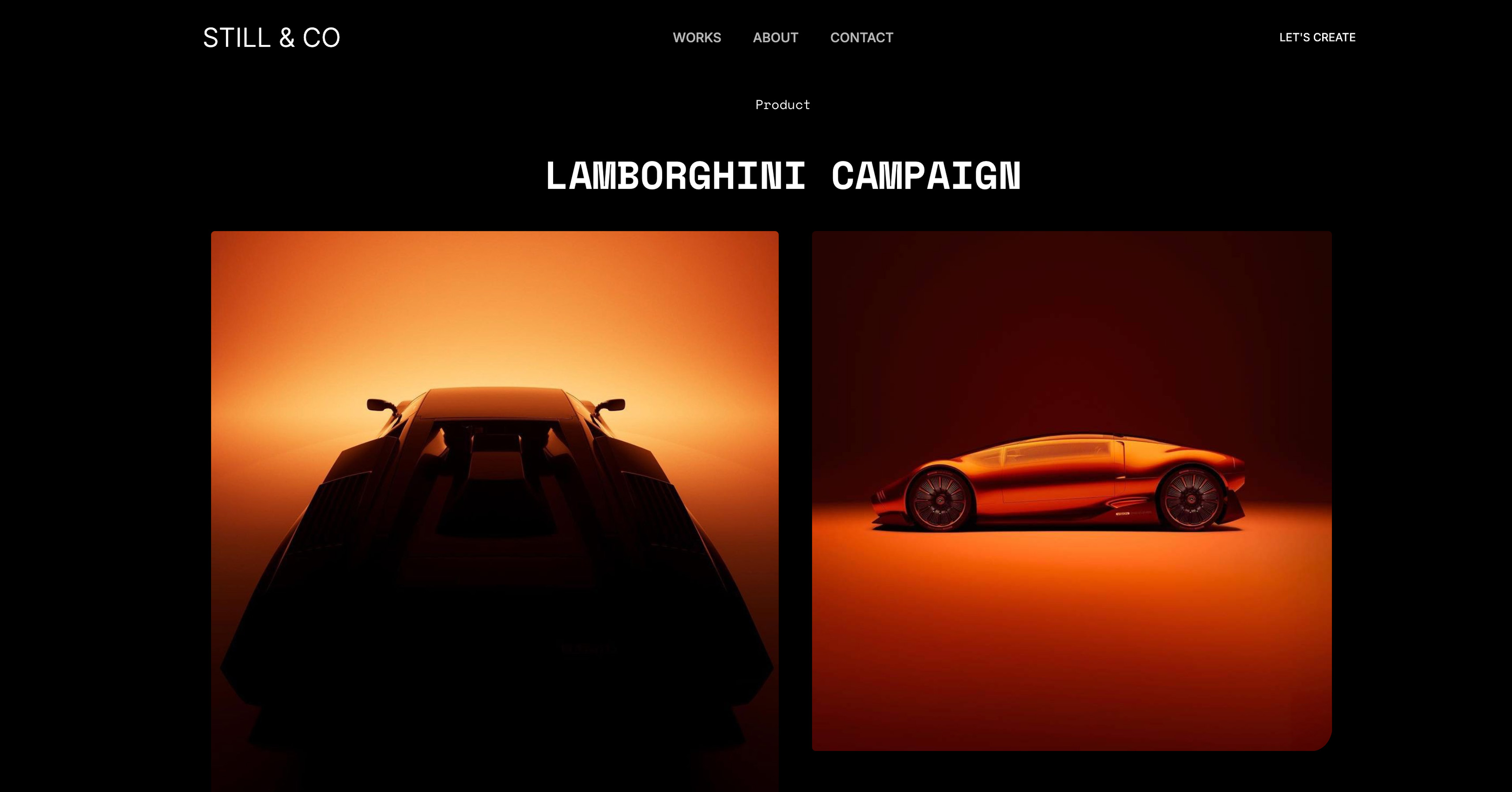 Use template
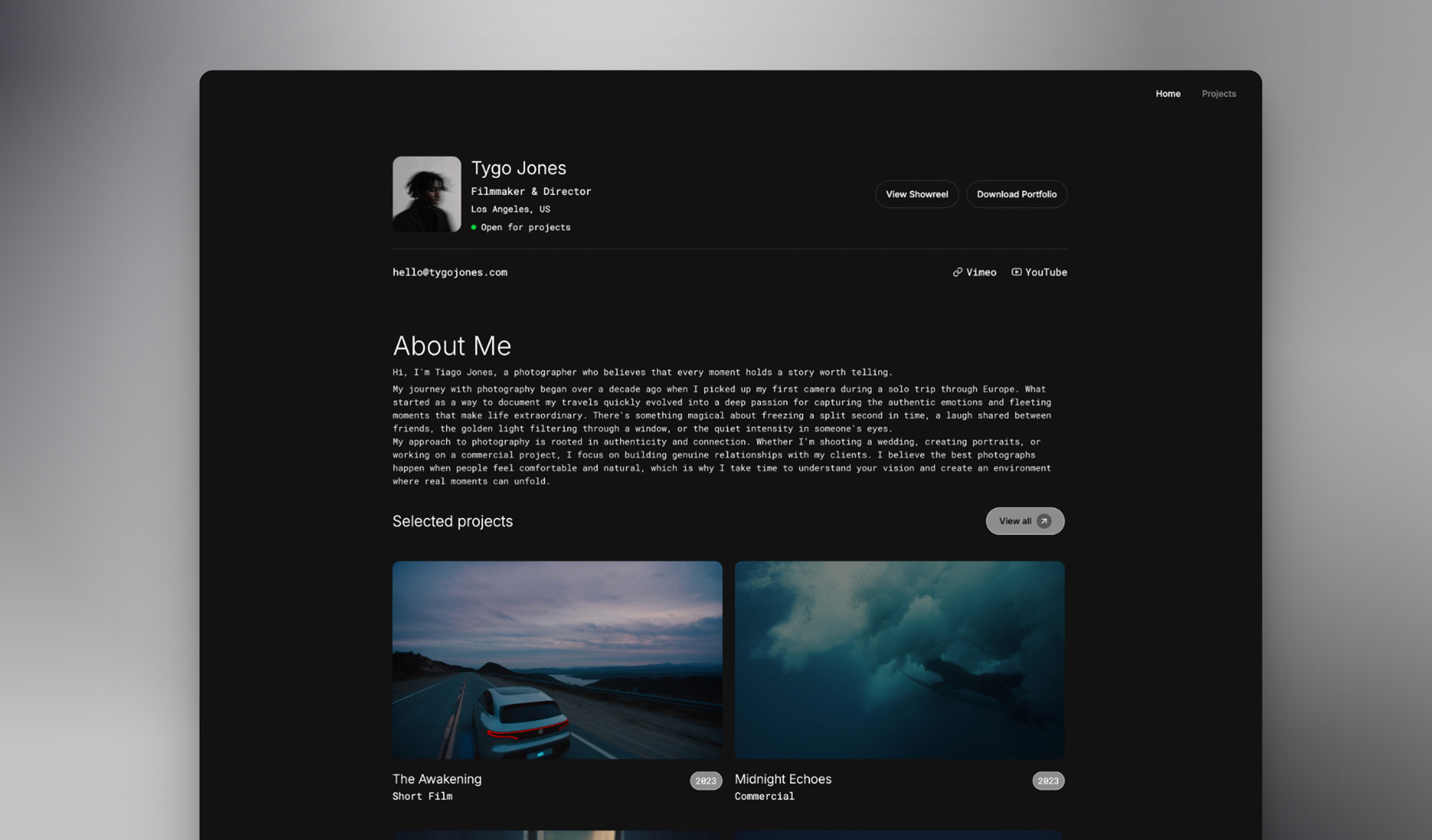 Use template
 Use template
 Use template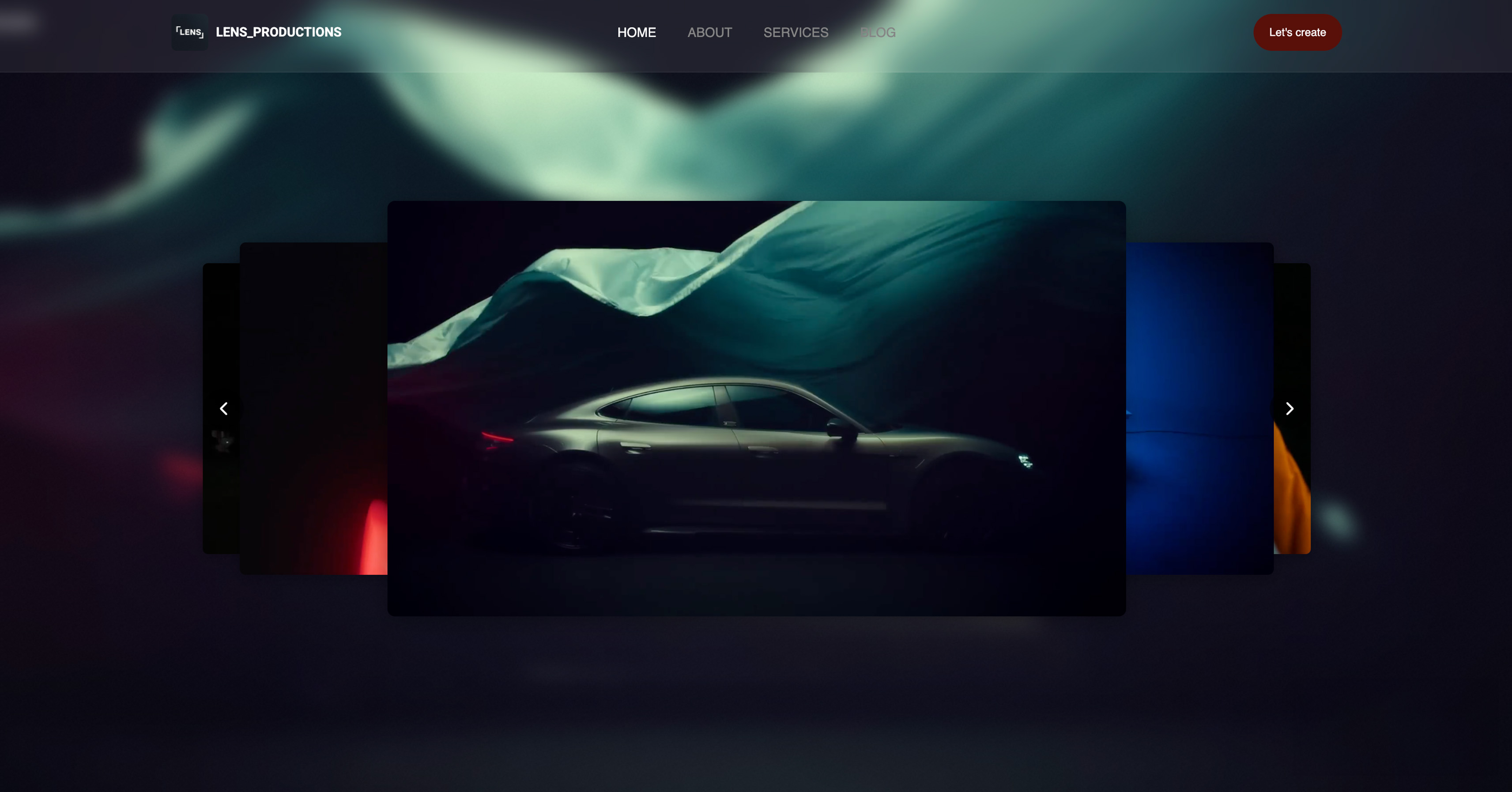
You spent six months on the project. Three weeks in the color suite. Countless hours refining the edit until every cut felt intentional. Then a producer asks for your portfolio, you send the link, and your 4K showreel buffers.
Or worse, the compression turns your teal-and-orange grade into muddy brown and you wince every time someone watches. This guide finds the best AI website builder for filmmakers, and the runners-up worth knowing.
That is the problem this guide solves. Producers make snap judgments. If your site takes eight seconds to load, they assume you do not understand technical execution. If your footage looks compressed, they question your post-production.
Your portfolio is supposed to demonstrate competence, and a slow, badly-encoded site quietly suggests the opposite.
We built and tested filmmaker portfolios across the major AI website builders to find which one actually respects video work. Framekit is the AI website builder built for creative professionals, with designer-trained AI and a free plan that needs no credit card.
The best AI website builder for filmmakers in 2026 is Framekit, because its designer-trained AI builds cinematic reel portfolios that are built for fast-loading, performance-optimized output.
Squarespace is the best runner-up for stills-heavy filmmakers who want polished templates, and Webflow suits studios with developers who need fully custom builds. Start free at https://framekit.ai.
An AI website builder for filmmakers is a platform that generates a reel-led portfolio from a prompt, which removes the design work rather than the hosting.
Full disclosure: Framekit, ranked #1 below, is our own product, and it is not a video host. A filmmaker's reel streams from Vimeo or a similar host and embeds in the page, on this builder and on every other one here. Webflow gives hand-built control, Squarespace the broader ecosystem, and Wix more apps. Every alternative is linked.
Framekit is an AI website builder trained on real creative sites, so a filmmaker gets a reel-led layout rather than a business template with a video dropped into it, and its free plan publishes without a card.
What to Look For in an AI Website Builder for Filmmakers
A filmmaker portfolio is not a brochure site. It is a video-first sales tool, and most website builders treat video as an afterthought. These are the criteria that actually matter.
How fast does the reel load on mobile?
Roughly 60 percent of first portfolio views happen on mobile, often on airport wifi between meetings.
Most builders load every video player on the page upfront, which produces the dreaded buffer wheel exactly when you need a smooth first impression. The right builder lazy-loads players so your homepage reel starts almost instantly.
Framekit handles performance at the platform level, so a reel-heavy homepage stays quick where template-based builders can stall.
Does the AI build real cinematic design?
Filmmakers need AI that produces layout, hierarchy, spacing, and type that frames footage, not AI that only writes headlines.
Framekit's AI is trained by senior designers, so a first draft starts with genuine visual structure and restraint instead of a generic SaaS homepage your reel has to fight.
Does it respect your footage and aspect ratios?
If you shot in 2.39:1 for cinematic scope, you do not want it letterboxed into a 16:9 container. A good builder presents anamorphic and 4:3 footage as composed.
It should also keep galleries and project pages fast as your filmography grows, so fifty projects do not perform worse than five.
Can you organize reels by category?
You are not a single-portfolio photographer. You have narrative work, commercials, music videos, and documentary pieces, and each attracts different clients.
The builder should let you organize reels by category with dedicated navigation, and give project pages structured space for your role, the production scale, and the technical approach.
What does it cost over the long run?
Film income is unpredictable, so monthly fees during dry spells sting. Model total cost over several years. Framekit offers a free plan, a $9/month Starter plan with a custom domain and no branding, and Pro at $19/month, so the recurring cost stays low even in dry spells.
The Best AI Website Builders for Filmmakers in 2026
We ranked these for video-first portfolio work, not for generic small businesses.
1. Framekit: Best Overall AI Website Builder for Filmmakers

Framekit is the AI website builder built for creative professionals, and filmmakers are squarely in that group.
The core filmmaker problem is not publishing a site; it is that the site looks generic and loads slowly the moment real footage is involved.
Framekit's designer-trained AI addresses the first half, generating layout, hierarchy, spacing, and type with the restraint a reel portfolio needs so your footage stays the personality of the site.
Performance handles the second half. Framekit is built for fast-loading, performance-optimized sites, with a global Cloudflare CDN and fast hosting with SSL on every plan, including free.
Video components load progressively rather than competing for bandwidth, so a producer clicking your link sees the reel play, not a spinner.
Standout features for filmmakers include inspiration-to-page, where you upload a Pinterest or Instagram screenshot and Framekit generates a matching design direction, and intelligent component adaptation, where a new project section inherits your existing fonts, colors, and spacing automatically.
Built-in SEO covers server-side rendering, automatic sitemaps, JSON-LD structured data, and per-page SEO controls. The honest limitation is a smaller third-party app marketplace than Wix, so confirm any rare integration before migrating.
2. Squarespace: Best for Stills-Heavy Filmmakers

Squarespace is a template-led builder with polished starting designs. It is a reasonable runner-up for filmmakers whose portfolio is mostly stills with occasional video, or who specifically want the familiar Squarespace aesthetic.
Its template typography is solid out of the box. The tradeoff is performance: template-based builders can feel slower on video-heavy mobile pages, and its AI support is lighter than an AI-first builder.
Squarespace Basic is $19/month on annual billing.
3. Webflow: Best for Studios With Developers
Webflow is a visual development platform with deep design control. A production studio with a developer on staff can build genuinely custom, interaction-rich sites with it.
The catch for most filmmakers is the learning curve: Webflow requires understanding the box model, flexbox, and responsive breakpoints, and AI generation is not the main workflow. Webflow Basic is $15/month on annual billing.
Choose it only if custom development is central to your work.
4. Wix: Best for Integration-Heavy Filmmakers
Wix is a broad builder with one of the largest app marketplaces, useful if you depend on specific scheduling, CRM, or marketing integrations.
For a video-first portfolio the tradeoff is real: template-based builders like Wix can feel slower on image-heavy mobile pages, and styling consistency often needs manual cleanup after section changes.
Wix Light is $17/month on annual billing.
Quick Comparison: Best AI Website Builders for Filmmakers
| Tool | Best For | AI Design Quality | Performance | Starting Price | Free Plan |
|---|---|---|---|---|---|
| Framekit | Video-first reel portfolios | Designer-trained AI | Very fast | Free / $19 mo | Yes |
| Squarespace | Stills-heavy filmmakers | Basic AI support | Moderate | $19/month (annual) | No |
| Webflow | Custom studio builds | Not AI-first | Depends on build | $15/month (annual) | Yes (limited) |
| Wix | Integration-heavy needs | AI present, template-led | Variable | $17/month (annual) | Yes (branded) |
The free plan includes AI generation, so you can test it on your own reel and see the output in minutes with no credit card.
Which AI Website Builder Is Right for You?
Choose Framekit if...
Choose Framekit if your portfolio is video-first and you want designer-trained AI to do real layout work, fast reel loading on mobile, and pricing that does not punish uneven film income. It is the strongest fit for directors, cinematographers, editors, and production companies.
Choose Squarespace if...
Choose Squarespace if your work is mostly stills with occasional video and you want polished templates and a familiar editor. It is a safe pick, but expect slower performance on video-heavy pages.
Choose Webflow if...
Choose Webflow if your studio has a developer and needs fully custom design and interactions. It is powerful, but only worth the learning investment if custom development is central to your business.
Avoid Wix if you...
Avoid Wix if your top priority is a fast-loading, video-first portfolio. It is broad and useful for integrations, but the performance tradeoff is real for reel-heavy pages.
Frequently Asked Questions
What is the best AI website builder for filmmakers in 2026?
The best AI website builder for filmmakers in 2026 is Framekit, because its designer-trained AI builds cinematic, fast-loading reel portfolios.
Framekit is built for fast-loading, performance-optimized sites, while template-based builders can feel slower on image-heavy mobile pages.
Squarespace is a solid runner-up for stills-heavy filmmakers, and Webflow suits studios with developers.
Is Framekit good for filmmakers and video portfolios?
Yes. Framekit is built for creative professionals, including filmmakers, and handles video-first portfolios well.
It lazy-loads video players so reels start fast, organizes work by category, and gives project pages structured space for your role and production details.
Most filmmakers can build a live portfolio draft in an afternoon on the free plan, no credit card required.
How much does Framekit cost for a filmmaker website?
Framekit has a free plan at $0 with no credit card, a Pro plan at $19/month, and a Business plan at $39/month. Paid plans are month to month with no contract, and annual billing saves 20 percent.
For filmmakers with unpredictable income, the free plan and $9 Starter tier keep the monthly cost minimal.
Will my color grading and aspect ratios survive on Framekit?
Framekit is designed to present video work faithfully, including cinematic aspect ratios, rather than forcing footage into generic 16:9 containers.
Pair that with fast hosting and a global Cloudflare CDN, and your reel loads and displays the way you intended. Always export properly color-managed files for the best result.
Framekit vs Squarespace for filmmakers: which is better?
Framekit is better for filmmakers who want AI-driven cinematic design and faster video performance, since it is built for fast-loading, performance-optimized output while template-based builders can feel slower on heavy pages.
Squarespace is the better pick if your portfolio is mostly stills, you want template-led simplicity, and you prefer a familiar editor. For a true video-first reel portfolio, Framekit wins on speed and design depth.
Do I need video editing or coding skills to build a filmmaker website?
No. Framekit's AI is trained by senior designers and generates layout, hierarchy, spacing, and type for you, so no coding or design skill is required.
You can upload a screenshot of a site you admire and Framekit generates a matching design direction. Your editing skill goes into the reel; the site builds itself around it.
Which AI website builder loads video reels the fastest?
Framekit loads reels fastest among the builders we tested, because it is built for fast-loading, performance-optimized output.
It lazy-loads video players so they initialize only when scrolled into view, and serves pages through a global Cloudflare CDN. That speed matters because most producers first view portfolios on mobile, often on slow connections.
Can an AI website builder handle a 4K reel without ruining it?
The builder rarely touches the footage; the video host does.
Most builders embed from a dedicated host, which re-encodes for delivery, so the quality question is really about which host you use and which tier you are on rather than which builder wraps it.
What the builder does control is the layout around the reel, whether the player is cropped by the template, and whether your aspect ratio survives on mobile, and those are the things worth testing before you commit.
Best AI Website Builder for Filmmakers in 2026: Final Verdict
Framekit is the best AI website builder for filmmakers in 2026 because it fixes the exact problems generic builders create for video work: slow reels, compressed-looking footage, and template designs your work has to fight.
Its designer-trained AI builds cinematic layout with restraint, its pages are built for fast-loading, performance-optimized output, and its free plan plus flat $9 Starter pricing keep costs low on uneven film income.
Squarespace remains a fair runner-up for stills-heavy filmmakers who want polished templates.
For more context, see our roundup of the best website builders for filmmakers in 2026, compare options for motion work in our guide to the best portfolio website builder for videographers, and follow the step-by-step process in how to build a filmmaker website that books clients.
Your work deserves a portfolio that performs as professionally as the work itself. The free plan needs no credit card and most directors have a live reel portfolio within an afternoon: framekit.ai.
Competitor pricing was checked against Squarespace's published plans and Webflow's pricing page.
_Recently updated for 2026: plan pricing re-checked against each builder's own page and the ranking refreshed._