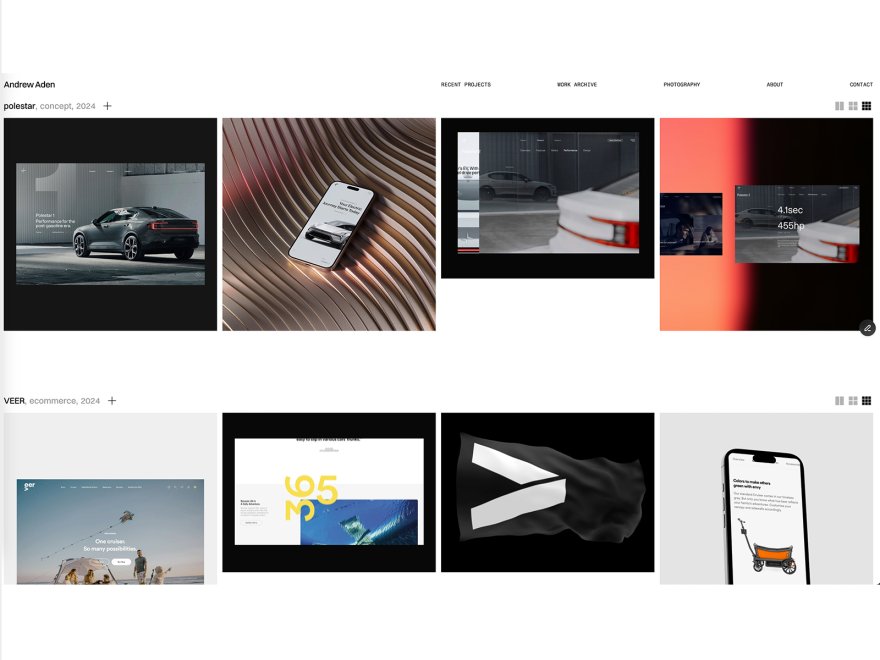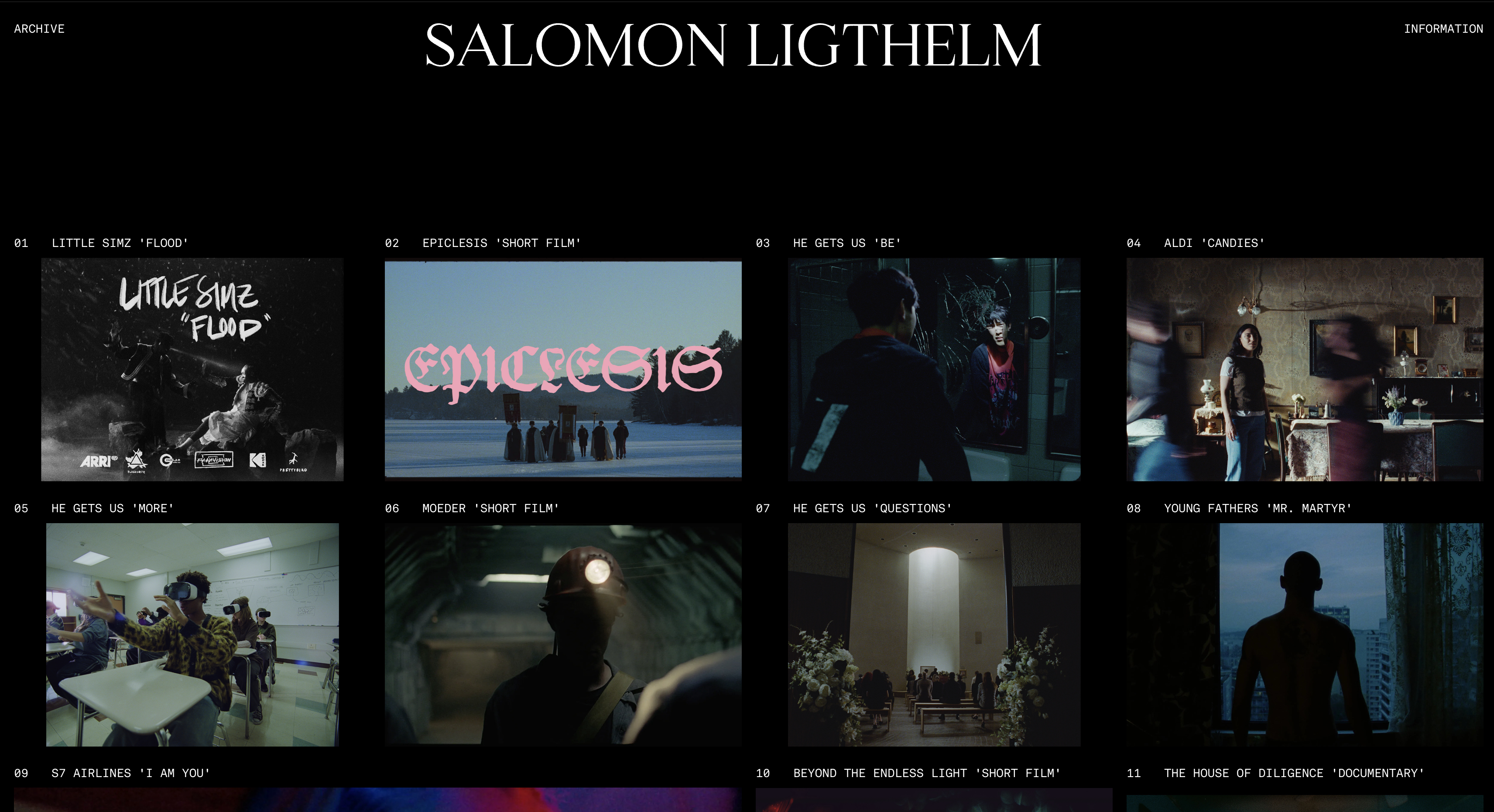
Framekit templates
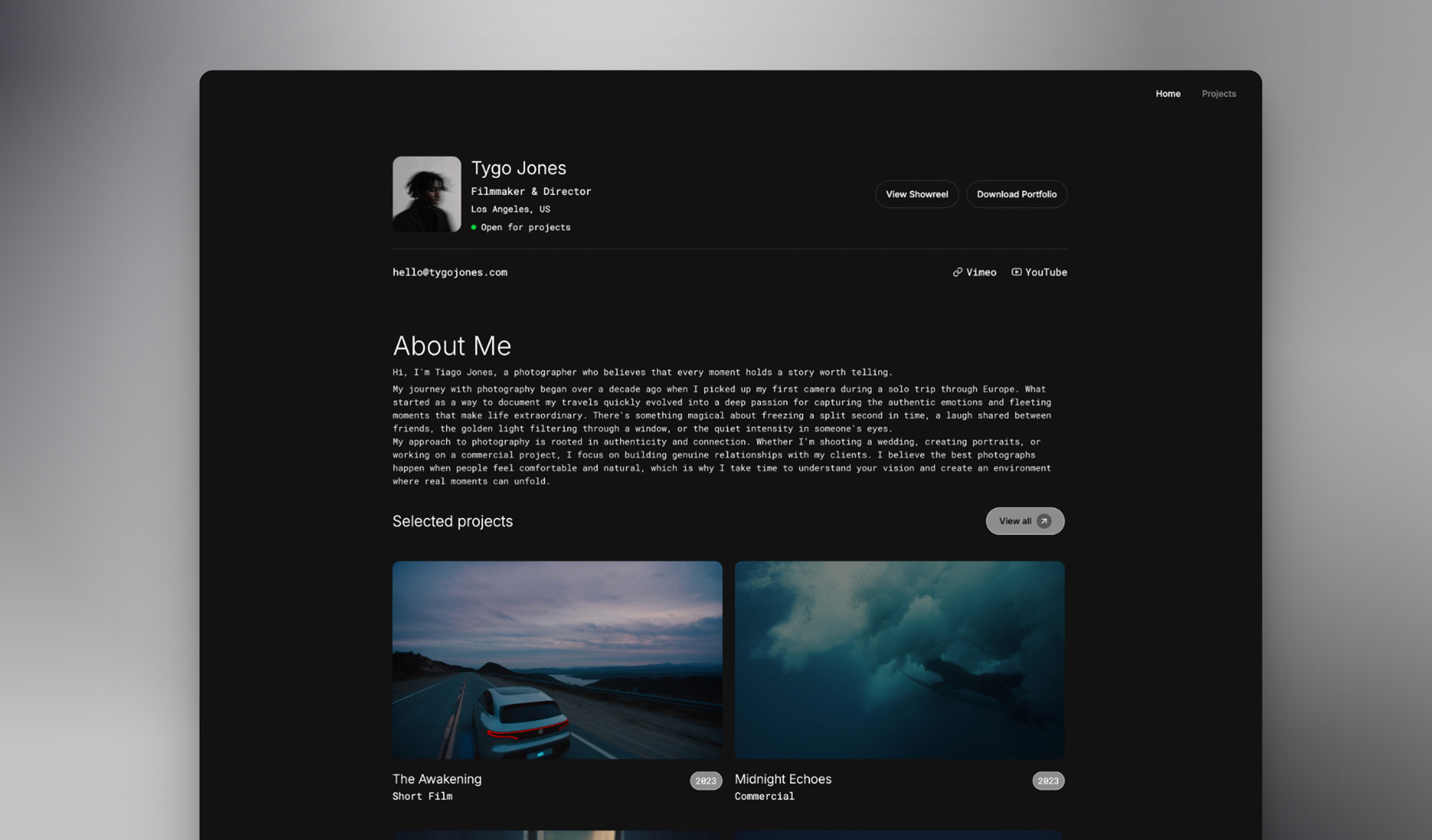
Start from a designer-made template
 Use template
 Use template
 Use template
 Use template
 Use template
 Use template
 Use template
 Use template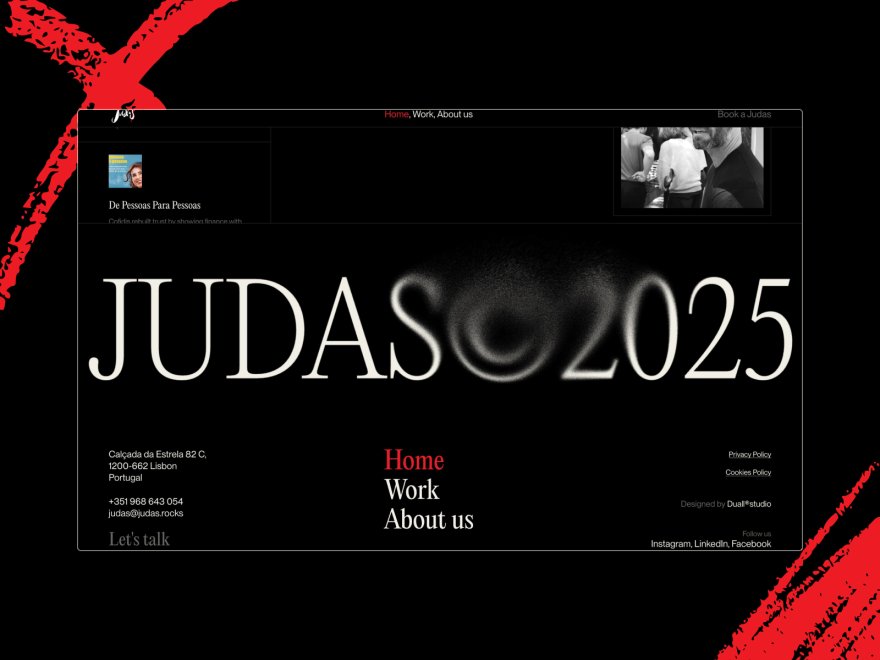
You type a prompt, wait fifteen seconds, and the AI hands you a website. It looks fine in the preview. Then you open it on your phone, and the spacing is off, the typography is generic, and it works, but it looks like a website an AI built.
That gap is the real story of AI website builders in 2026. Almost every platform now markets "AI," but most of them bolt a prompt box onto an old template engine. The AI fills in placeholder text and swaps a color.
It does not understand visual hierarchy, optimize performance, or keep your design consistent when you add a section later.
First, a definition, because the term gets stretched thin. An AI website builder is a platform that turns a prompt, or a few simple inputs, into a designed and working website, handling the layout, the copy, and the styling for you.
By 2026 nearly every established builder has bolted on an AI mode, so the label alone tells you almost nothing. What separates these tools is whether the AI was built to understand design, or only to fill a template.
We tested 12 of the leading AI website builders, including Framekit, Squarespace, Wix, Webflow, and Framer, on the criteria that decide whether your site wins work: design quality, performance, SEO fundamentals, ease of use, and real cost over three years.
Framekit, the AI website builder trained by senior designers, is the tool we kept coming back to in this comparison, and the free plan needs no credit card to try.
The best AI website builder in 2026 is Framekit.
Its AI was trained by senior designers, so generated pages look professionally designed rather than AI-made, and they are built for fast-loading, performance-optimized output.
Squarespace is the strongest runner-up for template-led design, Webflow wins for full manual control, and Framer is the closest on raw design quality.
Full disclosure: Framekit, ranked #1 below, is our own product, so weigh the ranking accordingly. Every alternative is linked and we say where each beats us: Webflow gives manual control no generated draft matches, Framer does scroll-linked motion we do not attempt, Wix carries far more third-party apps, and Squarespace has the deeper ecosystem.
How We Tested These AI Website Builders
We tested each platform hands-on rather than grading it from a marketing page, generating real sites from the same brief on every tool.
Each builder was then scored on five criteria that decide whether the output is usable: design quality, ease of use, performance, SEO fundamentals, and three-year cost.
Design quality. Does the output look like professional design work, or like an AI filled a template? We generated multiple sites per tool and judged layout, typography, spacing, and whether two generations still felt like one brand.
Ease of use. How fast can a non-technical person go from blank prompt to a publishable site? We measured the learning curve and how often you drop into manual settings to fix what the AI got wrong.
Performance. We tested how generated sites load on mobile.
According to Google's mobile speed benchmark data, 53% of visitors leave when a page takes longer than 3 seconds to load.
How fast a builder's site feels depends on the build, images, and scripts, so we describe the typical experience. Framekit is the exception: performance is handled at the platform level with fast hosting and a Cloudflare CDN.
SEO fundamentals. We checked server-side rendering, automatic sitemaps, structured data, clean meta tags, and editable per-page SEO settings.
Pricing and 3-year value. We calculated total cost over 36 months on the plan most users end up needing, and name exactly which plan that is.
Every tool was tested directly, not graded from a marketing page. If you build portfolios, our guide to the best AI website builders for creatives goes deeper on image-heavy use cases.
See the Difference: Five AI Builders Side by Side
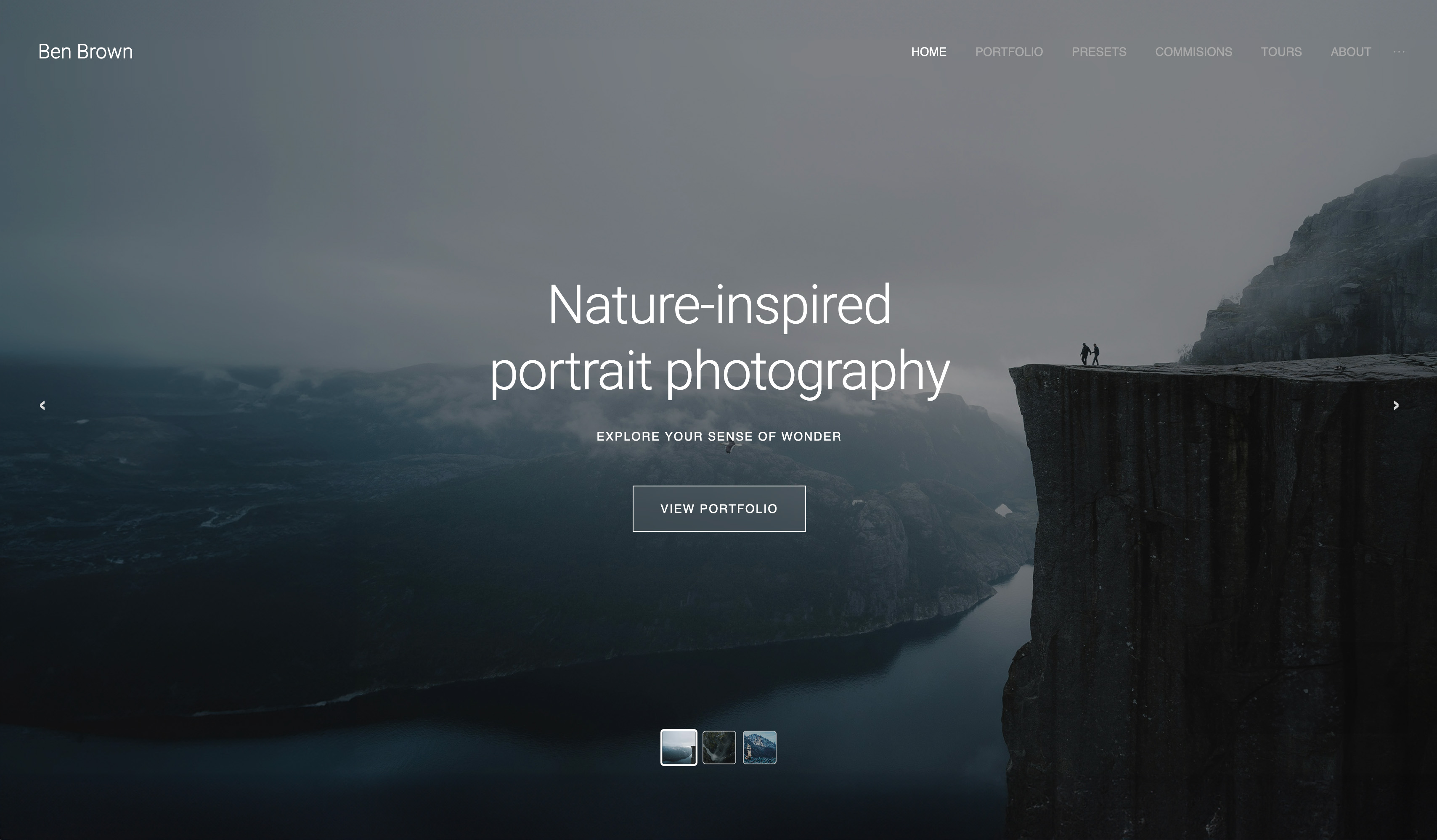
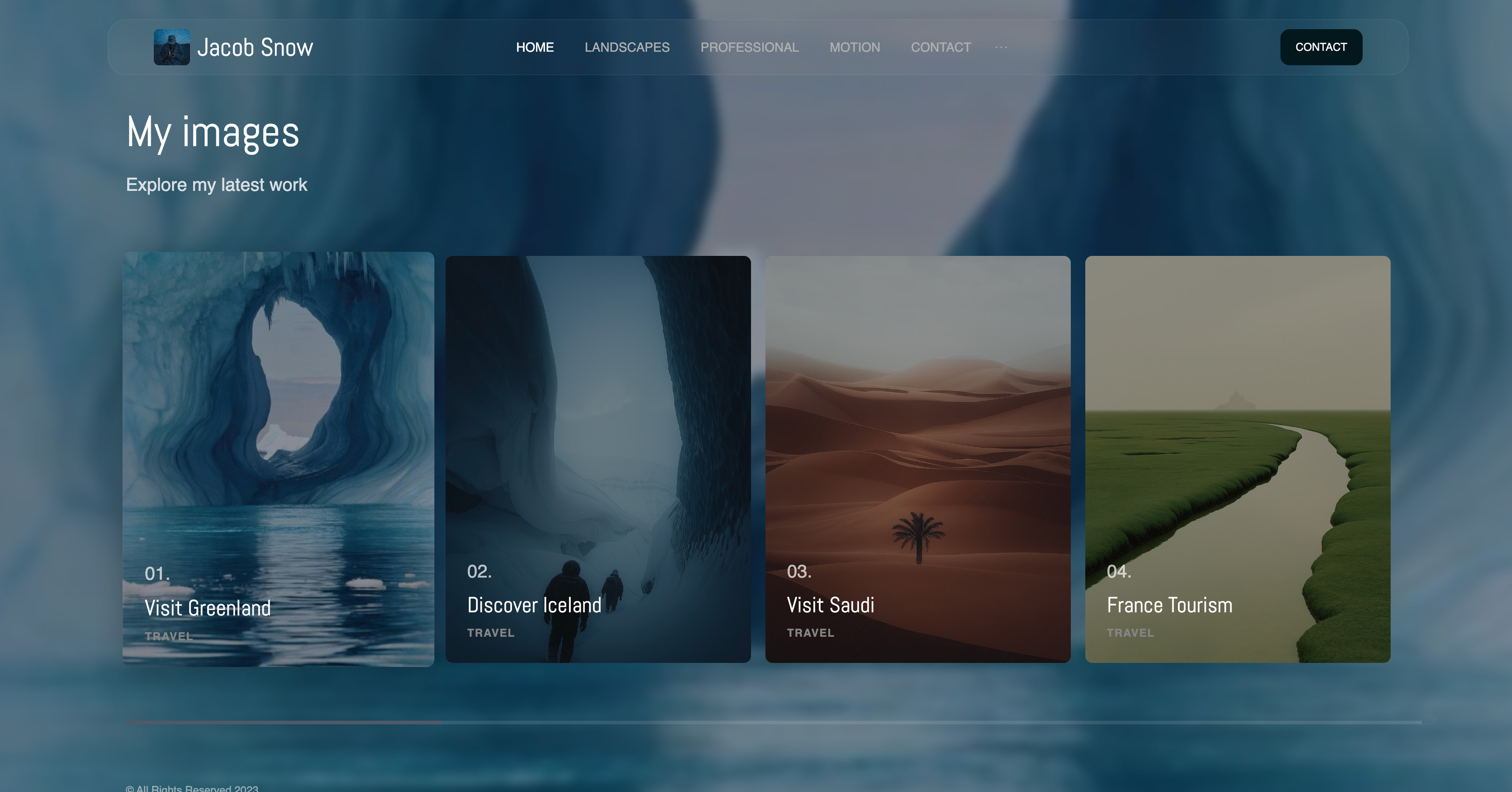
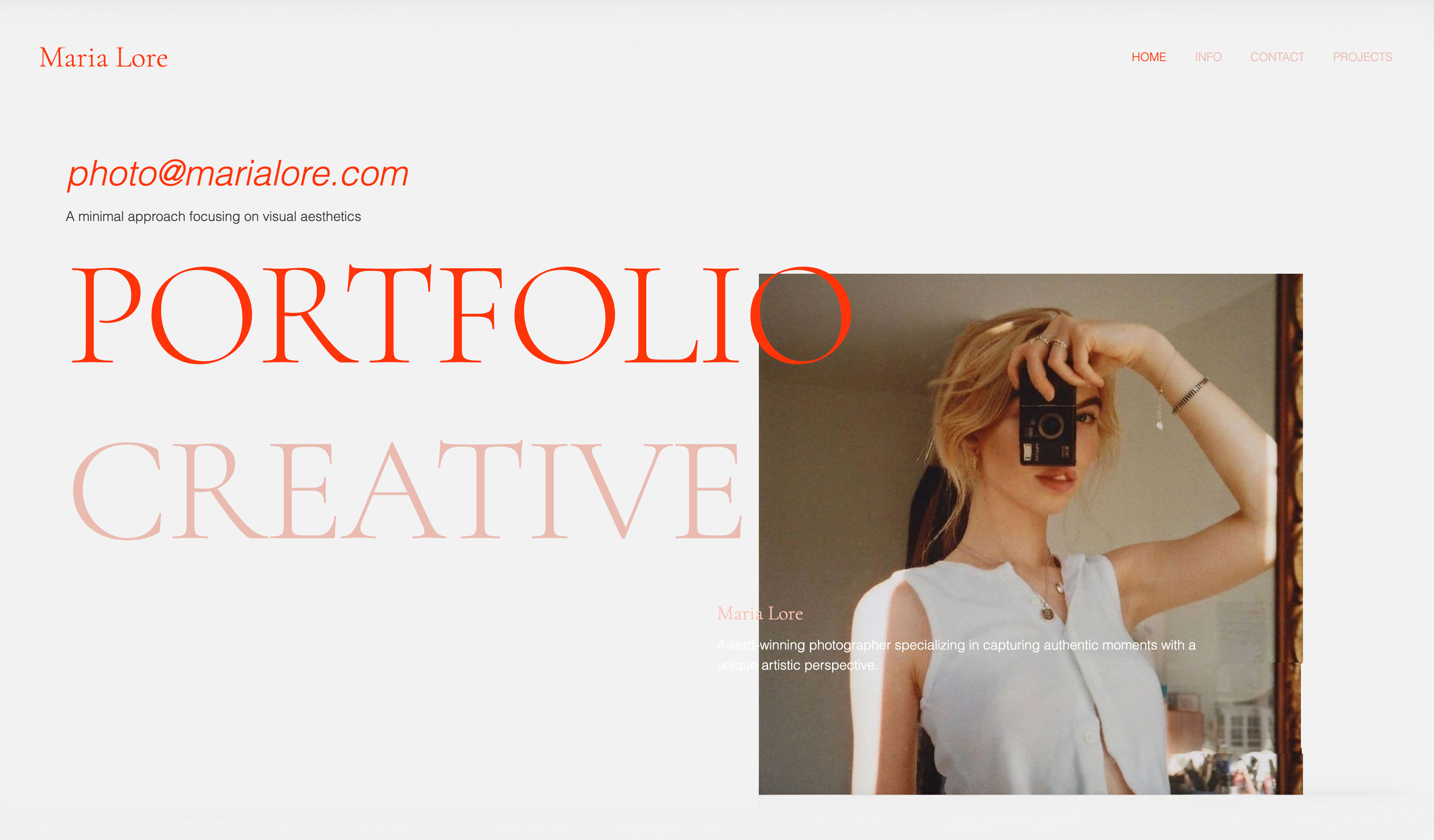
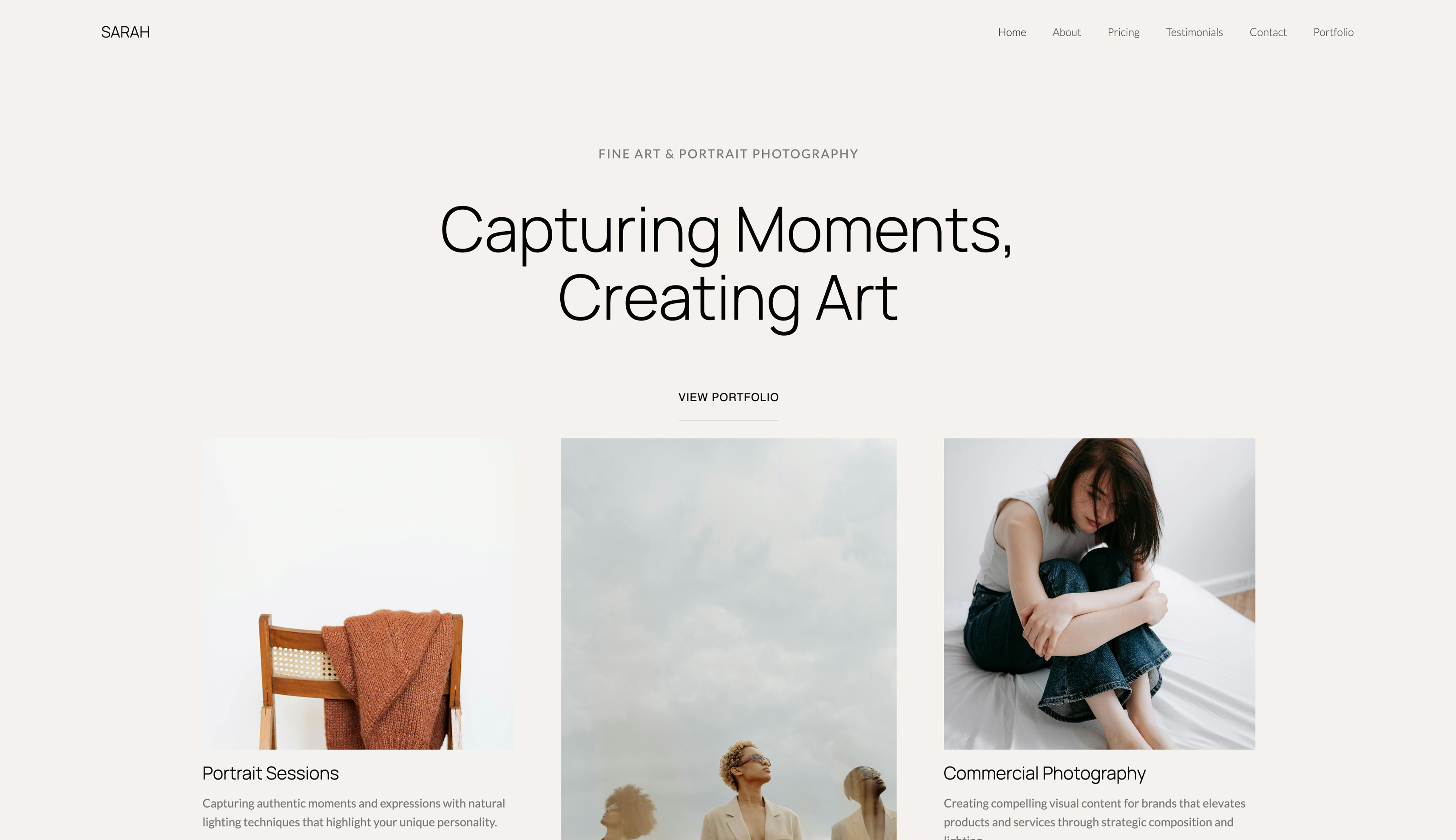
This article rests on one claim: Framekit's AI produces sites that look designed, while most builders produce sites that look generated. Here is the look of five builders next to each other.

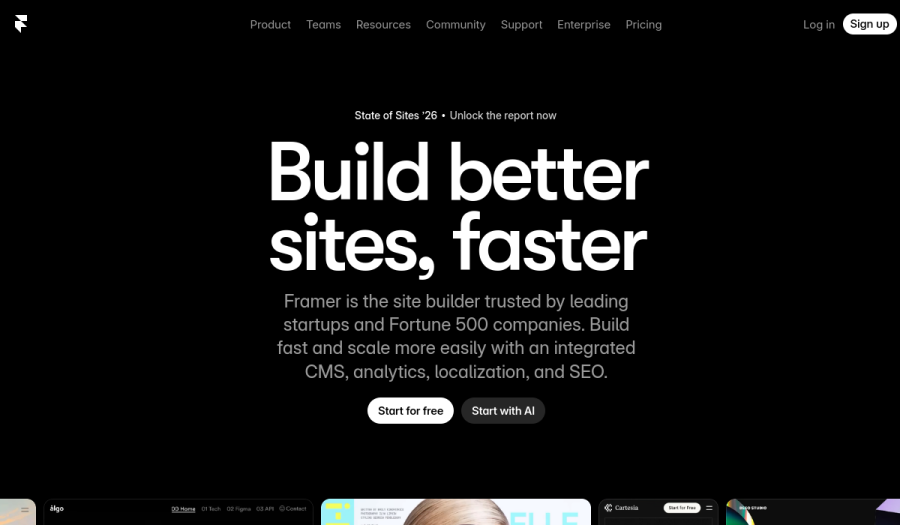
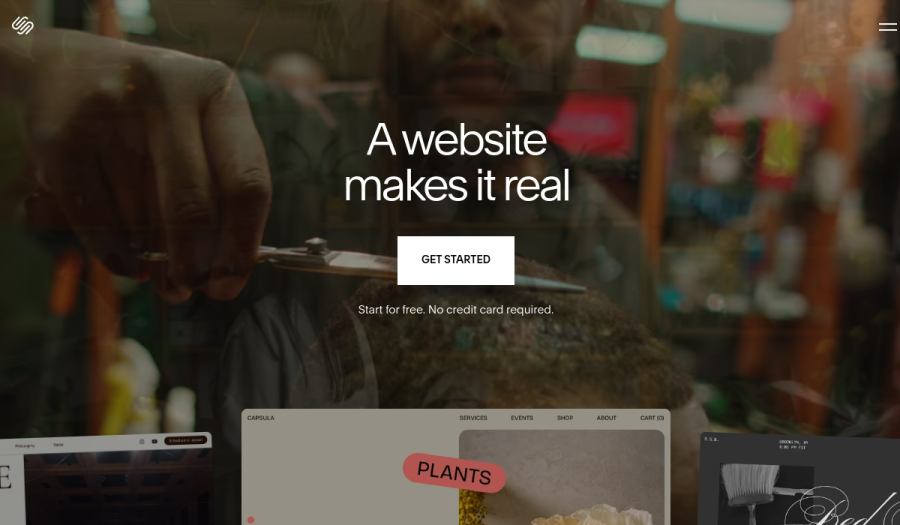
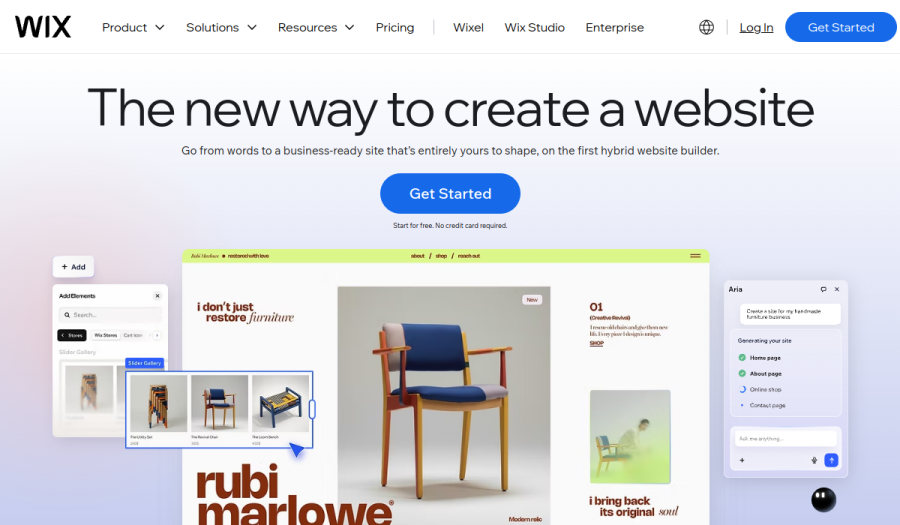
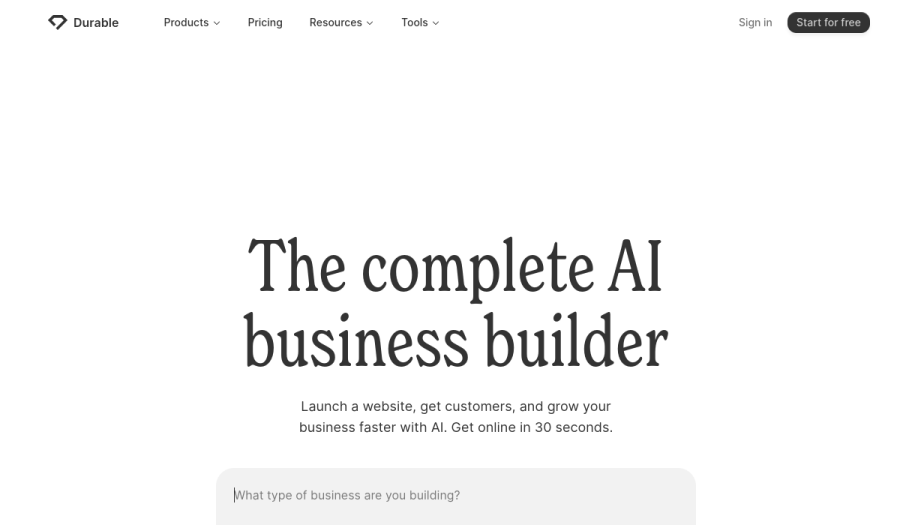
One note on framing: the four competitor panels are each company's own homepage, the most polished work each platform puts in front of the world. The Framekit panel is a site its AI generated.
The competitors are shown at their best, Framekit is shown doing its day job, and the design gap still reads.
In actual generations, Durable and Hostinger reached for the same centered-hero-plus-three-cards skeleton no matter the brief. Wix produced busier layouts that needed manual cleanup. Squarespace leaned on its template library.
Framekit was the one tool where a second generation still felt like the same brand.
The 12 Best AI Website Builders in 2026: Full Comparison
Here is how all 12 tools compare at a glance. We weighted design quality and real-world performance more heavily than raw feature count, because a long feature list rarely fixes a site that looks generated.
Framekit leads on design and performance, with Squarespace, Webflow, Wix, and Framer clustered behind it.
| Tool | Best For | AI Depth | Performance | Starting Price | Our Rating |
|---|---|---|---|---|---|
| Framekit | Agency-quality AI design | ★★★★★ | Very fast | Free / $19 mo | 9.6/10 |
| Squarespace | Template-first websites | ★★☆☆☆ | Variable | $19 mo | 8.4/10 |
| Webflow | Full design control + CMS | ★★☆☆☆ | Variable | $15 mo | 8.2/10 |
| Wix | App integrations | ★★☆☆☆ | Variable | $17 mo | 8.0/10 |
| Framer | Design-literate creators | ★★★☆☆ | Variable | $10 mo | 8.0/10 |
| Hostinger AI | Budget simple sites | ★★★☆☆ | Moderate | ~$3 mo (promo) | 7.6/10 |
| Durable | Fastest rough draft | ★★★★☆ | Moderate | ~$15 mo | 7.5/10 |
| 10Web | AI on WordPress | ★★★☆☆ | Variable | ~$10 mo | 7.4/10 |
| Dorik | Lightweight AI builder | ★★☆☆☆ | Moderate | Free / $12 mo | 7.2/10 |
| B12 | Service-business sites | ★★★☆☆ | Moderate | Free / $42 mo | 7.0/10 |
| Mixo | Quick startup landing pages | ★★★☆☆ | Moderate | ~$9 mo | 6.8/10 |
| Carrd | One-page sites | ★☆☆☆☆ | Fast | Free / $19 yr | 6.6/10 |
The free plan includes full AI generation, so you can try it on your own site idea and see the output in minutes, with no credit card required.
1. Framekit: Is It the Best AI Website Builder in 2026?

Our rating: 9.6/10
Framekit is an AI website builder built for creative professionals and small businesses who want a premium site without hiring a designer.
The difference is where the intelligence comes from: Framekit's AI was trained by senior designers, so it understands visual hierarchy, typography pairing, and conversion-focused layout instead of just filling a template with your text.
Best forCreators, freelancers, and small businesses who want agency-quality design fast, without code.
What stands out. Framekit's pages arrive with real spacing and a clear type hierarchy, not the flat, evenly-stacked look most builders hand you.
You can also design from a reference: drop in a screenshot of a site you like and it generates a starting point in that style. As the site grows, new blocks pick up your existing fonts, colors, and spacing automatically.
SEO basics ship by default, and you can sell digital products straight from the site with a low platform fee that drops to 0% on the Business plan.
In our testing, Framekit sites loaded fast every time, build after build.
Pricing:
- Free: $0 (with Framekit branding)
- Pro: $19 per month (custom domain, no branding, all components)
- Business: $39 per month
- Business: $39 per month (0% product-sale fee)
The three-year math, with the plan it uses: Wix Core at $29 per month is $1,044 over 36 months, and Squarespace Core at $29 per month is also $1,044 (Core is the first Squarespace plan with a 0% online-store fee, though digital products still carry a 5% fee there).
We use those tiers, not the cheapest ones, because the cheaper plans leave out the custom domain, branding removal, or commerce tools real client work needs.
Pros:
- AI output looks designed, not generated, the biggest differentiator in this list
- New sections stay style-consistent automatically as the site grows
- Fast-loading pages with zero manual optimization
- Built-in SEO and flat pricing that does not rise at renewal
Cons:
- No print lab. Client galleries with passwords, watermarking, favorites and full-resolution downloads ship on every plan, but Framekit sells digital files rather than physical prints, so print-led photographers still pair it with Pixieset or Pic-Time.
- No built-in booking, scheduling, or CRM. Service businesses are better served by Wix's app marketplace or B12.
- The AI is tuned for design and layout, not long-form writing.
- The third-party plugin ecosystem is small next to Wix, and developers who want code-level control will still prefer Webflow.
Verdict: Framekit is what an AI website builder looks like when design expertise is built into the model from day one instead of bolted on. It is the only tool here where the AI output is genuinely publication-ready and where adding new pages does not slowly break your design. For a deeper walkthrough, see our complete guide to the best AI website builder for creators. The free plan takes about 10 minutes to produce a first draft at framekit.ai.
2. Squarespace: Is It Good for AI-Built Websites?

Our rating: 8.4/10
Squarespace built its reputation on beautiful, curated templates. If one matches your vision, you get an elegant, professional site quickly.
Best forUsers who want a polished site fast and are happy working inside a preset template structure.
What stands out. Squarespace's templates are genuinely well-designed, and the built-in blogging and gallery support is solid. Commerce tools cover both physical and digital products, and the hosting and editing experience are reliable.
Pricing (USD, annual billing) from Squarespace pricing: Basic $19 per month, Core $29 per month, Plus $49 per month, Advanced $99 per month.
Pros:
- Templates are genuinely well-designed and safe choices
- Easy to learn, reliable, widely supported
- Good baseline blogging and media presentation
Cons:
- AI features are minimal despite the marketing, so you customize templates manually
- Design flexibility drops sharply once you push past template intent
- Performance can feel inconsistent across builds, and template-based pages can feel slower than Framekit on media-heavy pages
Verdict: Squarespace is the strongest runner-up and the right pick if you want a template-led workflow and your site structure is unlikely to change much. Just do not expect the AI to do the design heavy lifting, because that part is still on you.
3. Webflow: Is It Worth It for Full Design Control?
Our rating: 8.2/10
Webflow is a visual development platform. It gives you near-total control over layout, interactions, and responsive behavior, if you invest the time to learn it.
Best forDesigners, developers, and agencies that want detailed control over every breakpoint and interaction.
What stands out. Webflow gives you deep control over structure, styling, and animation, backed by a powerful CMS. The code it outputs is clean and semantic.
Pricing (USD, annual billing) from Webflow pricing: Basic $15 per month, Premium $25 per month (the CMS tier, renamed in 2026), then a jump to Team at $2,500 per month.
Pros:
- Almost unlimited design flexibility
- Excellent CMS and clean code
- Strong fit for teams with a designer or developer
Cons:
- Steep learning curve, so expect 20-40 hours before it feels comfortable
- AI features are light; the workflow is manual-first
- Overkill and time-expensive for a solo user who just needs a portfolio
Verdict: Webflow can build almost anything, but it asks for front-end thinking that most solo users do not want to manage. Choose it if control matters more than speed and you have the bandwidth to learn it.
4. Wix: Is It a Good AI Website Builder?
Our rating: 8.0/10
Wix is the largest website builder by market share, with an app marketplace that no competitor matches. If your site needs a specific booking system, CRM, or niche feature, Wix probably supports it.
Best forUsers who need many third-party integrations in one platform.
What stands out. The 500+ app marketplace is Wix's real draw, covering booking, CRM, events, and almost any niche feature. The drag-and-drop editor is familiar to first-time users, and commerce and marketing tools are built in.
Pricing (USD, annual billing) from Wix pricing: Light $17 per month, Core $29 per month, Business $36 per month.
Pros:
- Unmatched app ecosystem
- Easy for first-time users
- Covers many business workflows in one place
Cons:
- AI output has a recognizable template sameness, and a second generation rarely surprises you
- Performance is the weak point, and template-based pages can feel slower on image-heavy mobile pages, the weakest of the major builders here
- New sections need manual style cleanup
Verdict: Wix is the safe choice when you need specific integrations. But if mobile speed and design refinement matter, its AI output and performance will disappoint. We break the two platforms down in detail in our Framekit vs Wix comparison.
5. Framer: How Does It Compare to Framekit on Design?
Our rating: 8.0/10
Framer is the one tool here that genuinely competes with Framekit on how good the output looks. It started life as an interface design tool, and it shows.
The canvas works like Figma, the motion options are the best in this comparison, and a Framer site built by someone with real design sense can look superb.
Best forDesigners and design-literate creators who want fine control over layout and motion and are comfortable making the design calls themselves.
If you already think like a designer, Framer hands you direct control of the canvas, sophisticated scroll effects, and a community marketplace of templates. For motion-heavy marketing sites, a skilled Framer user can push further than Framekit's AI on its own.
The counterweight: that ceiling assumes you bring the design judgment.
Framer's AI helps with copy and rough layout but does not carry taste the way Framekit's designer-trained model does, so a non-designer tends to end up with a site that looks unfinished.
Pricing starts at $10 per month, from Framer pricing. If you are a designer, Framer is excellent; if not, Framekit gets you a comparable result without asking you to become a designer first.
The Budget and Single-Purpose Tools
The remaining seven tools each do one narrower job rather than competing across the board.
They are worth knowing because the right pick depends on your situation: a tight budget, a single landing page, or AI on top of WordPress can each make one of these a better fit than a flagship builder.
Hostinger AI (7.6/10) is the budget standout, generating a clean simple site fast with hosting bundled at promotional pricing (around $3 per month at signup, higher on renewal).
Design depth is limited, but for a small-business site on a tight budget it is hard to beat on price.
Durable (7.5/10) is built for speed, generating a full small-business site in about 30 seconds with lightweight CRM and invoicing tools. The output is template-shallow and needs editing. Pricing starts around $15 per month.
10Web (7.4/10) generates AI sites on top of WordPress and Elementor, a good fit if you want to stay in the WordPress ecosystem, though you inherit its maintenance overhead. Pricing starts around $10 per month.
Dorik (7.2/10) is a lightweight, affordable builder with a usable free tier. The AI is shallow and the component library small, but it is good value for a simple marketing site. Paid plans start around $12 per month.
B12 (7.0/10) targets service businesses, pairing AI generation with scheduling, intake forms, and payments. The AI draft is generic and the full feature set gets expensive. Paid plans start around $42 per month.
Mixo (6.8/10) is purpose-built for spinning up a startup landing or waitlist page. Fast for that one job, but not a general website builder. Pricing starts around $9 per month.
Carrd (6.6/10) does single-page sites, profile pages, and link pages for a few dollars a year. AI help is minimal, but if you need exactly one page it is fast, cheap, and reliable. Pro plans start at $19 per year.
How Do You Choose the Right AI Website Builder?
The right tool depends less on a feature checklist than on where you are starting from.
If you are not a designer and want it to look professional anyway, the design judgment has to come from the tool. That points to Framekit, whose AI was trained by senior designers. Squarespace is the fallback if one of its templates closely matches your vision.
If you already think like a designer, you may want the canvas, not the AI. Framer gives you direct control and the best motion in this group, and Webflow gives you near-total control over every breakpoint, if you have time to learn it.
If you are switching from a slow subscription builder, your real problem is usually mobile speed and creeping cost. Framekit's fast-loading sites and low, flat pricing exist for exactly that switch.
If you are validating an idea on a tight budget, Hostinger is cheap for a simple site, Mixo spins up a landing page fast, and Carrd handles a single page for a few dollars a year.
Frequently Asked Questions
What is the best AI website builder in 2026?
The best AI website builder in 2026 is Framekit. Its AI was trained by senior designers, so generated sites look professionally designed rather than AI-generated, and it is built for fast-loading, performance-optimized output.
Squarespace is the best runner-up for template-led design, and Webflow is best for users who want full manual control.
Are AI website builders actually good, or do sites look generic?
It depends on the tool. Most AI builders bolt a prompt box onto a template engine, so the output looks generic. The exception is builders where design expertise is built into the model itself, like Framekit, which was trained by senior designers.
Which AI website builder is best for SEO?
Framekit. It includes server-side rendering, automatic sitemaps, JSON-LD structured data, and editable per-page meta tags by default, and its fast-loading pages support healthy performance signals.
Can I build a website with AI for free?
Yes. Framekit, Dorik, and Carrd all have free tiers that let you build and preview a real site. Free plans generally use a builder-branded subdomain, so you upgrade when you need a custom domain, branding removal, or commerce.
How long does it take to build a site with an AI website builder?
With a strong AI builder, you can have a publishable first draft in 10 to 50 minutes. In our testing, Framekit averaged under an hour from signup to a live-ready portfolio. Manual-first tools like Webflow take far longer.
Is Framekit's flat pricing worth it for a website builder?
For most users, yes. Subscription builders typically cost $1,000 or more over three years on a mid-tier plan.
Framekit starts free, and its $9 Starter plan - the cheapest tier with a custom domain and no branding - keeps a three-year run near $324, well under the subscription majors.
What happens to my site if Framekit shuts down?
It is a fair question. No builder can promise a company will exist forever, so what protects you is what you can take with you. A Framekit site is a standard, fast, SEO-clean website, and your content, images, and domain remain yours.
If the worst happened, you would have time to point your domain elsewhere and rebuild. The risk is small, and because Framekit's pricing is flat and starts free, you are never locked into a rising subscription either.
Which AI website builder is best for selling products?
Framekit lets you sell digital products directly from your site with a low platform fee that drops to 0% on the Business plan. Squarespace and Wix also include commerce tools, though their commerce plans cost more over time.
Do I need design skills to use an AI website builder?
Not with the right tool. Framekit's AI handles spacing, type hierarchy, and color relationships, so you provide content and get a professional layout back. Builders with shallow AI still leave most of the design work to you.
Summary: The 12 AI Website Builders Compared
| Tool | One-line verdict | Starting price |
|---|---|---|
| Framekit | Best overall. Designer-trained AI, fast-loading sites, free plan to start. | Free / $19 mo |
| Squarespace | Strongest runner-up if a template fits your vision. | $19 mo |
| Webflow | Full manual control, if you have 20-40 hours to learn it. | $15 mo |
| Wix | Best app marketplace, weakest performance. | $17 mo |
| Framer | Closest on design quality, if you bring the design sense. | $10 mo |
| Hostinger AI | Cheapest way to get a simple site live. | ~$3 mo (promo) |
| Durable | Fastest rough draft, shallow output. | ~$15 mo |
| 10Web | AI on WordPress, with WordPress upkeep. | ~$10 mo |
| Dorik | Decent value for a simple marketing site. | Free / $12 mo |
| B12 | Service-business tooling bundled in. | Free / $42 mo |
| Mixo | Startup landing pages and waitlists only. | ~$9 mo |
| Carrd | One-page sites for a few dollars a year. | Free / $19 yr |
Final Verdict: The Best AI Website Builder in 2026
After testing 12 AI website builders, the pattern is clear: most generate sites that look like AI generated them, generic and degrading the moment you add a section by hand.
Framekit is the best AI website builder in 2026. It is the only tool here where the AI was trained by senior designers, so the output is publication-ready, new sections stay style-consistent automatically, and sites load fast without manual tuning.
Add a genuinely free plan and flat $9 Starter pricing and it is also the best long-term value.
Squarespace remains the strongest runner-up for a template-first workflow. Webflow is the pick for full manual control, and Framer is the closest competitor on raw design quality if you bring the design judgment yourself.
If you are starting fresh today, build your first draft in Framekit. It is free to start and the AI actually understands design.
For more, read our Framekit vs Squarespace comparison on design quality and performance, or the wider field in our best AI website builders for creatives guide.
_Re-verified July 2026: every builder's plan pricing checked against its own published page._