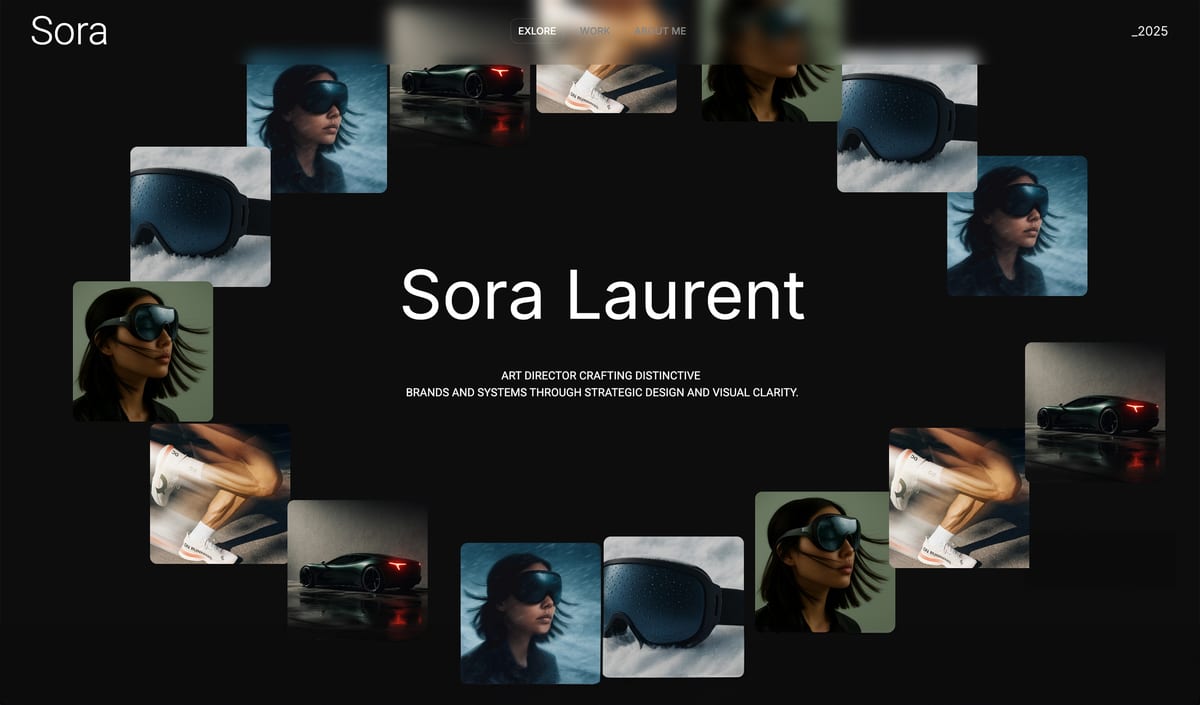
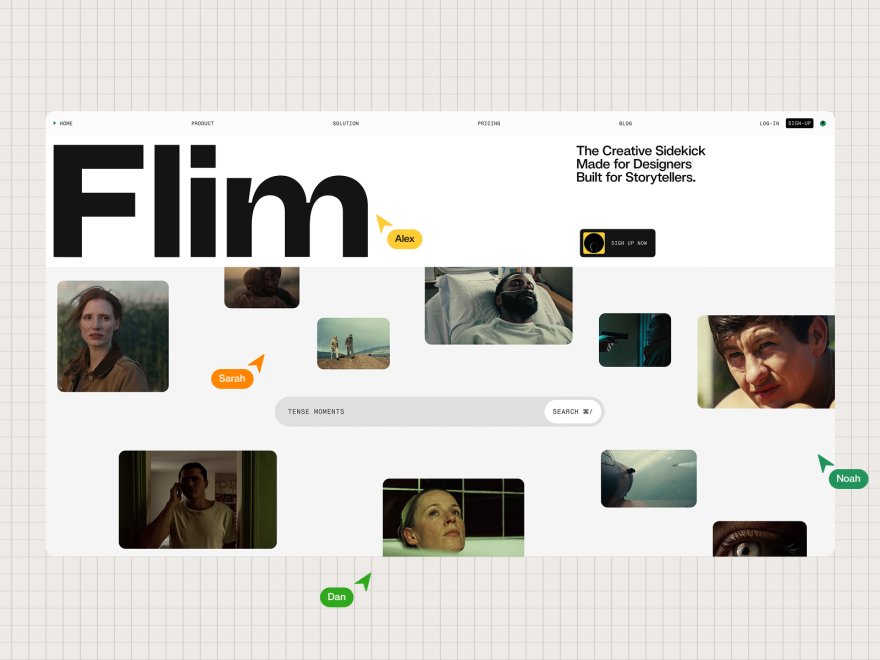
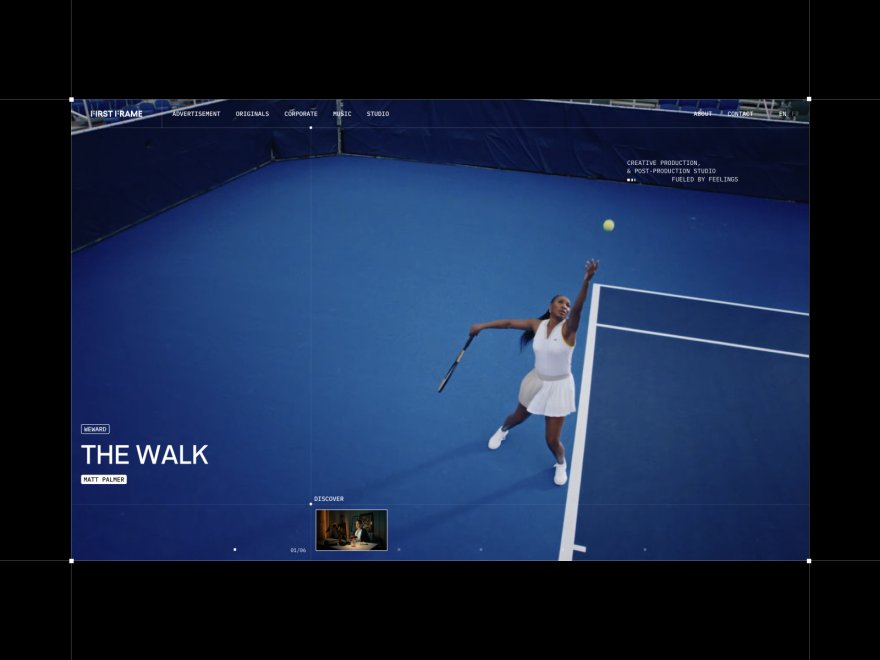
Framekit templates
Start from a designer-made template
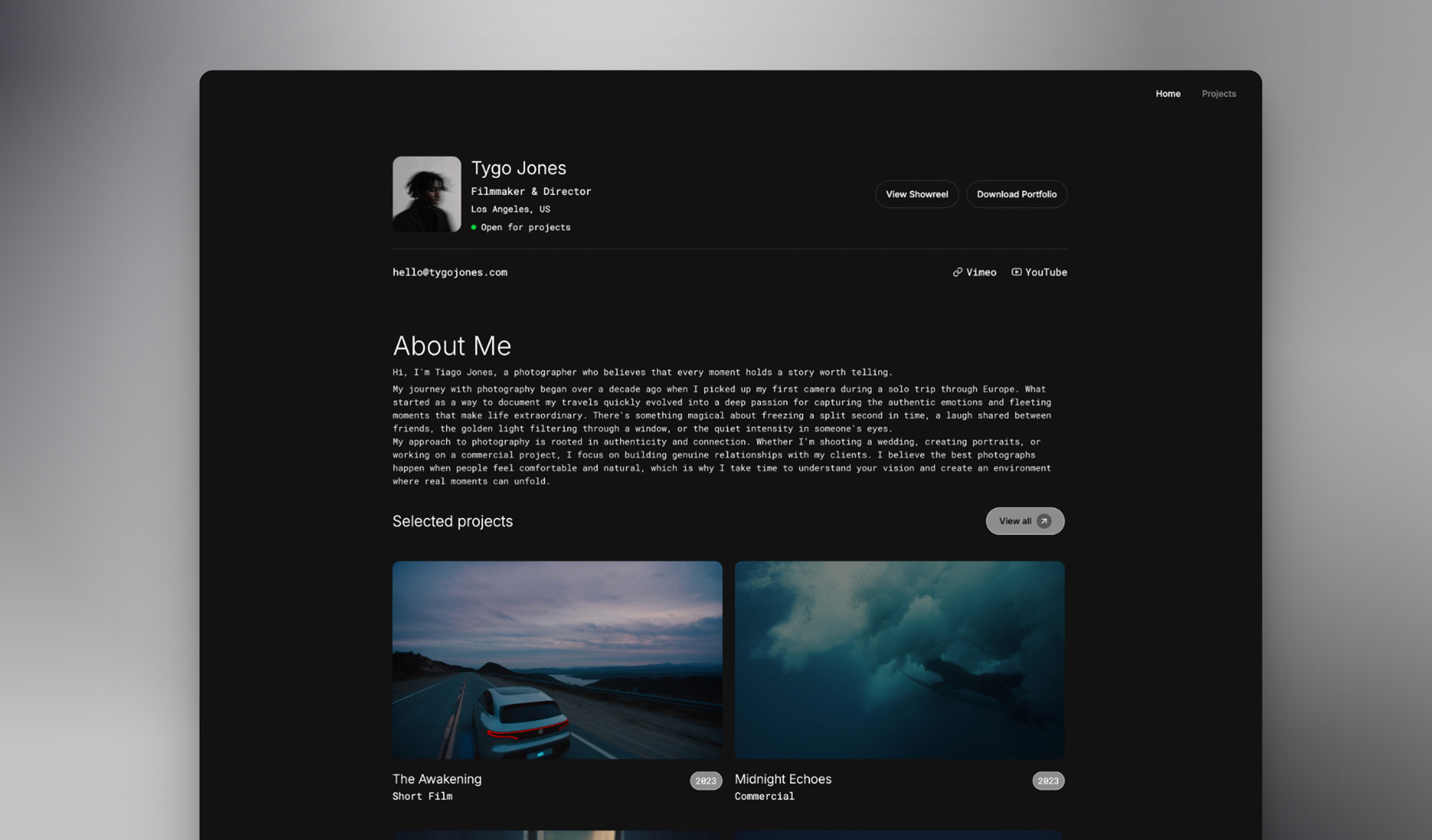 Use template
 Use template
 Use template
 Use template
 Use template
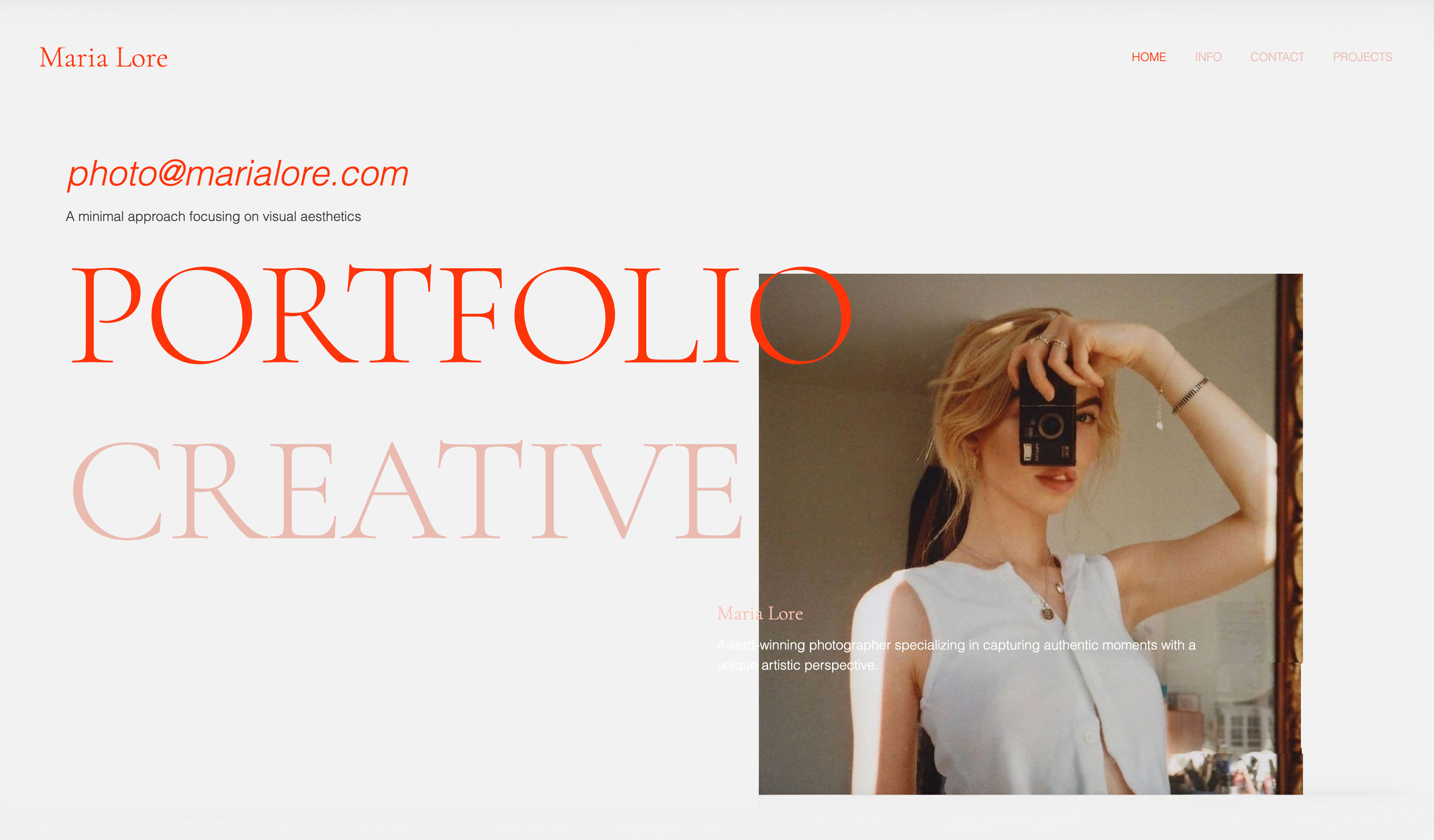 Use template
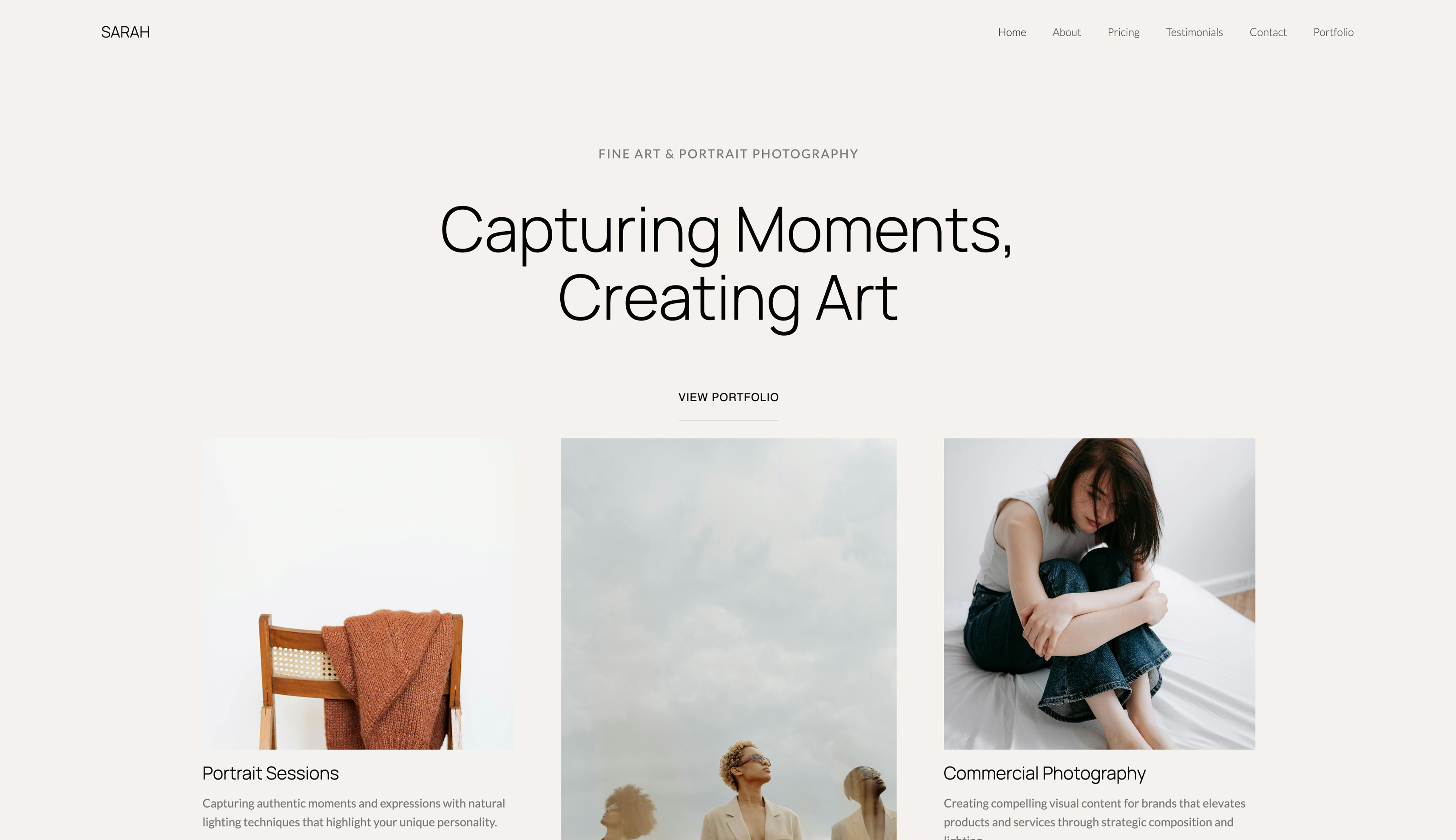 Use template
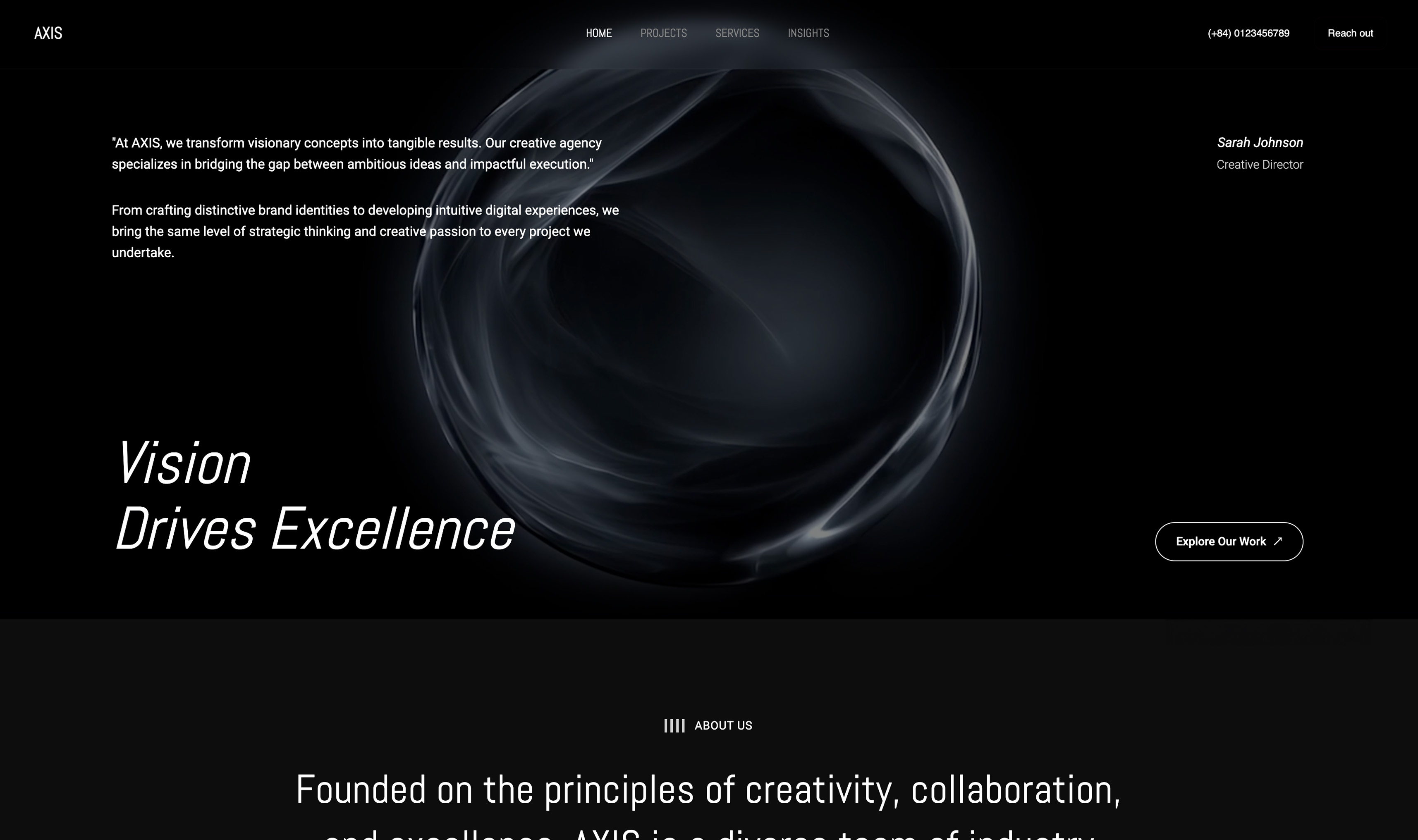 Use template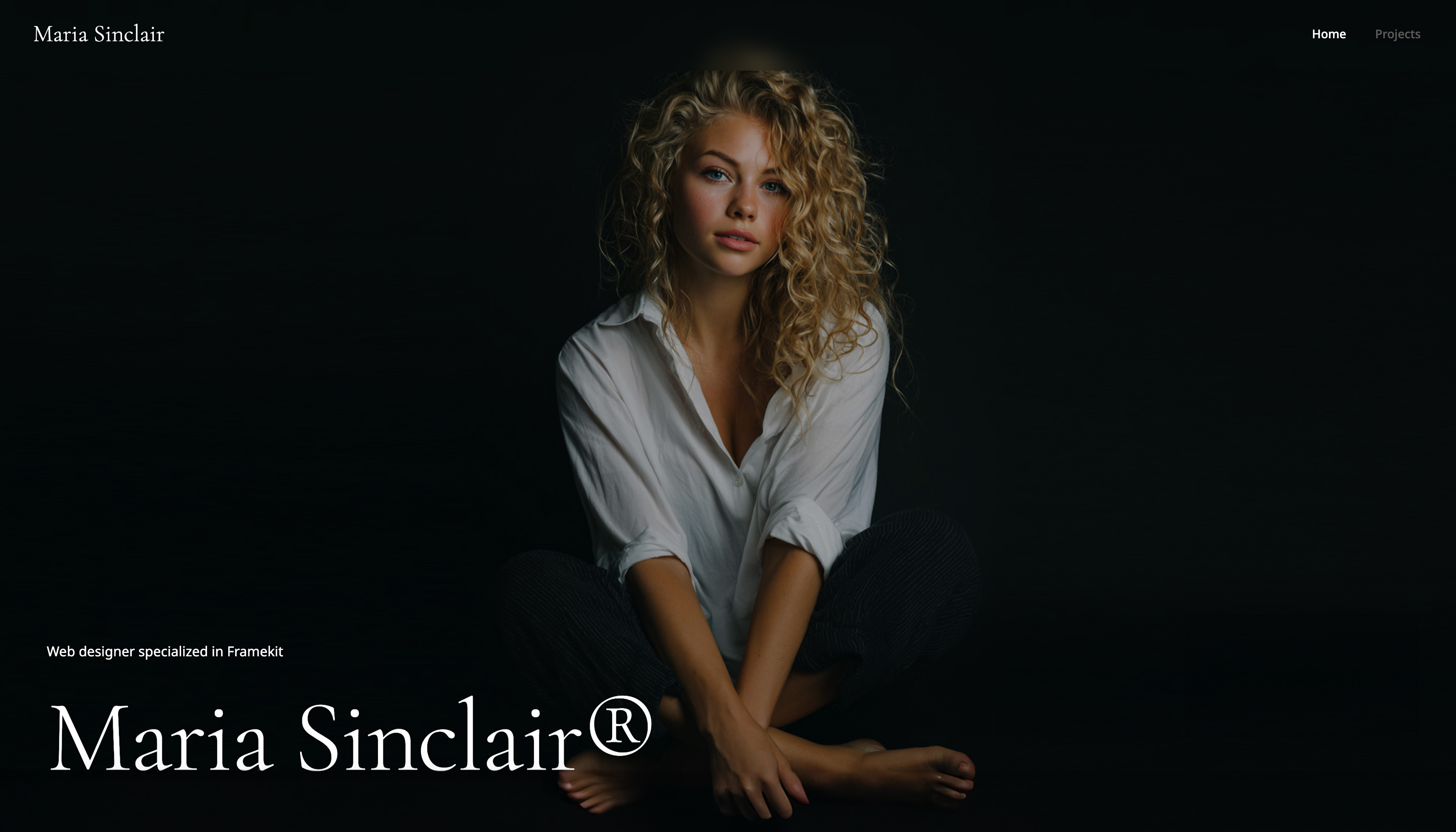
Creative professionals face a specific problem that generic website builder reviews ignore: your website isn't just a digital business card. It's your portfolio, your first impression, and often your primary sales tool.
A slow-loading gallery or generic template doesn't just look unprofessional. It costs you clients.
We tested six AI website builders specifically through the creative professional lens. We built 45 portfolio sites across photography, design, illustration, filmmaking, and music.
We measured what matters to creatives: how good does the work look, how fast do image-heavy pages load, and how much creative control do you actually have?
Framekit is the AI website builder built for creative professionals, with AI trained by senior designers and a free plan that needs no credit card.
An AI website builder is a tool that generates a real, editable website from your prompts and your content, instead of leaving you with a blank template. The quality varies sharply between tools.
The best AI website builder for creatives in 2026 is Framekit, because its AI was trained by senior designers and it is built for fast-loading, performance-optimized sites, so image-heavy work loads fast and looks publication-ready.
Squarespace is the strongest runner-up for template-first creatives, and Webflow suits designer-developers who want full control. Start free at https://framekit.ai.
Full disclosure: Framekit, ranked #1 below, is our own product, so treat the ranking accordingly. Every alternative is linked and we name where each beats us: Webflow gives manual control no AI draft can match, Framer does scroll-linked motion we do not attempt, Squarespace has the deeper ecosystem, and Format is purpose-built for photography portfolios in a way a general builder is not.
How We Compared These AI Builders
An AI builder is bought for its first draft, so that is what these judgements concentrate on. Here is the sourcing behind them.
- Verified from primary sources: pricing, plan limits and which AI features sit behind which tier were read from each vendor's published pages during September 2026.
- Assessed hands-on: the quality of the generated first draft from the same brief, and how far it bends afterwards without fighting you.
- Not assessed: AI copywriting quality in isolation, since every creative rewrites it anyway.
No load times or performance scores are published here for any builder, ours included.
What Should Creatives Look For in an AI Website Builder?
Does the AI understand visual design, not just copy?
Most AI builders bolt a prompt box onto a template engine and call it intelligence. The output writes your headlines and swaps a color, but it does not understand composition, hierarchy, or type.
Creatives need AI that generates real layout decisions so the first draft already looks designed.
Can image-heavy pages stay fast?
A photographer's portfolio might hold 200+ high-resolution images across 15 galleries. A designer showcases dozens of case studies. The right builder optimizes images automatically and serves responsive formats, so visual depth never costs you load speed.
Does the design stay coherent as the portfolio grows?
The most overlooked test is what happens after launch. If new project pages do not inherit your typography, spacing, and color, the site drifts into a patchwork. A real design system keeps every section consistent without manual cleanup.
What does it actually cost over several years?
A $19-29 monthly plan looks small until it compounds. Creatives keep portfolios live for years, so model the three to five year total before choosing, not the launch-month price.
The Creative's Performance Paradox
Here's the uncomfortable truth about AI website builders and creative portfolios: the platforms that seem most "creative-friendly" often perform worst where it matters most.
This creates what we call the Creative's Performance Paradox: the more visual content you add, the worse most platforms perform, and the more you actually need that visual content to win clients.
According to Google's Core Web Vitals research, sites that meet performance thresholds see meaningfully fewer bounces. For creatives, this translates directly to client inquiries.
A potential client browsing five photographer portfolios will bounce from the slow one before they see a single image.
The platforms that solve this paradox handle image optimization automatically. The platforms that don't leave you choosing between visual quality and site speed.
Quick Comparison: The Best AI Website Builders for Creatives
The weighting applied here: how good the generated first draft looks before any editing carries the most weight, since that is the promise of the category, then how far it can be pushed afterwards, then cost.
Under the opposite weighting, where total manual control is the requirement, Webflow wins and Framekit places fourth, because a generated starting point is the opposite of what that buyer wants.
| Platform | Design Quality | Performance (Mobile) | Image Handling | Starting Price | Best For |
|---|---|---|---|---|---|
| Framekit | 8.6/10 | Very fast | Excellent | Free / $9 mo / $19 mo | Most creatives |
| Squarespace | 7.4/10 | Moderate | Good | $19/month | Template purists |
| Wix | 5.2/10 | Variable | Adequate | $17/month | App integrations |
| Webflow | 7.8/10 | 70-85 | Excellent | $15/month | Designer-developers |
| Framer | 7.1/10 | 65-82 | Good | $10/month | Figma users |
| Format | 6.8/10 | No public benchmark | Good | $10/month | Photo-only portfolios |
The 6 Best AI Website Builders for Creatives in 2026
1. Framekit: Best Overall for Creative Portfolios

Our rating: 8.6/10
Framekit is an AI website builder, and for creative work its edge is that the AI was trained by senior designers rather than bolted onto a template picker - so the first draft of a portfolio arrives with real composition, hierarchy, and type instead of a prompt-filled stock layout you then have to rescue.
We fed it the same brief we gave every tool here, and the photography and design portfolios it generated were the ones creative reviewers would actually publish without a rebuild.
Because it renders fast and serves images through a global Cloudflare CDN on every plan, a gallery of 200 high-resolution frames still loads quickly on the phone where most clients first meet your work.
The part that compounds is intelligent component adaptation: add a new case study or gallery months later and it inherits your existing spacing, color, and typography automatically, so a portfolio that grows for years stays coherent instead of drifting into a patchwork.
The inspiration-to-page flow also lets a creative without formal design training hand it a screenshot from Pinterest or Instagram and get back a matching, editable direction.
Best forPhotographers, designers, illustrators, and filmmakers who want a fast, designer-grade portfolio that stays coherent as the body of work grows, without a monthly design tax.
Key features:
- AI trained by senior designers that generates real layout, not just copy
- Fast hosting with SSL and a global Cloudflare CDN on every plan, including free
- Intelligent component adaptation that keeps new pages on-brand automatically
- Inspiration-to-page: turn a reference screenshot into an editable design
- Built-in SEO with server-side rendering, sitemaps, JSON-LD, and per-page controls
The honest limit is the third-party app marketplace, which is smaller than Wix's, so a creative who depends on a niche booking or CRM plugin should confirm it exists before migrating.
For the core job - a portfolio that looks designed, loads fast, and sells the work - that trade rarely bites, and everything a creative site usually needs is already native.
The real numberStarter is $9 a month, the lowest-priced tier anywhere that adds a custom domain and removes builder branding, and because the price does not climb at renewal, five years of a stable portfolio runs about $540 - well under the $960 or more that most mid-tier subscription builders reach over the same stretch.
Pricing (pooled account storage in parentheses)Free $0 (10GB), Starter $9 per month (50GB), Pro $19 per month (300GB), Business $39 per month (2TB). If you sell prints or digital products, the store fee is 5% on Free and Starter, 3% on Pro, and 0% on Business.
Pros:
- Designer-trained AI produces publishable layout on the first draft
- Image-heavy pages stay fast on mobile through the built-in CDN
- Flat pricing that does not rise at renewal suits uneven creative income
Cons:
- Smaller third-party app marketplace than Wix
- The store fee only reaches 0% on the Business plan
- A newer name than the incumbents, so fewer third-party tutorials
Skip it ifyou specifically want a giant plugin ecosystem or a sprawling template marketplace over design quality; Wix and Squarespace carry more listings, if not better output.
Verdict: Framekit is the strongest all-round AI website builder for creatives, because the designer-trained AI hands you a portfolio that already looks designed and keeps looking that way as it grows, at a price that does not punish a quiet month. See the wider tested field in our best easy-to-use AI website builders guide, or start free at framekit.ai.
2. Squarespace: Best for Template Purists

Our rating: 7.4/10
Squarespace earned its name on curated, genuinely attractive templates, and for a creative who finds one that already matches their vision, that head start is real - the type pairings and spacing are considered, and the built-in client galleries make it a common pick for wedding and event photographers.
Handed our brief, it produced a clean, respectable portfolio quickly, and nothing about the starting point embarrasses the work.
The catch shows up after launch.
A template is a finished object, not a design system, so as you add project pages and sections the coherence that looked effortless on day one starts to fray, and matching a new gallery's padding and type by hand becomes the tax.
Its AI help is lighter than an AI-first builder's, and image-heavy pages can feel slower on mobile than a performance-tuned platform.
Best forCreatives who find a Squarespace template that fits their vision exactly and do not plan heavy customization or rapid portfolio growth.
Key features:
- A curated library of polished, professionally designed templates
- Built-in client galleries suited to wedding and event photographers
- Integrated commerce, scheduling, and email in one subscription
- A familiar, mature editor with broad third-party documentation
- Reliable hosting with a long operating track record
The real numberSquarespace Basic is $19 a month on annual billing, so a five-year portfolio runs about $1,140 before any add-ons - noticeably more than a flat $9 tier over the same period, and that plan price is the floor, not the ceiling, once commerce enters.
PricingBasic $19 per month on annual billing, with higher tiers for commerce and advanced features.
Pros:
- Templates look excellent at the moment of launch
- Client galleries and commerce are built in
- A mature, well-documented editor
Cons:
- Templates are designed objects, not systems, so coherence degrades as you add content
- Image-heavy mobile pages can feel slower than a performance-first builder
- Lighter AI assistance than an AI-first tool
Skip it ifyou expect the portfolio to grow and change a lot, where template drift and manual style-matching will cost you more time than the polished start ever saved.
Verdict: Squarespace is the pick for the template purist who finds the right design on day one and largely leaves it there; if you want AI to carry the layout and keep it coherent as work piles up, it trails an AI-first builder. Our Framekit vs Squarespace comparison weighs the two on design quality and performance. Visit Squarespace
3. Wix: Best for App Integrations
Our rating: 5.2/10
Wix wins on breadth: an app marketplace of hundreds of integrations covering scheduling, invoicing, CRM, and client management, plus a free tier to experiment on, which is why it dominates general small-business market share.
If your workflow hinges on a specific third-party plugin, Wix probably has it, and that is a legitimate reason some creatives land here.
For portfolio work specifically, though, it produced the weakest output in our test, which is why creative reviewers scored it lowest of the field.
The template-and-drag model tends to feel slower on image-heavy mobile pages, and every new section you add usually needs manual style-matching to avoid looking bolted on.
The flexibility that helps a general business site works against a creative who mostly needs restraint and speed.
Best forCreatives who need particular third-party integrations more than they need top-tier design output or mobile performance.
Key features:
- One of the largest app marketplaces in the category
- A free, if branded, tier for experimentation
- Drag-and-drop control over element placement
- Broad templates covering many business types
- Integrated scheduling, invoicing, and marketing add-ons
The real numberWix Light is $17 a month on annual billing, the highest starting price of the tools here, and you are paying that primarily for integration breadth, not for portfolio design quality, which creative reviewers rated lowest in the field at 5.2/10.
PricingLight $17 per month on annual billing, with higher tiers for storage, commerce, and marketing features.
Pros:
- The widest integration and app ecosystem here
- A free tier to test before paying
- Granular manual control over layout
Cons:
- Lowest design output among the tested creative portfolios
- Image-heavy mobile pages can feel slow
- New sections often need manual style cleanup
Skip it ifyour top priority is a fast, visually refined portfolio, because Wix's design output and performance trail the field for image-heavy creative sites.
Verdict: Wix is worth it for the integration-dependent creative and hard to justify for anyone whose site is mainly a portfolio, where its design and speed lag. Our Framekit vs Wix head-to-head breaks down the gap. Visit Wix
4. Webflow: Best for Designer-Developers
Our rating: 7.8/10
Webflow is visual coding, and in the right hands it is the most powerful tool in this roundup: a designer who understands the box model, flexbox, and breakpoints can build almost any layout or interaction, and the exported markup is clean.
For image handling and custom art direction, few builders match what a skilled operator can push it to do, which is why its ceiling scored high in our test.
The price of that ceiling is time. Expect 30 to 50 hours before the tool feels comfortable, and roughly 8 or more hours to a publishable portfolio versus under an hour on an AI-first builder.
AI generation is not the core workflow, so the layout work is yours to do. For a creative who would rather be shooting or designing than learning a canvas, that is a steep entry toll.
Best forDesigner-developers who want complete manual control and have 30-plus hours to invest before they are productive.
Key features:
- Fine-grained control over layout, responsiveness, and interactions
- Clean, exportable code output
- A CMS for structured portfolio and case-study collections
- Strong image and asset handling for custom art direction
- A large community library of components and templates
The real numberWebflow Basic is $15 a month on annual billing, but the real cost is the 30 to 50 learning hours before you are productive - time a working creative usually values well above the subscription itself.
PricingBasic $14 per month on annual billing, with higher CMS and commerce tiers as needs grow.
Pros:
- The highest design ceiling in the roundup
- Clean code and a capable CMS
- Excellent for custom, interaction-rich builds
Cons:
- A 30-to-50-hour learning curve before productivity
- AI generation is not the primary workflow
- Overkill for a straightforward portfolio
Skip it ifyou want a professional portfolio live in an afternoon, because Webflow only pays off once you have invested the learning time it demands.
Verdict: Webflow is the right tool for the designer-developer who treats the site as a craft project and has the hours to spend; for everyone who wants AI to carry the layout, it asks too much up front. Visit Webflow
5. Framer: Best for Figma Users
Our rating: 7.1/10
Framer came to website building from prototyping, and it shows in the best way for one specific creative: the interface mirrors Figma, so a UI or UX designer already fluent in that world transitions almost without friction and can lean on genuinely nice built-in motion to make a portfolio feel alive.
For that audience, the animation tooling is a real draw the more general builders do not match.
Outside that lane the fit narrows. Framer assumes familiarity with professional design-tool conventions, so a photographer or illustrator without that background faces a steeper climb than an AI-first builder would ask.
Animation-heavy pages can also drag on performance if you are not disciplined, which matters when the work is supposed to load fast and speak first.
Best forUI and UX designers already fluent in Figma who want that familiar canvas and built-in motion for their portfolio.
Key features:
- A Figma-like interface familiar to product designers
- Strong built-in animation and motion tools
- Component-based design with reusable styles
- A template gallery aimed at designers
- Direct publishing from the design canvas
The real numberFramer pricing starts at $10 a month, competitive on paper, but the real entry cost is fluency in a design-tool workflow - cheap for a Figma native, expensive in learning time for a creative who has never touched one.
Pricingpaid plans start at $10 per month, scaling with pages, bandwidth, and CMS needs.
Pros:
- Natural for designers who already live in Figma
- Excellent built-in motion and interaction
- Reusable components keep a design consistent
Cons:
- Assumes professional design-tool familiarity
- Animation-heavy pages can hurt performance
- A harder start for non-designers than an AI-first builder
Skip it ifyou are not already comfortable in a Figma-style canvas, because Framer's power assumes a workflow most photographers and illustrators have never learned.
Verdict: Framer is the natural home for the Figma-native designer who wants motion and a familiar canvas, and the wrong starting point for a creative who wants AI to handle the design decisions. Visit Framer
6. Format: Best for Photography-Only Portfolios
Our rating: 6.8/10
Format made a deliberate choice to serve photographers and little else, folding client proofing and print-sales tools into a photographer-specific builder, and within that narrow lane it works: a photographer who wants a portfolio, proofing galleries, and a store in one cheap subscription is well served.
Doing one job rather than chasing everyone keeps it simple for its intended user.
The narrowness cuts both ways. Non-photography creatives find it constraining, and reviewers called its presentation functional but uninspired, scoring the design 6.8/10 against fresher-looking rivals.
The templates feel dated next to the top of this field, so the work ends up carrying more of the visual load than it should have to.
Best forPhotographers who want integrated proofing and print sales in one affordable, photography-specific tool and will accept dated design for it.
Key features:
- Photographer-specific portfolio templates
- Built-in client proofing galleries
- Integrated print-sales tools
- Password-protected client access
- Low, simple subscription pricing
The real numberFormat Basic is $10 a month on annual billing, the cheapest entry point in this roundup, and for a photographer who genuinely needs proofing and a store bundled in, that value is the whole argument - design polish is the trade you make for it.
PricingBasic $8 per month on annual billing, with higher tiers for more storage, galleries, and selling features.
Pros:
- The lowest entry price of the tools here
- Proofing and print sales built in for photographers
- Simple and purpose-built for one audience
Cons:
- Dated templates rated 6.8/10 on design
- Constraining for non-photography creatives
- Little AI assistance in the build
Skip it ifyou are not a photographer, or design quality matters more to you than bundled proofing and print sales, where fresher builders pull ahead.
Verdict: Format is a fair, cheap pick for a photographer who values built-in proofing and a store over the latest design trends; for any other creative, or any photographer who leads with visual polish, the dated templates hold it back. Visit Format
Why Does Performance Translate to Revenue for Creatives?
The performance gaps between platforms aren't abstract metrics. Consider a photographer portfolio with 8,000 monthly visitors. A slow site sheds more visitors to bounce before the work loads; a fast site keeps far more of them engaged.
More engaged visitors mean more inquiries, and more inquiries mean more bookings.
For a photographer averaging $2,500 per shoot, even a handful of extra bookings a year is thousands in additional revenue from the same traffic, just from loading faster.
Better performance compounds: faster pages improve user experience, engagement, inquiries, and bookings in sequence.

Which AI Website Builder Should Creatives Choose?
Choose Framekit if...
You want visual presentation quality, an image-heavy portfolio that stays fast, a design that improves as it grows, and a way out of monthly subscriptions. It is the strongest all-round pick for creative professionals.
Choose Squarespace if...
You find a template that matches your vision exactly, you need client galleries for wedding or event work, and you don't anticipate significant portfolio growth or heavy customization.
Choose Webflow if...
You are a designer with development understanding, you have 30+ hours to invest in learning, and complete manual control matters more than speed of setup.
Avoid Wix if...
Your top priority is a fast-loading, visually refined portfolio. Wix is broad and useful, but its design output and performance trail the field for image-heavy creative sites.
Frequently Asked Questions
What is the best AI website builder for creatives in 2026?
The best AI website builder for creatives in 2026 is Framekit. Its AI was trained by senior designers, so portfolios look professionally designed rather than AI-generated, and they are built for fast-loading, performance-optimized output.
Squarespace is the best runner-up for template-led creatives, and Webflow suits designer-developers who want full control.
Which platform is fastest to learn for creatives?
Framekit and Squarespace both reach basic competency in 30-60 minutes. Framekit becomes faster over time because intelligent component adaptation eliminates manual style matching. Webflow is the slowest, often requiring 30-50 hours before it feels comfortable.
Can image-heavy portfolios still load fast?
Yes, but platform choice matters significantly. Framekit portfolios load fast even with large galleries, thanks to fast hosting and a global Cloudflare CDN. Template-based builders can feel slower with similar image-heavy content.
Does Framekit keep costs low for creatives long term?
Yes. The Starter plan is $9 a month, the lowest-priced tier that adds a custom domain and removes branding, and its price does not rise at renewal. Over five years that is $540, well under the $960 or more most subscription builders reach on a mid-tier plan.
Does Framekit work for photographers, designers, and filmmakers alike?
Yes. Framekit is built for creative professionals across disciplines, including photographers, designers, illustrators, and filmmakers.
It includes AI layout generation for visual work, per-page SEO controls, built-in contact forms, and custom domains, and most creatives can test it on the free plan without a credit card.
How much does Framekit cost?
Framekit has a free plan at $0 with no credit card, a Starter plan at $9/month, a Pro plan at $19/month, and a Business plan at $39/month. Annual billing saves 20 percent. Every plan includes the AI editor, fast hosting with SSL, and a global Cloudflare CDN.
Can an AI website builder produce something that does not look AI-generated?
Yes, and the giveaway is rarely the layout. Sites read as AI-generated because of stock imagery, filler copy that says nothing specific, and a hero section that could belong to any business.
Replace the placeholder images with your own work in the first hour, rewrite the headline so it names what you actually do and for whom, and the same generated layout stops reading as generic.
The builder supplies structure; the specificity has to come from you.
How long does an AI-built creative site take to finish properly?
Generation takes minutes and finishing takes an afternoon.
In our own runs the prompt-to-draft step was consistently under fifteen minutes across the builders here, and the work that followed was uploading real projects, writing the about page, and cutting the sections that did not apply.
Budget two to three hours to a site you would send a client, which is still an order of magnitude less than a manual build.
The Best AI Website Builders for Creatives in 2026: Final Verdict
For most creative professionals, Framekit delivers the best combination of design quality, performance, and long-term value.
Its AI was trained by senior designers, its portfolios are built for fast-loading, performance-optimized output, and intelligent component adaptation keeps the design coherent as your work grows.
Squarespace remains a solid runner-up for template-first creatives, while Webflow and Framer serve designer-developers willing to invest learning time.
If you want to go deeper, read our complete guide to the best AI website builder for creators, our tested ranking of the 12 best AI website builders, our roundup of the best website builders for creative professionals, and our pick for the best AI website builder for filmmakers.
If you are a creative starting fresh today, build your first draft in Framekit. It's free to start, the AI actually understands visual design, and your portfolio will load faster than anything built on Wix or Squarespace.
_Recently updated for 2026: the AI output and plan pricing for each builder here re-checked at the vendor._