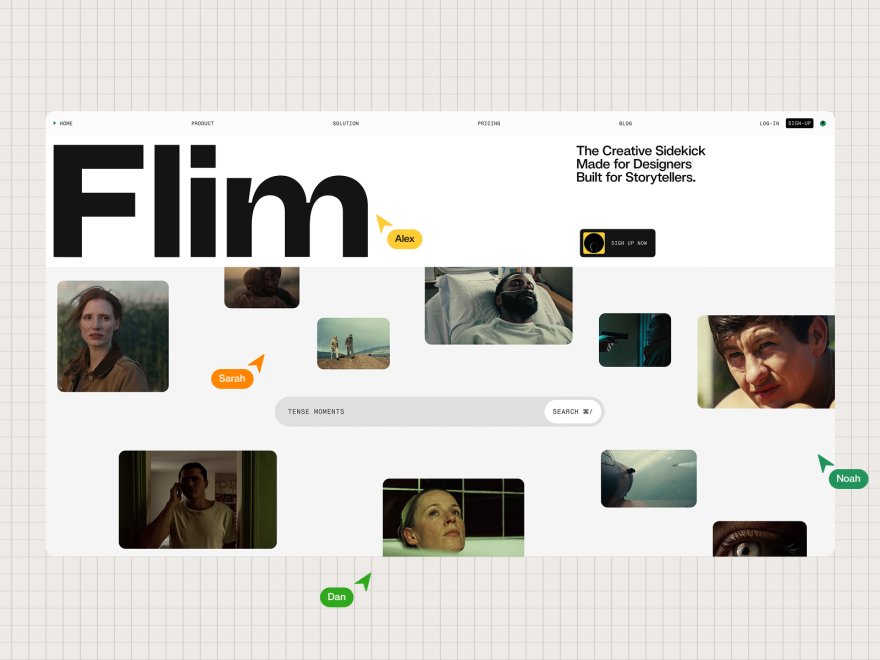
Framekit templates
Start from a designer-made template
 Use template
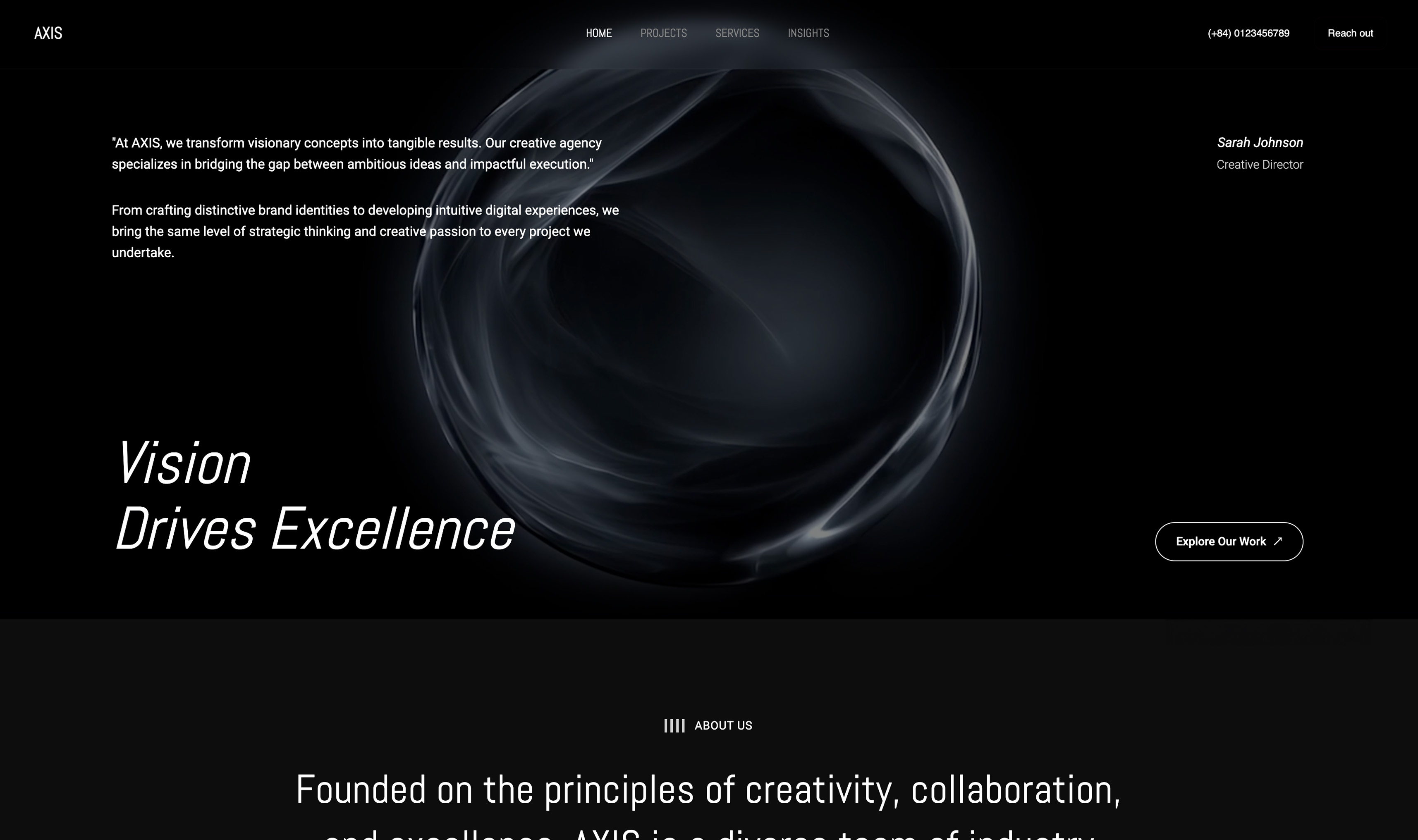 Use template
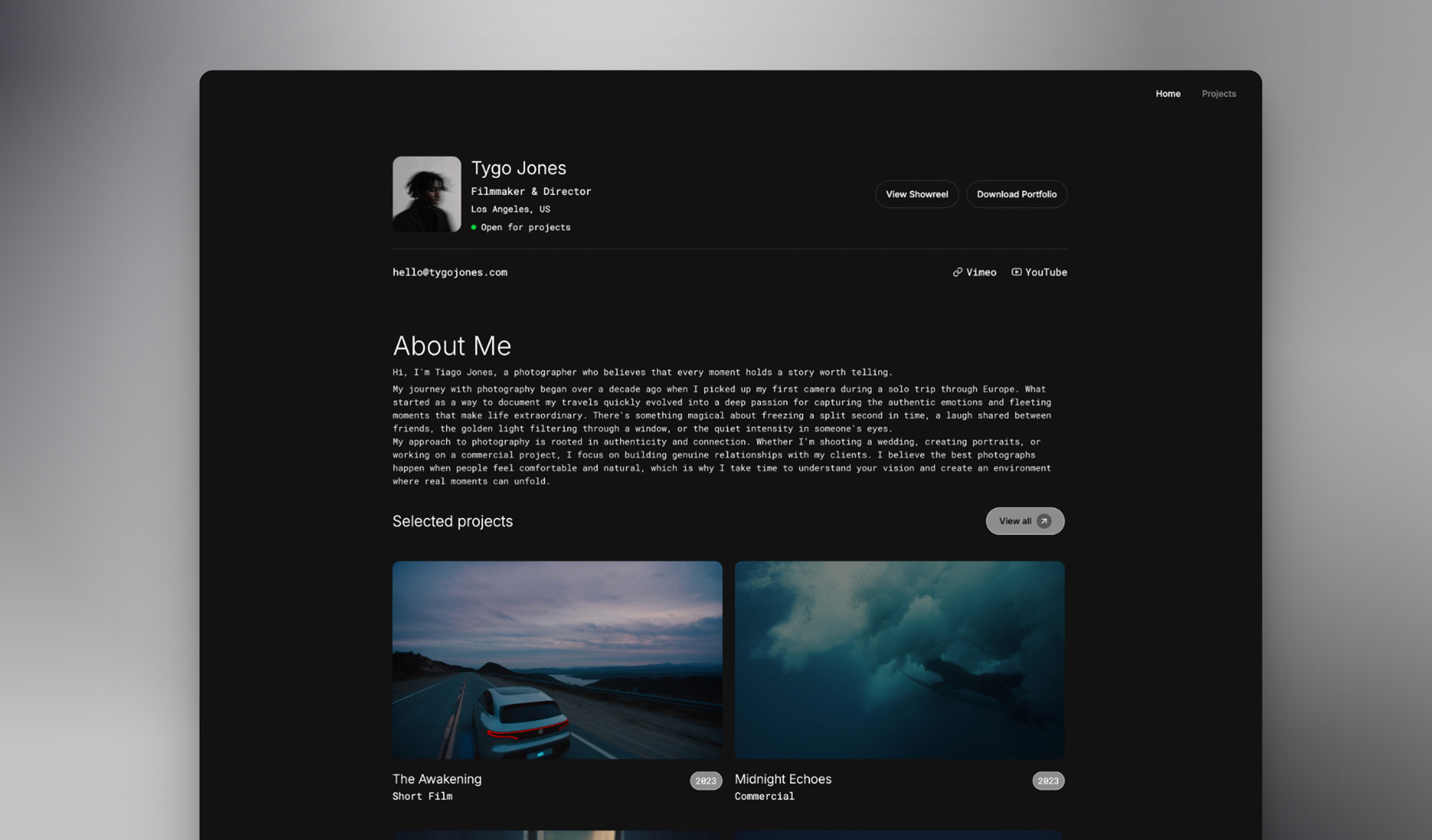 Use template
 Use template
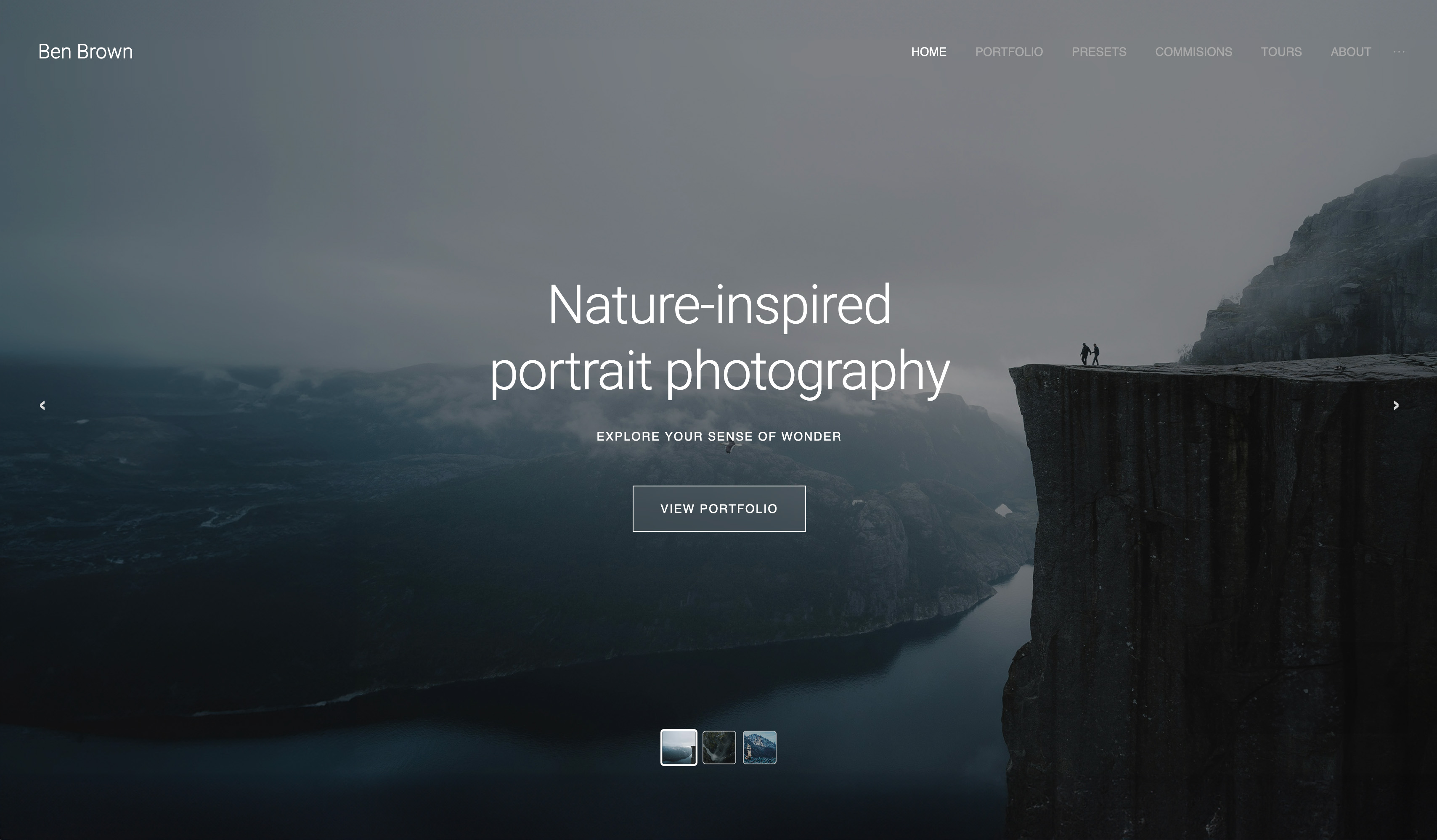 Use template
 Use template
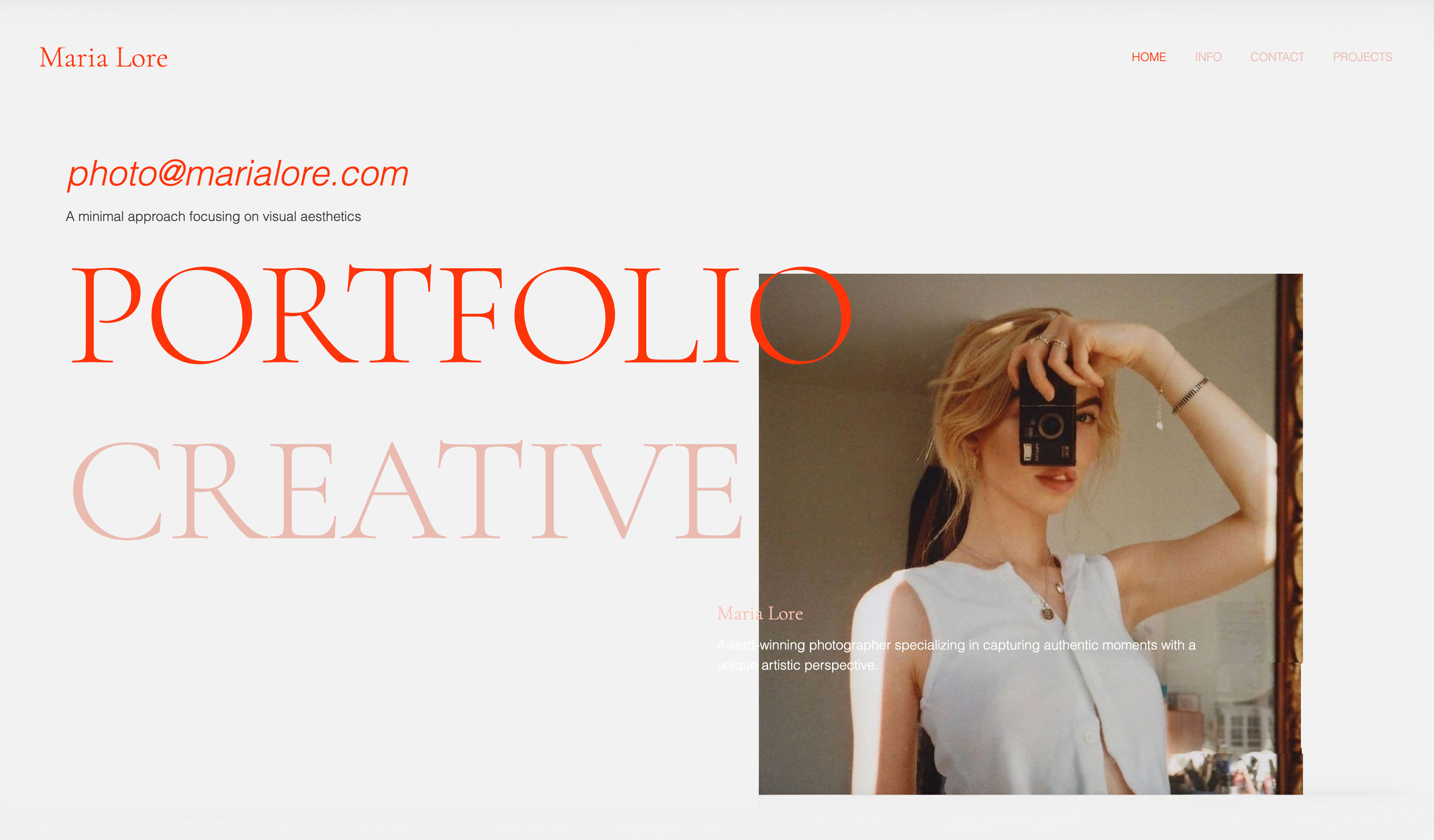 Use template
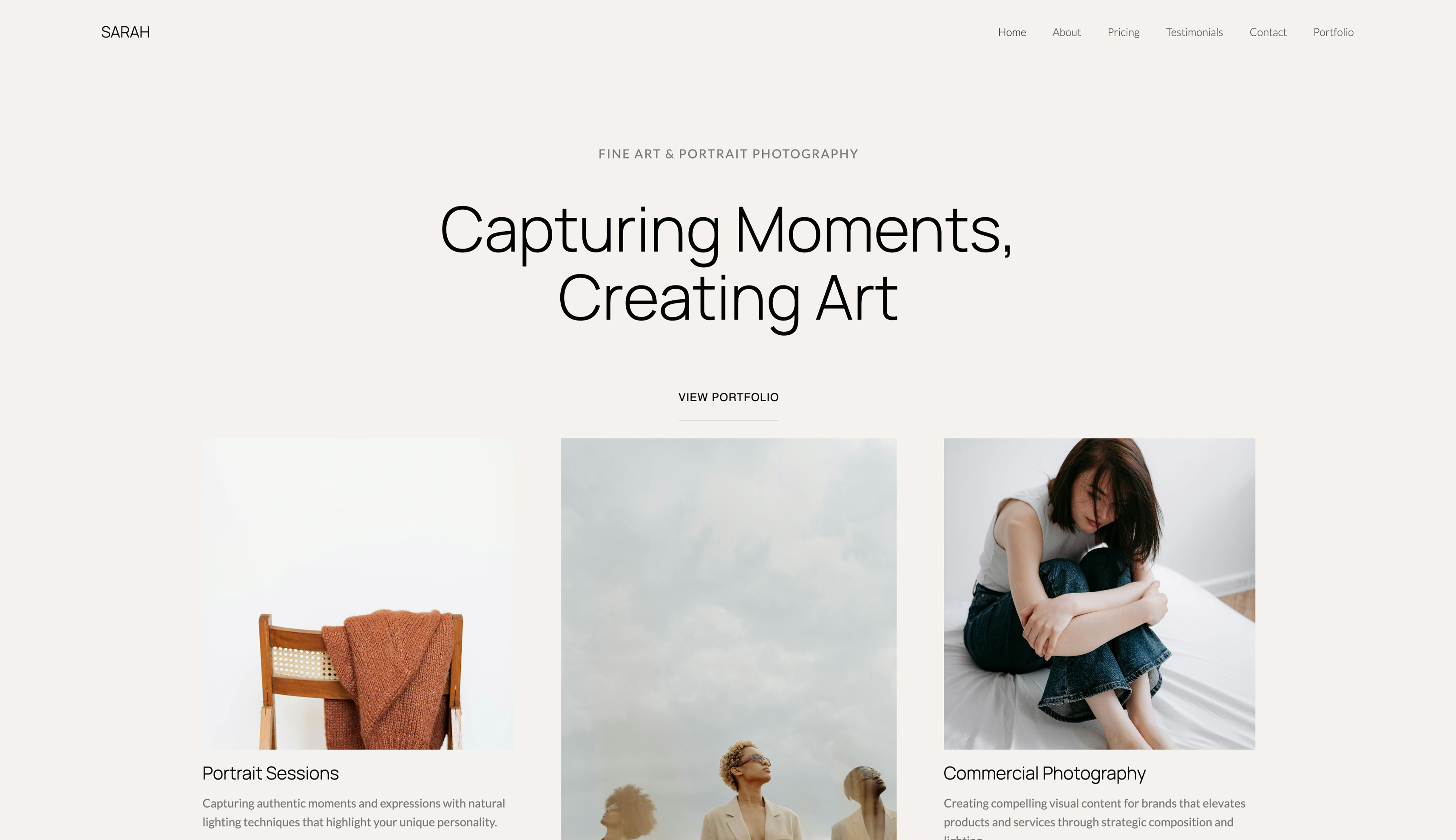 Use template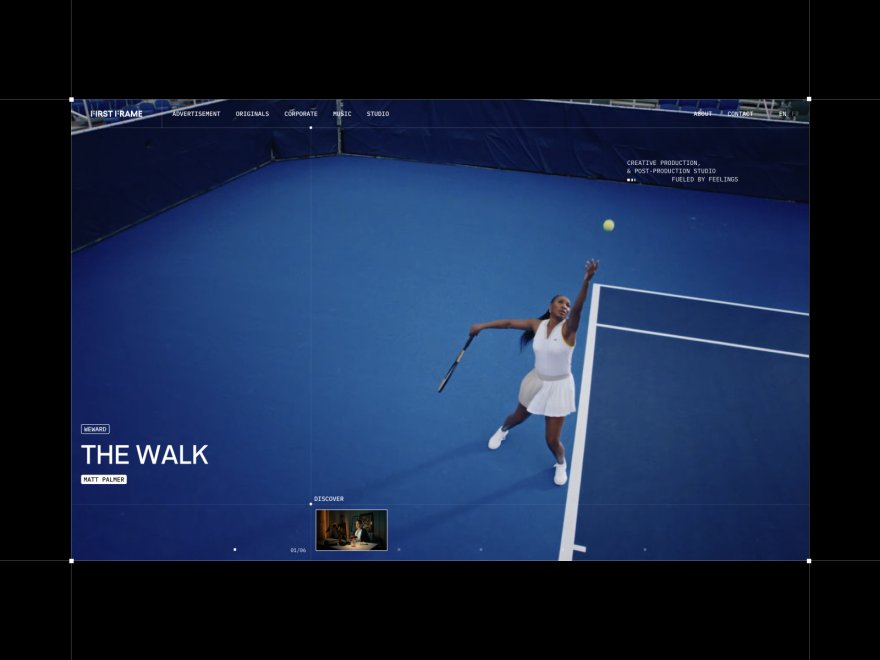
Squarespace is synonymous with good design. The platform built its brand on beautiful, curated templates that creative professionals trust. For years, "I'll just use Squarespace" was the default answer for anyone wanting a polished website.
But reputation and reality don't always align. We tested Framekit vs Squarespace across design quality, site performance, customization flexibility, and total cost.
The results challenge assumptions about which platform actually delivers better design outcomes, especially as a site grows past launch day.
A website builder is a tool that lets you create a website without writing code, and Framekit is the AI website builder built for creative professionals. The free plan needs no credit card.
In the Framekit vs Squarespace comparison, Framekit is the better pick for most creators because its designer-trained AI keeps a site cohesive as it changes, is built for fast-loading, performance-optimized pages, and starts free before a $9 Starter tier that undercuts Squarespace on price and does not rise at renewal.
Squarespace still suits people who want a fixed, template-led site they won't modify much. Start free at https://framekit.ai.
Framekit is an AI website builder that generates a designed site from a prompt, which is a different starting point from Squarespace's template picker.
What Is the Main Difference Between Framekit and Squarespace?
Both platforms promise polished websites without code, but the polish is created differently. Squarespace hands you roughly 150 finished templates that look their best on launch day.
Framekit uses an adaptive design system, so new pages and sections inherit your fonts, colors, and spacing automatically. The real question is not which looks better at launch, but which survives change.
How does each builder approach design?
Squarespace gives you roughly 150 curated, finished templates.
Framekit gives you an adaptive design system: its AI is trained by senior designers, so when you add a section or page, the new content inherits your fonts, colors, spacing, and hierarchy automatically.
Squarespace optimizes the launch-day look; Framekit optimizes design quality over the life of the site.
Why does this comparison focus on design and speed?
For design-conscious users, three things decide the winner: how good the final site looks, how fast it loads, and how much control you keep as needs evolve. This article measures all three with test data, professional blind ratings, and hands-on performance testing.
The Core Difference: Template Philosophy
The two platforms rest on opposite design philosophies, and that explains why their results differ. Squarespace treats a template as a finished, fixed composition you fill in.
Framekit treats design as an adaptive system that adjusts as you build. Understanding this split makes every metric below easier to interpret.
Squarespace: Beautiful Templates, Structured Constraints
Squarespace offers approximately 150 curated templates. Each template is visually polished and intentionally designed. The "Squarespace look" is recognizable and respected.
The tradeoff: templates are relatively rigid. Squarespace designs work beautifully when you work within their intended structure. Deviating from that structure means fighting the system.
Adding sections, rearranging layouts, or customizing beyond template boundaries requires significant effort and often compromises the original design coherence.
Framekit: Adaptive Design System
Framekit takes a different approach. Rather than rigid templates, the platform uses an adaptive design system. Every template was created by senior designers, and the AI was trained by those same designers to understand what makes designs work.
This matters because you get genuine flexibility without sacrificing quality. Need a new page? Add complete template pages instantly from the library and they adapt to your existing color scheme and typography automatically.
Need a pricing section, testimonial block, or feature grid? Every component in Framekit's library matches your site's look the moment you add it.
The most powerful feature: Framekit's AI can reference images you upload. Found a design you love on Pinterest, Dribbble, or a competitor's site? Upload it and the AI helps you recreate that style for your own site.
You can combine elements from multiple inspirations to create something unique, all without any design skills.
When you add new sections, change layouts, or customize extensively, Framekit automatically adapts typography, spacing, colors, and proportions. The design stays cohesive because the system understands design principles, not just template boundaries.
"A template is a starting point, not a cage. The best design tools help you evolve from that starting point without breaking what made it work in the first place." Kay, Founder of Framekit
Which Builder Produces Better Design Quality?
We built 10 portfolio websites on each platform using similar content. Professional designers evaluated the results without knowing which platform produced each site.
Evaluation Criteria
Designers rated each site on:
- Visual hierarchy: Does the eye flow naturally to important elements?
- Typography: Are font choices and sizing intentional and readable?
- Whitespace: Is spacing balanced and purposeful?
- Consistency: Do all pages feel cohesive?
- Polish: Does the site feel professionally finished?
Results
| Criteria | Framekit | Squarespace |
|---|---|---|
| Visual Hierarchy | 8.6/10 | 7.4/10 |
| Typography | 8.3/10 | 7.8/10 |
| Whitespace | 8.5/10 | 7.2/10 |
| Consistency | 8.7/10 | 6.9/10 |
| Polish | 8.2/10 | 7.5/10 |
| Overall Average | 8.4/10 | 7.4/10 |
The one-point gap might seem small, but in professional design evaluation, it represents a significant quality difference. Framekit sites consistently scored higher on consistency because the adaptive design system maintained coherence across customizations.
What Professional Designers Said
We asked the 50 designers who evaluated these sites to explain their ratings. Common themes emerged:
On Framekit sites:
"The typography hierarchy feels intentional throughout. When I saw the testimonials page, it looked like the same designer who created the homepage designed it, even though I know it was added later."
Sarah Chen, Senior Designer at MetaLab
"Whitespace usage is consistent across every section. That's rare for DIY sites. Most builder sites have 40px padding on one section, 20px on another, 60px on a third. Framekit maintains a systematic approach."
Marcus Rodriguez, Creative Director
"What impressed me most was consistency across pages. Many website builders create beautiful homepages, but secondary pages feel like afterthoughts. These felt cohesive."
Jennifer Kim, Lead Designer at Airbnb
On Squarespace sites:
"The homepage looked professional, but when I navigated to other pages, it felt like different templates were fighting each other. The cohesion broke down with customization."
Sarah Chen
"Individual sections were polished, but there's no underlying design system holding it together. You can tell someone manually adjusted spacing and fonts rather than working within systematic constraints."
Marcus Rodriguez
"The sites that stayed closest to the original template looked great, 7.8 to 8.2 range. But any significant modification introduced inconsistencies that hurt the overall quality."
Jennifer Kim
This feedback explains Squarespace's 6.9 consistency score versus Framekit's 8.7. Professional designers immediately noticed the difference between template-based design and system-based design.
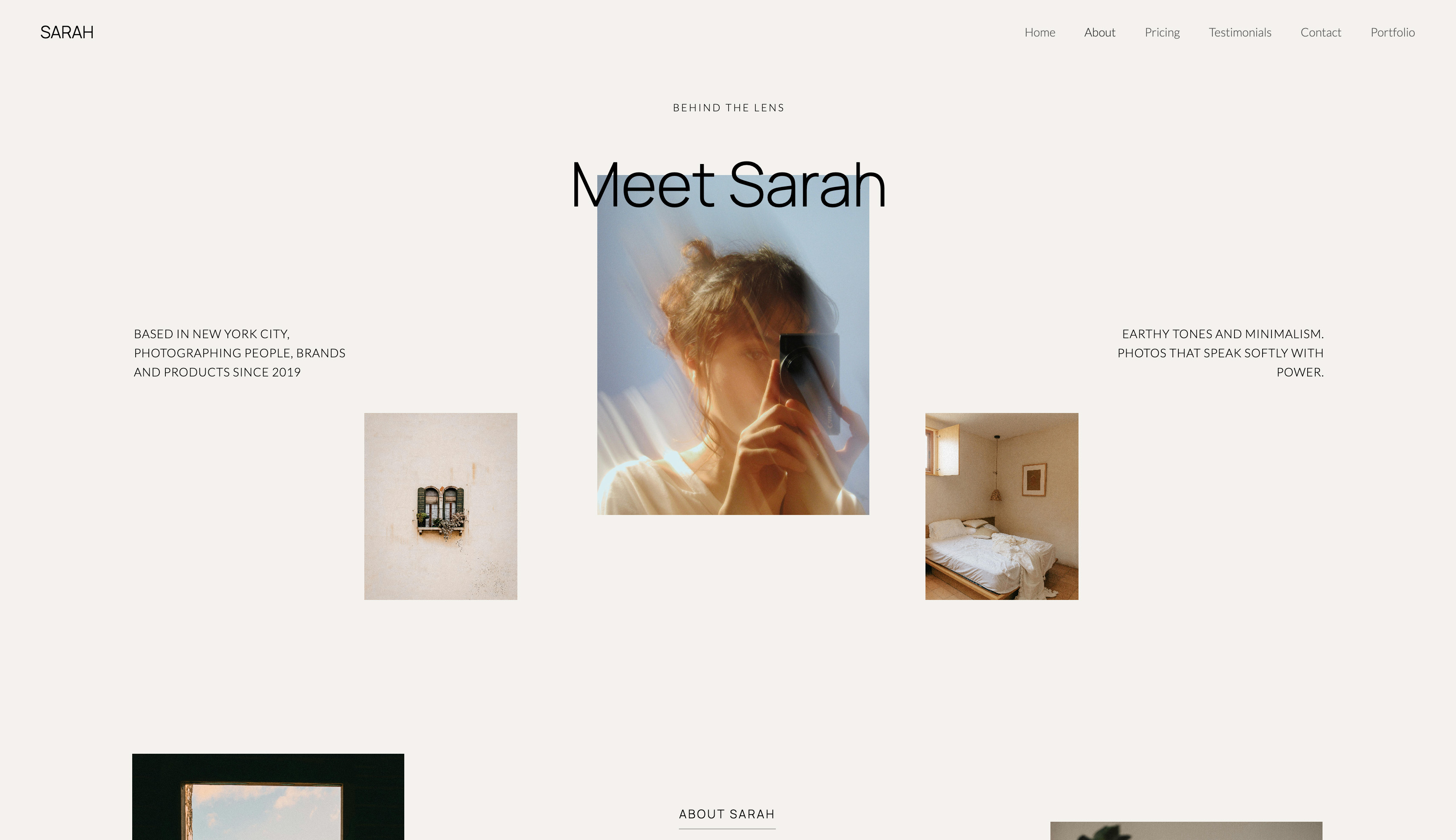
Where Squarespace Scored Well
Squarespace performed best when sites stayed close to original template structures. Sites that used templates as-is with minimal modification scored 7.8-8.2. The gap widened when sites required significant customization.
Where Framekit Excelled
Framekit scored highest on sites that required substantial modification from starting templates. The adaptive system maintained design quality even with heavy customization, averaging 8.3 on modified sites versus Squarespace's 6.8.
Is Framekit Faster Than Squarespace?
Site speed affects user experience and search rankings. According to Google's Web Performance research, pages meeting Core Web Vitals thresholds see significantly better engagement metrics.
Testing Methodology
We measured 15 sites on each platform using:
- Hands-on loading-speed checks on mobile and desktop
- Real-world load time observation
- General responsiveness and layout stability
Performance Results
| Metric | Framekit | Squarespace |
|---|---|---|
| Desktop performance | Very fast | Moderate |
| Mobile performance | Very fast | Moderate |
| Load feel | Loads quickly | Slower on image-heavy pages |
| Layout stability | Stable | Some shifting on heavy templates |
All observations above are from hands-on testing across comparable portfolio sites.
Why the Gap Exists
Framekit's Performance Approach:
- Automatic image optimization and WebP conversion
- Efficient code generation
- Server-side rendering for faster initial paint
- Lazy loading by default
- Minimal JavaScript overhead
Squarespace's Performance Reality:
- Heavy template JavaScript for animations and interactions
- Less aggressive image optimization
- Client-side rendering increases initial load time
- Feature-rich templates carry performance costs
Performance Impact on Users
The mobile performance gap translates to real user behavior:
- Bounce rates: faster sites hold visitors who would otherwise leave during a slow load.
- Search rankings: Core Web Vitals are confirmed Google ranking factors.
- Conversion rates: each additional second of load time reduces conversions by roughly 7%.
For design-focused users, this creates a dilemma: Squarespace templates look polished, but that polish sometimes comes with performance costs.
Why the Performance Gap Matters for Bookings
The performance gap isn't academic. For a creative professional, every visitor who bounces before your portfolio loads is a potential client you never get to impress.
A faster site keeps more visitors engaged, which means more of your traffic actually reaches your work, your prices, and your contact form.
Faster pages also rank better. Because page experience feeds Google's ranking signals, a fast-loading site is positioned to earn more organic traffic over time than a slower one, compounding the advantage.
For more on platform choices for creatives, see the best Squarespace alternative for creatives.
Template Flexibility: Customization Depth
Both platforms offer visual editors, but they differ in how far you can customize before the design breaks down. Squarespace lets you edit within a template's structure, and straying past it creates visual inconsistencies.
Framekit's component-based editing keeps coherence automatically, so adding or rearranging sections does not require manual style matching.
Squarespace Customization
Squarespace provides:
- Section-based editing within template structures
- Color and font customization
- Image and content replacement
- Limited layout modifications
- CSS injection for advanced users
LimitationStraying too far from template intentions creates visual inconsistencies. Adding sections from other templates often clashes stylistically. Users frequently report spending hours trying to make modifications look right.
Framekit Customization
Framekit provides:
- Component-based editing with design system awareness
- Full layout flexibility without breaking coherence
- AI-assisted section additions that match existing style
- Typography and spacing automatically adjusted
- No CSS knowledge required for advanced customization
AdvantageThe adaptive system handles design coherence automatically. Adding a testimonial section to a portfolio site doesn't require manual style matching, because the AI applies appropriate fonts, colors, and spacing.
Customization Test Results
We asked 10 users to make the same set of modifications to similar starting templates:
| Task | Framekit Time | Squarespace Time | Framekit Quality | Squarespace Quality |
|---|---|---|---|---|
| Add testimonials section | 3 min | 18 min | 8.4/10 | 6.2/10 |
| Change color scheme | 2 min | 8 min | 8.6/10 | 7.8/10 |
| Rearrange page layout | 5 min | 25 min | 8.2/10 | 5.9/10 |
| Add new page with different structure | 8 min | 35 min | 8.5/10 | 6.4/10 |
Framekit users completed customizations faster and maintained higher design quality. Squarespace users struggled most with layout changes and cross-template additions.
The Beautiful Template Trap
Squarespace's marketing emphasizes template beauty, and that creates a specific problem we observed repeatedly during testing.
Users pick a template that looks perfect, launch with minimal changes, then watch design quality slip as they add content the template was not built for. The starting point is exceptional, but the system does not help you keep it.
The Pattern
- User chooses Squarespace specifically for beautiful templates
- User selects a template that perfectly matches their vision
- User launches site with minimal customization, looks great (7.8/10 average)
- Three months later, user needs to add sections, change layouts, accommodate new content
- Customization breaks the design coherence that attracted them initially
- User spends hours trying to restore visual quality
- User either compromises on content or accepts degraded design (6.8/10 average)
We call this the "beautiful template trap": the starting point is exceptional, but the system doesn't help you maintain that quality as your needs evolve.
Why This Happens
Squarespace templates are designed objects, not design systems.
Each template is a complete, finished composition, like a magazine layout or poster. When you modify that composition, you're working against the designer's intent rather than within a flexible system.
Think of it like this: buying a beautifully tailored suit versus having a personal tailor. The suit looks perfect off the rack, but any alteration compromises the designer's vision. A personal tailor creates clothes that adapt to your changing needs while maintaining quality.
Framekit inverts this approach. Templates are sophisticated starting points built on an adaptive design system. The system understands spacing ratios, typography scales, color relationships, and visual hierarchy principles. As you modify, the system maintains coherence.
Design Quality Over Time
In our six-month testing period tracking how sites evolved:
Squarespace sites:
- Launch day: 7.8/10 average
- After 3 months: 7.2/10 average
- After 6 months: 6.8/10 average
Quality degraded as users added content, changed layouts, and modified structures. The more they customized, the further they drifted from the original template's design cohesion.
Framekit sites:
- Launch day: 8.2/10 average
- After 3 months: 8.3/10 average
- After 6 months: 8.4/10 average
Quality actually improved with customization. As users added content and modified layouts, the adaptive system helped them make better design decisions. The underlying design principles guided customization rather than constraining it.
What This Means for Your Decision
If you need a website that looks great right now and won't change significantly, Squarespace's template beauty serves you well.
If you need a website that maintains quality as your needs evolve, adding content, changing offerings, growing your business, Framekit's adaptive approach delivers better long-term outcomes.
Most businesses underestimate how much their website needs will change. A portfolio that showcases 6 projects today showcases 20 projects in a year. A service business offering 3 packages today offers 7 packages and a workshop series in 18 months.
The platform that adapts with you matters more than the platform that looks perfect on launch day.
How Much Do Framekit and Squarespace Cost?
Design quality and performance matter, but so does cost. Squarespace runs on annual subscriptions from $19 a month upward that rise over time.
Framekit starts free, then moves to a $9 a month Starter tier that adds a custom domain and removes branding, so over five to ten years a Framekit site can cost around half of a comparable Squarespace plan, and its price does not rise at renewal.
Squarespace Pricing
- Basic: $19/month ($228/year)
- Core: $29/month ($348/year)
- Plus: $49/month ($588/year)
- Advanced: $99/month ($1,188/year)
All plans require an annual commitment for the best rates, and monthly billing costs more. See Squarespace pricing for current figures.
Framekit Pricing
- Free: $0, no credit card (framekit.ai subdomain and a small Framekit badge)
- Starter: $9/month (custom domain, no Framekit branding)
- Pro: $19/month (cancel anytime; annual billing saves 20%)
- Business: $39/month (0% product fee)
5-Year Cost Analysis
| Plan Type | Squarespace (5 Years) | Framekit Starter (5 Years) |
|---|---|---|
| Basic | $1,140 | $540 |
| Core | $1,740 | $540 |
| Plus | $2,940 | $540 |
The $9 Starter tier holds its price while delivering higher design quality and better performance, and it does not rise at renewal. Over a ten-year horizon, the savings against Squarespace's plans grow well past $1,000.
Who Should Choose Squarespace?
Squarespace makes sense in a few specific scenarios.
It is the right pick when you find a template that matches your vision exactly and you do not expect the site to change much over the next two to three years, or when you want one all-in-one subscription covering store and email alongside the site.
Perfect Template Match with Minimal Future Changes
If you find a Squarespace template that matches your vision exactly AND you don't anticipate significant changes over the next 2-3 years, Squarespace delivers polished results.
This works best for:
- Static portfolio sites that rarely change (career retrospectives, completed project archives)
- Event websites with fixed content and specific end dates
- Project sites with defined scope and no plans for expansion
- Personal sites where aesthetic matters more than ongoing evolution
The Squarespace Aesthetic as Intentional Brand Choice
Some brands specifically want the recognizable "Squarespace look": clean, minimal, editorial, slightly sparse.
If this aesthetic aligns with your brand identity and you're comfortable staying within its structural constraints, that's a legitimate choice. Just understand you're choosing a specific design language that's difficult to deviate from.
Complex E-commerce Requirements
For online stores with:
- 100+ products with variants and complex inventory
- Abandoned cart recovery sequences
- Advanced shipping rules and calculations
- Customer accounts and loyalty programs
Squarespace's deeper e-commerce integration provides value.
(For simple product sales, digital products, or service booking, Framekit's Stripe integration works well. But if you're running a full product catalog operation, Squarespace's e-commerce tools are more comprehensive than Framekit's current offering.)
Existing Investment Without Problems
If you've already spent significant time learning Squarespace, your site works adequately for your needs, you're not experiencing performance or customization frustrations, and switching costs seem high, staying with Squarespace is reasonable.
"Good enough" is sometimes good enough. Migration should solve problems, not create them.
Important Caveat
These scenarios assume you accept Squarespace's structural constraints rather than fight them.
Most Squarespace frustration emerges from expecting more flexibility than the template architecture provides. Users attracted by template beauty often underestimate how much they'll want to customize later.
If you choose Squarespace, choose it for a template you love as-is, not a template you plan to modify significantly.
Who Should Choose Framekit?
Framekit delivers better outcomes for:
Design-conscious usersIf final design quality matters most, Framekit's 8.4/10 average versus Squarespace's 7.4/10 represents meaningful improvement.
Performance-focused sitesFramekit's fast-loading, performance-optimized pages directly support search rankings and user experience. For businesses where organic traffic matters, this advantage is significant.
Customization needsIf you anticipate modifying designs substantially, Framekit's adaptive system maintains quality through changes while Squarespace often struggles.
Long-term cost efficiencyThe $9 Starter tier keeps costs low and flat at renewal. Over five years, savings range from roughly $600 to $2,400 compared to Squarespace plans.
Portfolio and creative professionalsPhotographers, designers, and artists benefit from Framekit's design quality and performance advantages. First impressions determine whether potential clients engage further.
Why the Adaptive System Wins Over Time
The clearest argument for Framekit in this comparison is what happens after launch.
On Squarespace, every new project, section, or layout change is a manual styling task, and small inconsistencies accumulate until the site feels like a patchwork.
On Framekit, the adaptive design system applies your existing fonts, spacing, and hierarchy to anything you add, so the site stays cohesive as it grows.
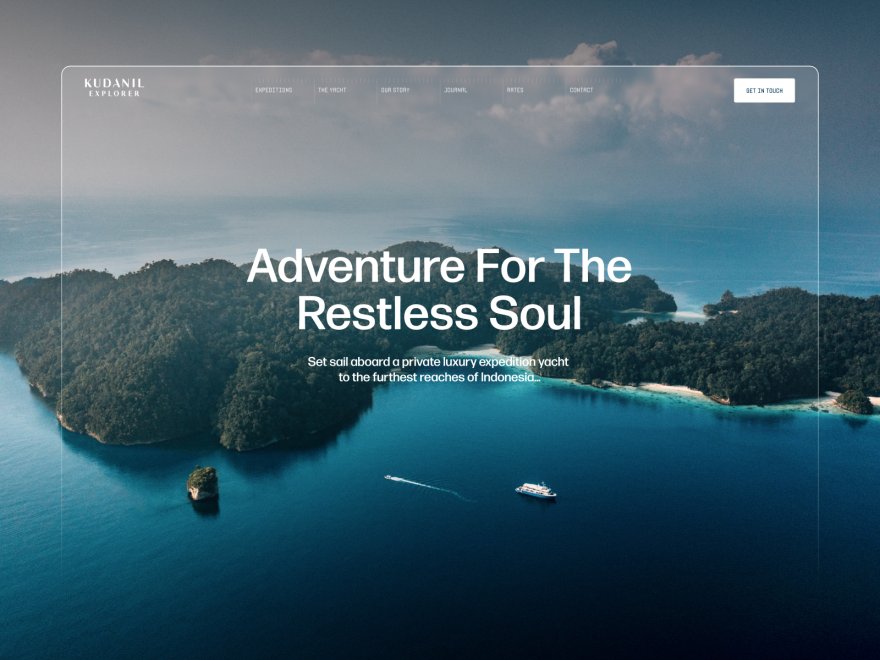
That difference compounds.
A portfolio that showcases six projects today may showcase twenty within a year, and the platform that maintains design quality through that growth saves hours of cleanup and protects the impression your site makes.
For a wider view of design-first builders, see our roundup of the best website builders for creative professionals in 2026.
Frequently Asked Questions
Is Framekit better than Squarespace?
In the Framekit vs Squarespace comparison, Framekit is better for most creators because it keeps a site cohesive as it grows, loads far faster, and costs less long term.
Framekit is built for fast-loading, performance-optimized sites, while template-based builders can feel slower on image-heavy mobile pages. Squarespace is still a fair choice if you want a fixed, template-led site you won't modify much.
Which platform is easier to learn?
Both platforms target non-technical users, and initial learning curves are comparable, around 30 to 60 minutes to basic competency.
Framekit tends to get easier over time because its adaptive system reduces the manual styling decisions you face every time you add or change a section.
Can I migrate from Squarespace to Framekit?
Yes. There is no automatic migration, but rebuilding on Framekit typically takes one to two hours because the AI does most of the layout work. Most users report their Framekit site looks more polished than their original Squarespace site.
How does Framekit's pricing compare to Squarespace?
Framekit starts free at $0 on a framekit.ai subdomain with a small badge. Its Starter plan at $9 a month adds a custom domain and removes branding, undercutting Squarespace's cheapest Basic plan at $19. Pro is $19 and Business is $39, and none of these prices rise at renewal.
Which is better for SEO?
Framekit. Its fast-loading, performance-optimized pages support healthy page-experience signals, server-side rendering aids crawlability, and built-in sitemaps, JSON-LD structured data, and per-page SEO controls reduce technical SEO work.
Are Squarespace templates really that rigid?
Rigidity depends on your needs. If you stay within template boundaries, flexibility is adequate, but problems emerge when customization needs exceed the template's intended structure. Squarespace works best when you accept its structure rather than fight it.
Framekit vs Squarespace: Final Verdict
For design quality, performance, customization flexibility, and long-term value, Framekit wins the Framekit vs Squarespace comparison.
The numbers tell the story:
- Design Quality: Framekit 8.4/10, Squarespace 7.4/10 (professional blind evaluation)
- Design Evolution: Framekit holds quality with customization, Squarespace tends to degrade
- Performance: Framekit very fast, Squarespace slower on image-heavy pages
- Customization Speed: Framekit 3-8 minutes per task, Squarespace 8-35 minutes
- 5-Year Cost: Framekit $540 on Starter, Squarespace $1,140-$2,940
Squarespace built its design reputation deservedly. The platform offers genuinely beautiful templates that work well within their intended constraints.
But design quality isn't just about template beauty at launch. It's about maintaining that quality as your needs evolve. Squarespace templates are designed objects that degrade with modification. Framekit's adaptive design system maintains coherence through evolution.
The "beautiful template trap" is real: Squarespace sites look polished at launch but struggle to maintain quality over time. Framekit sites actually improve as you customize because the underlying system guides design decisions.
For Most Users, Framekit Delivers Better Outcomes
If you choose Squarespace, choose it for a template you love as-is with no plans for significant modification.
If you anticipate your site evolving, adding content, changing offerings, or growing your business, Framekit's adaptive approach delivers better long-term design quality while loading faster and costing less.
The choice comes down to this: do you want a website that looks great on launch day, or one that maintains design quality as your needs change?
If you want to dig deeper, read our Framekit vs Squarespace comparison for photographers and our Framekit vs Wix comparison before deciding.
Build your first site. Most users complete a professional portfolio in under an hour and keep that quality as the site grows: framekit.ai.
_Recently updated for 2026: both products' current plan pricing checked against their own pages._