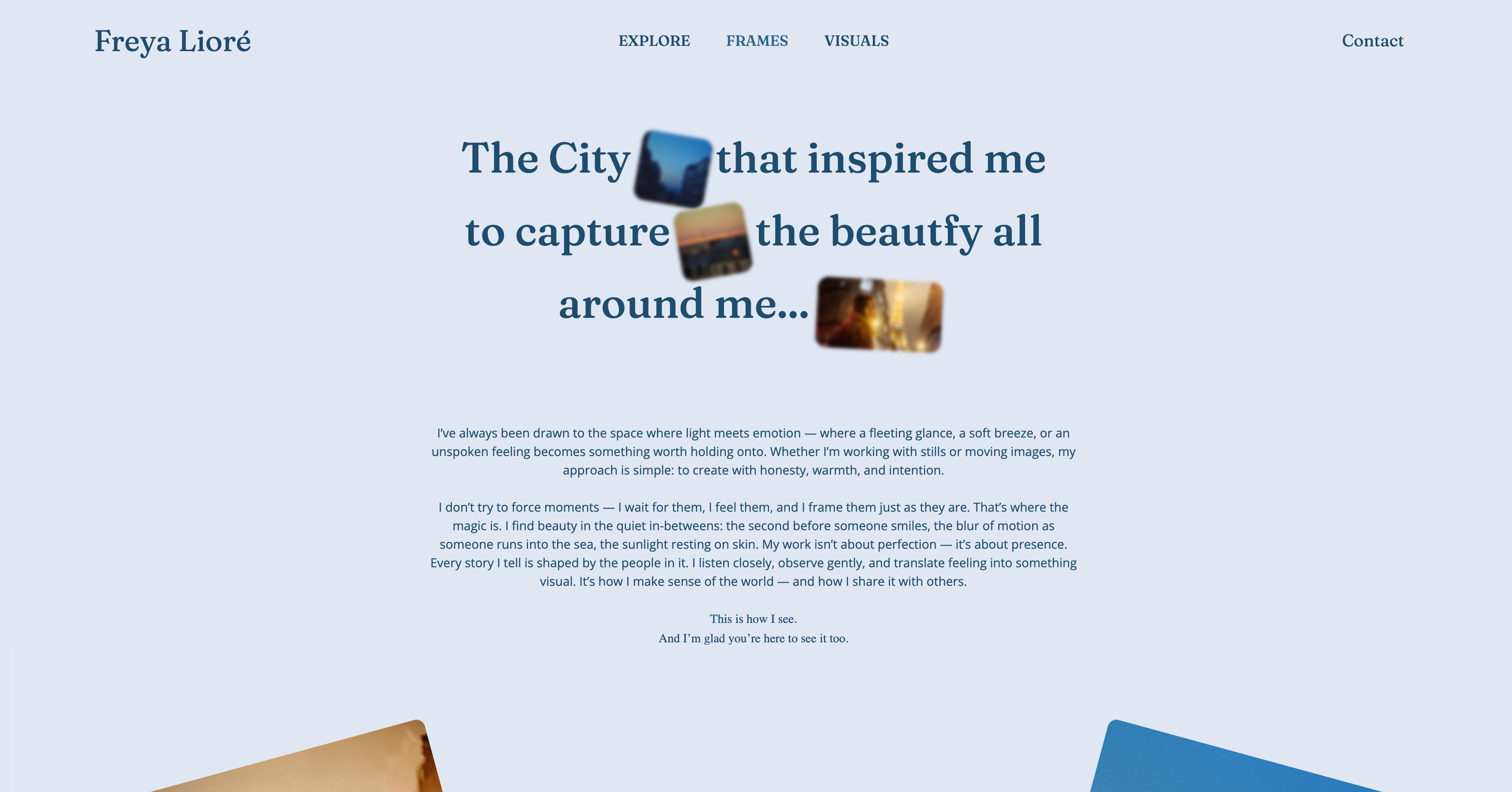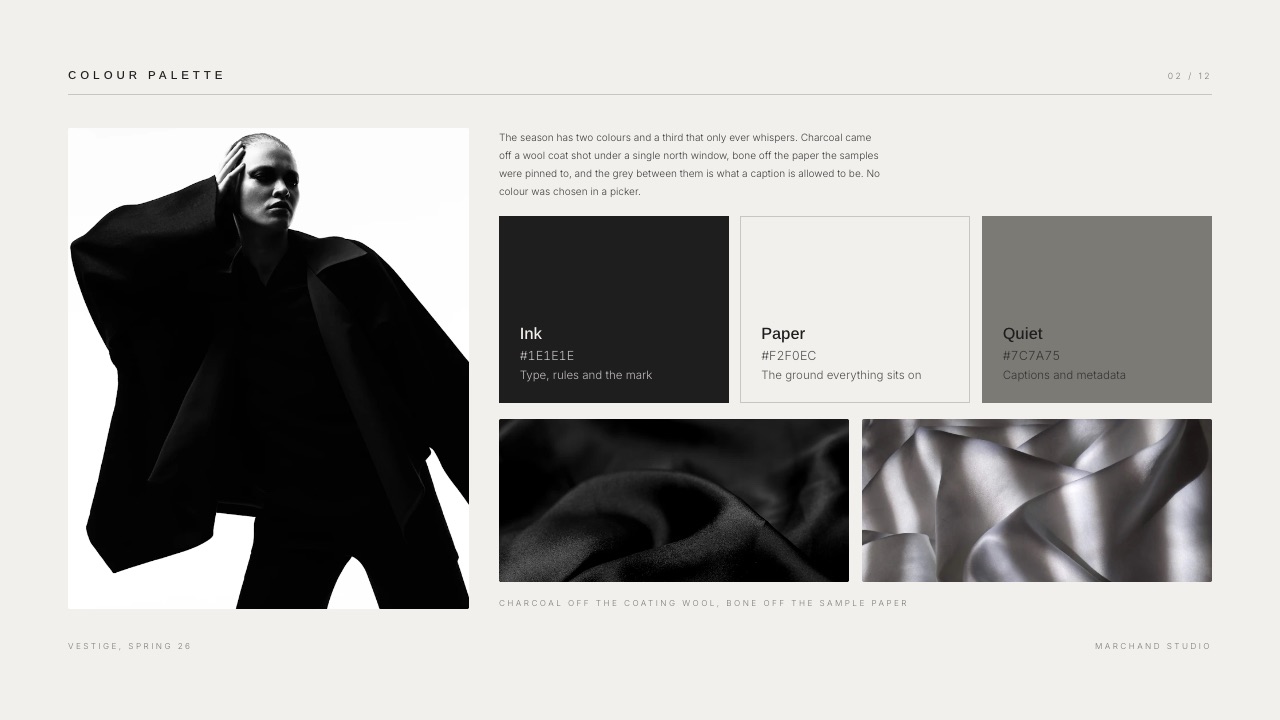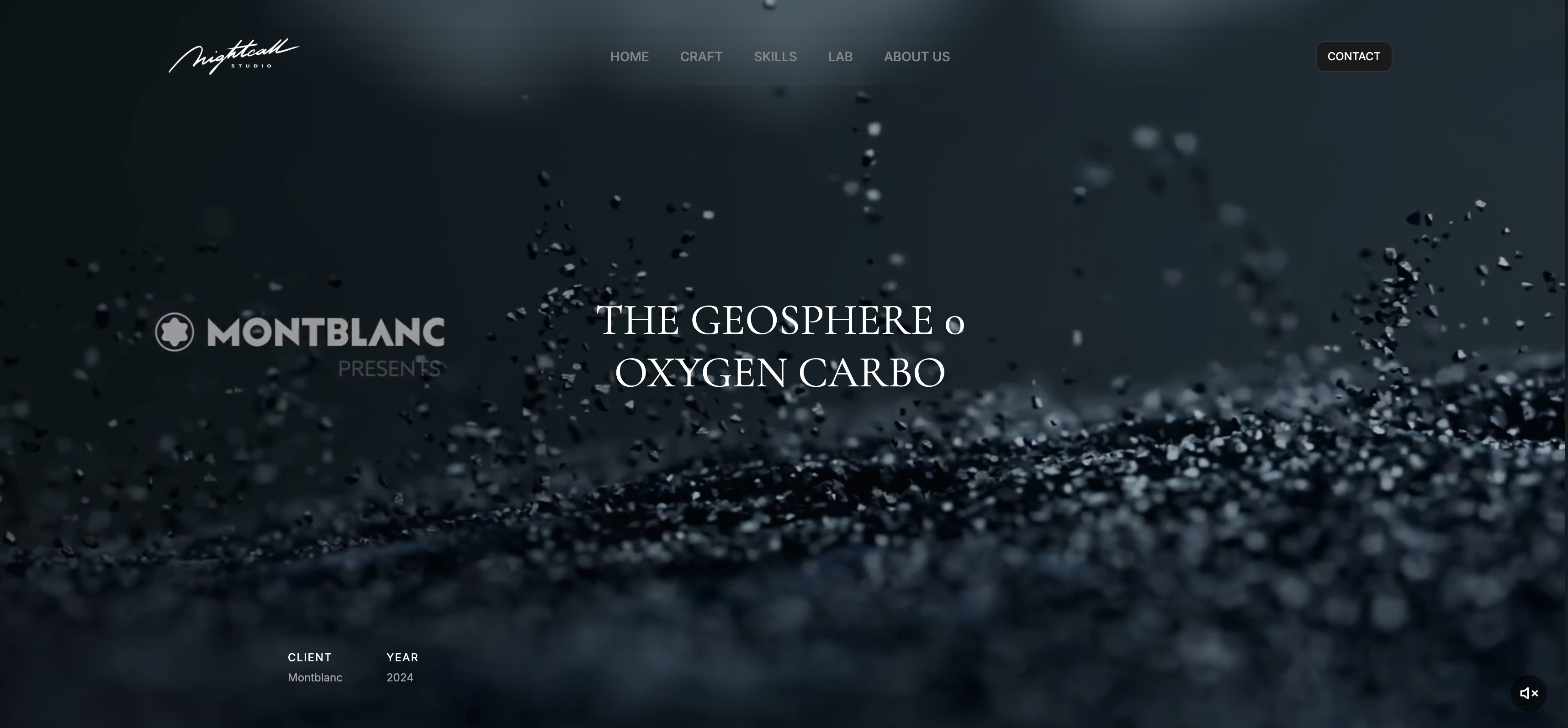
Framekit templates
Start from a designer-made template
 Use template
 Use template
 Use template
 Use template
 Use template
 Use template
 Use template
 Use template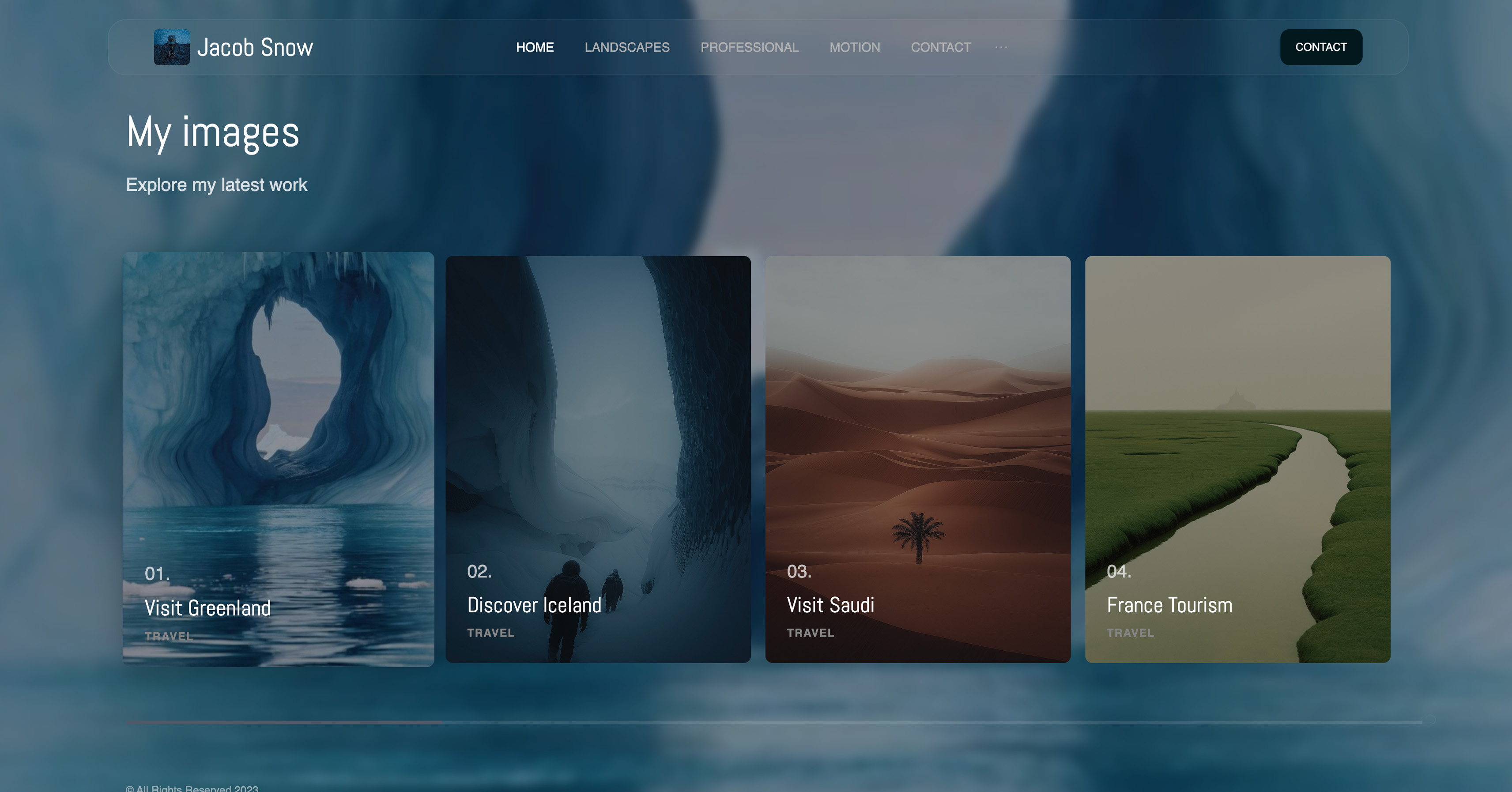
The deck you present is not the deck that decides the deal.
You talk through sixteen slides on a call with one person, and then those slides get forwarded to a manager, a finance lead, and someone in procurement who will never speak to you and will form an opinion in four minutes.
Which means the most valuable thing a sales deck tool can do is tell you what happened in that room you were not in.
Sales deck software is a tool that builds a buyer-facing presentation and, in the versions worth paying for, reports what recipients did with it: who opened it, which slides they read, and whether it was forwarded.
The best sales deck software in 2026 is Pitch, because it combines a fast collaborative editor with per-recipient link analytics, working revocation, and a workspace price rather than a per-seat one, which suits a small sales team better than anything else here.
The trade-off is that it offers no buyer-specific personalisation engine, so Storydoc is stronger if you send genuinely tailored decks at volume.
Canva is the pick when the deck simply looks bad, Gamma is the fastest first draft, Framekit Slides suits creative studios whose portfolio does the selling but reports nothing after send, and Google Slides remains the free answer that closes plenty of deals.
Full disclosure: Framekit is our own product. It ranks eighth, because this guide weights post-send visibility at 30% and Framekit has no deck analytics; seven tools here beat it for a sales team that needs to know what buyers read. It is scored from its published features rather than from our test sends.
How We Compared 10 Sales Deck Tools
We built the same deck in every tool: sixteen slides covering the problem, the approach, three proof points with numbers, a case study, a pricing table with three tiers, and a next-steps slide. Then we sent it to test recipients and watched what each tool reported back.
Post-send visibility. What does the tool tell you after the deck leaves your hands? This is 30% of the score, because it is the only thing a deck tool can do that a design tool cannot.
Personalisation at volume. Can you produce a version for a specific buyer without rebuilding the deck? A team sending forty decks a month lives or dies on this.
Editor speed. Sales decks change constantly. We timed how long it took to swap a case study and update three pricing figures.
Buyer-side experience. What the recipient sees, on a phone, with no account, on a corporate network that may block half the internet.
Cost for a team of five. Priced as a small sales team actually buys, because per-seat pricing hides at one seat and hurts at five.
Three kinds of finding, kept apart. Measured by hand: building the deck, sending it, and reading the analytics each tool produced.
Verified from published sources: pricing, checked against each vendor's own pages in August 2026 and linked where accessible. Reported as community sentiment: recurring reviewer complaints, flagged as sentiment.
On 19 September 2026 we added Framekit as a tenth tool, now that its Slides deck editor ships, and re-verified its plans on its own pricing page. It did not go through the test sends, so it is kept out of the measured counts below; competitor prices are as read in August.
What Building the Same Sales Deck 9 Times Showed
The counts behind the ranking, from our sends and each vendor's published pricing in August 2026.
- 5 of 10 report slide-level or section-level reading, rather than a bare view count: Pitch, Storydoc, Gamma, Beautiful.ai and PandaDoc.
- 2 of 10 let you produce a personalised version per recipient without duplicating the whole deck, which are Storydoc and PandaDoc.
- 3 of 10 cost nothing at all for a team that can live without analytics: Google Slides, PowerPoint for the web and Canva's free plan.
- Only 1 of 10 charges for the workspace rather than per seat at the tier a small team needs, which is Pitch, and on five people that difference is several hundred dollars a year. Framekit prices per account but is not a shared team workspace.
- The most expensive publicly priced option for five seats is Storydoc Pro at roughly $2,160 a year, against about $600 for Pitch's workspace tier.
- Every tool that offers revocation claims it works. Two of them still served a previously opened deck from cache after we revoked the link.
Skip to the decision tree for a fast answer, or read the field.
The 10 Best Sales Deck Software Tools in 2026: Full Comparison
How the ratings work: post-send visibility 30%, personalisation 20%, editor speed 20%, buyer experience 20%, and cost 10%.
Visibility carries the most weight because a sales deck is read without you present, and a tool that reports nothing leaves you guessing about the only conversation that matters.
Pitch leads at 9.1 while scoring 5 on personalisation, its weakest criterion and clearly behind Storydoc. Storydoc scores 10 on visibility and 4 on cost, the lowest cost score here. No tool led on both.
| Tool | Best for | Slide-level analytics | Per-buyer versions | Five seats a year | Our rating |
|---|---|---|---|---|---|
| Pitch | Small teams sending decks weekly | Yes | Manual | About $600 | 9.1/10 |
| Storydoc | Personalised decks at volume | Yes, deepest | Yes | About $2,160 | 8.7/10 |
| Canva | Decks that simply look bad today | No | Manual | About $720 | 8.5/10 |
| Gamma | The fastest first draft | Yes, basic | Manual | About $540 | 8.3/10 |
| PandaDoc | Decks that end in a signature | Yes | Yes | About $1,140 | 8.0/10 |
| Google Slides | Free, collaborative, everywhere | No | Manual | $0 | 7.8/10 |
| PowerPoint | Buyers who want an editable file | No | Manual | About $500 | 7.5/10 |
| Framekit | A solo studio selling visual work | No | Manual | $84 per account, not seats | 7.3/10 |
| Beautiful.ai | Consistency without a designer | Yes | Manual | About $2,400 | 7.0/10 |
| Highspot and similar | Large enablement operations | Yes | Yes | Quote only | 6.8/10 |
Prices verified against published pricing in August 2026 and calculated for five people where the vendor prices per seat. Confirm before purchase; several vendors changed pricing in the last year.
What each tool tells you after you hit send
This is the table that should decide the purchase, and it is the one vendors describe most vaguely. We sent the same deck from each tool and recorded what actually came back.
| Tool | What you learn | Per recipient | Revocation held |
|---|---|---|---|
| Pitch | Slide-level activity and time | Yes | Yes |
| Storydoc | Section read depth and dwell time | Yes | Yes |
| PandaDoc | Page views plus signature status | Yes | Yes |
| Gamma | Views and how far they read | Partly | Not tested as reliable |
| Beautiful.ai | Viewer analytics on shared links | Partly | Not tested as reliable |
| Canva, Google Slides, PowerPoint | Nothing useful | No | Not applicable |
Framekit was not part of these sends; by its own feature list it reports nothing after send either, though its share link can be reset to cut off an old address.
1. Pitch: Best for Small Teams Sending Decks Weekly
Our rating: 9.1/10
Pitch is built for teams that treat a deck as a living document rather than a file, and that shows in the two places sales teams feel it: the editor is fast enough to update a pricing slide between calls, and the shared link reports what each recipient actually did.
Our sixteen-slide build was the quickest of any paid tool, and the case-study swap took under four minutes including re-uploading two images. Version history meant the updated deck reached everyone on the original link rather than as a version two attachment.
Best forSales teams of two to twenty-five sending decks weekly and iterating on them constantly.
Key features:
- Per-recipient link activity with slide-level detail
- Version history, so an updated deck reaches people on the same link
- Genuine link expiry and revocation
- Fast collaborative editor with comments that resolve
- Workspace pricing that covers a team rather than charging per head
The real numberPitch Plus is roughly EUR 120 a year and the workspace tiers cover a team rather than a seat, which works out around $600 a year for five people, against roughly $720 for five Canva Pro seats and about $2,160 for five of Storydoc Pro.
The standout detailrevocation actually holds. We opened a deck, revoked the link, and refreshed in the same tab; the deck was gone rather than served from cache, which was not true of two other tools claiming the same feature.
The gotchapersonalisation is manual. Producing a version for a specific buyer means duplicating the deck and editing it, which is fine at five decks a month and painful at forty. That is the specific gap Storydoc fills.
What reviewers say elsewherePitch rates strongly on G2 for editor speed and collaboration, with the recurring criticism being template depth relative to Canva.
Skip it ifyou send heavily tailored decks at volume, or your buyers demand editable .pptx files as a matter of process.
Verdict: Pitch is the best sales deck software for a small team that sends often and revises constantly, and the pricing unit is a large part of why. Coming from a locked-layout tool? Our best Slidebean alternatives guide covers that move. Visit Pitch
2. Storydoc: Best for Personalised Decks at Volume
Our rating: 8.7/10
Storydoc replaces the slide with a scrolling interactive document, and in exchange gives you the deepest post-send data in this comparison plus genuine per-recipient personalisation.
Sending forty decks a month, each carrying the buyer's name, logo and relevant case study, is a workflow rather than a chore here.
The data it returns is a different category from a view count.
Section-level dwell time told us that our test readers spent most of their attention on pricing and skipped the approach section entirely, which is the kind of finding that changes a deck rather than a follow-up email.
Best forTeams sending high volumes of tailored decks where personalisation is the strategy rather than a nicety.
Key features:
- Section-level read depth and dwell time per recipient
- Personalised versions generated per buyer without rebuilding
- Interactive elements, embedded video and live content
- Lead capture and integration with sales systems
- Mobile rendering designed for scrolling rather than adapted to it
The real numberStorydoc Starter is $237.60 a year and Pro is $432 a year per seat, so five seats on Pro is roughly $2,160 annually, the most expensive publicly priced option here by a clear margin.
The gotchathere is no fixed-page PDF, because there are no pages. Procurement teams that archive PDFs and buyers who print decks both hit this, and the exported compromise is not the document you designed.
Skip it ifyour buyers forward attachments rather than links, or your sales process routinely ends in a printed document.
Verdict: Storydoc is the right purchase when personalisation and read data will change what your team does, and an expensive novelty when the data will only be admired. Visit Storydoc
3. Canva: Best When the Deck Simply Looks Bad
Our rating: 8.5/10
For a large number of teams the honest diagnosis is not that their deck lacks analytics, it is that it looks like it was made in 2011. Canva fixes that faster and cheaper than anything else here, and a non-designer can produce a coherent sixteen-slide deck in an afternoon.
The template library does most of the work, and the brand kit keeps a team of five from drifting into five different typefaces, which in practice is the most common cause of a deck looking amateur.
Best forTeams whose decks are visually weak and who have no designer to fix them.
Key features:
- The deepest template and asset library in this comparison
- Brand kit that holds a team to one typeface and palette
- Free plan that completes a full sales deck
- Browser-based editing that anyone can join
- Clean PDF export, with .pptx export that drifts on complex slides
The real numberthe free plan finishes the deck. Pro is $18 a month or $144 billed annually, about $12 a month, so five seats is roughly $720 a year. Business is $25 per user a month for team brand controls.
The gotchano analytics of any kind. A Canva deck sent to a buyer tells you nothing at all, which for a team trying to work out why deals stall after the demo is the single most expensive gap on this page.
Skip it ifpost-send visibility is the problem you are trying to solve, because Canva does not address it at any price.
Verdict: Canva fixes appearance and nothing else, which for many teams is genuinely the right purchase. Hitting the export drift? See our best Canva alternatives for presentations. Visit Canva
4. Gamma: Best Fastest First Draft
Our rating: 8.3/10
Gamma turns a paragraph about what you sell into a structured sixteen-slide draft in about a minute, and for a sales team that needs a deck for a new segment by Thursday, that is a real advantage.
The generated order is usually sensible, and the editor behind it lets you fix what is not.
It also reports basic view data, which puts it ahead of every free tool here and behind the dedicated analytics platforms.
Best forTeams that need new decks often and stall on the blank first slide rather than on design.
Key features:
- Text-to-deck generation producing a coherent narrative order
- Real editing control after generation, not a locked output
- Link sharing with views and read distance
- Card format that adapts properly to a phone
- Export to PDF and .pptx
The real numberGamma Plus is $108 a year, so five people is $540 annually, the cheapest paid option with view analytics in this comparison, though Microsoft 365 at around $500 for five costs a little less.
The free plan is credit-limited and behaves as a trial for a team producing decks regularly.
The gotchagenerated decks look like generated decks, and buyers who see many of them notice. Restyling the output is what separates a deck that reads as yours from one that reads as machine output, and teams that skip that step get a uniform, forgettable result.
Skip it ifyour decks are mature and the problem is polish rather than production speed.
Verdict: Gamma is a drafting engine that happens to make decks, and it is the cheapest way to keep a team supplied with starting points. See our best Gamma alternatives if credits become the constraint. Visit Gamma
5. PandaDoc: Best for Decks That End in a Signature
Our rating: 8.0/10
PandaDoc is the right answer when the deck and the contract are the same conversation. A proposal that presents like a deck, tracks like a document, and ends with a signature and a payment removes an entire handoff from the sales process.
As a pure presentation tool it is unremarkable. Layout control is limited, the templates are sales-shaped rather than designed, and a team buying it for visual quality will be disappointed.
Best forTeams whose decks convert directly into a signed agreement rather than into another meeting.
Key features:
- Deck, proposal and contract in one document with signature
- Per-recipient tracking including page-level views
- Content library with locked pricing and approved sections
- CRM integrations that log activity automatically
- Payment collection at the point of signature
The real numberplans start at about $19 per user a month with a Business tier around $49 per seat, so five seats at the entry tier is roughly $1,140 a year.
The gotchaentry tiers have historically restricted the features teams assume are included, particularly templates and payments. Check the specific tier against the specific feature rather than the marketing page.
Skip it ifyour deck's job is to earn a second meeting rather than to close, because the signature machinery is then overhead.
Verdict: PandaDoc collapses deck and contract into one artefact, which is powerful in transactional sales and unnecessary in consultative ones. Visit PandaDoc
6. Google Slides: Best Free and Collaborative
Our rating: 7.8/10
Google Slides closes deals every day and costs nothing, which should be stated plainly before anyone spends money in this category. Collaboration is the most reliable here, comments work without account friction, and it opens on any device on any network.
What it gives up is everything after send. There is no read data, no revocation, and the visual ceiling is low enough that a deck built here rarely impresses on appearance alone.
Best forTeams building decks collaboratively where several people write and no one needs post-send data.
Key features:
- Free permanently with nothing gated
- The most dependable simultaneous editing in this comparison
- Comment threads usable by anyone with a link
- The cleanest .pptx import and export of any tool here
- Version history deep enough to recover an old slide
The real number$0 on personal accounts. On a company domain, Google Workspace Business Starter is $7 per user a month on annual billing, per Google's published pricing, which buys email and storage rather than deck features.
The gotchaa shared link with edit access left on is a genuine risk in sales, because a buyer can see comments and revision history including internal notes about their own account. Always share a copy with view-only access.
Skip it ifyou need to know what buyers read, which is most teams past their first ten deals.
Verdict: Google Slides is where sales decks should be written and a weak place to send them from. Draft here, decide later whether visibility is worth paying for. Visit Google Slides
7. Microsoft PowerPoint: Best for Buyers Who Want an Editable File
Our rating: 7.5/10
PowerPoint remains the format enterprise procurement understands. When a buyer says they need to put your deck into an internal committee document, they mean a .pptx, and every conversion step between your tool and that file is a place your formatting dies.
The desktop application is also the most capable pure presentation tool here, with proper font embedding and offline reliability that browser tools cannot match.
Best forTeams selling into large organisations where decks are edited and reused internally by the buyer.
Key features:
- The native format enterprise buyers ask for
- Licensed font embedding that browser tools charge for or refuse
- Offline presenting with no connection dependency
- Designer suggestions that genuinely help sparse slides
- A free web version covering most needs
The real numberMicrosoft 365 Personal is $99.99 a year, and business plans are priced per user, so five people typically lands around $500 a year depending on tier. Many teams already pay for this, which makes the marginal cost zero.
The gotchathe free web version drops font embedding and several formatting features without warning, so a colleague editing on the web can quietly flatten a deck's typography before it reaches a buyer.
Skip it ifyou sell to startups and small businesses, where an editable file advantage is worth very little.
Verdict: PowerPoint is a compatibility decision rather than a design one, and the right decision more often at enterprise than at mid-market. See our best PowerPoint alternatives if it is the tool you have and dislike. Visit Microsoft 365
8. Framekit: Best for Creative Studios Selling Their Own Work

Our rating: 7.3/10
Framekit is an AI website builder with Slides in the same account, and for one kind of seller it is a better sales-deck tool than its rank suggests: the photographer, production company or design studio whose deck is mostly the work itself.
You describe the offer, attach up to 12 images from past projects to the prompt, and the AI drafts and lays out the deck; pricing layouts for two, three or four tiers, case-study pages and phone or web mockups are ready-made, and every element stays editable by hand.
It ranks eighth because this guide weights post-send visibility at 30%, and Framekit has none, and because it is not a team tool: there is no live co-editing, and its team members are website admins rather than deck collaborators.
There is no per-recipient tracking, no slide-level reading data and no per-buyer versioning, so after you hit send it is as silent as Google Slides.

Best forCreative studios and freelancers selling visual services, whose buyers judge the deck and the website together.
The real numberFramekit is priced per account rather than per seat: Starter is $84 a year on annual billing and Pro, which adds PowerPoint export, is $180. That is cheap for one person selling their own work, and it has no five-seat figure because it is not a shared sales workspace.
The standout detailthe deck and the site the buyer checks next come from the same account, so the Thursday reader who searches your name after two slides lands on a page in the same fonts and colours, with the same case studies, updated the same afternoon.
The gotchano analytics, no personalisation engine and no live co-editing, which rules it out for a team whose deals live or die on follow-up timing. The .pptx export is picture-based too, so a buyer who reuses your slides internally gets images rather than editable text.
Skip it ifyou sell software or services where the deck is words and numbers rather than images, or you need to know what buyers read. Pitch and Storydoc are built for that.
Verdict: For a B2B sales team, choose from the top seven. For a creative studio whose portfolio does the selling, this is the most coherent kit here, because the deck, the site and the client deliveries after the deal all live in one place.
9. Beautiful.ai: Best Consistency Without a Designer
Our rating: 7.0/10
Beautiful.ai keeps a team's slides visually consistent by refusing to let anyone space them badly, and for a sales team where five people build decks and none of them are designers, that outcome has real value.
The cost of that consistency is control, and the cost of the team plan is steep. Our pricing table came out in a shape we did not choose, and correcting it was not possible within the layout engine.
Best forSmall teams with no design resource who need every rep's deck to look the same.
Key features:
- Layouts that re-balance automatically as content changes
- Viewer analytics on shared links
- Brand controls applied across a whole team
- Clean .pptx export on paid plans
- A one-off project licence at $45 for a single important deck
The real numberPro is $12 a month billed annually at $144, and Team is $40 per user a month on annual billing, per Beautiful.ai's pricing page. Five seats on Team is roughly $2,400 a year, the highest team cost in this comparison.
The gotchathe seat cliff. One seat is $144 a year and two is $960, which is the steepest step here and arrives the moment a second person needs to edit, long before you reach five.
Skip it ifyour team is bigger than one person, because the pricing model punishes exactly the case it is sold for.
Verdict: Beautiful.ai is a solo product priced as a team product. See our best Beautiful.ai alternatives for what to do at the cliff. Visit Beautiful.ai
10. Highspot and Enterprise Enablement Platforms: Best at Scale
Our rating: 6.8/10
Sales enablement platforms belong in this comparison for completeness rather than as a recommendation for most readers.
They manage a content library across a large sales organisation, govern which version reps may send, and report engagement back into a CRM at a level no deck tool approaches.
They are also quote-only, implementation-heavy, and priced for organisations with dedicated enablement staff. For a team of five, the procurement process alone costs more than every other tool on this page combined.
Best forSales organisations large enough to employ someone whose job is managing what reps send.
Key features:
- Governed content libraries with version control across many reps
- Engagement analytics fed back into a CRM
- Training and coaching modules alongside content
- Permissions and compliance controls for regulated selling
- Reporting on which content actually influences deals
The real numberpricing is quote-only across this category, and third-party estimates commonly put implementations in the tens of thousands of dollars a year, which we report as sentiment rather than as a verified figure.
The gotchathese platforms solve a governance problem, not a deck problem. Teams that buy one hoping for better decks generally get the same decks with better reporting about them.
Skip it ifyou have fewer than about twenty-five reps, which describes almost everyone reading this.
Verdict: Enablement platforms are the right answer at a scale where the question stops being which deck and starts being whose deck. Below that, they are an expensive way to solve nothing. Visit Highspot
The Page Buyers Open Between the Call and the Decision
In one lineevery tool above optimises the deck, and buyers routinely make their first real judgement somewhere the deck cannot follow them, which is your website.
Watch the sequence. You present on Tuesday. The deck gets forwarded on Wednesday. On Thursday, someone who was not on the call reads two slides, decides they need context, and searches your company name.
What they find at that moment carries more weight than slide nine, because it is the first thing they have seen that you did not control the framing of.
Storydoc will tell you that person spent forty seconds on your pricing section. It cannot tell you they then opened your website and found a page that had not been updated since the previous positioning.
Whichever tool builds the deck, keep the site in step with it: current positioning, the same proof points, and the same prices.
That is the reason a creative studio might accept Framekit's missing analytics, because its website builder and its deck editor share one account, so a repositioning lands on both the same afternoon.
What Sales Deck Software Costs a Team of Five
In one linethe pricing unit matters more than the headline price, and the gap between a workspace price and a per-seat price at five people is several hundred dollars a year for functionally similar tools.
| Tool and plan | Five seats a year | Post-send visibility | Notes |
|---|---|---|---|
| Google Slides | $0 | None | Genuinely free |
| Microsoft 365 | About $500 | None | Often already paid for |
| Gamma Plus | About $540 | Basic | Cheapest paid option with analytics |
| Pitch | About $600 | Slide level | Workspace, not per seat |
| Canva Pro | About $720 | None | Best design per dollar |
| PandaDoc entry | About $1,140 | Page level plus signature | Deck plus contract |
| Storydoc Pro | About $2,160 | Deepest | Personalisation included |
| Beautiful.ai Team | About $2,400 | Basic | Steepest seat cliff |
Run this on yourself. Take your last twenty closed-lost deals and ask, for each, whether you know what the buyer read after the meeting.
If the answer is no more than a handful of times, you are not buying design, you are buying visibility, and the difference between a $0 tool and a $600 one is the entire question.
How to Choose Sales Deck Software: A Decision Tree
In one linework down in order and stop at the first yes, because that yes is the constraint costing you deals right now.
1. Do you know what buyers read after the meeting? If no, that is the purchase: Pitch at about $600 for five, or Storydoc if you also need per-buyer versions.
2. Do you send more than about thirty tailored decks a month? Storydoc, because manual personalisation stops scaling somewhere around there.
3. Does the deck end in a signature? PandaDoc, and collapse the deck and the contract into one document.
4. Is the honest problem that the deck looks dated? Canva, free plan first, Pro when brand fonts matter. If you are a creative studio selling your own visual work, Framekit Slides, which builds the deck and the site from one account.
5. Do you need new decks for new segments constantly? Gamma at about $540 for five, and budget the restyling time.
6. Do your buyers reuse your slides internally? PowerPoint, because every conversion step damages the file they will edit.
7. None of the above? Google Slides, at $0, and revisit the day you cannot explain why a deal went quiet.
Frequently Asked Questions
What is the best sales deck software in 2026?
The best sales deck software in 2026 is Pitch, because it pairs a fast collaborative editor with per-recipient slide-level analytics and prices the workspace rather than each seat, which for a team of five is roughly $600 a year against $2,160 for the deepest analytics platform.
Storydoc is better when you send genuinely personalised decks at volume, Canva is better when the deck simply looks dated, and Google Slides remains free and closes plenty of deals.
Do sales deck analytics actually change outcomes?
Yes, in one specific way: they change the timing and content of follow-up.
Knowing that a buyer opened the deck twice and spent most of their time on pricing tells you to lead the next call with commercial terms; knowing they never opened it tells you the problem is the email, not the offer.
The teams that get no value from analytics are usually the ones that collect the data and never change behaviour because of it.
Is there free sales deck software?
Yes. Google Slides, PowerPoint for the web and Canva's free plan all produce a complete sales deck at $0 with nothing important gated. What you give up is post-send visibility, which none of the free tools provide at any tier.
That trade is reasonable for a team under about ten deals a month and expensive above it.
Pitch vs Storydoc: which is better for a sales team?
Pitch for most teams, Storydoc when personalisation is your strategy.
Pitch gives slide-level analytics, working revocation and workspace pricing at roughly $600 a year for five people; Storydoc gives deeper section-level read data and generates per-buyer versions, at roughly $2,160 a year for the same five seats.
If you send fewer than thirty tailored decks a month, the extra $1,500 buys data you probably will not act on.
What should a sales deck actually contain?
Sixteen slides or fewer: the buyer's problem in their language, your approach, three proof points carrying real numbers, one relevant case study, transparent pricing, and an explicit next step.
The proof points are where most decks fail, because they carry adjectives instead of figures, and the pricing slide is the one every analytics tool we tested showed buyers spending the most time on.
Can I track who opened my sales deck?
On five of the ten tools compared, yes, and with different depth.
Pitch reports slide-level activity per recipient, Storydoc reports section read depth and dwell time, PandaDoc reports page views alongside signature status, and Gamma and Beautiful.ai report basic view data on shared links.
Canva, Framekit, Google Slides and PowerPoint report nothing, which is the single biggest functional difference in this comparison.
Does link revocation actually work?
Not always, despite what the feature list says. We opened a deck, revoked the link, and refreshed: Pitch, Storydoc and PandaDoc removed access immediately, while two other tools continued serving the previously loaded document.
If revocation matters because you send pricing to competitors' customers, test it yourself on the specific tool before relying on it.
Should I send a PDF or a link to a sales deck?
A link if you want to know what happens next, a PDF if your buyer's process demands an attachment, and most teams should send a link with a PDF ready on request.
Links give you analytics and let you update the deck after sending; PDFs forward reliably through corporate email and survive networks that block unfamiliar domains.
Sending only a PDF means giving up every post-send signal in this comparison.
How often should a sales deck be updated?
Whenever the pricing, the proof points or the positioning changes, which for most companies is at least quarterly.
The practical argument for a link-based tool is that an update reaches everyone holding the link, while a PDF sent in March is still the March deck in September.
Version history and same-link updates were the features our testers reached for most often after analytics.
Do I need a website if I have a great sales deck?
Yes, because the deck gets forwarded to people who will research you independently before the decision, and what they find is the first impression you did not frame.
It does not need to be elaborate: current positioning, credible proof, and a way to make contact.
Framekit is an AI website builder that generates that site from a description, and its Slides editor can build the deck in the same account, though without the analytics a sales team usually wants.
What is the difference between a sales deck and a pitch deck?
A sales deck argues that a specific buyer should purchase a specific thing, and a pitch deck argues that a company is worth investing in.
They share structure and almost no content: a sales deck leads with the buyer's problem and ends with pricing and next steps, while a pitch deck leads with market size and ends with an ask.
Our best pitch deck software comparison covers the fundraising side separately.
Framekit vs Pitch: which is better for a sales deck?
Pitch is better for almost every sales team, because it reports slide-level reading per recipient and Framekit reports nothing after send.
Framekit is the better fit for a creative studio whose deck is mostly portfolio work, since the AI lays out an image-led deck and the same account runs the website, and it costs $84 a year on one account, though it is not a shared team workspace.
Is enterprise sales enablement software worth it for a small team?
No, below roughly twenty-five reps. Enablement platforms solve governance problems, which is knowing which version each rep sends and reporting engagement into a CRM at scale, and they are quote-only with heavy implementation.
A team of five gets more from a $600-a-year deck tool with analytics and the discipline to keep one master deck than from a platform designed to police a sales floor.
Final Verdict
Pitch is the best sales deck software in 2026 for the teams most likely to be reading this, because it answers the question that actually matters after a meeting and prices the workspace rather than each person.
Storydoc wins outright on data depth and personalisation and costs roughly three and a half times as much for five people, which is worth it only if the personalisation is your strategy rather than a feature you admire.
The finding worth carrying away is that the free tools are genuinely competent at making decks and completely silent afterwards. If your deals are dying quietly after the demo, that silence is what you are paying to remove.
Framekit ranks eighth: a good fit for a solo creative studio selling image-led work, and the wrong tool for a team that runs on read data.
Where Framekit losesFramekit is not for sales teams that depend on post-send analytics, per-buyer versions or editable .pptx files, because it offers none of the three. Pitch, Storydoc, PandaDoc and PowerPoint are the better fit for each.
Keep reading: our best pitch deck software comparison, the best presentation software roundup, and the best client proposal software guide.