Framekit templates
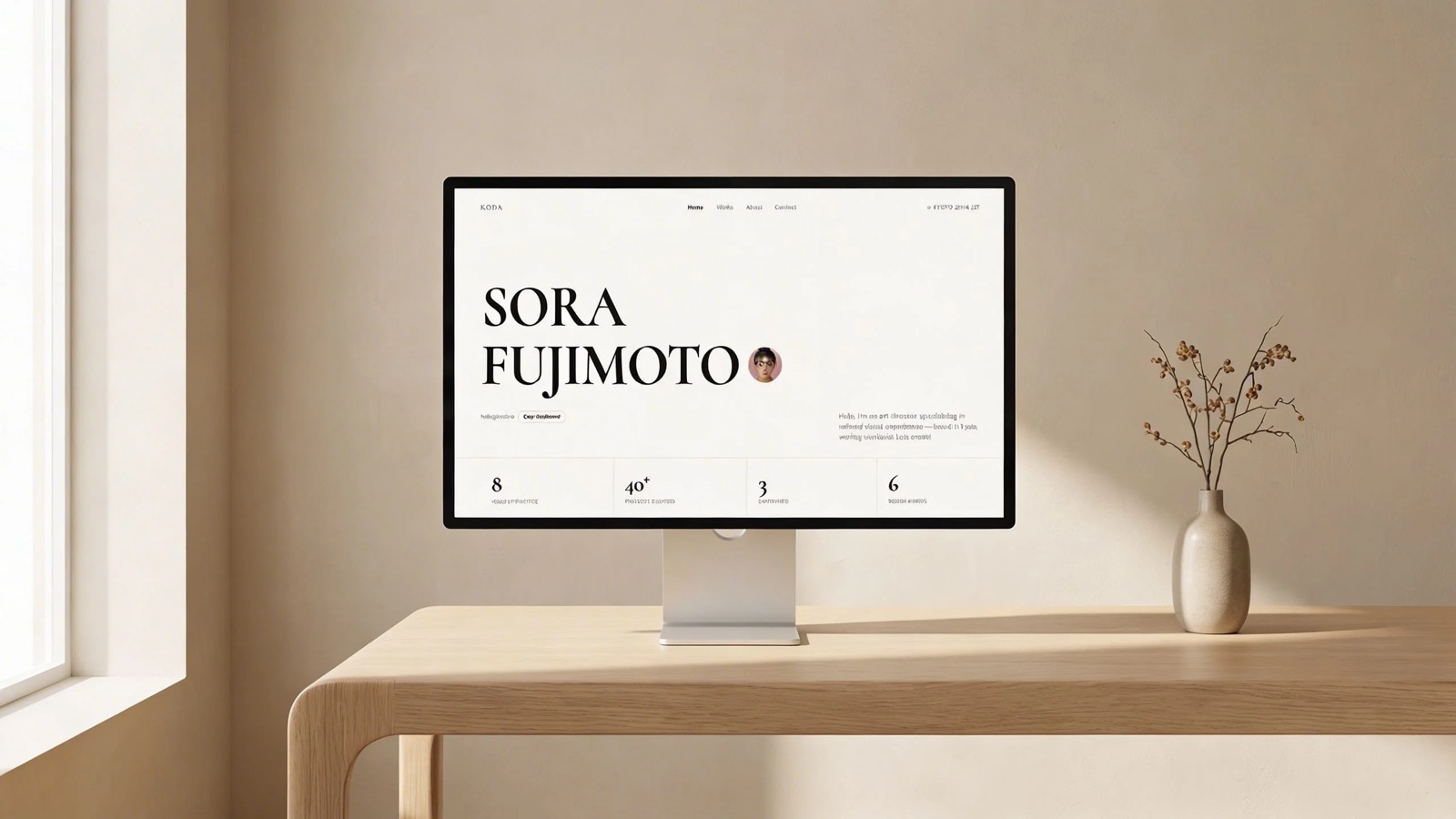
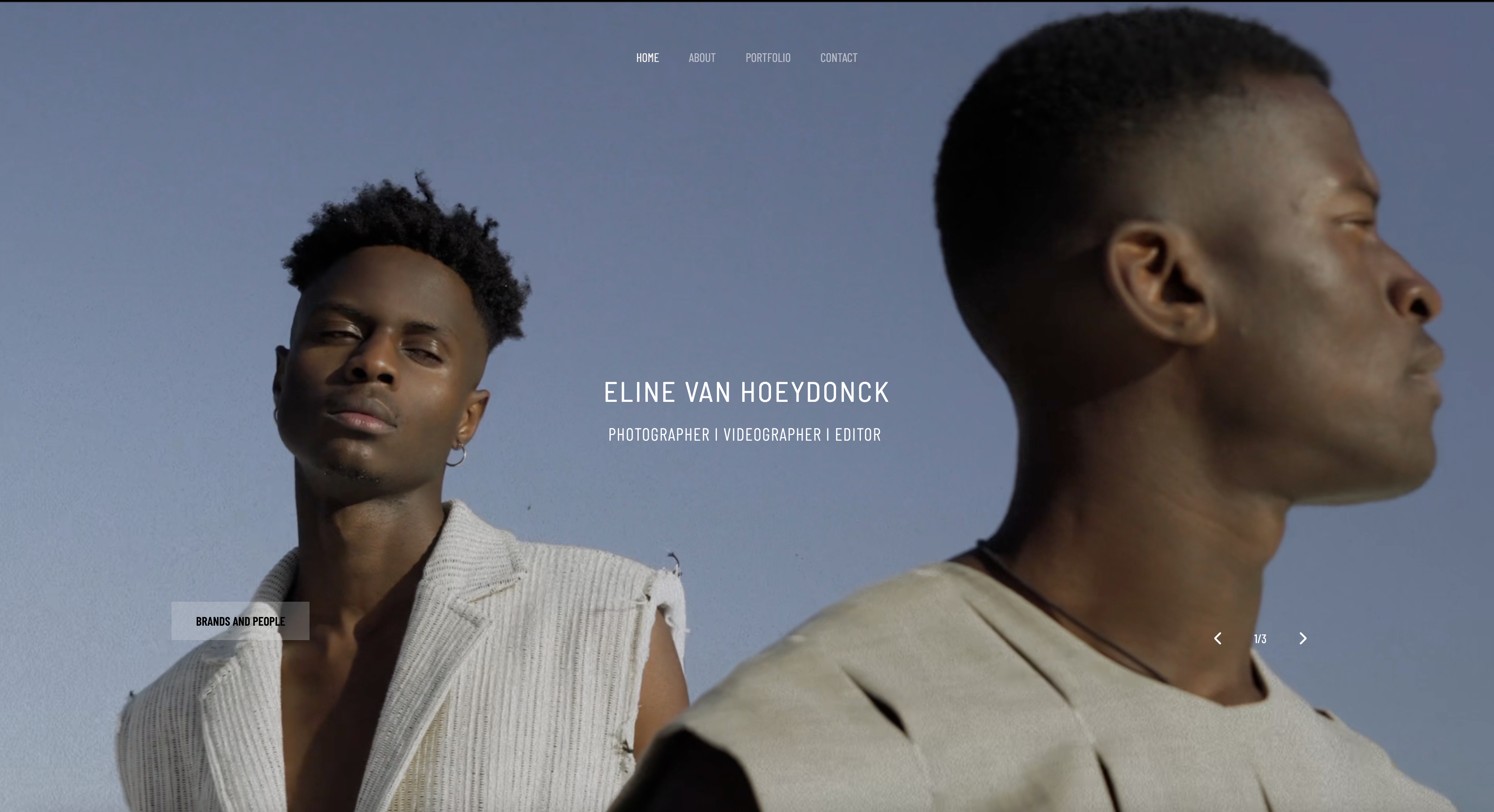
Start from a designer-made template
 Use template
 Use template
 Use template
 Use template
 Use template
 Use template
 Use template
 Use template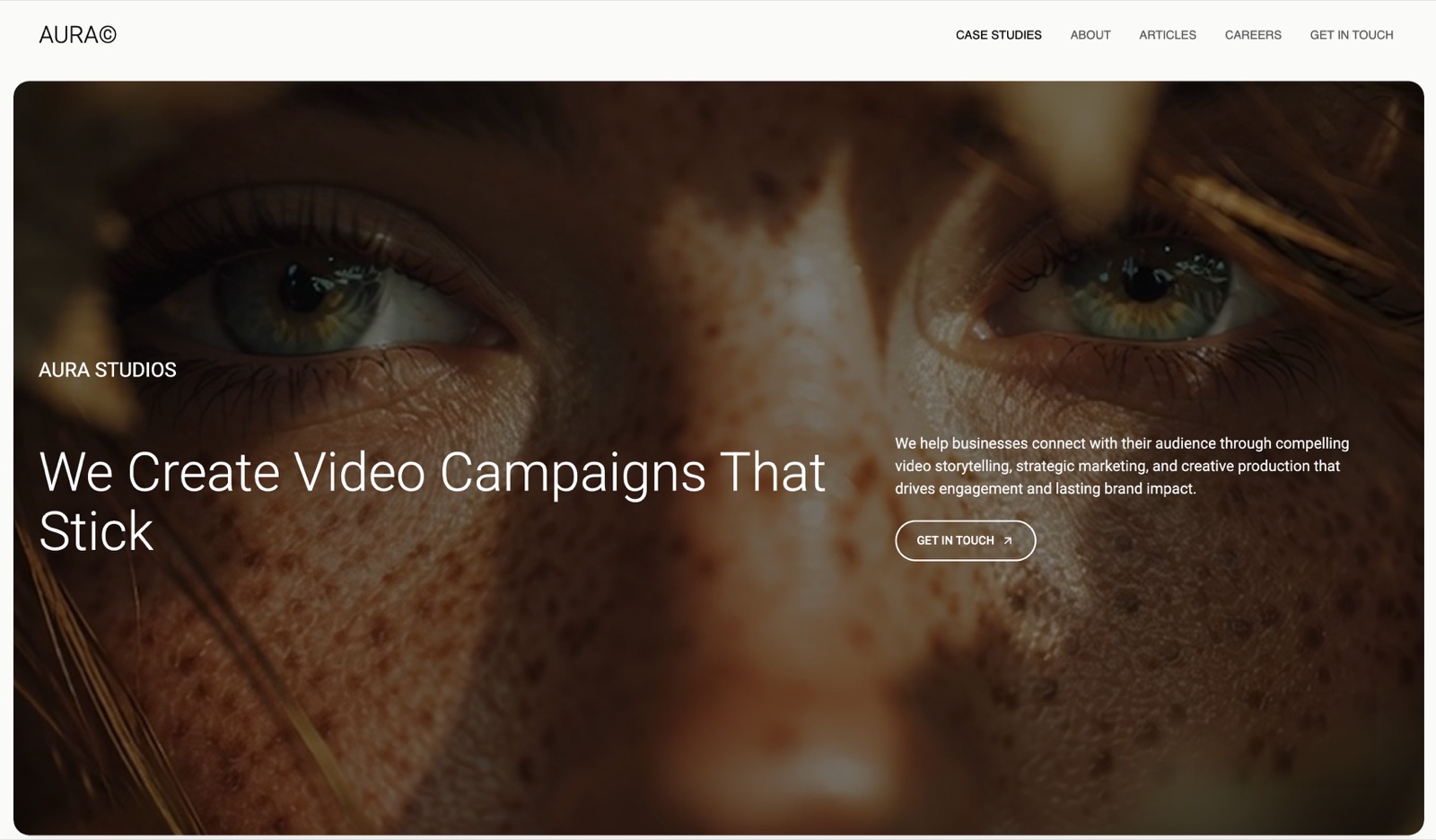
On ArtStation, every user can filter AI-generated artwork out of their browsing experience across the homepage, search and the marketplace.
That is not a rumour or a community campaign; it is a feature the platform built and announced itself.
Read that as a distribution fact rather than a controversy. If you make work with generative tools, your visibility on the platforms where artists traditionally get discovered is a setting that other people control, and they can turn you off.
That single mechanic should decide which website builder an AI artist chooses, and it has nothing to do with templates.
A website builder for AI artists is a hosted tool for publishing a portfolio and store without code, and the requirements that separate them for this specific audience are three: handling a large volume of images without hand-building a page each time, selling files and prints without a marketplace's content policy in the way, and being somewhere your work cannot be filtered out of.
Own the site, because it is the only distribution channel with no AI content policy attached to it.
Framekit is our pick and we make it, so weigh that accordingly: it generates a portfolio and store from a description and charges 5% on the free plan falling to 0% on the $39 Business plan.
Cargo is the strongest art-first alternative for people who want an unusual layout, Squarespace is the safest all-rounder, and Carrd is the cheapest way to have a page at all.
Full disclosure: Framekit, ranked #1 below, is our own product. Every alternative is linked and we name where each beats us: ArtStation and Behance bring an audience a new site does not have, Gumroad sells to people who have never heard of you, Cargo art-directs further than a generated site will, and WordPress can be extended in ways we cannot.
How We Compared These Platforms
Generative work sits awkwardly across platform policies, so the sourcing here matters as much as the ranking. This is what each claim rests on.
- Verified from primary sources: plan pricing, storage limits and published content policies were read from each vendor's own pages in September 2026.
- Assessed hands-on: how quickly a large batch of images can be published, and how much manual page-building each platform demands per piece.
- Not assessed: how any platform will enforce its policy in future, which nobody can verify and which is the real risk in this category.
There are no load-time figures or performance scores in this guide, for any platform.
We are ranking our own product first here, so the honesty section below names three specific cases where a marketplace beats a website and you should use one.
The Policy Layer Nobody Compares
Before templates, understand the constraint that is unique to this audience. Every major place an artist might post has taken a position on generative work, and the positions differ.
ArtStation requires the CreatedWithAI tag on digital products sold in its marketplace where a material portion of the content was generated with AI, and recommends it on portfolio work.
The platform states that it does not apply the tag itself, so the responsibility sits with the creator, and separately gives every user the ability to filter AI artwork out of the homepage, search and marketplace.
Stock platforms vary from accepting labelled AI content to prohibiting it entirely, and several require disclosure at upload with penalties for failing to disclose.
Print-on-demand and marketplace sellers have tightened rules on AI-generated listings repeatedly, and enforcement is uneven, which is worse than a clear ban because it is unpredictable.
Your own website has no policy. That is the entire argument for owning one, and it is a stronger argument for this audience than for any other kind of artist.
Here is the policy layer as a table, which is the comparison this category is missing.
| Channel | Policy on generative work | Who controls your reach |
|---|---|---|
| ArtStation | CreatedWithAI tag required on marketplace digital products, recommended on portfolio work | Viewers, via an AI filter |
| Stock platforms | Ranges from labelled acceptance to prohibition | The platform |
| Print and product marketplaces | Rules tightened repeatedly, enforcement uneven | The platform |
| Social platforms | Labelling and reduced distribution in places | The algorithm |
| Your own domain | None | You |
In one lineEvery platform except your own site can decide your work does not belong there.
What This Comparison Weighted
Volume handling first. Generative work is produced at a rate traditional practice is not.
A portfolio tool that requires manual page-building per image is unusable at 200 images a month, so the ability to publish curated collections quickly matters more than fine layout control.
Selling without a policy gate second. Prompt packs, style guides, print files and licensed images all get sold more reliably from a store you control.
Provenance third. Content credentials and clear labelling are becoming a buyer expectation as much as a platform requirement, and a site where you control the page can carry that context.
Under the opposite weighting, where reach matters more than ownership and a policy risk is acceptable, ArtStation or Behance wins and Framekit places third, because neither audience nor discovery is something a new site on your own domain can offer you.
Prices were read from each vendor's own pricing page in August 2026, and where a vendor prices in a currency other than dollars, this guide says so.
What we did not domeasure traffic or sales differences between platforms. Nobody can do that credibly across ten tools, and a guide claiming it did is describing a number it cannot see.
In one lineRanked on volume, selling and provenance, with prices read at source.
1. Framekit: A Site With No Content Policy

Framekit is an AI website builder that generates a portfolio and optional store from a description of your work, and for this audience the argument is structural rather than aesthetic.
The structural argumentyour own domain has no AI filter, no disclosure tag, no shifting enforcement and no possibility of a policy change removing your catalogue. For an artist whose medium is precisely what several platforms are ambivalent about, that is worth more than any feature.
The practical partunlimited galleries on every plan including Free, which suits a practice that produces work in series rather than in single pieces, with one pooled storage allowance covering the site and the galleries of 10GB on Free, 50GB on Starter at $9, 300GB on Pro at $19 and 2TB on Business at $39.
Selling carries 5% on Free and Starter, 3% on Pro and 0% on Business.
Where we are the wrong answer, specificallywe have no audience. A marketplace has buyers browsing today and we have none, so an artist with no following will sell more on a marketplace in month one, even one with tagging requirements.
We also have no print lab, so print sales need a fulfilment partner, and we do not embed content credentials automatically.
Verdict: The right long-term home precisely because nobody else sets the rules, and the wrong first move if you need buyers this week.
2. Cargo: The Art-First Option
Cargo has been the choice of artists who want their site to look like an art object rather than a product for well over a decade, and it remains the most distinctive-looking option here.
What it does that others do notlayouts that break the grid convention without requiring you to build them from nothing. For work that is itself about visual experimentation, a site that looks like every other portfolio undercuts the argument.
The gotchacommerce is thin and the learning curve is real. Cargo assumes you have taste and patience rather than that you want a wizard.
Skip it ifselling is the main purpose of the site. Our Cargo Collective alternatives comparison covers where people move when it happens.
Verdict: The best-looking sites in this comparison and the least commercial.
3. Squarespace: The Safe All-Rounder

Squarespace is the option that will not surprise you in either direction, and for an artist who wants to spend their attention on the work that is a legitimate reason to choose it.
Pricing, read from its own page in August 2026 serving eurosBasic at EUR 11 a month, Core at EUR 17 and Advanced at EUR 29, billed annually, with a digital content and memberships transaction fee of 7% on Basic and 5% on Core, reaching 0% only on Advanced.
Why the fee matters here specificallyprompt packs, style guides and licensed image sets are digital content, so an AI artist selling on the entry plan pays 7% rather than the 2% store fee most guides quote.
Verdict: Reliable, capable and priced with a fee column that this audience will hit directly.

4. Format: Built for Portfolios
Format is a portfolio-first platform used widely by photographers and illustrators, and most of its strengths transfer to generative work reasonably well, with one structural mismatch that matters at high output.
Where it fitsclean, professional presentation with straightforward collection management, plus a store for prints and digital files.
The gotchait is designed around a curated body of work rather than a high-volume output, so an artist publishing 50 images a week will find the workflow slower than the practice. See our Format alternatives comparison for the field.
Verdict: A solid, conventional portfolio home and not the tool for volume.
5. Webflow: Total Control If You Want It
Webflow gives near-complete design control without code, and the reason it appears mid-list rather than higher is that most AI artists do not need a design tool, they need a publishing pipeline.
Who it suitsartists whose practice includes interaction, generative front-end work or unusual navigation, and who will invest the weeks the tool requires.
The gotchathe learning curve is genuine and abandoned half-built sites are common. Our Webflow alternatives guide covers lighter options.
Verdict: The highest ceiling here for people who will climb it.
6. Carrd: One Page, Nearly Free
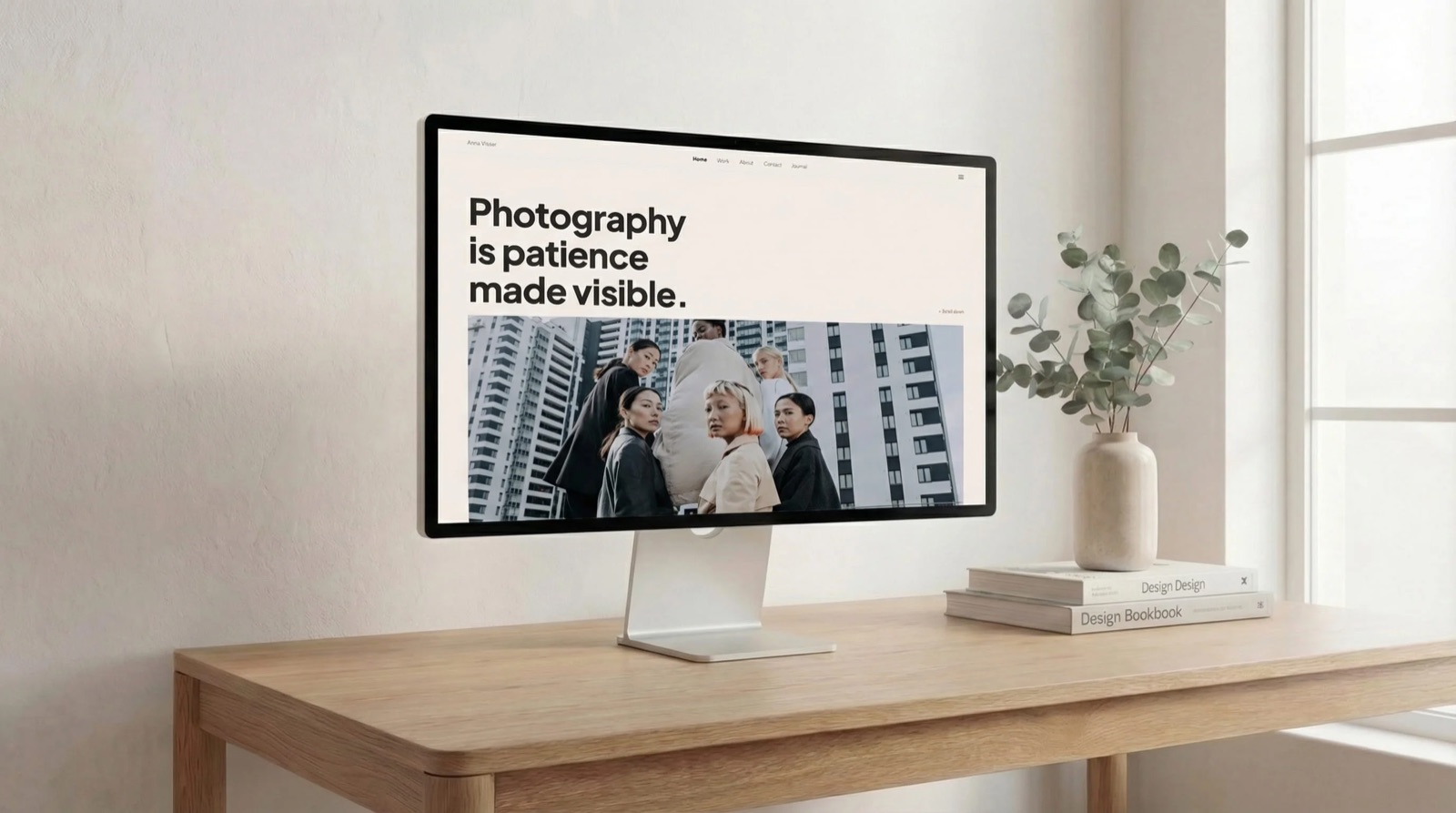
Carrd builds single-page sites for a few dollars a year, which for an artist who mainly needs a hub with links and a contact route is entirely sufficient.
Where it winscost and speed. A landing page with a selection of images, a short statement and links to where the work is sold takes an evening.
The gotchano store, no collections, no room for a body of work. This is a business card rather than a portfolio.
Verdict: The cheapest credible presence and the first thing you outgrow.

7. Wix: The Broad Free Tier
Wix is the most feature-dense general builder in this comparison, and its free tier publishes a genuine multi-page site rather than a landing page, at the cost of carrying Wix branding until you upgrade.
Where it fitsan artist who wants pages, a store and a blog without paying immediately, and does not mind assembling it.
The gotchatemplate lock-in means changing template later requires rebuilding, which is a poor fit for a practice whose visual direction evolves quickly.
Verdict: Capable and cheap to start, with a structural annoyance worth knowing in advance.
8. WordPress: Own the Whole Stack
Self-hosted WordPress is the only option where you control the software as well as the content, which some artists in this field care about a great deal.
Where it winsno vendor at all. Combined with a plugin for digital sales, it is the fullest expression of the argument this guide is making.
The gotchayou are now running infrastructure. Updates, backups and security are yours, and the hours add up. Our WordPress alternatives comparison covers the lighter routes.
Verdict: Maximum independence, maximum maintenance.
9. ArtStation and Behance: Discovery With Conditions
These profile platforms are where a large share of this audience already posts, and they belong on the list for reach rather than for control.
What they genuinely give youan audience that browses, a recruiter pipeline in the case of ArtStation, and social proof that a new domain cannot manufacture.
The conditionsArtStation requires the CreatedWithAI tag on marketplace digital products where a material portion was generated with AI, recommends it on portfolio work, places the responsibility for tagging on you, and lets every user filter AI work out of the homepage, search and marketplace.
That is a reasonable policy and it is also a ceiling on your reach that you do not control.
How to use them wellas distribution that points at a site you own, never as the only place your work exists. Our ArtStation alternatives comparison covers the field.
Verdict: Excellent reach with a filter switch attached, which is exactly why the site you own matters.
10. Gumroad: A Store Without a Site
Gumroad is the fastest route from having a prompt pack, a style guide or a set of upscaled files to having something a stranger can buy, without building a website of any kind first.
The termsits published rate is 10% plus 50 cents per transaction on your own links, rising to 30% on sales through its Discover marketplace, with no monthly cost.
Why it belongs in a website comparisonfor a large number of AI artists the honest answer is that they need a checkout more than a website, and pretending otherwise sells them a subscription they do not need yet.
The gotchayou are renting the URL. Buy a domain and point it at your Gumroad page, so that moving later costs nothing.
Verdict: The right first purchase for many people in this field, and not a portfolio.
What to Put on the Site
Four things separate an AI art site that converts a visitor into a buyer from one that gets scrolled past, and none of them is a design decision. They are all editorial choices about what you show and what you say.
Series, not singles. Generative practice produces variations, and a page of 40 near-identical images reads as output rather than as work. Curate to 8 or 12 per series and write one paragraph about the intent.
Process, honestly described. Buyers and commissioners increasingly ask what was generated, what was directed and what was retouched. Answering that on the page pre-empts the question and reads as confidence rather than as disclosure.
Provenance where it exists. Content credentials, model used, and whether the output was composited or edited afterwards. This is becoming a professional expectation rather than an ethical extra.
Something to buy. Prints, prompt packs, style guides, licensed files or commissions.
A portfolio with no purchase path converts admiration into nothing at all, and our guide to selling AI prompts and packs covers what actually sells.
In one lineCurate into series, describe the process, and give the visitor something to buy.
Which One Should You Choose
The right platform depends on whether your immediate problem is buyers, policy risk or presentation, so answer these in order and stop at your first yes.
- Do you need buyers this month and have no audience? Use a marketplace and Gumroad, and buy a domain today for later.
- Is your work being filtered or removed on the platforms you post to? Own the site. That is what this entire guide is about.
- Is the visual design of the site part of the artistic argument? Cargo, or Webflow if you will invest the time.
- Do you publish at high volume? Choose on collection management rather than on templates, which rules out the single-page options immediately.
- Do you sell digital files as a real income line? Compare fee structures: 7% on Squarespace's entry plan for digital content, 10% plus 50 cents on Gumroad, 5% falling to 0% on a flat plan.
- Do you want the least possible setup? Carrd for a page, Squarespace for a site.
Frequently Asked Questions
What is the best website builder for AI artists in 2026?
The best choice for AI artists is a site on a domain you own, because it is the only channel with no AI content policy attached.
Framekit generates a portfolio and store from a description and charges 5% on its free plan falling to 0% on the $39 Business plan, Cargo is the strongest art-first alternative, and Squarespace is the safest general option at EUR 11 to EUR 29 a month.
Can you sell AI art online in 2026?
Yes, and where you can sell it varies more than whether you can.
ArtStation requires marketplace digital products created with generative AI to carry the CreatedWithAI tag, stock platforms range from labelled acceptance to outright prohibition, and marketplace enforcement is uneven.
Selling from your own store removes the policy question entirely, at the cost of having to bring your own buyers.
Does ArtStation allow AI art?
ArtStation allows it with conditions.
Its policy requires the CreatedWithAI tag on digital products sold in the marketplace where a material portion of the content is generated with AI, recommends the tag on portfolio work, and states that the platform does not apply the tag for you.
It also lets every user filter AI artwork out of the homepage, search and marketplace, so reach is subject to other people's settings.
Do I have to disclose that my art is AI-generated?
On platforms with a disclosure rule, yes, and failing to comply risks removal or account action.
On your own site there is no requirement, and disclosing anyway is increasingly a commercial advantage rather than a cost, because commissioners ask the question and a page that answers it clearly reads as professional.
How should AI artists display their work?
In curated series with a short statement of intent, rather than as a stream of individual outputs. Generative practice produces variations quickly, and a page of near-identical images reads as raw output.
Eight to twelve pieces per series with one paragraph of context converts far better than forty images with none.
Can I sell prompts as a product?
Yes, and prompt packs, style guides and reusable workflows sell better than individual images for most artists in this field, because the buyer wants a repeatable capability rather than one picture.
The practical question is delivery and updating, since prompts age as models change, which makes a store you control more suitable than a marketplace listing.
What about copyright on AI-generated images?
In the United States, purely machine-generated images without sufficient human authorship are not registrable for copyright, which is a separate question from whether you may sell them.
If your business depends on owning and enforcing an image, take specific legal advice rather than a guide's summary, and note that the position differs by jurisdiction.
Is a portfolio site worth it if I post on social media?
Yes, for one reason specific to this field: social platforms and art communities can filter, label or remove generative work, and a domain you own cannot be filtered by anybody.
Social distribution and an owned site are complementary, and the failure mode is having only the first.
How much does a site for an AI artist cost?
Between a few dollars a year for a Carrd page and about EUR 29 a month for Squarespace's zero-fee digital selling tier.
The variable that matters more than the subscription is the transaction fee on digital sales, which ranges from 10% plus 50 cents on Gumroad to 7% on Squarespace's entry plan to 0% on a flat monthly plan.
Should I use content credentials?
If your tools support them, yes. Embedded provenance is moving from an ethical option to a professional expectation, particularly for commercial commissions where a client's legal team may ask how an image was produced.
It also protects you in the opposite direction, by making it easier to show what is yours.
Which platform gives AI artists the most reach?
Profile platforms such as ArtStation and Behance still have the largest browsing audiences in this field, and that reach comes with the conditions described above.
The pattern that works is using them for discovery while pointing everything at a site you own, so that a policy change costs you traffic rather than your entire catalogue.
Do I need a store or is a link to a marketplace enough?
A marketplace link is enough until the marketplace changes its rules about your medium, which in this field has happened repeatedly.
The lowest-risk arrangement is your own domain in front, whatever checkout you currently prefer behind it, so that switching is a redirect rather than a rebuild.
Will Framekit remove an AI artist's work under a content policy?
Framekit does not run an AI-art content policy the way the community platforms do, which is the practical reason it leads this comparison: a site you own cannot have your medium ruled ineligible overnight the way an ArtStation or a marketplace category can.
That is not a licence to ignore the rest of the question, because payment processors and print partners have their own rules and copyright on generated images is still unsettled in most jurisdictions.
What it does mean is that the portfolio itself, and the store attached to it, are not subject to a policy change you had no vote in.
Final Verdict
Every other creative discipline can treat the choice of website builder as a question of taste.
For artists working with generative tools it is a question of exposure, because the platforms that would otherwise distribute your work have all taken a position on it, and several of those positions include a switch that makes your work invisible.
That does not mean abandoning those platforms, which still hold the audience. It means treating them as distribution and treating your own domain as the archive, the store and the thing nobody can filter.
Where Framekit loseswe bring you no audience at all, and for an artist starting from zero that is a serious disadvantage against a marketplace with people browsing it right now. We have no print lab, so print sales require a fulfilment partner.
We do not embed content credentials automatically. And Cargo will make a more visually distinctive site than we will if unusual layout is the point of your practice. If any of those is decisive, use the other tool.
Verdict: Post where the audience is, sell and archive where the rules are yours, and buy the domain before you need it.
Related reading: the best AI image generators, where to sell AI prompts, and the best platforms for selling digital art.
Platform policy details here were read in August 2026 from ArtStation's published AI policy and filter announcement, and prices from each vendor's own pricing page. Copyright statements are general and not legal advice.