Framekit templates
Start from a designer-made template
 Use template
 Use template
 Use template
 Use template
 Use template
 Use template
 Use template
 Use template
The reason web projects stall in review is never that the client has no opinions.
It is that the opinions arrive as a numbered email, a screenshot in a message thread, and a phone call, all describing the same button in three different ways, and somebody has to turn that into a list.
A website feedback tool exists to collapse that into one thing: the client clicks the button, types what they think, and it lands in your queue with the page, the browser, and the screen size attached.
A website feedback tool is software that lets a reviewer leave a comment pinned to a specific element on a live web page, capturing context such as the URL, browser, and screen size automatically, so the comment arrives as an actionable item rather than as a description of one.
What varies between them is who is allowed to leave that comment without paying.
BugHerd is the best website feedback tool for most agencies because it includes unlimited client users on every plan, starting at 50 dollars a month for five team members, and it captures the technical metadata a developer needs.
If your team is one person and your clients are many, Markup.io at 79 dollars a month for unlimited users is the flatter deal, and Ruttl Pro at 18 dollars per user is the cheapest way in.
Updated in September 2026: we re-verified Framekit's plans and tightened the section on where the reviewed site lives; feedback tool prices are as read in August 2026.
We ran the same review round through six tools on the same staging site: eleven comments, three of them about the same element, two requiring a text change, one that only appears on mobile, and one written by a client who had never used the tool before.
Every price below was read on the vendor's own pricing page during the first week of August 2026.
The finding that decided our ranking is not a feature. It is that these tools split into two groups on a single question, which is whether the client counts as a seat, and the answer changes the annual bill by more than any other variable in the category.
How We Tested 6 Website Feedback Tools
A demo of this category always looks the same, so we built the test around the two things that actually go wrong: a client who has never used the tool, and a comment that a developer cannot act on.
The review round was eleven comments on a staging site.
Three of them pointed at the same element from different angles, because clients repeat themselves and a tool that does not group or thread those turns eleven comments into a longer list than it needs to be.
Two asked for copy changes, which is where suggest-an-edit features earn their keep. One only reproduced at mobile width, which tests whether the tool records the viewport.
And one was left by a person who had never seen the tool before and received no instructions, because that is the actual adoption test.
Findings are labelled. Where a rate is published, it was read on the vendor's own pricing page.
Where we say we ran it, we installed the script or extension on a staging site and completed the round during July and August 2026.
Where we describe what agencies report, that is forum and community sentiment, offered as signal rather than as evidence.
Two limits worth stating.
We tested on a static staging site rather than inside a complex application, so our notes on developer tooling such as session replay and console capture reflect the feature as configured rather than as lived with over months.
And the software review aggregators return errors to automated access, so this guide quotes no star ratings from them.
The untrained-client test deserves a note because it separates the field more sharply than anything else.
Two of these tools required the client to create an account before they could comment, and in both cases that is the point where a real client stops and emails you instead.
Whether a reviewer can leave a useful comment from a link, with no signup, is worth more than any integration.
Who Counts as a Seat, and Why That Is the Whole Decision
Here is the split that decides this category. Some vendors charge for your team and let your clients comment for free. Others charge per user and count the client as a user. The published plans look comparable and the bills are not.
| Tool | Published entry price | Who that covers | Are client reviewers free |
|---|---|---|---|
| Ruttl | Free, then Pro 18 dollars per user a month | Per user, up to 50 on Pro | Yes, unlimited guests on Pro |
| Userback | Team 29 dollars a month billed annually | 5 seats, 5 feedback projects | Feedback is collected from anyone |
| Marker.io | Starter 39 dollars a month billed annually | 3 users | Reporters submit without a seat |
| BugHerd | Standard 50 dollars a month | 5 members, extra members 8 dollars each | Yes, unlimited client users |
| Atarim | Free, then Pro 67 dollars a month | Up to 100 seats and 1,000 projects | Included in the seat pool |
| Markup.io | Pro 79 dollars a month | Unlimited users, 1 workspace | Yes, unlimited guests |
Now price two realistic cases against that. A solo freelancer with three clients on one project each needs one internal seat and three or four client reviewers. On Ruttl that is 18 dollars a month, on Markup.io 79, on BugHerd 50.
On a per-user tool that counted the clients, it would be four seats.
A five-person agency running six client projects with two or three stakeholders each needs five internal seats and roughly fifteen reviewers. BugHerd Studio at 80 dollars a month covers ten members with unlimited client users.
Markup.io at 79 covers everyone in one workspace. Ruttl Pro at 18 per user is 90 dollars for the internal five, with guests free. Marker.io Team at 149 dollars covers fifteen users.
The gap is not enormous at these sizes, and that is worth saying plainly rather than manufacturing drama.
What matters more is the failure mode: on a tool where clients consume seats, the natural response to a new stakeholder is to share a login, and shared logins destroy the one thing this software is for, which is knowing who asked for what.
In one lineCount your internal seats and your client reviewers separately, then check which of the two the vendor is charging you for, because the published price answers only half the question.
What Testing Six Feedback Tools Changed Our Minds About
We went in expecting the differences to be about annotation: pin quality, screenshot fidelity, how neatly a comment attaches to an element. Those were the least differentiated things we tested. Every tool here pins a comment to a page competently.
The first real split is between tools built for the client and tools built for the developer. Markup.io, Ruttl, and Atarim optimise for the person leaving feedback: open a link, click, type, done.
BugHerd, Marker.io, and Userback optimise for the person fixing it: the comment arrives with browser, operating system, screen size, console errors, and in some cases a session replay, and it syncs into Jira or a project board as a ticket.
Both are legitimate and buying the wrong one is the most common mistake in this category.
The second is that where the feedback goes matters more than how it is captured. A comment that lands in a tool nobody opens is a comment lost.
The tools that push into the system your team already lives in, whether that is a board, Slack, Jira, or ClickUp, get acted on, and the ones that keep feedback in their own inbox rely on somebody remembering to check it.
The third surprised us.
Text edits are the single most common category of client comment on a website, and the tools that let a reviewer suggest the replacement copy directly, rather than describing the change in a comment, removed roughly a third of the round-trips in our test.
It is an unglamorous feature and it is the one we would now shortlist on.
The 6 Best Website Feedback Tools in 2026: Full Comparison
The seat table above is the money. This one is what each tool actually does, because a client-comment tool and a bug-capture tool are not competing for the same job.
| Tool | Comments on live sites | Also handles | Technical metadata | Pushes into your tracker |
|---|---|---|---|---|
| BugHerd | Yes | Figma, PDFs, images | Screenshots plus browser and system data | Trello, Slack, GitHub and more |
| Markup.io | Yes | All file types | Basic | Share links and integrations |
| Ruttl | Yes | Mobile apps, PDFs, images | Basic, plus 15 device sizes | Slack, Trello, Jira |
| Marker.io | Yes | Web apps | Session replay, console, custom metadata | Jira two-way sync and more |
| Userback | Yes | Web apps and products | Screenshots and session data | Two-way Jira and ClickUp sync |
| Atarim | Yes | Client sites at agency scale | Basic | Its own inbox, plus WordPress |
1. BugHerd: Unlimited Clients, and the Developer Gets Context
BugHerd is the tool we would put in front of a client without warning them first, and it is also the one that hands a developer something they can act on, which is a rarer combination than the category implies.
Its published plans are Standard at 50 dollars a month for five members, Studio at 80 for ten, and Premium at 150 for twenty-five, with additional members at 8 dollars each and two months free on yearly billing.
The line that matters is on every tier: unlimited client users. Your reviewers are not seats, so adding a stakeholder mid-project costs nothing and nobody shares a login.
We ran itthe untrained-client test passed. The reviewer opened the site with the extension prompt, clicked the element, typed, and the comment arrived on our board with the browser, operating system, and screen size attached, including on the mobile-only issue.
The standout detailit does not stop at websites. Feedback on Figma designs, PDFs, and images runs through the same board, which for an agency means design review and build review live in one place rather than two subscriptions.
The honest gotcha50 dollars a month is the highest entry price here other than Markup.io and Atarim, and a solo freelancer is paying for five member seats to use one. The value arrives at team size, not before.
Skip it ifyou are one person with light review needs. Ruttl at 18 dollars a month does the core job and leaves the difference in your pocket.
Verdict: The best website feedback tool for agencies and the safest default when clients are non-technical. It loses to Ruttl on entry price and to Marker.io on deep developer tooling.
2. Markup.io: One Price, Infinite People
Markup.io takes the simplest possible position on the seat question and builds the whole product around it.
Its Pro plan is 79 dollars a month with unlimited users, one workspace, unlimited markups, 500 GB of storage, and unlimited guests, with an Enterprise tier for multiple workspaces and SSO.
For an agency with many stakeholders that flat number is the point. Fifteen reviewers cost the same as two, and there is no conversation with a client about who gets a licence.
We ran itthe reviewer experience is the least intimidating of the six. A share link opens the page with commenting available, and our untrained client left three usable comments without asking a question, which no other tool matched quite so cleanly.
The standout detailit comments on websites and all file types in the same workspace, so a PDF proof and a staging page sit side by side. Comment pausing, which lets you freeze a markup while you work, is a small feature that stops the list moving under you.
The honest gotchaone workspace on Pro is a real constraint for an agency that wants client-by-client separation, and the technical metadata is thinner than BugHerd's or Marker.io's, so developers get less context.
Skip it ifyour team needs console errors and session replay. This is a client-comment tool, not a bug tracker.
Verdict: The flattest pricing in the category and the friendliest for reviewers. It loses on workspace separation and on the technical detail a developer wants.
3. Ruttl: The Cheapest Way In, and Guests Are Free
Ruttl is the entry point for a freelancer, and its free tier is genuinely usable rather than a demo: one project, one user, up to five guests, ten comments, and 1 GB of storage.
At 18 dollars for one internal seat with unlimited client guests, it is the cheapest credible way to stop taking website feedback by email.
We ran itthe direct text editing is the feature that changed our view of the category. A client can edit the copy on the page rather than describing the change, and the edit arrives as a before and after, which removed most of the ambiguity in our two copy comments.
The standout detailfifteen preset device sizes on Pro meant our mobile-only issue was reproducible by the reviewer rather than reported as a description, which is the difference between a ticket and an argument.
The honest gotchathe free tier's ten-comment limit arrives fast, and the per-user model means an internal team of five is 90 dollars a month, above BugHerd Studio at 80 for ten members. It is cheapest at one or two internal seats and stops being cheapest at five.
Skip it ifyour internal team is large. The per-user maths turns against you around the four-seat mark.
Verdict: The best value for freelancers and small teams, with the best in-page text editing here. It loses to BugHerd once your own team grows.
4. Marker.io: Built for the Developer Who Has to Fix It
Marker.io is the one to pick when the feedback is going straight to an engineer and the engineer is tired of screenshots with no context.
Its published plans are Starter at 39 dollars a month billed annually or 59 monthly for three users, Team at 149 annually or 199 monthly for fifteen users with session replay and Jira issue sync, and a custom Business tier, all with unlimited feedback.
The gap between Starter and Team is where the product actually lives. Session replay, developer tools capture, custom metadata, and two-way Jira sync are Team features, and they are the reason to choose this over a client-comment tool.
We ran itthe mobile-only issue arrived with the environment details already filled in, and the session replay meant nobody had to ask the client what they did before the problem appeared. For a web application rather than a brochure site, that is the whole ballgame.
The standout detailtwo-way issue sync means a developer closing the ticket in Jira closes the loop with the reporter, so the client is told without anybody writing an email. Most tools in this category push one way and leave the reporting back to you.
The honest gotchaStarter at three users is tight, and the jump to Team is 149 dollars a month billed annually, which is nearly four times the entry price. The useful configuration is not the cheap one.
Skip it ifyou build marketing sites for non-technical clients. You would be paying for developer tooling to collect comments about a headline.
Verdict: The best choice when the output is engineering tickets rather than client notes. It is the most expensive here at the tier where its features actually live.
5. Userback: Feedback From Users, Not Just Clients
Userback comes at this from product rather than from agency work, and the difference shows in what it optimises for: collecting feedback from many people you do not know, rather than from three stakeholders you do.
The free tier's seven-day availability is an unusually honest constraint: you can collect as much as you like and you lose access to it after a week unless you pay, which is a trial that lets you test the real thing.
We ran itthe widget is the strongest part. Embedded in the page rather than requiring an extension, it means a reviewer with no instructions and no software can leave annotated feedback, which passed our untrained-client test comfortably.
The standout detailtwo-way sync with Jira and ClickUp, plus an optional feature portal add-on where users can vote on requests, points at a product-feedback workflow rather than a project-handover one.
The honest gotchafive projects on the Team plan is a low ceiling for an agency running client sites, and the seat count is five rather than unlimited clients, so the shape suits one product with many users better than many clients with few.
Skip it ifyou run a project-based agency. The ceilings are drawn around a product team.
Verdict: The best tool here for collecting feedback on your own product from real users. For client web projects it is the wrong shape at the entry tier.
6. Atarim: One Plan for an Agency Running Many Sites
Atarim is aimed squarely at the agency running dozens of client websites at once, and it has repositioned around AI workflows rather than pure annotation.
Its pricing is deliberately flat: a free tier with 200 one-time credits and one project, then a single Pro plan at 67 dollars a month with 5,000 credits a month, up to 1,000 projects and 100 seats, white labelling, and two months free on annual billing.
The pitch is explicitly that you do not pay per seat, and at 100 seats across 1,000 projects that is the most generous allowance in this comparison by a wide margin.
We ran itthe visual collaboration and white labelling are the parts that matter for an agency, because the client sees your brand rather than a vendor's. The unified inbox across every client site is the workflow the per-project tools do not offer.
The standout detailit is the only tool here whose plan is denominated in monthly credits rather than in users or projects, which follows from the AI workflows being the product. That is a different bet from the rest of the category and worth understanding before you commit.
The honest gotchathe credit model means your usage, not your team size, sets whether the plan is enough, and a platform pivoting toward AI agents is a moving target if all you wanted was pinned comments.
Skip it ifyou have one or two projects. You would be buying agency-scale allowances and an AI platform to collect eleven comments.
Verdict: The best value at real agency scale and the most generous seat allowance here. It is overkill for a freelancer and its direction is broader than website feedback.
Why Feedback Still Arrives by Email, and How to Stop It
Buying one of these tools does not fix the problem. Clients revert to email for reasons that are usually rational, and each has a fix that costs nothing.
The first reason is friction at the door. If commenting requires an account, a password, or a browser extension the client cannot install on a work laptop, they will not do it, and no feature beyond that point matters.
Test this before you buy by sending the review link to someone outside your team with no instructions and watching what happens.
The second is that they do not know it exists. A tool introduced in the middle of a project, in a paragraph of a long email, will be ignored.
Introduce it at kickoff as the way feedback works on this project, send one two-minute screen recording showing a comment being left, and put the link in the same place every time.
The third is that email feels faster for one small thing. It is, for the client. The fix is not to argue but to make the alternative equally cheap: a link that opens the page ready to comment, with no login, means the small thing takes ten seconds there too.
The fourth is the one nobody admits. Some feedback is political, and a stakeholder who wants to say something off the record will not put it in a shared thread.
Accept that, and treat email as the channel for judgement calls while the tool carries the concrete list. Fighting this makes you look inflexible and does not work.
The rule we would hold to is simple: anything that changes the build goes in the tool, and anything that changes the plan can go anywhere.
If a comment arrives by email and it is a build change, paste it into the tool yourself and reply with the link. Two rounds of that and most clients switch.
What Makes a Comment a Developer Can Act On
There is a version of feedback that costs a developer twenty minutes before they touch any code, and it is the version most tools in this category exist to prevent.
Four pieces of context turn a comment into a ticket. The URL of the exact page, because sites have templates and the same element appears on many.
The viewport width, because half of all reported layout problems are conditional on screen size. The browser and operating system, because the other half are conditional on those.
And a screenshot taken at the moment of the comment, because staging sites change and the thing being described may not be there tomorrow.
BugHerd, Marker.io, and Userback capture all four automatically. Markup.io, Ruttl, and Atarim capture the page and the pin, which is enough for a design comment and not always enough for a bug.
That is the practical difference behind the client-tool and developer-tool split, and it is why an agency building web applications should look at the second group even though the first group is friendlier.
Two further pieces matter for applications rather than sites. Console errors tell a developer what the browser thought was wrong, and a session replay shows what the user did in the seconds before.
Marker.io puts both on its Team plan at 149 dollars a month billed annually, and it is the reason that tier exists.
The practical test is the one we ran: report a problem that only appears at mobile width and see what arrives in your queue. If the ticket does not contain the viewport, your developer is going to ask, and the round-trip you just paid a subscription to avoid has happened anyway.
Text Edits Are a Third of Website Feedback
Of the eleven comments in our test round, two were copy changes, and in real projects that proportion is usually higher. Somewhere between a quarter and a half of client feedback on a website is not about design or behaviour at all, it is about words.
That matters because copy feedback is uniquely bad in comment form.
A client writes make this shorter and punchier, someone rewrites it, the client says not quite, and three rounds later you land on a sentence the client could have typed in ten seconds.
The tools that let a reviewer edit the text on the page directly and submit it as a suggested change remove the entire loop.
Ruttl does this best of the six, with an in-page edit that arrives as a before and after. BugHerd offers suggested text edits on every plan. The others handle copy as comments, which works and is slower.
If your projects are content-heavy, weight this feature heavily. On a marketing site with forty pages of copy, the difference between suggested edits and described edits is measured in days across a project, not minutes.
It is also the difference between a client who feels heard and one who feels edited.
One caution. Direct text editing means the client is writing your copy, and not every client should. Where the words are part of what you are being paid for, use comments deliberately and keep the editing rights, because a tool that makes changes easy makes bad changes easy too.
What This Costs a Freelancer and an Agency Over a Year
Annual figures at published rates, for the two cases most readers will be in. The freelancer case is one internal seat and three or four client reviewers; the agency case is five internal seats and roughly fifteen reviewers across six projects.
| Tool | Solo freelancer, one seat | Five-person agency | Notes |
|---|---|---|---|
| Ruttl Pro | 216 dollars a year | 1,080 dollars a year | Guests free, priced per internal user |
| Userback Team | 348 dollars a year | 348 dollars a year | 5 seats included, 5 projects only |
| Marker.io Starter | 468 dollars a year | Team at 1,788 a year | Starter is 3 users, Team is 15 |
| BugHerd Standard | 600 dollars a year | Studio at 960 a year | Unlimited client users on both |
| Atarim Pro | 804 dollars a year | 804 dollars a year | Up to 100 seats, 1,000 projects |
| Markup.io Pro | 948 dollars a year | 948 dollars a year | Unlimited users, one workspace |
Those figures use the monthly rates multiplied by twelve so the rows are comparable.
Both BugHerd and Atarim advertise two months free on yearly billing, which takes BugHerd Standard to about 500 dollars and Atarim Pro to about 670, so commit annually if you are confident in the choice.
Two patterns fall out. For a freelancer, the per-user tools win outright: Ruttl at 216 dollars a year is a quarter of Markup.io and a third of BugHerd, and the guest allowance means the clients cost nothing.
For an agency, the flat-rate tools close the gap and then overtake, because Markup.io and Atarim charge the same for fifteen people as for one.
The crossover sits around four to five internal seats. Below that, pay per user and let the clients in free. Above it, a flat plan is both cheaper and administratively calmer, because nobody has to decide whether the new junior designer justifies a licence.
Note also what these figures are set against. A single extra round of revisions on a mid-sized website project costs more in billable hours than any row in that table costs in a year.
This is a category where the software is cheap relative to the problem, so optimise for adoption rather than for price, and pick the one your clients will actually use.
Where the Site Being Reviewed Should Live
Every tool here comments on a site that already exists somewhere, and for a lot of freelancers and small studios the awkward part of the workflow is not the feedback, it is having a real URL to point the client at in the first place.
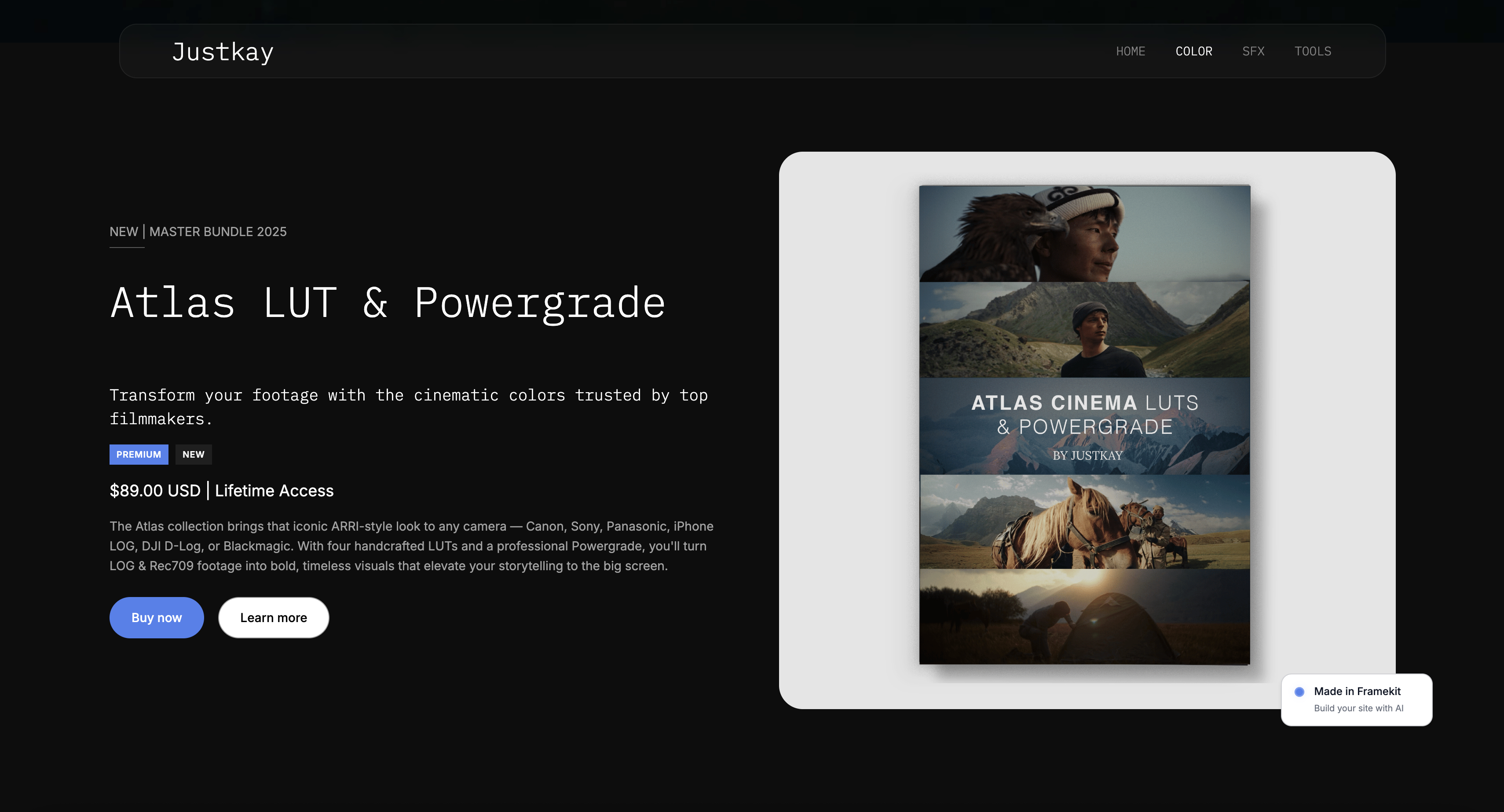
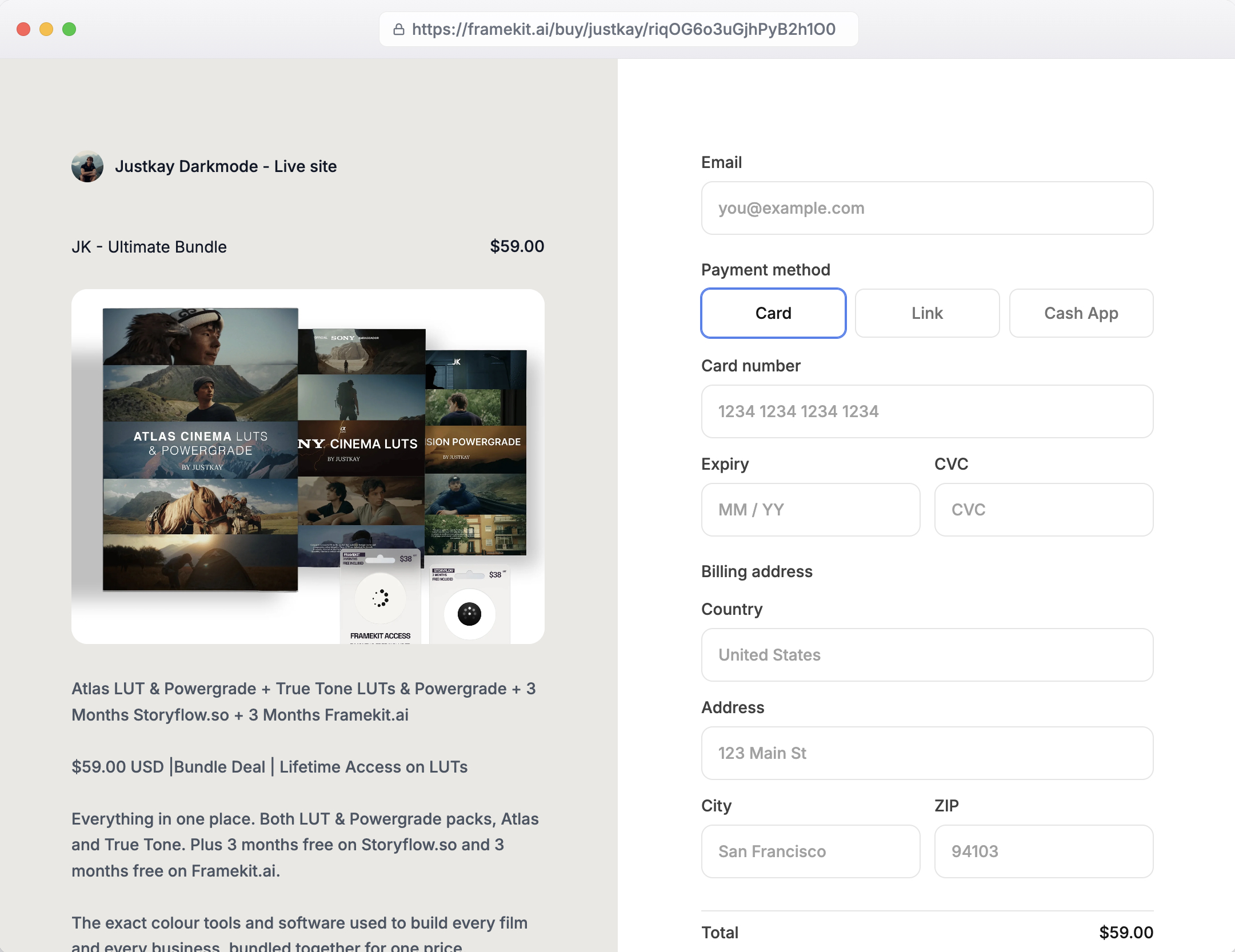
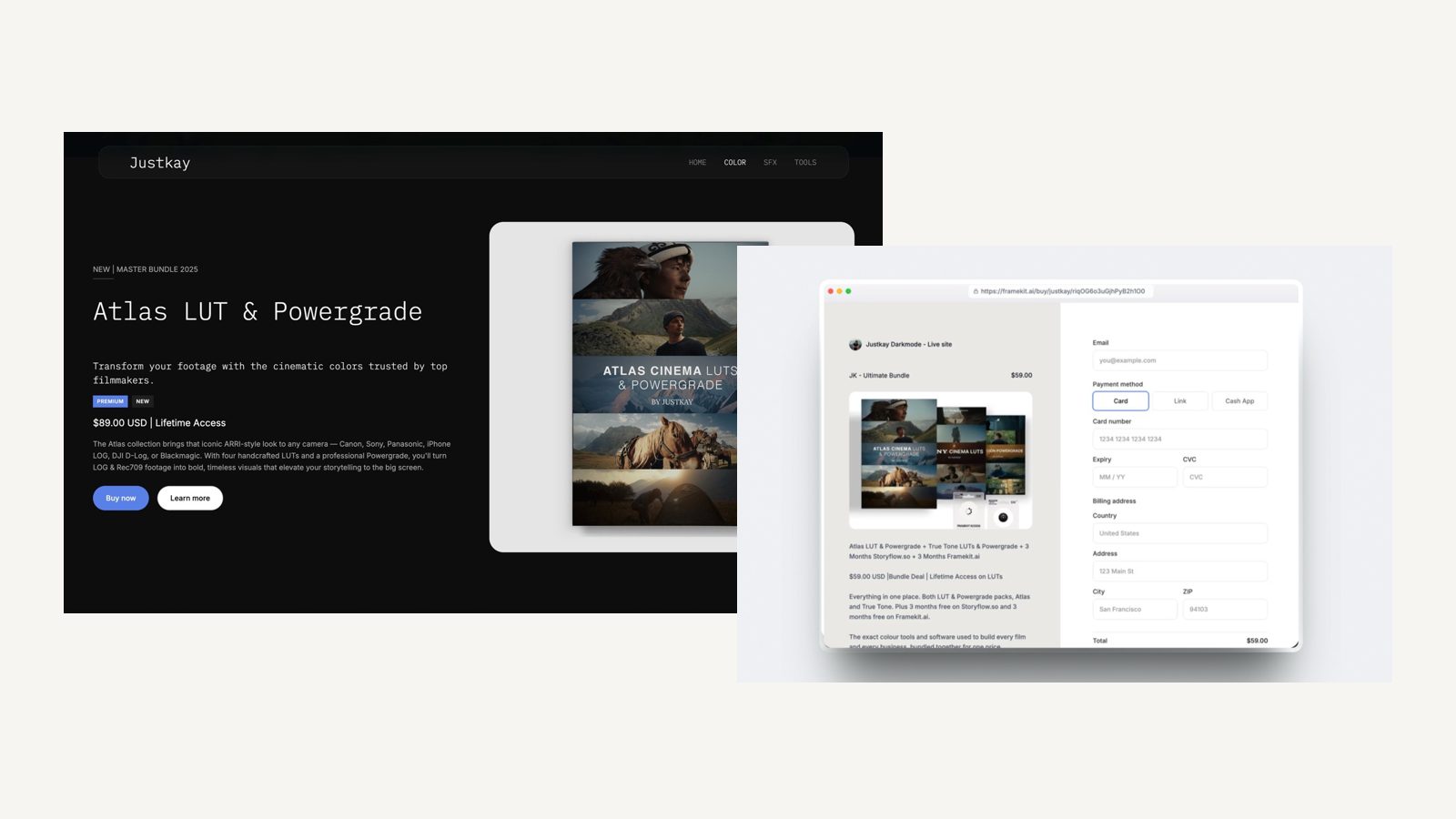
Framekit is an AI website builder, and the reason it belongs in this conversation is that the site it produces is live on a framekit.ai subdomain from the first day, or on the client's own domain from the $9 Starter plan, with hosting, SSL and a global CDN on every plan.
That is the URL these feedback tools attach to, and building the client's site there removes the step where someone sets up hosting purely so the client can look at something.
The AI can also recreate a layout from a reference screenshot, which shortens the first round of "make it more like this" notes.
Where it does not compete: it has no pinned comments on web pages, no console capture and no Jira sync, so Marker.io, BugHerd or Ruttl still run the review itself. It is the thing under the comments.
For agencies specifically, our guide to website builders for agencies covers the multi-client side in more depth.

What We Left Out of This Comparison and Why
Two frequently mentioned tools are missing, and in both cases the reason is that we could not read a current price at source, which is the standard this guide holds itself to.
Pastel is a well-liked website feedback tool and its pricing page returned an error when we read it in August 2026, so we are not quoting figures for it.
Usersnap publishes a free tier at zero euros a month and its paid plans did not render for us, which is a shame because its product-feedback positioning would have sat usefully next to Userback.
We also deliberately excluded video review platforms, which answer a different question.
Frame.io, Filestage, and Ziflow collect timestamped comments on moving footage rather than pinned comments on a live page, and we compared that field separately in our guide to video review and approval tools.
Finally, we left out general project management tools with a comment feature bolted on. A card on a board is not the same as a pin on an element, and the whole value of this category is that the comment knows which button it is about.
If the gap you are trying to close is earlier in the project, our comparisons of contract and proposal tools and form builders cover the intake side.
A Test You Can Run on Your Next Handover
Every tool in this comparison offers a free trial or a free tier, so the only test worth trusting costs nothing and takes an afternoon, and it should be run on a real client project rather than on a demo site the vendor prepared. Here is the version we would run.
Start with the door. Send the review link to someone outside your team, with no instructions, and watch what happens. If they ask you a question before leaving a comment, that tool has failed the only test that predicts adoption, and no integration will rescue it.
Then break something on purpose. Introduce a layout problem that only appears below 500 pixels wide, ask your reviewer to report it, and look at what lands in your queue. If the viewport is not in the ticket, your developer will have to ask, and you have not removed a round-trip.
Third, test a copy change. Ask the reviewer to change a headline, and see whether the tool gives you the new words or a description of them. That single difference accounts for a large share of the time this software saves.
Last, count the seats you would actually buy. Write down your internal team and your client reviewers as two separate numbers, then check the vendor's plan against both. That is the step that decides the bill, and it is the one the pricing page is least clear about.
The Decision Guide
These are ordered so the earliest match is the strongest signal about which half of the category you belong in, so read down and stop at the first line that fits.
You are one person with a few clients. Ruttl Pro at 18 dollars a month, with unlimited guests, or its free tier first if your projects are small.
You are an agency and your clients are non-technical. BugHerd, on Standard at 50 dollars a month for five members or Studio at 80 for ten, because client users are unlimited on every plan.
You have many stakeholders and want one predictable number. Markup.io at 79 dollars a month for unlimited users, accepting the single workspace.
Your feedback goes to engineers on a web application. Marker.io, and budget for Team at 149 dollars a month billed annually, because session replay and Jira sync are what you are buying.
You are collecting feedback on your own product from real users. Userback, whose widget and feature portal are built for many unknown reporters rather than a few known ones.
You run dozens of client sites and want white labelling. Atarim Pro at 67 dollars a month, with up to 100 seats and 1,000 projects.
You mostly need feedback on video. None of these. That is a different category and a different comparison.
You are not sure yet. Ruttl's free tier or Userback's, then run the untrained-client test above before you pay anyone.
Also worth readingFrame.io alternatives, which runs the same seat-versus-reviewer question on video rather than on live web pages.
Frequently Asked Questions
What is the best website feedback tool in 2026?
BugHerd is the best website feedback tool for most agencies in 2026, at 50 dollars a month for five members with unlimited client users on every plan, and it captures the browser, operating system, and screen size a developer needs.
Ruttl Pro at 18 dollars per user is the cheapest credible option for a freelancer, and Markup.io at 79 dollars a month is the flattest deal for many stakeholders.
Do clients need an account to leave feedback?
It depends on the tool, and it is the single best predictor of whether the tool gets used. BugHerd includes unlimited client users, Markup.io includes unlimited guests, and Ruttl gives unlimited guests on Pro.
Before buying anything, send the review link to someone outside your team with no instructions and see whether they can leave a comment.
How much do website feedback tools cost?
Published entry prices in August 2026 run from free to 79 dollars a month: Ruttl has a free tier and Pro at 18 dollars per user, Userback Team is 29 dollars a month billed annually, Marker.io Starter is 39, BugHerd Standard is 50, Atarim Pro is 67, and Markup.io Pro is 79 for unlimited users.
What is the difference between a feedback tool and a bug tracker?
A feedback tool captures a comment pinned to a place on a page from someone who is not technical. A bug tracker stores and routes the resulting work.
The tools in this guide split on how much they do of the second job: Marker.io and Userback sync two ways with Jira and ClickUp, while Markup.io and Ruttl keep the comment in their own workspace.
Can these tools collect feedback on designs and PDFs too?
Several can. BugHerd handles Figma files, PDFs, and images alongside websites; Markup.io supports websites and all file types in one workspace; Ruttl covers websites, mobile apps, PDFs up to 50 MB on Pro, and images.
If you want design review and build review in one subscription, those three are the ones to look at.
Which website feedback tool is cheapest?
Ruttl, which has a usable free tier of one project, one user, five guests, and ten comments, then charges 18 dollars per user a month for unlimited projects, comments, and guests.
For one internal seat that is 216 dollars a year against 600 for BugHerd Standard and 948 for Markup.io.
Do I need session replay?
Only if you are collecting feedback on a web application rather than a website. Session replay shows what the reporter did in the seconds before a problem, which matters when the problem depends on state.
Marker.io puts it on the Team plan at 149 dollars a month billed annually, and for a brochure site you will not use it.
How do I stop clients emailing feedback instead?
Introduce the tool at kickoff rather than mid-project, send a two-minute recording of a comment being left, and use the same link every time. Then hold one rule: anything that changes the build goes in the tool.
When a build change arrives by email, paste it in yourself and reply with the link, and most clients switch within two rounds.
Can a client edit the text on the page directly?
In some tools, yes, and it removes a large share of revision rounds because copy is a quarter to a half of all website feedback.
Ruttl has the strongest in-page text editing of the six, arriving as a before and after, and BugHerd offers suggested text edits on every plan. The others treat copy changes as ordinary comments.
Is a per-user or a flat plan better?
Per-user is cheaper below about four internal seats, and flat pricing wins above that.
Ruttl at 18 dollars per user beats everything for one or two people; Markup.io at 79 dollars for unlimited users and Atarim at 67 for up to 100 seats are cheaper for a team, and they remove the awkward decision about whether each new hire justifies a licence.
Does Framekit have a built-in website feedback tool?
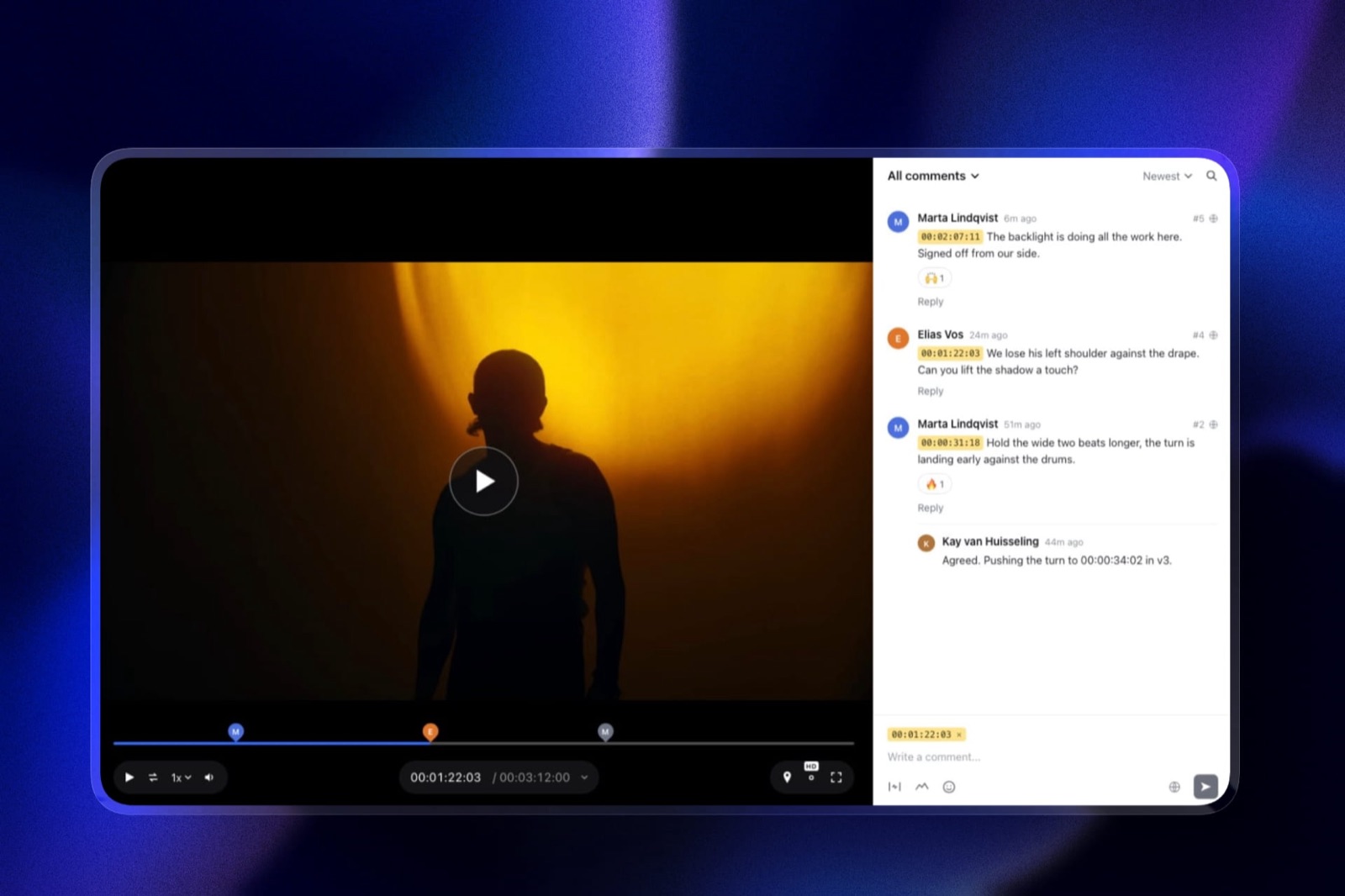
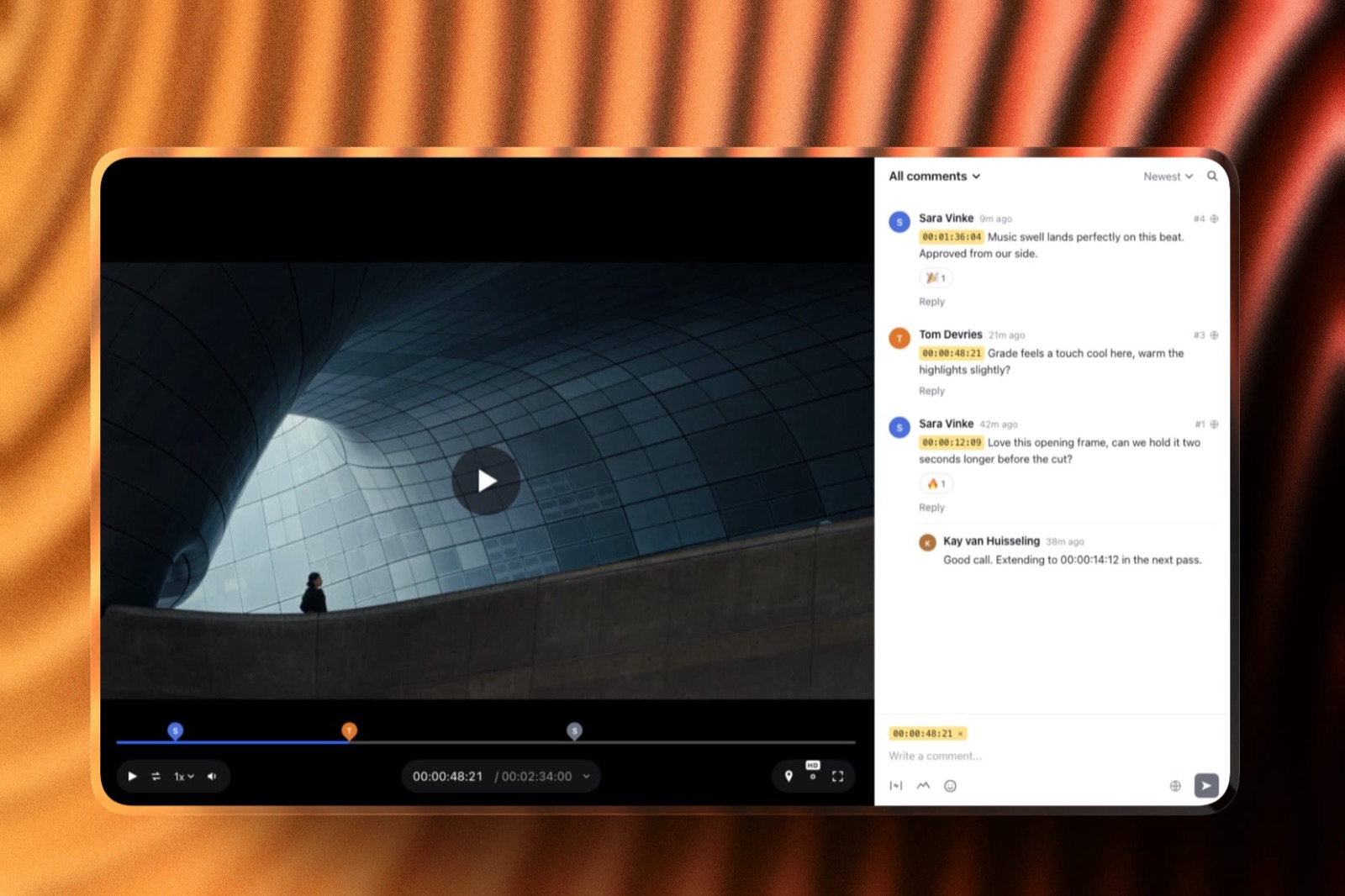
No. Framekit builds and hosts the site, and its timestamped comment tool is for video review rather than web pages. For pinned comments on a live site, pair a Framekit site with one of the feedback tools in this guide; Marker.io and BugHerd both work on any public URL.
Final Verdict: The Best Website Feedback Tool in 2026
BugHerd wins for agencies because it answers the question that actually decides this category correctly: your clients are not seats.
Unlimited client users on every plan means a new stakeholder costs nothing and nobody shares a login, and the comments arrive with the browser, operating system, and screen size already attached, so a developer can start work instead of starting a conversation.
Where it loses is clear enough. At 50 dollars a month for five member seats it is poor value for one person, and Ruttl Pro at 18 dollars does the core job with unlimited guests for a fraction of it.
It also stops short of the developer tooling in Marker.io, so a team shipping web applications will find it thin on console capture and session replay.
Markup.io deserves the runner-up position for the simplest proposition here: one price, everybody in, no licence conversations. Its single workspace and thinner metadata are the trade.
Marker.io is the right answer only when engineers are the audience, and its useful tier is 149 dollars a month rather than the 39 on the headline.
The wider point is worth carrying into the decision. Every tool in this comparison costs less over a year than one avoidable extra revision round on a mid-sized project, which means the correct optimisation is adoption rather than price.
Pick the one your least technical client can use from a link with no instructions, introduce it at kickoff, and hold the line that build changes go in the tool.