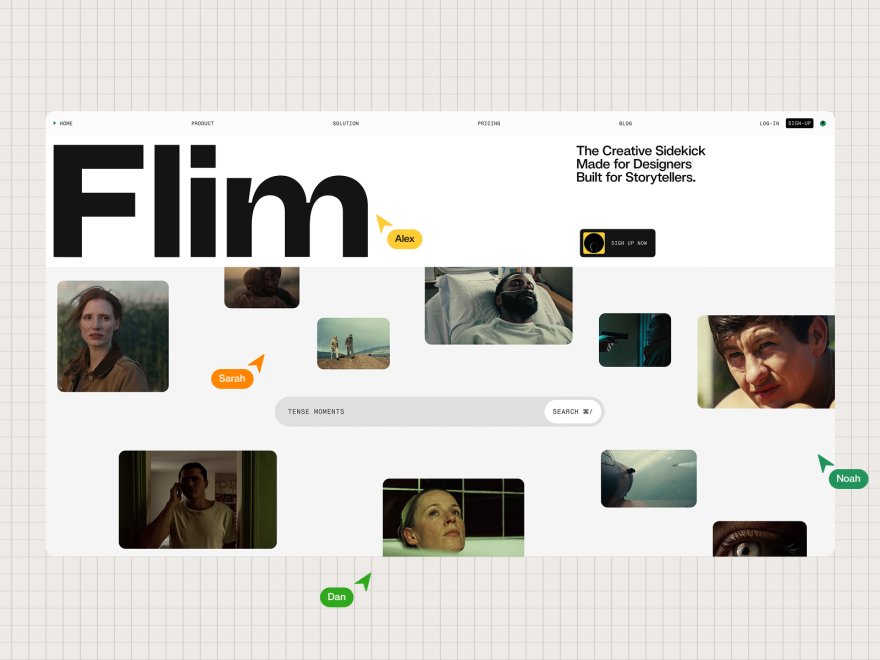
Framekit templates
Start from a designer-made template
 Use template
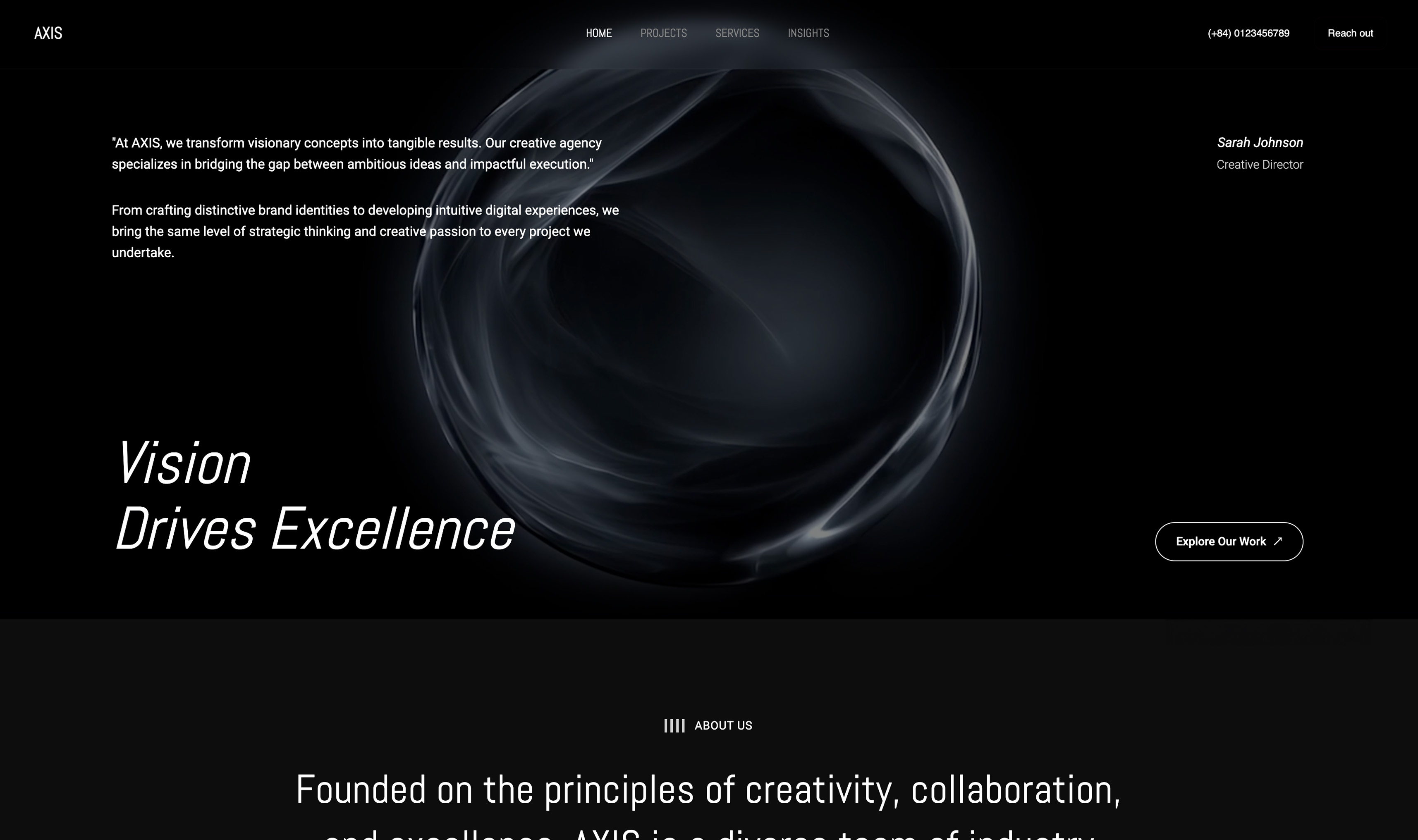 Use template
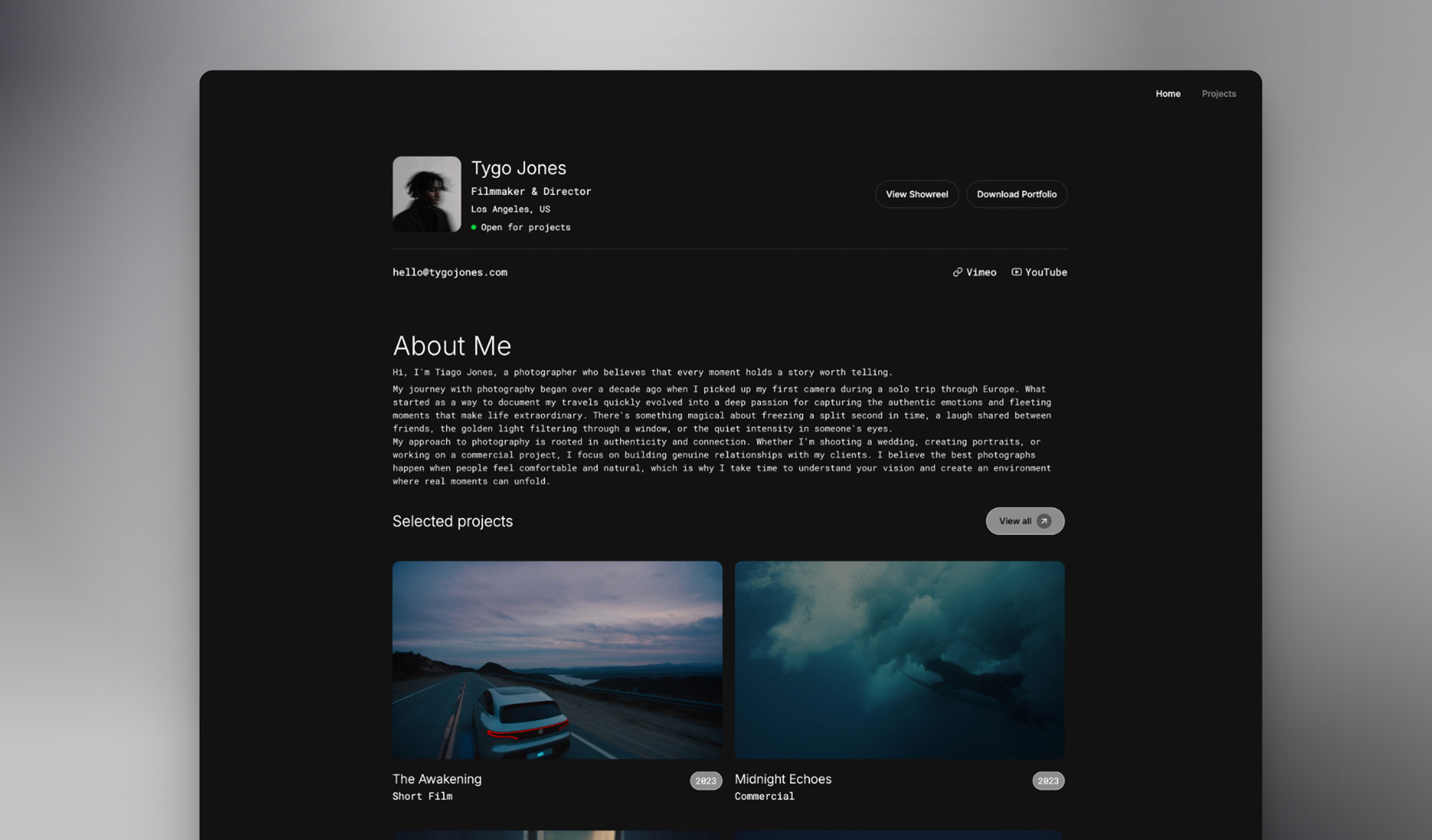 Use template
 Use template
 Use template
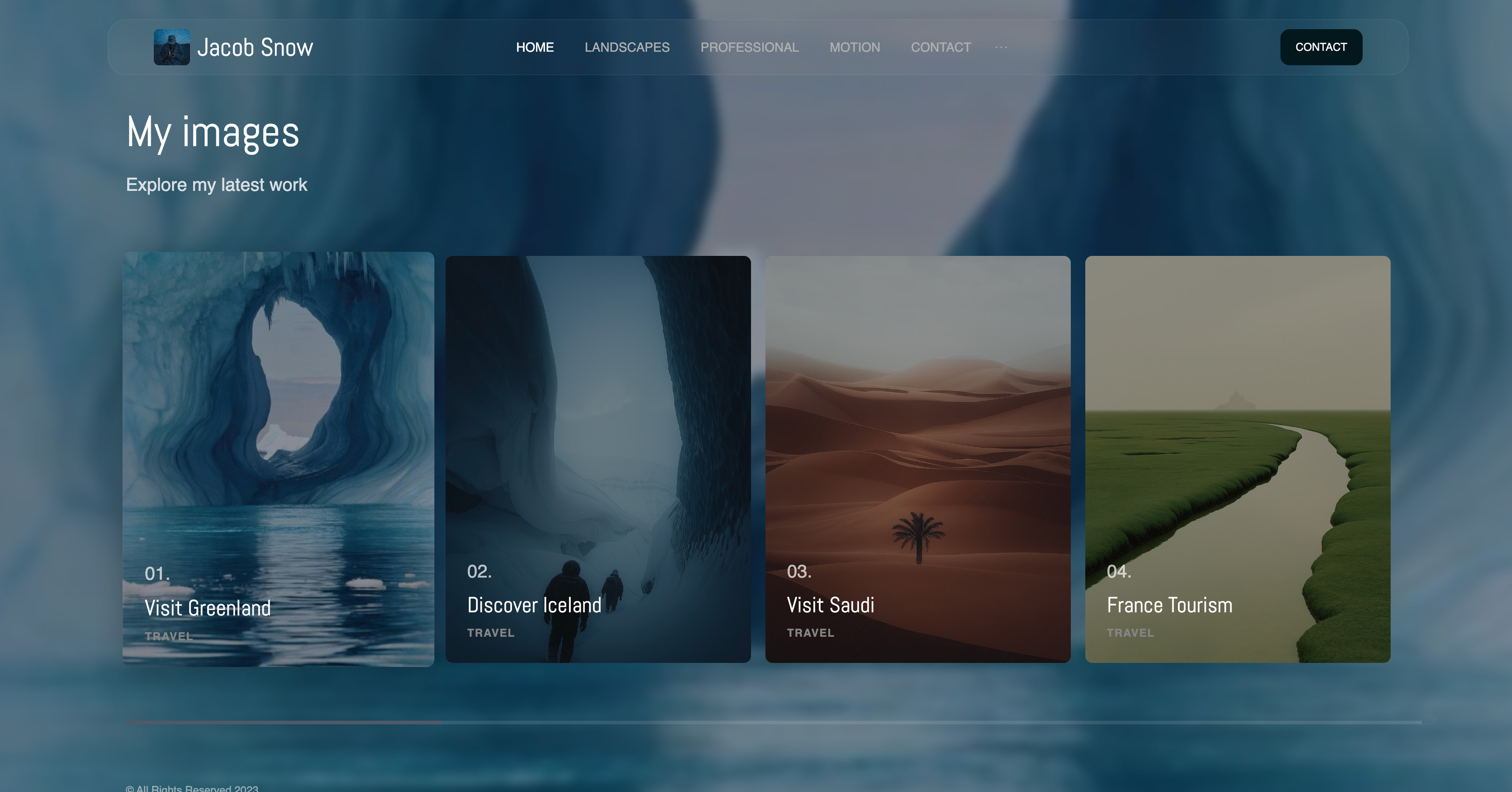 Use template
 Use template
 Use template
You built your site on Wix because it was everywhere and it looked easy. It was easy.
Then the cracks showed: the page loads slowly on mobile, the template still looks like a Wix template no matter how much you tweak it, and the subscription climbs every renewal. So you start looking for something better.
Wix serves over 200 million users and genuinely does some things well.
But for creatives, freelancers, and small businesses who care about speed, design quality, and not paying rent on their own website forever, the best Wix alternatives in 2026 are a real upgrade rather than a sideways move.
We tested and ranked seven of them - Framekit, Squarespace, Webflow, Framer, Shopify, WordPress, and Carrd - on performance, design output, ease of use, and real long-term cost. This is the comparison to read before your next Wix renewal.
Framekit is the AI website builder built for creatives - designer-quality sites in minutes, free to start.
A Wix alternative is another website builder you can use in place of Wix. This guide ranks the alternatives worth switching to, and who each one suits best.
The best Wix alternative for most people in 2026 is Framekit, because it pairs designer-trained AI with fast-loading, performance-optimized portfolio output, a genuine free plan, and a flat $9 Starter tier that adds a custom domain for less than Wix, Squarespace, or Webflow.
Squarespace is the best alternative for polished templates, and Webflow is best for developers who want full design control. Start free at https://framekit.ai.
Full disclosure: Framekit, ranked #1 below, is our own product, so weigh the ranking accordingly. Every alternative is linked and we name where each beats us: Wix itself has an app ecosystem nothing here matches, Shopify is the only real answer for physical inventory, WordPress can be made to do things we cannot, Webflow gives manual control an AI draft does not, Framer does motion we do not attempt, and Carrd is cheaper than us for a single page.
How We Compared These Wix Alternatives
Leaving a builder is a rebuild either way, so the sourcing behind each claim matters more than the ranking itself. Here is what stands behind them.
- Verified from primary sources: plan tiers, renewal pricing and what each tier unlocks were read from every vendor's published pricing page and re-checked in September 2026.
- Assessed hands-on: the editing experience, how the default output looks before customising, and what migrating actually involves.
- Not assessed: Wix's own app marketplace in depth, since no alternative here has a comparable ecosystem to compare it against.
This guide publishes no load-time figures or performance scores for any builder.
Framekit is an AI website builder that generates a designed site from a prompt, which is a different proposition from Wix's drag-and-drop canvas, and its free plan publishes without a credit card.
Why Are People Searching for Wix Alternatives in 2026?
Wix serves over 200 million users, but three recurring issues push people to look elsewhere: sluggish performance on image-heavy mobile pages, design output that often looks dated or recognizably templated, and a subscription cost that rises over time with no one-time option.
The sections below cover each in detail.
Performance. Template-based builders like Wix can feel slower on image-heavy mobile pages. Framekit is built for fast-loading, performance-optimized output, and Webflow sites can also be fast when built well.
For businesses relying on SEO or serving impatient mobile visitors, that gap matters.
Design quality. Wix offers 800+ templates, but quantity does not equal quality. Many feel dated or generic, and the "Wix look" is recognizable even after heavy customization. Creative professionals especially find it difficult to stand out.
Long-term cost. Wix plans run from $17/month for Light upward, billed indefinitely - see the Wix pricing page. Over five years, even the entry plan tops $1,000.
Framekit's $9/month Starter plan adds a custom domain and removes branding for barely half of Wix's price, at $540 over the same five years, and the price stays flat instead of climbing at renewal.
That said, Wix excels at breadth. Its app marketplace (500+ integrations), built-in booking systems, and restaurant/hotel features are genuinely useful. If you depend on those, switching may not make sense.
The right alternative depends on why you are leaving and what you need next.
Comparison Table: Wix Alternatives at a Glance
The weighting to read this with: design quality of the finished site carries the most weight, since template feel is the most common reason people leave Wix, then what the plan includes beyond hosting, then three-year cost at renewal rates.
Under the opposite weighting, where breadth of apps and integrations decides everything, Wix itself remains the right answer and nothing in this list beats it.
| Platform | Best For | Ease of Use | Performance | Starting Price | Free Plan |
|---|---|---|---|---|---|
| Framekit | Creatives, portfolios | Very Easy | Very fast | Free / $9 mo / $19 mo | Yes |
| Squarespace | Template purists | Easy | Moderate | $19/month | No |
| Webflow | Developers | Hard | Fast when built well | Free / $15/month | Yes (limited) |
| Framer | Designers | Medium | Variable | Free / $10/month | Yes (limited) |
| Shopify | E-commerce | Easy | Moderate | $29/month | No |
| WordPress | Bloggers, flexibility | Medium | Varies | $0 self-hosted | Yes |
| Carrd | Simple landing pages | Very Easy | Fast | Free / $19/year | Yes |
| Wix | Broad use cases | Easy | Variable | $17/month | Yes (branded) |
Detailed Rankings: The 7 Best Wix Alternatives
1. Framekit: Best Overall Wix Alternative for Creatives

Best forPhotographers, designers, videographers, freelancers, coaches, consultants, and small service businesses.
Why it ranks #1Framekit combines the ease of Wix with significantly better design output and site performance. The AI was trained by senior designers, so you get genuinely professional layout, hierarchy, spacing, and type - not just generated copy.
Sites typically launch in a few hours rather than days.
Key advantages over Wix:
- Fast-loading, performance-optimized pages, where template-based builders like Wix can feel slower
- AI trained by senior designers produces designer-quality results, not template sameness
- A genuine free plan, and a $9 Starter tier with a custom domain that undercuts Wix
- Responsive design handled automatically, with no manual mobile adjustments
- Add complete template pages and components instantly from the library, all adapting to your color scheme
- Upload a Pinterest or Instagram screenshot and the AI generates a matching design direction
- Built-in SEO with server-side rendering, automatic sitemaps, and JSON-LD structured data
Limitations:
- Fewer third-party integrations than Wix's app marketplace
- Newer platform, so a smaller community template library
- Less granular pixel-level design control than Webflow
PricingFree ($0, no credit card), Starter at $9/month (custom domain, no branding), Pro at $19/month, or Business at $39/month. Paid plans are month to month and you can cancel anytime.
Migration difficulty from WixEasy. Plan a few hours to rebuild. Content must be transferred manually since Wix does not allow full exports.
Choose Framekit ifYou want a professional portfolio or business site that loads fast, looks designed rather than templated, and does not drain your budget with monthly fees.
For a closer look, see our Framekit vs Wix head-to-head comparison.
2. Squarespace: Best for Template-Driven Sites

Best forUsers who find a Squarespace template they love and don't need heavy customization.
Why it ranks #2Squarespace templates are genuinely beautiful, more curated than Wix's overwhelming library. The platform prioritizes visual polish and works well when you stay within the template's intended structure.
Key advantages over Wix:
- Higher quality template designs overall
- Cleaner, more cohesive aesthetic
- Better built-in blogging features
- Stronger brand perception among creative industries
Limitations:
- Templates become rigid when customized heavily
- Performance is moderate (better than Wix, behind Framekit)
- No free plan, and prices tend to rise at renewal
- Less flexible than Wix for non-standard use cases
Pricing$19-99/month depending on plan, per the Squarespace pricing page. No free tier.
Migration difficulty from WixModerate. Similar rebuild process, 4-8 hours typical.
Choose Squarespace ifYou found a template that matches your vision exactly and prefer the "Squarespace look" over customization flexibility.
If you are weighing this route, our guide to the best Squarespace alternative for creatives covers when Squarespace itself is worth leaving.
3. Webflow: Best for Developers and Custom Projects
Best forDevelopers, technical designers, and agencies building complex custom sites.
Why it ranks #3Webflow offers complete design freedom through visual CSS controls. You can build virtually anything without writing code directly. The output is clean, performant, and highly customizable.
Key advantages over Wix:
- Total design control over every element
- Excellent performance when built well
- Professional-grade CMS with relational content
- Clean code output
Limitations:
- Steep learning curve (40-60+ hours to proficiency)
- Responsive design requires manual work across breakpoints
- Higher cost at scale
- Overkill for simple sites
Pricing$14-39/month for site hosting, plus optional Workspace plans
Migration difficulty from WixHard. Requires rebuilding from scratch with significant time investment.
Choose Webflow ifYou have development skills (or want to learn) and need custom functionality that template-based builders can't provide.
4. Framer: Best for Designers Using Figma
Best forDesigners already comfortable with Figma-style interfaces who want to build sites without traditional coding.
Why it ranks #4Framer bridges the gap between design tools and website builders. If you think in Figma, Framer feels natural. It handles animations and interactions particularly well.
Key advantages over Wix:
- Figma-like interface familiar to designers
- Excellent animation capabilities
- Better design output quality
- Strong prototyping-to-production workflow
Limitations:
- Assumes design tool familiarity (not beginner-friendly)
- Performance can suffer with complex animations
- Limited template selection compared to competitors
- Smaller ecosystem and community
Pricing$10-25/month
Migration difficulty from WixModerate to Hard. Requires design skills to use effectively.
Choose Framer ifYou're a designer who already works in Figma and wants the tightest design-to-website workflow. If you want AI to carry more of the design work instead, see our guide to the best AI website builders for creatives.
5. Shopify: Best for E-commerce Focus

Best forBusinesses where selling products is the primary goal, not a secondary feature.
Why it ranks #5Shopify is purpose-built for e-commerce. Inventory management, payment processing, shipping, and sales analytics are all first-class features. If you're running a real store, Shopify does it better than any general website builder.
Key advantages over Wix:
- Superior e-commerce features and reliability
- Better payment processing and checkout
- Larger app ecosystem for e-commerce specifically
- More scalable for growing stores
Limitations:
- Expensive if you don't need full e-commerce
- Templates feel more "store-like" even for non-product pages
- Transaction fees on non-Shopify payments
- Less flexible for non-commerce content
Pricing$29-299/month plus transaction fees
Migration difficulty from WixModerate. Product data can be exported/imported. Design requires rebuilding.
Choose Shopify ifE-commerce is your primary business, not an add-on feature.
6. WordPress: Best for Content-Heavy Sites and Maximum Flexibility
Best forBloggers, publishers, and users who need extensive plugin functionality.
Why it ranks #6WordPress powers 40%+ of all websites. Its plugin ecosystem is unmatched. Nearly any feature you can imagine exists as a plugin.
Key advantages over Wix:
- Unlimited flexibility through plugins
- Own your content (self-hosted option)
- Massive community and resource library
- Lower long-term costs possible
Limitations:
- Requires more technical management
- Security and updates are your responsibility
- Performance varies wildly based on setup
- Steeper learning curve than drag-and-drop builders
Pricing$0 (self-hosted) to $45/month (WordPress.com), plus hosting costs
Migration difficulty from WixModerate. Many migration plugins exist. Expect 4-10 hours.
Choose WordPress ifYou need specific plugin functionality, want to own your hosting, or plan heavy content publishing.
7. Carrd: Best Budget Option for Simple Sites
Best forSingle-page sites, landing pages, and link-in-bio alternatives on a tight budget.
Why it ranks #7Carrd does one thing well: simple, fast, single-page sites. At $19/year for Pro, it's the cheapest option by far. Perfect for MVPs, personal sites, or basic landing pages.
Key advantages over Wix:
- Dramatically cheaper ($19/year vs $204+/year)
- Faster to set up (under an hour)
- Excellent performance for simple sites
- No unnecessary complexity
Limitations:
- Single page only (Pro Plus allows 3 pages)
- Very limited functionality
- Not suitable for portfolios, blogs, or businesses needing multiple pages
- Minimal customization options
PricingFree (limited) or $19-49/year
Migration difficulty from WixVery Easy (because scope is so limited).
Choose Carrd ifYou need a simple landing page or link-in-bio site and nothing more.
When to Stay with Wix
Switching isn't always the right answer, and Wix is genuinely good for certain use cases.
Stay with Wix if you depend on specific Wix apps with no equivalent elsewhere, use Wix Bookings, Restaurants, or Hotels heavily, or are happy with your current costs and performance. Stay if any of these apply:
- You rely on specific Wix apps that don't exist elsewhere
- Your site uses Wix Bookings, Restaurants, or Hotels features extensively
- You're comfortable with your current costs and performance
- Migration time isn't worth the potential benefits
- You need the breadth of features Wix offers in one place
Wix is genuinely good for certain use cases. The best alternative is sometimes no alternative.
Decision Framework: Find Your Best Wix Alternative
Use this framework to match an alternative to your situation rather than guessing. Work through four questions about your primary site type, technical comfort, budget preference, and how much site speed matters.
Each answer points to a specific tool, so the combination narrows you to one clear choice.
What's your primary site type?
- Portfolio or creative showcase → Framekit
- Template-based business site → Squarespace
- Custom design project → Webflow
- Online store → Shopify
- Blog or content site → WordPress
- Simple landing page → Carrd
- Need lots of integrations → Stay with Wix or WordPress
What's your technical comfort level?
- Want it easy → Framekit or Squarespace
- Comfortable learning → Framer or WordPress
- Technical/developer → Webflow
What's your budget preference?
- Free plan or cheapest custom domain → Framekit (Free / $9 Starter)
- Low ongoing cost → Carrd ($19/year)
- Standard subscription → Squarespace, Webflow, or Framer
- Investment in commerce → Shopify
How important is site speed?
- Critical for SEO/UX → Framekit or Webflow
- Somewhat important → Squarespace or Framer
- Not a priority → Wix is fine
Migration Tips: Moving from Wix
Before you switch:
- Export what you can. Wix allows exporting blog posts and some data. Images and text content must be saved manually.
- Document your integrations. List every third-party tool connected to Wix. Verify alternatives exist on your new platform before committing.
- Set up redirects. If SEO matters, plan URL redirects from your old structure to the new one.
- Budget realistic time. Simple portfolio: 2-4 hours. Complex business site: 1-2 days. E-commerce migration: 3-5 days minimum.
- Don't cancel Wix immediately. Keep both sites live briefly to catch issues before fully switching.
Frequently Asked Questions
What is the best free alternative to Wix?
The best free Wix alternative is Framekit, which has a genuine free plan with no credit card required and full AI generation included. WordPress.com, Carrd, and Webflow also offer free tiers with limitations.
None match Wix's free feature breadth, but Framekit gives you the strongest design output of the free options.
What is the fastest Wix alternative?
Framekit is the fastest Wix alternative for most sites. Framekit is built for fast-loading, performance-optimized output, while template-based builders like Wix can feel slower on image-heavy mobile pages.
Webflow can reach similar speeds, but only when an experienced builder optimizes the site carefully.
What is the cheapest Wix alternative long-term?
Framekit is among the cheapest Wix alternatives long-term for anyone keeping a real multi-page site, because the $9/month Starter plan adds a custom domain and removes branding for $540 over five years, well under Wix's $1,000-plus, with a price that stays flat at renewal.
Carrd at $19/year is cheaper for a simple single-page site. Self-hosted WordPress can be inexpensive too, but it adds ongoing technical maintenance.
Is Squarespace really a better Wix alternative?
For design quality and aesthetic consistency, Squarespace is a step up from Wix. For feature breadth and integrations, Wix still wins. Squarespace templates are more polished and cohesive, but they get rigid once you customize heavily, and there is no free plan.
Can I transfer my Wix site to another platform?
Not directly. Wix does not allow full site exports, so you will need to rebuild your site and transfer content - text, images, and products - to the new platform manually. Blog posts can be exported in some cases.
With an AI builder like Framekit, rebuilding a portfolio takes only a few focused hours.
What do agencies use instead of Wix?
Agencies typically use Webflow for custom client work, Framekit for portfolio and small-business clients, and WordPress for content-heavy sites. The choice depends on client needs and the agency's technical capabilities.
Framekit is increasingly popular because its AI shortens the build time without sacrificing design quality.
Is Webflow a better Wix alternative than Framekit?
Webflow offers more granular design control, but it requires a steep learning investment of 40-60+ hours. Framekit reaches comparable performance and design quality with an AI workflow that takes hours, not weeks.
For developers who want total control, Webflow wins; for most creatives and small businesses, Framekit is the better Wix alternative.

Can you migrate a Wix site to another platform?
Not as a site, only as content.
Wix does not export a portable site, so every switch is a rebuild: you can save your images, copy your text into a document, and export a blog if you have one, but the design and page structure do not transfer anywhere.
Budget a weekend, keep the Wix site live until the replacement is finished, and register your domain at an independent registrar so the move is a DNS change rather than a transfer negotiation.
Our Recommendation (From the Framekit Team)
We built Framekit, so we're biased. But here's our honest take:
For creative professionals, freelancers, and small businesses building portfolios or marketing sites: Framekit offers the best combination of design quality, performance, and long-term value.
A genuine free plan and a flat $9 Starter tier that undercuts Wix on a custom domain keep costs low without renting your site forever.
If budget is your main constraint, our roundup of affordable website builder options for freelancers compares the cheapest credible routes.
For template purists who find exactly what they want in Squarespace's library: Squarespace is a solid choice if you don't need heavy customization.
For developers and technical users who need complete control: Webflow is worth the learning investment.
For serious e-commerceShopify is purpose-built for selling and does it better than general website builders.
For simple landing pagesCarrd at $19/year is hard to beat.
The best Wix alternative is the one that matches your specific needs. Test before you commit. Most platforms offer free trials or limited free tiers precisely so you can evaluate fit before paying.
Start Building
Ready to try Framekit? Create a free account and build your first site. Most users finish a professional portfolio in 2-3 hours. You'll know quickly whether it fits your workflow.
Still comparing options? Build the same simple page on 2-3 platforms. Nothing teaches fit better than hands-on experience. Look at the output, see how quickly it loads, and notice how the process feels.
Need help deciding? Our team talks to people evaluating website builders every day. Reach out if you have questions about whether Framekit is right for your specific situation. We'd rather point you elsewhere than have you struggle with the wrong tool.
_Recently updated for 2026: every alternative's pricing re-checked against its own plans page._
Before leaving, it is worth reading Wix vs Webflow, which credits Wix's SEO controls and names the template constraint that usually prompts the search.
Wix redesigns are effectively migrations because the template cannot be changed after publishing, so how to switch website builders applies whether you leave or stay.