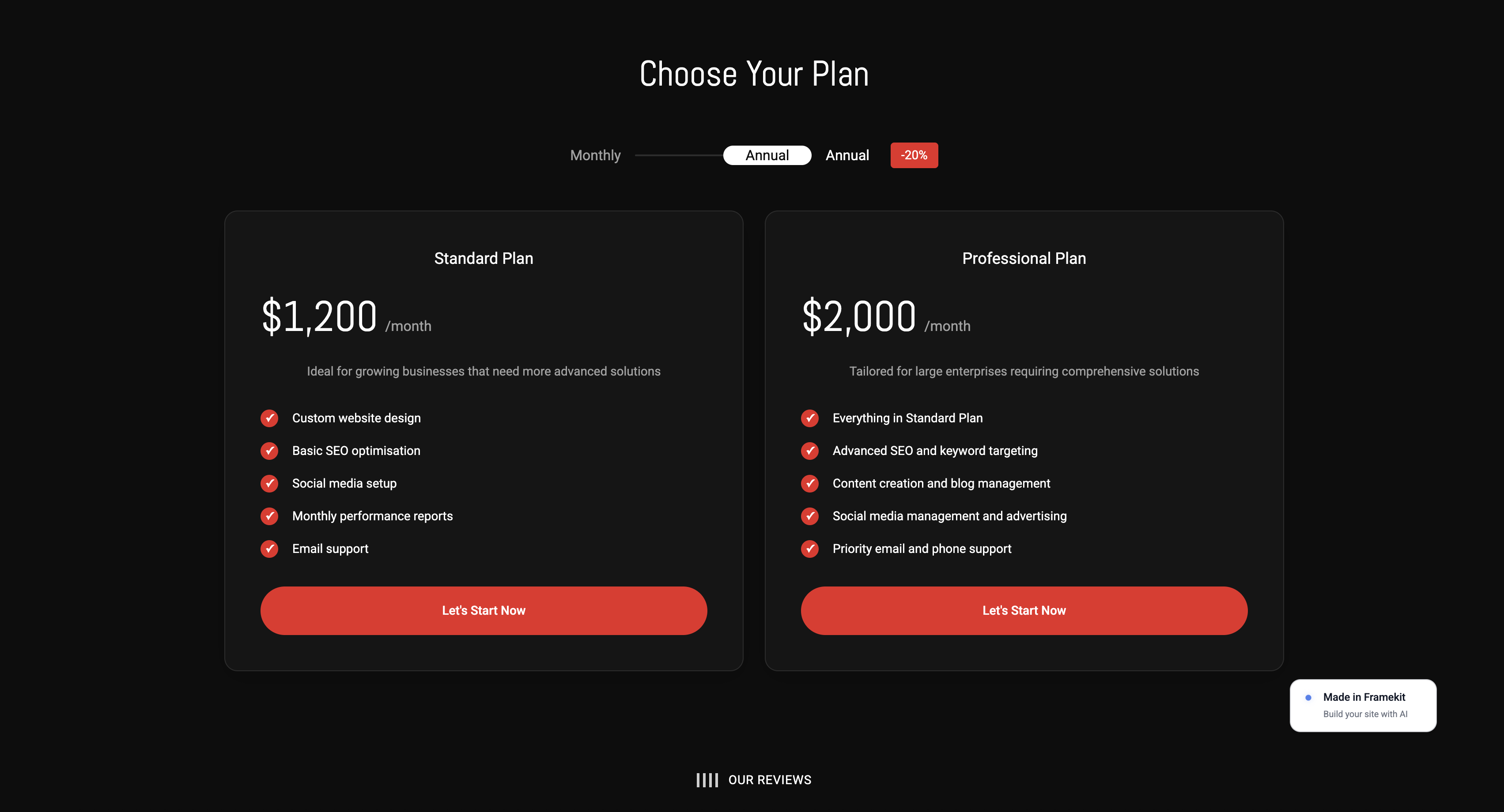
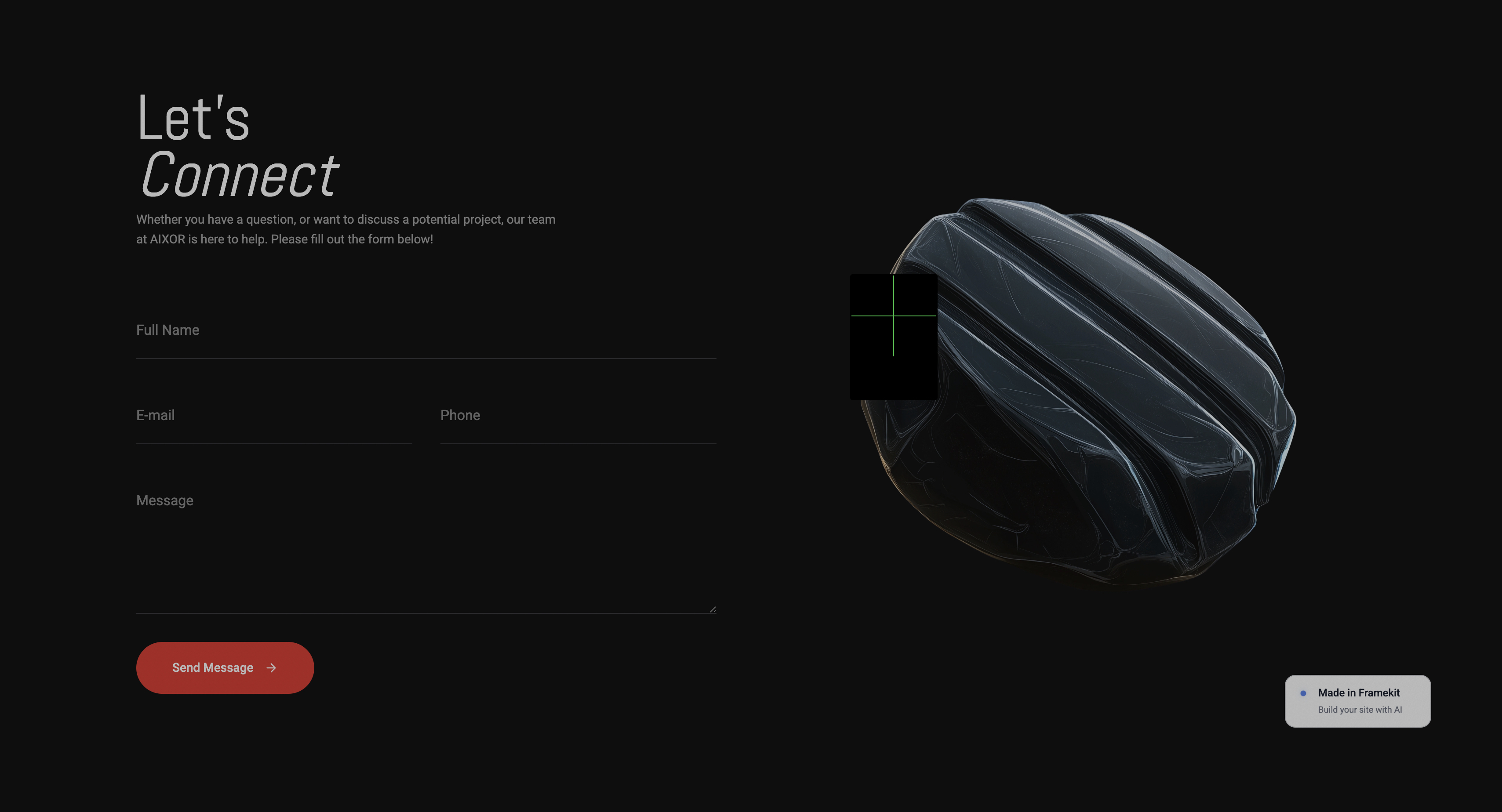
Framekit templates
Start from a designer-made template
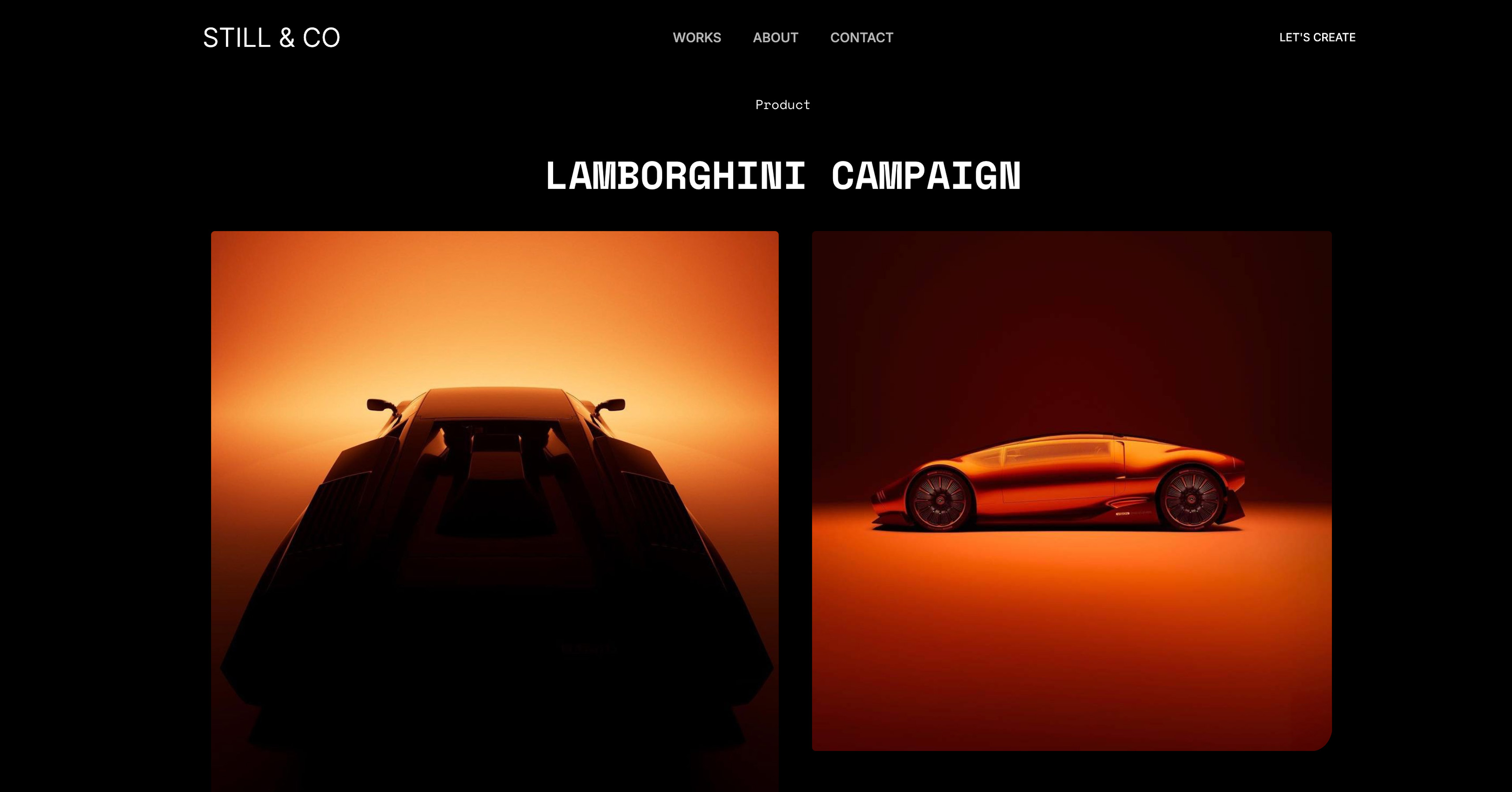 Use template
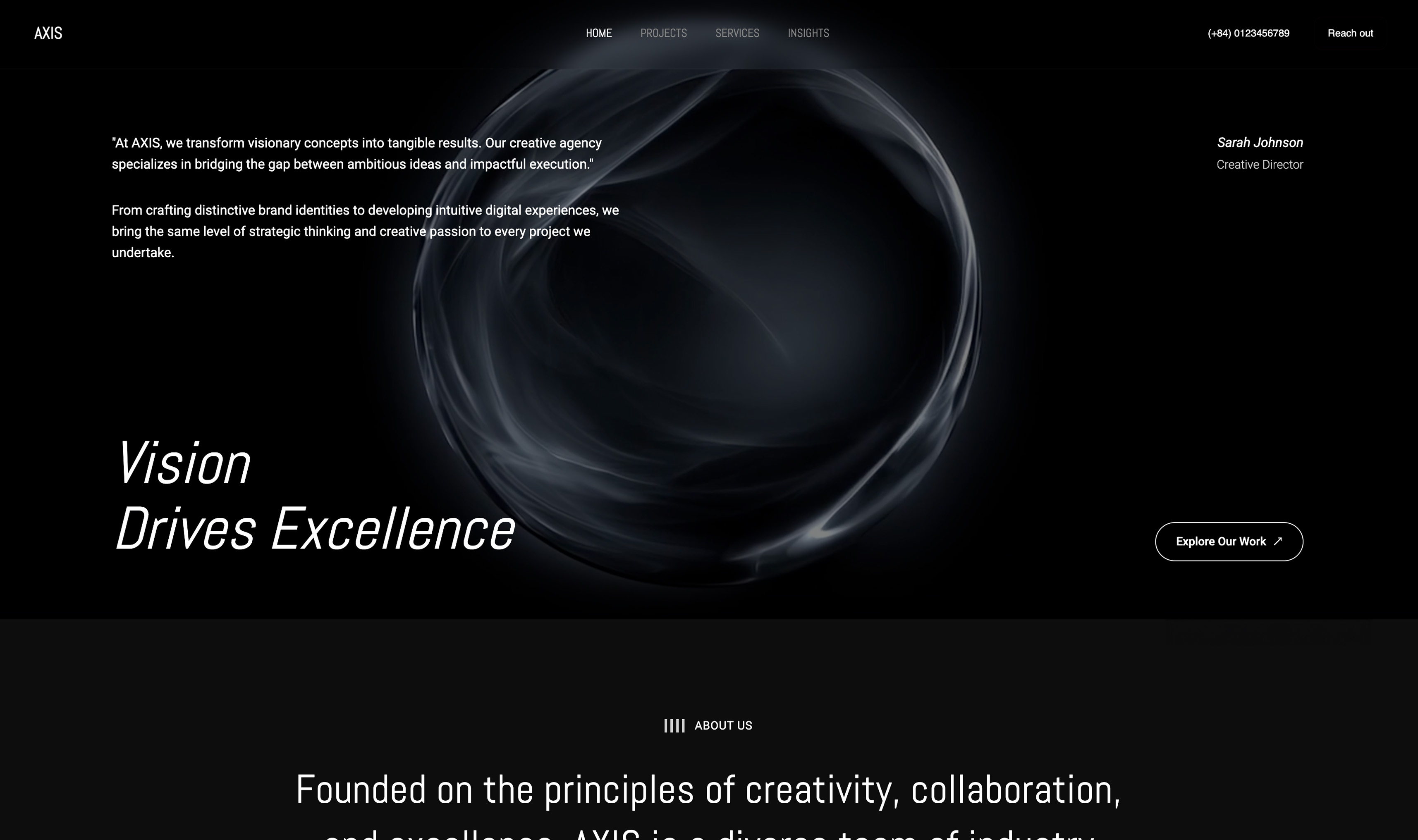 Use template
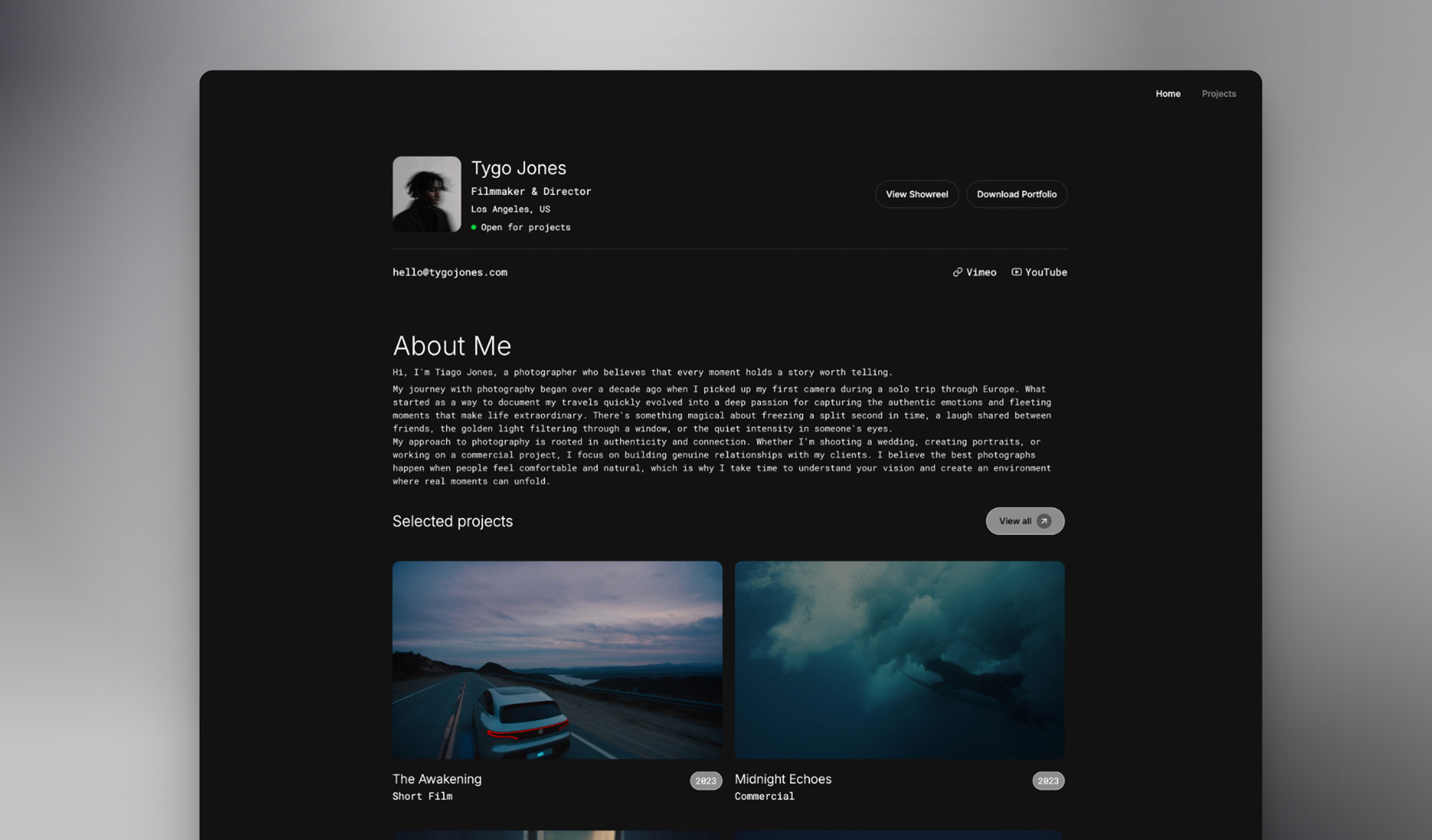 Use template
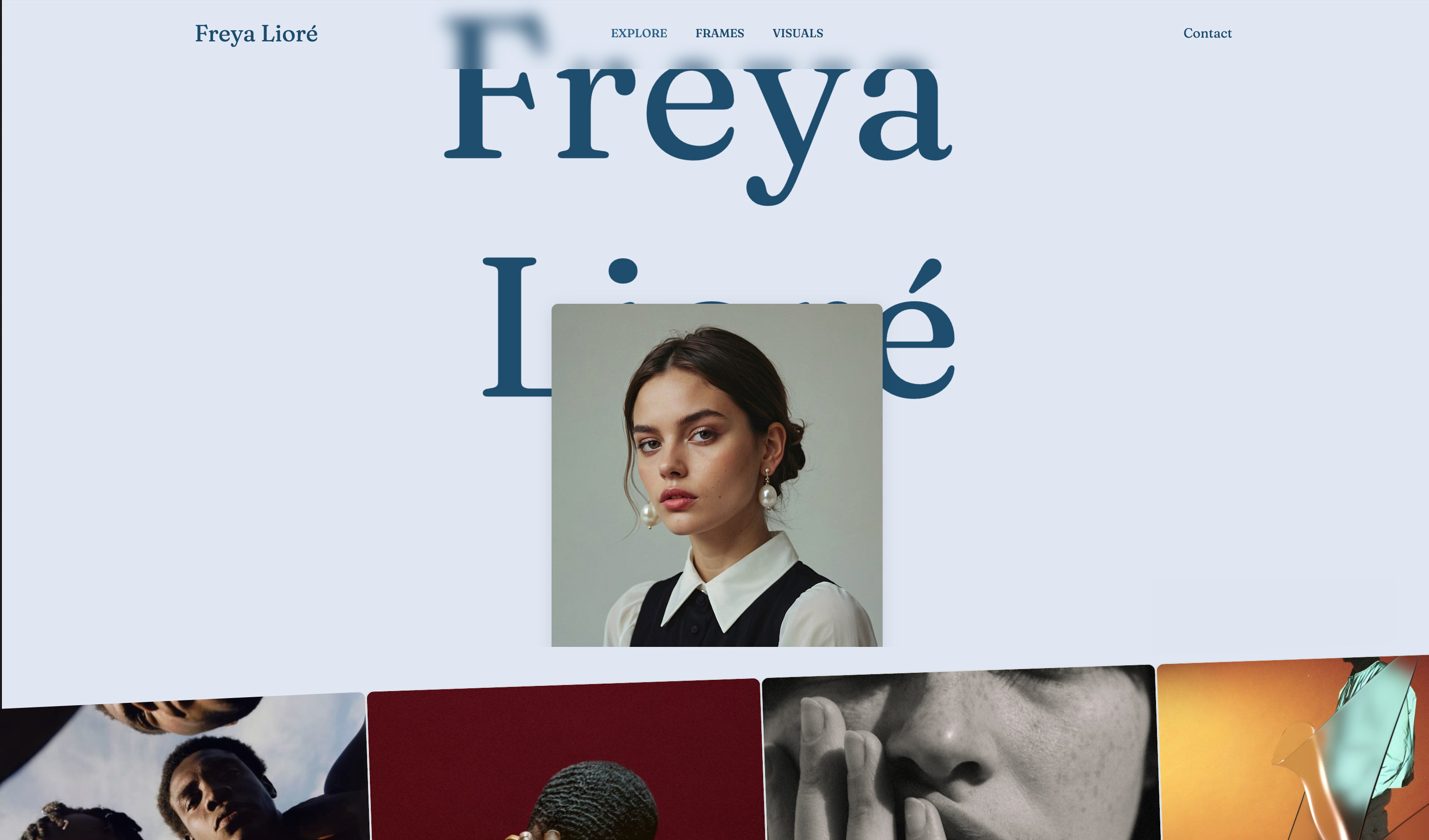 Use template
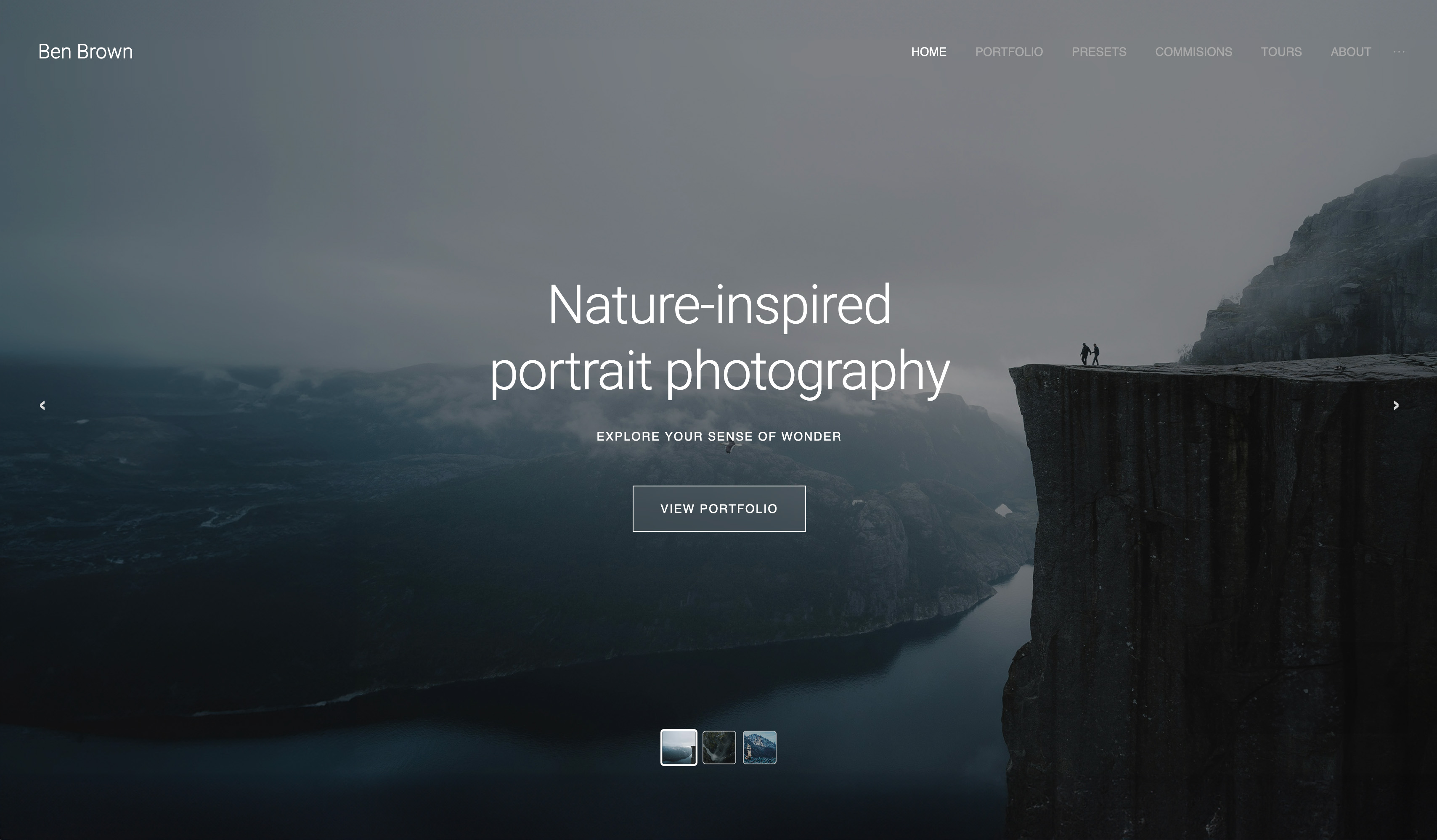 Use template
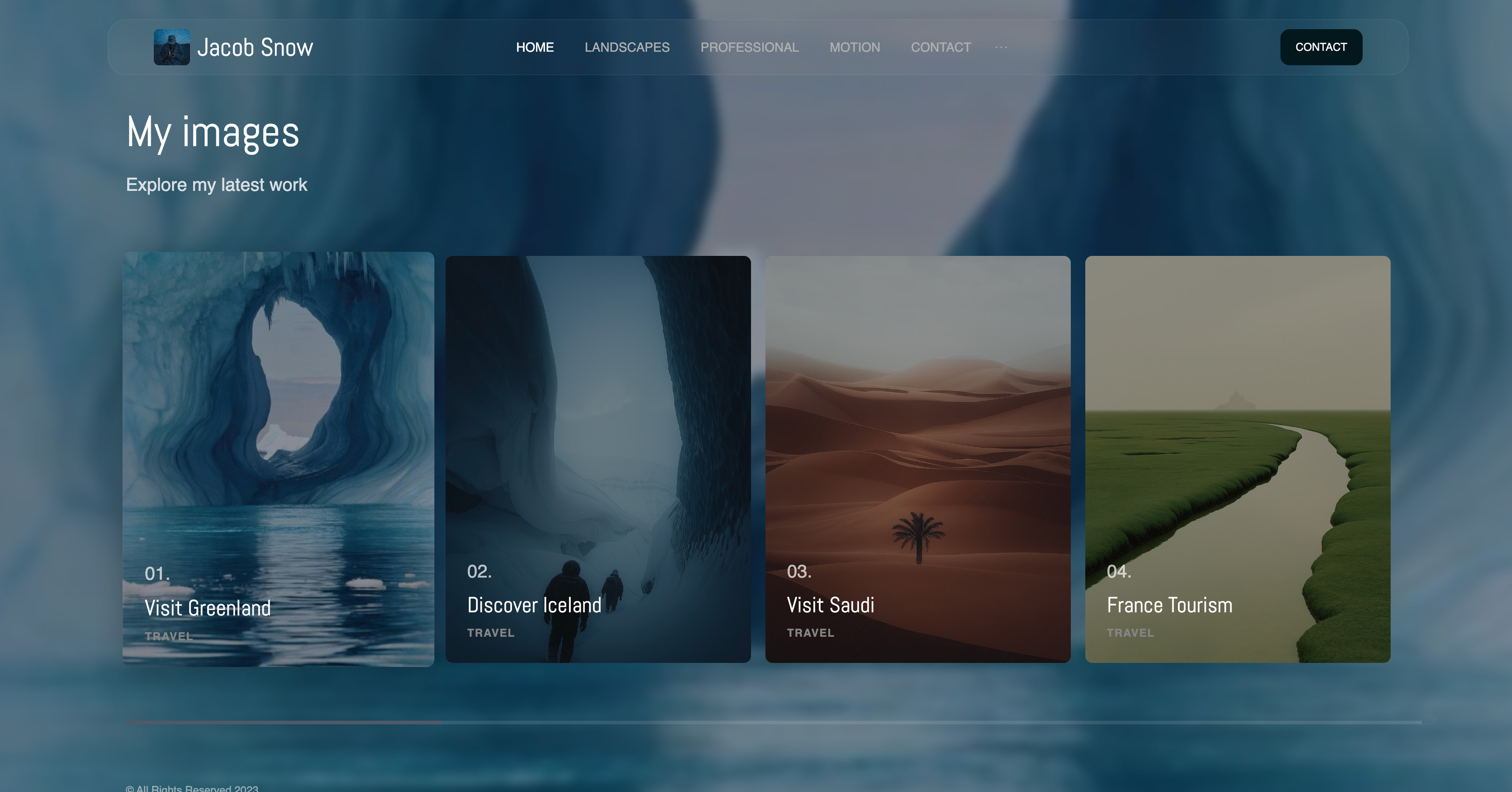 Use template
 Use template
 Use template
Your agency just landed five new client sites this quarter. The question is not whether you can deliver them. It is whether each one takes three hours or twenty, and whether you can charge $3,000 or $15,000.
Framekit vs Webflow is really a question about your agency's business model, not about which tool is objectively better.
We have built over 40 client sites across both platforms in the past 18 months. Not theoretical comparisons, but real client work with real deadlines, budgets, and feedback.
The honest answer is that Framekit and Webflow win for different kinds of agencies, and picking the wrong one locks you into the wrong economics. This guide gives you the real numbers and a decision framework so you choose deliberately.
A website builder is a tool an agency uses to ship client sites without hand-coding each one. This comparison looks at Framekit and Webflow through the lens of agency work.
For Framekit vs Webflow, Framekit is the better choice for agencies without dedicated developers that ship volume client sites under $5,000, because its designer-trained AI cuts builds to 2-4 hours.
Webflow is better for agencies with technical teams billing $10,000+ for custom development. Start free at https://framekit.ai.
Framekit is an AI website builder aimed at studios that want the site to exist without a build sprint, which is the opposite of Webflow's proposition.
What Is the Real Difference Between Framekit and Webflow?
Both tools build professional websites, but they sit at opposite ends of the control-versus-speed tradeoff. Understanding that difference is the whole decision.
How does each platform actually work?
Webflow is a visual development environment. You are writing CSS through a graphical interface, controlling every margin, padding, font weight, and animation curve.
That power requires understanding web development concepts: the box model, flexbox, CSS grid, and responsive breakpoints.
Framekit is an AI-assisted design system. Its AI is trained by senior designers with years of experience, so it produces genuinely professional results.
You select a template, customize through natural language and simple controls, and the AI maintains design coherence automatically.
You can add complete template pages from the library, and every component adapts to your existing colors and typography.
How much control do you give up with Framekit?
Webflow gives you 100 percent control and takes 15-25 hours per site. Framekit gives you roughly 80 percent control and takes 2-4 hours. That missing 20 percent matters for genuinely custom projects.
For most agency work, portfolios, service sites, and business pages, it does not.
The realistic limit is that about 5 percent of client requests hit a Framekit customization ceiling, and you need a plan for those, such as referring them out or pricing them as custom builds.
How does the inspiration-to-page workflow help agencies?
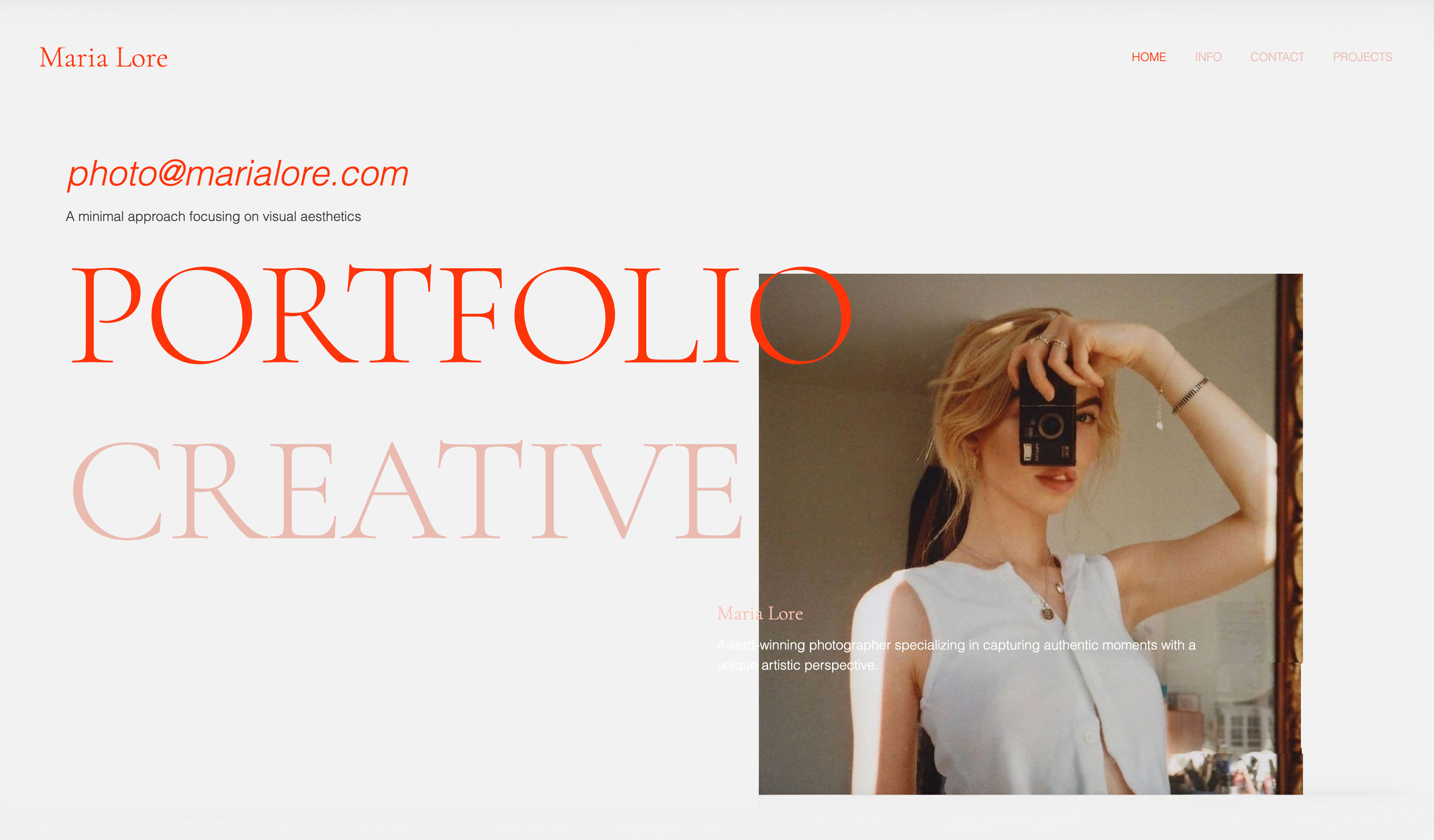
Framekit can turn a reference into a starting point. Upload a screenshot from Pinterest or a site a client loves, and Framekit's AI generates a matching design direction.
Your non-technical team can browse inspiration, combine favorite elements, and produce unique-feeling work without formal design training, which is exactly the bottleneck Webflow does not solve.
The Real Numbers From Actual Agency Projects
Here is what we measured across our own agency work, not vendor marketing.
How long does each platform take to build a site?
| Task | Webflow | Framekit |
|---|---|---|
| Initial setup and structure | 3-4 hours | 30 min |
| Design implementation | 8-12 hours | 1-2 hours |
| Content population | 2-3 hours | 1 hour |
| Responsive adjustments | 3-5 hours | 0 (automatic) |
| Client revisions | 2-4 hours | 30-60 min |
| Total | 18-28 hours | 3-5 hours |
Those Webflow numbers assume proficiency. Our first ten Webflow projects averaged 35 hours each while we were still learning. Framekit had no real learning curve, with our first project taking about four hours.
How do the platforms compare on cost?
Webflow Basic is $15/month per site, billed annually. For a 20-client portfolio that is $3,600 per year, ongoing forever, plus maintenance time.
Framekit's Starter plan is $9/month per site, among the lowest-priced website-builder tiers that add a custom domain and remove builder branding, so the same 20-client portfolio runs $2,160 per year.
Framekit also offers a free plan and Pro at $19/month, and includes fast hosting with SSL and a global Cloudflare CDN on every plan.
Framekit's plan prices stay flat at renewal, while per-site subscription costs on competing platforms tend to climb, so the gap widens over several years.
Which platform performs better for clients?
Speed is a deliverable, not a detail. Framekit is built for fast-loading, performance-optimized sites, with server-side rendering, automatic sitemaps, JSON-LD structured data, and per-page SEO controls built in.
Webflow can also produce fast sites, but performance depends heavily on how carefully the build is implemented, which comes back to developer skill.
When Is Framekit the Right Choice for Your Agency?
Is your agency built on volume and speed?
If your agency charges $1,500-5,000 per website, you compete on efficiency. A 3-hour build versus a 20-hour build is the difference between a $500/hour and a $75/hour effective rate.
Framekit's speed makes this tier profitable; Webflow makes it a grind. If you ship five or more sites a month, that gap compounds fast.
Does your team include developers?
If your team has no developers, Framekit is the clear pick. Maybe you are a strategist who started offering websites, a designer who knows Figma but never learned CSS, or a marketer who needs landing pages fast.
Webflow requires developer thinking. Framekit's AI handles that layer, so non-technical team members become productive immediately instead of after months of training.
What kind of clients do you serve?
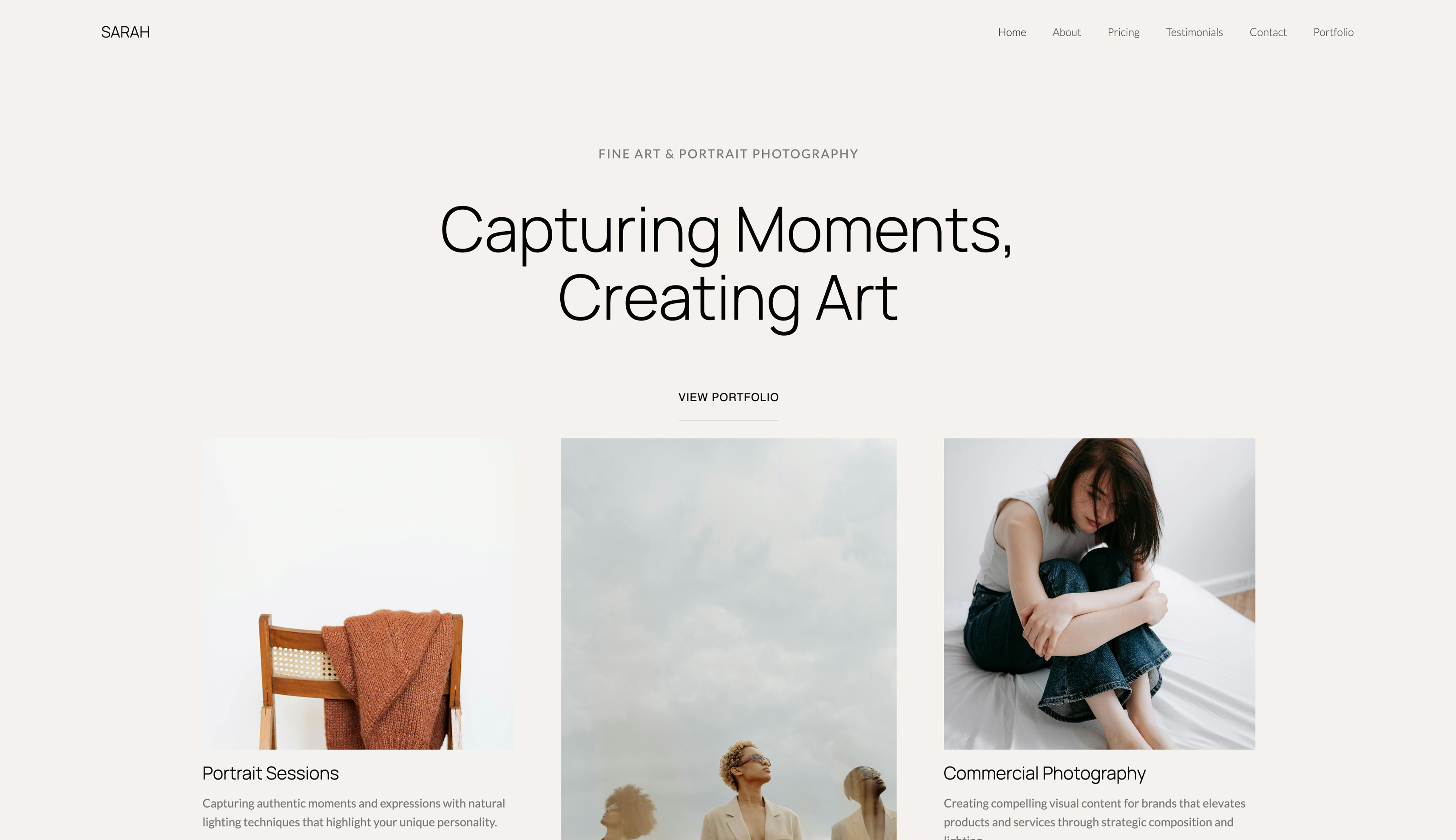
If you serve photographers, designers, coaches, consultants, or local businesses, Framekit fits. These clients need professional sites with specific sections: portfolios, service pages, about pages, contact forms, and testimonials.
They do not need custom web applications. Framekit's purpose-built templates and adapting components make these builds fast, and the design system keeps a site coherent three years later instead of breaking when you change one font size.
When Is Webflow the Right Choice for Your Agency?
Are you a premium custom shop?
If your agency charges $8,000-25,000 or more per website, clients expect unique deliverables, not template customization. Webflow's flexibility justifies premium prices in a way a template-based tool cannot. A client spending $15,000 wants designs they have never seen before.
Do you have developers, or want to build that skill?
If someone on your team thinks in CSS, Webflow becomes an efficiency tool rather than a learning burden, and the complexity becomes a competitive moat. The 40-80 hour learning investment makes sense if you are building a technical skill set you will use for years.
Do clients need application-level functionality?
If 30 percent or more of your projects need member portals with gated content, complex e-commerce logic, relational CMS structures, or sophisticated multi-language management, Webflow's flexibility matters.
Framekit handles portfolios and business sites excellently, but those application-level features are where Webflow's power earns its keep.
Are you building for brands with rigid design systems?
Enterprise clients with 200-page brand guidelines need exact implementation, down to specific Pantone values and precise spacing. Framekit's AI makes smart design decisions, but they are decisions.
If clients must override every choice with pixel-perfect specs, a manual Webflow build is less friction than fighting the system.
Framekit vs Webflow: Quick Comparison for Agencies
| Factor | Framekit | Webflow |
|---|---|---|
| Best for | Volume agencies, no developers | Premium shops, technical teams |
| Build time per site | 3-5 hours | 18-28 hours |
| Learning curve | Minimal | 40-80 hours |
| Pricing | Free, $9/mo, $19/mo | $14/month per site (annual) |
| Design control | ~80 percent, AI-assisted | 100 percent, manual |
| Performance | Very fast, performance-optimized | Depends on build quality |
| Ideal project price | Under $5,000 | $8,000-25,000+ |
Which Should Your Agency Choose?
Choose Framekit if...
Choose Framekit if your agency runs on volume and efficiency, your team has no developers, you serve creatives and local businesses, and your projects price under $5,000.
It turns non-technical team members into productive builders immediately and keeps margins healthy on competitive pricing.
Choose Webflow if...
Choose Webflow if you are a premium custom shop billing $10,000 or more, you have developers on staff, and a meaningful share of your projects need application-level functionality or pixel-perfect enterprise brand implementation.
Still unsure? Start with Framekit.
If you are genuinely undecided, start with Framekit. You will know within two or three projects whether you need more flexibility.
If Framekit handles 90 percent of client requests well, you have found your platform, and the other 10 percent can be referred out or priced as custom work.
Starting with Webflow is riskier: you invest 60-plus hours learning, build processes around it, then realize you are spending 20 hours on projects you could finish in three.
Frequently Asked Questions
Framekit vs Webflow: which is better for agencies in 2026?
For most agencies in 2026, Framekit is better if you ship volume client work under $5,000 and do not have developers, because its designer-trained AI cuts builds to 3-5 hours.
Webflow is better for premium agencies with technical teams billing $10,000 or more for custom development. Neither is universally better; the right choice depends on your agency's pricing and team.
Is Framekit a good Webflow alternative for agencies without developers?
Yes. Framekit is a strong Webflow alternative specifically for agencies without developers.
Webflow requires understanding the box model, flexbox, and responsive breakpoints, while Framekit's AI handles that layer so non-technical team members become productive immediately.
Agencies of strategists, designers, and marketers can deliver professional client sites without months of CSS training.
How much faster is Framekit than Webflow for client sites?
In our agency testing across 40-plus sites, a typical portfolio or business site takes 18-28 hours in Webflow versus 3-5 hours in Framekit.
The largest savings come from automatic responsive design, which removes 3-5 hours per project, and faster client revisions. Framekit also has almost no learning curve, while Webflow proficiency takes 40-80 hours.
How does Framekit pricing compare to Webflow for agencies?
Webflow Basic is $15/month per site billed annually, an ongoing cost for every hosted client. Framekit offers a free plan, a $9/month Starter plan that adds a custom domain and removes branding, Pro at $19/month, and Business at $39/month.
Starter undercuts Webflow Basic at $9 versus $15 per site, and Framekit's prices stay flat at renewal. Over several years the difference is substantial for agencies managing many sites.
Can Webflow build things Framekit cannot?
Yes. Webflow handles application-level functionality that Framekit does not target, including member portals with gated content, complex e-commerce logic, relational CMS structures, and sophisticated multi-language sites.
It also allows pixel-perfect implementation of rigid enterprise brand systems. Framekit focuses on fast, professional portfolios and business sites, where its speed and designer-trained AI are the advantage.
Will Framekit client sites look like templates?
In highly competitive creative industries, clients can occasionally recognize a template, but this is rare in practice.
Framekit's inspiration-to-page workflow lets you upload reference screenshots and generate unique-feeling design directions, and components adapt to each client's colors and typography.
For most agency clients, photographers, coaches, consultants, and local businesses, the result reads as a custom professional site.
Should a new agency start with Framekit or Webflow?
A new agency should generally start with Framekit. You learn within two or three projects whether you need more flexibility, and Framekit handles roughly 90 percent of typical client requests well.
Starting with Webflow means investing 60-plus hours learning before you can deliver efficiently, and switching later feels like wasted effort, which traps many agencies in slow, unprofitable workflows.
Framekit vs Webflow for Agencies: Final Verdict
In the Framekit vs Webflow decision, there is no single winner, only a fit for your business model.
Framekit wins for agencies built on volume and speed, with no developers, serving creatives and local businesses at prices under $5,000, where 3-5 hour builds make competitive pricing profitable.
Webflow wins for premium shops with technical teams billing $10,000 or more for custom, application-level work. The expensive mistake is staying in the middle, charging mid-range prices while spending premium-tool time.
For more comparisons, see our head-to-head on Framekit vs Wix for website building, our breakdown of Framekit vs Squarespace on design quality and performance, our wider guide to the best website builders for creative professionals, the best website builders for creative agencies, and if you are weighing the whole field rather than one head-to-head, the best Webflow alternatives comparison.
Pick your lane, then pick the platform that matches it. The free plan lets you build a real client site this week with no credit card: framekit.ai.
Webflow's tiers were checked against Webflow's own pricing page, which also documents the separate Workspace seat charges.
_Recently updated for 2026: both products' pricing re-checked, including Webflow's separate Workspace seat charges._