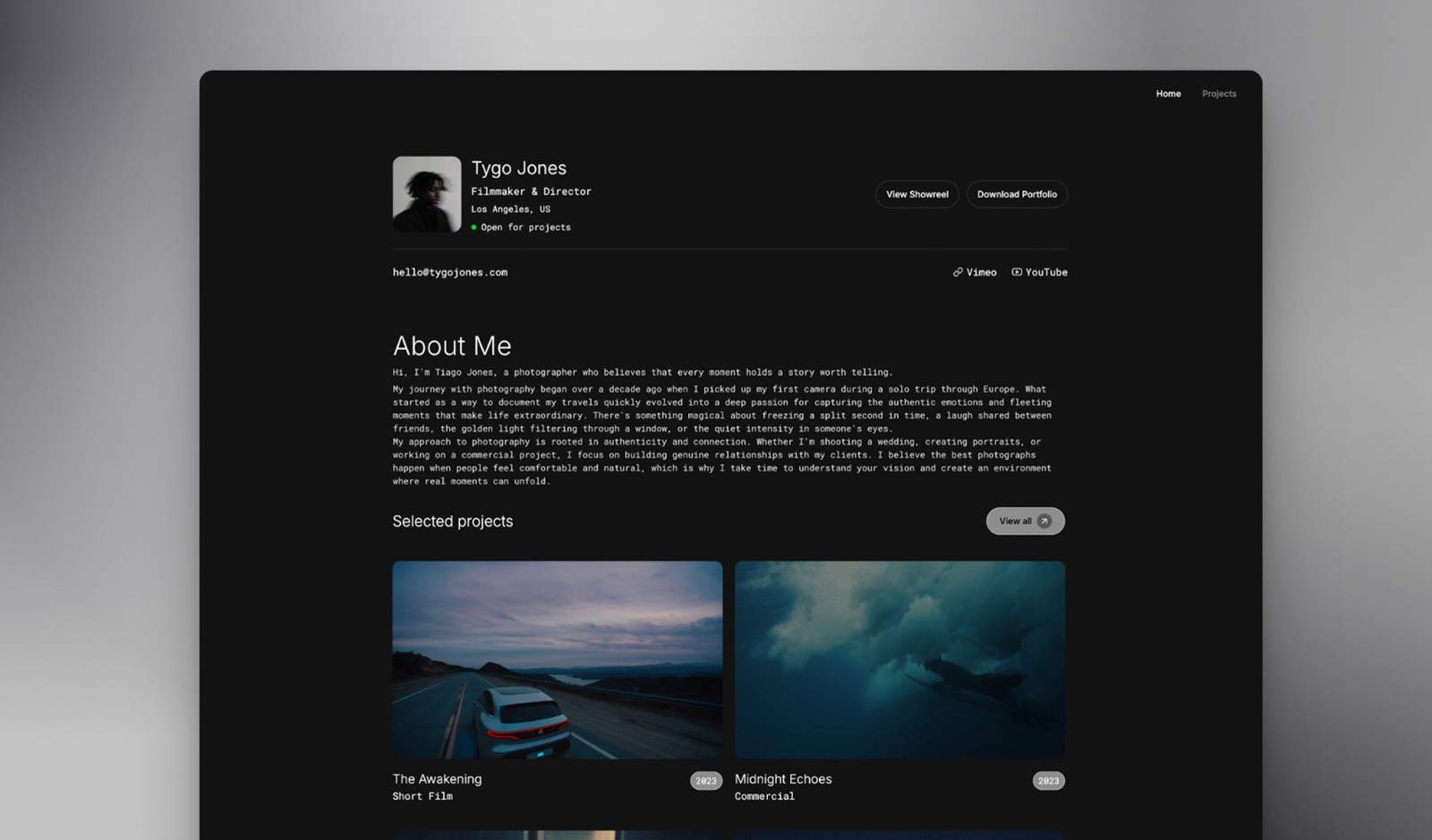
Framekit templates
Start from a designer-made template
 Use template
 Use template
 Use template
 Use template
 Use template
 Use template
 Use template
 Use template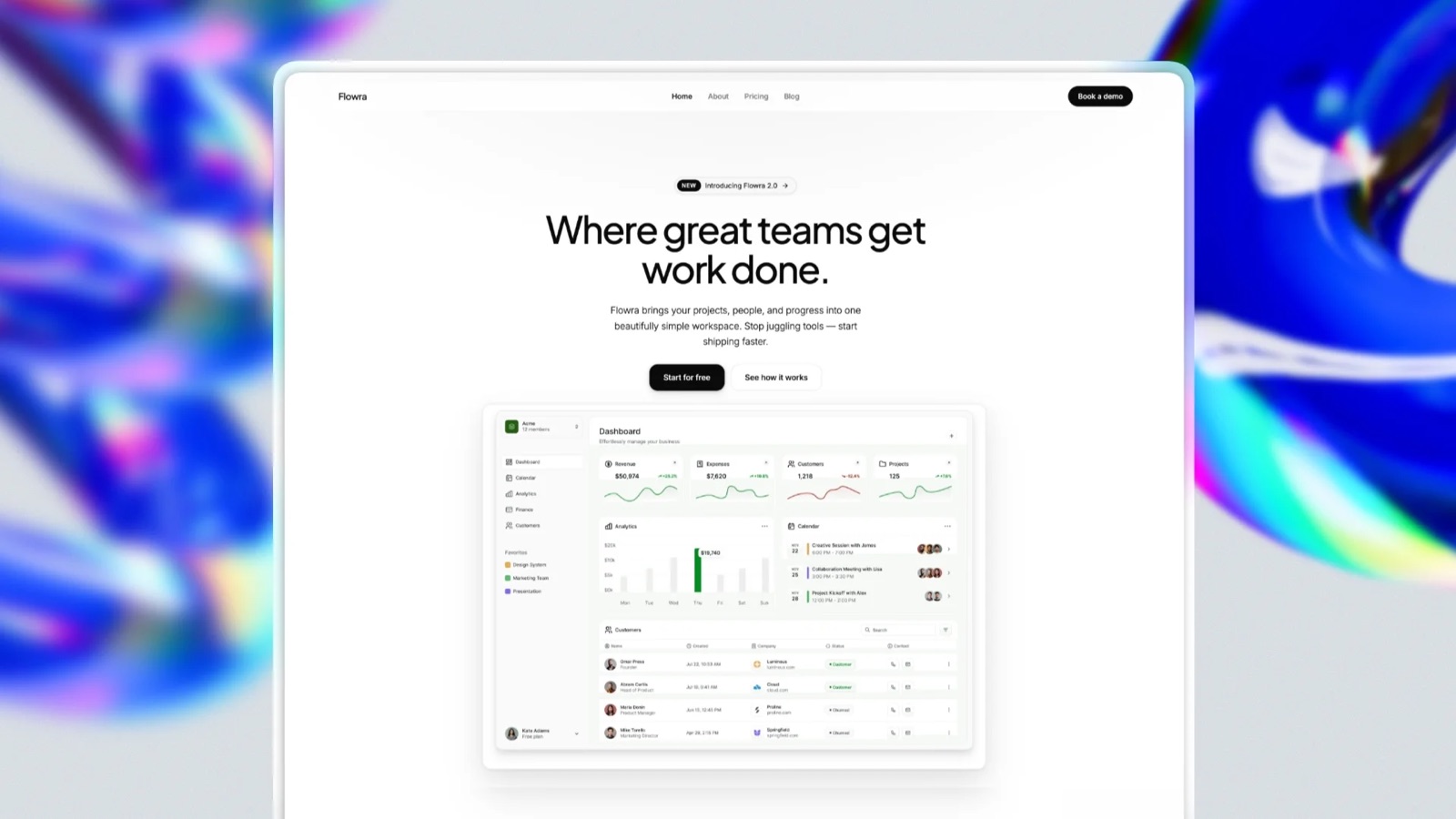
Almost every comparison of these two treats Carrd as the cheap option and Framer as the serious one. On price that is backwards.
Framer's free plan includes 30 pages, 2 CMS collections, 1,000 CMS items, up to 3 editors, and a free .com domain when billed yearly. Carrd's free tier does not include a custom domain at all, so a professional address means Carrd Pro at $19 a year.
Framer, in other words, gives you thirty pages on your own name for nothing, and Carrd charges nineteen dollars for one page on your own name. The reason to pay Carrd anyway is real, and it is not price.
A small-site builder is a tool that publishes a personal website without a database, a CMS you have to configure, or a server to rent. Framer and Carrd are the two most-recommended options in that space, and they are built on opposite bets about how much a person wants to think.
We build a third thing and it loses this particular comparison on price, so here it is up front rather than tucked away at the end.
Framekit runs a real catalogue with automatic file delivery and client galleries beside the portfolio, from $0 a month. For one page with a payment form, Carrd at $19 a year is the better buy and we will say so twice.
Take Framer's free plan if the budget is zero and you want a custom .com, because nothing else in this category does that.
Pay Carrd $19 a year if you want the site to be finished and never think about it again, since Carrd has no bandwidth ceiling to breach, no canvas to maintain, and payment forms that run on your own Stripe account with no platform cut.
The number that decides it for image-heavy work is Framer's 1GB of monthly bandwidth on the free plan.
Framekit is the pick only once the page has to carry a catalogue, file delivery and client galleries, which neither of these does, and it is the more expensive answer at every point before that.
Full disclosure: Framekit is our own website builder and it is cheaper than neither of these at the low end. Carrd undercuts our $9 Starter plan by a wide margin and Framer's free tier includes a domain where ours does not. We have kept the comparison between the two and put our position in one short section near the end. Every plan below was read on each vendor's own pricing page in August 2026, and our own was re-verified on 20 September 2026.
How We Compared Framer and Carrd
We built the same site on both. It belongs to an illustrator: a hero, a strip of twelve sample images, a short about section, a contact form, and one thing for sale, a $35 brush pack.
That artifact is chosen to stress the two things these platforms disagree about. Twelve full-width images test bandwidth and image handling. A single product tests whether the platform can take money without taking a percentage.
Both accounts were opened in August 2026 with no promotional code and no prior history. Prices come from each vendor's published pages and are linked where used.
Verified means we read it on the vendor's own page and are reporting it with a link. Measured means we built the site and used the control. Where we describe how something felt to build, that is our judgement and we label it.
We have not quoted any star ratings in this piece. The large review sites blocked our automated checks, and between two products this different, an aggregate score would tell you less than a single sentence about which one asks more of you.
In one lineone illustrator's site with twelve images and a $35 product, built on both platforms with fresh August 2026 accounts.
The Plans
| Plan | Price | Pages | Custom domain | Selling |
|---|---|---|---|---|
| Framer Free | $0, yearly billing | 30 | Yes, a free .com | Via integration |
| Framer Basic | $10/mo | 150 | Yes | Via integration |
| Framer Pro | $30/mo | 150, then metered | Yes | Via integration |
| Carrd Free | $0 | 1, up to 3 sites | No | No |
| Carrd Pro | $19/year | 1 | Yes, with SSL | Payment forms on your own Stripe |
Framer's pricing page gives the free plan 30 pages, 2 CMS collections, 1,000 CMS items, 1GB of monthly bandwidth, up to 3 editors, and a free .com on yearly billing.
Basic is $10 a month for 150 pages and 50GB of bandwidth, and Pro is $30 a month for 100GB with metered overages above its included amounts, at $20 per additional 100 pages up to 700, $40 per 10 CMS collections, $20 per 10,000 items, and $40 per 100GB up to 2TB.
Carrd Pro starts at $19 a year with a 7-day free trial, and unlocks custom domains with full SSL, more than three sites, forms including payment-enabled ones, widgets and embeds, site analytics, and removal of the Carrd footer branding.

Where Framer Wins
In one lineit is free with a domain, it has thirty pages when you need a second one, and it produces a better-looking site than Carrd can.
The free .com. This is the fact that reorganises the comparison. No other builder we have tested puts a custom domain on a genuinely free plan. If your budget is zero and you want your own name in the address bar, Framer is the answer and Carrd is not.
Room to grow. Thirty pages on the free plan means the site can become a portfolio with individual project pages without changing platform. Carrd is one page on every tier forever, so outgrowing it is a migration rather than an upgrade.
Design ceiling. Our illustrator's twelve images sat better on Framer than on Carrd, with more control over how they related to the type. This is judgement rather than measurement, and it was not a close call.
Real SEO controls. Framer generates a sitemap and robots.txt, supports per-page titles and descriptions with CMS field templating, handles redirects from site settings, and can serve a custom robots.txt or an llms.txt through Static Files.
Carrd gives you a site-level title and description and that is the list.
The gotcha1GB of monthly bandwidth on the free plan is the constraint that will actually bite an illustrator, and it bites at the worst moment.
A page built around twelve full-width images that gets shared widely after a launch is precisely the traffic pattern that exceeds it. Check it before an event rather than after.
Where Carrd Wins
In one lineit is finished, it is cheap, it takes money without taking a percentage, and it will never ask anything of you again.
Nothing to maintain. This is the real argument for Carrd and it does not appear on any feature list.
There is no canvas to keep tidy, no CMS to configure, no breakpoints to manage, no bandwidth meter, and no plan to outgrow. A Carrd site built in 2026 will look and behave the same in 2029 with zero attention.
Payments with no cut. Carrd Pro's payment-enabled forms run through your own Stripe or PayPal account, so Carrd takes nothing from a sale. Our illustrator's $35 brush pack costs card processing and nothing else.
Framer has no native equivalent and selling means adding an integration, which brings that integration's fee.
Speed. The Carrd version of the site took about thirty minutes. The Framer version took several hours, and most of that was decisions Carrd made for us.
Predictability. $19 a year, forever, with no metering, no overages, and no tier above it waiting to be discovered. In a category full of introductory rates and renewal steps, that is worth more than it sounds.
The gotchait is one page permanently, and there is no multi-page mode on any tier. When the site genuinely needs a project archive, you migrate, and because there is nothing structured to export, the migration is copy and paste.
The Bandwidth Question
In one lineFramer's free plan is free until 1GB of monthly transfer, and an image-heavy illustrator site is the exact shape of site that reaches it.
This deserves its own section because it is the difference between the free plan being a genuine answer and a trap.
One gigabyte a month sounds generous and is not, for this kind of site. Twelve full-width images at a reasonable export size, served to a few thousand visitors, moves real data.
The failure mode is not gradual either: it arrives after a launch, a feature, or a talk, which is exactly when the site matters.
What to do about it. Compress before uploading, which you should be doing anyway. Watch the usage figure in the month you promote anything.
And if the site is genuinely image-led and genuinely public, budget Basic at $10 a month for 50GB rather than treating the free plan as permanent.
How Carrd compares. Carrd does not publish a bandwidth ceiling of the same kind on Pro, and for a single page with a dozen images the practical risk is lower.
That is not a claim that Carrd has unlimited transfer; it is an observation that this specific constraint is the one you meet on Framer's free tier and it shapes the decision.


Templates and What They Cost
In one lineCarrd includes its templates and Framer runs a marketplace where the best ones are a separate purchase.
Carrd's templates come with the product on both tiers, and they are simple by design because the product is.
Framer's marketplace carries free templates alongside paid ones, and the paid templates we saw while researching this comparison were priced at $89, $98, and $129.
For a designer whose site is itself a portfolio piece, that is a defensible one-time cost, less than four months of most subscriptions elsewhere.
For someone choosing Framer because the free plan includes a domain, it is a surprise worth knowing about in advance.
The practical pointthe free half of Framer's template library is not the half that makes Framer look good. Judge the platform on the paid templates if you intend to buy one, and on the free ones if you do not.
We go through the wider template economics in portfolio website templates and what they really cost.
Selling From the Page
In one lineCarrd takes money on your own Stripe account and takes nothing from it, and Framer needs a third party, which is the clearest functional difference between them.
On Carrd Pro, a payment-enabled form connects directly to Stripe or PayPal. The money moves from the buyer to you, Carrd is not in the path, and there is no platform percentage on our illustrator's $35 brush pack.
On Framer, selling means embedding something else, and whatever you embed brings its own fee. That is not a criticism so much as a description: Framer is a design and publishing tool rather than a commerce tool.
The catch that applies to bothneither delivers the file. A payment form takes the money and leaves you to send the download, record the customer, and handle refunds. At two sales a month that is a pleasant email; at fifty it is a job, and the answer is a proper store rather than either of these.
Where Framekit Fits
We build a website builder, so here is our position once, including the part that costs us the argument.
Framekit is an AI website builder for photographers, filmmakers, designers, and illustrators, with a portfolio, client galleries, and a digital store on one domain.
Free at $0 with 10 pages and Framekit branding, Starter at $9 a month for a custom domain, Pro at $19 with custom code, Business at $39 with no fee on sales.
Where we lose to Carrd$19 a year against our $108. For a single page with a payment form, Carrd is the better purchase and it is not close.
Where we lose to Framertheir free plan includes a custom domain and ours does not, which for a personal site is the whole point.
Where we differ from boththe store is a real store, with a catalogue, automatic file delivery, discount codes, and customer records, on the same domain as the portfolio and the client galleries. That matters once selling stops being one button, and it is worth nothing before then.
How to Choose
In one linework down these questions and stop at the first one that describes you, because budget and page count settle this before taste does.
- Is the budget genuinely zero and do you want your own .com? Framer's free plan on yearly billing. Nothing else in this category offers that.
- Do you want it finished this afternoon and never touched again? Carrd Pro at $19 a year.
- Will the site need a second page within a year? Framer, because Carrd never gets one.
- Is the site heavily image-led and likely to be shared widely? Framer Basic at $10 a month for 50GB, not the free plan.
- Do you need to take a payment with no platform cut? Carrd Pro, on your own Stripe account.
- Is the design itself part of what you are selling? Framer, and budget $89 to $129 for a marketplace template.
- Does the page need a real store with delivery and customer records? Neither of these, and Framekit does it from $0 a month on the same domain as your galleries. Our one-page website builders guide covers the wider field.
Frequently Asked Questions
Is Framer or Carrd cheaper?
Framer, at the entry point, which surprises most people.
Framer's free plan includes 30 pages and a free .com domain on yearly billing, while Carrd's free tier has no custom domain, so a professional address on Carrd means Pro at $19 a year.
Above the free tier the order reverses: Framer Basic is $10 a month, or $120 a year, against Carrd's $19.
Does Carrd have a free plan?
Yes. It builds and publishes up to three sites with the core features, but it does not include a custom domain, forms, widgets, analytics, or removal of Carrd branding. Those all require Pro, which starts at $19 a year with a 7-day free trial.
Can Framer really give me a free custom domain?
Yes. Framer's pricing page lists a free .com on the free plan when billed yearly, alongside 30 pages, 2 CMS collections, 1,000 CMS items, 1GB of monthly bandwidth, and up to 3 editors. It is the only builder we have tested that puts a custom domain on a genuinely free plan.
What is Framer's bandwidth limit?
1GB a month on the free plan, 50GB on Basic at $10 a month, and 100GB on Pro at $30 with metered overages at $40 per additional 100GB up to 2TB.
For an image-heavy portfolio the free tier's 1GB is the constraint that matters, and it tends to be reached in the month you promote something.
Can I sell products on Carrd?
Yes, through payment-enabled forms on the Pro plan, which connect to your own Stripe or PayPal account. Carrd takes no percentage of the sale. What it does not do is deliver the file, record the customer, or handle refunds, so you are doing that part yourself.
Can I sell products on Framer?
Not natively. Selling means embedding a third-party checkout, which brings that provider's fee with it. Framer is a design and publishing tool rather than a commerce platform, and it does not claim otherwise.
Can I add more pages to a Carrd site?
No. Carrd builds one page on every tier and there is no multi-page mode. Outgrowing it means moving to another platform, and since there is nothing structured to export, that move is manual. If you think a second page is likely, start somewhere that has one.
Are Framer templates free?
Some are. Framer runs a marketplace with free and paid templates, and the paid ones we saw during this research were priced at $89, $98, and $129. Carrd includes its templates on both tiers at no extra cost.
Which is better for SEO?
Framer, by a distance, though for a one-page personal site the difference rarely decides anything.
Framer generates a sitemap and robots.txt, supports per-page titles and descriptions, handles redirects, and can serve a custom robots.txt or llms.txt through Static Files. Carrd offers a site-level title and description.
Which should a designer choose?
Framer, if the site is meant to demonstrate that you can design. It has the higher ceiling, the better templates, and the room to grow into a real portfolio.
Carrd is the better choice for a designer who wants a card rather than a portfolio and would rather spend the weekend on client work.
Final Verdict
Take Framer's free plan if you have no budget and want your own domain. It is the most generous offer in this part of the market and most people do not know it exists.
Pay Carrd $19 a year if what you want is a finished thing. Not a canvas, not a platform, not a plan to monitor: a page that works, on your domain, with a payment form that takes no cut, which you will not have to think about again.
That is a real product category and Carrd is the best example of it.
The thing that decides it for image-led work is Framer's 1GB free bandwidth ceiling, and the thing that decides it for everyone else is whether you will ever want a second page.
Where Framekit does not compete. Carrd is $19 a year and our Starter plan is $108, so for a single page with a payment form Carrd is the right purchase. Framer's free plan includes a custom domain and ours does not.
We become relevant only when the site needs galleries, a catalogue, and automatic delivery behind it.
Related readingthe best one-page website builders, the best website builders with a free domain, and the best Carrd alternatives.