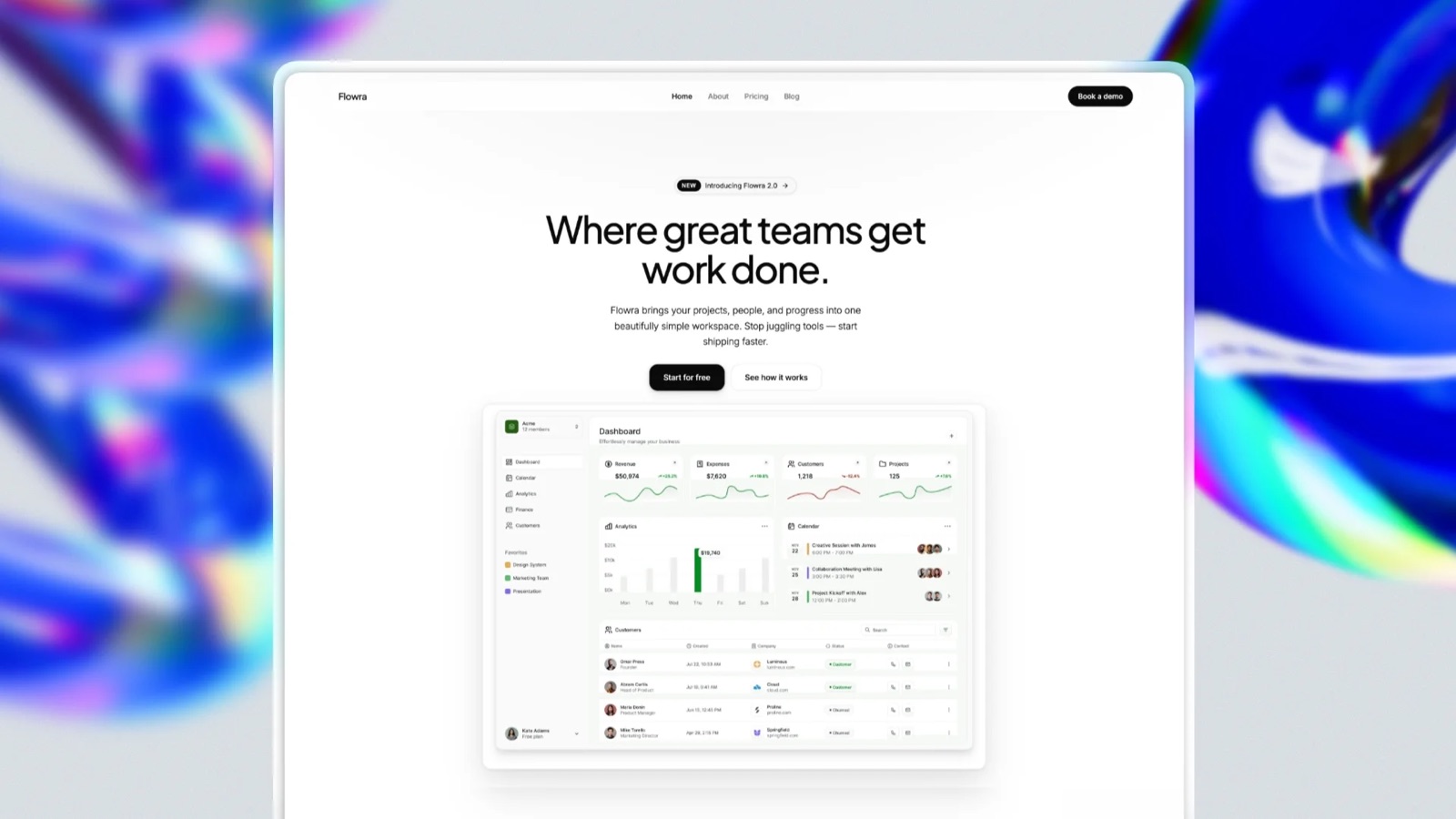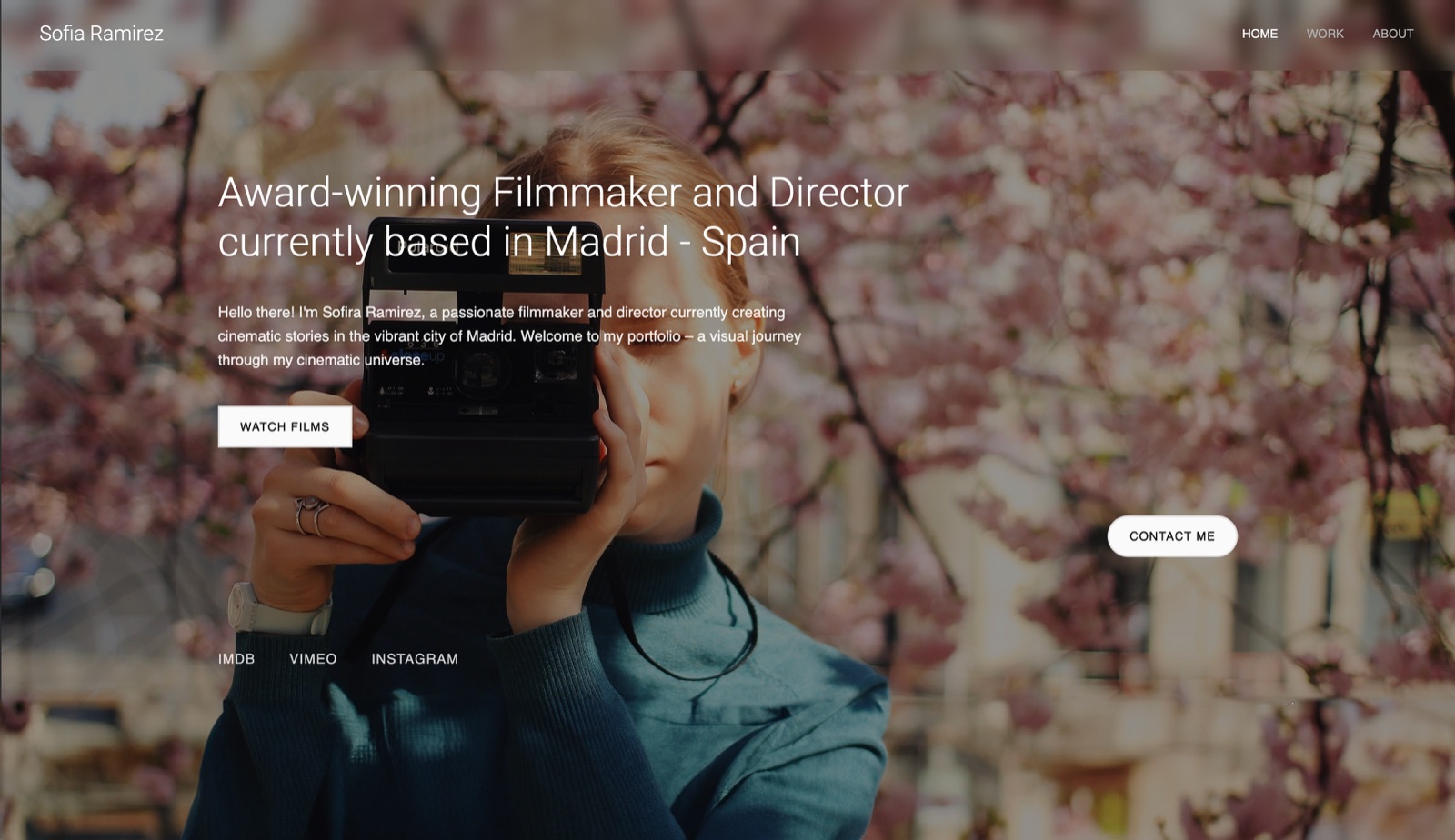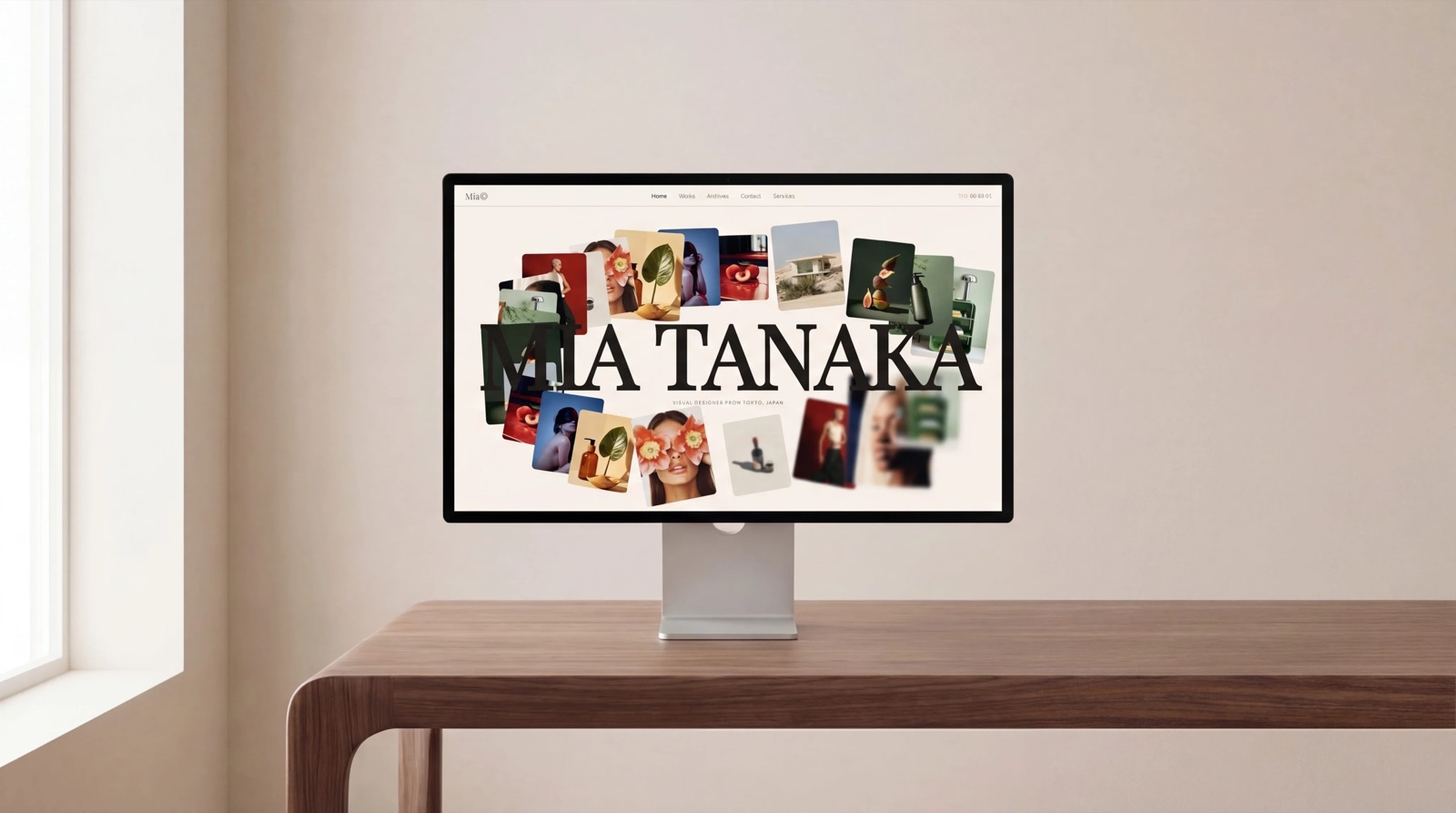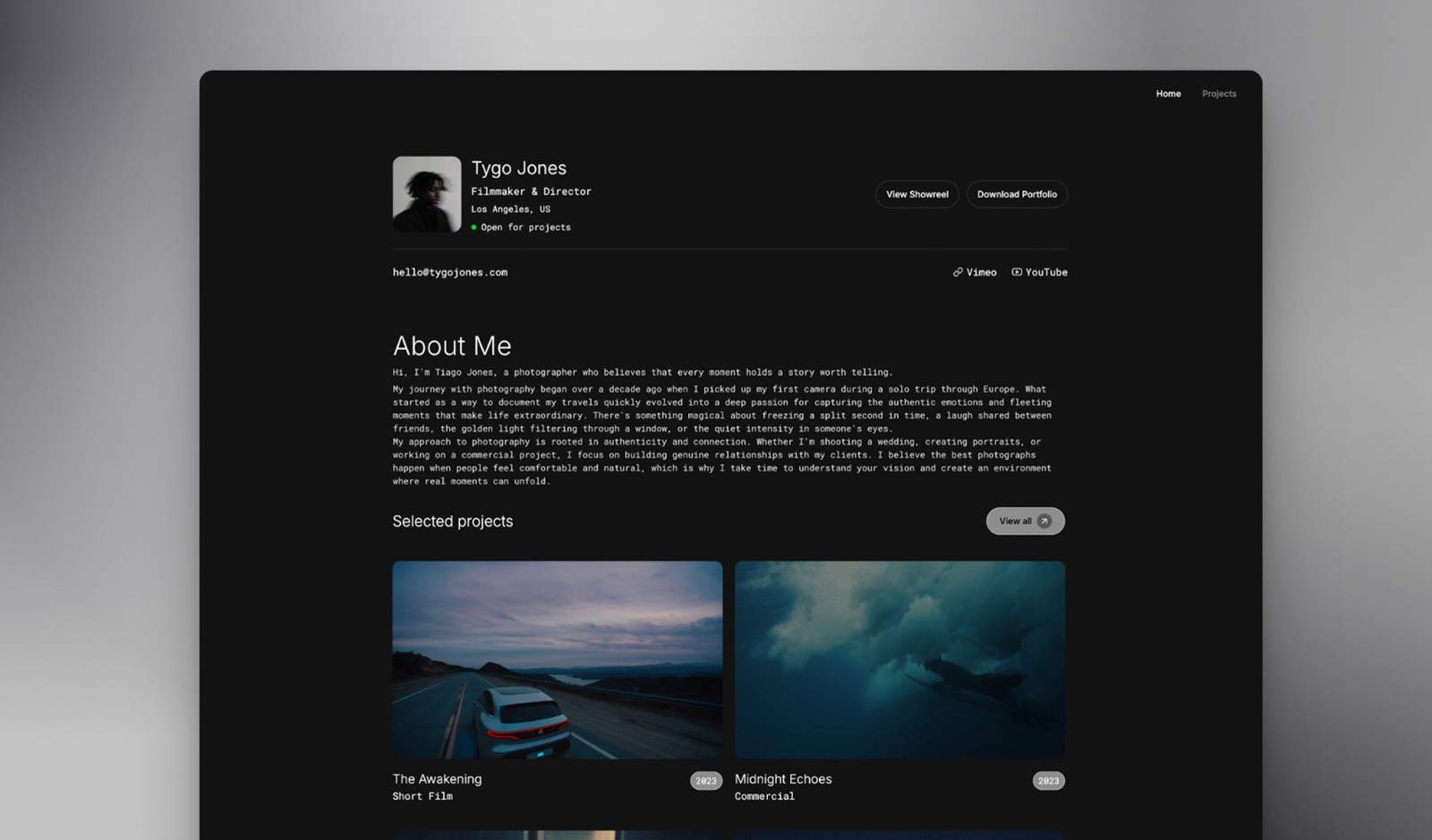
Framekit templates
Start from a designer-made template
 Use template
 Use template
 Use template
 Use template
 Use template
 Use template
 Use template
 Use template
A personal website has one job that no other kind of website has: it must be the first result when somebody types your name into a search box, on a day you do not know is coming, years after you last touched it.
A recruiter checks you before an interview. A prospective client checks you before a call. An editor checks you before commissioning.
That job is measured in years, and almost every product in this category is sold on a one-year promotion.
Six of the eleven builders we tested include a custom domain free for the first twelve months and then renew it at their own rate, which is not the rate you would pay a registrar.
The builder is a rental. The domain is the asset. Almost nobody buys them in that order.
A personal website builder is a tool that publishes and hosts a small site about one person, typically an introduction, some work, a way to get in touch, and whatever else that person wants findable under their own name, without writing code.
Framekit is the best personal website builder in 2026 for anyone whose personal site has to show work, because its free plan publishes the whole multi-page site from designer-made templates with AI-written sections, and the same account adds client galleries, video review, decks and a store when the site starts earning, with the trade-off that your own domain needs the $9 Starter plan.
Carrd is the pick for a single page at $19 a year, Framer is the best free option on your own .com, and WordPress.com is the pick if you write. Buy your domain from a registrar whichever you choose.
Full disclosure: Framekit is our own product and we rank it first for the personal site this guide builds, a designer's multi-page site with projects, a CV and a contact form. We judged it on the same rubric as the other ten and link to every one. Carrd is cheaper for a single page, Framer's free plan includes a custom domain and ours does not, and WordPress.com is a far better home for writing.
We re-verified every price and plan limit in September 2026 and moved Framekit from third to first, because its free plan now includes 10GB of storage and its paid plans add galleries, video review and Slides to the same site.
How We Tested 11 Personal Website Builders
We built the same site eleven times.
It belongs to a freelance designer: a home page that says who she is, an about page with a short biography, a CV page, three project pages, a writing index with four posts, and a contact page with a working form.
Then we did the part most comparisons skip, which is price year two.
Every account was created fresh in August 2026 with no promotional code, on a European connection, so where a vendor served euros we print euros rather than converting. Prices, plan limits, and domain terms come from each vendor's own published pages, linked at the point of use.
Measured means we built it and hit the limit. Verified means we read it on the vendor's own pricing page or documentation in August 2026 and are reporting it with a link. Community sentiment means users report it consistently and we did not reproduce it.
We quote no third-party star ratings in this guide. The large review aggregators blocked automated access during this round of research, so every claim below either links to a vendor page or is labelled as our own judgement.
For a decision that turns on renewal terms, a link you can check beats a rating you cannot.
The rubric: cost over three years 30 percent, what you own and can take with you 25 percent, how well it presents one person 20 percent, effort to build and maintain 15 percent, and what happens if you neglect it for two years 10 percent.
That last criterion sounds odd and is the most realistic thing on the list, because neglect is what actually happens to personal sites.
In one lineone designer's seven-page personal site, built eleven times on fresh August 2026 accounts, priced for year three rather than year one.
By the Numbers
Eleven builders, one site. These are the figures that decided the ranking.
- 6 of 11 include a custom domain free for the first year only, after which it renews at the builder's rate rather than a registrar's: Squarespace, Wix, Hostinger, WordPress.com, Pixpa, and Framer's free .com on yearly billing.
- $19 a year is Carrd Pro, the cheapest route in this comparison to a personal site on your own domain with no platform branding.
- 1 of 11 gives you a custom domain on a genuinely free plan: Framer, on yearly billing.
- $2.99 rising to $10.99 is Hostinger's Premium builder, introductory against renewal, a 3.7 times step that arrives after a 48-month term.
- 10 pages is what our own free plan allows, which fits this seven-page test site with room to spare, and it does not include a custom domain.
- 2 static pages is Webflow's free tier, which cannot host a personal site at all and is therefore not ranked here.
- $4 a month is WordPress.com Personal, the cheapest multi-page plan in the comparison after Carrd.
- 13GB is the storage on WordPress.com Premium at $8 a month, the most generous storage per dollar here.
- 0 of 11 will hand you a working copy of the finished site to host yourself, so plan your exit around content and redirects rather than files.
The Comparison Table
Prices below were read on each vendor's own page in August 2026, in the currency that page served us.
| Builder | Cheapest plan with your own domain | Free plan | Domain included | Best for |
|---|---|---|---|---|
| Framekit | $9/mo Starter | 10 pages, 10GB storage | No | A personal site that shows work |
| Carrd | $19/year Pro | 3 sites, no domain | No | A single page done well |
| Framer | Free, yearly billing | 30 pages, 1GB bandwidth | Yes, free .com yearly | A free site on your own name |
| WordPress.com | $4/mo Personal | 1GB, with ads | First year | Writing |
| Squarespace | 11 euro/mo Basic | Trial only, 14 days | First year | One subscription for everything |
| Wix | $17/mo Light | Yes, with Wix ads | First year | Built-in business tools |
| Milkshake | $2.99/mo Lite | Yes, hosting included | Not published | Building on a phone |
| Pixpa | $9/mo Basic | Trial only, 15 days | First year | A personal site with galleries |
| Hostinger | $2.99/mo intro, $10.99 renewal | No | First year | The cheapest first four years |
| Adobe Portfolio | Included with Creative Cloud | Bundled only | Supported | Existing Adobe subscribers |
| Google Sites | Via Google Workspace | Yes, unlimited | Workspace only | Free, plain, permanent |
1. Framekit: Best Overall When the Site Shows Your Work

Framekit is an AI website builder for photographers, filmmakers, designers and creators, and it ranks first here because the personal site in this guide is not a business card: it is a designer's front door, with projects, a CV, a contact form and the expectation that it looks designed rather than assembled.
The build starts from a template made with AI and trained by senior designers, and the AI generates whole sections, writes first-draft copy, or recreates a layout from a screenshot you like, after which everything is editable in a visual editor.
Hosting, SSL and a global CDN come on every plan, as do SEO controls, site analytics, contact forms, a cookie banner and data export.
The real number10 pages on the free plan, which holds the seven-page designer site in this guide with three to spare, on 10GB of storage.
Starter at $9 a month, $7 billed yearly, adds your own domain, 30 pages and removes the Framekit badge, which comes to $252 over three years on yearly billing against Carrd's $57.
The standout detailthe site grows sideways rather than needing replacement.
When the designer lands a client, the same account delivers files in a client gallery, collects notes on a motion piece through video review, builds the pitch in Framekit Slides and sells a template pack from a store, all on the same domain, so the personal site never has to be replaced by a "real" one.
The honest gotchathe free plan has no custom domain, and Framer's does, which matters on a site whose point is your own name.
Writing goes into a simple posts section with its own editor, but there is no RSS feed and none of WordPress's export or plugin depth, so a regular writer is better served by WordPress.com.
And for a single page, Carrd costs a fraction of our Starter plan.
Skip it ifthe site is one page about one person with nothing to show beyond a paragraph, or you write weekly.

Verdict: the best personal site for a creative person whose work is the introduction, and the one least likely to need replacing when that work turns into a business. Overkill for a one-line card.
2. Carrd: The Best $19 You Will Spend on Yourself
Carrd builds one page and refuses to do anything else, and for a personal website that constraint is almost always correct.
Our designer's site compressed into a single scrolling page in about half an hour, and the result read better than several of the multi-page versions, because a personal site with seven pages usually has six pages nobody visits.
The real numberthe free tier builds and publishes up to three sites with the core features, and Pro starts at $19 a year with a 7-day free trial.
Pro unlocks custom domains with SSL, more than three sites, forms including payment-enabled ones, widgets and embeds, analytics, and removal of Carrd branding. That is $1.58 a month, and over three years it totals $57.
The standout detailbecause it is one page, there is nothing to maintain. No CMS to update, no plugin to break, no template to deprecate. The two-year-neglect test that most builders fail quietly, Carrd passes by having nothing that can rot.
The gotchathere is no multi-page mode on any tier. When your personal site genuinely needs an essay archive or a project index, you are migrating rather than upgrading, and there is nothing structured to export, so the migration is manual copy and paste.
Skip it ifyou write regularly. A blog inside a single scrolling page is a bad blog.
Verdict: The correct default for a one-page personal website and the best value in this comparison by a wide margin. Buy it, point your own domain at it, and stop thinking about it. Our Carrd alternatives guide is for the day it stops being enough.
3. Framer: The Only Genuinely Free Site on Your Own Name
Framer is the strongest free offer in this entire category and it is strange that this is not better known.
Its free plan includes 30 pages, 2 CMS collections, 1,000 CMS items, 1GB of monthly bandwidth, up to 3 editors, and a free .com domain on yearly billing.
Our seven-page site fitted inside that with room for the writing archive.
The real numberfree, with a custom .com. Basic is $10 a month for 150 pages and 50GB of bandwidth if you outgrow it, and Pro is $30 a month with metered overages above its included limits.
Additional editors are $20 a month each for design access and $10 a month for content-only access on Pro, which does not matter for a personal site with one editor.
The standout detail1GB of bandwidth a month is the constraint to watch, not the page count. A personal site with a few images is comfortably inside it.
A personal site that gets shared widely after a launch or a talk is not, and the failure arrives exactly when the traffic matters most. Check the number before an event rather than after.
The gotchaFramer is a design canvas, and it will let you build something that looks perfect on your screen and breaks on a phone if you do not manage breakpoints. It rewards attention and is unforgiving of inattention, which is the opposite of what a neglected personal site wants.
Skip it ifyou want to spend an hour on this and never think about it again. That is Carrd's job.
Verdict: The best free option in the category and the only one that puts a free site on a domain you chose. Worth an evening of learning if the budget is genuinely zero. See our Framer alternatives guide if the canvas is not for you.

4. WordPress.com: The Best Home for Words

If your personal site exists partly so that you can write, WordPress.com is the best editor in this comparison and nothing else is close.
The writing index and four posts went in faster than anywhere else, the publishing workflow is calm, and the archive structure is built rather than improvised.
The real numberthe pricing page lists, on annual billing, Free at 1GB with WordPress.com advertising on your pages, Personal at $4 a month with 6GB, Premium at $8 a month with 13GB, Business at $25 a month with 50GB and plugin support, and Commerce at $45.
Paid plans include a free custom domain for the first year.
The standout detail13GB of storage on the $8 Premium plan is the most generous storage-per-dollar figure in this comparison, and the export is the best in the category.
A WordPress export is a real, portable, standards-based archive that another WordPress installation reads directly. If the thing you care about is that your writing outlives the platform, this is the honest recommendation.
The gotchaplugins, which are the reason most people want WordPress, start at the $25 Business plan. Budgeting $4 and expecting the WordPress ecosystem is the most common misunderstanding in this product's pricing.
Skip it ifthe site is a visual portfolio. The block editor treats images as content inside articles, and a designer's work index built this way always looks like a blog wearing a portfolio's clothes.
Verdict: Buy it for the writing and the export, not for the ecosystem, unless you are prepared to pay $25 a month for the ecosystem. Our WordPress alternatives guide covers the visual-first options.
5. Squarespace: The One Subscription That Does Everything

Squarespace makes a personal site look considered with very little effort, and for someone who wants scheduling, invoicing, and a shop attached to the same login, the consolidation is worth paying for. Our designer's site looked the most finished here with the least work.
The real numberthe pricing page served us Basic at 11 euro a month, Core at 17 euro, and Advanced at 29 euro, all on annual billing, with no free plan and a 14-day trial.
Core is the interesting tier: it includes complete customisation with CSS and JavaScript, unlimited contributors, and professional email from Google Workspace, which is unusual at that price.
The standout detailif you ever sell anything digital from a personal site, note that Squarespace runs a separate transaction fee on digital content and memberships at 7 percent on Basic and 5 percent on Core, distinct from its 2 percent and 0 percent physical store fee.
For a personal site selling the occasional template or guide, that fee is worth more attention than the plan price.
The gotchano free plan at all. You cannot leave a Squarespace personal site standing between jobs without paying, and a personal site is exactly the kind of thing people want to leave standing while they are not thinking about it.
Skip it ifthe site is a static introduction that will not change for two years. You would be renting business software to host a business card.
Verdict: Excellent if the personal site is the front of a working business with bookings and a shop. Expensive as a place to park your name.
6. Wix: The Most Tooling, and the Most Noise
Wix gives you more built-in software per euro than anything else here: bookings, a CRM, email marketing, a logo maker, and AI writing tools all appear without leaving the dashboard.
For a personal site that is also a service business, that is a genuine offer. For a personal site that is a page about a person, it is a lot of software to keep closing.
The real numberthe plans page quotes yearly-billing rates of $17 a month for Light, $29 for Core, $39 for Business, and $159 for Business Elite, with a free plan that keeps Wix advertising on your site and a free domain for one year on paid plans.
The standout detailthe free tier is genuinely permanent rather than a trial, and it publishes a real working site. As a place to build and rebuild for a month before paying anyone, it is more forgiving than Squarespace's 14 days.
The gotchayou cannot change template after publishing without rebuilding the pages. On a personal site that gets redesigned every few years, that is a constraint you meet at the worst moment.
Skip it ifrestraint matters to how you want to be perceived. Wix's abundance is hard to switch off, and a designer's personal site in particular is judged on what has been left out.
Verdict: Good value if you will use the business tools and poor value if you will not. Compare it against a plain builder honestly in Framekit vs Wix.
7. Milkshake: Built Entirely on a Phone
Milkshake is the only builder here where the entire site was created without opening a laptop, and for a personal site that is a real advantage: the version that exists beats the version you were going to build properly next month.
The real numberMilkshake's plans are Free at $0, Lite at $2.99 a month, Pro at $5 a month billed yearly at $59.99, and Pro Plus at $8.33 a month billed yearly at $99.99.
The free plan includes hosting with no time limit, unlimited links and cards, templates, customisable colours and fonts, QR code sharing, 30 days of analytics, and the ability to sell digital files through Stripe.
The standout detailhosting is free with no expiry on the free tier, which makes it one of the few places you can leave a personal page standing for years at no cost. For a site whose job is to exist when someone searches your name, that durability is the whole requirement.
The gotchathe card-based layout is distinctive, and a personal site built on it always reads as a Milkshake site to anyone who has seen one. Custom domain terms are not clearly published on the pricing page, so confirm them before you commit a domain to it.
Skip it ifyou are presenting professional work at a professional rate. The aesthetic sets an expectation about price.
Verdict: The fastest route from intention to a live page, and the least neutral canvas here. Excellent for a personal card, limited for a portfolio.

8. Pixpa: A Personal Site With Galleries Attached
Pixpa is aimed at photographers and designers and bundles a portfolio, unlimited client galleries, a blog, and a store into one subscription. As a personal website builder it is more than most people need and priced as though it knows that.
The real numberthe pricing page lists standard monthly rates of $9 for Basic, $15 for Creator, $20 for Professional, and $25 for Advanced, with a 15-day trial and no card required.
Basic covers 10 pages or galleries, 200 images, 3GB of storage, and up to 3 products.
The standout detail, and it is in the footnotePixpa's advertised annual and two-yearly rates include a 25 percent introductory discount that applies to the first billing period only, after which the plan renews at standard pricing, which is 20 percent off monthly for yearly and 40 percent off monthly for two-yearly.
So a Creator plan advertised at $6.75 a month on a two-year term renews at $9. The free custom domain also covers year one only and renews at the registrar's standard rates.
The gotchathat renewal structure is gentler than Hostinger's and works the same way. Judge it on the second-period price.
Skip it ifyou have no galleries and nothing to sell. You are paying for a photographer's toolkit to host a biography.
Verdict: Strong value for a creative professional whose personal site needs client galleries, and unnecessary for anyone else.
9. Hostinger: Cheapest Now, Dearest Later
Hostinger's builder is bundled with hosting and sold at a price that makes everything else here look expensive, on one condition: you buy four years at once.
The real numberthe website builder page advertises Premium at $2.99 a month, charged as $143.52 for 48 months, renewing at $10.99 a month, and Business at $3.79 a month, charged as $181.92 for 48 months, renewing at $16.99.
A free domain is included for one year.
The standout detailfor a personal website specifically, the four-year commitment is less absurd than it sounds.
Personal sites are exactly the kind of asset you want running untouched for years, and paying $143.52 once for four years of hosting is a defensible way to buy that. The arrangement suits this use case better than it suits a business site.
The gotchathe renewal is 3.7 times the introductory rate on Premium. Six years on Premium costs $143.52 plus two years at $10.99, which is $407.28 in total, and the blended rate is about $5.66 a month rather than $2.99.
We work through the pattern in website builder renewal prices.
Skip it ifyou are not confident the site will still exist in four years, or you are unwilling to pay $143.52 up front for a product you have used for zero days.
Verdict: Reasonable for a long-lived personal site bought deliberately, and a trap for anyone comparing only the first number.
10. Adobe Portfolio: Free If You Already Pay Adobe
Adobe Portfolio is bundled with a paid Creative Cloud subscription rather than sold separately, which is why it never appears in pricing comparisons and why it is one of the best-value options available to a designer who is already an Adobe customer.
The real numberthere is not one, and that is the finding. There is no way to buy Adobe Portfolio on its own at any price. Its cost is whatever Creative Cloud plan you already hold.
We are not quoting a Creative Cloud figure because Adobe's plans page did not resolve for our checks in August 2026, and we would rather leave a gap than print a number we could not confirm.
The standout detailcustom domains are supported and the Lightroom integration means images can reach the live site without a manual export cycle. Nothing else in this comparison connects to a working image library.
The gotchathe site is a feature of a subscription, not an asset. Cancel Creative Cloud for any reason and the site goes with it.
For a personal website whose entire value is being there when someone searches your name years later, that dependency is a real risk and it is tied to a bill you might reasonably want to stop paying between jobs.
Skip it ifyour Adobe subscription is something you cancel in quiet months. That is precisely when your personal site needs to be up.
Verdict: The best-value personal site available to a committed Adobe subscriber and a poor reason to remain one. See Adobe Portfolio alternatives for the exits.
11. Google Sites: Free, Plain, and Permanent
Google Sites is free, unlimited in site count, runs no advertising on your pages, and has no commercial pressure of any kind. It is also visibly a Google Site, and it does not care.
The real numberzero. There is no paid tier, no page limit our seven-page test site could reach, and nothing that expires. Connecting a custom domain requires Google Workspace, which is a paid product, so the honest version is that the site is free and the professional address is not.
The standout detailit is the only builder in this comparison with no renewal price, no introductory rate, and no upsell.
For the neglect test, which is the one that matters most for a personal site, it scores higher than anything else here: nothing changes, nothing lapses, and nothing asks you for money in year three.
The gotchadesign control is minimal by design and the output is recognisable. For a designer's personal site that recognisability is a statement about your standards that you did not intend to make.
Skip it ifthe site represents you commercially. A prospective client draws a conclusion about your rate before reading a word.
Verdict: The correct answer if the requirement is genuinely "publish this information at no cost, forever". The wrong answer if the page is meant to win work.
The Domain Is the Only Part You Own
In one linesix of the eleven builders here give you a domain free for one year and then renew it at their own rate, and the domain is the single component of a personal website that survives changing builders, so it should be bought separately from a registrar.
This is the structural point of the whole article and it deserves to be stated plainly.
Squarespace, Wix, Hostinger, WordPress.com, and Pixpa all include a custom domain free for the first year on paid plans, and Framer includes a free .com on its free plan when billed yearly.
Pixpa's footnote is unusually clear about what happens next: the free domain covers year one and renewals are charged at the registrar's standard rates.
The others follow the same pattern, and the renewal rate for a domain bought through a website builder is generally higher than the rate you would pay a registrar directly.
That would be a minor annoyance if the domain were a minor part of the arrangement. It is not. Consider what actually transfers when you change builders after three years. The design does not.
The pages do not, in any usable form, on any of the eleven. What transfers is the address, and with it every link anyone has ever made to you, your position in search results for your own name, and the email address printed on things.
So the sequence that costs least over ten years is: buy the domain from a registrar, keep it in your own account, and point it at whichever builder you are using this year.
Changing builders then costs an afternoon of rebuilding rather than the loss of your search position.
Our guide to domain registrars for creatives covers the choice, and how to choose a domain name covers the harder question.
Here is a two-minute test. Log in to whatever holds your domain today. If that account is your website builder rather than a registrar, find the renewal price and the transfer policy.
If the renewal is materially above a registrar's standard rate, or the transfer requires contacting support, you are holding your most durable asset inside your least durable subscription.

What Happens After Two Years of Neglect
In one linethe realistic failure mode of a personal website is not that it is badly designed, it is that it quietly stops existing, and the builders differ enormously in how gracefully they handle being ignored.
Nobody plans this and almost everybody experiences it. You build the site, you use it for a few months, and then you get busy. Two years later somebody searches your name.
What fails first, in order. The card on file expires, usually before the domain does. The subscription lapses and the site reverts to a free tier or goes dark.
The domain lapses separately, often at a different time of year, and once it does, someone else can register it.
Then any link anyone made to you resolves to a parked page, and your search position for your own name is gone rather than paused.
Which builders handle it best. Google Sites cannot fail this way, because there is nothing to lapse.
Carrd at $19 a year has the smallest annual payment in the category, which is the same as saying the smallest thing to fail.
Free tiers that stay published rather than converting to trials, which is Framer, Wix, Milkshake, and our own, degrade to a branded version rather than disappearing.
Which handle it worst. Adobe Portfolio, because it depends on a subscription you might reasonably cancel for reasons that have nothing to do with the website. Squarespace, because there is no free tier to fall back to.
And any arrangement where the domain sits inside the builder's account, because the two expiries are then correlated and a single lapsed card takes both.
The practical fix, which takes ten minutes: put the domain on auto-renew at a registrar, with a card that is not the one you use for subscriptions you might cancel, and set a calendar reminder for a month before the domain's renewal date every year.
That single reminder is worth more than the difference between any two builders in this comparison.
How to Choose
In one linework down these questions in order and stop at the first one that describes you, because the later ones only matter if the earlier ones did not settle it.
- Is the budget genuinely zero and the site non-commercial? Google Sites, or Framer's free plan if you want it on your own .com and are willing to learn the canvas.
- Do you want one page, on your own domain, that will not need attention? Carrd Pro at $19 a year. Nothing here beats it and few things come close.
- Do you write, and do you want the writing to outlive the platform? WordPress.com, at the $8 Premium tier for 13GB, and use the export.
- Do you already pay Adobe every month, reliably? Adobe Portfolio costs nothing extra. If your subscription is something you cancel in quiet months, do not put your name on it.
- Does the personal site need to show your work across several pages, or later hold client galleries, reviews or a shop? Framekit from the free plan, moving to Starter at $9 a month when you want your own domain, or Pixpa if galleries are the main event.
- Do you need bookings, invoicing, and a shop in one bill? Squarespace Core at 17 euro a month.
- Are you certain this site will run untouched for four years? Hostinger Premium at $2.99 a month on the 48-month term, with the $10.99 renewal written in your calendar.
- Whatever you chose: buy the domain from a registrar, not from the builder.
Frequently Asked Questions
What is the best personal website builder in 2026?
Framekit is the best personal website builder in 2026 for creative people whose site has to show work, publishing a multi-page site free from designer-made templates and adding galleries, reviews and a store later.
Carrd is best for a single page at $19 a year, Framer is the best free option on your own .com, and WordPress.com is best if you write.
Can I get a personal website with a custom domain for free?
Only on Framer, which includes a free .com with its free plan when billed yearly. Google Sites is free but a custom domain requires paid Google Workspace.
Every other builder in this comparison, including ours, requires a paid plan for a custom domain, and several include one free for the first year only.
How much should a personal website cost per year?
Between $19 and about $200 for almost everyone. Carrd Pro is $19 a year, WordPress.com Personal is $48, Framekit Starter is $84 billed yearly or $108 monthly, and Wix Light is $204.
Anything above that should be buying something specific such as bookings, a store with no transaction fee, or client galleries.
Should I buy my domain from my website builder?
No. Buy it from a registrar and keep it in your own account.
Builders commonly include a domain free for the first year and then renew it at their own rate, and the domain is the only component of a personal website that transfers when you change platforms.
Keeping it separate means switching builders costs an afternoon rather than your search position.
What happens to my personal site if I stop paying?
It depends on whether there is a free tier to fall back to. Framer, Wix, Milkshake, and Framekit degrade to a branded free version. Squarespace has no free plan, so the site comes down.
Adobe Portfolio depends on an active Creative Cloud subscription. In every case, watch the domain separately, because it expires on its own schedule and once it lapses anyone can register it.
Do I need more than one page?
Usually not. A personal site's job is to answer who you are, what you do, what you have made, and how to reach you, and a well-built single page does all four.
Add pages when you have a reason, such as a writing archive or a project that deserves its own case study, rather than because the template has slots for them.
Which personal website builder is best for SEO?
The builder matters less than most people assume. What decides whether you rank for your own name is having a domain that stays consistent, a page that says clearly who you are, and links from places you already exist.
Any builder here will let you edit a page title and description. Changing builders every two years and changing domain each time will hurt you more than any platform difference.
Is a personal website still worth it in 2026?
More than before, because social profiles are increasingly the thing people find and increasingly the thing they cannot verify.
A site on your own domain is the one result about you that you control, and it is the one that still exists when a platform changes its rules. The practical test: search your own name and see what a stranger would conclude.
What should a personal website include?
A clear sentence about who you are and what you do, near the top, in plain language. Some evidence, which for most people means work rather than adjectives. A way to contact you that does not require a form nobody checks.
And your name in the domain if it is available. Everything after that is optional and most of it is decoration.
How do I move my personal site to a different builder?
Manually, in every case. None of the eleven builders here exports a working copy of the finished site.
Copy your text, download your images, rebuild, and then, most importantly, set 301 redirects on the new platform for any old URLs that had links pointing at them.
If you kept the domain at a registrar, the address survives and so does most of your search position.
How many pages does Framekit's free plan publish, and what does it cost over three years?
Ten pages on 10GB of storage, which holds the seven-page designer site in this guide with three to spare, at $0 on a framekit.ai subdomain with a small badge.
Starter is $9 a month, or $7 billed yearly, and adds your own domain, raises the limit to 30 pages and removes the badge, which comes to $252 over three years. Carrd over the same three years is $57.
If your site is one page about one person with nothing to show beyond a paragraph, that $195 difference buys you nothing and Carrd is the right answer.
Final Verdict
Framekit is the best personal website builder in 2026 for a creative person whose site has to show work: the whole multi-page site publishes free, it looks designed from the first draft, and it grows into galleries, reviews, decks and a store without a migration.
If the site is genuinely one page, buy Carrd Pro for $19 a year, put it on a domain you own, and get on with your work.
Take Framer's free plan if the budget is zero and you want your own .com, WordPress.com if you write, and Squarespace or Wix if the personal site is really the front of a service business.
Where Framekit loses. Framekit is not the cheapest route to your own name: our free plan does not include a custom domain and Framer's does, and Carrd is $19 a year against our $84.
Its posts section is basic, with no RSS feed, so WordPress.com is the better fit if you write. For a one-page introduction with no work to show, Carrd is the better purchase and we would rather say that than sell you a plan you do not need.
The one thing that holds regardless of which you pick: own the domain, keep it at a registrar, and put the renewal on a calendar. The builder is this year's decision. The domain is the next ten years.
Related readingthe best free website builders, the best no-code website builders, and how to get clients from your website.