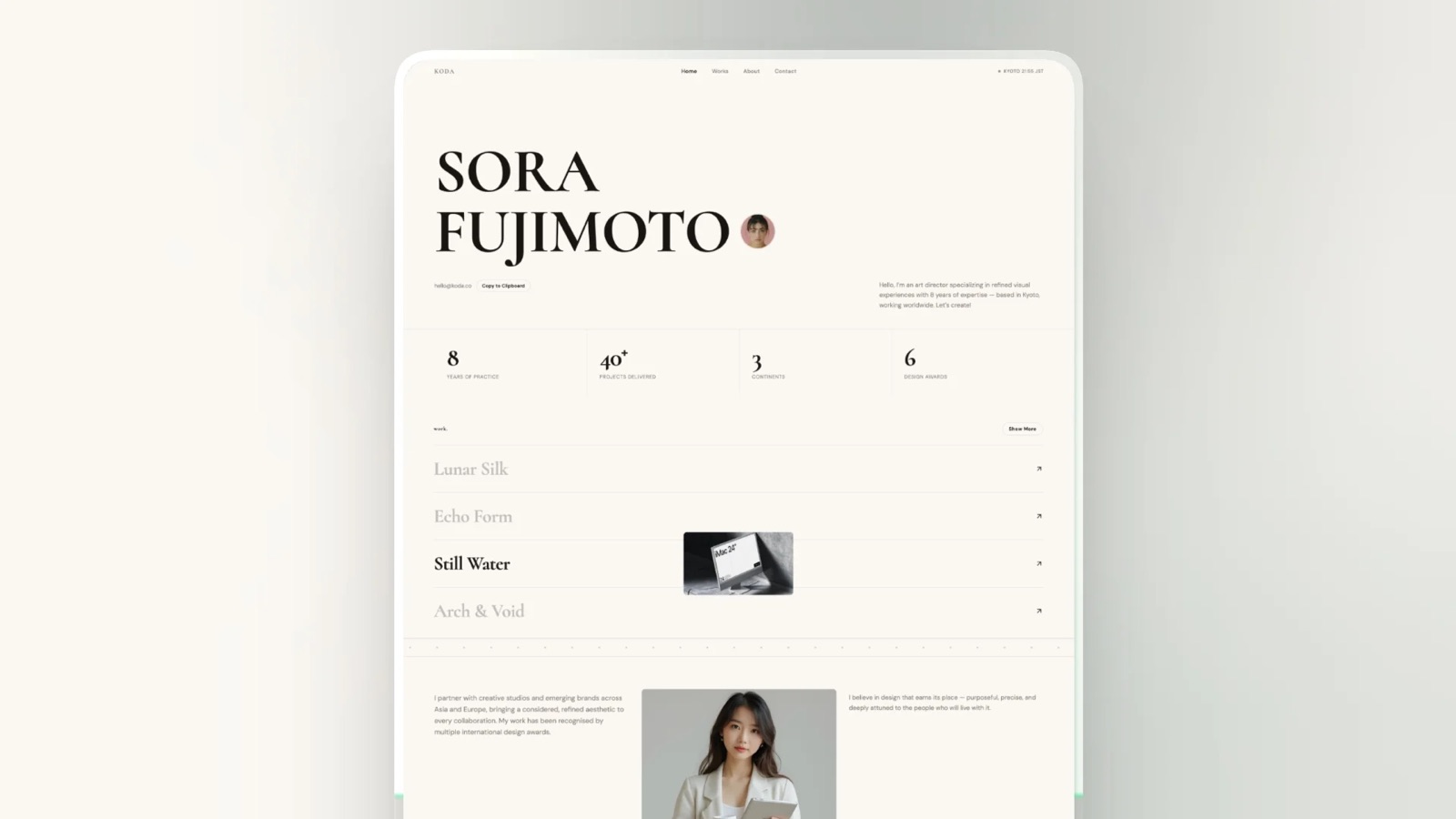
Framekit templates
Start from a designer-made template
 Use template
 Use template
 Use template
 Use template
 Use template
 Use template
 Use template
 Use template
The photo delivery email is the most under-written message in a photography business. It arrives at the exact moment a client is most excited, most likely to share, and most likely to spend money, and most photographers send four words and a link.
"Hi! Here are your photos."
That email gets opened, gets the download, and generates nothing else. No favorites, no reprint order, no forwarded link to the friend who is getting married, and no review. The photographs did all the work and the email did none of it.
A photo delivery email is the message that hands a client their finished gallery, sets expectations for downloads and expiry, and prompts the actions that follow delivery: choosing favorites, sharing the link, ordering prints, and leaving a review.
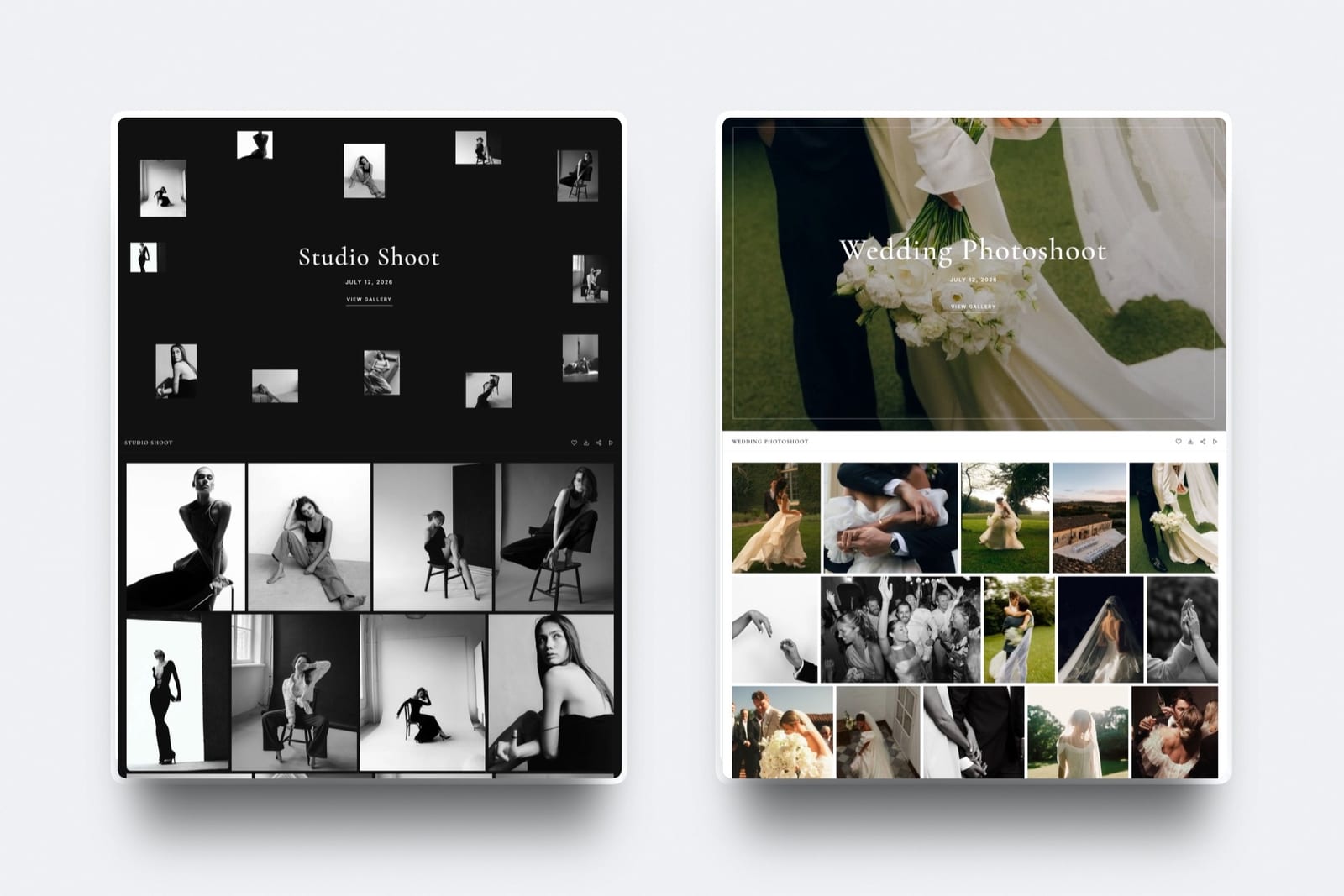
Framekit, which we make, sends that message from inside the gallery itself, so the link, the password and the download window all come from the place that is hosting the photos.
A photo delivery email should open with one warm personal line, place the gallery link and password in the first screenful, state the download window and how long the gallery stays live, tell the client exactly what to do next, and close with a single sharing or review ask.
Six templates for weddings, portraits, editorial, events, commercial work, and reminders are below. The honest trade-off is length: adding all six elements makes the email longer than a one-liner, so ruthless formatting matters more than word count.
Framekit is an AI website builder with client galleries included, and its share-by-email screen ships with six starter templates covering exactly these scenarios.
The Six Parts of a Delivery Email That Works
Every element below earns its place by producing one specific behaviour from the client, and cutting any of them reliably reduces that behaviour. This is service design rather than etiquette, which is why the list is short and fixed.
Re-verified 20 September 2026: we recounted the starter templates on Framekit's share-by-email screen, which still ships six, covering gallery ready, wedding, portrait, editorial, event and reminder.
| Element | What it does | Typical omission cost |
|---|---|---|
| One personal line about the shoot | Signals a human, not a system | Lower share rate |
| The link, high and obvious | Removes friction on mobile | Support emails asking where it is |
| Password or PIN, stated plainly | Prevents the most common reply | One reply per gallery, every time |
| Download window and gallery lifespan | Creates urgency and prevents disputes | Expired-link complaints |
| A clear next action | Produces favorites and selections | Vague email describing photo 447 |
| One ask: share, review, or order | Generates referrals and revenue | Nothing happens after the download |
Six elements, six behaviours. The email is not a courtesy note, it is the last piece of service design in the job.
The Structure, Line by Line
Subject line. Name the thing and the person. "Your wedding photos are ready, Anna and Jonas" outperforms "Gallery delivery" because it survives a crowded inbox and reads as personal rather than transactional.
Keep it under 50 characters so it does not truncate on a phone.
Opening line. One sentence about the day, not about you. "The light in that last hour by the water was worth the walk." Specific beats warm; a detail proves you remember them.
The link. Put it in the first screenful as a button or a bare line of its own. Never bury it under three paragraphs of context, because most clients open on a phone and scroll exactly once.
The access details. Password on its own line, download PIN on its own line if you use one. Every gallery sent without this line generates a reply asking for it, which is a support cost you designed yourself.
The instructions. Two or three lines maximum: how to favorite, how to download, and whether they can share the link. Clients do not know that hearting an image tells you anything unless you say so.
The dates. State the download deadline and the gallery lifespan explicitly. "Downloads are open until 12 November, and the gallery stays online for a year" prevents both the panicked late request and the resentful expired-link email.
The ask. One only. Ask for a share, a review, or a print order, never all three. Choose based on the job: weddings suit sharing, portraits suit reprints, commercial suits a review or a testimonial.
The sign-off. Your name, your studio, and a link back to your site. If the gallery already lives on your domain, the client is one click from your portfolio anyway, which is the quiet argument for delivering from your own site rather than a vendor subdomain.
Six Templates You Can Paste Today
Adapt every detail and keep the structure exactly as written. Each template below includes all six elements above without reading like a form letter, which is the balance most delivery emails fail to strike.
Wedding delivery
Subject: Your wedding photos are ready, [names]
Hi [names],
I have been looking forward to sending this. That moment during the speeches when your dad had to stop and start again is still my favourite frame of the whole year.
Your gallery is here: [link]
Password: [password]
Take your time with it. Tap the heart on any image to mark it as a favorite, which also tells me which ones to suggest for an album. You can download individual photos or the whole gallery at full resolution, and you are very welcome to send the link to family.
Downloads are open until [date], and the gallery stays online until [date] so you can come back for reprints whenever you want.
If you enjoy them, sharing the link is the single kindest thing you can do for a photographer.
Congratulations again,
[name], [studio]
Portrait session delivery
Subject: Your portraits are ready to see
Hi [name],
Your session is edited and ready. The set in the doorway light turned out exactly as I hoped.
Gallery: [link]
Password: [password]
Have a browse and heart the ones you like. Those favorites are what I use to recommend print sizes, so it genuinely helps if you mark them before we talk about prints.
Full-resolution downloads are available until [date] and the gallery stays live until [date].
If you want anything printed or framed, reply to this email and I will send options.
Thank you again,
[name]
Editorial and commissioned selects
Subject: Selects ready for review, [project name]
Hello [name],
The selects from [date] are ready for your review. I have separated them into Heroes, Details, and Alternates so the team can move quickly.
Gallery: [link]
Password: [password]
Mark the frames you want to take forward and let me know if you need alternate crops or additional retouching on any of them. Usage for this delivery is [licence summary], and the files are full-resolution sRGB JPEGs.
Downloads remain open until [date].
Happy to jump on a call if it is easier to review together.
Best,
[name]
Event and conference coverage
Subject: Photos from [event] are live
Hello [name],
The photos from [event] are ready. There are [number] images covering the keynote, the breakout sessions, and the evening reception.
Gallery: [link]
Password: [password]
Feel free to share this link with the wider team and with speakers who want their own shots. Everything is full resolution and cleared for [licence summary].
Downloads are open until [date].
If you need a smaller web-sized set for social, reply and I will add one to the gallery today.
Thanks again for having me,
[name]
Commercial and brand delivery
Subject: Final files delivered, [campaign name]
Hi [name],
The finals from [shoot] are delivered. The gallery is split into [set names] so each team can grab what they need without hunting.
Gallery: [link]
Download PIN: [pin]
All files are full-resolution sRGB JPEGs. Licence: [licensed party], [territory], [period]. If another team or agency needs access under a separate licence, send them my way and I will sort it out.
Downloads are open until [date] and the gallery stays available until [date] for reference.
It was a good shoot. If you have two minutes for a short testimonial, it would help me a lot.
Best,
[name]
The reminder before downloads close
Subject: One week left to download your photos
Hi [name],
A quick reminder that downloads on your gallery close on [date]. After that the gallery stays viewable, but the full-resolution files will need to be reactivated.
Gallery: [link]
Password: [password]
If you have already saved everything, ignore this. If not, the whole gallery downloads as a single file from the button at the top.
Thanks,
[name]
What Most Photographers Get Wrong
In one linethe two failures that cost the most are burying the link below the fold on a phone and never stating a deadline, because the first produces support emails and the second produces both missed downloads and clients who never feel any urgency to act.
Sending the password separately. Photographers do this believing it is more secure. It is not, because both messages arrive in the same inbox, and it doubles the chance of a confused client.
Put the password in the email and use a separate download PIN if you need a real second gate.
Writing three paragraphs before the link. On a phone that is two full screens of scrolling before the client sees what they opened the email for. Warmth belongs in one line above the link, not five below it.
Asking for everything at once. An email that requests favorites, a review, a print order, a social share, and a referral gets none of them. One ask per email, chosen to match the job.
Never sending a second email. The reminder before downloads close is the highest-performing message in the whole sequence and almost nobody sends it. It recovers late downloaders and prompts the reprint conversation at the same time.
Using a generic sender. An email from a transfer service with someone else's brand at the top undoes the work of the message inside it. Sending from your own address, with a gallery on your own domain, is what makes the email read as a studio rather than a notification.
Forgetting the client will forward it. Wedding galleries in particular get forwarded to parents and bridesmaids within the hour, so write the email assuming a stranger will read it, and make the sharing permission explicit rather than implied.

Timing: When to Send What
The delivery email is one message in a short sequence rather than a standalone note, and the sequence matters considerably more than the wording of any single message in it.
Within 48 hours of the shoota preview of five to ten images. This is the highest-shared message you will send, because the client is still in the moment. It also removes the pressure that produces "when will they be ready?" emails.
At delivery, two to four weeks laterthe full gallery email above. State both dates. Ask for one thing.
Seven days before downloads closethe reminder. Short, practical, no sales pressure.
Four to eight weeks after deliverya single follow-up if reprints are part of your business. Anniversary and holiday timing works better than a generic nudge.
At twelve monthsan optional note that the gallery is being archived, with an offer to reactivate.
This is a natural reprint prompt and it converts better than any discount code, which our guide to how long client galleries should stay online explains in more detail.
Frequently Asked Questions
What should a photo delivery email say?
A photo delivery email should say one personal thing about the shoot, then give the gallery link and password in the first screenful, state the download deadline and how long the gallery stays online, explain how to mark favorites and download, and close with a single ask such as sharing the link or leaving a review.
Everything else is optional, and burying the link below three paragraphs is the most common mistake.
What is a good subject line for delivering photos?
Name the deliverable and the person: "Your wedding photos are ready, Anna and Jonas" or "Photos from the Northfield launch are live".
Personalised subject lines survive a crowded inbox better than generic ones like "Gallery delivery", and keeping them under 50 characters prevents truncation on phones.
Avoid anything that reads as automated, because the delivery email is the last human touchpoint in the job.
Should I send the gallery password in the same email as the link?
Yes. Sending them separately provides no real security, because both messages land in the same inbox, and it reliably produces a confused client and an extra support exchange.
If you need a genuine second gate, use a platform with a separate download PIN: Framekit includes a gallery password plus an independent download PIN on every plan, so the viewing link can be shared with family without also handing over full-resolution downloads.
How long should I give clients to download their photos?
Sixty to ninety days is the professional standard, stated explicitly in the delivery email and reinforced by a reminder seven days before the deadline.
A download window creates healthy urgency, prevents your gallery plan becoming a permanent free backup service, and gives you a natural reason to contact the client again.
Keep the gallery viewable for 12 months after downloads close, since most reprint requests arrive between month six and month eighteen.
Should I ask for a review in the delivery email?
Ask for exactly one thing, and choose it based on the job.
Weddings convert best on a sharing ask because the link gets forwarded to people planning their own, portraits convert best on a print or reprint prompt, and commercial work converts best on a testimonial request.
Asking for a share, a review, and an order in the same email reliably produces none of them.
How many emails should I send around a delivery?
Four, spread over a few months: a preview of five to ten images within 48 hours of the shoot, the full delivery email at two to four weeks, a reminder seven days before downloads close, and one follow-up four to eight weeks later if reprints are part of your business.
The reminder is the highest-value message and the one most photographers skip entirely.
Can I automate photo delivery emails?
Yes, and you should template them rather than fully automate them, because the one personal line about the shoot is what makes the message work.
Most gallery platforms include a share-by-email screen with saved templates; Framekit ships with six starter templates covering wedding, portrait, editorial, event, general delivery, and reminder scenarios, and lets you save your own with your branding on top.
Should the delivery email come from me or from the gallery platform?
From you, with your studio's branding on the gallery page it points at. A notification from a transfer service or an unbranded platform undercuts the message inside it, and the client remembers the platform rather than the photographer.
Sending from your own address with a gallery published on your own domain keeps the entire delivery experience inside your brand.
What should I include in a commercial photo delivery email?
Everything in a consumer delivery plus three commercial specifics: the named sets in the gallery so each team can find what they need, a one-line licence summary naming the licensed party, territory, and period, and a note on who to contact if another agency or partner needs their own licence.
Put the licence in the email and the gallery rather than only in the invoice, because the person downloading is rarely the person who signed.
How do I write a delivery email that gets photos shared?
Give explicit permission and make sharing the single ask. Clients often assume a password-protected gallery is private and hesitate to forward it, so a line such as "you are very welcome to send this link to family" removes the hesitation.
Then close with one sentence explaining that sharing genuinely helps you, rather than asking for a review, a print order, and a referral in the same breath.
The Short Version
Personal line, link high, password stated, two dates, clear instructions, one ask. Send four emails across the life of the job rather than one, and never skip the reminder before downloads close.
Then make sure the email points somewhere worth landing. A gallery on your own domain, with your fonts and your branding, turns the delivery message into a touchpoint for your studio rather than a notification from a platform.
Related reading: how to create a client gallery, how to deliver photos to clients, our client gallery platform comparison, and how many photos to deliver to clients.
If you are also building the email list behind these messages, see our best email marketing tools for photographers comparison.
For subject-line benchmarks across industries, Campaign Monitor publishes open-rate data worth reading before you write yours.

