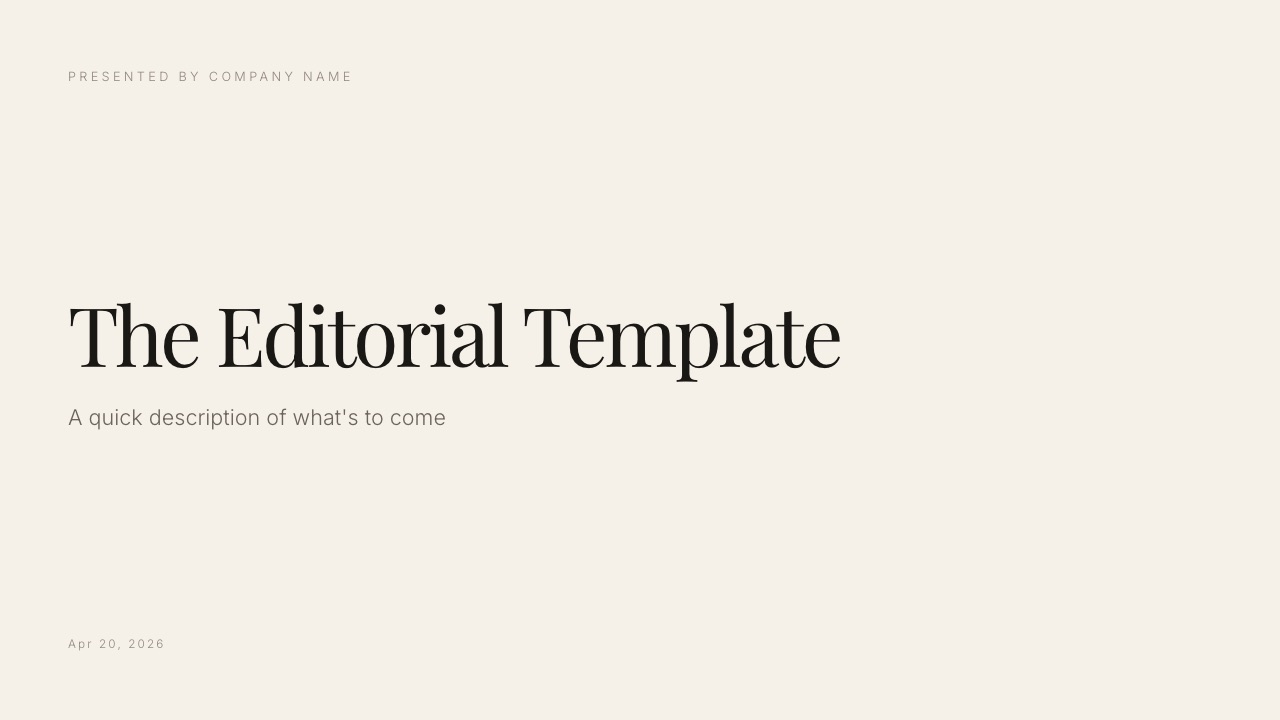
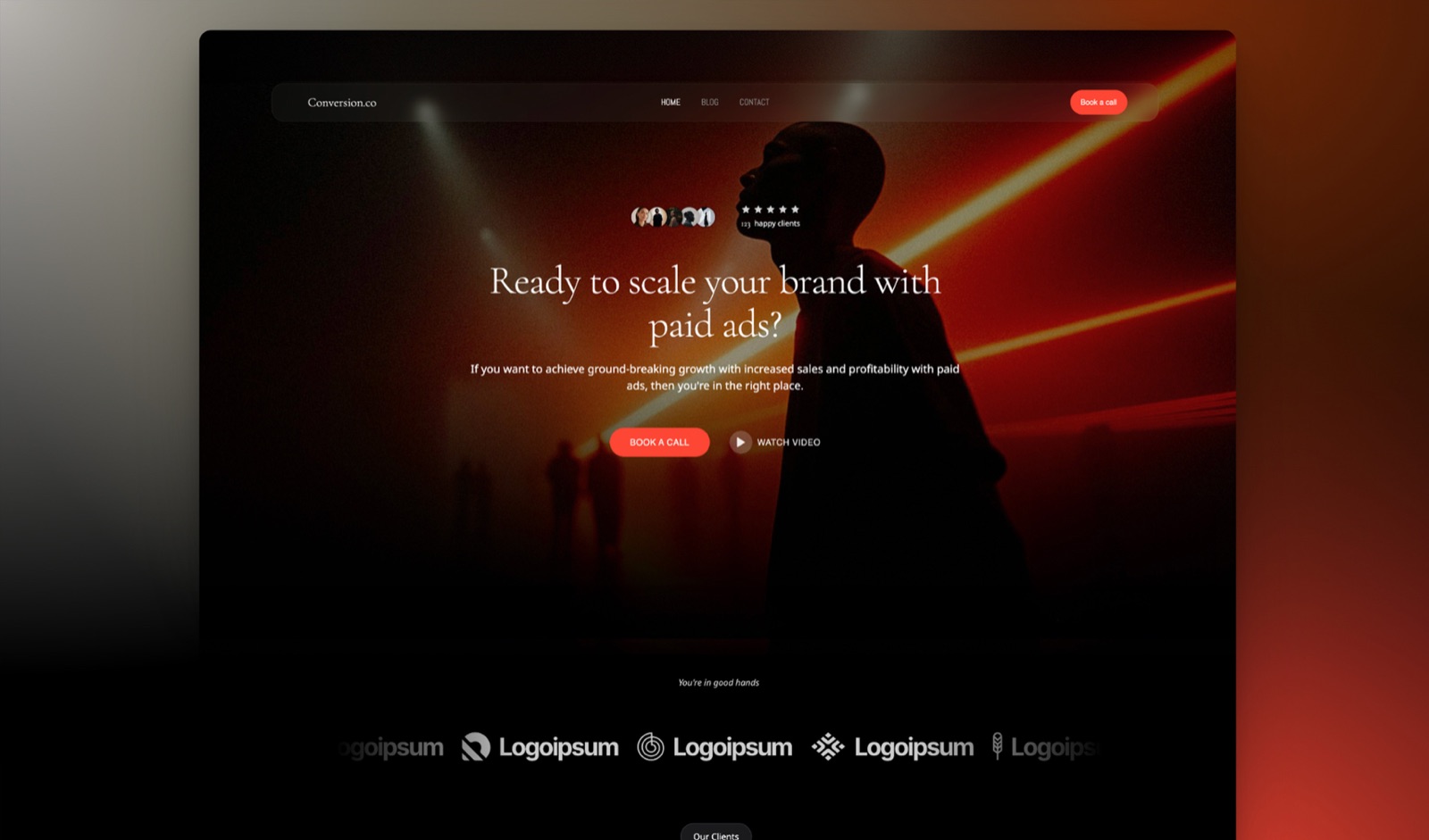
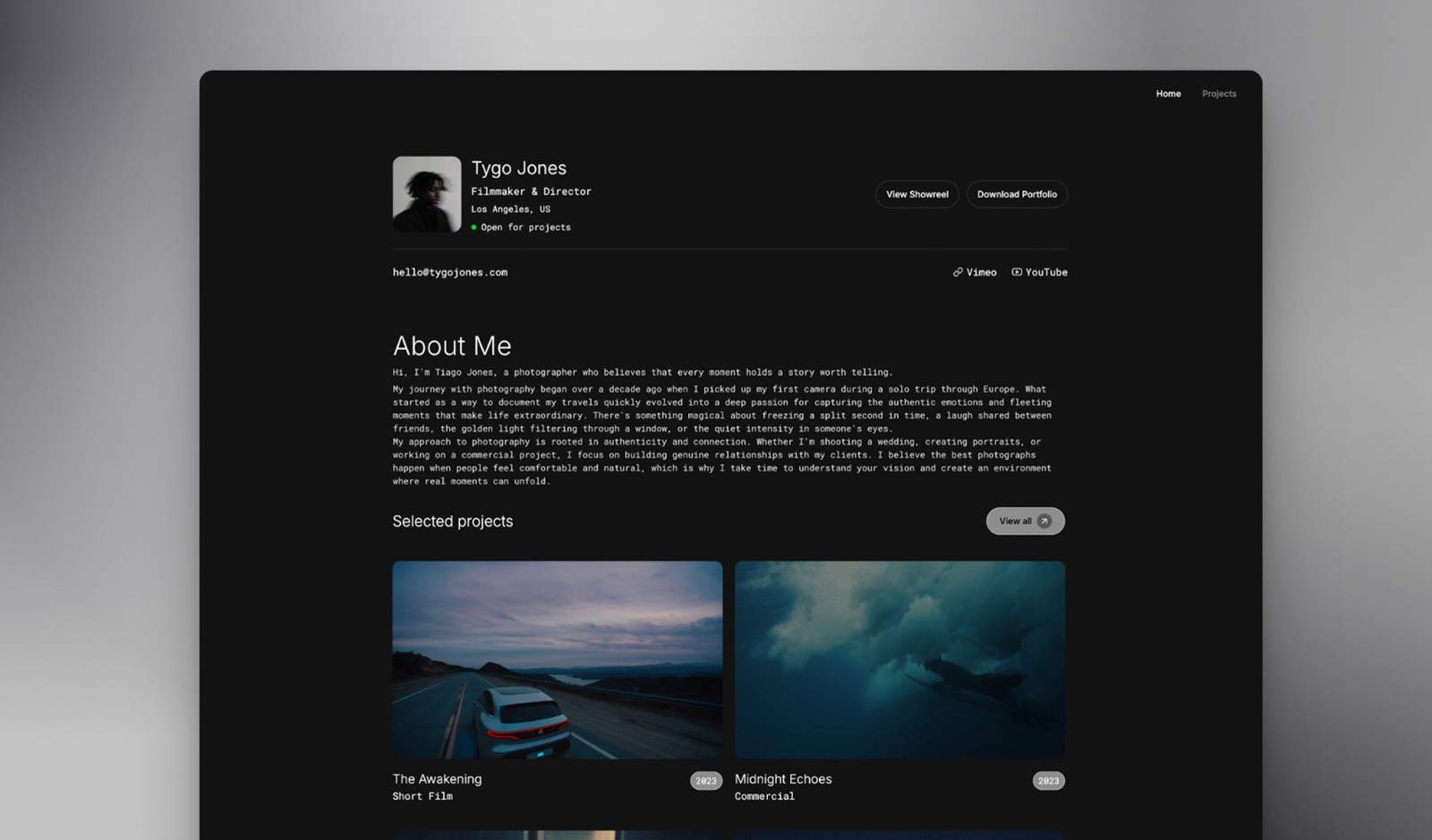
Framekit templates
Start from a designer-made template
 Use template
 Use template
 Use template
 Use template
 Use template
 Use template
 Use template
 Use template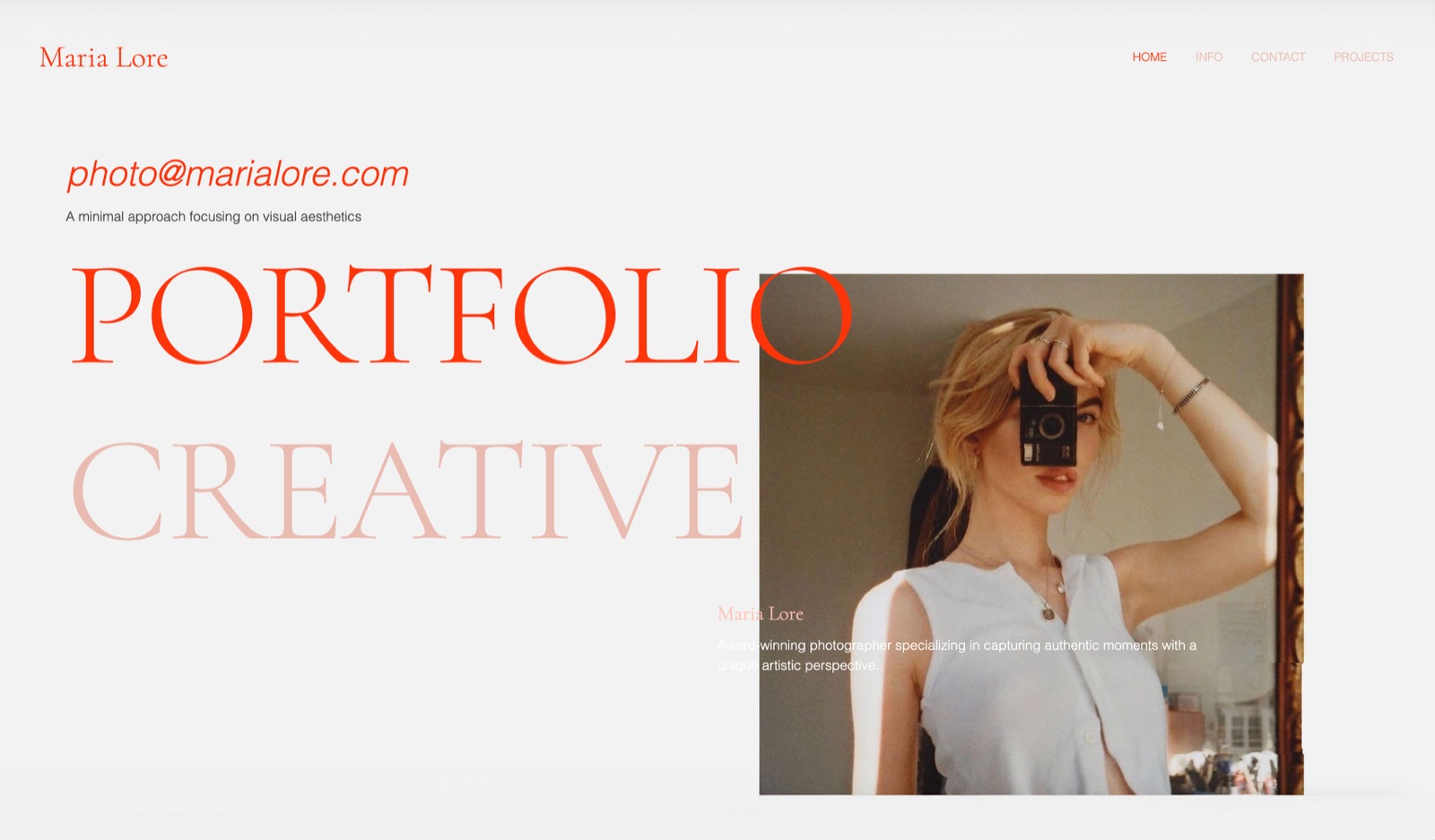
Prezi has spent fifteen years being described as the alternative to PowerPoint, which has always been slightly wrong. It is not a better version of the same thing.
It is a different rhetorical form, and comparing them on features misses that the two tools are good at structurally different kinds of argument.
We rebuilt the same talk in both, presented each to a live audience, and then looked at what it costs to use Prezi in a professional context, which turns out to be the part most comparisons skip entirely.
A zoomable presentation canvas is a single large surface holding all your content at once, where the presentation is a camera path that zooms and pans between regions rather than a sequence of separate slides advanced one at a time.
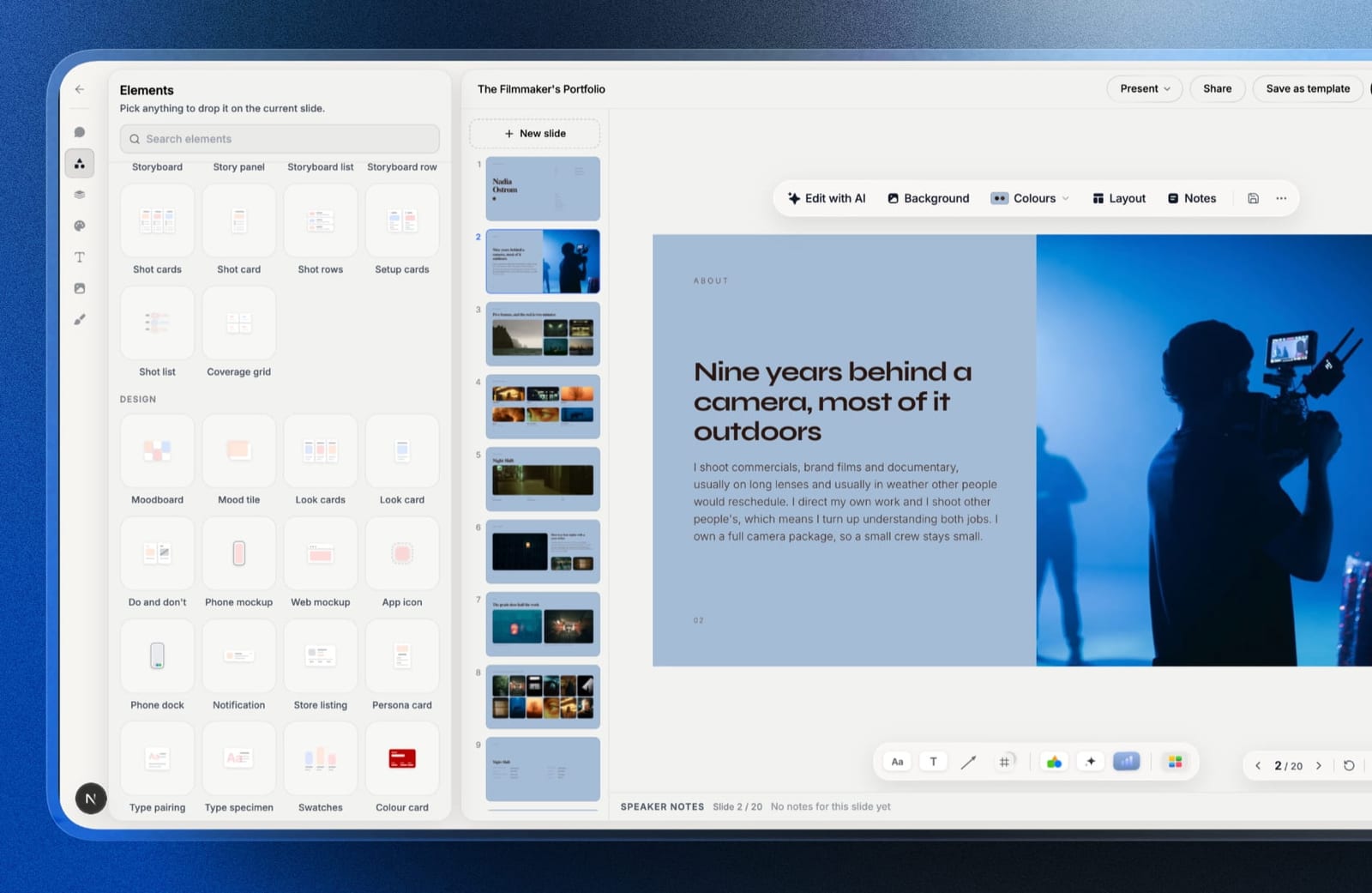
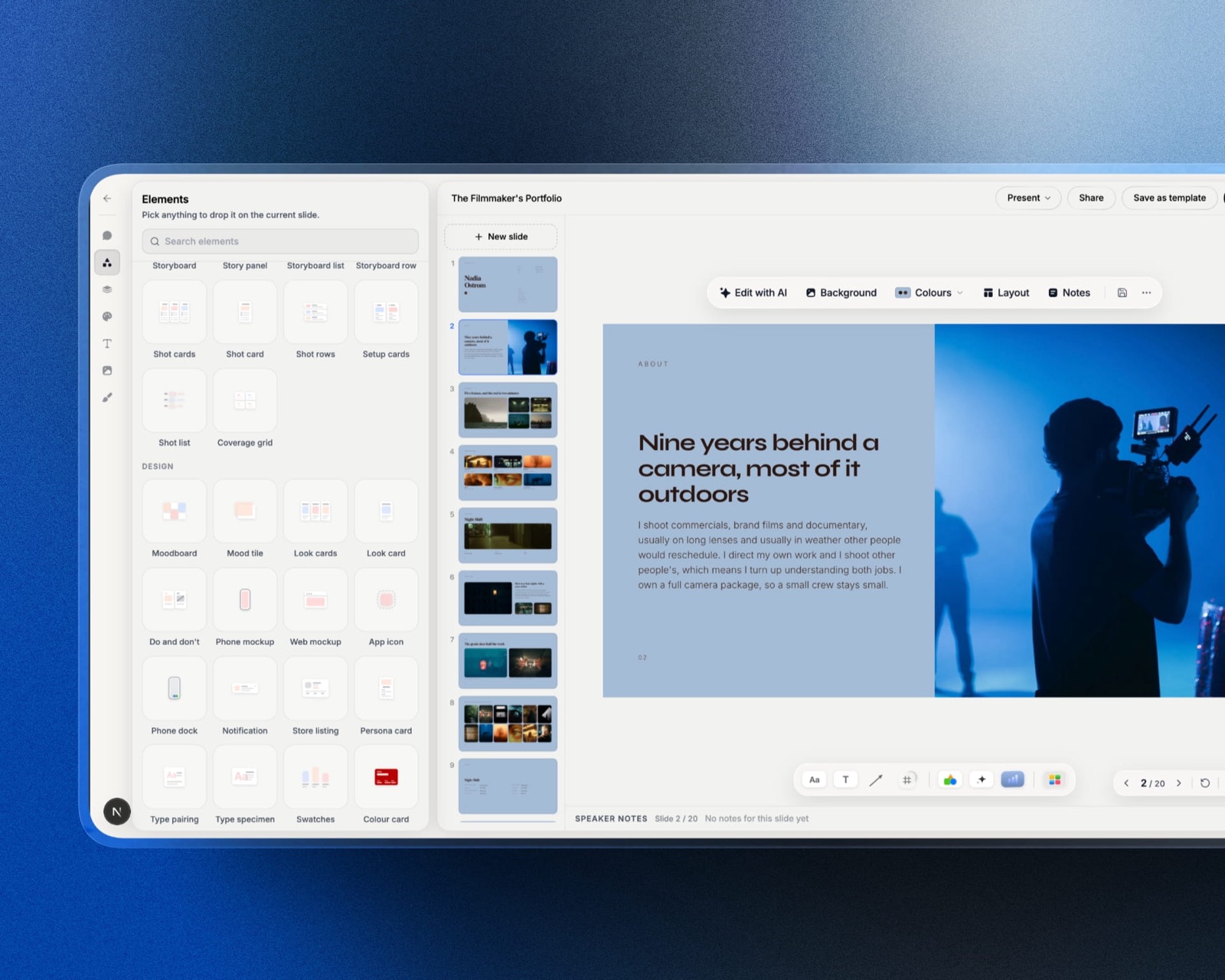
Framekit Slides is resolutely the other kind, a sequence of 16:9 slides drafted by AI, and it earns its place here only for the page a talk should live on afterwards.
Choose PowerPoint in 2026 for almost all business presentations, because linear slides suit linear arguments, the file format is universal, and it costs $99.99 a year with everything included.
Choose Prezi only when your content genuinely has a spatial structure - a system with parts, a map, a process with branches - where showing the whole and then zooming into pieces is the argument rather than decoration.
The important cost detail is that Prezi's free plan makes every presentation public, and privacy, offline access, and PowerPoint import each sit on a different paid tier.
Framekit is an AI website builder for creative professionals whose account also includes Slides, a linear deck editor, so it overlaps PowerPoint at the creative end and Prezi nowhere at all, and it is free to start if you need somewhere to publish the talk afterwards.
How We Compared Prezi and PowerPoint
We built the same forty-minute conference talk in both: an opening story, a framework with four interrelated parts, three case studies that reference back to the framework, a data section with two charts, and a closing call to action.
That structure was chosen deliberately, because it is the kind of content where Prezi's non-linear canvas should have an advantage.
We then presented both versions to a live audience of roughly thirty people, delivered each remotely once, and tested what happens when either file has to be handed to someone else.
Structural fit was judged on whether the tool's model matched the argument or fought it.
Audience experience was gathered informally after each session, including specifically whether anyone found the motion uncomfortable.
Handover was tested by exporting each and opening it elsewhere.
Cost was priced against the specific tier that includes the features a professional actually needs.
Separating our findings from our reading: the builds, the two live sessions, the remote deliveries, and the export tests are ours, conducted in August 2026. Plan prices come from each vendor's published pricing.
Comments about motion discomfort in wider audiences are drawn from accessibility literature and public reviews and are flagged as such rather than presented as measurement.
Prezi vs PowerPoint at a Glance
| Prezi | PowerPoint | |
|---|---|---|
| Free plan | Yes, all presentations public | Yes, web version only |
| Entry paid price | $7/mo annual, $84/yr (Standard) | $99.99/yr (Microsoft 365 Personal) |
| Privacy controls | Standard tier and up | Included |
| Offline presenting | Plus tier, $180/yr | Included, desktop app |
| PowerPoint import | Plus tier, $180/yr | Native |
| Viewer analytics | Premium tier, $300/yr | Not offered |
| Team plan | $39/user/mo | $199.99/yr for up to six |
| Presenting with your face over content | Yes, Prezi Video | Cameo, in Microsoft 365 |
| Works offline without preparation | Plus tier and up | Yes |
Round 1: Which Structure Fits Your Argument
Prezi won for our four-part framework and lost for everything else in the same talk. Showing all four parts at once, then zooming into each and pulling back out, made the relationships between them visible in a way four sequential slides genuinely did not.
The three case studies were the opposite. Each one is a self-contained story with a beginning and an end, and putting them on a shared canvas added nothing while making it harder to control pacing. In PowerPoint they were three clean sequences.
This is the honest shape of the comparison. Prezi is better when the relationship between parts is the point. PowerPoint is better when the order of parts is the point, which describes most business presentations.
In one lineask whether your audience needs to see how the pieces relate or the order in which they arrive, because that single question decides this comparison more reliably than any feature.
Round 2: The Cost of Making Prezi Usable at Work
PowerPoint wins this round, and the reason is tier structure rather than headline price, because the features that turn Prezi from a demo into something you can use on paid client work are spread across three separate plans that each cost more than the one below.
Prezi's free Basic plan makes every presentation public. Not unlisted, public, and discoverable.
For any client work, internal strategy, or unreleased material that is disqualifying, so the free tier is effectively a trial for professionals.
Privacy arrives on Standard at $7 a month billed annually, which is $84 a year. Offline presenting and PowerPoint import arrive on Plus at $15 a month, or $180 a year. Viewer analytics arrive on Premium at $25 a month, or $300 a year. Teams is $39 per user a month.
PowerPoint's $99.99 a year on Microsoft 365 Personal includes privacy, offline, import, and the full desktop application with no tiering at all. Microsoft 365 Family covers up to six people for $199.99.
In one linethe Prezi tier that most working professionals actually need is Plus at $180 a year, which is nearly double PowerPoint's all-inclusive $99.99, and the free plan's public-by-default policy is the detail to check before you build anything confidential.
Round 3: The Live Audience
Split result, and the audience feedback was more polarised than we expected. The Prezi version drew more comments about the presentation itself, both admiring and irritated. Two people out of roughly thirty mentioned that the zooming made them slightly queasy.
That is not a stylistic quibble. Vestibular sensitivity to large-scale motion is a recognised accessibility consideration, and reducing unnecessary motion is a standard recommendation in accessibility guidance.
In a room of two hundred, the same proportion means several people are having a worse time and none of them will tell you.
The PowerPoint version drew no comments about the presentation at all, which for most speakers is the correct outcome.
In one linePrezi's motion is a real cost paid by a small proportion of every audience, and it is invisible to you, which is a different thing from it not happening.
Round 4: Remote and Asynchronous Delivery
Prezi wins this round, and it is its strongest remaining differentiator. Prezi Video places you on screen alongside your content rather than behind a shared window, so your face and the material occupy the same frame.
For a remote talk this is materially better than screen sharing, and it works as a live camera source in video calls as well as for recordings.
PowerPoint has an equivalent in Cameo, which places a live camera feed onto a slide, and it works well. The difference is that Prezi's whole product is built around the format while Microsoft's is a feature inside a slide.
In one linefor remote or recorded delivery where you want to stay visible alongside your material, Prezi Video is the better-designed product and is a stronger reason to choose Prezi than the zooming canvas ever was.
Round 5: Handover and File Portability
PowerPoint wins decisively on portability, because a .pptx is the universal format, opens on every operating system, and can be edited by anyone who receives it without asking you for anything first.
A Prezi presentation lives on Prezi.
It can be exported as a portable presentation package for offline playback on the Plus tier and up, and can be exported to PDF, which flattens the entire concept into static pages and loses the reason you used it.
There is no export that another person can meaningfully edit.
PowerPoint import into Prezi exists, on Plus, and it does what you would expect: your slides become regions on a canvas, and the result is a linear deck wearing a spatial costume until you rebuild it properly.
In one lineanything built in Prezi stays in Prezi, so treat it as a delivery medium rather than a document format and keep a source of truth somewhere else.
Round 6: Design Effort
PowerPoint wins on effort and Prezi wins on ceiling for the specific thing it does.
A competent Prezi takes noticeably longer to build than a competent deck, because spatial composition is a harder design problem than sequential layout, and a badly composed canvas is much worse than a badly composed slide.
Our Prezi build took about two and a half hours against ninety minutes for the PowerPoint version, and the first Prezi attempt was thrown away because the zoom path made no narrative sense.
In one linebudget roughly twice the build time for a Prezi and expect to discard a first attempt, because the camera path is a piece of writing rather than a setting.
What Two Years Costs on the Tier You Actually Need
The comparison people usually make is Prezi's headline $84 against PowerPoint's $99.99, which flatters Prezi.
The comparison that matches how these tools get used at work is the tier that actually includes privacy, offline presenting, and PowerPoint import, and that changes the ordering considerably.
| Setup | 2 years | Includes privacy | Includes offline |
|---|---|---|---|
| Prezi Basic | $0 | No, all public | No |
| PowerPoint for the web | $0 | Yes | No |
| Prezi Standard | $168 | Yes | No |
| Microsoft 365 Personal | $199.98 | Yes | Yes |
| Prezi Plus | $360 | Yes | Yes |
| Microsoft 365 Family, six people | $399.98 | Yes | Yes |
| Prezi Premium | $600 | Yes | Yes |
| Prezi Teams, five people | $4,680 | Yes | Yes |
A quick check before you buy. Open your last five presentations and ask whether any of them had content where the relationships between parts mattered more than the order of parts.
If none did, Prezi is a stylistic choice rather than a structural one, and it is a more expensive stylistic choice than it looks once you account for the tier gates.

Where a Talk Should Live Afterwards
Both tools solve the presentation and neither solves what happens after it. The talk you gave last month is now a link that expires, a file nobody opens, or a recording on a platform you do not control.
For speakers, consultants, and studio founders, that talk is often the best marketing asset you own and it is doing nothing.
_Re-verified 19 September 2026: our own passage was corrected after Framekit's Slides editor shipped. Checked again 20 September 2026, when an intro line still called Framekit unrelated to slide software._
We make the tools here, so read this as a disclosed interest.
Framekit's Slides editor builds 16:9 decks and exports a PDF on every plan, but it has no zooming canvas, no presenter view and no editable .pptx or Keynote export, so it does not replace either tool for delivering the talk itself.
The narrow point is that a talk's second life belongs on a page you own, where it can be found by people who were not in the room.
Which Should You Choose?
The choice is decided by the shape of your content and by which paid tier you would actually end up on, so work down these questions in order rather than weighing everything at once.
1. Does your content have parts whose relationships matter more than their order? If yes, Prezi is worth the extra build time. If no, use PowerPoint.
2. Is any of your material confidential? If yes, Prezi's free plan is unusable and your real entry price is $84 a year minimum.
3. Do you present remotely or record talks with yourself on screen? If yes, Prezi Video is the best implementation of that format.
4. Will anyone else need to edit the file? If yes, PowerPoint. Nothing leaves Prezi in an editable form.
5. Do you present offline or in venues with unreliable wifi? If yes, PowerPoint, or budget for Prezi Plus at $180 a year.
6. Do you present to large audiences? Prefer PowerPoint, or reduce the zoom motion substantially, because a small proportion of any large room will find it uncomfortable.
7. Do you want to know who watched a shared presentation? Prezi Premium at $300 a year offers analytics that PowerPoint does not.
8. Should the talk keep working after the event? Publish it as a page rather than leaving it in either tool, which is the job Framekit is here for, free plan included.
Frequently Asked Questions
Is Prezi better than PowerPoint?
Prezi is better than PowerPoint only for content with a genuinely spatial structure, where showing the whole and zooming into parts is the argument rather than decoration.
PowerPoint is better for the large majority of presentations, because most arguments are sequential, the format is universal, and a single $99.99 subscription includes everything without tier gates.
Is Prezi free, and what does the free plan restrict?
Prezi has a permanently free Basic plan, and its most important restriction is that every presentation created on it is public with no privacy controls.
Privacy begins on the Standard plan at $7 a month billed annually, so any confidential or client work requires at least $84 a year.
How much does Prezi cost per year?
Prezi's individual plans billed annually are Standard at $7 a month, Plus at $15, and Premium at $25, which is $84, $180, and $300 a year respectively, with Teams at $39 per user a month.
The tier most working professionals need is Plus, because that is where offline presenting and PowerPoint import begin.
Can you import a PowerPoint into Prezi?
Prezi imports PowerPoint files on the Plus plan and above, which costs $180 a year. Imported slides become regions on the canvas, so the result is a linear deck arranged spatially rather than a genuine Prezi, and it needs restructuring to gain anything from the format.
Does Prezi make people motion sick?
A small proportion of any audience finds Prezi's large-scale zooming uncomfortable, which is a recognised vestibular accessibility consideration rather than a matter of taste.
In our thirty-person test session two people mentioned it unprompted, and reducing unnecessary motion is standard accessibility guidance for exactly this reason.
Can you use Prezi offline?
Prezi supports offline presenting through a portable presentation package on the Plus plan and above, at $180 a year. On the free and Standard plans a network connection is required, which makes venue wifi a single point of failure for your talk.
Which is better for a conference talk?
PowerPoint is the safer choice for a conference talk, because it works offline, is accepted by every venue's tech setup, and produces no motion discomfort.
Prezi is the better choice when the talk's structure is a system or map that benefits from being seen whole, and when you can confirm the venue's setup in advance.
Does Prezi work for remote presentations?
Prezi Video is one of the strongest tools available for remote presentations, placing your camera feed alongside your content in the same frame rather than behind a shared window, and it works as a live camera source in video calls.
PowerPoint's Cameo does something similar as a feature within a slide rather than as the product's central format.
Can you export a Prezi to PowerPoint?
There is no export from Prezi to an editable PowerPoint file. You can export a PDF, which flattens the canvas into static pages and removes the zooming that justified using Prezi, or a portable package for offline playback on the Plus tier.
Anything built in Prezi should be assumed to stay there.
What should happen to a talk after the event?
A talk's most durable form after the event is a page on a domain you own, holding the recording, the key slides as images, and a written summary, because that can be found in search by people who were not in the room. A deck file or an expiring share link does none of that work.
Final Verdict
PowerPoint is the right answer for most people asking this question, and the reason is not that it is better software.
It is that most presentations are sequential arguments, most audiences prefer not to notice the tool, and Microsoft's $99.99 a year includes everything, while Prezi spreads privacy, offline, and import across three separate tiers ending at $300 a year.
Prezi remains genuinely worth choosing in two cases. When your content is a system whose parts relate to each other, the zoomable canvas does something no deck can.
And Prezi Video is the best implementation of presenting alongside your content for remote and recorded delivery, which is a stronger argument for the product today than zooming ever was.
Framekit is not an alternative to either tool and cannot present anything. Where we would push back on both is the assumption that the talk ends when the talk ends.
Related reading: our roundups of the best Prezi alternatives, the best interactive presentation tools, the best PowerPoint alternatives, and our Keynote versus PowerPoint comparison.
Plan prices above were read from each vendor's published pricing in August 2026. Prezi's tier boundaries in particular have moved more than once, so confirm which plan includes offline access before you rely on it at an event.