Framekit templates
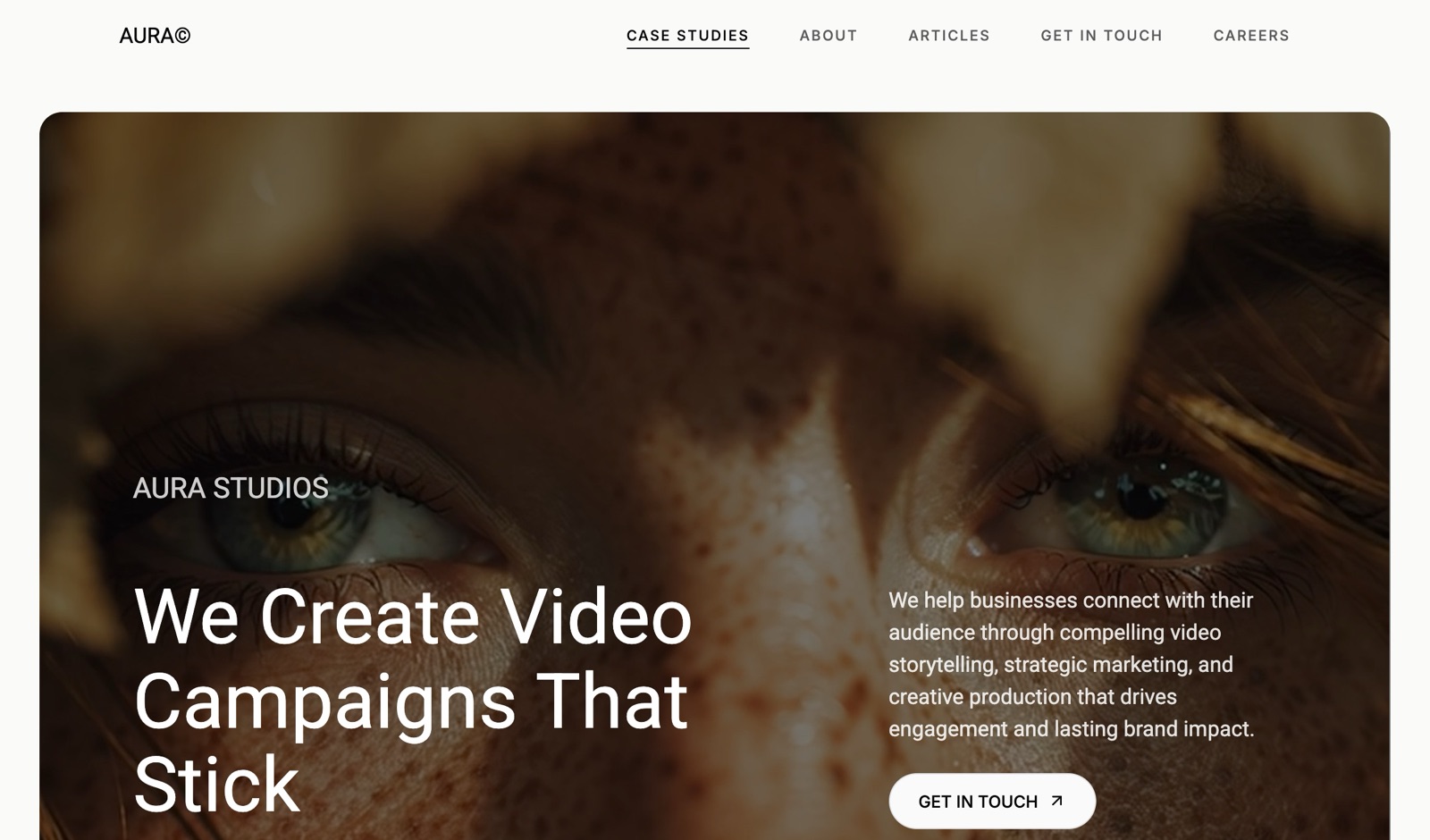
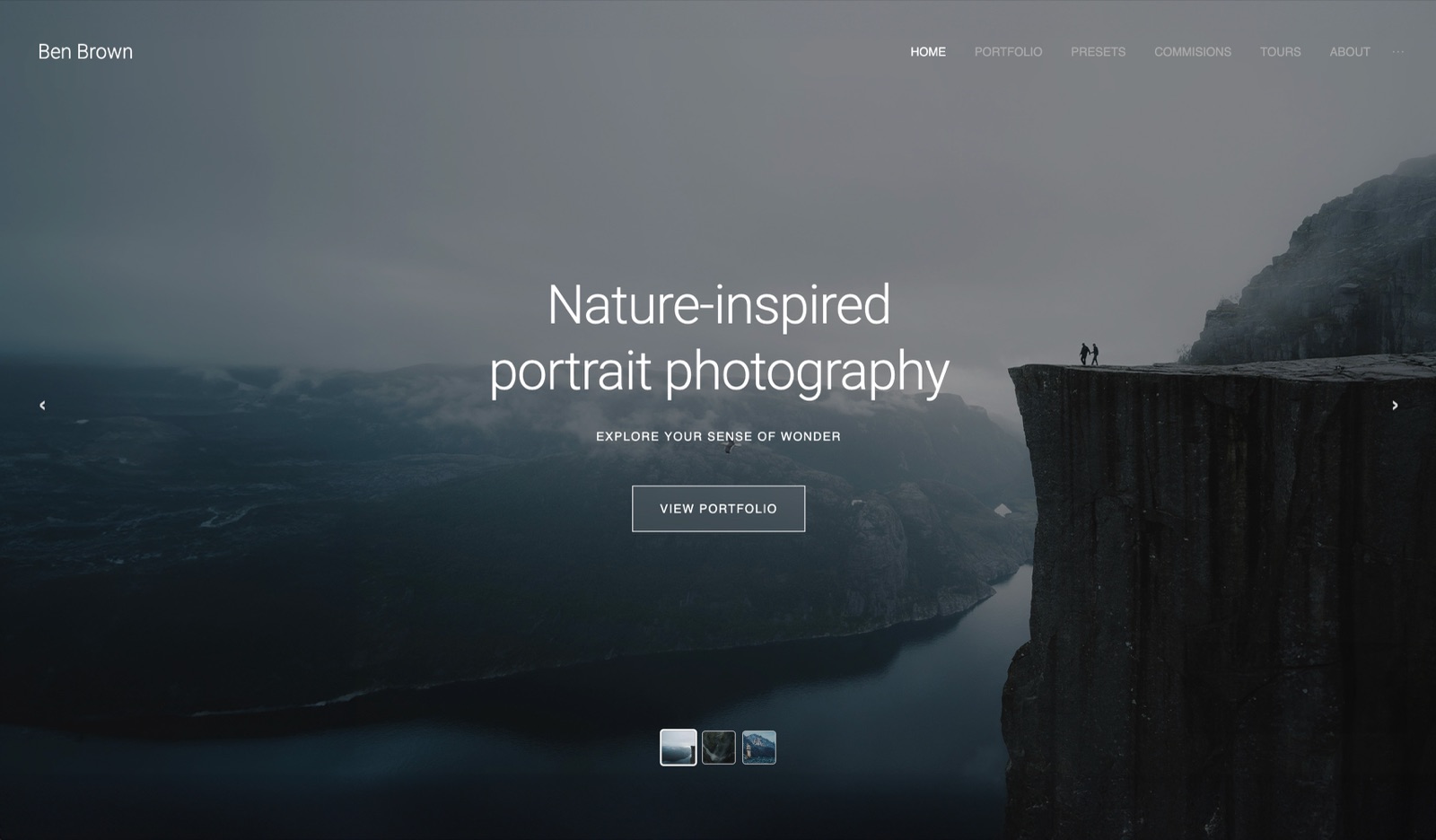
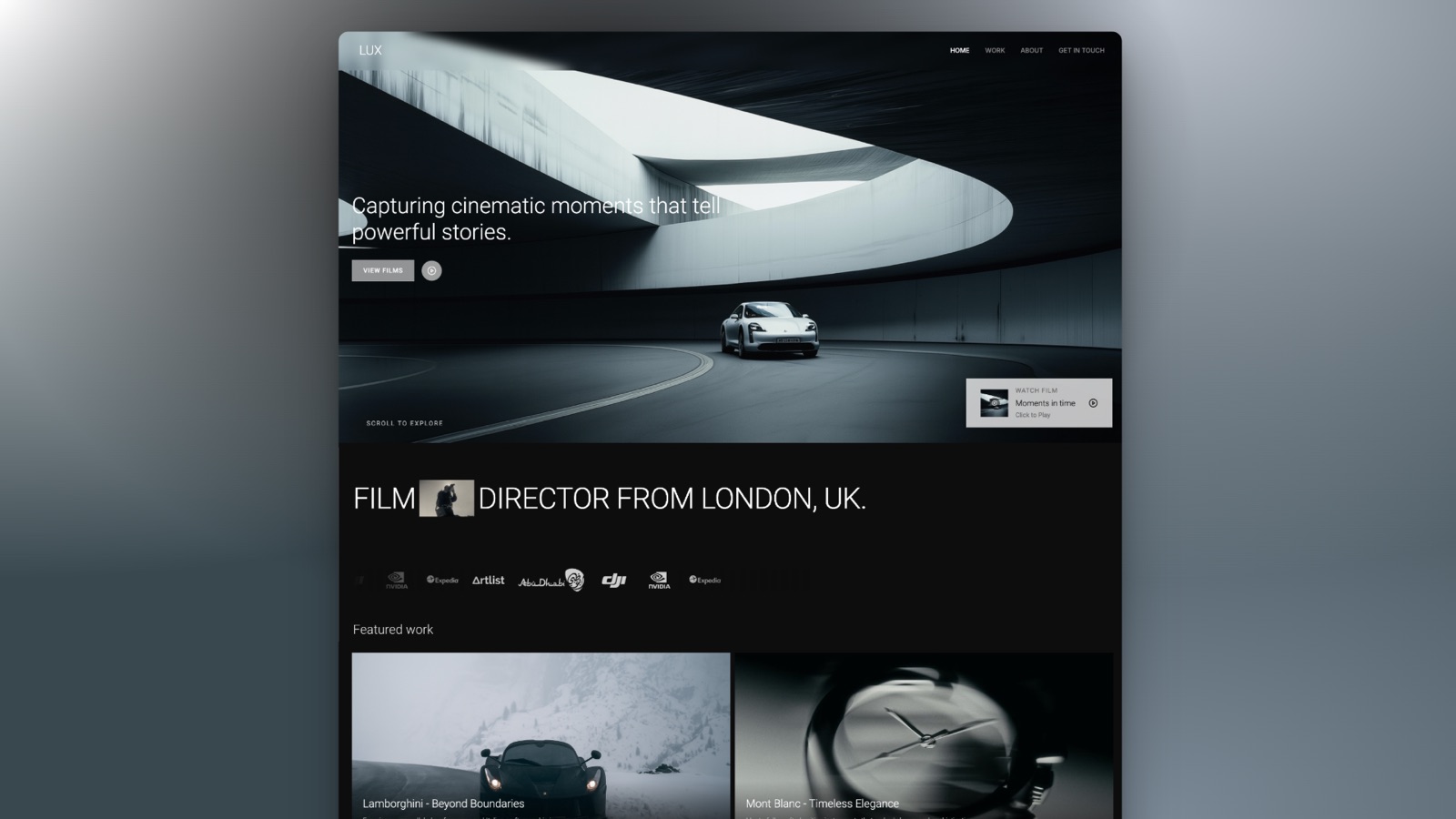
Start from a designer-made template
 Use template
 Use template
 Use template
 Use template
 Use template
 Use template
 Use template
 Use template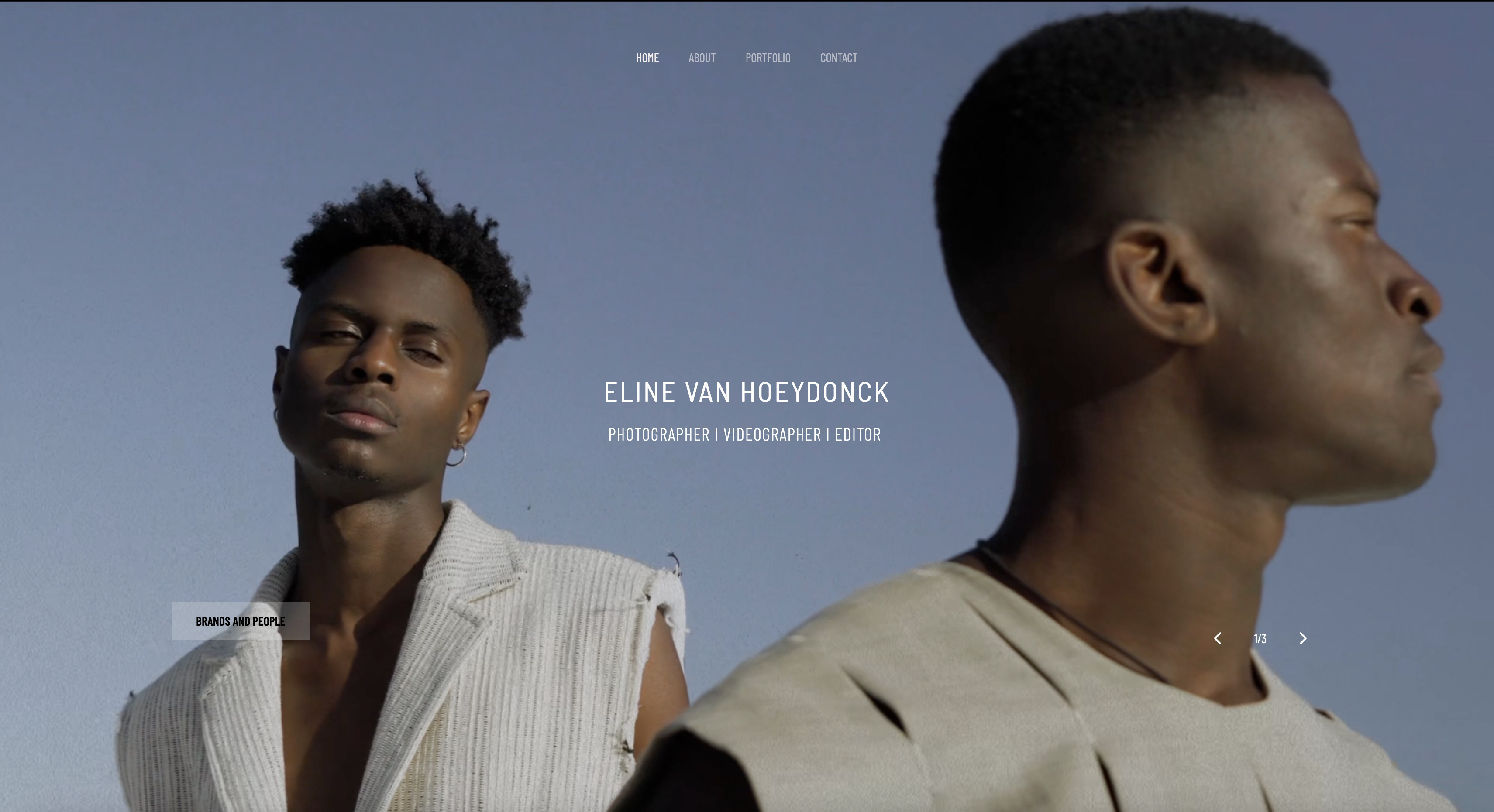
You shoot the collection, grade forty frames, choose twenty-four, and lay them out over two weeks. Then you export, compress to get under the email limit, and send.
The buyer opens it on a phone between meetings, sees your grading flattened into something muddy, and forms an opinion about the collection that is really an opinion about your file size.
Nobody rejects a lookbook for being 40MB. They reject the version you compressed to avoid that.
A lookbook is a curated visual document presenting a collection, a body of work, or a proposed aesthetic, and lookbook software is any tool that lays out image-led pages and delivers them without destroying the images on the way out.
The best lookbook software in 2026 is Framekit, because a lookbook published as a page on your own domain reaches a buyer at full image quality with no download, no file-size limit and no compression compromise, and it can be updated when a piece drops out of the collection.
The honest trade-off: Framekit has no print output and no page-layout grid, so any lookbook destined for print or for a buyer who wants a PDF should be built in Affinity Publisher, which is now free, or Canva.
Issuu and Flipsnack are the picks if you specifically want a page-turning flipbook with reader analytics.
Full disclosure: Framekit is our own product and it is ranked first below, so weigh that accordingly. We built the same twenty-four-page lookbook in all eight tools, we link to every one, and we score Framekit at its worst on the two criteria it deserves to lose: print output and layout control, where Affinity Publisher and InDesign beat it outright.
How We Compared 8 Lookbook Tools
We built the same lookbook in every tool: twenty-four pages for a fashion collection, thirty-one images including six full-bleed spreads, four detail close-ups where fabric texture is the point, a stockist page, and a contact page.
Then we opened each result on a phone over a normal mobile connection, which is where lookbooks are actually read.
Image fidelity. What each tool did to a dark, textured frame at delivery. This carries 30% of the score, because a lookbook that degrades its images has failed at the only thing it does.
Delivery friction. Download, account, app, or nothing? Every step between send and view loses buyers, and the tools differ enormously here.
Layout control. How much say you have over a spread, and whether facing pages behave the way a designer expects.
Updating. Collections change. We measured what it costs to swap one look after the document has been sent.
Real cost. For an independent designer or studio producing two lookbooks a year, rather than for a publisher.
Three kinds of finding, kept apart. Measured by hand: building the twenty-four pages, exporting or publishing, and viewing on a phone and a laptop.
Verified from published sources: pricing and plan limits against each vendor's own pages in August 2026, linked where the page allows access. Reported as community sentiment: recurring complaints from designers, flagged as sentiment.
What Building the Same Lookbook 8 Times Showed
The counts behind the ranking, from our build and each vendor's published pricing in August 2026.
- 2 of 8 deliver the images without a compression step between you and the viewer, which are Framekit and a published web page from any builder.
- 3 of 8 produce genuinely print-ready output, and two of those are free: Affinity Publisher and, at a subscription, Adobe InDesign, with Canva adequate for short-run digital printing.
- Issuu's free plan caps at 5 documents, 50 pages each and 50MB per file, which our 24-page lookbook exceeded on file size before it exceeded on pages.
- Flipsnack's free plan allows 3 publications of up to 30 pages, all watermarked and without analytics, which makes it a demo rather than a plan.
- Only 1 of 8 lets you swap a look after sending without producing a new file, which is a published page.
- The cheapest print-grade route in this comparison is now $0, because Affinity Publisher became free following Canva's acquisition.
Skip to the decision tree for the fast answer, or read the field.
The 8 Best Lookbook Software Tools in 2026: Full Comparison
How the ratings work: image fidelity 30%, delivery friction 25%, layout control 20%, updating 15%, and cost 10%. Fidelity dominates because a lookbook is an argument made entirely of pictures, and every other feature is downstream of whether those pictures survive delivery.
Framekit leads at 9.0 while scoring 3 on print output and 5 on layout control, its two worst numbers in this comparison and both beaten by tools ranked below it. InDesign takes 10 on layout and 4 on delivery friction. Nothing here is good at both.
| Tool | Best for | Image fidelity | Print output | Cost | Our rating |
|---|---|---|---|---|---|
| Framekit | A lookbook that lives at a link | Highest | No | $0 to $19 a month | 9.0/10 |
| Canva | A designed PDF quickly | Good | Adequate | $0 to $12 a month | 8.6/10 |
| Affinity Publisher | Print-grade layout at no cost | Highest in print | Yes | $0 | 8.5/10 |
| Adobe InDesign | Production-standard print work | Highest in print | Yes | About $23 a month | 8.3/10 |
| Flipsnack | Interactive flipbook with tracking | Good | Limited | From $30 a month | 7.6/10 |
| Issuu | Flipbook with a distribution audience | Good | Limited | From about $19 a month | 7.4/10 |
| Milanote | Assembling before it is a lookbook | Working quality | No | $0 to $10 a month | 7.0/10 |
| Shopify | Lookbooks that must sell directly | Good | No | From about $39 a month | 6.8/10 |
Every figure above was checked against the vendor's own published plans during August 2026. Confirm before committing, because the flipbook category in particular has revised its tiers repeatedly.
What actually happens to your images
The compression step is invisible while you work and decisive when a buyer looks. This is what we found delivering the same six full-bleed spreads through each route.
| Delivery route | What happens to the image | Practical ceiling |
|---|---|---|
| Published web page | Served at display size, no document compression | None that matters |
| PDF, emailed | Compressed to clear the mail limit | Usually about 20MB |
| PDF, linked from cloud storage | Uncompressed, but a download first | Buyer patience |
| Flipbook upload | Re-encoded by the platform | Platform quality setting |
| Print output | Full quality, colour managed | Press and paper |
1. Framekit: Best for a Lookbook That Lives at a Link

Our rating: 9.0/10
Framekit is an AI website builder that generates a real, publishable site from a description, and as a lookbook tool its argument is simple: the images never go through a document.
There is no export, no file-size ceiling, no compression pass to clear an email limit, and no download standing between a buyer and the collection.
What that means in practice showed up on the four fabric-detail frames.
In the PDF routes, the texture that was the entire point of those images was visibly softened; on the published page it was not, because the image is served for display rather than embedded in a document that has to fit in an inbox.
Best forDesigners, photographers and studios whose lookbooks are sent to buyers, press and stockists who will open them on a phone.
Key features:
- Full-bleed image layouts with no document compression step
- Published on your own domain, so the lookbook sits beside the rest of your work
- Editable after sending, so a dropped look or a new stockist updates on the same link
- No download, no account and no app for the person receiving it
- Generated by Cadence, Framekit's own model built for creative sites, so the pages read as designed
- Client galleries on every plan, including free, for the full-resolution assets behind the lookbook
The real number$0 on the free plan, $9 a month on Starter for your own domain with no Framekit branding, $19 on Pro. Against Flipsnack Professional at $30 a month and Issuu Starter at about $19, it is the cheapest route to a delivered lookbook with no watermark.
The standout detailbecause there is no file, there is no version. A buyer who bookmarked the link in February sees the current collection in March, which for wholesale lookbooks that change as pieces sell out removes an entire category of confusion.
The gotchathere is no print output and no facing-page layout. If the lookbook is going to a printer, or a buyer expects a PDF they can file, you are building that separately in Affinity Publisher or Canva. That is a genuine second workflow, not a minor omission.
Skip it ifthe lookbook is a printed object, the layout depends on a designed spread across facing pages, or the collection is confidential, because a standard page carries no password.
Verdict: Framekit is the best lookbook tool when the lookbook is read on a screen, which is most of the time now, and the wrong one when it is a printed artefact. Start free at framekit.ai.
2. Canva: Best Designed PDF Quickly
Our rating: 8.6/10
Canva is the practical answer for anyone who needs a good-looking lookbook PDF this week and does not own a layout application. Its templates handle the spreads, the type looks considered, and the export is reliable enough for digital distribution and short-run printing.
Image handling held up better than expected. Our fabric close-ups survived export with less softening than the flipbook platforms applied, which surprised us, though a page and a print file still beat it.
Best forDesigners and studios who need a presentable PDF lookbook fast, with no layout software and no learning curve.
Key features:
- Lookbook and magazine templates that need only your images
- Free plan that completes a full twenty-four-page document
- PDF export at print quality suitable for short runs
- Brand kit on Pro for a fixed typeface and palette
- Browser-based, so a collaborator can be invited in
The real numberthe free plan finishes the document. Pro is $18 a month or $144 billed annually, about $12 a month, and the feature that pushes most studios onto it is uploading a licensed typeface.
The gotchathe file size. A twenty-four-page lookbook with six full-bleed spreads exports large, and the compression you apply to email it is where the images lose what you spent two weeks grading. Link it from cloud storage rather than attaching it, or accept the loss.
Skip it ifthe layout depends on precise facing-page spreads, because Canva treats pages more independently than a layout application does.
Verdict: Canva is the fastest route to a lookbook you are not embarrassed by, and the file-size problem is the tax you pay for choosing a document. See our best Canva alternatives for presentations if the export limits bite. Visit Canva
3. Affinity Publisher: Best Print-Grade Layout at No Cost
Our rating: 8.5/10
The most useful fact in this category is that professional page layout now costs nothing.
After Canva acquired Affinity, the suite became free, which means master pages, facing-page spreads, real typographic control and colour-managed print output are available to any designer without a subscription.
For a lookbook that is a bigger deal than for most document types, because lookbooks are the one thing designers still print, and spreads are how a collection is meant to be read.
Best forDesigners producing lookbooks that will be printed, or who want true spread-based layout without a subscription.
Key features:
- Facing-page spreads and master pages that behave properly
- Free, with no subscription and no per-seat fee
- Colour-managed print export a printer will accept
- Linked images rather than embedded copies, keeping files manageable
- Professional typography with real control over every setting
The real number$0 for the application, with optional AI features available through a Canva plan at $144 a year rather than being required. Against InDesign at roughly $276 a year for the same core job, that is the entire subscription saved.
The gotchathe learning curve arrives before the payoff. If you have never used master pages or a baseline grid, your first lookbook will take substantially longer here than in Canva, and there are no rescue templates.
Skip it ifthe deadline is this week and you have never opened a layout application.
Verdict: Affinity Publisher is the best value in this comparison and the right long-term tool for any studio printing lookbooks. Learn it between collections. Visit Affinity
4. Adobe InDesign: Best Production-Standard Print Work
Our rating: 8.3/10
InDesign is what the printer expects and what a production designer will ask for, and for a lookbook heading to a press with specific paper and ink requirements, that compatibility is worth something real.
It is also, now, competing against a free alternative that does the same core job, which changes the calculation for anyone who is not already fluent in it.
Best forStudios with a production designer, and lookbooks going to press with specific print requirements.
Key features:
- The deepest typographic and layout control available
- Preflight and packaging that catch print problems before output
- Colour management and separations for professional press work
- Adobe Fonts included, which resolves licensed typeface questions
- The file format printers and production designers expect
The real numberthe single-app plan is about $22.99 a month on an annual plan, roughly $276 a year, or about $264 paid up front. For two lookbooks a year, that is roughly $138 per lookbook in software alone.
The gotchathe subscription runs all year for a tool most fashion studios open in two intense bursts. That arithmetic is the reason to look hard at the free alternative before renewing.
Skip it ifyou are not already fluent and nobody on your team is, because there is now a free tool covering the same ground.
Verdict: InDesign remains the production standard and is no longer the automatic purchase. Keep it if a designer uses it weekly. Visit Adobe InDesign
5. Flipsnack: Best Interactive Flipbook With Tracking
Our rating: 7.6/10
Flipsnack turns a PDF into a page-turning flipbook with clickable links, embedded video and reader analytics, and for a wholesale lookbook where you want to know which buyer looked at which page, that data is genuinely useful.
The page-turn animation divides people. Some buyers find it a pleasant echo of a printed book; others find it a needless obstacle between them and the images, particularly on a phone.
Best forWholesale and press lookbooks where knowing who read what justifies a subscription.
Key features:
- Page-turning flipbooks with clickable hotspots and embedded video
- Reader analytics down to page level
- Custom domain and white-label options on higher plans
- Lead capture forms inside the publication
- Shopping links from a page to a product
The real numberProfessional is $30 a month billed annually, or $38 monthly, with Business at $85 a month on annual billing. The free plan allows 3 publications of up to 30 pages, all watermarked, with no analytics, custom domain, or lead capture.
The gotchathe free plan watermarks everything, which makes it useless for anything a buyer sees and effectively turns the entry price into $30 a month. Budget for the paid plan or choose a different route.
Skip it ifyour buyers open lookbooks on phones, because a two-page spread flipbook on a small screen is the worst reading experience in this comparison.
Verdict: Flipsnack is a good analytics tool wrapped in an animation not everybody wants. Buy it for the data, not the page turn. Visit Flipsnack
6. Issuu: Best Flipbook With a Distribution Audience
Our rating: 7.4/10
Issuu's distinguishing feature is not the software, it is that people browse Issuu.
For a lookbook that benefits from discovery, particularly independent fashion and photography publications, being on a platform with its own readership is a genuine advantage no self-hosted page provides.
As a tool it is otherwise comparable to Flipsnack, with the same page-turn model and the same phone-reading problem.
Best forStudios and publishers who want their lookbook discoverable rather than only sent.
Key features:
- A platform audience that browses published work
- Page-turning reader with embedded links and video
- Statistics on reads and reader behaviour
- Content that indexes and can be found through search
- Article and story formats alongside the flipbook
The real numberStarter is about $19 a month billed annually, or about $31 monthly, with higher tiers rising steeply to roughly $188 a month for Unlimited. The free plan allows 5 documents, 50 pages each, and 50MB per file.
The gotchathe 50MB free-plan file cap is the binding limit for image-led work, not the page count. Our twenty-four-page lookbook exceeded it before it came close to fifty pages, which means the free plan is workable for text documents and not for the thing you would use Issuu for.
Skip it ifthe lookbook is confidential or wholesale-only, because discovery is the platform's value and privacy is the opposite of it.
Verdict: Issuu is worth considering for the audience rather than the software, and irrelevant if your lookbook goes only to a list you already have. Visit Issuu
7. Milanote: Best for Assembling Before It Is a Lookbook
Our rating: 7.0/10
Milanote is not a lookbook tool and belongs here because the stage before the lookbook is where most of the work happens.
Selecting twenty-four images from a shoot of four hundred, sequencing them, and deciding which detail shot earns a full page is a spatial problem, and Milanote is the best place in this comparison to solve it.
The output is a working board rather than a deliverable, and sending one to a buyer communicates process rather than a collection.
Best forThe selection and sequencing stage, before any layout tool is opened.
Key features:
- Infinite canvas for sequencing images freely
- Notes alongside images for editing decisions
- Share links that a collaborator or stylist can comment on
- Web clipper for gathering references
- Templates aimed at creative planning
The real numberPro is $9.99 per person a month billed annually, about $120 a year, per Milanote's published plans. The free plan allows 10 file uploads, which a lookbook selection exhausts immediately.
The gotchathe 10-upload free limit makes it impossible to evaluate on a real project, so plan on paying for at least the month in which you are selecting.
Skip it ifyour selection is already made, because the value is entirely in the deciding.
Verdict: Milanote is the first hour of a lookbook and never the last. See our best mood board tools comparison for the wider field. Visit Milanote
8. Shopify: Best When the Lookbook Must Sell Directly

Our rating: 6.8/10
Shopify earns a place because for direct-to-consumer brands a lookbook that cannot be bought from is a missed sale. A shoppable lookbook page, where a look leads to the product, converts in a way a PDF cannot.
As a design tool it is limited to what your theme allows, and lookbook layouts in most themes are a compromise between editorial and catalogue.
Best forDirect-to-consumer brands whose lookbook is a selling page rather than a wholesale document.
Key features:
- Products linked directly from a look
- Inventory and checkout behind every image
- Themes with editorial sections for lookbook layouts
- Analytics tying views to sales rather than to reads
- The lookbook lives inside the store rather than beside it
The real numberShopify plans start at roughly $39 a month depending on region and current promotion, which is only worth counting as a lookbook cost if you are not already paying it. For an existing store the marginal cost is zero.
The gotchatheme constraints. Editorial layouts in most themes are limited, and getting a genuinely designed spread usually means custom development, which costs more than every other tool in this comparison combined.
Skip it ifthe lookbook is for wholesale buyers or press, because neither is buying from your consumer store.
Verdict: Shopify is the right home for a consumer lookbook and the wrong one for a trade one. Judge it as a store feature, not as lookbook software. Visit Shopify
What Compression Actually Costs a Collection
In one linethe single most damaging step in most lookbook workflows is the compression pass applied to get a PDF under an email attachment limit, and almost nobody looks at the result before sending.
Here is the sequence that quietly ruins lookbooks. You export at print quality and the file is 60MB. Your email client refuses it. You re-export at a smaller setting, get to 18MB, and send that.
The buyer opens the version where your fabric texture is a suggestion and your blacks have banded.
What the damage looks like. It concentrates in exactly the images that are hardest to shoot: dark garments, fine texture, subtle grading. The flat product shots survive compression fine, which is why the problem is easy to miss when you check the file quickly.
Three ways around it. Link the PDF from cloud storage rather than attaching it, which keeps quality and adds a download step. Publish the lookbook as a page, which removes the document entirely. Or print it, which is why print still exists in this category.
Run this on yourself. Open the last lookbook PDF you sent, find your darkest textured image, and view it at 100%. If the texture is softer than the file you exported from your editing software, that is what every buyer on your list saw.
How to Choose Lookbook Software: A Decision Tree
In one linework down in order and stop at the first yes, because the first yes describes the constraint that will actually shape the result.
1. Is the lookbook going to a printer? If yes, Affinity Publisher at $0, or InDesign if a production designer is involved. Nothing else here produces press-ready output.
2. Will buyers open it on a phone? If yes, publish a page rather than sending a document, and avoid flipbook formats entirely, because a two-page spread on a phone is unreadable.
3. Do you need to know who read which page? Flipsnack at $30 a month, and accept the page-turn animation as the cost of the data.
4. Should the lookbook be discoverable by strangers? Issuu, for the platform audience rather than the software.
5. Does the collection change during the season? A published page, because it is the only route here where an update reaches everyone who already has the link.
6. Is the lookbook a consumer selling piece? Shopify, inside the store you already pay for.
7. Deadline this week and no layout software? Canva's free plan, and link the PDF from cloud storage rather than attaching it.
Frequently Asked Questions
What is the best lookbook software in 2026?
The best lookbook software in 2026 is Framekit for lookbooks delivered digitally, because publishing as a page removes the compression step that damages image quality and lets you update the collection after sending.
For printed lookbooks, Affinity Publisher is the best choice and now costs nothing, and Canva is the fastest route to a presentable PDF for anyone without layout software.
Should a lookbook be a PDF or a web page?
A web page for digital delivery and a PDF only when the recipient's process requires a file.
The PDF route forces a compression decision to clear email limits, and that compression concentrates its damage on dark, textured images, which are exactly the frames a collection is judged on.
If you must send a PDF, link it from cloud storage rather than attaching it so no compression is needed.
Is there free lookbook software?
Yes, three genuinely free routes exist.
Affinity Publisher became free after Canva's acquisition and provides professional page layout with print output, Canva's free plan produces a complete twenty-four-page document, and Framekit's free plan publishes a lookbook page with no credit card.
The flipbook platforms have free tiers that watermark everything, which makes them demos rather than plans.
How many pages should a lookbook be?
Between sixteen and thirty-two pages for most collections, and the number matters less than the ratio of full-bleed images to detail shots.
Our test build used twenty-four pages with six full-bleed spreads and four detail close-ups, which is a workable shape for a fashion collection.
Wholesale lookbooks run longer because they carry line sheets; press lookbooks run shorter because editors decide in the first four pages.
Issuu vs Flipsnack: which is better for a lookbook?
Flipsnack for private wholesale lookbooks where analytics matter, Issuu when discovery is the point.
Flipsnack Professional is $30 a month with page-level reader analytics and white-label options; Issuu Starter is about $19 a month and adds a platform audience that browses published work.
Both use the same page-turn model, which reads poorly on phones, so neither is the right answer if your buyers are mobile.
Can I track who opens my lookbook?
Yes on the flipbook platforms and no on the document routes. Flipsnack and Issuu both report reader statistics down to page level on paid plans, which is their main advantage over a PDF or a published page.
A PDF sent by email gives you nothing at all, and a published page gives you site analytics rather than per-recipient reading data.
What resolution should lookbook images be?
Around 2,000 to 3,000 pixels on the long edge for digital delivery and 300 dots per inch at final size for print, and the more important discipline is checking the delivered file rather than the source.
Most lookbook image problems happen at export rather than at capture, so open the final PDF at 100% and compare your darkest textured frame against the original before sending anything.
How do I send a lookbook that is too large to email?
Publish it as a page, or link the PDF from cloud storage rather than attaching it. Compressing to fit an attachment limit is the most common cause of a lookbook arriving degraded, and it is entirely avoidable.
A published page has no size limit at all, and a cloud-storage link preserves the file exactly, at the cost of asking the recipient to download before viewing.
Can I use a website builder to make a lookbook?
Yes, and for digital delivery it is the highest-fidelity route available, because the images are served for display rather than embedded in a document that must be compressed.
Framekit is an AI website builder that generates a lookbook page from a description and publishes it on your own domain, where a buyer opens it with no download and no account.
The limitation is that there is no print output and no facing-page spread layout.
Do buyers still want printed lookbooks?
Some do, and the answer varies more by market than by year. Wholesale buyers at trade shows and press editors at print publications still value a physical object, while most sales appointments and remote press outreach now run on links.
The practical approach is a published page as the primary version and a small print run for the buyers and editors who have told you they want one.
How much should lookbook software cost?
Between $0 and about $360 a year for an independent studio producing two lookbooks a year.
Affinity Publisher and the free plans of Canva and Framekit cover the job at nothing; the paid routes are Canva Pro at $144 a year, Framekit at $108 to $228, Flipsnack at $360, and InDesign at roughly $276.
Spending more than that is buying analytics or a platform audience rather than better lookbooks.
What is the difference between a lookbook and a portfolio?
A lookbook presents one collection or body of work as a curated sequence, and a portfolio presents your capability across projects.
A lookbook is seasonal, argues for a specific set of pieces, and is usually sent to a defined list; a portfolio is permanent, argues that you should be hired, and is usually found rather than sent.
Studios that try to make one document do both usually produce a weak version of each.
Can Framekit produce a print-ready lookbook?
No. There is no print output and no facing-page spread layout, so if the lookbook goes to a printer or a buyer expects a filed PDF with designed spreads, you are building that separately in Affinity Publisher or InDesign.
That is a genuine second workflow and worth knowing before you start.
What Framekit does well is the version that lives at a link: $0 on the free plan, $9 a month on Starter for your own domain with no Framekit branding, against Flipsnack Professional at $30 a month and Issuu Starter at about $19, with no watermark at any of those tiers.
Final Verdict
Framekit is the best lookbook software in 2026 for lookbooks that are opened on a screen, because it removes the compression step that damages the images a collection is judged on and lets you change the collection after sending.
Affinity Publisher is the better answer for print and costs nothing, which makes it the strongest value in this comparison. Canva remains the fastest route to a presentable document for anyone on a deadline.
The finding worth carrying is that the format decides the image quality long before the tool does. A page never compresses, a PDF always might, and a flipbook re-encodes on upload.
Where Framekit losesFramekit has no print output, no facing-page spread layout, and no password on a standard page, so it cannot produce a printed lookbook, cannot lay out a designed spread, and should not carry a confidential pre-season collection.
Affinity Publisher and InDesign beat it outright on layout and print, and Flipsnack beats it on per-reader analytics.
Keep reading: our best film treatment software comparison, the best mood board tools guide, and the best brand guidelines software roundup.