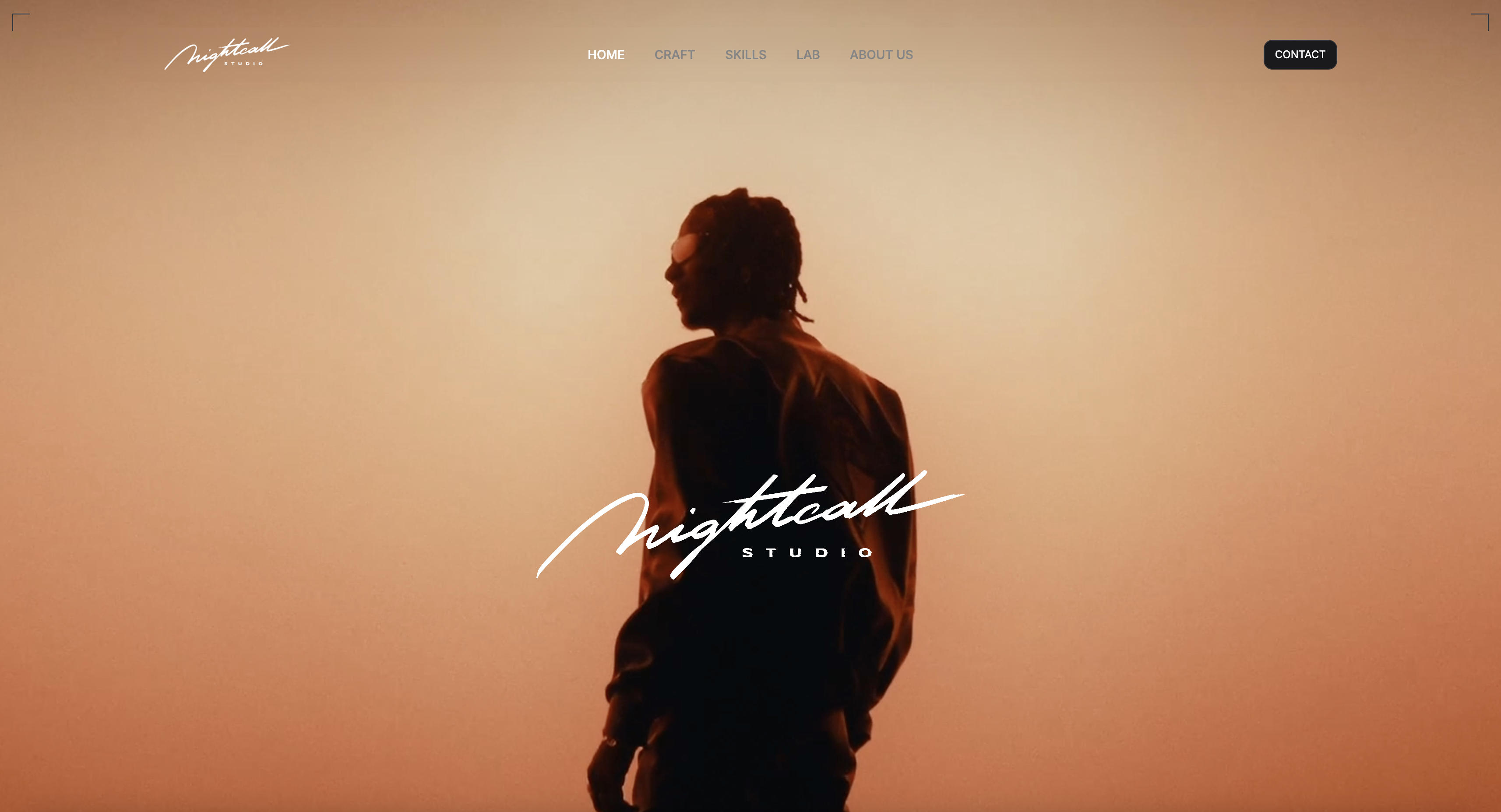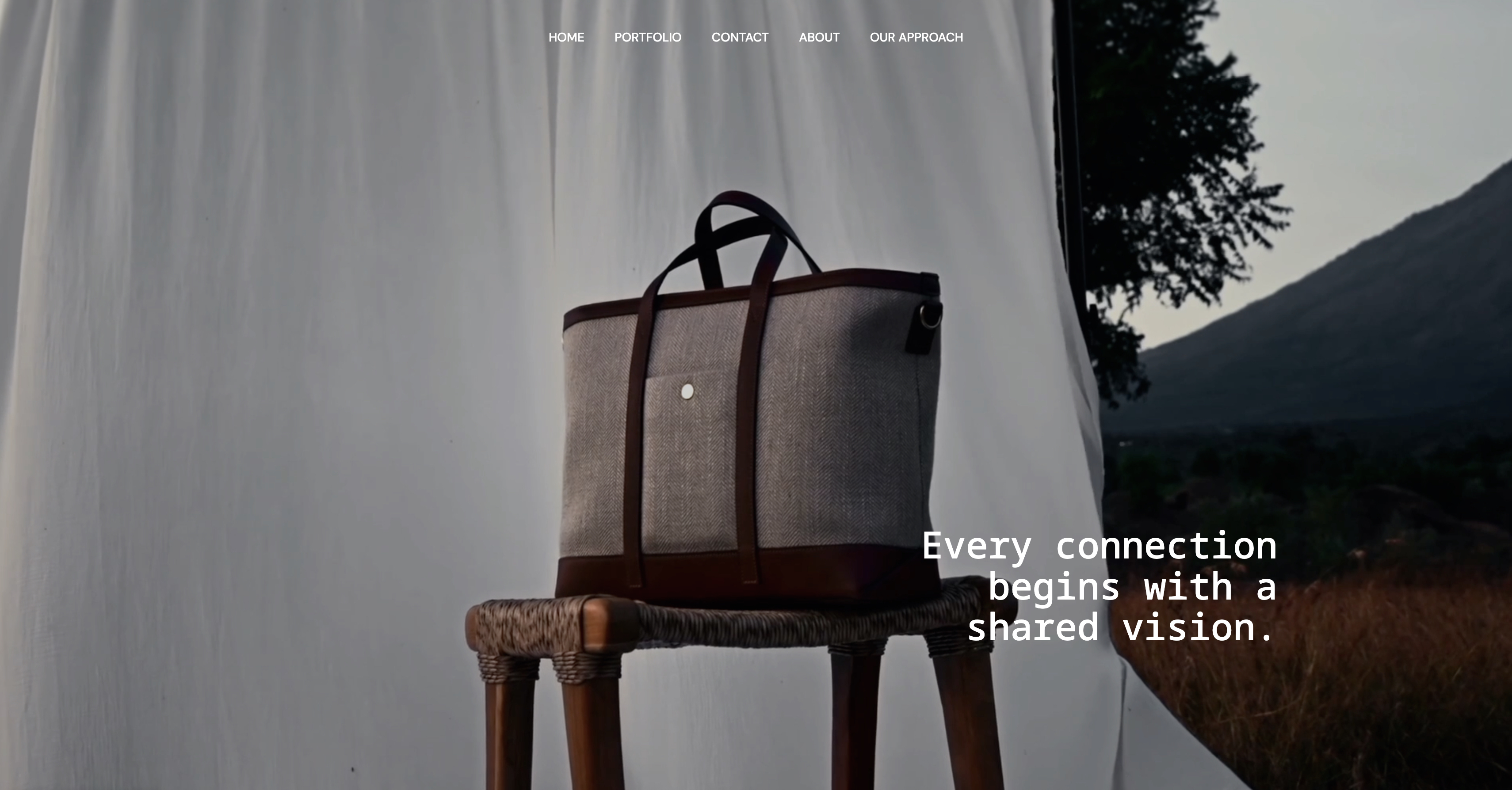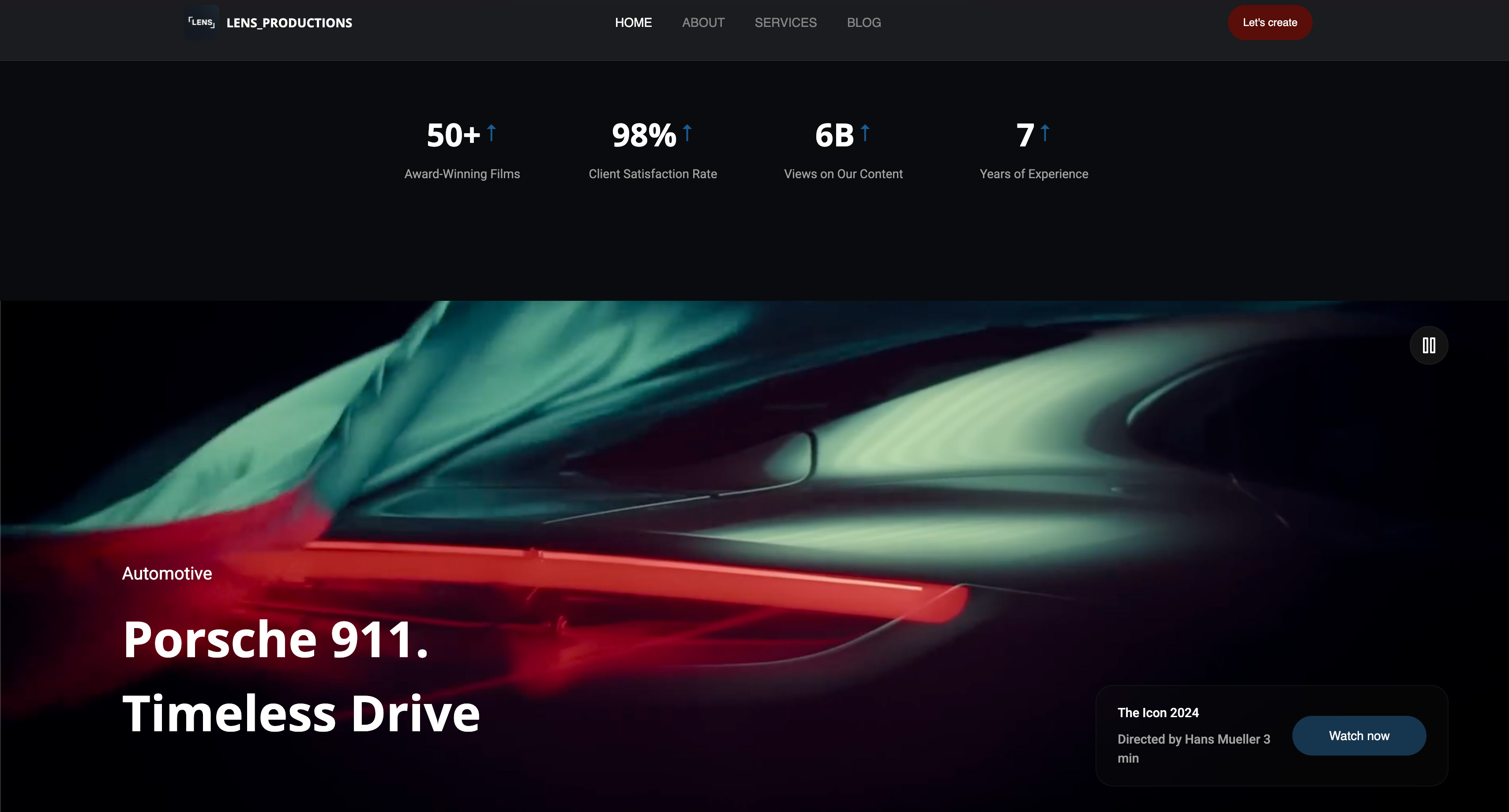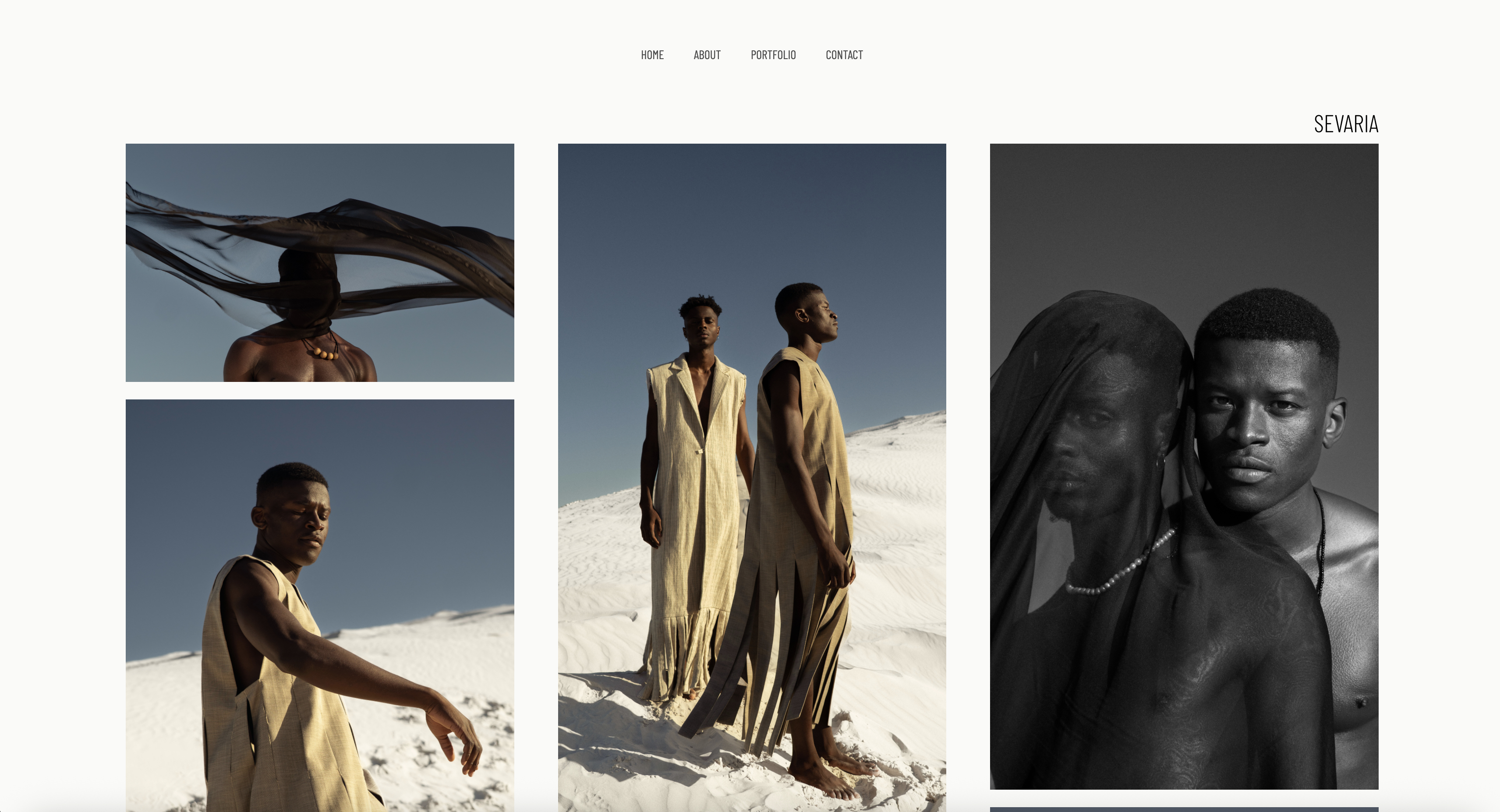
Framekit templates
Start from a designer-made template
 Use template
 Use template
 Use template
 Use template
 Use template
 Use template
 Use template
 Use template
You finish the identity, export a 48-page PDF, name it Brand-Guidelines-FINAL-v4.pdf, and email it to the client.
Three months later their new marketing hire is using a stretched logo in the wrong blue, because the PDF is in a folder nobody remembers and the version they found on Google Drive is v2.
Every brand guideline has the same failure mode, and it is not a design failure. It is a distribution failure.
Brand guidelines software is a tool that publishes an identity system as a living, linkable document, so logos, colour values, typography and usage rules stay in one place the client's whole team can reach, instead of in a PDF that goes stale the week it ships.
The best brand guidelines software in 2026 is Zeroheight for studios whose guidelines carry design tokens and need to stay in sync with code, and Brandpad for independent brand designers who deliver identities to small clients and want the whole thing handled without engineering.
The trade-off is price: Zeroheight is $49 per editor a month past its one-styleguide free plan, which is real money for a two-person studio.
Framekit is third, the pick when you want the guideline designed as a deck with ready-made logo, colour and type layouts and your studio site, client galleries and store in the same account, though it has no asset library for vector downloads.
Notion is the honest free answer, and Frontify is where large organisations end up, though it will not tell you the price until you talk to sales.
Full disclosure: Framekit is our own product and it is ranked third, not first, because it is not a design-system tool. It has no design tokens, no asset versioning, no viewer permissions and no library for SVG or EPS downloads, and Zeroheight and Brandpad beat it outright for a studio delivering complex identity systems. It is scored from its published features rather than from the hands-on coffee-roaster build, and it earns its place for the job described in its own review.
How We Compared 9 Brand Guidelines Tools
We built the same guideline in every tool: a fictional identity for a coffee roaster, with a primary and secondary logo, clear-space and minimum-size rules, a five-colour palette with hex, RGB and CMYK values, two typefaces with a type scale, photography direction, three examples of misuse, and downloadable logo files in SVG, PNG and EPS.
Does the client's team actually reach it. A guideline is only as good as its worst-case reader: a freelance social manager hired eight months from now who has never met you. We scored how many steps stand between that person and the right logo file.
Asset delivery. Can someone download the correct file, in the correct format, without asking you? This is where a beautiful PDF loses to an ugly web page every single time.
Update cost. When the client adds a sub-brand, what does the change cost you? PDF-based workflows charge you a full re-export and a redistribution email.
Design fidelity. Studios sell taste, and a guideline that looks like a wiki undercuts the work it documents. We scored how close each tool gets to a designed document.
Real cost per brand. Priced for a small studio delivering four identities a year, which is the shape most of our readers work in, rather than for an enterprise with a procurement process.
Three kinds of finding, kept apart. Measured by hand: building the guideline, uploading assets, and testing the download path as an outside viewer in a fresh browser.
Verified from published sources: every price, checked against each vendor's own pricing page in August 2026 and linked inline where the page publishes numbers.
Reported as community sentiment: recurring reviewer complaints, flagged as sentiment rather than as our finding.
On 19 September 2026 we re-verified Framekit's plans and moved it from fifth to third, because it now ships Slides, a deck editor with brand-guideline layouts, alongside the website builder we originally reviewed.
Framekit is left out of the hands-on download test below; competitor prices are as read in August.
What Building the Same Guideline 9 Times Showed
The numbers behind the ranking, taken from our build and from each vendor's published pricing in August 2026.
- 2 of 9 do not publish a price at all and require a sales conversation, which are Frontify and Zeroheight's Enterprise tier.
- 4 of 9 deliver a complete guideline at $0 for a single brand: Notion, Google Docs, Figma's free tier, and Framekit's free plan.
- 1 of 9 charges per editor rather than per brand, which is Zeroheight at $49 per editor a month, and that unit is the wrong shape for a studio whose editor count is fixed and whose brand count grows.
- 2 of the 8 tools we ran the download test on let an outside viewer take a correctly formatted logo file in two steps without an account: Brandpad and Frontify.
- Frontify prices on monthly active users averaged over six months, per its own pricing page, which means a single busy launch month can raise your bill for half a year.
- The cheapest credible paid option for a studio delivering four brands a year is Notion's paid tier at roughly $10 per member a month, and the most expensive publicly priced option is Zeroheight at $588 a year per editor.
Skip to the decision tree for the short answer, or read the field first.
The 9 Best Brand Guidelines Software Tools in 2026: Full Comparison
How the ratings work: client reach 25%, asset delivery 25%, update cost 20%, design fidelity 20%, and cost 10%.
Reach and delivery carry half the score between them because a guideline that is not read and does not hand over files has failed at its only job, however handsome it is.
That weighting is why Framekit sits third at 8.5 rather than higher: it scores 9 on reach and design fidelity and 4 on asset delivery, because it has no asset library for vector files, and 3 on systems depth, because it has no design tokens at all.
Zeroheight is the reverse, taking 10 on systems depth and 5 on cost.
| Tool | Best for | Free plan | Design tokens | Cost per year | Our rating |
|---|---|---|---|---|---|
| Zeroheight | Design systems and brand together | Yes, 1 styleguide | Yes | $588 per editor | 9.0/10 |
| Brandpad | Independent brand designers | Yes | No | Published plans | 8.8/10 |
| Framekit | A designed guideline plus site, galleries and store | Yes | No | $0 to $180 | 8.5/10 |
| Figma | Brands designed in Figma already | Yes | Via variables | $0 to $192 | 8.4/10 |
| Frontify | Large teams with a procurement process | No | Yes | Quote only | 8.2/10 |
| Notion | A living guide at almost no cost | Yes | No | $0 to about $120 | 7.8/10 |
| Canva | A client-friendly guide, fast | Yes | No | $0 to $144 | 7.5/10 |
| Standards | A single elegant page | Trial | No | Published plans | 7.2/10 |
| Google Docs | The free baseline | Yes | No | $0 | 6.4/10 |
Pricing verified against each vendor's published pages in August 2026 where they publish one. Two vendors in this list do not, which is itself a finding rather than an omission.
What an outside viewer actually has to do to get your logo
This is the test that separates these tools, and almost no comparison runs it. We opened each published guideline in a clean browser as a stranger would, and counted the steps to a correctly formatted SVG.
| Tool | Steps to download the right logo | Account needed | Wrong-file risk |
|---|---|---|---|
| Brandpad | 2 | No | Low, formats are labelled |
| Frontify | 2 | Depends on settings | Low |
| Zeroheight | 3 | Sometimes | Low |
| Figma | 4 | Yes, to export | High |
| Notion | 3 | No | Medium |
| Canva | 4 | Yes | High |
| Google Docs | 4 | Usually | High |
| PDF sent by email | Uncountable | No | Very high |
Framekit is not in this table: its guideline lives in a Slides deck shared by link, which shows the logo files rather than serving SVG and EPS downloads, so the vector files still travel through a shared folder.
1. Zeroheight: Best for Design Systems and Brand Together
Our rating: 9.0/10
Zeroheight is what you use when the brand guideline and the product design system are the same document, which is increasingly true for any client that ships software.
Colour is not a hex value in a PDF here, it is a token that stays in sync with Figma and, if the client's engineers wire it up, with their codebase.
Building our coffee-roaster guideline in it felt like using a tool designed by people who have watched guidelines rot.
Every value has a single source, the documentation pages are genuinely nice to write in, and the Figma connection means updating a colour updates the guideline rather than starting a chase.
Best forStudios and in-house teams whose guidelines must stay accurate against a product, not just against a logo.
Key features:
- Design tokens with a single source of truth, synced from Figma
- Documentation pages that look designed rather than like a wiki
- Version history and release notes for the guideline itself
- Component documentation alongside brand rules
- A free tier that publishes one complete styleguide
The real numberthe free plan covers 1 editor, 1 styleguide and 1 token set, and Starter is $49 per editor a month, about $588 a year per editor with roughly 15% off on annual billing, per Zeroheight's pricing page. Enterprise is quote-only.
The standout detailthe free tier is genuinely a product rather than a trial. A solo designer with one flagship client can run a complete, live, token-backed guideline at $0 indefinitely, which is unusual in this category.
The gotchathe pricing unit is editors, and a studio's editor count does not shrink when a project ends.
Two designers running six client brands pay the same as two designers running one, so the tool gets relatively cheaper as you grow and feels expensive at exactly the moment you are deciding whether to adopt it.
What reviewers say elsewhereZeroheight rates strongly on G2 in the design-system category, with the recurring criticism being price for small teams, which matches our arithmetic.
Skip it ifyour guidelines are pure identity work with no product surface, because you will pay for token infrastructure you never touch.
Verdict: Zeroheight is the best brand guidelines software for anyone whose brand touches an interface, and overbuilt for a studio doing logos and stationery. Buy it for the sync, not for the pages. Visit Zeroheight
2. Brandpad: Best for Independent Brand Designers
Our rating: 8.8/10
Brandpad is the only tool in this comparison built specifically for the person most of our readers are: an independent designer or a small studio delivering identities to clients who will never open a design tool.
Everything about it is shaped around handover rather than around documentation.
The difference shows in the small things.
Asset downloads are organised the way a client thinks about them rather than the way a designer files them, colour values come out in every format a printer or a developer will ask for, and the published guideline looks like a considered document rather than a knowledge base.
Best forIndependent brand designers and small studios who deliver several identities a year and want handover to stop generating emails.
Key features:
- Purpose-built for identity handover rather than for design systems
- Asset packaging that a non-designer can navigate unaided
- Colour output in the formats print and web both need
- Live guidelines with unlimited viewers and hosting handled
- Presentation quality that holds up as part of the deliverable
The real numberBrandpad publishes its plans on its pricing page and includes a free tier, with paid plans adding collaboration and studio features.
Check the current rates there before quoting a client, because this is a category where prices moved twice in the last two years.
The gotchait does what it does and nothing else. There are no design tokens, no component documentation, and no product-facing features, so a client who later builds an app will outgrow the guideline rather than extend it.
Skip it ifyour clients ship software, because you will be rebuilding the guideline elsewhere within a year.
Verdict: Brandpad is the best-fitting tool here for the independent identity designer and the wrong one for a systems practice. If handover emails are your recurring cost, this is the purchase that removes them. Visit Brandpad
3. Framekit: Best for a Designed Guideline Beside Your Studio Site

Our rating: 8.5/10
Framekit is an AI website builder, and its Slides editor is where a brand guideline now fits best, because it ships slide layouts written for exactly this document: logo anatomy, logo construction, minimum sizes, logo on backgrounds, files and formats, primary and secondary colours, colour specifications, tints and shades, a typeface specimen, a character set and type in use.
The elements panel adds swatches, colour cards, type pairings and a do-and-don't block for the misuse section most guidelines skip.
The workflow is to describe the identity, attach up to 12 reference images such as logo lockups or photography, and let the AI draft the chapters, then correct anything by hand.
Your own fonts and colours carry across every slide on paid plans, so the guideline is set in the typeface it documents.

Best forIndependent brand designers and small studios whose guidelines are identity documents, who also want their portfolio site, client galleries and a template store in the same account.
The real numberthe free plan builds the guideline with the AI writer, a share link and PDF export.
Starter at $84 a year on annual billing adds your own fonts, the template library and removal of the Framekit byline, which is $504 a year less than one Zeroheight editor; Pro at $180 adds PowerPoint export.
The standout detailone guideline, two formats. The live link is the master a client's team opens, and the PDF export from the same deck is the dated snapshot for procurement archives and printers, the split this guide recommends.
The gotchaasset delivery is the weak side, scored 4 of 10. A shared deck shows the logo files but is not an asset library, so SVG and EPS downloads still travel through a shared folder, and a deck link has no password or viewer permissions.
Skip it ifthe client ships software and needs tokens, or handover emails about the right file are your main cost. Zeroheight and Brandpad are built for those problems.
Verdict: For identity work that should look as considered as the identity, Framekit is the best-value way to build the document, with the studio site and client delivery running from the same account.

4. Figma: Best When the Brand Was Designed in Figma
Our rating: 8.4/10
If the identity was made in Figma, documenting it in Figma removes an entire class of drift, because the logo in the guideline is the logo in the file rather than an export of it.
For studios that work this way, it is the cheapest correct answer, and the free tier covers a single brand comfortably.
The problem arrives at handover. Figma is a designer's tool, and asking a client's marketing coordinator to open it, find the right frame, and export at the right size is asking for the wrong file to end up in a newsletter.
Best forStudios documenting a brand for other designers, and internal teams where everyone already has Figma access.
Key features:
- The guideline lives beside the source artwork, so drift is structural rather than likely
- Variables cover colour and type tokens without another subscription
- Comment threads keep client feedback attached to the artwork
- Free tier that handles one brand's documentation
- Prototype links that a client can view without editing
The real numberFigma Professional is $16 per full seat a month on annual billing, which is $192 a year, per Figma's pricing page. Viewing is free, so the cost is your seats rather than your clients.
The gotchaexport is where non-designers fail. Our fresh-browser test took four steps and ended with a PNG at the wrong scale on the first attempt, which is precisely the failure a guideline exists to prevent.
Skip it ifthe guideline's primary readers are marketers, printers, or agencies you will never meet, because the download path is not built for them.
Verdict: Figma is excellent documentation and poor distribution, so use it as the source and publish the client-facing layer somewhere else. Visit Figma
5. Frontify: Best for Large Teams With a Procurement Process
Our rating: 8.2/10
Frontify is where brand guidelines end up inside organisations big enough to have a brand team, a legal team, and an opinion about single sign-on.
It is a genuinely capable platform: digital asset management, guideline publishing, approval workflows and template systems in one place, and it handles scale that nothing else here approaches.
For a small studio, the relevant fact is not the feature list. It is that you cannot find out what it costs without booking a call.
Best forIn-house brand teams at organisations with dozens of asset users and a budget approval process.
Key features:
- Digital asset management with permissions and approvals
- Guideline publishing that scales to sub-brands and regions
- Locked templates so regional teams cannot break the brand
- Single sign-on and the governance an enterprise requires
- Analytics on which assets are actually being used
The real numberFrontify does not publish prices. Its own pricing page explains that it charges on monthly active users, averaged over six months, and directs you to sales for a figure.
Third-party estimates put entry implementations in the low thousands per year, which we report as sentiment rather than as a verified price.
The gotchathe monthly-active-user model, averaged over six months, means a product launch that pulls two hundred people into the platform for one month keeps affecting your bill long after the launch is over. That is worth understanding before a big campaign, not after.
Skip it ifyou are a studio rather than an organisation, because the procurement overhead alone exceeds the value on a four-brand-a-year practice.
Verdict: Frontify is the right answer at a scale most independent designers will never reach, and the pricing opacity is a real cost for everyone below that scale. Visit Frontify
6. Notion: Best Living Guide at Almost No Cost
Our rating: 7.8/10
Notion is the honest free answer, and a surprising number of well-run studios use it. Pages are quick to build, the client can be given edit access to the sections they own, and the guideline updates continuously rather than in versioned releases.
It also looks like Notion, which is the entire objection. A studio charging a serious fee for an identity can undercut the perceived value of that work by delivering it in the same tool the client uses for meeting notes.
Best forStudios prioritising a guideline that stays current over one that impresses, and internal teams documenting a brand for themselves.
Key features:
- Free plan that covers a complete guideline for one brand
- Public sharing by link with no account required for viewers
- File attachments for logo and asset downloads
- Easy client editing on the sections they should own
- Continuous updating with no re-export step
The real numberthe free plan handles a single brand's guideline, and paid tiers are roughly $10 per member a month, about $120 a year per member, per Notion's pricing page.
For a studio that already pays for Notion, the marginal cost of a guideline is zero.
The gotchafile downloads from a public Notion page are functional rather than organised, and there is no way to guarantee a viewer takes the right format. Combine that with the visual sameness of every Notion page and you have a guideline that works and does not sell.
Skip it ifthe guideline is part of a premium deliverable, because presentation is part of what the client paid for.
Verdict: Notion is the best free tool here for keeping a brand accurate and the weakest for making a brand feel valuable. Use it internally, think twice about shipping it. Visit Notion

7. Canva: Best Client-Friendly Guide, Fast
Our rating: 7.5/10
Canva's brand-guideline templates produce a good-looking document in an afternoon, and its Brand Kit gives the client somewhere to actually use the guideline, which is a genuine advantage: colours and fonts are enforced inside the tool the client's marketing person is already designing in.
That is the argument for Canva here, and it is stronger than designers usually admit. A guideline the client cannot violate beats a guideline the client can read.
Best forStudios whose clients do their own marketing design in Canva, which is a large and growing share of small businesses.
Key features:
- Templates that produce a presentable guideline quickly
- Brand Kit that enforces colours and fonts inside the client's own workflow
- Free plan that completes a guideline document
- Shareable link or exported PDF, whichever the client prefers
- Approachable enough that a client can maintain simple sections
The real numberthe free plan produces the document. Pro is $18 a month or $144 billed annually, about $12 a month, and Brand Kit features sit on the paid tiers, so the useful version of this workflow is a paid one.
The gotchathe Brand Kit only enforces the brand inside Canva. The moment the client hires an agency that works in Adobe or Figma, the enforcement evaporates and you are back to a document.
Skip it ifthe client's design work happens outside Canva, because then you are paying for a template rather than a system.
Verdict: Canva is a better brand-guidelines tool than its reputation suggests, specifically because of where the client works rather than because of the document. See our best Canva alternatives for presentations if the export limits bite. Visit Canva
8. Standards: Best Single Elegant Page
Our rating: 7.2/10
Standards takes the opposite position to every platform in this comparison: a brand guideline should be one beautiful scrolling page, not a documentation site, and constraint is the feature.
For a small identity with five colours, two typefaces and a set of rules that fit on a page, it produces the most attractive result here.
The constraint is also the limit. There is no room to grow a sub-brand section, no token layer, and no asset management beyond the basics, so it fits a specific size of project exactly and nothing larger.
Best forSmall, elegant identities where the guideline is part of the design deliverable rather than an operations document.
Key features:
- One-page format that reads as a designed artefact
- Fast to produce once the identity is finished
- Clean typography and image handling out of the box
- Simple sharing with no viewer friction
- Opinionated structure that removes layout decisions
The real numberStandards publishes its plans on its site, and the practical comparison for a studio is against Brandpad, which does a similar job with more asset handling. Check current pricing before quoting.
The gotchayou will outgrow it on the second sub-brand. Studios that adopt it for one client and then try to standardise on it across a roster usually find the format fighting them within a year.
Skip it ifyour clients tend to grow, or your guidelines routinely exceed about fifteen sections.
Verdict: Standards is the most designed output in this comparison and the least extensible. Choose it deliberately for small work, not as a studio default. Visit Standards
9. Google Docs: Best Free Baseline
Our rating: 6.4/10
Google Docs deserves its place because a real number of brand guidelines are delivered this way, and because it is genuinely better than a PDF for one reason: it can be corrected after it is sent, and the link the client has keeps working.
Everything else is a compromise. Image handling is poor, typography is generic, asset downloads mean links to a Drive folder with its own permission problems, and the document communicates nothing about the quality of the identity it describes.
Best forInternal brand notes, and the interim version of a guideline while the real one is being built.
Key features:
- Free, permanently, with nothing gated
- Editable after sending, so corrections do not need redistribution
- Comment threads for client feedback
- Works on anything with a browser
- Exports to PDF when a static copy is needed
The real number$0 on a personal account, or $7 per user a month on a company domain through Google Workspace Business Starter, per Google's published pricing.
The gotchathe Drive folder is where this workflow fails. Permissions on a shared asset folder drift, links break when files move, and the client's new hire hits an access request screen rather than a logo.
Skip it ifthe guideline is client-facing and paid for, which is most of the time.
Verdict: Google Docs is an acceptable interim and a poor deliverable. If you are using it because the alternatives seemed expensive, note that four tools in this comparison are free. Visit Google Docs
What Brand Guidelines Software Actually Costs a Studio
In one linethe real cost of guideline software is not the subscription, it is whether you are billing the client for handover support that the right tool would have removed.
Priced for a studio delivering four identities a year, the range across this comparison is wide, and the shape of the pricing unit matters more than the headline.
| Tool and plan | Annual cost | Pricing unit | Cost per brand at four a year |
|---|---|---|---|
| Notion free, or Google Docs | $0 | None | $0 |
| Framekit Starter | $84 | Per account | $21 |
| Notion paid | About $120 per member | Per member | About $30 |
| Canva Pro | $144 | Per seat | $36 |
| Figma Professional | $192 | Per seat | $48 |
| Zeroheight Starter | $588 per editor | Per editor | $147 |
| Frontify | Quote only | Monthly active users | Unknown before a call |
Run this on yourself. Open your email and count the messages you sent in the last year that contained a logo file, a hex value, or the sentence "the correct version is attached". Multiply by fifteen minutes.
That number is what your current guideline format costs you annually, and it is almost always larger than every subscription in the table above.

The Failure Nobody Designs For
In one lineguidelines are written for the client who commissioned them and read by people that client has not hired yet, and almost no guideline survives that handoff.
Think about who actually opens a brand guideline in year two. It is a freelance social media manager, a printer preparing a job, an agency pitching for the client's next campaign, and a new marketing coordinator on their second day.
None of them were in the presentation where you explained the thinking. All of them want one thing: the right file, quickly.
What that implies for the tool. Reach beats depth for identity work.
A guideline nobody can open is worth less than a plain one everybody can, which is why our scoring puts client reach and asset delivery at half the total and why a $0 published page outperforms a beautiful PDF.
The version problem is the same problem. Every static format creates versions, and versions create wrong logos. A live document has exactly one version, which removes an entire category of brand damage without anybody having to be disciplined about it.
The honest counterpoint. Some clients genuinely need a PDF: procurement archives, printed brand books, and agencies with locked-down networks all have real reasons.
The workable answer is to publish the live guideline and export a dated PDF as a snapshot, rather than making the PDF the master.
How to Choose Brand Guidelines Software: A Decision Tree
In one lineanswer in order and stop at your first yes, because the first yes is the constraint that decides everything after it.
1. Does the client ship software with a design system? If yes, use Zeroheight and let the tokens be the source of truth. Nothing else here closes the gap between a brand colour and a code value.
2. Are you an independent designer delivering identities to small clients? If yes, Brandpad is built for exactly your job and will remove more handover email than any other option.
3.
Is the guideline part of a premium deliverable where presentation matters? If yes, design it in Framekit Slides, whose logo, colour and type layouts do most of the building, from $0 or $84 a year on annual billing, or use Standards if it is small enough to fit one elegant scroll.
4. Does the client's marketing team design in Canva? If yes, build the Brand Kit there regardless of where the document lives, because enforcement beats documentation.
5. Is the brand internal and the budget zero? Notion, free plan, and accept that it will look like Notion.
6. Do you have more than about fifty asset users and a procurement process? Frontify, and go into the call knowing it prices on monthly active users averaged over six months.
7. None of the above? Framekit's free plan or Notion's free plan will both publish a complete, live guideline today, and you can move once you know which limit you hit first.
If you are writing the guide rather than choosing where to host it, our step-by-step on how to make a brand style guide covers the two specifications almost every guide omits.
Product teams documenting components and tokens rather than brand rules should start with the best design system documentation tools, which is a different job with different tooling.
Frequently Asked Questions
What is the best brand guidelines software in 2026?
The best brand guidelines software in 2026 is Zeroheight for guidelines that carry design tokens and must stay in sync with a product, and Brandpad for independent designers delivering identity work to small clients.
Framekit ranks third, the pick when you want a designed guideline deck built from ready-made logo, colour and type layouts, shared as a link or a PDF, with your studio site and client delivery in the same account; Notion is the strongest genuinely free option for keeping a brand accurate rather than impressive.
Should brand guidelines be a PDF or a website?
A website, with a dated PDF exported as a snapshot rather than as the master.
A PDF creates versions, and versions are how the wrong logo ends up in a campaign eight months later; a live page has one version and can be corrected the same day.
Keep a PDF for procurement archives, printers, and clients whose networks block external links, but do not let it be the document people work from.
Is there free brand guidelines software?
Yes, four options in this comparison are genuinely free rather than trials.
Notion's free plan publishes a complete guideline with public link sharing, Zeroheight's free tier covers one styleguide with real design tokens, Figma's free tier documents one brand beside its source artwork, and Framekit's free plan builds a guideline deck with a share link and PDF export and no credit card.
Google Docs also works and is the weakest of the five.
How much does Frontify cost?
Frontify does not publish prices and requires a sales conversation, and its own pricing page states that it charges based on monthly active users averaged over six months.
Third-party estimates commonly put entry implementations in the low thousands of dollars a year, which should be treated as sentiment rather than as a quote.
For most independent studios the more useful fact is the pricing model: a busy launch month can raise the bill for the following six.
Zeroheight vs Frontify: which should a small studio choose?
Neither, in most cases, and Zeroheight if forced to choose.
Zeroheight publishes its prices, offers a genuinely usable free tier with one styleguide, and is stronger for design tokens; Frontify is a larger asset-management platform aimed at organisations with many asset users and a procurement process.
A studio delivering four identities a year is better served by Brandpad or a published page, and will spend less than either platform costs.
Can I charge clients for a brand guidelines platform subscription?
Yes, and most studios that do it well bill it as a hosting or maintenance line rather than as a software cost.
The clean structure is to publish the guideline on the client's own domain and bill an annual maintenance fee that covers updates and hosting, which keeps the relationship alive after delivery.
The structure to avoid is paying per editor for a roster of clients out of your own margin.
What should a brand guideline actually include?
At minimum: primary and secondary logo files with clear-space and minimum-size rules, a colour palette with hex, RGB and CMYK values, typography with a working type scale, photography or illustration direction, and three concrete examples of misuse.
The misuse examples are the section that prevents the most damage and the one most often skipped, because they are the only part that tells a stranger what not to do.
How do I stop clients using the wrong logo file?
Publish the assets where the wrong file is not available, rather than documenting the rule and hoping.
Our fresh-browser test found that tools organising downloads by use case, which is Brandpad and Frontify, produced the correct file in two steps, while tools requiring an export step produced a wrong-scale file on the first attempt.
Removing the wrong file from reach beats explaining it.
Do brand guidelines need to be updated?
Yes, and the update cadence is what should decide your tool.
Most identities gain a sub-brand, a new social format, or a revised palette within eighteen months, and a static PDF turns each of those into a re-export and a redistribution email.
If your guidelines change more than once a year, the update cost is the largest hidden cost in this comparison and a live tool pays for itself on the first revision.
Can I use a website builder for brand guidelines?
Yes, and it is a common approach for identity work that does not carry design tokens. A published page reaches anyone with a link, needs no account, keeps one version, and can present the identity at the quality the work deserves.
Framekit's website builder can publish such a page on your own domain, and its Slides editor has dedicated guideline layouts; the limitation to accept in both is that you organise the asset files yourself rather than getting a managed asset library.
What is the difference between brand guidelines and a design system?
Brand guidelines describe an identity, and a design system describes an interface built from it.
Guidelines cover logos, colour, typography, tone and usage rules for anyone touching the brand; a design system adds components, states, tokens and code references for the people building the product.
Tools like Zeroheight and Frontify span both, while Brandpad, Standards and a published page cover the guideline half well and the system half not at all.
How long does it take to build a brand guideline?
Between an afternoon and about three days, depending on the tool and the size of the identity, and our coffee-roaster build took the least time in Canva and the most in Zeroheight.
The variable that dominates is not the software but whether the identity decisions are finished, because guideline tools make documenting a decision fast and none of them make an undecided palette any easier.
Final Verdict
Zeroheight is the best brand guidelines software in 2026 for any guideline that has to stay accurate against a product, because tokens make drift structural rather than a matter of discipline, and its free tier is a real product for a solo designer with one flagship client.
Brandpad is the better buy for independent identity designers, and it is shaped around the handover problem rather than around documentation.
For guidelines that are documents rather than systems, Framekit is third and the best-value way to make the guideline look like the work: ready-made logo, colour and type layouts, a live link and a PDF snapshot, from the same account as your site and client deliveries.
The pattern across nine tools is that the expensive platforms solve a maintenance problem and the cheap ones solve a distribution problem, and most independent studios have the distribution problem.
Where Framekit losesFramekit is not a source of truth for a client shipping software, because it has no design tokens, and it does not manage vector asset downloads, versions or viewer permissions.
Zeroheight is the better fit for systems, Brandpad for asset handover, and Frontify for governance at scale.
Keep reading: our best film treatment software comparison, the best pitch deck software guide, and the best website builders for creative agencies.