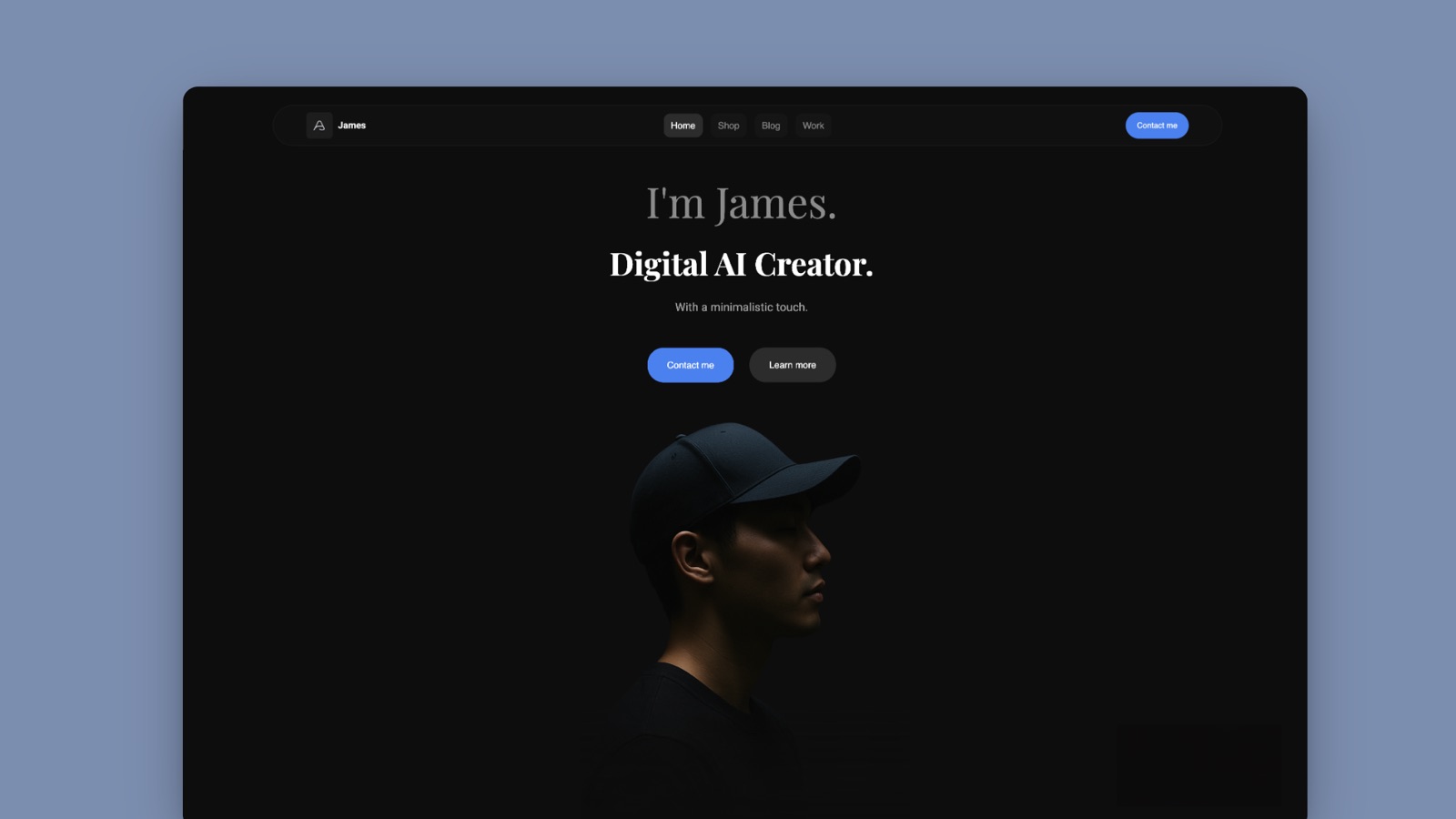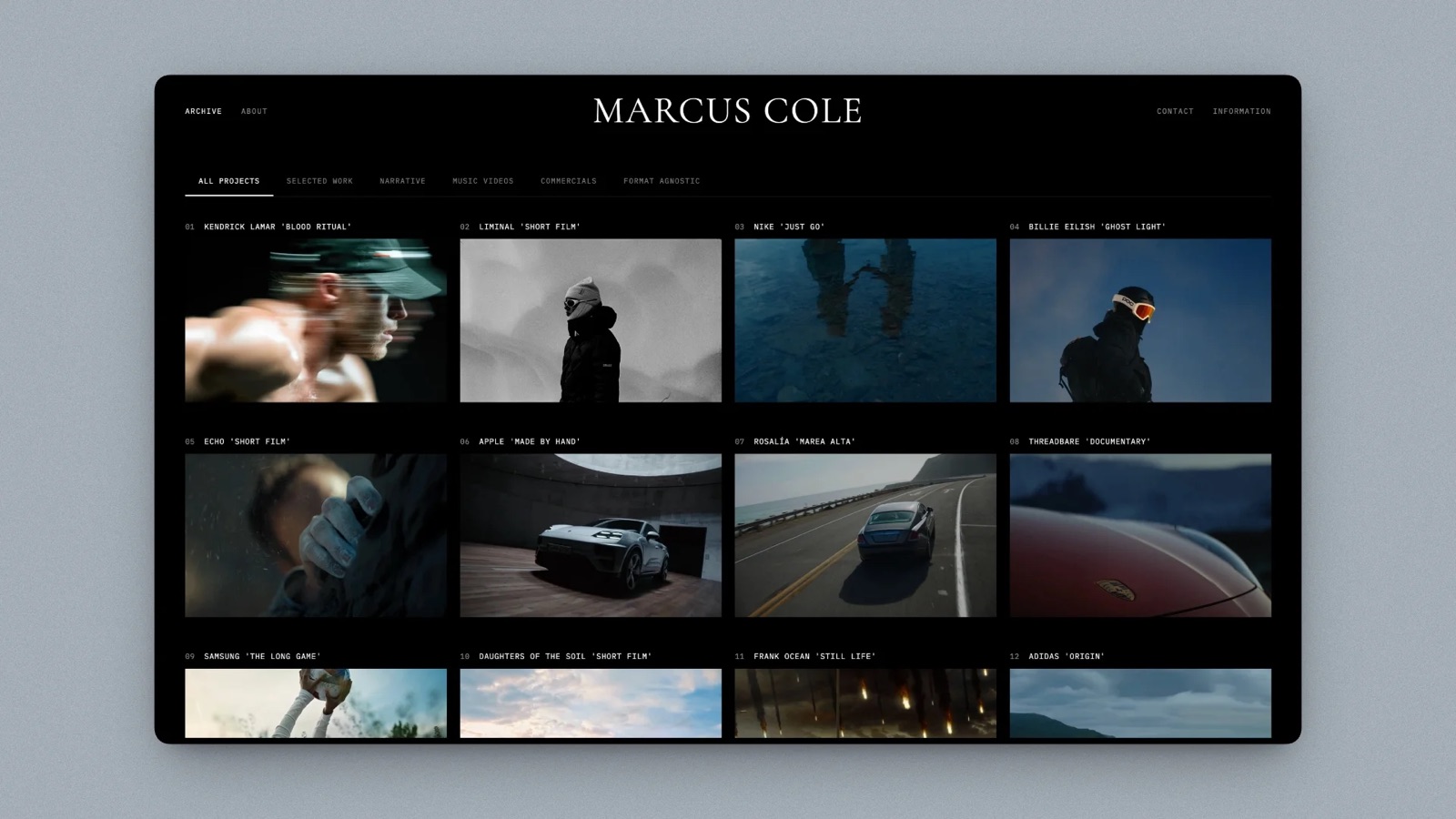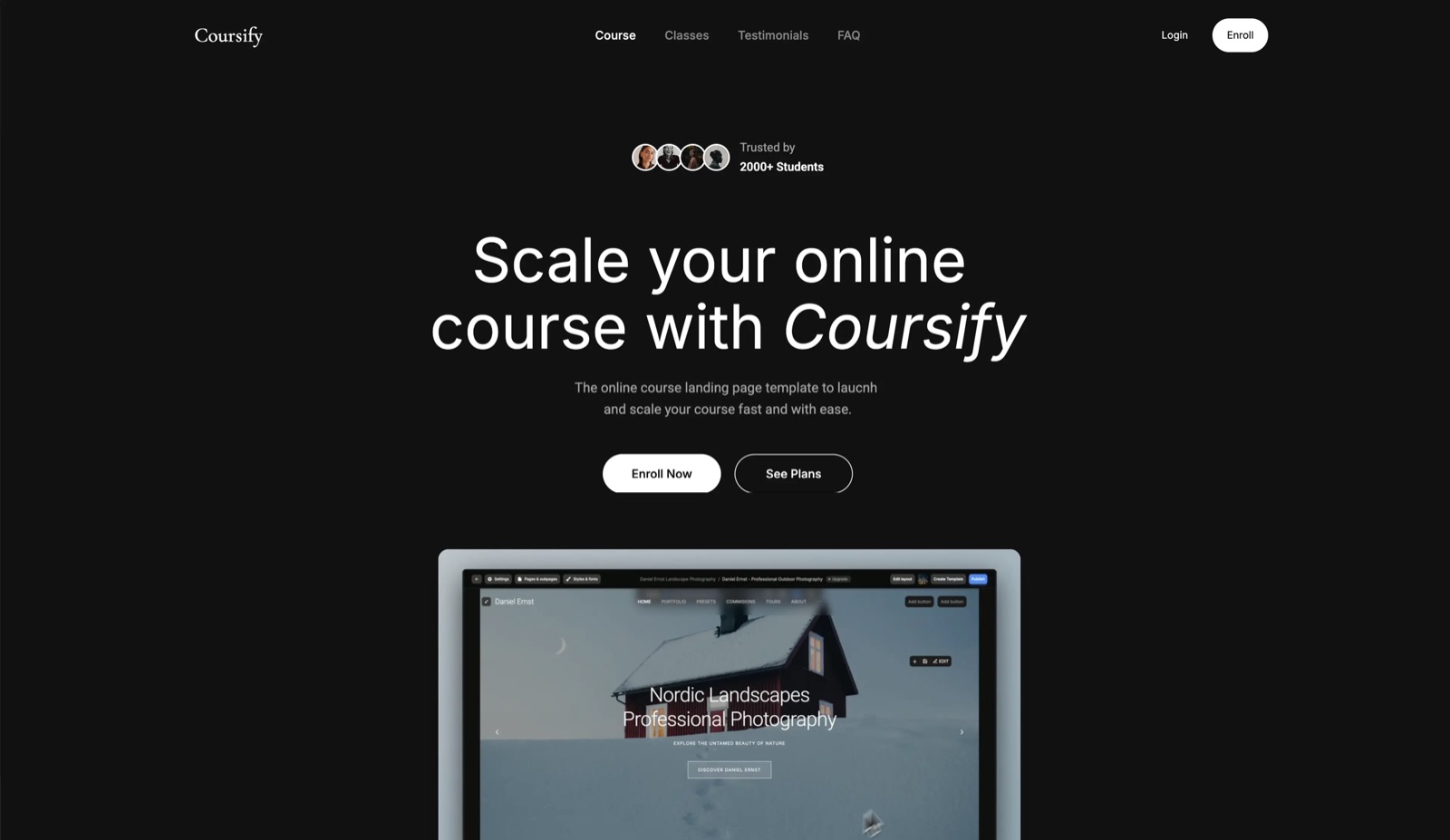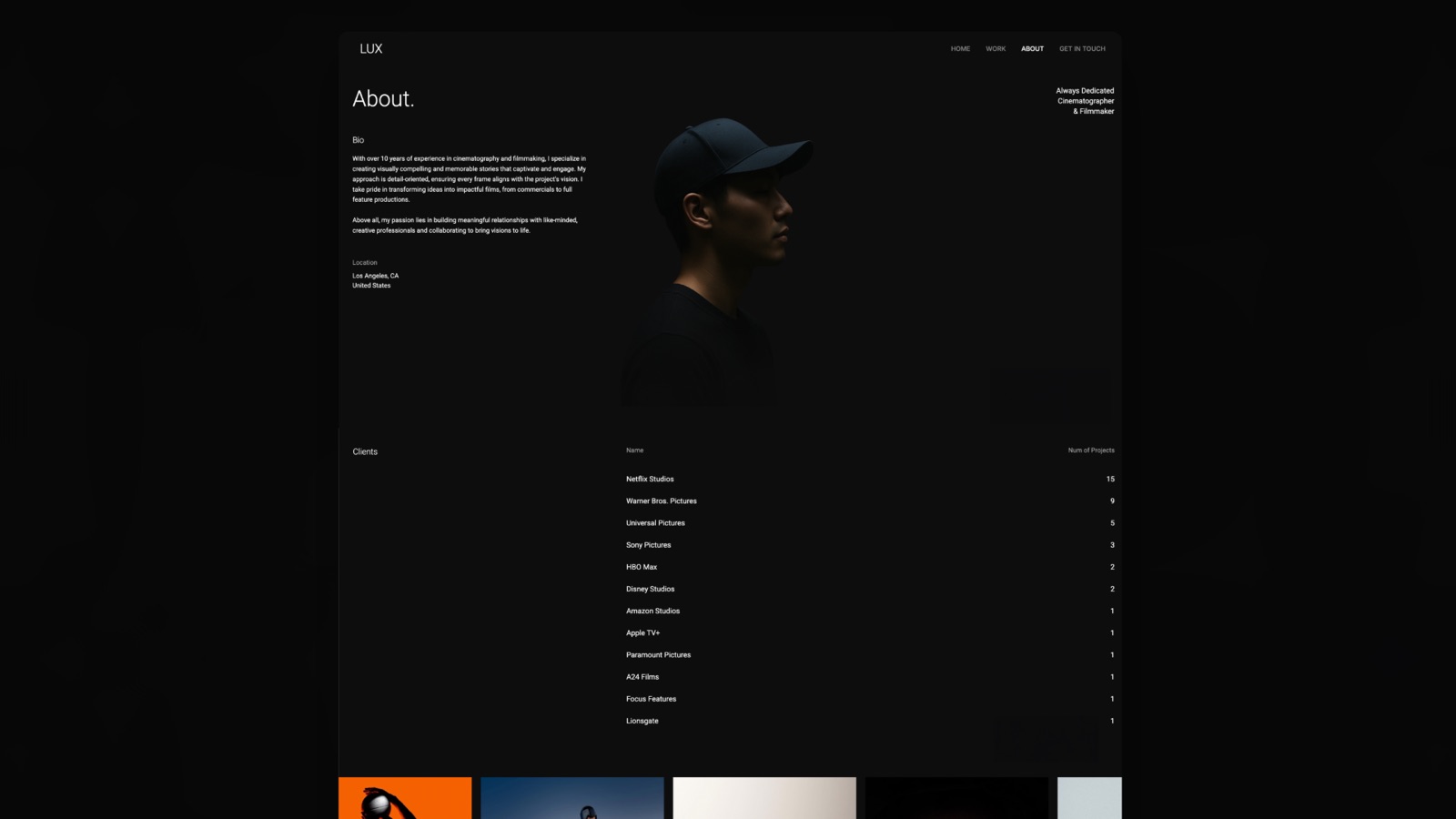
Framekit templates
Start from a designer-made template
 Use template
 Use template
 Use template
 Use template
 Use template
 Use template
 Use template
 Use template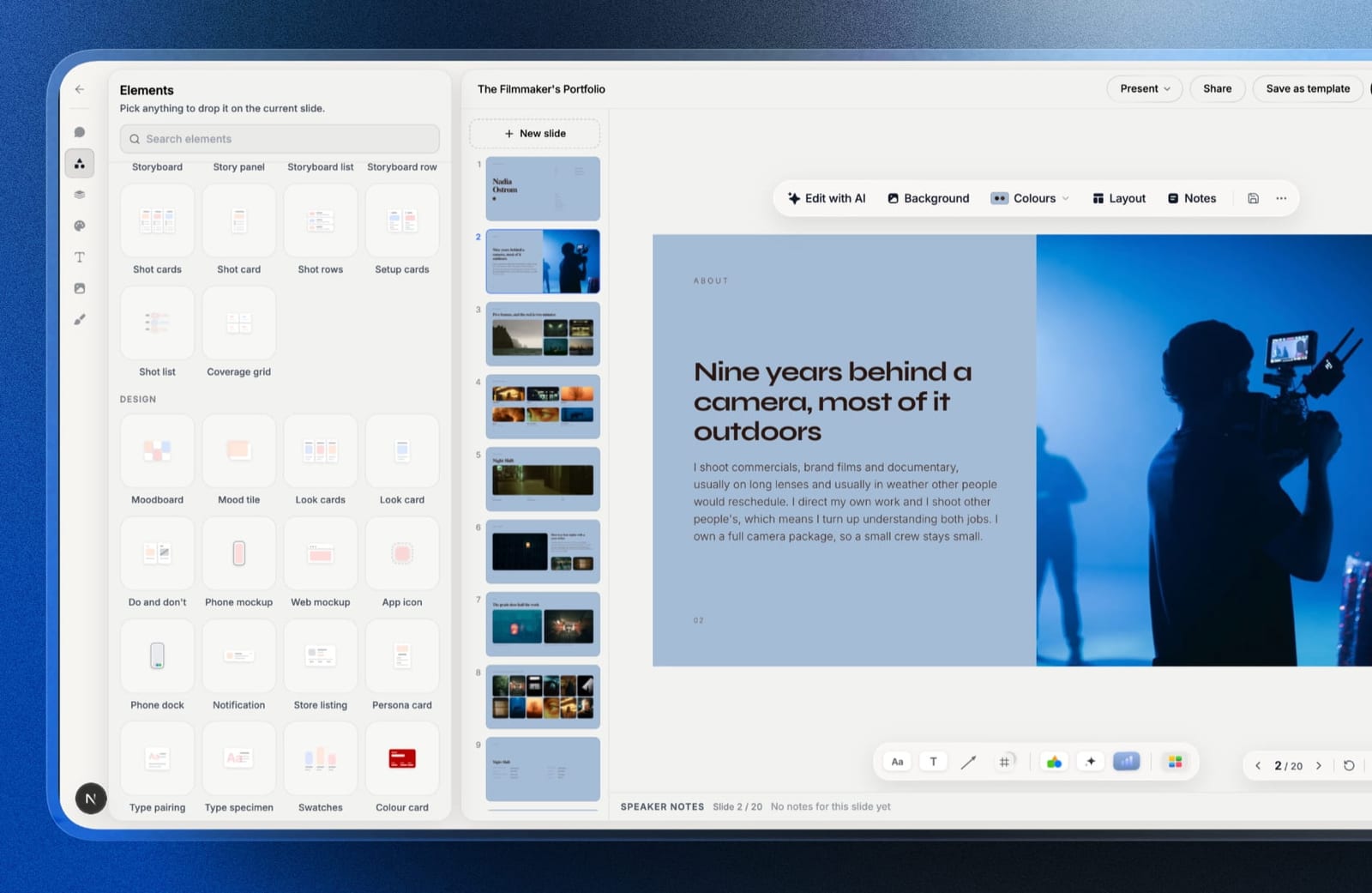
Two things go wrong when a remote team presents, and neither of them is what presentation tools are usually chosen to fix. The first is that screen sharing re-encodes your deck.
Your carefully set type and your graded images are compressed by the video call before they reach anyone, so every person on the call sees a worse version of your work than you do, and none of them mention it because they assume that is how it looks.
The second is that half your audience is not there. In a distributed team, the person who most needs the deck is asleep, and the recording they watch on Thursday is a forty-minute video of someone else's cursor.
The deck arrives. The signal does not.
A remote presentation tool is software that gets a deck to a distributed team either live over a video call or asynchronously as a link, ideally without degrading the images, and ideally telling you whether anyone actually watched.
The best presentation tool for remote teams in 2026 is Canva, because its Present and record feature produces a shareable link with your camera over the playing slides, which solves the async half of remote presenting better than a meeting recording, and because the slides in that link are served at full quality rather than through a video codec.
The trade-off is that Canva Teams costs $25 per user per month, which is steep for a team where most people only watch.
Google Slides is the free answer for co-editing, Framekit is the pick for remote creative studios that send pitch decks as links and collect timestamped notes on cuts in the same account, Pitch is the pick for tracked async decks, and Loom remains the fastest way to record a walkthrough.
Framekit is an AI website builder that also holds Slides, video review, client galleries and a digital-download store in one account.
In September 2026 we re-verified Framekit's plans and features and moved it from eleventh to third, because it now ships a deck tool and async video feedback, which it did not when this guide was first written.
Full disclosure: Framekit is our own product and it is ranked third below, for remote creative studios only; it has no recording, no live co-editing and no viewer tracking, so Canva, Google Slides, Pitch and Loom each beat it on a criterion named in their reviews.
How We Tested These Presentation Tools for Remote Teams
We ran the same eighteen-slide product update through every tool twice: once live to nine people across four time zones on a video call, and once asynchronously as a link sent to the same nine people.
Live quality. We compared the deck as the presenter saw it against a screenshot taken by a participant, to measure what screen sharing actually does to type and images.
Async delivery. Whether the tool produces something better than a meeting recording, and whether recipients can move at their own pace.
Co-editing across time zones. Whether three people in different countries can build a deck without a call, including comment threads that survive being resolved.
Who watched. Whether the tool reports which of the nine people opened it and how far they got.
Cost for a fifteen-person distributed team, where perhaps four people build decks and eleven only watch, because that ratio is what determines whether per-seat pricing is reasonable or absurd.
Three kinds of finding, kept apart. Ours by hand in August 2026: the eleven live sessions, the eleven async sends, the screen-share quality comparisons, and the co-editing tests.
From published pricing: every figure below, linked where the number carries weight. From other people: recurring complaints in public reviews, always labelled as sentiment.
What Presenting the Same Deck Eleven Times Remotely Showed
The findings that mattered were about delivery rather than about editors, and the screen-sharing one surprised everyone involved.
- 11 of 11 decks were visibly degraded when screen shared, with small type and fine gradients worst affected. Sending a link avoided it in every case.
- 4 of 11 produce an async artefact better than a meeting recording, meaning the viewer controls the pace.
- 5 of 11 report which specific recipients opened the deck.
- 3 of 11 separate creator seats from viewer seats, which is the difference between $540 and $2,700 a year for our fifteen-person team.
- Cost for fifteen people ranged from $0 to $7,200 a year.
- The async send was opened by 8 of 9 recipients. The meeting recording was opened by 3 of 9.
Presentation Tools for Remote Teams Compared
The weighting: async delivery quality 25%, live experience 20%, co-editing 20%, cost at fifteen people 20%, tracking 15%.
Async carries the most because in a distributed team the majority of a deck's audience is not in the meeting, and most tools are designed as though they are.
Framekit scores zero on tracking and below every top-five tool on co-editing, which the table shows; it holds third on async delivery and cost for creative teams.
| Tool | Async artefact | Viewers pay a seat | Tracking | Cost, 15 people / year |
|---|---|---|---|---|
| Canva | Recorded link with camera | Yes | Views only | $4,500 |
| Google Slides | Published link | No | No | $0 |
| Framekit | Deck link plus timestamped video review | No | No | $228 to $468 |
| Pitch | Tracked advanced link | Yes | Yes | ~EUR 2,700 |
| Loom | Recorded video | No, viewers free | Yes | $720 for 4 creators |
| Gamma | Web-native deck link | Yes | Yes | $1,620 |
| Figma Slides | Shared file link | Yes, $3 seats | No | $540 |
| Miro | Talktrack async walkthrough | Yes | Limited | $1,440 |
| Storydoc | Responsive web document | Yes | Yes | $3,564 |
| Prezi Video | Recording with you on screen | Yes | Premium tier | $1,260 |
| PowerPoint | File or recorded slideshow | Yes | No | ~$1,500 |
1. Canva: The Best Presentation Tool for Remote Teams
Best forteams whose decks need to work both live and as a recording.
Canva's Present and record is the single most useful feature in this comparison for distributed work. You record yourself presenting, your camera sits in a corner over the playing slides, and the output is a link rather than a video file.
Recipients scrub, skip, and read at their own pace, and the slides are rendered rather than encoded, so the type stays sharp.
That last part matters more than it sounds. Our async Canva link was visibly sharper than the same deck watched back as a meeting recording, because a recording is video and a Canva link is a deck with a video of your face on top of it.
The real numberCanva Pro is $144 a year for one person, and Canva Teams is $25 per user a month, which is $4,500 a year for fifteen people. Since most of those fifteen only watch, and watching needs no account, many teams license only the people who build.
The standout detaileight of our nine recipients opened the recorded link, against three of nine for the equivalent meeting recording. Same content, same people, same week. The format changed the behaviour.
The gotchaanalytics are shallow. You see view counts, not who watched or how far they got, which for an internal update is fine and for anything you need to follow up on is not.
Skip it ifknowing which specific colleague read the deck matters.
What reviewers say elsewhereCanva holds a 4.7 out of 5 across more than 6,000 reviews on Capterra, where breadth and ease of use dominate.
Verdict: the best all-round answer for distributed teams, and priced per seat in a way that punishes teams who license everyone. License the builders only.
2. Google Slides: The Best Free Option for Co-Editing
Best forteams building decks together across time zones without a meeting.
Three people in three countries edited our deck simultaneously with no conflicts, comment threads that stayed attached to the right elements, and a version history granular enough to see exactly which slide changed overnight. Nothing else here does that for free.
The real numberfree at any headcount, which for fifteen people is a difference of thousands of dollars a year against every paid tool in this comparison. Google Workspace Business Starter at $7 per user a month is optional and buys a company domain plus admin controls.
The standout detailan outside reviewer with no Google account left comments in a browser tab. For remote teams that work with contractors, clients, and agencies, that removes a sign-up step nothing else here removes.
The gotchathere is no async artefact. A published Google Slides link is a deck you click through, with no narration and no indication of what mattered. For a distributed team, the tool that produces the best collaboration produces the worst asynchronous delivery.
Skip it ifthe deck needs to explain itself to someone who was not on the call.
Verdict: the correct free foundation for remote teams and only half the answer. Pair it with a recording tool rather than replacing it.
3. Framekit: Best for Remote Creative Studios

Best fordistributed production companies, design studios and photo teams whose decks are pitches and treatments, and whose real async bottleneck is feedback on a cut.
A remote creative studio presents two kinds of thing, and most tools on this page handle one. The first is the deck: a treatment, a lookbook, a capabilities pitch.
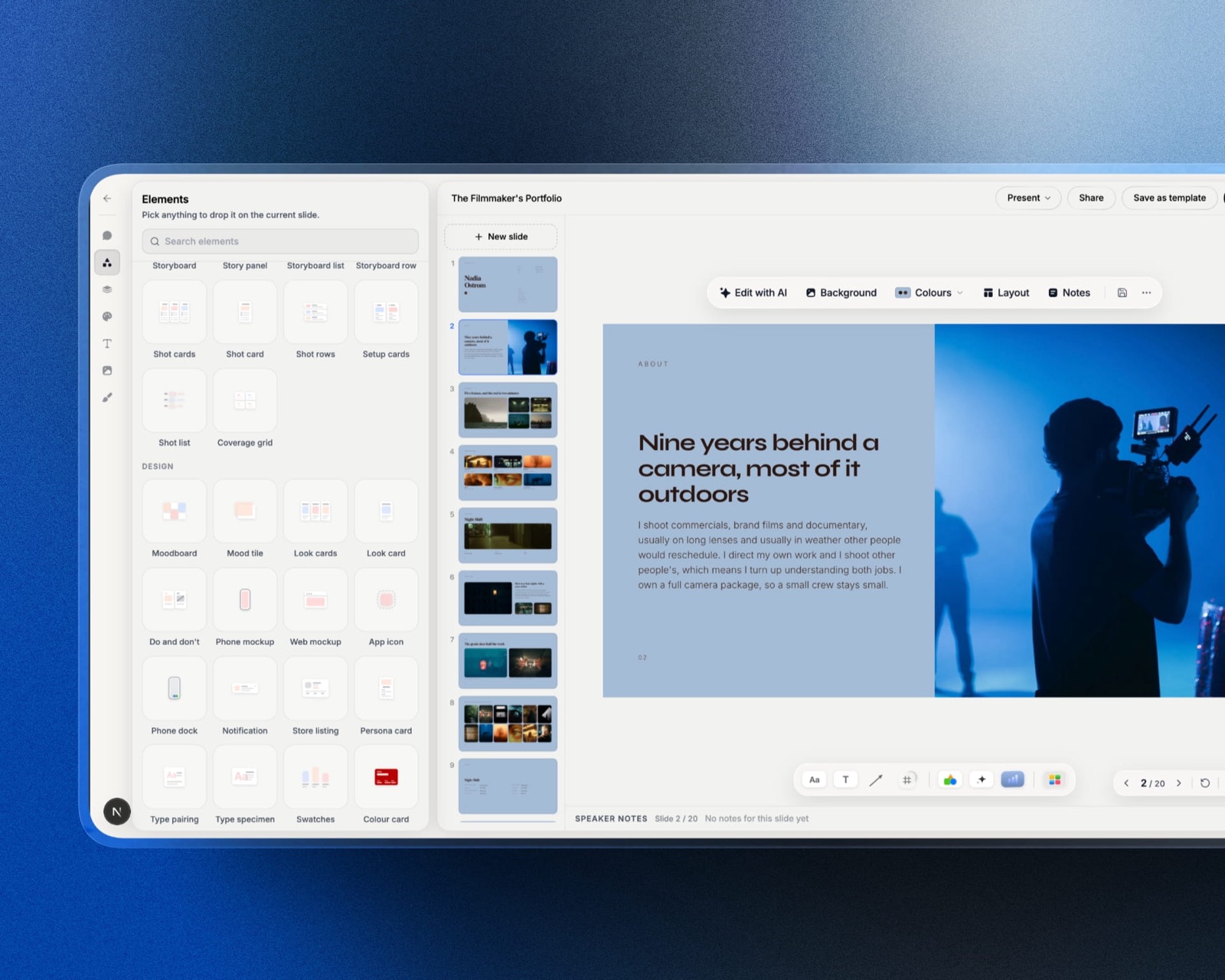
In Framekit Slides you describe it, the AI writes and lays out each slide, and shot lists, storyboard rows and moodboards are ready-made elements.
It goes out as a link, so nobody watches it through a screen share's compression, and publishing a fix updates the same address in every inbox. The second is the cut.
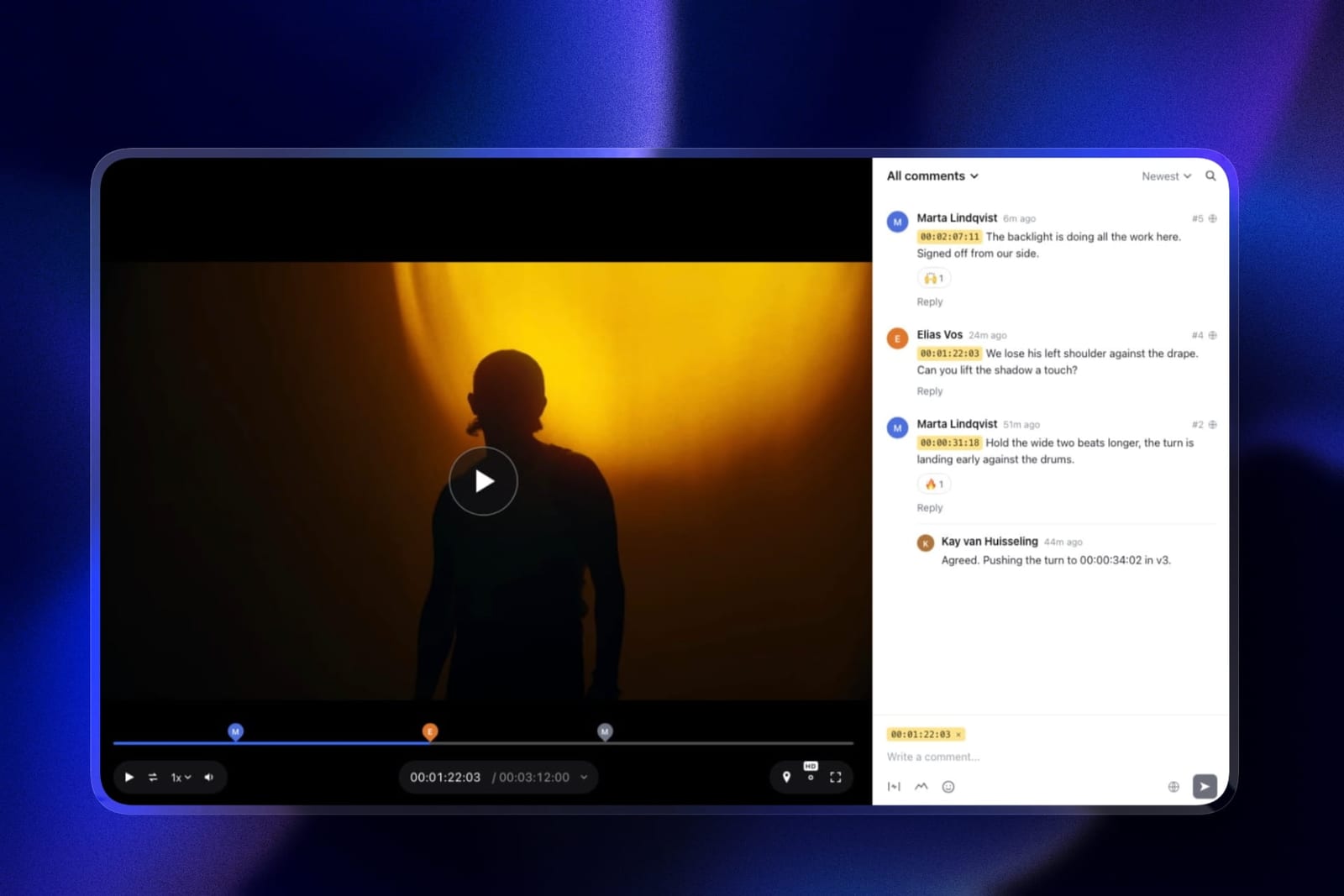
Framekit's video review lets a producer in another time zone leave a note at the exact frame, draw on it, and mark the version approved or needs changes, with no account and no call.
The real numberviewers and reviewers never need a seat or an account.
Team members are admins who can edit, and Pro at $19 a month includes three of them while Business at $39 a month has unlimited, so our fifteen-person team with four builders costs $228 to $468 a year billed monthly, against $4,500 on Canva Teams.
The standout detailversion stacks. Upload v3 of a cut and v1 and v2 stay, with their notes, one click away, which is the thing a Slack thread of exported files never manages across three time zones.
The gotchait does none of the async things Canva, Pitch and Loom do best.
There is no recorded walkthrough with your camera, no live multi-cursor co-editing of a deck, no comment threads on deck slides, no record of who opened the link, and no password on it.
Review is video only, so a PDF proof or a design file still needs another tool.
Skip it ifyour team presents internal updates, roadmaps or board packs. That is Canva's, Pitch's and Google Slides' job, not ours.
Verdict: the best choice for a remote team whose work is pictures and footage, because the pitch deck, the cut under review and the portfolio site live in one account where clients never need a seat. For a company-wide all-hands, pick one of the two tools above.
4. Pitch: Best for Tracked Async Decks
Best forteams who need to know who read the update.
Pitch's advanced links are the most useful tracking in this comparison.
On our async send, we could see which of the nine recipients opened the deck, which slides they lingered on, and which of them forwarded it, which in a distributed company tells you where a decision is actually being made.
Its shared components also make a recurring team update an edit rather than a rebuild, which over a year of fortnightly updates is real time.
The real numberPitch is per seat at EUR 10 for Plus, EUR 15 for Team, and EUR 20 for Business, so fifteen people on Team is roughly EUR 2,700 a year. Advanced links require Team, so the free tier does not include the reason to be here.
The gotchaviewers need seats if they are part of the workspace, and there is no cheaper viewer tier. A team where four people build and eleven watch pays for fifteen builders.
Skip it ifmost of your team only consumes decks.
Verdict: the best tracking here and the worst seat model for a watch-heavy team. Strong for small distributed companies, expensive above about ten people.
5. Loom: Best for Recording the Walkthrough
Best forthe async half of remote presenting, whatever you built the deck in.
Loom is not a presentation tool and it is on this list because it does the async job better than most presentation tools do.
Record yourself walking through the deck, share a link, and recipients watch at 1.5x with a transcript, chapters, and the ability to comment at a timestamp.
The real numberLoom's Starter plan is free with 25 videos per creator, a five-minute cap per video, and up to 50 workspace members.
Business is around $15 per creator a month billed annually, or $180 a year each, and viewers are always free, which is the seat model this category needs and almost nobody else offers.
The standout detailthe viewer-free pricing changes the arithmetic completely. Our fifteen-person team with four people who record costs $720 a year, against $4,500 on Canva Teams and roughly EUR 2,700 on Pitch.
The gotchait is video, so the deck is re-encoded and small type suffers exactly as it does in screen sharing. For a text-heavy deck, pair the Loom with the slide link rather than replacing it.
Skip it ifyour deck's legibility depends on fine typography.
Verdict: the best-value async layer in this comparison, and a compression cost on the visuals. Free for occasional use, cheap for regular use.
6. Gamma: Best for Decks That Explain Themselves
Best forasync updates read on a phone by people in another time zone.
Gamma's card-based output reads properly on a phone, which matters because a distributed team reads on whatever device is nearby at the time.
Our async send was the only version that needed no pinch-zooming on mobile, and it carried per-card analytics showing which sections held attention.
The real numberGamma Plus is $108 a year per person, so fifteen people cost $1,620. The free plan is credit-limited rather than feature-limited.
The gotchathe .pptx export is the weakest of the eleven, so a deck that must become a file for an archive or a board pack is a bad fit.
Skip it ifdecks are formally archived as files.
Verdict: the best reading experience for async updates and the worst portability. Good for internal communication, poor for records.
7. Figma Slides: Best Cheap Co-Editing
Best fordistributed product teams already paying for Figma.
Figma Slides has real components and genuine multiplayer, and its Collab seat is the cheapest paid co-editing in this entire comparison. For a remote product team, decks built from the same components as the product stop drifting from what actually shipped.
The real numbera Collab seat is $3 a month billed annually, which is $36 a year, so fifteen people cost $540 against Pitch Team's roughly EUR 2,700 for the same headcount.
The gotchano async artefact and no tracking. A Figma Slides link is a deck someone clicks through with no narration, and you will never know if they did.
Skip it ifasync delivery is your main problem.
Verdict: the cheapest real co-editing available and no help at all with the asynchronous half. Pair it with Loom.

8. Miro: Best for Sessions Rather Than Presentations
Best forremote work that should be a workshop rather than a deck.
Some things a remote team presents should not be presented.
Miro's facilitation tooling turns a one-way update into a session where nine people contribute, and its Talktrack feature records a narrated walkthrough of a board that viewers explore at their own pace rather than watching linearly.
The real numberMiro Starter is $8 per member a month billed annually, which is $96 a year, so fifteen people cost $1,440. Business is $240 each.
The gotchait is not a presentation tool, and a formal update delivered on a Miro board reads as informal in a way that matters for external or executive audiences.
Skip it ifthe audience expects a deck.
Verdict: the right tool when the meeting should have been a workshop, and the wrong one when it genuinely should have been a deck.
9. Storydoc: Best for Long Async Documents
Best fordetailed updates read across time zones on phones.
Storydoc treats a deck as a responsive web document, so a long update reflows properly on any screen, embeds video inline, and reports section-level engagement. For a distributed team where a strategy update runs to thirty sections, this reads far better than thirty slides.
The real numberStarter is $19 a month or $237.60 a year per seat, so fifteen people cost $3,564. There is no free plan, only a trial.
The gotchano slide export at any tier, so nothing you build can be archived as a file or presented from a laptop without a connection.
Skip it ifanything needs to exist offline.
Verdict: excellent for long-form async communication and expensive at team scale with no viewer tier.
10. Prezi Video: Best for Staying On Screen
Best forremote presenters who do not want to disappear behind a shared window.
Prezi Video places you alongside your content in the same frame rather than behind it, and works as a live camera source in video calls as well as for recordings.
For a remote all-hands where the presenter's presence matters, this is the best-designed implementation of that format.
The real numberPrezi's plans billed annually are Standard at $7 a month, Plus at $15, and Premium at $25, so fifteen people on Standard cost $1,260. The free plan makes every presentation public, and viewer analytics require Premium.
The gotchathe free tier's public-by-default policy makes it unusable for internal company material, which is most of what a remote team presents.
Skip it ifyour updates are confidential, which they probably are.
Verdict: the best presenter-on-screen experience and a tier structure that puts privacy behind the first paywall. Budget for at least Standard.
11. Microsoft PowerPoint: Best for Corporate Remote Work
Best fordistributed teams inside organisations that run on Microsoft.
PowerPoint's Cameo places a live camera feed onto a slide, its Record Slide Show produces a narrated file, and co-authoring works well when everyone edits from OneDrive.
Inside a Microsoft organisation none of this needs setting up, which is worth more than a better feature elsewhere.
The real numberMicrosoft 365 Business Standard runs around $1,500 a year for fifteen people, and Microsoft 365 Family covers six for $199.99.
The gotchathe recorded output is a file rather than a link, so it gets emailed, downloaded, and versioned by filename, which is the exact failure mode remote teams are trying to escape.
Skip it ifyour team is not already in the Microsoft ecosystem.
Verdict: frictionless inside Microsoft and mediocre outside it. The recording-as-a-file limitation is a real weakness for distributed work.
What Screen Sharing Actually Does to Your Deck
This is the finding we did not expect and it applied to all eleven tools equally, because it is a property of video calls rather than of presentation software.
Everything gets re-encoded. When you share your screen, the call software captures your display, compresses it as video, and streams it.
Fine type, subtle gradients, and detailed images all degrade, and the effect is worst on exactly the elements a designer cares about.
Nobody tells you. Participants assume the deck looks how it looks. In our test, a participant's screenshot of the shared deck showed visible artefacting around small text that was perfectly crisp on the presenter's machine.
The fix is not a setting. Some call software offers an optimise-for-video toggle, which helps motion and does not fix static type. The reliable fix is to send the link and have people follow along on their own screen while you talk.
In one lineif your deck's typography or image quality carries any of the argument, do not screen share it, because everyone in the meeting is judging a compressed copy while you look at the original.
The Seat Model Is the Real Cost Decision
For a distributed team, the pricing question is not how much a tool costs per seat, it is whether people who only watch need a seat at all.
| Tool | Do viewers pay? | Cost, 4 creators plus 11 viewers |
|---|---|---|
| Google Slides | No | $0 |
| Framekit Pro or Business | No, viewers and reviewers free | $228 to $468 |
| Loom Business | No, viewers free | $720 |
| Figma Slides | Yes, at $36 each | $540 |
| Gamma Plus | Yes | $1,620 |
| Miro Starter | Yes | $1,440 |
| Prezi Standard | Yes | $1,260 |
| Pitch Team | Yes | ~EUR 2,700 |
| Storydoc Starter | Yes | $3,564 |
| Canva Teams | Yes | $4,500 |
A test that takes ten minutes. Count the people in your company who have made a deck in the last quarter, and the people who have only watched.
If the ratio is worse than one to two, any tool that charges for viewers is charging you for an audience, and the sensible setup is a free co-editing tool plus a paid recording tool with free viewers.
In one lineLoom's viewer-free pricing and Google Slides' free seats are the two structural bargains in this category, and together they cover most of what a distributed team actually needs for $720 a year.
Which Presentation Tool Should Your Remote Team Use?
The right answer depends on whether your problem is building decks together or delivering them to people who are asleep, so work down these questions in order and stop at the first yes.
1. Is your main problem that half the audience is never in the meeting? Loom, with viewers free, or Canva's Present and record if visual quality matters.
2. Do three or more people build the same deck across time zones? Google Slides, free, or Figma Slides at $36 a seat if you want real components.
3. Are you a creative studio sending pitch decks to clients and collecting notes on cuts? Framekit, with decks sent as links and frame-accurate video review, and no seat for any client.
4. Do you need to know which colleague read the update? Pitch on the Team tier, or Gamma for a cheaper version.
5. Are your updates long and read on phones? Storydoc or Gamma, both of which reflow properly.
6. Should the meeting have been a workshop? Miro, and stop making a deck for it.
7. Does the presenter's presence matter as much as the slides? Prezi Video, budgeting for at least Standard so the deck is not public.
8. Is your company already on Microsoft? PowerPoint, accepting that recordings become files rather than links.
Frequently Asked Questions
What is the best presentation tool for remote teams?
Canva is the best all-round presentation tool for remote teams, because its Present and record feature produces a shareable link with your camera over the playing slides, which recipients can watch at their own pace with the slides rendered rather than compressed.
Google Slides is the best free option for co-editing, Framekit is the best fit for remote creative studios that send pitch decks and collect timestamped notes on cuts, and Loom is the cheapest way to solve the asynchronous half because viewers never pay for a seat.
Canva vs Framekit: which is better for a remote creative team?
Canva is better for a remote team's internal presentations, because it records a camera walkthrough over the slides, supports live co-editing, and shows view counts.
Framekit is better for a creative studio's client-facing work, because pitch decks go out as links that update in place, cuts get frame-accurate notes from reviewers who need no account, and the portfolio site lives in the same account, for $228 to $468 a year against Canva Teams at $4,500 for fifteen people.
Why does my presentation look worse when I share my screen?
Screen sharing captures your display, compresses it as video, and streams it, so fine type, gradients, and detailed images degrade before they reach anyone.
The effect applies to every presentation tool because it is a property of the video call rather than the software, and the reliable fix is to send a link and have people follow on their own screens.
How do you present to a team across time zones?
The most effective approach is asynchronous: send a link that recipients open at their own pace rather than a meeting recording they have to watch linearly.
In our testing, eight of nine recipients opened a recorded Canva link while only three of nine opened the equivalent meeting recording, with the same content sent to the same people.
Which presentation tools do not charge for viewers?
Loom charges per creator and lets viewers watch for free, and Google Slides is free at any headcount.
Most other tools in this category, including Canva Teams, Pitch, Gamma, Miro, and Storydoc, charge a seat for every workspace member regardless of whether they build anything, which for a watch-heavy team is the largest avoidable cost.
Is Loom better than a meeting recording?
Loom is better than a meeting recording for most async communication, because it produces a short focused walkthrough with a transcript, chapters, and timestamped comments rather than a forty-minute video of a call.
Its limitation is that it is video, so small type is compressed exactly as it is in screen sharing.
How much do presentation tools cost for a 15-person remote team?
Costs range from $0 on Google Slides to $7,200 a year on Beautiful.ai Team, with Figma Slides at $540, Loom at $720 for four creators, Miro at $1,440, Pitch at roughly EUR 2,700, and Canva Teams at $4,500. The main variable is whether people who only watch require a paid seat.
Can you track who read an internal update?
Pitch, Gamma, Storydoc, and Loom all report which specific recipients opened a document or video and how far they got.
Pitch requires its Team tier for the advanced links carrying this data, Prezi requires its Premium tier, and Google Slides, PowerPoint, and Figma Slides offer no per-recipient tracking at all.
What is the best way to send a deck to someone in another time zone?
Send a link rather than a file, ideally one with narration attached, so the recipient controls the pace and sees the current version rather than a copy that ages in their downloads folder.
Adding a short recorded walkthrough gives the context that would otherwise have come from being in the meeting.
Should remote teams use slides or documents?
Remote teams should use documents for anything detailed and read asynchronously, because a document reflows on a phone and can be scanned, and slides for anything presented live where a narrator controls the pace.
A large share of what distributed teams present as slides is reference material that would be better as a permanent page.
Does Prezi Video work for remote all-hands?
Prezi Video works well for remote all-hands because it places the presenter alongside the content in the same frame rather than behind a shared window, and it functions as a live camera source in video calls.
Its free plan makes every presentation public, so internal company material requires at least the Standard plan at $84 a year per person.
Final Verdict
For most distributed teams the correct setup is not one tool but two, and it costs less than any single paid option here.
Google Slides for co-editing, free at any headcount, and Loom for the asynchronous walkthrough at around $180 a year per creator with viewers free.
That covers the two real problems, building together and reaching people who were not there, for roughly $720 a year on a fifteen-person team.
Canva is the upgrade when visual quality carries the argument, since its recorded links keep the slides sharp rather than encoding them as video. Pitch is the upgrade when you need to know who read what, and its per-seat model is the reason to keep the workspace small.
For a remote creative studio, Framekit is the third tool worth a look: pitch decks sent as links, frame-accurate review of cuts, and no seats for clients, for $228 to $468 a year.
Where Framekit losesFramekit is not a tool for a company's internal presentations.
It has no recorded walkthrough, no live multi-cursor co-editing, no per-recipient analytics and no password on a deck link, so a remote team presenting roadmaps and all-hands updates is a better fit for Canva, Google Slides plus Loom, or Pitch.
The finding worth carrying into your next call is the compression one. Everyone watching your screen share is looking at a degraded copy, and sending the link costs nothing to fix it.
Related reading: our guides to the best presentation tools for creative agencies, the best interactive presentation tools, the best screen recording tools for creators, and the best project management tools for creative teams.
Competitor prices above were read from published vendor pricing in August 2026, and Framekit's were re-verified in September 2026.
Seat definitions vary widely in this category, particularly around whether viewers count as members, so confirm that specific rule before pricing a team.