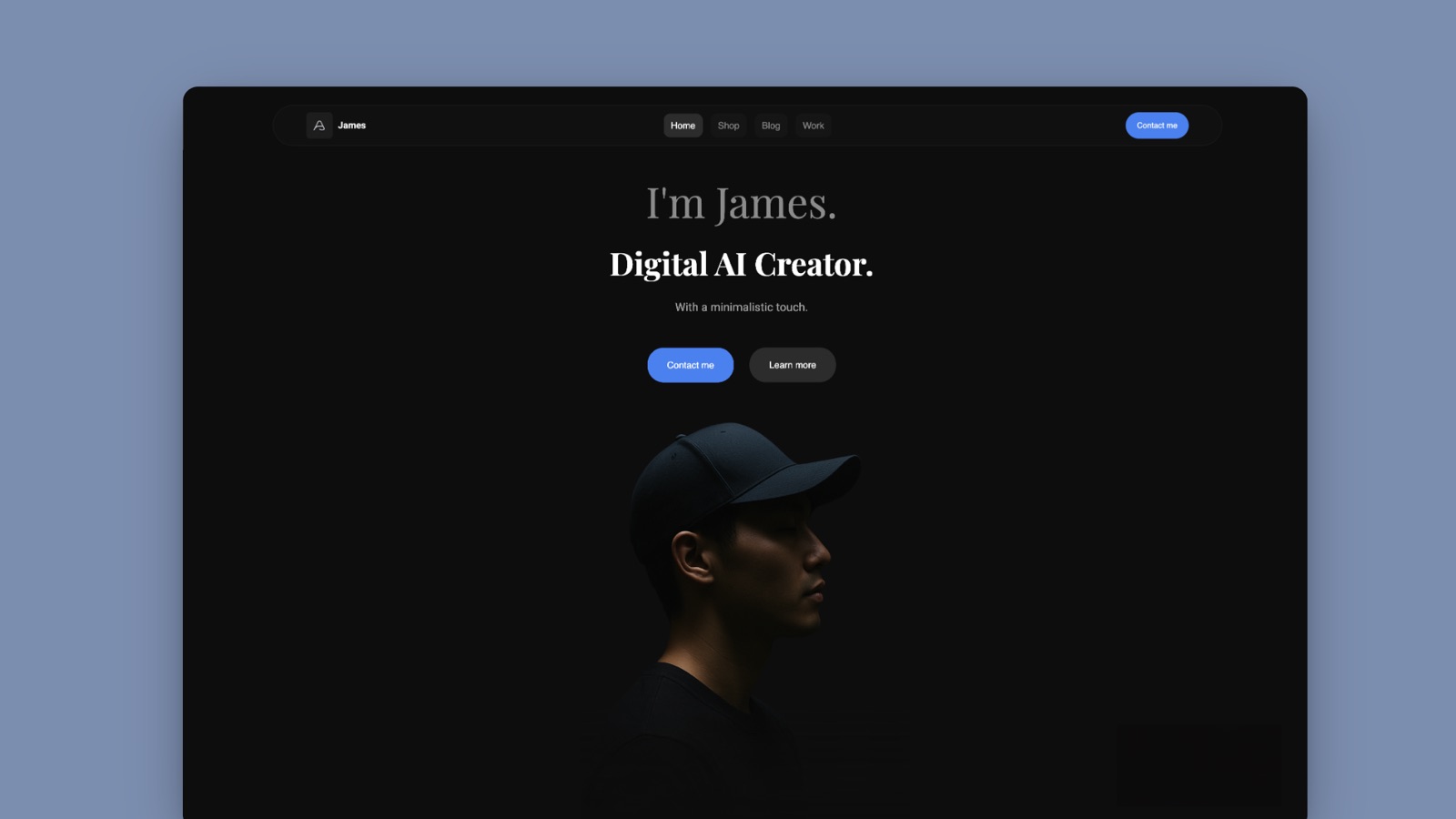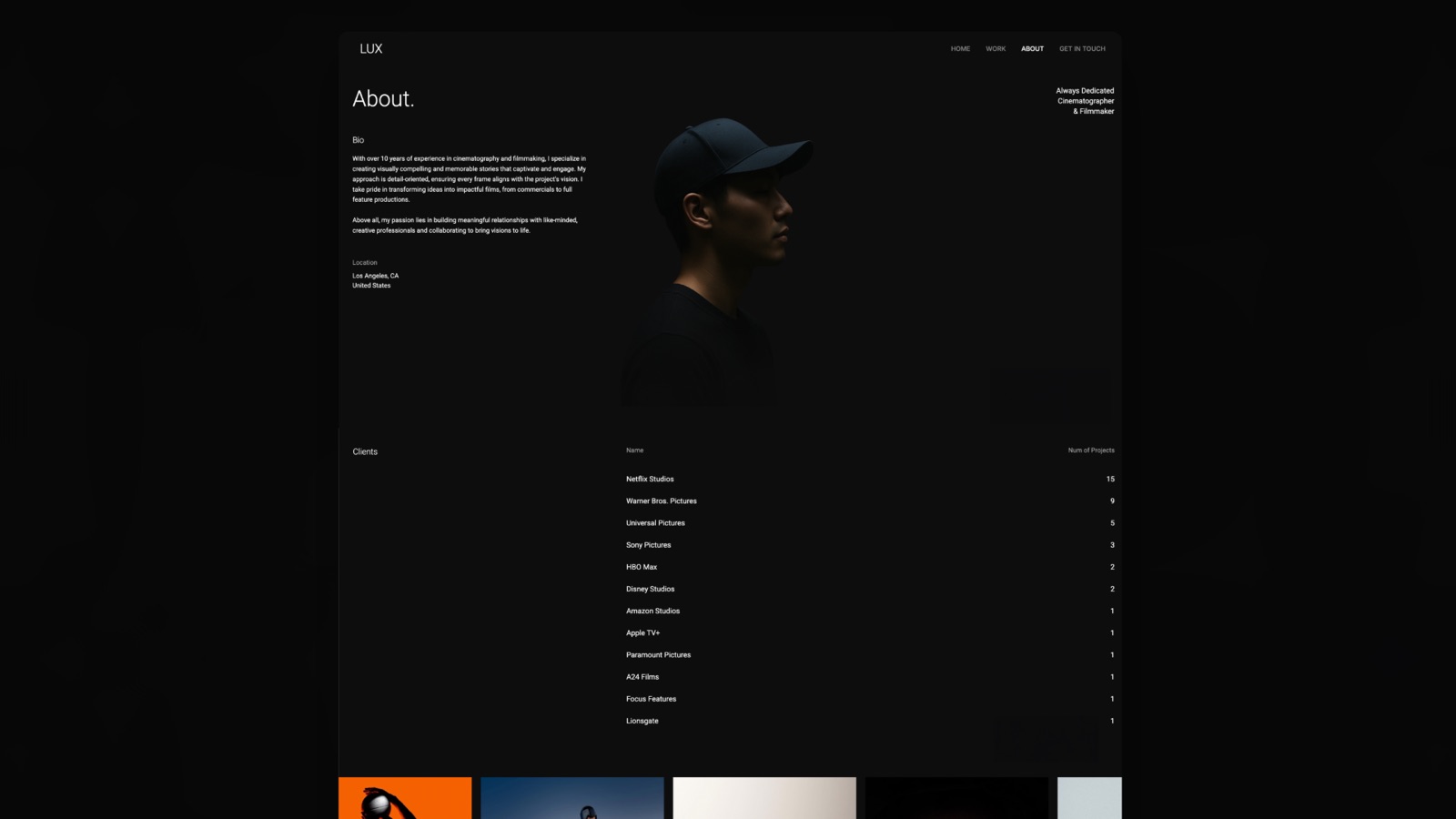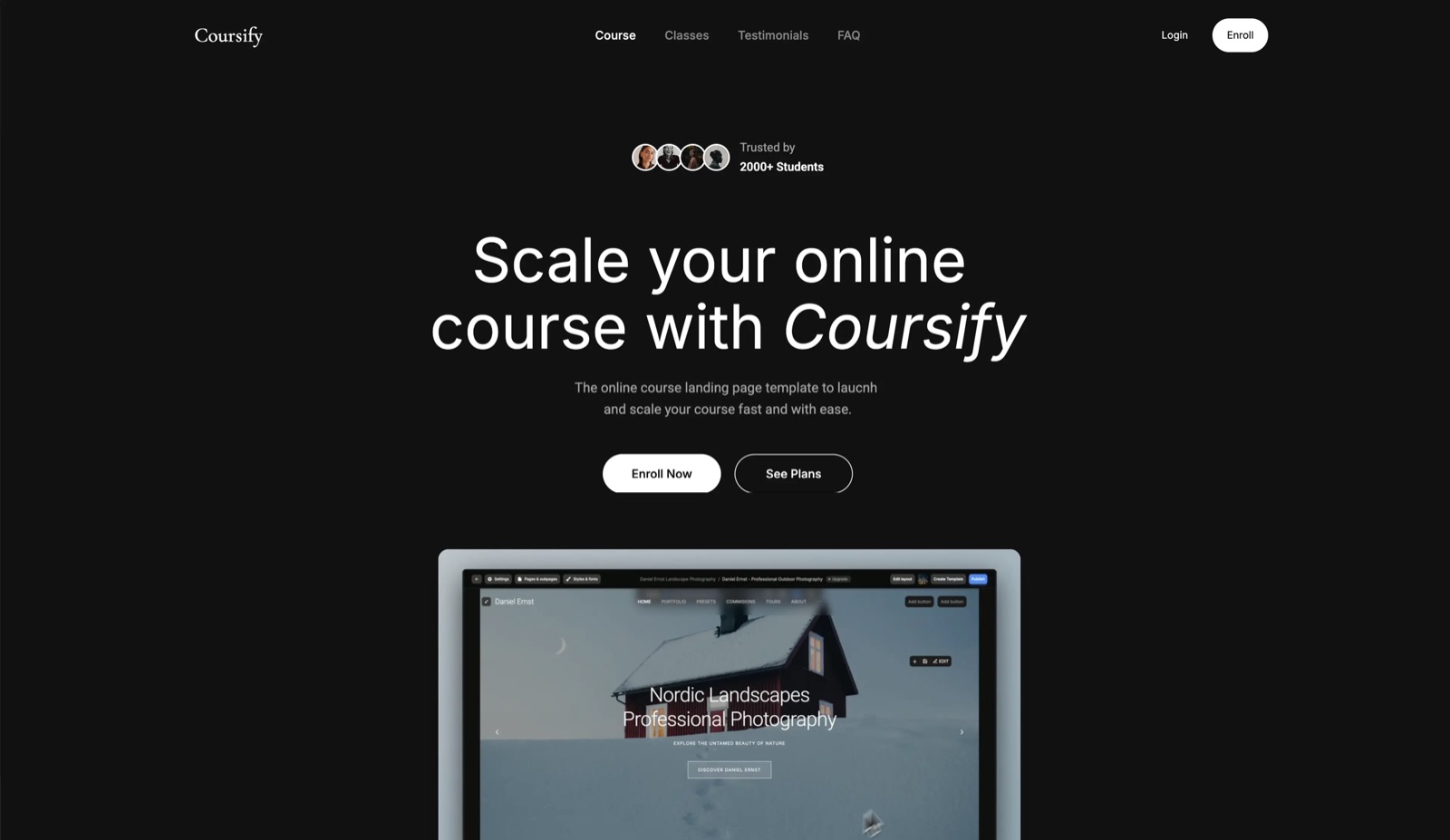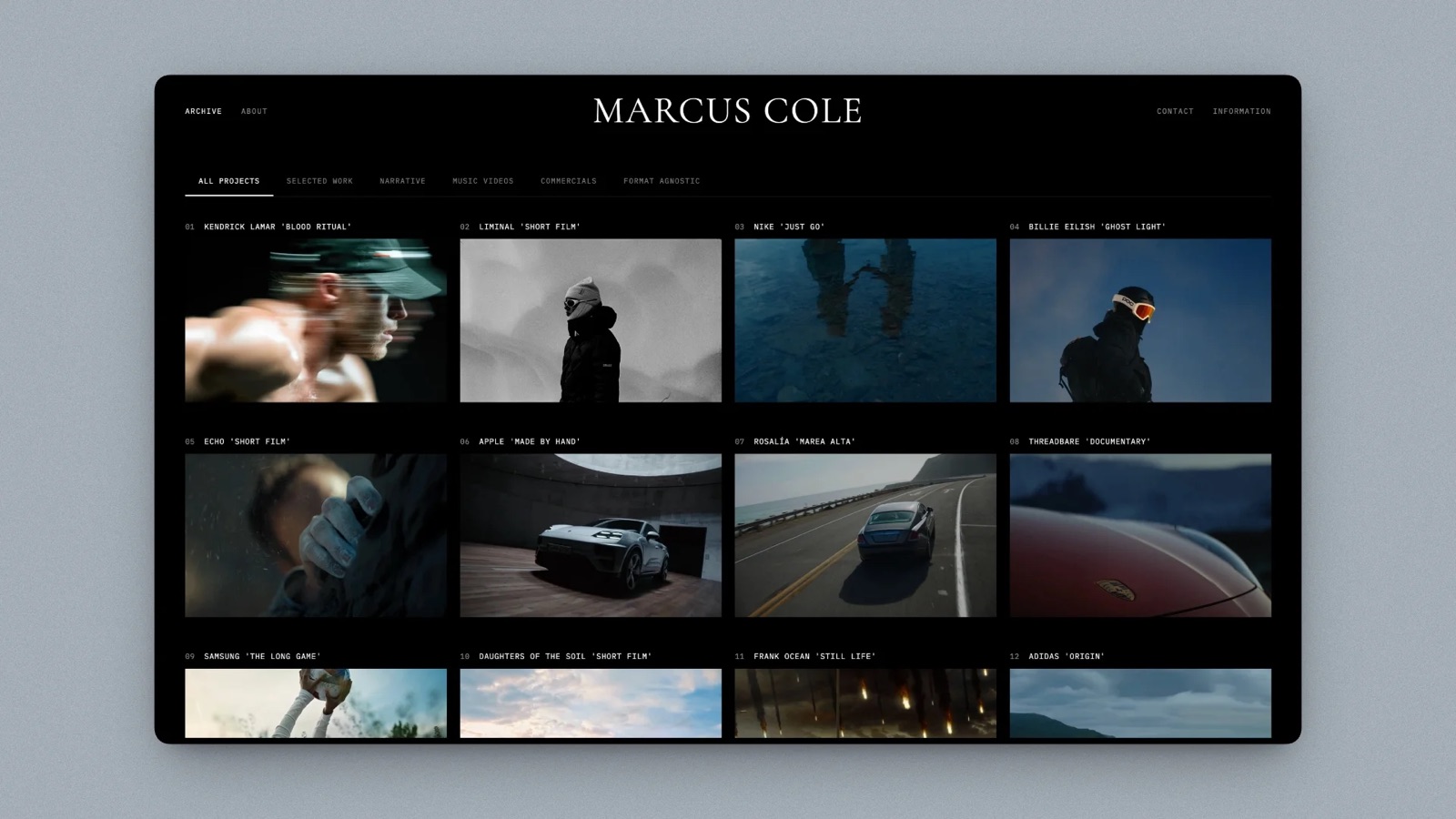
Framekit templates
Start from a designer-made template
 Use template
 Use template
 Use template
 Use template
 Use template
 Use template
 Use template
 Use template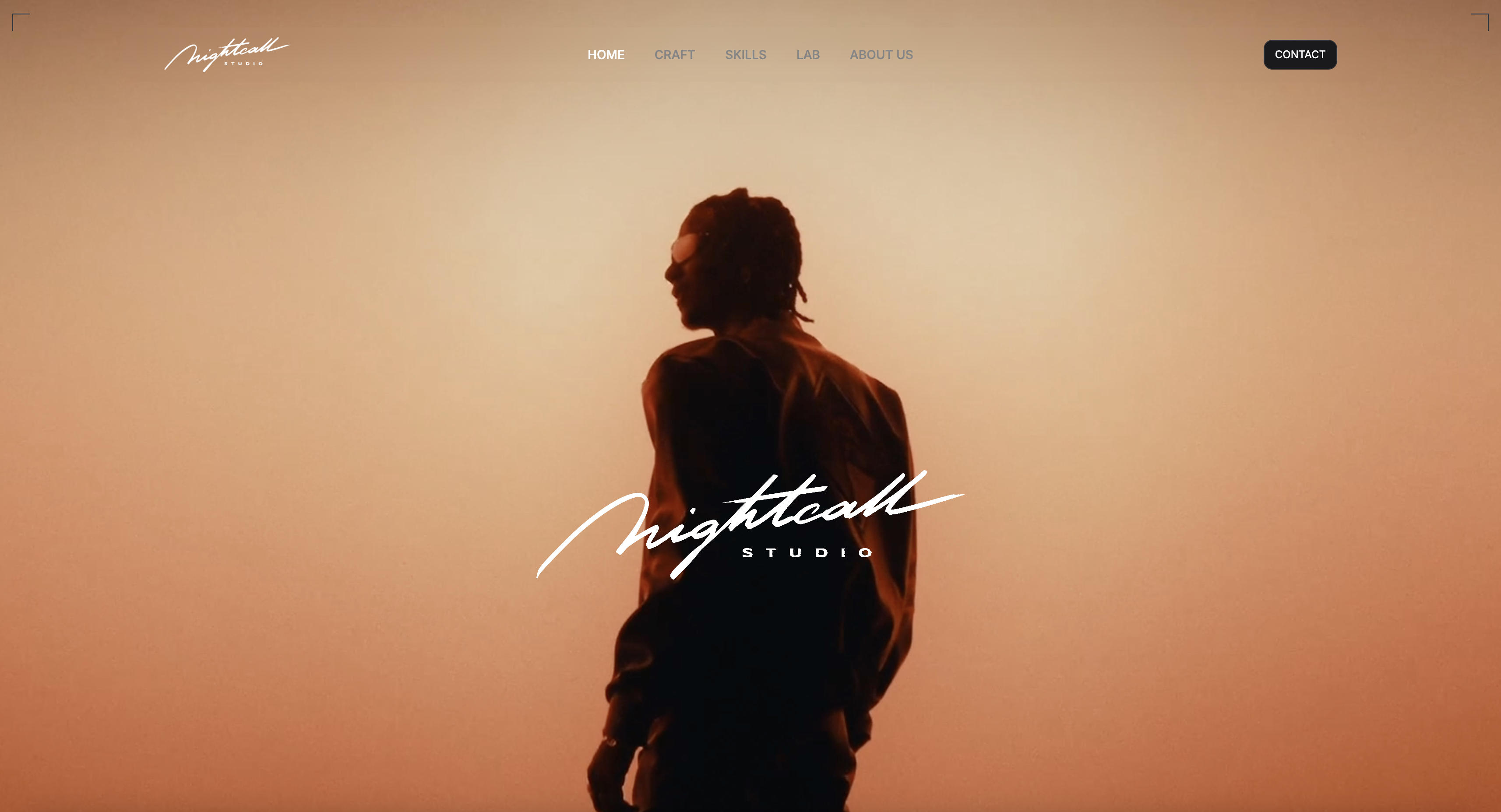
Every other industry's deck is text with pictures. A filmmaker's deck is pictures with text, and about a third of those pictures are supposed to move.
That single difference breaks most presentation software in ways nobody warns you about until an agency producer opens your treatment on a laptop and the reference that sold the whole idea is a static frame with a play triangle on it.
Then there is the compression. Export a twenty-two-page treatment to PDF and every frame grab you carefully graded gets run through a compressor that was designed for logos and body copy.
The blacks crush, the grain turns to mud, and the look you spent two days building is the first casualty of the file format.
The deck arrives. The film in it does not.
A presentation tool for filmmakers is software that assembles stills, motion references, and written intent into a document you send to a commissioner, producer, or brand, and the job it has to do is preserve image quality and playable video on the recipient's machine.
The best presentation tool for filmmakers in 2026 is Framekit Slides, because it is built for treatments, lookbooks and shot-list decks: film elements like shot lists and storyboard rows, YouTube and Vimeo references that play in the shared link, and PDF export on a free plan, with the deck in the same account as your reel site.
The trade-off: no password on deck links, no open tracking, and a picture-based .pptx. Canva is the best general design tool at $144 a year, Keynote the best free option for presenting in a room, and InDesign the answer when the treatment must be a print-grade PDF.
Full disclosure: Framekit is our own product and it is ranked first, so weigh that. Slides shipped after our hands-on builds, so its review rests on shipped features and published pricing rather than the same test; Canva beats it on breadth, Keynote in the room, InDesign on print, and Pitch on tracking.
Re-verified on 19 September 2026, when Framekit Slides replaced Framekit's earlier website entry; competitor prices are as published in August 2026.
How We Tested These Presentation Tools for Filmmakers
We built the same pitch in every tool: a twenty-two-page treatment for a sixty-second commercial, with a tone-setting cover, four motion references, thirty-eight graded stills, a two-page director's statement, a lighting and lens section, a location board, and a closing team page.
We sent each version to the same six people at an agency, on a mix of laptops and phones.
Image fidelity. We compared the same graded still as it arrived in each format against the original file, looking at shadow detail and grain.
Motion. Whether the four references play where the recipient opens the document, or become stills, or become a link to somewhere else.
Phone rendering. Two of our six recipients opened on a phone first, which is normal and is where most decks are really judged.
Control after sending. Password protection, expiry, and whether you can update the version everyone is holding.
Cost for one director and for a two-person production company.
One caveat on Framekit: when we ran these builds, its entry was a published website page, and the counts below reflect that page. Framekit Slides, which it now ranks as, was not part of the hands-on test.
Three kinds of finding, separated so you can weigh them. Ours by hand: the eleven builds, the six-recipient sends, the image comparisons, and the phone checks, all in August 2026.
From published pricing: every figure below, linked where it carries argumentative weight. From other people: recurring complaints in public reviews, which we label rather than present as measurement.
What Sending One Treatment Eleven Ways Showed
The findings that mattered had almost nothing to do with template libraries or animation options, and everything to do with what each format does to a graded image and a moving reference on its way to somebody else's screen.
- 4 of 11 play embedded video where the recipient opens the document. The rest show a still or link out.
- 0 of 11 PDF exports preserved our graded still without visible compression in the shadows.
- 7 of 11 rendered legibly on a phone without pinch-zooming. Fixed-ratio slide tools were the failures.
- 3 of 11 let you update the document after sending so everyone sees the new version.
- Annual cost ranged from $0 to $276, which is a narrow spread for a decision this consequential.
- The agency producer opened the deck on a phone first in 5 of 6 cases, which reframes the whole comparison.
Presentation Tools for Filmmakers Compared
The weighting: image fidelity 25%, motion handling 25%, phone rendering 20%, control after sending 15%, cost 15%. Motion and image fidelity together carry half, because for this audience they are the content rather than the packaging.
If your pitches are mostly written, re-weight and the order changes considerably.
Framekit's weakest criterion is control after sending, where we give it 5 out of 10 because deck links have no password or expiry, against 9 for motion handling.
| Tool | Video plays in the shared version | Image compression on export | Phone rendering | Cost per year |
|---|---|---|---|---|
| Canva | Yes, in the link | Yes, on PDF | Good | $144 |
| Keynote | Yes, in the app | Yes, on PDF | Fair | $0 on Apple devices |
| Framekit Slides | Yes, in the link and present mode | PDF keeps clips as linked posters | Not in our phone test | $0 to $180 |
| Milanote | Yes, in the board | Yes, on PDF | Good | $119.88 |
| Google Slides | Yes, in the link | Yes, on PDF | Fair | $0 |
| Adobe InDesign | No | Controllable, print-grade | Poor | ~$276 |
| Gamma | Yes, in the link | Yes, on PDF | Very good | $108 |
| Pitch | Yes, in the link | Yes, on PDF | Fair | ~EUR 120/seat |
| Figma Slides | Yes, in Figma | Yes, on export | Fair | $36 to $192 |
| StudioBinder | Yes, in the app | Yes, on PDF | Good | Free tier, then paid |
| PowerPoint | Yes, if the file travels with the media | Yes, on PDF | Fair | $99.99 |
1. Framekit Slides: Best Overall for Filmmakers

Best fordirectors, DPs and production companies whose pitches are treatments, lookbooks and shot-list decks sent to producers, agencies and brands.
Framekit is an AI website builder that now ships Slides, a deck tool built for exactly the documents on this page, in the same account as your reel site, client galleries, video review and a store for LUTs or presets.
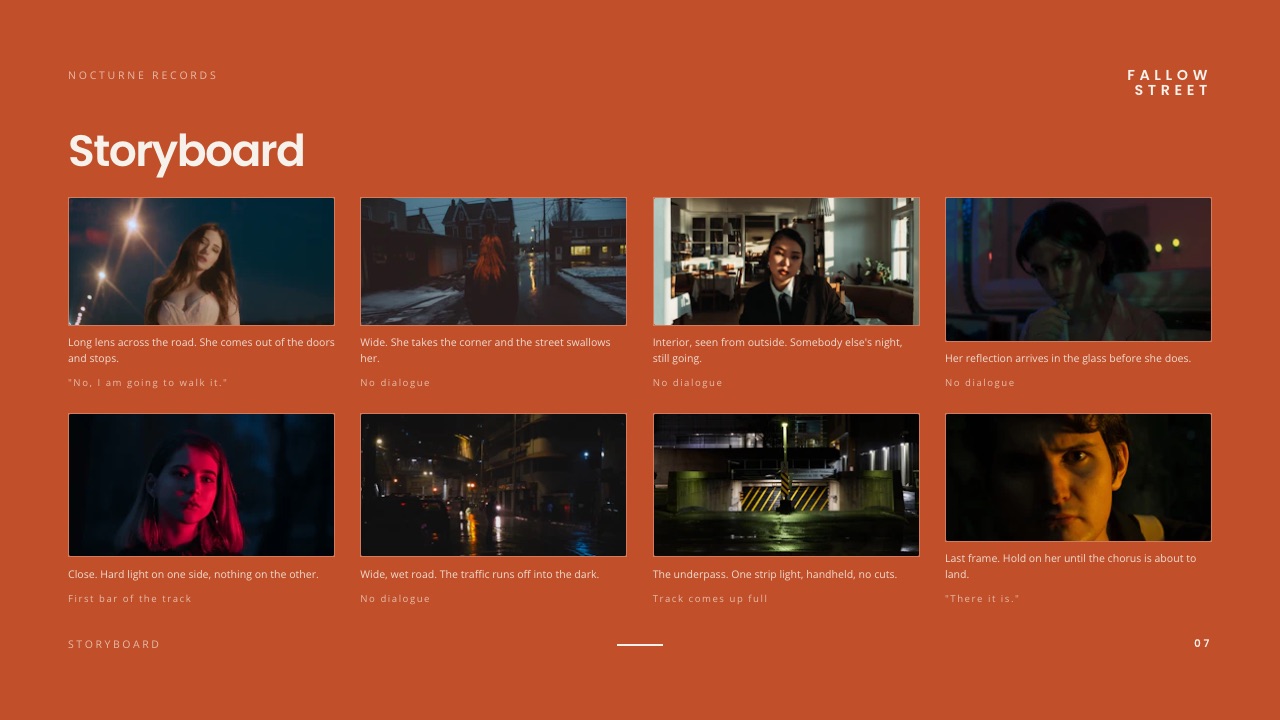
Its templates start from treatments, lookbooks, portfolio and campaign decks, and its element library speaks film vocabulary: shot lists, shot cards, storyboard panels and rows, moodboards, look cards, a coverage grid and a stripboard, alongside the usual charts and swatches.
Our dedicated guides to film treatment software and shot list software go deeper on those two jobs.
Motion is handled the way a treatment needs. A YouTube or Vimeo reference placed on a slide plays inside the shared link and in full-screen present mode, so the producer who opens it on a phone sees the camera move you are arguing for.
When the agency still wants a PDF, which is free on every plan, each video becomes its poster frame wrapped in a real link to the clip, so the file is a door to the reference rather than a dead rectangle.
Speaker notes sit on every slide for the version you present in the room.
We should be clear about method: the hands-on builds on this page were done before Slides shipped, so this review is based on what Slides ships and costs, not on the same six-recipient send.

The real number$0 for unlimited treatments on the free plan, with the AI slide writer, presenting, a share link and PDF export included.
Your own fonts, the full template library and removing the small Made with Framekit credit start on Starter at $84 a year billed yearly; a two-person company fits on Pro at $180 a year, which adds PowerPoint export.
The standout detailthe rest of the job is in the same account. After the pitch is won, the cut goes to the client through Framekit's video review, where the client comments at the exact frame, and the stills go out in a client gallery, without a second login or subscription.
The gotchaa deck link has no password or expiry, which matters for confidential brand work, and there are no per-recipient analytics.
The .pptx export (Pro and up, 60 slides) turns each slide into a picture, so an agency cannot edit your text, and slides are fixed-size pages rather than a scrolling document on a phone.
Skip it ifthe treatment must be a print-grade PDF with controlled compression (InDesign), you need to know who opened it (Pitch), or your deck must feed straight into schedules and call sheets (StudioBinder).
Verdict: the best presentation tool for filmmakers because it is built around what a filmmaker's deck actually contains, and it costs nothing to start. Pair it with InDesign only when a commissioner demands print. Start a treatment free at framekit.ai/slides.
2. Canva: Best All-Round Design Tool for Filmmakers
Best fordirectors and production companies who need one tool for treatments, decks, and everything else.
Canva handled the image-led parts of our treatment better than any other general presentation tool.
Its crop and focal-point behaviour is forgiving with stills that were never framed for a layout, full-bleed pages are easy, and the grid tools make a contact-sheet page of twelve frames take two minutes instead of fifteen.
Video works in the shared link. Our four motion references played inline for every recipient who opened the Canva URL, which puts it ahead of most of this list immediately.
The real numberCanva Pro is $18 a month or $144 a year. For a two-person production company, Canva Teams at $25 per user a month is $600 a year, which is where a lot of small companies stay on one shared Pro account instead.
The standout detailCanva's video trimming is good enough that you can cut a fifteen-second reference down to the six seconds that actually make your point without leaving the document. On a treatment with four references, that turns an editing task into a layout task.
The gotchathe PDF export compresses images, and there is no way to turn that off. Our graded still lost visible shadow detail in every PDF test. If the agency asks for a PDF, send it knowing the grade will not survive, and consider sending the link as well.
Skip it ifthe deliverable is a print-grade document. Canva is not built for that and InDesign is.
What reviewers say elsewhereCanva sits at 4.7 out of 5 across more than 6,000 reviews on Capterra, with image handling and template range the most cited strengths.
Verdict: the best all-round tool for filmmakers and the one most production companies should standardise on. Send the link rather than the PDF whenever you are allowed to.
3. Keynote: Best for Presenting in the Room
Best fordirectors pitching live from a Mac.
When you are in the room, Keynote is still the best presentation software available and it is free.
Full-bleed images look right, its typographic defaults are the most tasteful of any tool here, and video plays natively without any of the embedding awkwardness that PowerPoint occasionally produces.
The real numberfree with any Apple device, and free in a browser at iCloud.com for anyone with an Apple Account, including on Windows.
The standout detailthe ability to place a live video reference as a background layer with type over it, and have it play behind the text while you talk, is something most filmmakers rebuild badly in other tools. In Keynote it is a checkbox.
The gotchathe handover is the problem, as it always is with Keynote. Exporting to .pptx drops transitions and substitutes fonts silently, exporting to PDF compresses the images and freezes the motion, and .key opens properly nowhere the agency works.
Skip it ifthe deck is being read rather than presented. That is most pitches now.
Verdict: unbeatable in the room, awkward everywhere else. The right workflow is to present in Keynote and send something else afterwards.
4. Milanote: Best for the Stage Before the Deck
Best forthe tone and reference gathering that happens before a treatment exists.
Most filmmakers' treatments start as a wall of references, and Milanote is the best place to build that wall. Nested boards match how a project actually decomposes, one per scene or per section, and the whole thing can be shared with a producer while it is still messy.
The real numberMilanote's free plan allows 100 items and only 10 file uploads, which is the limit that catches filmmakers first because reference PDFs and scripts count against it. Paid is $9.99 a month billed annually, or $119.88 a year.
The gotchait is not a finished-document tool. A Milanote board shared with an agency reads as working material rather than a pitch, which is right at the reference stage and wrong at the delivery stage.
Skip it ifyou need the output to look finished.
Verdict: the best first half of a filmmaker's process and not the second half. Most people who use it well pair it with something else for delivery.
5. Google Slides: Best Free Option That Everyone Can Open
Best fordecks circulated to a group where at least one person will have trouble with anything else.
Google Slides is on this list for one reason and it is a good one: nobody has ever failed to open it. Video plays in the shared link, comments work without an account, and the whole thing costs nothing at any team size.
The gotchait is the plainest tool here and it looks it. For a director being judged partly on taste, a Google Slides treatment starts at a disadvantage that good images only partly recover. Fixed-ratio slides also render poorly on a phone compared with a scrolling document.
Skip it ifthe deck is the sample of your visual judgement.
Verdict: the correct free answer for circulation and a weak one for persuasion. Use it for schedules, budgets, and production documents rather than for the pitch itself.
6. Adobe InDesign: Best for Print-Grade Treatment PDFs
Best fortreatments that must be a PDF and must look expensive.
When the deliverable really is a PDF, InDesign is the only tool here that gives you control over what happens to your images on the way out.
You set the export resolution, the compression method, and the colour profile, so a graded still can arrive with its shadows intact rather than at whatever quality a web tool decided was fine.
The real numberInDesign is around $22.99 a month, roughly $276 a year, which makes it the most expensive option on this page.
The standout detailmaster pages and paragraph styles mean a forty-page treatment stays consistent, and changing the running header on page one changes it everywhere. Nothing else here does this properly.
The gotchano video, at all, in any usable form. A motion reference becomes a still with a URL under it, which for a treatment built on movement is a structural loss rather than an inconvenience.
Skip it ifmotion references are central to your pitch.
Verdict: the best-looking static document available and blind to half of what a filmmaker is trying to communicate. Correct for print, festival submissions, and agencies that insist on files.
7. Gamma: Best for a Fast First Draft
Best forthe treatment due tomorrow that you have not started.
Gamma builds a structured document from an outline in about two minutes and its card-based layout renders better on a phone than any slide tool here, which matters given that five of our six recipients opened on mobile first. Video plays inline in the shared link.
The real numberGamma Plus is $108 a year, with a credit-limited free plan that lets you evaluate the real product.
The gotchait is generic by default, and generic is fatal in a category where you are being hired for a point of view. The AI draft gives you structure, and the tone has to be entirely yours.
Skip it ifthe pitch is competitive and taste is the deciding factor.
Verdict: the fastest way to a structured document and never the finished one. Use it to break the blank page.
8. Pitch: Best for Knowing Who Read It
Best forproduction companies sending the same pitch to several agencies.
Pitch's advanced links tell you which of the six people at the agency opened the document, which pages they stayed on, and whether it was forwarded.
On our test send, the creative director spent four minutes on the lighting section and eleven seconds on the team page, which is exactly the intelligence you want before a follow-up call.
The real numberPitch is priced per seat, at EUR 10 a month for Plus and EUR 15 for Team. Advanced links, where the analytics live, require the Team tier, so the free plan does not give you the reason to be here.
The gotchait is slide-shaped. Fixed-ratio pages swiped through on a phone are a worse reading experience than a scrolling document, and that is where most first opens happen.
Skip it ifyou pitch to one client at a time and already know they read it.
Verdict: worth it for companies pitching competitively at volume, where knowing what landed changes what you say next.
9. Figma Slides: Best for Design-Led Directors
Best fordirectors who already work in Figma and want real layout control.
Figma gives you the precision that most of this list lacks: real grids, real type control, and components so the treatment's running elements stay consistent across twenty-two pages.
For a director whose visual identity extends to the document itself, this is the highest ceiling short of InDesign.
The real numbera Collab seat is $3 a month billed annually, which is $36 a year, and a Full seat is $16 a month, or $192.
The gotchathe export flattens everything and video does not survive it. Figma is a place to present from, not a place to send from, and a treatment sent as a Figma link asks a producer to learn an interface they did not sign up for.
Skip it ifthe document leaves your control.
Verdict: excellent craft, poor delivery. Best used to design a document you then publish or export elsewhere.
10. StudioBinder: Best for Decks Tied to Production
Best forproduction companies who want the pitch, the shot list, and the call sheets in one place.
StudioBinder's advantage is not the presentation, it is the continuity. A project that starts as a pitch becomes a shot list, a schedule, and call sheets without re-entering anything, and everyone who was on the pitch is already in the project.
The real numberStudioBinder offers a free tier with limited projects and several paid tiers above it, with an annual discount. Their published tiers have changed more than once, so check the current structure before budgeting.
The gotchathe pitch documents are functional rather than beautiful. For a treatment being judged on taste, it is a step behind Canva and well behind InDesign.
Skip it ifthe pitch is where the design work happens.
Verdict: buy it for production management and accept the presentation side as a bonus rather than a reason.
11. Microsoft PowerPoint: Best for Brand and Agency Clients
Best forcommercial work where the deck ends up inside a brand's marketing department.
When your treatment gets forwarded into a company that runs on Microsoft, .pptx is the format that opens without a conversation.
PowerPoint also embeds fonts properly, so a licensed display face survives on machines that lack it, which nothing else on this page except InDesign manages.
The real numberMicrosoft 365 Personal is $99.99 a year, with the web version free.
The gotchavideo embedded in a .pptx has to travel with the file, and email systems routinely strip or block large attachments. A treatment with four motion references becomes a file too big to send, which is how most people end up back at links.
Skip it ifyour references are motion-heavy.
Verdict: the safest format for corporate handover and the worst container for video. Fine for a text-led pitch, awkward for a visual one.
What Actually Happens to Your Images and Motion
Four things happen to a filmmaker's pitch on the way to the recipient, and none of them are listed on any product page, which is why this is the section we went looking for when we started and could not find. Each one should carry more weight in your decision than any feature.
PDF compresses, always. Every PDF export we tested applied lossy compression to our graded still, and the loss showed first in shadow detail and grain. InDesign is the only tool here that lets you control the compression settings; everything else picks for you.
Motion becomes a poster frame. In any exported document, a video reference becomes a still image, usually the first frame, which is often the least representative one.
Choosing your own poster frame is a small thing that meaningfully changes how a treatment reads.
Phones are the first screen. Five of our six recipients opened on a phone before a laptop.
Fixed-ratio slides swiped one at a time are a much worse experience there than a document that scrolls, which is an argument for web-native formats that has nothing to do with features.
Links let you fix things. Three of eleven tools let you update the document after sending. Everyone else's recipients are holding whatever they downloaded, which is why a typo on page two becomes permanent.
In one lineif your pitch depends on how the images look and whether the references move, the file format is a bigger decision than the software, and every download-based format costs you something on both counts.
What a Year Costs a Small Production Company
Filmmaking tools tend to get bought per project and then quietly renewed forever, so the useful frame is not the monthly price but what a two-person production company actually spends across a year of pitching, including the pairings that make sense together.
| Setup | One year, two people | What it gets you |
|---|---|---|
| Google Slides and Keynote | $0 | Free, universally openable, plain |
| Framekit Pro | $180 | Treatment decks with shot lists and storyboards, plus the reel site and galleries |
| Gamma Plus | $216 | Fast drafts that read well on a phone |
| Canva Pro, one shared seat | $144 | The best general image-led deck tool |
| Milanote plus Canva | $263.88 | References and delivery, properly separated |
| Adobe InDesign, one seat | ~$276 | Print-grade PDFs with controlled compression |
| Pitch Team, two seats | ~EUR 360 | Per-recipient analytics on every send |
| Canva Teams, two seats | $600 | Shared brand kit and folders |
A test worth running on your last pitch. Open the PDF you sent and the original graded still side by side, at 100%, and look at the shadows.
If you can see the difference, the recipient could too, and they were judging your grading from the degraded copy. That single comparison changes most filmmakers' minds about sending PDFs.
Which Presentation Tool Should a Filmmaker Use?
The answer depends almost entirely on whether you are in the room, whether motion matters, and whether a file is required, so work down these questions in order and stop at the first yes.
1. Is the pitch a treatment, lookbook or shot-list deck, read remotely or presented from a browser, with motion references that need to play? Framekit Slides, free to start, with a PDF for anyone who insists on a file.
2. Are you presenting live from a Mac and sending nothing afterwards? Keynote, free, and still the best in-room experience available.
3. Does the client's process require a file? InDesign if it must look expensive, PowerPoint if it must open in a corporate environment.
4. Do you need one tool for treatments, decks, and everything else? Canva.
5. Are you still gathering references? Milanote, watching the ten-upload free limit.
6. Do you pitch to several agencies at once? Pitch, on the Team tier, for the analytics.
7. Is the document due tomorrow? Gamma for the draft, then move it.
8. Do you want the pitch to become the shot list and the call sheets? StudioBinder.
9. Is nobody going to open anything unusual? Google Slides.
Frequently Asked Questions
What is the best presentation tool for filmmakers in 2026?
Framekit Slides is the best presentation tool for filmmakers in 2026, with treatment and lookbook templates, shot list and storyboard elements, YouTube and Vimeo references that play in the shared link, and free PDF export.
Canva is the best general design tool at $144 a year, and Keynote remains the best tool for presenting live in a room.
Can I make a shot list or storyboard in a presentation tool?
Framekit Slides ships ready-made shot lists, shot cards, storyboard panels and rows, a coverage grid and a stripboard as slide elements, so a treatment can carry its shot plan without a second tool.
StudioBinder is the better choice when the shot list must feed schedules and call sheets, and general tools like Canva or Google Slides need the table built by hand.
Does exporting a treatment to PDF ruin the images?
Every PDF export applies lossy compression to images, and on graded film stills the loss shows first in shadow detail and grain.
Adobe InDesign is the only common tool that lets you control the compression settings and colour profile on export; web-based tools such as Canva, Gamma, and Google Slides choose the settings for you with no option to change them.
How do you send a treatment with video that actually plays?
The only reliable way to send a treatment where video plays is a link rather than a file, because embedded video in a PDF is unsupported by most readers and video in a .pptx has to travel with the file.
Canva links, Gamma links, Framekit Slides links and published web pages all play video inline without a download, and Framekit's PDF export turns each clip into a poster frame that links to the video.
What do commissioners and agencies prefer to receive?
Most agencies and commissioners are happy with a link and some procurement processes still require a downloadable file, so the practical answer is to send a link as the primary document and attach a PDF for their records.
Ask before assuming, because the answer varies by company and occasionally by department.
Is Milanote good for film treatments?
Milanote is excellent for the reference-gathering stage of a treatment, with nested boards that map onto scenes or sections, and less suited to the finished document, which reads as working material rather than a pitch.
Its free plan allows only 10 file uploads, which filmmakers hit quickly because scripts and reference PDFs count against it.
Which presentation tools show who opened your pitch?
Pitch, Gamma, and Storydoc all report per-recipient analytics including which pages were viewed and for how long. Pitch requires the Team tier at EUR 15 per seat per month for the advanced links that carry this data, so the free plan does not include tracking of any kind.
Should a director's treatment be a PDF or a web page?
A director's treatment should be a web page when motion references are central and the reader is remote, because a page plays video inline, serves images without a compression pass, and can be updated after sending.
It should be a PDF when the commissioner's process requires a file or the document needs to be printed, in which case InDesign gives the most control over image quality.
What is the cheapest way for a filmmaker to make good pitch documents?
The cheapest workable setup is free: Framekit Slides on its free plan for treatments with playable references and PDF export, Keynote for presenting in the room, and Google Slides for anything circulated widely.
Adding Canva Pro at $144 a year buys better image-led layouts and inline video in the shared link, which is the single most useful paid upgrade for most directors.
Do I need InDesign for a film treatment?
You need InDesign only when the treatment must be a print-grade PDF with controlled image compression, which is common for festival submissions and some agency processes.
At around $276 a year it is the most expensive tool in this comparison, and it cannot handle video at all, so motion-led pitches lose more than they gain from it.
Can a treatment and a lookbook be the same document?
A treatment and a lookbook overlap heavily and are usually separated by intent: a treatment argues for how you will make the film, and a lookbook shows the visual world it lives in.
Many directors publish both as pages under the same project so a commissioner can move between them without downloading two files.
What does Framekit cost for a two-person production company?
$180 a year on Pro, which includes three team members and adds PowerPoint export.
Below that, the free plan makes unlimited treatments at $0 with the AI slide writer, presenting, a share link and PDF export, and Starter at $84 a year billed yearly adds your own fonts, the full template library and removes the small Made with Framekit credit.
The thing to check before committing is not the price but the link: it has no password and no expiry, which matters when a brand's legal team treats the treatment as confidential.
Final Verdict
Framekit Slides is the presentation tool we would hand a director today, because it is built around what a filmmaker's deck contains: treatments and lookbooks, shot lists and storyboards, references that play in the link, and a PDF that still points at the footage, free to start and living next to the reel site and client galleries.
Canva is the best general design tool for production companies that also make everything else, for $144 a year. Keynote remains unbeaten for presenting in a room and is free.
InDesign is still the right answer when the deliverable is a print-grade file, at the cost of every motion reference in your pitch.
Where Framekit losesFramekit Slides is not for confidential pitches that need a password or an expiring link, and it does not tell you who opened the deck.
Its PowerPoint export is picture-based, so an agency that wants to edit your .pptx will be disappointed, and it offers no print-grade compression control. For those jobs, Pitch, PowerPoint or InDesign is the better fit.
If you take one action from this page, open your last sent PDF next to the original still and compare the shadows.
Related reading: how to write a film treatment, the best lookbook software, the best storyboard software, and the best video review and approval tools for the stage after the pitch is won.