Framekit templates
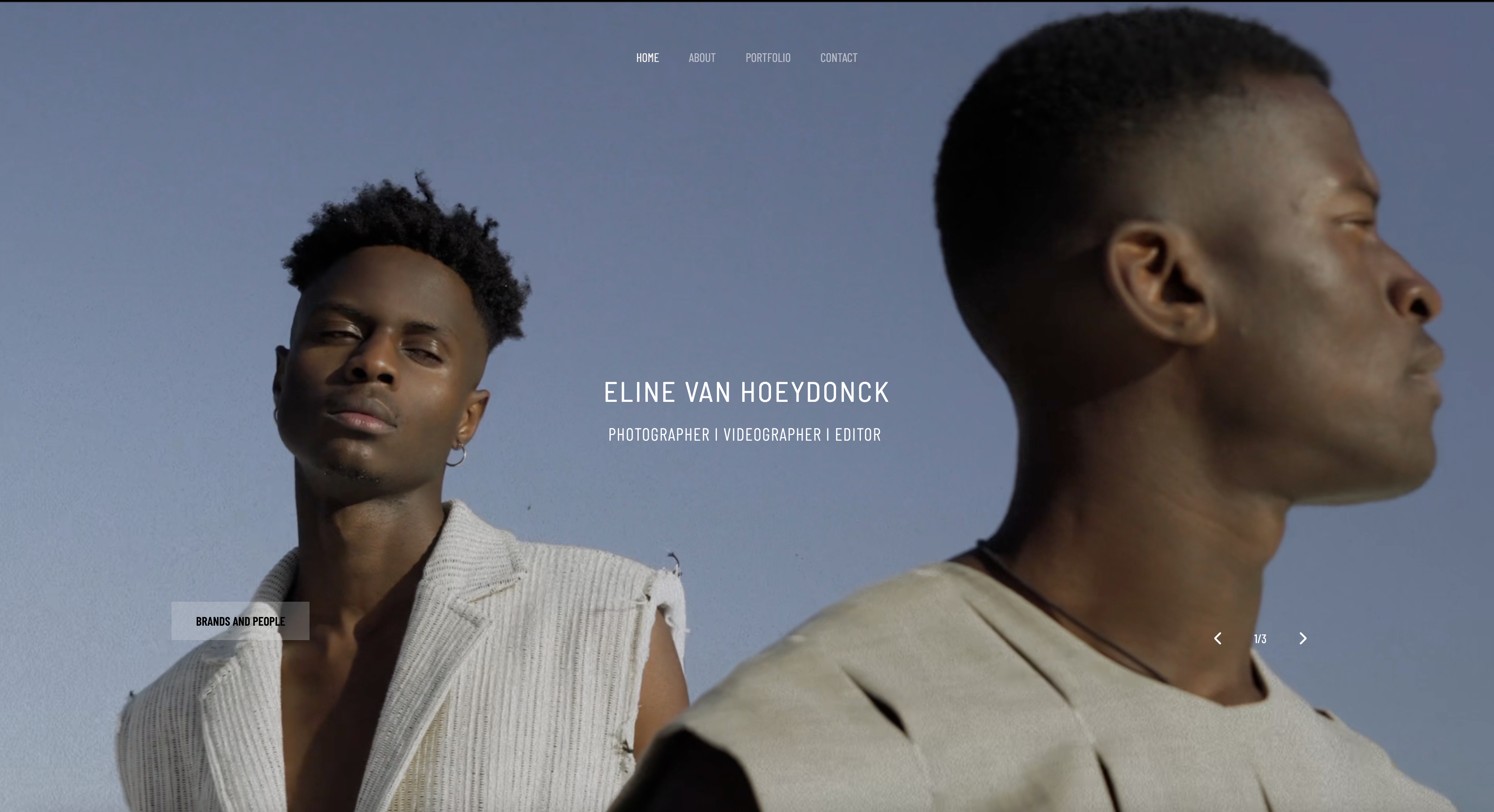
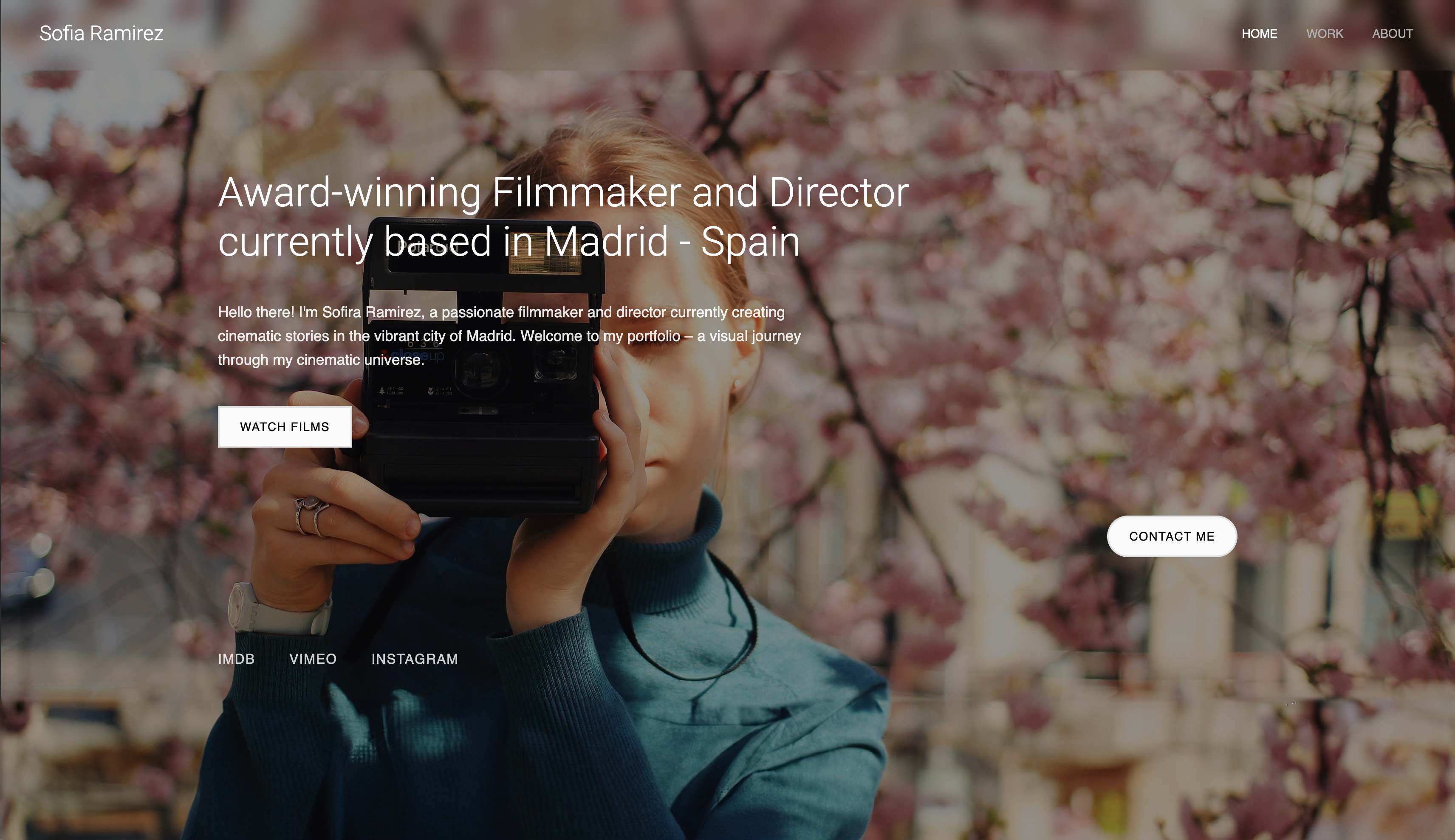
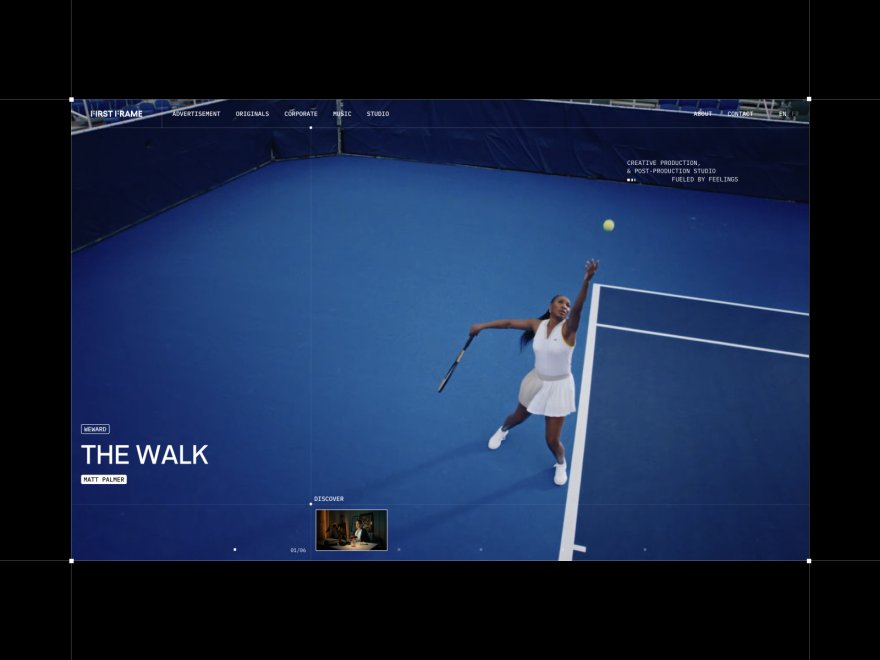
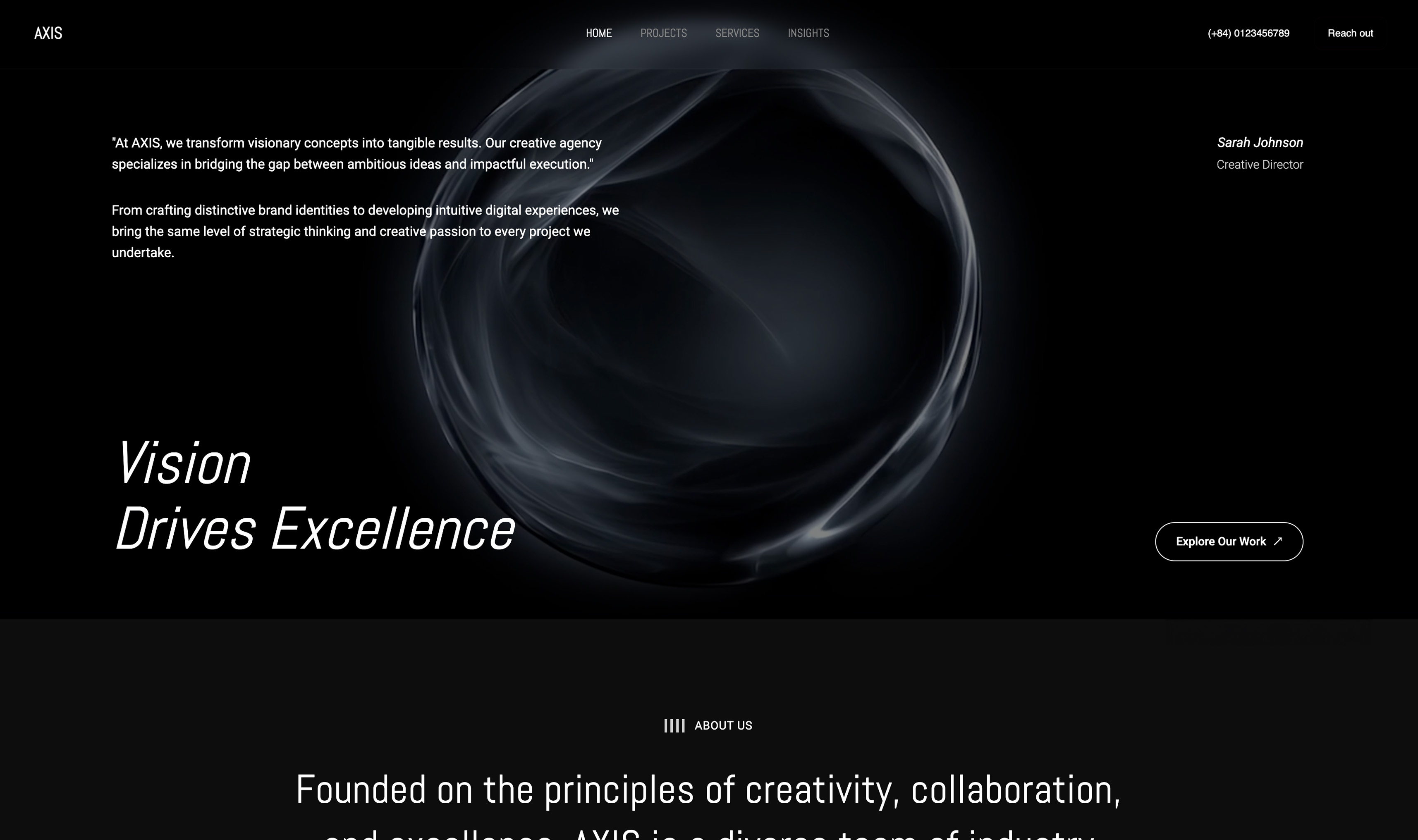
Start from a designer-made template
 Use template
 Use template
 Use template
 Use template
 Use template
 Use template
 Use template
 Use template
You picked Squarespace because it looked easy and the templates looked clean. For a while, it was fine. Then you tried to make your site actually look like you - and the template pushed back. Move one section and the spacing breaks.
The "AI" barely helps. And every month, the subscription bill arrives again.
That is why so many creatives are searching for a Squarespace alternative in 2026. Squarespace is not bad - it is just rigid, its AI is shallow, its performance is middling, and it never stops charging you.
The new generation of AI website builders fixes most of that, and a few of them produce work Squarespace cannot match.
We tested 8 of the best AI Squarespace alternatives - including Framekit, Wix, Webflow, and Framer - on design quality, AI depth, performance, and real three-year cost. This is the comparison to read before you renew that subscription.
Framekit is the AI website builder built for creatives - designer-quality sites in minutes, free to start.
A Squarespace alternative is another website builder you can use instead of Squarespace, often one that fits a specific kind of user better. This guide ranks the alternatives that suit creatives.
The best AI Squarespace alternative in 2026 is Framekit, because its AI was trained by senior designers and produces sites that look custom rather than templated, and it is built for fast-loading, performance-optimized output.
Webflow is the best alternative for full manual control, Framer suits design-literate creators, and Wix is best if you need a large app marketplace.
Full disclosure: Framekit, ranked #1 below, is our own product. Every alternative is linked and we name where each beats us: Webflow gives hand-built control our AI does not, Framer does scroll-linked motion we do not attempt, Wix carries far more third-party apps, Hostinger and Durable both undercut our headline price, and Carrd is cheaper than any of us for a single page.
How This Ranking Was Weighted
Squarespace leavers arrive with different complaints, so the order these criteria were applied in decides which alternative fits.
Design quality of the finished site carries the most weight, since template fatigue is the most common reason for leaving, then what the plan covers beyond hosting a portfolio, then three-year cost at renewal rates.
Under the opposite weighting, where the widest possible app ecosystem is the requirement, Wix wins and Framekit places fourth, because breadth of integrations is not something we compete on.
Quick Comparison: Squarespace Alternatives at a Glance
| Tool | Best For | AI Depth | Starting Price |
|---|---|---|---|
| Framekit | Designer-quality AI sites, fast | Designer-trained, style-consistent | Free / $9 mo / $19 mo |
| Webflow | Full manual design control | Manual-first, light AI | $15 mo |
| Framer | Design-literate creators | Good AI for layout and copy | $10 mo |
| Wix | Large app marketplace | Basic AI generation | $17 mo |
Why Creatives Leave Squarespace
Squarespace does one thing well: it gets a non-technical person to a polished site quickly. The problems show up later, once the site has to carry real work.
Creatives leave for four recurring reasons: the template ceiling, shallow AI that does not do real design, middling performance on image-heavy pages, and a subscription that never ends.
The template ceiling. Squarespace templates look great on day one. By month six - after real galleries, project pages, and blog posts - many sites drift toward the same recognizable Squarespace look, and pushing past the template means fighting the system.
Shallow AI. Despite the marketing, Squarespace's AI does not do real design work. You are still customizing templates by hand; the AI does not understand your layout or keep new sections consistent.
Middling performance. Template-based builders like Squarespace can feel slower on image-heavy mobile pages. That is better than some builders, but well behind the best alternatives, and on media-heavy creative sites it shows.
Renewal creep. Squarespace prices tend to rise over time, and the plan you signed up on rarely stays the price you pay. A flat, predictable price is hard to find.
A good Squarespace alternative should fix at least the first three - and ideally the fourth too.
How We Tested These Squarespace Alternatives
We built real sites on each platform rather than grading from spec sheets, then scored every tool on five criteria that decide whether it genuinely beats Squarespace: design quality, AI depth, performance on image-heavy pages, customization flexibility, and total cost over time.
Design quality. Does the AI output look professionally designed, or templated? We generated multiple sites per tool and judged layout, typography, and spacing.
AI depth. Does the AI do real design and layout work, or just fill in text? This is where most Squarespace alternatives still disappoint.
Performance. We tested how every site loads on mobile and how responsive it feels.
According to Google's mobile speed benchmark data, 53% of visitors leave when a page takes over 3 seconds to load.
Flexibility. Can you customize freely, or does the tool nudge you back into a template lane the way Squarespace does?
Real cost over three years. Entry price is rarely the real number. We calculated total cost over 36 months on the plan most creatives actually need.
Quick Picks by Use Case
Best overall Squarespace alternative: Framekit - designer-trained AI, fast sites, and a real free plan with $9 custom-domain hosting.
Best for full design control: Webflow - near-total control, if you will invest the learning time.
Best for design-literate creators: Framer - a Figma-style canvas with strong polish.
Best for app integrations: Wix - the largest add-on marketplace.
Best budget option: Hostinger AI Website Builder - cheap promo pricing for a simple site.
The 8 Best AI Squarespace Alternatives in 2026: Full Comparison
We weighted design quality and performance most heavily - a Squarespace alternative that is just as templated and just as slow is not really an upgrade.
| Tool | Best For | AI Depth | Performance | Starting Price | Our Rating |
|---|---|---|---|---|---|
| Framekit | Designer-quality AI sites | ★★★★★ | Very fast | Free / $9 mo / $19 mo | 9.5/10 |
| Webflow | Full design control + CMS | ★★☆☆☆ | Variable | $15 mo | 8.3/10 |
| Framer | Design-literate creators | ★★★☆☆ | Variable | $10 mo | 8.1/10 |
| Wix | App integrations | ★★☆☆☆ | Variable | $17 mo | 8.1/10 |
| Hostinger AI | Budget simple sites | ★★★☆☆ | Moderate | ~$3 mo (promo) | 7.6/10 |
| Durable | Fastest rough draft | ★★★★☆ | Moderate | ~$15 mo | 7.5/10 |
| 10Web | AI on WordPress | ★★★☆☆ | 70-85 | ~$10 mo | 7.4/10 |
| Carrd | One-page sites | ★☆☆☆☆ | 80-90 | Free / $19 yr | 7.0/10 |
See what Framekit builds. The free plan includes full AI generation - try it on your own site idea and compare the output to your Squarespace site.
1. Framekit: Best Overall Squarespace Alternative

Our rating: 9.5/10
Framekit is an AI website builder built for creative professionals, and it is the Squarespace alternative that answers every reason people leave.
The AI was trained by senior designers, so a generated portfolio reads as custom work rather than a dressed-up template, and the layout, type, and spacing hold together the way a designer would set them.
For a creative whose site is the portfolio - and increasingly the shop - that difference is the whole point of switching.
Best forCreatives who want designer-quality results fast, without code and without a subscription that never ends.
Key features:
- AI trained by senior designers, so the output keeps real visual hierarchy and typographic rhythm
- Design from inspiration - upload a screenshot and generate a style-matched starting point
- Component adaptation, so new project pages inherit your fonts, colors, and spacing on their own
- Built-in SEO with server-side rendering, automatic sitemaps, and structured data
- A store for digital products on the same site you own, with a sale fee that starts at 5% and drops to 0% on the Business plan
Where Squarespace nudges you back toward the template, Framekit builds around your style and keeps it consistent as the site grows, so adding a case study or a shop page does not quietly pull the design back toward a house look.
Speed is the other clear gain: the output is engineered to load fast on image-heavy pages, where template builders tend to sag on mobile.
And for a creative who also sells prints, presets, or downloads, the store sits on the site you own rather than a bolted-on subdomain.
The real numberthe three-year gap is concrete.
Squarespace Core at $29 a month runs $1,044 across 36 months, and Plus at $49 a month comes to $1,764, from the Squarespace pricing page at time of writing, while Framekit Starter - the fair like-for-like with a custom domain and no badge - is $9 a month, or $324 over the same period, and the price does not creep at renewal.
Pricing:
- Free: $0, with a framekit.ai subdomain and a small Framekit badge
- Starter: $9 per month, the cheapest tier that adds a custom domain and removes Framekit branding
- Pro: $19 per month
- Business: $39 per month, 0% sales fee
Pros:
- AI output looks designed rather than templated, which is the upgrade Squarespace users are actually after
- Fast-loading pages, where template builders can feel slower on image-heavy mobile
- A genuine free plan, plus $9 Starter hosting with a custom domain that undercuts every major builder
Cons:
- Smaller third-party app marketplace than Wix
- A newer platform, so fewer community templates than Squarespace
- No hand-coded, developer-grade layout control the way Webflow offers it
Skip it ifyou want a sprawling third-party app marketplace or developer-level control of every breakpoint; Wix covers the first and Webflow the second.
Verdict: Framekit is the best Squarespace alternative in 2026 because it closes the template ceiling, the shallow AI, the middling speed, and the endless subscription in one move. Start free at framekit.ai.
2. Webflow: Best for Full Design Control
Our rating: 8.3/10
Webflow is a visual development platform that hands you close to total command of layout, interaction, and responsive behavior, far past anything Squarespace allows, so the template ceiling simply is not there.
The catch for a creative is that it asks you to think like a front-end developer: every flex container and breakpoint is yours to set, which is liberating once it clicks and punishing while it does not.
For a studio or an agency shipping client work, that control pays for itself; for a photographer or illustrator who just wants a striking portfolio live this week, it is more machine than the job needs.
Best forDesigners and agencies that want precise control and have time to learn the tool.
Key features:
- Near-unlimited control over layout, spacing, and responsive behavior
- A capable CMS for case studies, journals, and project archives
- Clean, standards-based code output
- Fine-grained interaction and animation controls
- No template ceiling to fight as the site grows
The real numberthe sticker price starts at $14 a month, but the real cost is the ramp - most creatives need 20 to 40 hours before Webflow feels comfortable, which is the tax you pay for its ceiling-free control.
Pricingpaid site plans from $15 a month for Basic and $25 for Premium, which is the tier that includes the CMS.
Pros:
- Almost unlimited design flexibility
- A strong CMS and clean exported code
- No template lane to escape
Cons:
- A steep learning curve, roughly 20 to 40 hours before it feels natural
- AI features are light, so the workflow stays manual-first
- More tool than a solo creative chasing speed usually needs
Skip it ifyou want a designer-quality site this week without learning box models and breakpoints; an AI builder gets you there faster.
Verdict: Webflow is the right Squarespace alternative when control is the priority and you have time to invest; for most creatives chasing speed, it is more than they need. Visit Webflow
3. Framer: Best for Design-Literate Creators
Our rating: 8.1/10
Framer grew out of a design tool, and it shows: the canvas feels like Figma, the motion work is genuinely good, and its AI is useful for roughing out layout and copy.
For a creative who already lives in design software, it is the alternative that feels most like home, and the published sites carry a polish Squarespace rarely reaches. The flip side is that Framer quietly assumes a level of design fluency.
Hand it to someone who is not comfortable with type scales and spacing systems, and the same freedom that delights a designer becomes a blank canvas they are not sure how to fill.
Best forCreatives who are already comfortable inside design tools.
Key features:
- A Figma-style canvas that design-literate users pick up quickly
- Strong motion and interaction design
- Helpful AI for layout exploration and first-draft copy
- Modern, well-built templates as starting points
- Clean, contemporary output that looks current
The real numberpaid plans open around $10 a month, cheaper than Wix's entry, though the real prerequisite is not money but design fluency - the value lands only if you can drive the canvas.
Pricinga free tier to start; paid site plans from about $10 a month.
Pros:
- Polished output with genuinely good motion design
- A modern editor that designers feel at home in
- Useful AI for copy and layout starting points
Cons:
- Non-designers underestimate the fluency it quietly expects
- Performance varies with how carefully the site is built
- Less hand-holding than a template-first builder
Skip it ifyou are not already comfortable with design tools and want the software to make the design decisions for you.
Verdict: Framer is an excellent Squarespace alternative for design-literate creators, but it asks more of you than Framekit does. Visit Framer
4. Wix: Best for App Integrations
Our rating: 8.1/10
Wix is the largest website builder by market share, and its real advantage is breadth: an app marketplace no rival matches, covering bookings, memberships, events, and hundreds of other add-ons you can bolt onto one site.
For a creative who runs a mixed business off a single platform, that catalogue is the draw. What it does not fix is the reason most creatives leave Squarespace in the first place.
Wix's AI output carries a recognizable template sameness, and its performance on image-heavy mobile pages tends to lag, so on the two axes a portfolio actually lives or dies by - looking distinct and loading fast - it is a lateral move, not an upgrade.
Best forCreators who need many third-party integrations in one platform.
Key features:
- A 500+ app marketplace, the widest here
- A familiar drag-and-drop editor
- Broad coverage of business workflows in one place
- Templates for nearly every category
- An established, well-supported platform
The real numberentry plans start around $17 a month, just under Squarespace's $19 Basic, so the switch saves only a little and you are really choosing Wix for its app breadth.
Pricingpaid plans from about $17 a month.
Pros:
- The largest add-on marketplace of any builder here
- A familiar, approachable editor
- Handles many business functions under one login
Cons:
- AI output carries a recognizable template sameness
- Performance on image-heavy mobile pages can trail, even behind Squarespace
- Breadth over polish, so design distinctiveness suffers
Skip it ifdesign distinctiveness and page speed are what pushed you off Squarespace; the app catalogue solves neither.
Verdict: Wix is a reasonable Squarespace alternative when integrations matter most, but on design and speed it is a sideways step rather than a real upgrade. Visit Wix
5. Hostinger AI Website Builder: Best Budget Pick
Our rating: 7.6/10
Hostinger's AI builder is the budget entry, and it is honest about what it is: point it at a prompt and it spins up a clean, simple site fast, with hosting bundled at aggressively low promotional pricing.
For a creative who needs a presentable one- or two-page presence without spending, it is a cheap way off Squarespace. The ceiling arrives quickly, though.
Design depth is limited and the AI output leans generic, so it will not carry an ambitious portfolio far, but for a straightforward personal or small-business site the price is hard to argue with.
Best forCreatives on a tight budget who need a simple site live cheaply.
Key features:
- Fast AI generation of a clean starter site
- Hosting bundled into the plan
- Aggressive promotional entry pricing
- A straightforward editor for light changes
- Enough for a simple personal or small-business presence
The real numberthe headline is that promo rate near $3 a month, among the cheapest routes off Squarespace, though the honest asterisk is that promotional pricing climbs once the introductory term ends.
Pricingroughly $3 a month on promotional pricing, rising at renewal.
Pros:
- A very low promotional entry price
- Hosting included, so there is little to assemble
- Fast from prompt to a live simple site
Cons:
- Limited design depth for an ambitious portfolio
- AI output leans generic
- Promo pricing rises at renewal
Skip it ifyour portfolio needs to look distinctive or scale past a few simple pages; the budget ceiling shows fast.
Verdict: Hostinger AI is the budget pick - a cheap, quick way off Squarespace for a simple site, provided you do not need design depth. Visit Hostinger
6. Durable: Fastest Rough Draft
Our rating: 7.5/10
Durable's trick is speed: it generates a full small-business site in about 30 seconds, and it folds in light CRM and invoicing tools alongside the pages.
As a way to get from nothing to a rough draft you can react to, nothing here is quicker. The draft is exactly that, though.
It is template-shallow and needs real editing before it looks like anyone in particular, so treat Durable as a fast first pass rather than a finished creative site.
Best forCreatives who want the fastest possible starting draft to edit down.
Key features:
- Full-site generation in about 30 seconds
- Bundled light CRM and invoicing
- A quick prompt-to-draft workflow
- Simple editing for a small-business presence
- Low-friction setup
The real numberplans open around $15 a month, and the thing you are actually buying is speed - a 30-second draft - more than finished design polish.
Pricingpaid plans from about $15 a month.
Pros:
- The fastest rough draft of anything here
- Useful bundled CRM and invoicing
- Almost no setup to a first version
Cons:
- Template-shallow output that needs real editing
- Design distinctiveness is thin out of the box
- Aimed at small business more than creative portfolios
Skip it ifyou want a finished, distinctive portfolio rather than a fast draft to rework.
Verdict: Durable is the quickest way to a starting point, but it is a first pass, not a finished creative site - budget editing time before it looks like you. Visit Durable
7. 10Web: AI on WordPress
Our rating: 7.4/10
10Web generates AI sites on top of WordPress, which is its whole pitch: you get a head start from the AI and inherit the WordPress ecosystem underneath, plugins and all.
For a creative who specifically wants WordPress but not the blank-page setup, it is a sensible on-ramp. What comes with that is WordPress itself.
You take on the maintenance, the updates, and the plugin housekeeping, and the AI mostly hands you a starting layout you finish by hand rather than a polished site out of the box.
Best forCreatives who want the WordPress ecosystem with an AI head start.
Key features:
- AI generation built on top of WordPress
- Access to the WordPress plugin ecosystem
- Managed hosting included
- A starting layout you extend with WordPress tools
- The familiar WordPress admin underneath
The real numberplans start near $10 a month, and its measured performance sits in a middling 70 to 85 band - a WordPress head start rather than a top speed result.
Pricingpaid plans from about $10 a month.
Pros:
- A genuine AI head start into WordPress
- The full WordPress plugin ecosystem
- Managed hosting bundled in
Cons:
- You inherit WordPress maintenance overhead
- The AI produces a starting point you finish by hand
- Middling 70 to 85 performance scores
Skip it ifyou do not specifically want WordPress; a native AI builder skips the maintenance entirely.
Verdict: 10Web is the right Squarespace alternative only if the WordPress ecosystem is the goal; otherwise the upkeep outweighs the head start. Visit 10Web
8. Carrd: Simplest One-Page Sites
Our rating: 7.0/10
Carrd is the minimalist of the group: single-page sites and link pages for a few dollars a year, built fast and hosted reliably.
For a link-in-bio, a coming-soon page, or a one-screen profile, it is genuinely hard to beat on simplicity or price. Its virtue is also its limit.
Carrd is not a multi-page creative site, so a portfolio with separate project pages, a journal, and a shop quickly outgrows it.
Best forCreatives who genuinely need just one page.
Key features:
- Fast single-page and link-page builds
- Very low annual pricing
- Reliable hosting
- A simple, focused editor
- Strong performance from lightweight pages
The real numberthe paid tier is about $19 a year, not a month, which makes Carrd the cheapest option here by a wide margin - the trade is that it builds one page, not a full site.
Pricinga free tier, with Pro plans around $19 a year.
Pros:
- The cheapest route here, priced per year
- Fast and reliable for a single page
- Strong performance scores in the 80 to 90 range
Cons:
- Not a true multi-page creative site
- No room for separate project pages or a real shop
- Outgrown the moment you need more than one page
Skip it ifyou need more than a single page; a portfolio with project pages and a store is beyond its scope.
Verdict: Carrd is the best pick only when one page is genuinely all you need; for a full creative portfolio it is not a real Squarespace replacement. Visit Carrd
Squarespace vs the Alternatives: When Should Creatives Switch?
If your Squarespace site still does everything you need and you have never felt the template fighting you, there is no urgent reason to move.
But if you recognize the pattern - your site drifting toward the generic Squarespace look, the AI not really helping, pages loading slower than you would like, and a subscription that never ends - then switching is worth it.
Digital migration is straightforward: with an AI builder like Framekit, you can generate a stronger first draft in well under an hour and compare it side by side before you cancel anything.
The best time to switch is before your next renewal. The best Squarespace alternative for creatives is the one that fixes the reason you started looking - and for most people, that is design quality the template never allowed.
Our deeper Framekit vs Squarespace comparison on design quality and performance breaks down exactly how the two stack up before you decide.
Frequently Asked Questions
What is the best Squarespace alternative in 2026?
The best Squarespace alternative in 2026 is Framekit. Its AI was trained by senior designers, so sites look custom rather than templated, and it is built for fast-loading, performance-optimized output.
Webflow is best for full manual control and Framer suits design-literate creators.
Why do creatives switch from Squarespace?
The most common reasons are the template ceiling - sites drifting toward the same Squarespace look - shallow AI that does not do real design work, middling page speed, and a subscription with no free tier that keeps charging indefinitely.
Is there a Squarespace alternative with better AI?
Yes. Framekit's AI was trained by senior designers and does real design and layout work, not just text generation, and it keeps new sections visually consistent. That is a meaningful step up from Squarespace's AI, which mostly helps with copy.
Which Squarespace alternative is fastest?
Framekit is built for fast-loading, performance-optimized sites, while template-based builders like Squarespace can feel slower on image-heavy mobile pages. Speed matters for both visitor retention and SEO, so it is one of the strongest reasons to switch.
Is there a cheaper Squarespace alternative with a custom domain?
Yes. Framekit's Starter plan is $9 per month and is among the lowest-priced website-builder tiers that add a custom domain and remove builder branding, undercutting Squarespace at $19.
Framekit also has a genuinely free plan, though the free tier keeps a framekit.ai subdomain and a small badge.
Can I move my Squarespace site to another platform?
Yes. There is no automatic import, but rebuilding is fast with an AI builder: Framekit can generate a strong first draft of your site in under an hour, so you can compare it to your Squarespace site before cancelling.
Is Framekit better than Squarespace for creatives?
For most creatives, yes. Framekit produces designer-quality, custom-looking sites, loads faster, keeps new sections consistent automatically, and offers a real free plan plus flat $9 Starter pricing that undercuts Squarespace.
Squarespace remains a reasonable choice only if you want its specific template style and do not mind the renewal creep.
Can I move my Squarespace content to another platform?
Partly. Squarespace exports blog posts and basic pages in a WordPress-compatible XML file, and that is the extent of it: your design, your section layouts, your gallery blocks, and your commerce setup do not transfer anywhere.
Plan the switch as a rebuild rather than a migration, keep the Squarespace site live until the new one is finished, and make sure your domain is registered somewhere you control so the cutover is a DNS change.
Final Verdict: The Best AI Squarespace Alternative in 2026
Squarespace is a fine starting point, but creatives outgrow it for predictable reasons: the template ceiling, shallow AI, middling speed, and a subscription that never ends.
Framekit is the best AI Squarespace alternative in 2026. It fixes all four: designer-trained AI that produces custom-looking sites, fast-loading and performance-optimized pages, sections that stay consistent as your site grows, and flat pricing that starts free and stays at $9 for a custom domain. Webflow is the pick for full manual control, and Framer suits design-literate creators.
If you are eyeing your next Squarespace renewal, build a free draft in Framekit first and compare. The upgrade is bigger than most people expect.
For more, read our guide to the best AI website builders for creatives, our ranking of the best website builders for creative professionals, and the best Wix alternatives for website building if Wix is also on your shortlist.
Where Framekit losesif you want a huge third-party template marketplace, a mature blog with years of plugins behind it, or a platform your developer already knows, Squarespace is the safer choice and we will not pretend otherwise. We are newer, and the ecosystem around us is smaller.
_Re-verified July 2026: Squarespace's tiers and each alternative's pricing checked against published pages._
For the head-to-head against the other obvious candidate, including Squarespace's separate digital-content fee, see Squarespace vs Webflow.
Before committing to any of these, check that your destination can set redirects, which we work through in how to switch website builders.