Framekit templates
Start from a designer-made template
 Use template
 Use template
 Use template
 Use template
 Use template
 Use template
 Use template
 Use template
These two tools are compared constantly and they are not really competitors. Gamma answers the question of what should be on the slides. Canva answers the question of what the slides should look like.
If you have both problems, you have a two-tool workflow and the comparison is about which one you pay for.
The mistake is treating a first-draft engine as a design tool, or a design tool as a shortcut past having to think.
Gamma is a tool that generates a structured presentation from written prompts and keeps it editable afterwards, and Canva is a design platform whose presentation module builds slides from the largest template library in the category.
Both have free tiers, and their free tiers work in completely different ways.
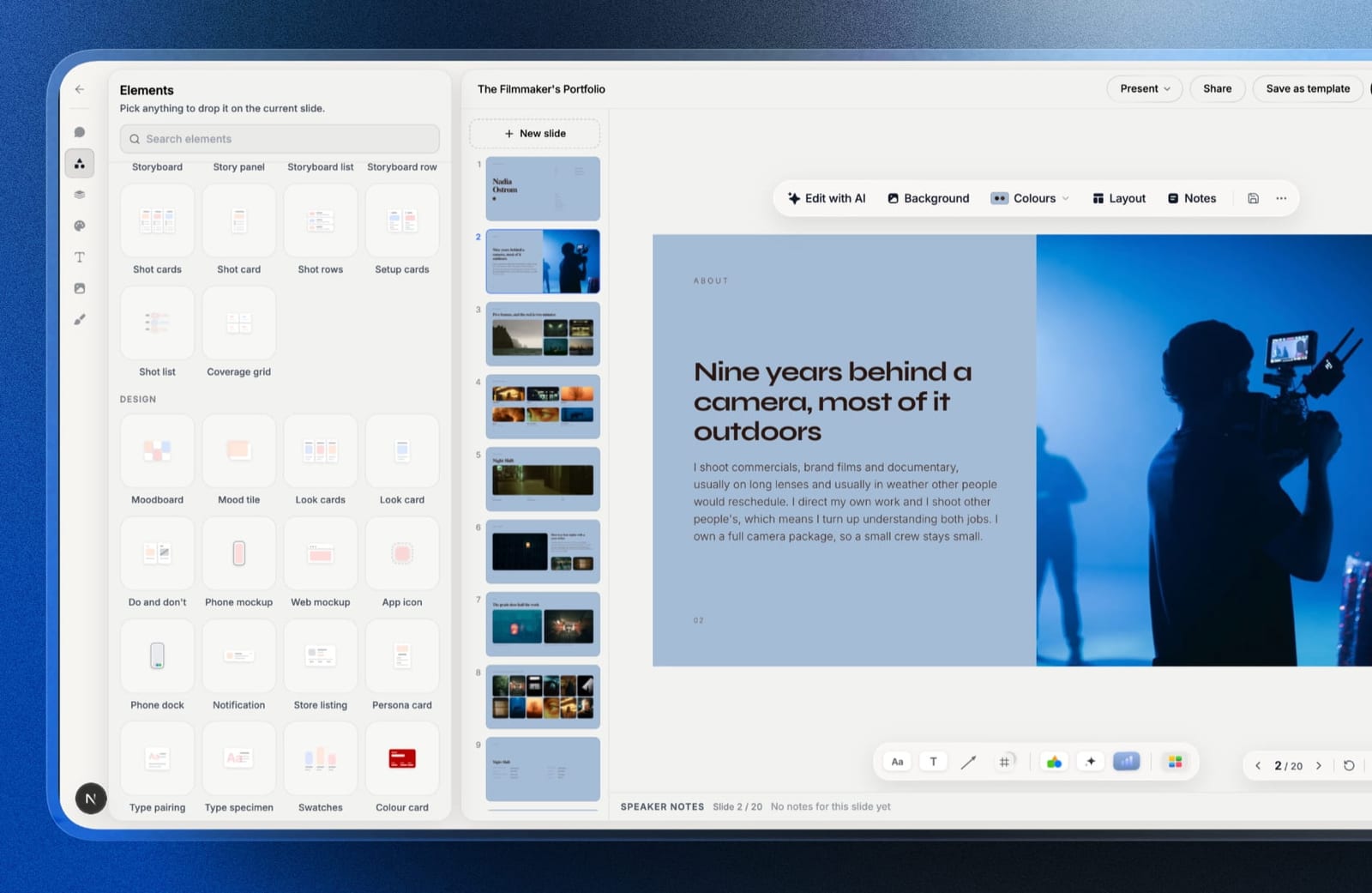
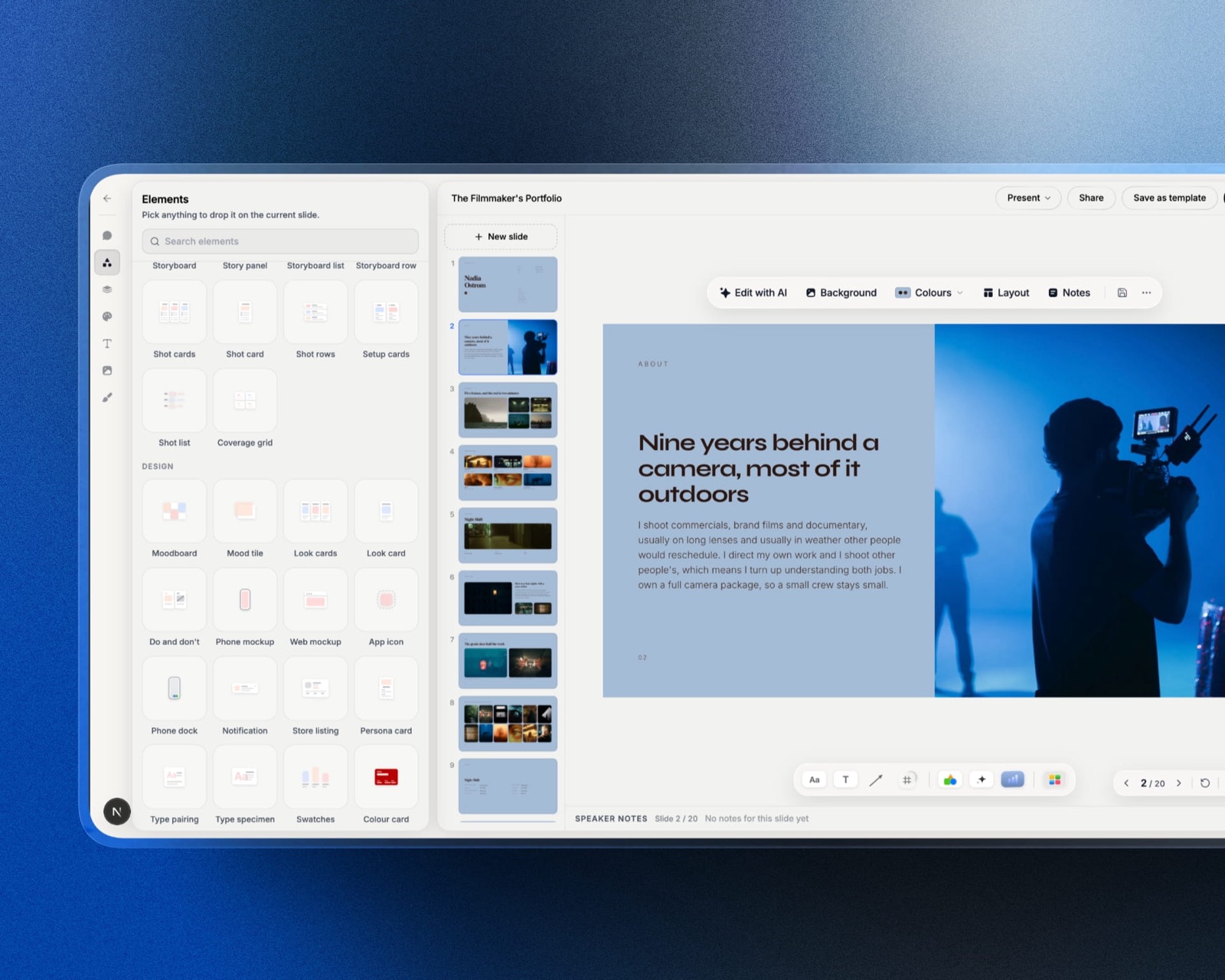
A third shape exists: Framekit Slides drafts the deck from a prompt the way Gamma does, then publishes the company page the last slide links to from the same login.
Use Gamma when the blank first slide is your problem, because it produces a coherent fourteen-slide draft from a paragraph in about a minute and costs $108 a year on its Plus plan.
Use Canva when the deck exists and looks amateur, because its template library and image handling raise the design ceiling higher than Gamma reaches, at $144 a year on Pro.
The one thing that decides it for most people: Gamma's free plan is credit-limited and behaves as a trial, while Canva's free plan refreshes monthly and is a genuine plan.
Framekit is the runner-up to know about if you are a filmmaker or photographer whose deck, treatment and portfolio site all need to come from one account, though it has neither Gamma's credit-free speed nor Canva's template depth.
Full disclosure: Framekit is our own product and it was not put through this head-to-head. Framekit Slides does draft decks, so below we set out what it does and where it falls short of both tools rather than scoring it alongside them.
How We Compared Gamma and Canva
We produced the same fourteen-slide deck in both: a company overview with a problem statement, three product sections, a traction chart, a five-logo client wall, a team slide and a closing call to action.
In Gamma we generated from a written brief and then edited; in Canva we started from a template and built by hand.
What was measured: time to a first complete draft, time to a version we would actually send, what each free tier allowed before stopping us, and export results to PDF and .pptx.
What was verified from published sources: pricing, against each vendor's published pages in August 2026.
What is reported as sentiment: complaints that generated decks look generated, which match what we saw and are widely reported elsewhere.
On 20 September 2026 we re-verified both price points above and rewrote what this guide says about Framekit, which had been written before its Slides editor existed.
The Short Version
Gamma got to a complete first draft in about four minutes including the prompt. Canva got to a complete first draft in about fifty minutes.
Gamma took a further two hours to reach a version we would send; Canva took about forty more minutes, and the Canva version looked better at the end.
| Criterion | Gamma | Canva |
|---|---|---|
| Time to first draft | About 4 minutes | About 50 minutes |
| Time to a sendable deck | About 2 hours total | About 90 minutes total |
| Design ceiling | Good, with a house style | The highest in this category |
| Template library | Small, theme-based | The largest available |
| AI generation | The core product | Assistive, not structural |
| Link analytics | Yes, basic | None |
| Free tier | Credit-limited, behaves as a trial | Monthly refresh, a real plan |
| Annual price | $108 on Plus | $144 on Pro |
That table contains the whole argument. Gamma is faster to a draft and slower to a finish; Canva is the reverse, and finishes higher.
Where Gamma Wins
Structure from nothing. Gamma's real product is not the design, it is the ordering.
Given a paragraph about a company, it produced a fourteen-slide sequence in a sensible narrative order, and the middle of the deck, which is where most people stall, was the part it helped with most.
Speed on repeat work. For anyone producing decks regularly for different audiences, the ability to regenerate a variant in minutes rather than rebuilding is worth more than any template.
It knows what a deck is. Canva's templates are layouts; Gamma's output is an argument in slide form. That distinction matters if you are not confident about what belongs on slide six.
Link analytics. Gamma reports views and how far a viewer read, which Canva does not do at any price. For anyone sending decks rather than presenting them, that is a genuine advantage.
The real numberGamma Plus is $108 a year, $36 less than Canva Pro. The free plan is credit-limited, and for a deck you will regenerate several times, treat those credits as a two-week trial rather than a plan.
Where Canva Wins
The design ceiling. Canva's finished deck looked better, and it was not close. The template library, the asset library and the image tools together produce a result a non-designer cannot reach in Gamma.
Image handling. Our team slide and client logo wall both came out visibly stronger in Canva, which treats images as content with real cropping, masking and background removal rather than as blocks to place.
A free tier that is actually a plan. Canva's free plan meters AI features on a monthly refresh and leaves everything else open, so a person making one deck a month can use it indefinitely. Gamma's credits do not work that way.
Brand consistency. Canva's brand kit holds a team to one typeface and palette. Gamma's themes are consistent within a deck and less controllable across a company's output.
The real numberCanva Pro is $18 a month or $144 billed annually, about $12 a month, and Business is $25 per user a month, per Canva's published pricing. The line that pushes most people onto Pro is custom brand-font upload.
The Generated-Deck Problem
In one lineGamma decks share a family resemblance, and the people who see the most decks are the people most likely to notice.
This is the honest cost of generation, and it is not a bug. A tool that produces a good default will produce a recognisable default, and by 2026 investors, agency creatives and buyers have all seen a great many of them.
What it actually costs you. Not rejection, but a small loss of the impression that this deck was made for this audience. On a pitch where you are one of six, that impression is part of what you are competing on.
The fix is cheap and skipped constantly. Restyle the generated output: change the theme, replace the stock imagery, adjust two layouts, and cut the slide the generator added that you did not need.
Twenty minutes of that removes most of the tell, and almost nobody does it.
Where it does not matter. Internal updates, weekly reports, teaching material and anything where speed is the point. Reserve the restyling effort for decks that are competing against other decks.
Cost Over a Year
In one linethe difference is $36 a year for one person, which is small enough that the real decision is workflow rather than price.
| Scenario | Gamma | Canva |
|---|---|---|
| Occasional decks, free tier | Credits run out | Works indefinitely |
| One person, paid | $108 a year | $144 a year |
| Five people, paid | $540 a year | About $720 a year |
| Both, as a workflow | About $252 a year combined |
Run this on yourself. Count the decks you made in the last six months, then double it for the regenerations you will do when the first output is wrong, and multiply by roughly sixty credits per generation.
If the answer comfortably exceeds what a free tier allows, Gamma's free plan is a trial for you and the honest comparison is $108 against $144 rather than either against $0.
The Two-Tool Answer
In one linethe workflow that beat both single-tool approaches in our test was Gamma for the draft and Canva for the finish, at about $252 a year combined.
Generate the structure in Gamma from a written brief, because that is the part that takes longest when you start from a blank slide. Export or rebuild in Canva once the sequence is settled, because that is where the design ceiling is higher.
When one tool is enough. If you make one deck a quarter and it is client-facing, Canva alone at $144. If you make decks constantly for internal audiences, Gamma alone at $108.
The combined workflow earns its keep for people who send competitive, client-facing decks frequently.
What neither does. Neither tool tells you what happened to the deck in the meeting you were not in, beyond Gamma's basic view data.
For that, our best pitch deck software comparison covers the tools with real per-recipient analytics.
Which Should You Use? A Short Decision Guide
In one lineanswer in order and stop at the first yes.
1. Is your problem the blank first slide? Gamma, and budget $108 a year rather than relying on free credits.
2. Is your problem that the deck looks amateur? Canva, free plan first, and pay the $144 only when brand fonts block you.
3. Do you send decks rather than present them? Gamma for the basic view data, or a dedicated tool if you need per-recipient detail.
4. Do five people build decks at your company? Canva, for the brand kit, and accept the higher per-seat cost as the price of consistency.
5. Both problems, decks weekly? Both tools, about $252 a year, and use them in that order.
6. Is the deck a treatment or a lookbook, and is your portfolio site as stale as the old deck was? Framekit, whose Slides templates are cut for that kind of creative work and whose website builder shares the account.
The Page Your Deck Links To
In one linewhichever you pick, the deck ends with a link, and the page behind it is judged by people who never saw you present.
A deck gets forwarded. The person it reaches looks up your company before deciding anything, and that page is the first thing about you they see without your framing on it.
Framekit is an AI website builder that generates a real, publishable site from a description on your own domain, which is a direct way to make sure that page matches the deck pointing at it. The free plan needs no credit card.
Its Slides side does generate decks from a prompt, with a template library aimed at treatments, lookbooks and portfolio decks, but it has no live co-editing, no deck analytics and nothing approaching Canva's template count, so treat it as the account that holds both artefacts rather than as a swap for either tool above.
Frequently Asked Questions
Is Gamma better than Canva?
Gamma is better at producing a structured first draft and Canva is better at producing a finished deck that looks designed, so neither is better in general.
Gamma generated our fourteen-slide draft in about four minutes against about fifty in Canva, but the Canva version looked stronger at the end. If you only buy one, choose based on whether structure or appearance is your actual bottleneck.
Is Gamma free?
Gamma has a free tier, but it is credit-limited rather than a monthly plan, which means heavy use exhausts it quickly and regenerating a deck several times consumes credits fast. Gamma Plus is $108 a year.
For anyone producing decks regularly, treat the free tier as a two-week trial and budget for the paid plan rather than planning around the credits.
Does Canva have AI presentation generation?
Yes, Canva includes AI design generation that produces a deck from a prompt, and it is assistive rather than structural: it applies layouts and styling well and is weaker than Gamma at deciding what the slide sequence should be.
Canva's free plan meters AI use with a monthly refresh at roughly two hundred standard uses, which is more generous in practice than a fixed credit pool.
Can I export a Gamma deck to PowerPoint?
Yes, Gamma exports to both PDF and .pptx, and as with any browser-first tool the .pptx export drifts on complex slides. Simple text and image slides survive well; tables and charts usually need repair after export.
If your recipients routinely edit your files, build in a tool with native .pptx fidelity rather than exporting from either tool in this comparison.
Do generated decks look generated?
Often, yes, and the audiences that see the most decks notice first. Gamma's output has a recognisable house style, and investors and agency creatives in 2026 have seen a lot of it.
The fix takes about twenty minutes: change the theme, replace the stock imagery, adjust two layouts and cut the slide the generator added that you did not need.
Which is cheaper, Gamma or Canva?
Gamma, by $36 a year for one person. Gamma Plus is $108 annually against Canva Pro at $144, and at five people that gap widens to $540 against $720.
The price difference is small enough that most people should decide on workflow rather than cost, and the combined two-tool approach at about $252 a year is a legitimate option.
Can I use both Gamma and Canva together?
Yes, and it was the best result in our test. Generate the structure in Gamma from a written brief, then rebuild the client-facing version in Canva where the design ceiling is higher.
The combined cost is about $252 a year, which is worth it for anyone sending competitive decks frequently and unnecessary for occasional internal ones.
Which is better for a pitch deck?
Canva for the document and neither for the process.
Canva produces the better-looking deck, Gamma gets you to a first draft faster, and neither reports per-recipient reading data, which for a founder sending to forty investors is the feature that changes follow-up.
See our best pitch deck software comparison for tools that do.
Does Gamma support custom brand fonts?
Gamma supports theme customisation including fonts on paid plans, with less control than a design tool offers, and Canva supports uploading a licensed typeface on Pro at $144 a year.
If precise brand typography is essential, both are compromises, and Apple Keynote or desktop PowerPoint handle licensed fonts properly at no additional cost.
What are the best alternatives to both?
Google Slides if the deck is written by a team and cost matters, Pitch if you need to know who opened it, and Beautiful.ai if you want automatic layout consistency.
Our best Gamma alternatives and best Canva alternatives for presentations guides cover each field in full.
Final Verdict
Choose Gamma if you stall on what the deck should say, and Canva if you stall on how it looks. That is the whole comparison, and the $36 annual difference between them should not be the deciding factor for anyone.
The honest recommendation for people who send decks often is both, in that order, at about $252 a year, because generating structure and designing a finished document are different jobs and each tool is clearly better at one of them.
Where neither helps: if your decks are read after the meeting by people you never speak to, and you have no idea what they read, that is a visibility problem and neither Gamma nor Canva addresses it at any price.
Keep reading: our best AI presentation makers comparison, the best presentation software roundup, and Canva vs Google Slides.