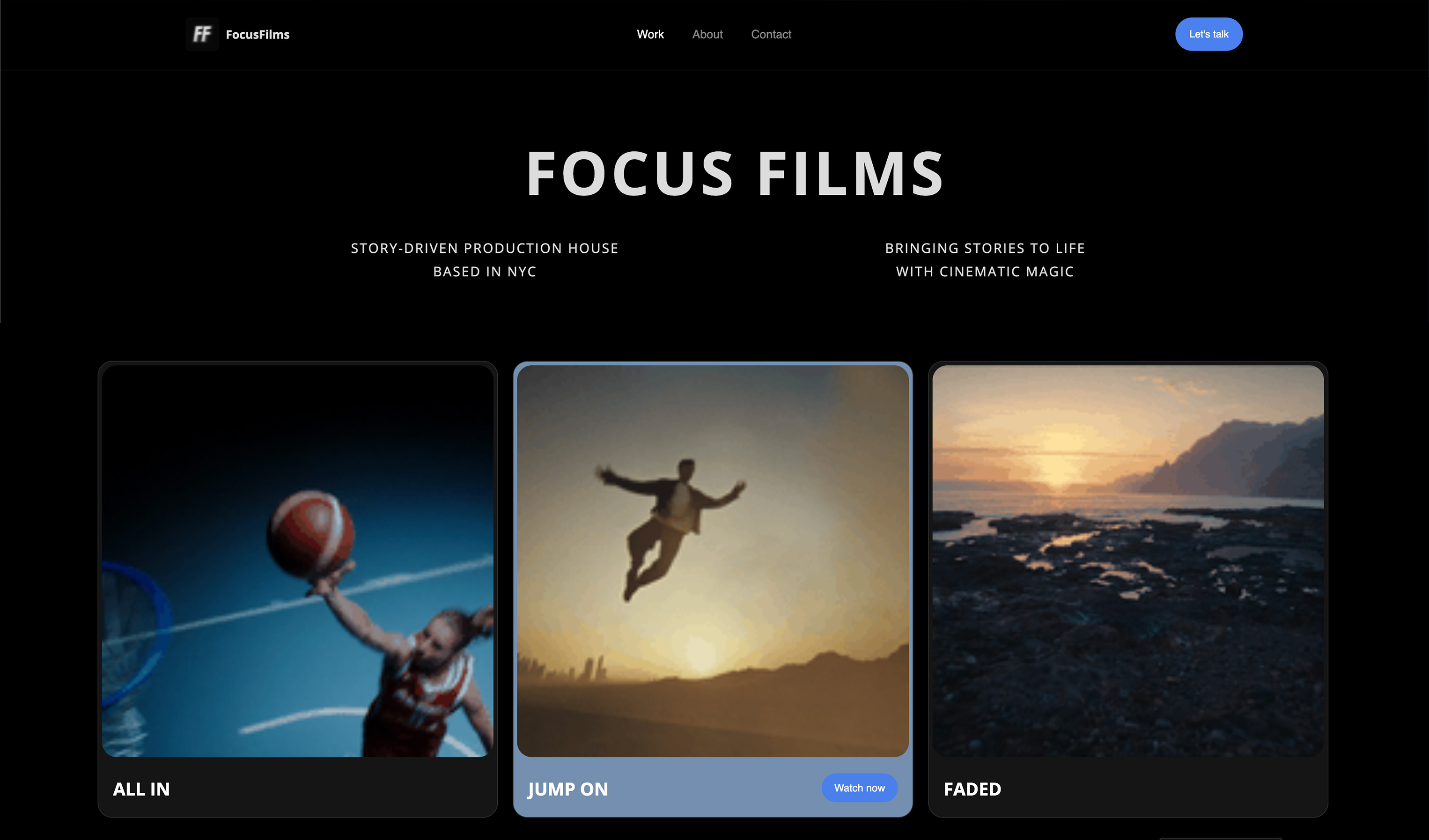
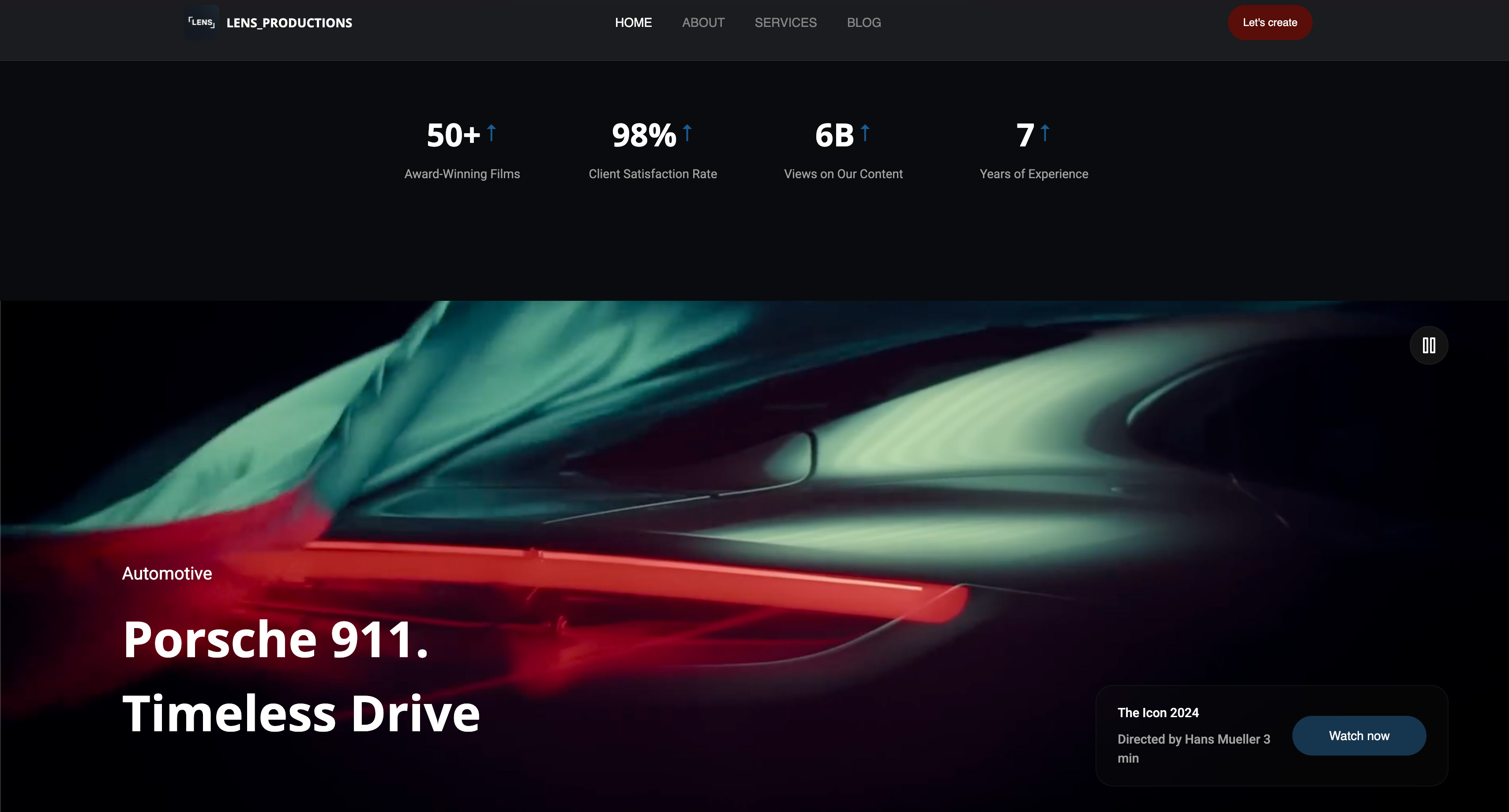
Framekit templates
Start from a designer-made template
 Use template
 Use template
 Use template
 Use template
 Use template
 Use template
 Use template
 Use template
An animator's portfolio has a problem no other creative portfolio has: it has to move before anyone clicks anything.
That one requirement is what separates a website builder that suits animators from one that merely looks good, and it is why so many animator sites are broken in the same way. A photographer's grid works as stills.
A designer's case study works as stills. Twelve frozen frames from twelve animations tell a recruiter almost nothing, which is why animators reach for GIFs, and why animator portfolios are so often the heaviest pages on the internet.
Here is the number that decides the whole category. A five-second 1080p loop exported as a GIF lands somewhere around 8 to 15 MB. The same five seconds as an H.264 MP4 lands around 300 to 600 KB.
That is a factor of twenty to thirty, on every single loop, and a twelve-loop page is either about 120 MB or about 5 MB depending on one export decision your website builder may or may not let you make.
A website builder is a hosted tool that turns your reel, your project pages and any products you sell into a site on your own domain without writing code.
For an animator the question is which one lets motion play on the page without punishing the person viewing it, and which one lets you keep the work when you change tools.
The best website builder for animators in 2026 is Framekit, because looping video, project breakdowns and a store for rigs or presets all sit on a domain you own, which means your reel's search traffic and your buyers stay yours.
Webflow is the pick if you want to hand-control exactly what loads and when, and ArtStation remains the place recruiters actually browse, so most working animators need it as well as a site rather than instead of one.
The honest trade-off with Framekit is that it takes 5% of a product sale on the free and $9 Starter plans, and only drops to 0% on the $39 Business plan.
How This Ranking Was Weighted
Animators are hired from reels and shot breakdowns rather than from layouts, so the weighting follows that rather than general site quality.
How the reel plays and how a breakdown reads carry the most weight, then how little manual page-building each new piece demands, then cost.
Under the opposite weighting, where being discovered by studio recruiters is the entire goal, ArtStation wins outright and Framekit places second, because discovery is not something a site on your own domain provides.
Disclosure: Framekit is our product and we rank it first. We built the same eleven sites with the same reel, the same six looping shots and the same $29 rig pack, we link to every competitor, and we name where each beats us. ArtStation beats us outright on discovery, Webflow beats us on load control, and Behance beats everything on price because it is free.
How We Tested Eleven Builders
Every site got identical material: a 70-second reel, six five-second loops, three project pages with breakdown notes, a contact page and one $29 rig pack for sale. Using the same assets everywhere is the only way to tell a tool's behaviour apart from a file's behaviour.
We separate three kinds of claim in this guide. Anything described as built or observed is something we did inside the product and watched happen.
Anything described as read at source is a price or policy taken off the vendor's own page in August 2026, cited where it matters.
Anything that came from artist reports is labelled in the sentence itself, because a recurring complaint in a forum tells you a pattern exists without telling you its size.
Conditions: new accounts, USD billing where offered, no education or studio discounts, annual pricing quoted as the vendor presents it. Where a paid feature was trial-only we built and previewed without completing a charge, and the entry says so.
Two honest limits. First, we quote no star ratings anywhere, because G2, Capterra and Trustpilot all refuse automated requests and we will not reprint a number we could not open.
Second, ArtStation refuses automated access entirely, so its entry below carries no price at all rather than a figure we could not confirm.
By the numbers11 builders built out. 6 loops per site, 5 seconds each. 1 carried product, a $29 rig pack. 20x to 30x is the file-size gap between the same loop as a GIF and as an MP4. 4 of 11 let you sell a downloadable product from your own domain. 2 of 11 are free forever with a real portfolio.
The Comparison Table
The rubric is weighted for how animators are actually hired: motion handling 30%, discovery and reach 20%, selling from your own domain 20%, design control 20%, price over three years 10%.
Motion handling leads because a builder that forces GIFs or blocks inline video is failing at the only job specific to this profession.
Discovery is weighted heavily because, uniquely among the creative fields we write about, a large share of animation hiring still starts on a portfolio community rather than a search engine.
| Builder | Best for | Motion handling | Sell from your domain | Entry price | Our rating |
|---|---|---|---|---|---|
| Framekit | Reel, breakdowns and a store together | Strong, inline video | Yes | $0, $9/mo Starter | 9.1/10 |
| ArtStation | Being seen by studio recruiters | Strong | Marketplace, not your domain | Free tier, paid tiers unverified | 8.8/10 |
| Webflow | Total control over what loads | Best in class | Yes, with a build | $15/mo annual | 8.5/10 |
| Behance | A free, well-trafficked shopfront | Good | No | Free | 8.0/10 |
| Framer | Motion-led one-page sites | Very strong | Limited | $10/mo Basic | 7.9/10 |
| Cargo | Art-school aesthetics and odd layouts | Good | Limited | Paid, plan-based | 7.5/10 |
| Format | Tidy project pages | Adequate | Print-oriented store | $10/mo annual | 7.4/10 |
| Adobe Portfolio | Animators already paying Adobe | Adequate | No | Included with CC Photography $19.99/mo | 7.3/10 |
| Squarespace | Doing everything acceptably | Adequate | Yes, with fees | $19/mo annual | 7.1/10 |
| Wix | Plugin-shaped requirements | Weakest of the paid tools | Yes | $17/mo Light | 6.8/10 |
| Carrd | One page, one reel, one link | Basic | No | $19/year | 6.4/10 |
Framekit does not win every column and the table says so. ArtStation beats it on the thing that gets animators hired, Webflow beats it on load control, and Behance beats it on price by being free.
1. Framekit: Best Overall for Animators

Framekit is an AI website builder for photographers, filmmakers and designers that generates a site from a description or a reference image and lets you sell from it on your own domain.
For an animator the practical appeal is that the reel page, the per-project breakdowns and the pack sales are one site rather than three subscriptions and three logins.
Building the test site took about twenty-five minutes. The generated project-page layout put the finished shot at the top and the process below it, which is the right order and not the order most portfolio templates default to.
Loops uploaded as MP4 played inline and muted without us having to fight an autoplay setting, which sounds trivial until you have spent an evening on a builder that insists on a play button over every clip.
The real numberon the carried $29 rig pack, the platform fee is 5% on the free and $9 Starter plans, 3% on Pro at $19, and 0% on Business at $39 a month.
That is $1.45, $0.87 or nothing per sale before standard card processing, which every platform here pays.
The crossover is worth memorising: $39 divided by 5% is $780, so the flat plan starts winning once you clear about $780 a month in sales.
The standout detailclient galleries come on every plan including the free one, with unlimited galleries, watermarking, password and PIN protection, favourites, downloads and email sharing at every tier. Storage is the only thing that scales with price.
Animators doing client work rather than studio work send a lot of WIP rounds, and this removes a second subscription.
The gotchathere is no threaded approval loop. A client marks favourites rather than leaving a comment on frame 240 and getting it ticked off, which is a real gap if your process depends on formal per-shot sign-off.
Framekit also has no print lab, which matters if you sell physical prints of frames.
Skip it ifyour portfolio is a hand-built interactive piece with custom scroll choreography. Framekit gives you a clean, fast, well-structured site; it does not give you Webflow's interaction canvas.
Verdict: the best home for an animator's whole business, and the wrong tool if the site itself is meant to be the showpiece. It also will not replace ArtStation for getting seen, and anyone who tells you a personal site alone gets you recruited has not applied for an animation job recently.
2. ArtStation: Best for Getting Seen
ArtStation is where studio recruiters actually browse. That is the entire case and it is close to decisive: for animation, games and VFX, the discovery problem is solved on ArtStation in a way no personal site solves on its own.
A portfolio there gets in front of people whose job is to find you.
On pricing, an honest noteArtStation refuses automated requests, so we could not read its current subscription rates at the source and this guide quotes none rather than reprint a figure from a third party.
What we can say without a price: there is a genuinely usable free portfolio tier, and paid tiers exist that improve marketplace terms and visibility. Check the current rate on ArtStation's own subscription page before you budget.
The standout detailthe audience is peers and recruiters rather than clients, which changes what you post. Process, breakdowns and turnarounds do better there than a polished sizzle reel, because the people looking are trying to work out whether you can actually do the thing.
The gotchait is a rented address in the strongest sense. Your ArtStation URL, your followers and your search visibility belong to the platform, and the site design is the same as everyone else's by definition. This is fine, as long as you are clear that it is a channel and not a home.
Skip it ifyou are a motion designer selling to brands and agencies rather than an animator applying to studios. The audience is not yours.
Verdict: not a competitor to a personal site, a complement to one. Most working animators should have both, and should treat ArtStation as the place people find them and their own domain as the place people hire them.
3. Webflow: Best for Load Control
Webflow is the only tool here that lets you decide, per element, what loads immediately and what waits. On an animator's site that is not a nicety.
Deciding that the hero plays a 400 KB muted loop while the full reel loads only on click is the difference between a page that works on a phone on mobile data and one that does not.
The real numbersite plans are Basic $15 a month annually with no CMS and Premium $25, which is the renamed CMS tier. The old $39 Business site plan has been retired, and the next tier above Premium is Team at $2,500 a month on an annual contract.
Workspace seats are separate: Free, Core $19, Growth $49.
The standout detailyou can set the poster frame, the preload behaviour and the fallback for every clip individually, which no other tool here exposes.
The gotchathe build is the cost. Artist reports about Webflow consistently name the learning curve rather than the price as the reason for giving up, and an animator billing day rates should count the weekend honestly before starting.
Skip it ifyou want to publish this week.
Verdict: the right answer when the portfolio is itself a piece of craft, and an expensive detour when it is a means to an end.

4. Behance: Best Free Option
Behance is free, it is owned by Adobe, and it has traffic. For an animator with no budget it is the fastest route to a presentable body of work at a URL you can put on an application.
The real numberzero. There is no paid tier to weigh up.
The standout detailproject pages handle a long-form case study better than most paid builders, and embedded video works properly.
The gotchaeverything you build strengthens Behance's domain rather than yours, and the feed rewards recency, so work that is not new effectively disappears. Behance is a shopfront on somebody else's high street.
Skip it ifyou sell anything. There is no store, and no way to make one.
Verdict: the correct first move for a student or a career-changer, and a thing to keep updating rather than depend on once you are working.
5. Framer: Best for Motion-Led Design
Framer is a design tool with a publish button, and for an animator that pairing is intuitive in a way page builders are not. Scroll-linked motion that would take a weekend elsewhere takes an afternoon here.
The real numberFree, Basic $10, Pro $30, with the Scale tier retired. Extra editors are $20 and viewers are free. The constraint that catches project-heavy sites is CMS collections: 2 on Basic and 10 on Pro, so a structured archive can push you up a tier for reasons unrelated to traffic.
The standout detailthe gap between what you design and what publishes is the smallest on this list, which suits people who think visually and resent translation layers.
The gotchaFramer moved to a monthly credits model, so what a plan actually includes now moves. Read the current terms before you commit an archive to it.
Skip it ifselling packs matters. Checkout means leaving Framer.
Verdict: a joy to build in and a poor fit for a business with products.
6. Cargo: Best for Unconventional Layouts
Cargo has an art-school sensibility that the mainstream builders sand off, and animators working in experimental or music-video territory often want exactly that: a site that looks made rather than configured.
The real numberCargo is plan-based and cheaper than most of the mainstream builders here, but it is a design environment first and a business tool a distant second, so budget for what it does not do rather than what it costs.
The standout detailthe layouts genuinely do not look like anyone else's, which for a certain kind of animator is the whole point of having a site.
The gotchacommerce is thin, and the tooling assumes you have opinions about typography rather than about conversion.
Skip it ifyou need a store, structured project data or a client to be able to navigate it without thinking.
Verdict: the best-looking left-field option, and a poor fit for a commercial animation practice. If you are weighing it up, our Cargo alternatives guide covers where people go next.
7. Format: Tidiest Project Pages
Format is built around photographers but its project pages suit an animator's breakdown structure well: a hero, a sequence, a set of notes. It is restrained in a way that flatters the work.
The real numberBasic is $10 a month billed annually, with the page noting a normal rate of $14. Pro is $12 annually or $17 monthly, Pro Plus $15 annually or $26 monthly. Store commission is 0% on all plans, though the store is oriented toward prints rather than downloadable packs.
The standout detailproofing galleries are included rather than sold separately, which is useful for animators who deliver client rounds.
The gotchavideo is a supported citizen rather than a first-class one. It works; it is not what the product is designed around.
Skip it ifmotion is the majority of what you show.
Verdict: a good site for an animator who mostly shows finished frames, and a compromise for one who mostly shows movement.

8. Adobe Portfolio: Best If You Already Pay Adobe
Adobe Portfolio has no price of its own.
It comes with Creative Cloud, and the Adobe plans page lists the Photography plan at US$19.99 a month with 1TB of storage, Lightroom alone at US$11.99, and the full Creative Cloud Pro plan at US$69.99.
An animator already paying for After Effects has it included.
The real numberno additional cost for existing subscribers, which nothing else here can match.
The standout detailit is quick, clean and connected to the rest of the Adobe tools you already have open.
The gotchano store, and the site exists only while the subscription does. Cancelling Creative Cloud takes your portfolio with it.
Skip it ifyou sell anything, or you would like the site to outlive your software budget.
Verdict: excellent value, zero independence.
9. Squarespace: The Safe Generalist

Squarespace does everything to an acceptable standard and nothing to a remarkable one. For an animator it is a competent site with a store that is expensive for downloads.
The real numberBasic is $19 a month annually. Digital-content fees run 7%, 5%, 1% and 0% depending on plan, on top of processing, so the $29 rig pack costs $2.03 on the entry ladder against $1.45 on Framekit's 5% tier and nothing on a 0% plan.
The standout detailbuilt-in invoicing and scheduling are the best here, which matters for freelance animators taking direct commissions.
The gotchadigital downloads are clearly the junior sibling of the physical store, and versioned files are not a workflow the platform understands.
Skip it ifdownloadable products are a real line of income.
Verdict: nobody's best answer and nobody's disaster.
10. Wix: Widest Surface, Weakest Video
Wix will do almost anything through its app market, and plans run Light $17, Core $29, Business $39 and Business Elite $159 on annual billing.
The real numberBusiness at $39 a month is where selling becomes serious, which happens to be the same headline as Framekit's 0%-fee tier and the retired Webflow middle tier.
The standout detailbreadth. Bookings, members areas and a store all exist today without plugins from third parties.
The gotchait was the weakest of the paid tools we built on for video, and artist reports about self-hosted video behaviour are persistent enough that we would host the reel elsewhere and embed it.
Skip it ifthe reel is the site.
Verdict: a capable business platform with the wrong weakness for this profession.
11. Carrd: One Page, Done Tonight
Carrd is $19 a year for Pro and builds exactly one thing: a single page with a reel, a line about you and a way to get in touch.
The real number$57 over three years, against $324 for Framekit Starter and $684 for Squarespace Basic.
The standout detailit is almost impossible to make ugly, because there is not enough surface to get wrong.
The gotchano project pages, no store, no room to grow.
Skip it ifyou have more than one thing to show, which as an animator you do.
Verdict: a fine placeholder and a bad destination.
The Weight of Motion, and Why GIFs Are Costing You
In one linethe same five-second loop is roughly twenty to thirty times heavier as a GIF than as an MP4, so the single highest-impact decision on an animator's portfolio has nothing to do with which builder you chose.
The GIF format is thirty-eight years old and was never designed for photographic or rendered motion.
It caps at 256 colours per frame, which is why your carefully graded loop develops banding, and it compresses each frame almost independently, which is why the file is enormous.
A five-second 1080p loop lands somewhere around 8 to 15 MB as a GIF and around 300 to 600 KB as H.264, and smaller again as VP9 or AV1. MDN's guide to web video codecs is the reference worth reading once on what actually survives an encode.
Twelve loops on a page is therefore either about 120 MB or about 5 MB. That is the entire difference between a portfolio that works on a recruiter's phone between meetings and one that does not, and no amount of choosing the right website builder fixes it if you upload GIFs.
The replacement is a muted, inline, looping video element, which every current browser will autoplay precisely because it is muted. MDN's autoplay guide sets out the rules: autoplay with sound is blocked and should be, autoplay without sound is allowed.
Practically, that means exporting MP4 rather than GIF, muting the track, and checking that your builder does not wrap the clip in a player with a play button you cannot remove. Three of the eleven tools here do exactly that by default.
The test to run on any builder before committing: upload one five-second loop, publish, then load the live page and check what the site actually serves. If it is a GIF, or a video wrapped in a click-to-play shell, you will be fighting the tool for as long as you use it.

What Selling Rigs and Packs Really Costs
In one lineat $9,000 a year in pack sales, the spread between the cheapest and the most expensive way to take the money is a few hundred dollars, and because the expensive routes are percentages, the gap grows every year the business does.
Take the carried example: a $29 rig pack selling about 26 times a month, which is roughly $750 a month and $9,000 a year. Card processing of 2.9% plus $0.30 applies wherever the platform charges it separately.
| Route | Fee on a $29 sale | Kept per sale | Cost per year at 310 sales |
|---|---|---|---|
| Gumroad (10% + $0.50 + processing) | $4.54 | $24.46 | $1,408 |
| Framekit Free or Starter (5% + processing) | $2.57 | $26.43 | $797 |
| Framekit Business $39/mo (0% + processing) | $1.14 | $27.86 | $821 including the subscription |
| Squarespace Basic (7% digital fee + processing) | $3.16 | $25.84 | $980 |
Read that table honestly, because it does not say what a marketing page would want it to say. At exactly this volume Framekit's free plan is marginally cheaper than its $39 Business plan, because $9,000 a year is just under the crossover.
The Business plan only starts winning above about $780 a month in sales, and below that you should be on the free plan and we should not be selling you an upgrade.
The test to run on your own numbers: take last month's product revenue, multiply by your platform's percentage, multiply by twelve. If that figure is bigger than $468, a flat $39 plan is cheaper. If it is smaller, stay free.
What Studios Actually Look At
In one linea reel gets you looked at and a breakdown gets you hired, which is why the portfolio structure that works is not the one most templates encourage.
The reel. Sixty to ninety seconds, best shot first, no title card longer than two seconds, and no music-video edit that hides how long each piece of animation actually runs. Recruiters watch a lot of these and they watch the first ten seconds properly.
The breakdown. For every shot in the reel, say what you did. Animation, rigging, layout, cleanup, comp, whoever else was on it.
This is the single most under-provided thing on animator portfolios and the thing a supervisor most wants, because a beautiful shot with an unclear contribution is a shot they cannot evaluate.
Playblasts and process. Rough passes, blocking, spline, and the ugly middle. Studio hiring cares about your process because they are buying your process. This is also the content that does best on ArtStation.
A turnaround or a cycle. For character animators, a walk cycle and a turnaround still do a job no finished shot does: they show fundamentals without a compositor's help.
Length discipline. Six to ten pieces. An animator's portfolio is judged on its weakest included work, not its average, which is the opposite of how most people build one.
What to leave off. School exercises once you have professional work, a showreel of other people's shots you touched briefly, and any loop you are keeping out of affection rather than evidence.
How Animators Get Found
In one lineanimation hiring runs through communities and referrals more than search, so the job of your own domain is to convert the person who already has your name, not to win a keyword.
The realistic pattern looks like this. A recruiter or supervisor sees work on ArtStation, in a Discord, or through someone who worked with you. They search your name. They land on your site.
They decide in well under a minute whether you work at their level and whether you have done the specific thing they need. Your name is the search term that matters, which is an argument for owning the domain that answers it.
The secondary pattern is specific and low-volume: "character animator London", "freelance 2D animator explainer". These are winnable precisely because the volume is small, and the way to win them is to say plainly what you do and where.
Google's SEO starter guide is the only optimisation reading most animators need.
The third pattern is the product business, which behaves completely differently: people searching for rigs, brushes and templates are comparing and buying, and that traffic compounds on a domain you own and vanishes on one you rent.
What Three Years Costs
In one linethe subscription spread across these eleven tools is wide enough over three years to pay for a workstation upgrade, but it is still smaller than what a percentage fee takes from a decent product business.
| Builder and plan | Per month | 36 months |
|---|---|---|
| Behance | $0 | $0 |
| Framekit Free | $0 | $0 plus 5% of sales |
| Carrd Pro | $1.58 | $57 |
| Framekit Starter | $9 | $324 |
| Format Basic | $10 | $360 |
| Framer Basic | $10 | $360 |
| Webflow Basic | $15 | $540 |
| Wix Light | $17 | $612 |
| Squarespace Basic | $19 | $684 |
| Adobe Portfolio via CC Photography | $19.99 | $720 |
| Framekit Business | $39 | $1,404 |
Add roughly $12 to $20 a year for a domain, which is the only line here that keeps its value when you switch tools. Our guide to the best domain registrars for creatives covers where to keep it.
How to Choose in Four Questions
Most guides close with a list of picks, which is the same information rearranged. Work down these four questions instead and stop at the first yes, because the first yes is the constraint that actually decides the tool for you.
- Are you applying to studios? Then you need ArtStation regardless of what else you do, and the only question left is where your own domain lives.
- Do you sell rigs, brushes, presets or courses as a real income line? Then you need a store on a domain you own, which means Framekit or a Webflow commerce build.
- Is the site itself meant to be a piece of work, with scroll choreography you designed? Webflow, or Framer if the motion matters more than the structure.
- Do you have no budget at all? Behance today, free and public, and revisit when there is money.
Frequently Asked Questions
What is the best website builder for animators in 2026?
Framekit is the best website builder for animators in 2026 because the reel, the project breakdowns and any packs you sell live on a domain you own, so the traffic and the buyers stay with you.
Webflow is the better choice if you want per-element control over what loads, and most working animators should also maintain an ArtStation profile, because that is where studio recruiters actually browse.
Should I use GIFs or video for portfolio loops?
Video, without exception. The same five-second 1080p loop is roughly 8 to 15 MB as a GIF and roughly 300 to 600 KB as an H.264 MP4, a factor of twenty to thirty on every clip.
Export a muted MP4 and let it autoplay inline, which browsers permit specifically because it is muted, and check that your builder does not wrap it in a player you cannot remove.
Do I still need ArtStation if I have my own website?
For studio work, yes. ArtStation is where recruiters browse, so it solves discovery in a way a personal site cannot on its own, while your own domain is where someone who already has your name decides whether to hire you.
Treat ArtStation as a channel and your site as the destination rather than choosing between them.
How much does it cost to sell a rig or brush pack from my own site?
On Framekit the platform fee is 5% on the free and $9 Starter plans, 3% on Pro at $19 a month and 0% on Business at $39, plus standard card processing on every plan. On a $29 pack that is $1.45, $0.87 or nothing in platform fees.
Below about $780 a month in sales the free plan is the cheaper option, and above it the flat plan is.
Is Behance good enough on its own?
For a student or career-changer, yes, and it costs nothing.
For a working animator it is a shopfront rather than a home: the feed rewards recent posts so older work effectively disappears, everything you publish builds Behance's search authority rather than yours, and there is no way to sell anything.
Use it, but not exclusively.
What should go on an animator's project page?
The finished shot first, then the breakdown of what you personally did, then the process passes.
Naming your specific contribution is the most under-provided thing on animator portfolios and the thing a supervisor most needs, because a beautiful shot with an unclear contribution cannot be evaluated.
How many pieces should an animation portfolio have?
Six to ten. An animator's portfolio is judged on its weakest included piece rather than its average, so a tight reel of six strong shots beats twelve of mixed quality. Cut anything you are keeping out of affection rather than as evidence.
Can I sell After Effects templates from my own website?
Yes, and it is usually better than a marketplace because you keep the customer rather than renting access to someone else's audience.
On Framekit the fee is 5% on free and Starter plans, dropping to 0% on the $39 Business plan, against a typical marketplace percentage that never falls no matter how much you sell.
Does Framekit handle client feedback rounds?
Partly. Client galleries are on every plan including the free one, with unlimited galleries, watermarking, passwords and PINs, favourites, downloads and email sharing, so sending WIP rounds is straightforward.
What it does not have is a threaded per-frame approval loop, so if your process needs a client to comment on a specific frame and have it formally signed off, plan for a separate tool.
What is the cheapest way for an animator to get a real website?
Behance is free and public today. Framekit's free plan gives you a real site with galleries and a store on it at no cost, with a 5% fee only when you actually sell something. Carrd at $19 a year is the cheapest paid option if all you need is one page with a reel on it.
The Verdict
For a working animator in 2026, the honest recommendation is two things rather than one: ArtStation for discovery, and Framekit for the site that discovery leads to, because the reel, the breakdowns and any packs you sell sit on a domain you keep.
Webflow is the better pick if the site is itself a piece of craft you want to build, and Behance is the right answer at a budget of zero.
Where Framekit loses, plainly: it will not get you seen the way ArtStation does, and no personal site will. It has no threaded approval round, so formal per-shot client sign-off needs another tool. It has no print lab.
And on the free and Starter plans it takes 5% of a pack sale, which is real money, not the zero a headline might imply. If your product business is small, stay on the free plan; if it clears $780 a month, move to the flat one.
If you show nothing but finished frames and sell nothing, Format or Behance will serve you fine and cost you less. If motion and products are the business, own the address they live at.
Related reading: best website builder for motion designers, best 2D animation software, best ArtStation alternatives, and best website builder for storyboard artists.
Also in this series: website Builders for Production Companies, website Builders for Photojournalists and client Galleries for Sports Photographers.
Vendor pricing here was read at each company's own page in August 2026, with Adobe and Webflow figures re-verified on 9 August 2026. ArtStation blocks automated access and is quoted without a price for that reason.