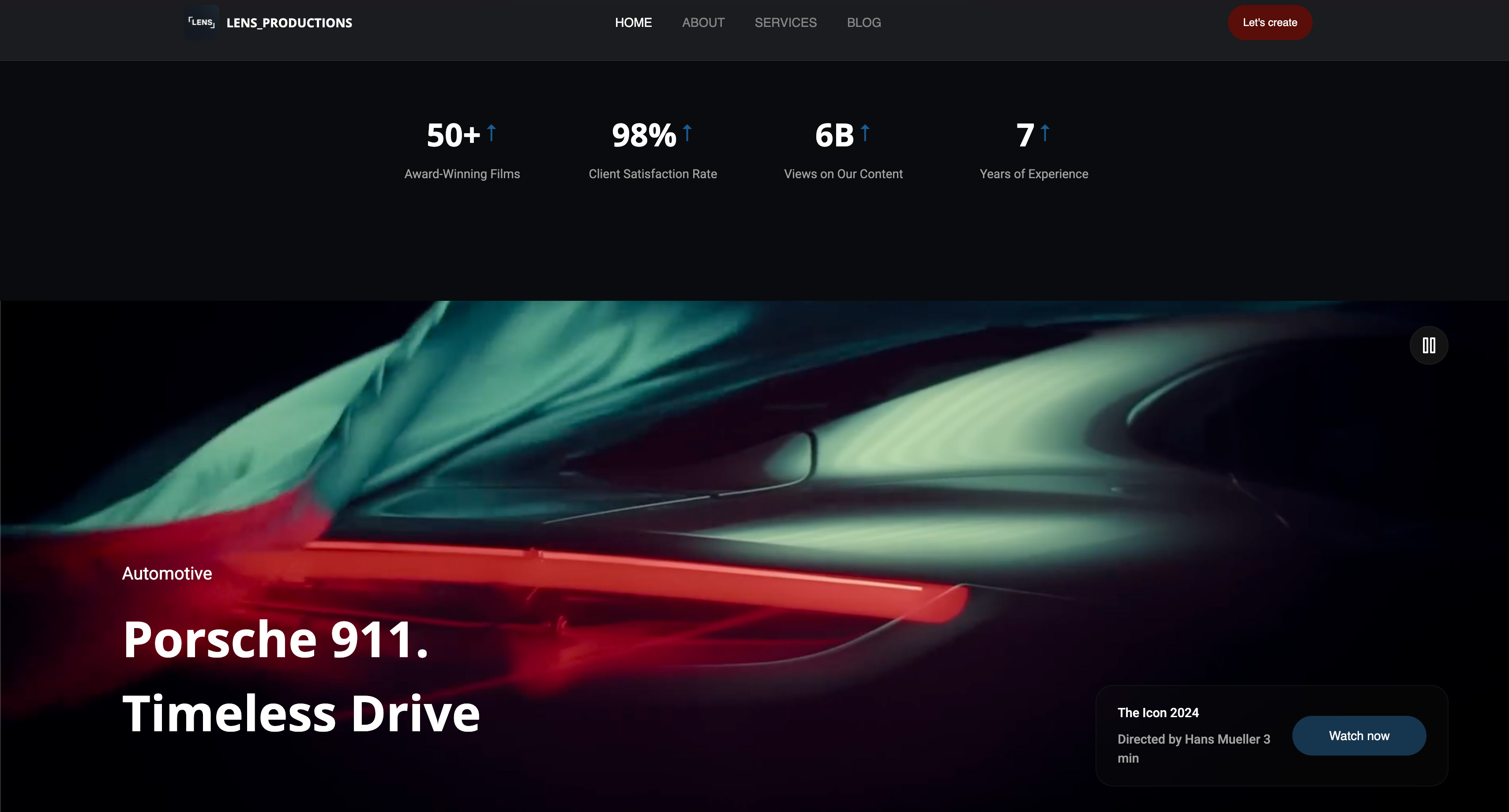
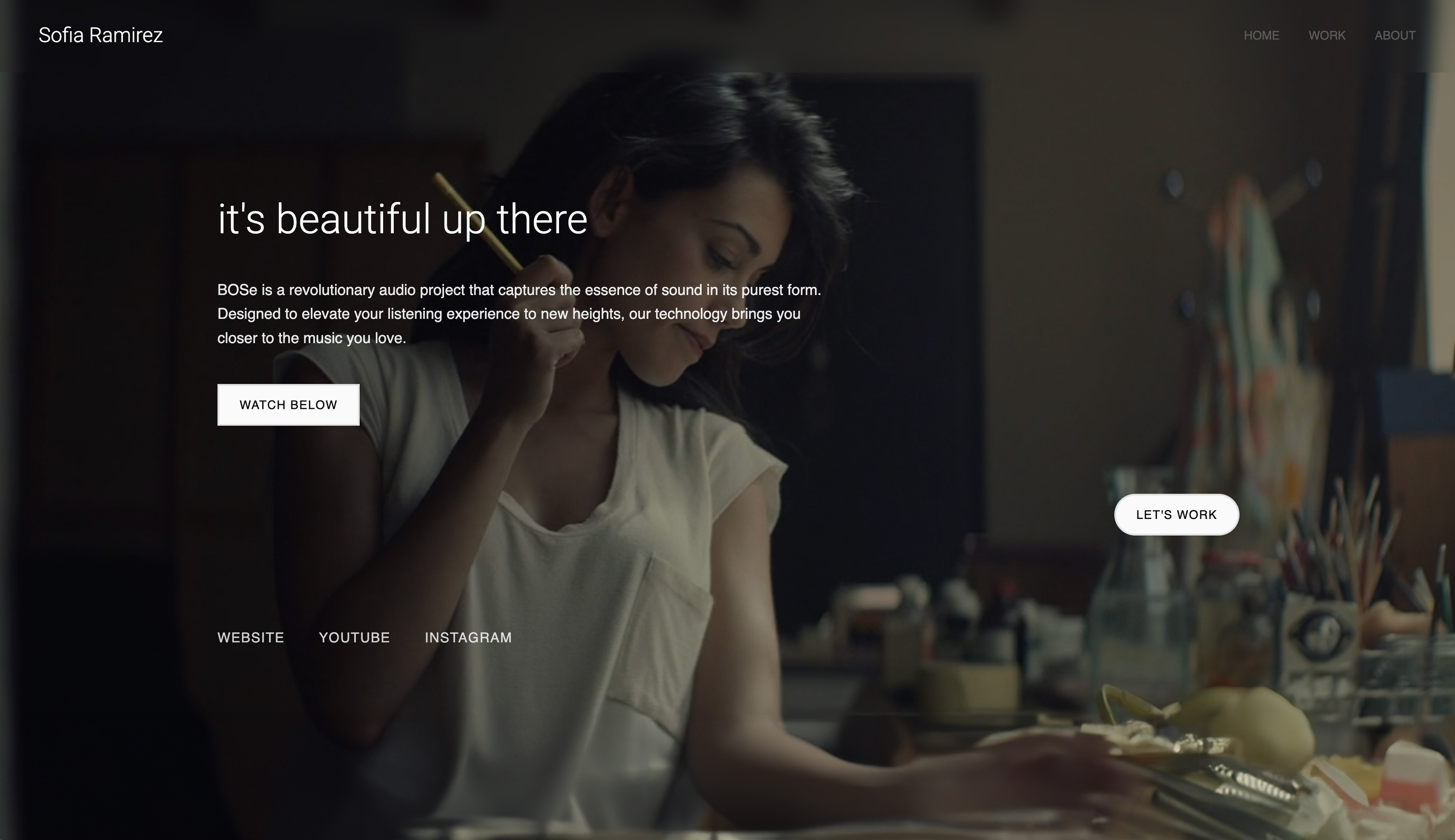
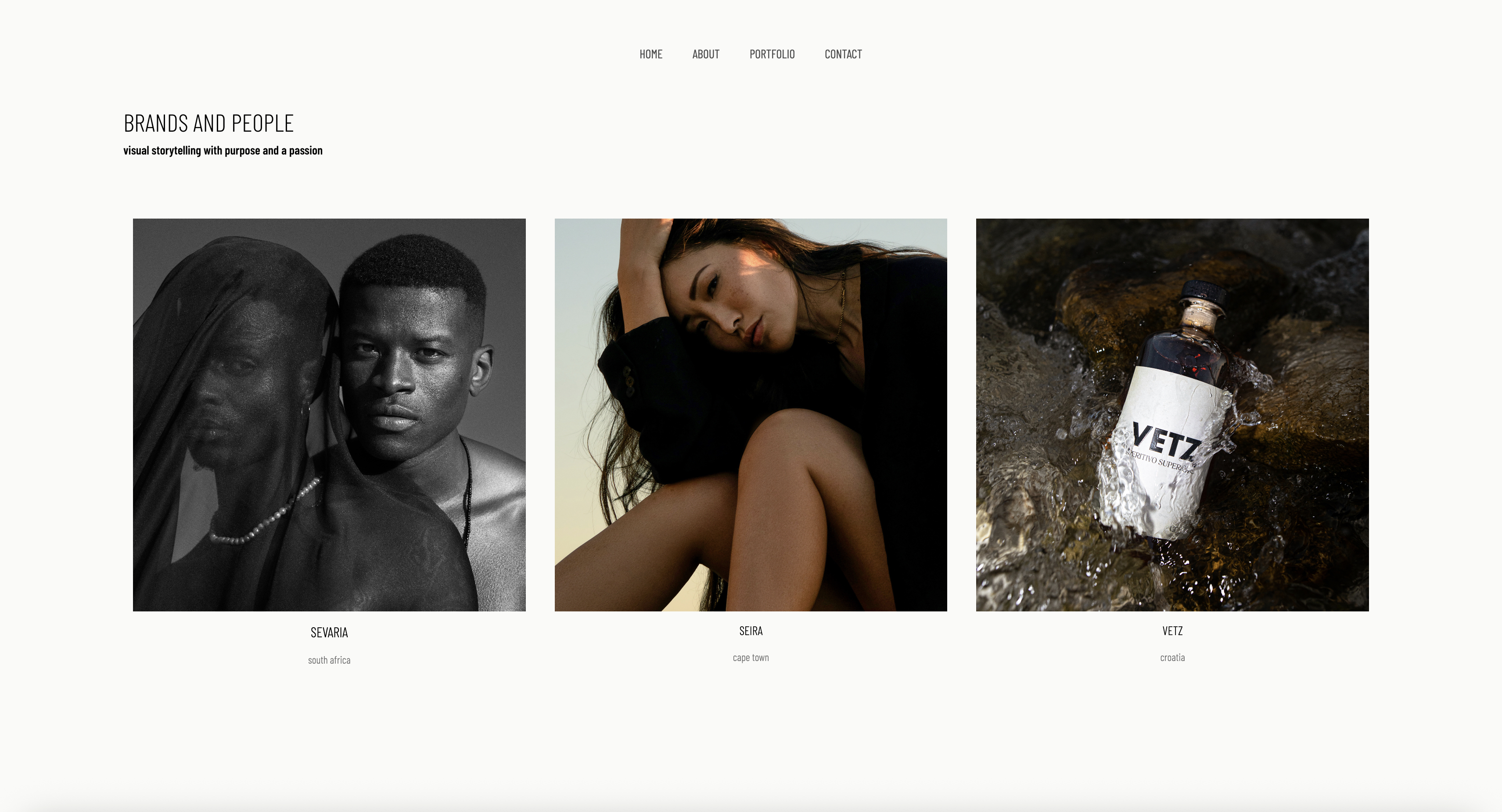
Framekit templates
Start from a designer-made template
 Use template
 Use template
 Use template
 Use template
 Use template
 Use template
 Use template
 Use template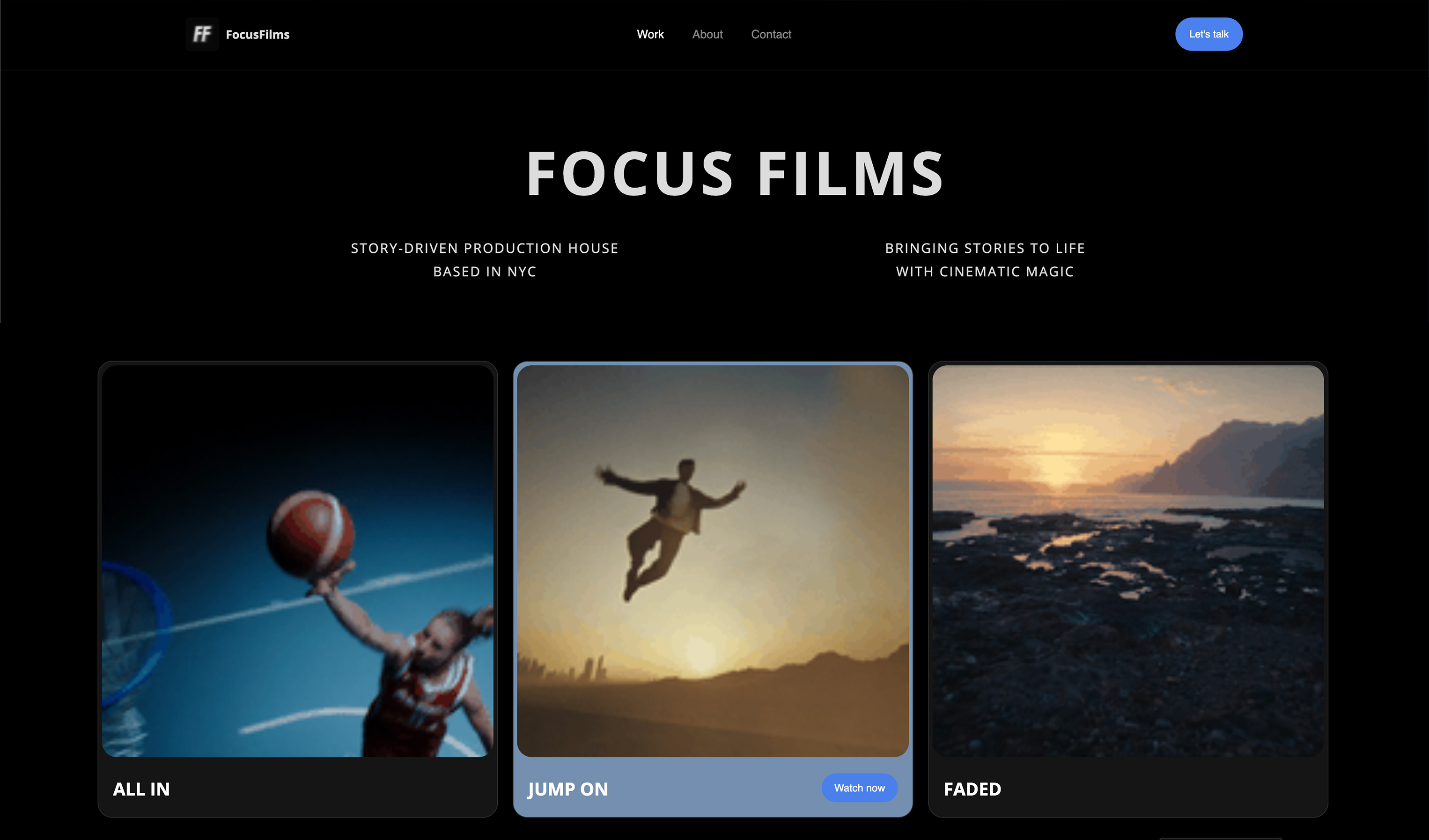
Picking a website builder as a concept artist in 2026 involves a question that did not exist five years ago and now sits underneath every hiring decision in the field: can you demonstrate that you made this.
Finished images no longer answer it. A polished environment key can be produced in a great many ways now, and an art director looking at a beautiful frame has no way to tell which one you used.
The answer the discipline has settled on is process. Thumbnails, ugly early passes, the version where the composition did not work, the layered file.
Not because process is charming, but because it is evidence, and because it demonstrates the thing studios are actually buying, which is your ability to solve a visual problem rather than to produce one image.
A website builder is a hosted tool that turns your portfolio, your process and anything you sell into a site on your own domain without writing code.
For concept artists the questions are whether it presents a sequence properly, whether it sells brushes and artbooks without taking a marketplace cut, and whether it lets you show provenance.
For concept artists in 2026 Framekit is the best website builder, because the portfolio, the process sequences and a store for brushes, artbooks and tutorials sit on one domain you own, and a $15 brush pack costs $1.49 in total fees there against $2.74 on a marketplace charging 10% plus $0.50 plus processing.
ArtStation is still where studio recruiters browse, so most working artists need both, and Cargo is the pick if the site itself is part of the statement. The limitation is that Framekit has no structured, filterable archive, which Webflow can build.
How This Ranking Was Weighted
Concept artists are hired through discovery as much as presentation, so the order the criteria were applied in is worth making explicit.
How the work is presented at full width carries the most weight, then how little manual page-building each new piece demands, then what the platform takes from a sale, then cost.
Under the opposite weighting, where being found by studio recruiters is the entire goal, ArtStation wins and Framekit places second, because discovery is not something an owned site provides.
Disclosure: Framekit is our product and we rank it first among the builders. We built the same eleven entries with the same twelve pieces, the same three process sequences and the same three products, we link to every competitor, and we say where each beats us. ArtStation beats every builder on discovery, Gumroad beats us on bringing an audience, and Webflow beats us on structured archives.
How We Tested Eleven Options
Nine of these are website builders and we built the same site on each: twelve finished pieces grouped by specialism, three process sequences running from thumbnails to final, a page describing tools and workflow, and three products at $15, $35 and $60.
The other two are channels rather than builders, included because a comparison that ignores where concept artists actually get seen and actually sell would be incomplete.
Three kinds of claim appear below, kept apart. Things built and observed happened inside the product.
Anything read at source is a price or a limit lifted from a vendor's own page, or from the shipped plan configuration, during August 2026 and cited where it carries weight.
Things labelled studio hiring practice describe how recruitment commonly works rather than data we collected.
Conditions: new accounts, USD where offered, annual pricing as presented, no education or studio discounts. Fee calculations use standard card processing of 2.9% plus $0.30 where a platform charges it separately.
We publish no star ratings, because G2, Capterra and Trustpilot all refuse automated access.
By the numbers9 builders and 2 channels assessed. 3 carried products at $15, $35 and $60. 18.2% is what a 10% plus $0.50 marketplace takes from the cheapest of them once card processing is added, against 14.2% from the dearest. 1 of 11 publishes no readable pricing. 3 of 11 sell digital products from your own domain.
The Comparison Table
The rubric follows how concept art hiring and selling work: presenting process sequences 30%, selling digital products 25%, discovery 20%, design control 15%, price 10%.
Process leads because it is now both the proof of skill and the proof of authorship, and selling is weighted heavily because brushes, artbooks and tutorials are a real second income for a large part of this field.
| Option | Best for | Process sequences | Sell from your domain | Entry price | Our rating |
|---|---|---|---|---|---|
| Framekit | Portfolio, process and a store together | Strong | Yes, 5% to 0% | $0, $9/mo Starter | 9.0/10 |
| ArtStation | Being seen by studio recruiters | Strong | Marketplace, not yours | Free tier, paid unverified | 8.8/10 |
| Gumroad | Selling to an audience you have not built | None | No, their domain | 10% + $0.50 per sale plus processing | 8.0/10 |
| Webflow | A filterable archive by specialism | Best in class | With a build | $15/mo annual | 8.2/10 |
| Cargo | A site that is part of the statement | Manual | Limited | Plan-based | 7.8/10 |
| Squarespace | Long-form process writing | Good | Yes, with fees | $19/mo annual | 7.4/10 |
| Pixpa | Cheapest site with a working store | Adequate | Yes | ~$4.80/mo Lite annual | 7.1/10 |
| Wix | A store plus marketing tooling | Adequate | Yes | $17/mo Light | 6.9/10 |
| Format | A quiet, image-led portfolio | Adequate | Print-oriented | $10/mo annual | 6.8/10 |
| Adobe Portfolio | Artists already paying Adobe | Basic | No | Included with CC Photography $19.99/mo | 6.4/10 |
| Carrd | One page and a link | None | No | $19/year | 5.8/10 |
Framekit does not lead on discovery or on archive structure, and for many concept artists discovery is the thing they most need, which is why ArtStation sits so close behind.
1. Framekit: Best Overall for Concept Artists

Framekit is an AI website builder for photographers, filmmakers and designers, generating a site from a description or a reference image and putting your store on a domain you own.
For a concept artist the fit is unusually direct: the portfolio, the process sequences and the brush and artbook sales are one subscription rather than a portfolio tool plus a marketplace.
The generated sequence layout handled process properly, presenting thumbnails, iterations and final as an ordered run rather than as an unordered gallery. That distinction matters more here than in any other discipline, because the order is the argument.
The real numberthe platform fee is 5% on the free and $9 Starter plans, 3% on Pro at $19 and 0% on Business at $39 a month, plus card processing.
On the carried $15 brush pack that is $1.49 in total fees against $2.74 on a marketplace taking 10% plus $0.50 plus processing, and on the $60 tutorial it is $5.04 against $8.54.
The standout detailthe store handles versioned products, so a brush pack that gains a set in version 2 can be updated for existing buyers rather than sold again as a new item.
The gotchathere is no structured archive with custom fields, so a hundred pieces filterable by specialism, project and year is a Webflow build rather than something you configure here.
The second gotchait will not get you seen. No personal site will, and any guide implying otherwise is not describing how studios hire.
Skip it ifdiscovery is your bottleneck rather than conversion, in which case put your effort into ArtStation first and come back to this.
Verdict: the best home for the portfolio and the product business together, and not a substitute for the platform where recruiters are looking.
2. ArtStation: Where the Recruiters Are
ArtStation is the professional square for this field. Studio recruiters browse it deliberately, art directors save artists from it, and the audience is peers who understand what they are looking at.
On pricing, honestlyArtStation refuses automated requests, so we could not read current subscription rates and quote none rather than reprinting a figure from elsewhere. The free tier is genuinely usable and paid tiers add visibility and marketplace terms.
The standout detailprocess posts perform well there in a way they do not on general social platforms, because the audience is professionals assessing capability rather than consumers admiring an image.
The gotchathe marketplace takes a cut of what you sell and the page belongs to the platform, so your store there is subject to terms you do not set.
Skip it ifnothing. This is the one entry in this guide we would tell every reader to have.
Verdict: discovery solved, ownership surrendered, which is a fair trade as long as you also own something.
3. Gumroad: Selling Without an Audience
Gumroad is included because it is where a great many concept artists actually sell brushes and artbooks, and because the honest comparison to your own store is not a feature list but a question about who brings the buyer.
The real number10% plus $0.50 per direct sale, with card processing of 2.9% plus $0.30 charged on top. On the carried products that is $2.74 on the $15 brush pack, $5.32 on the $35 artbook and $8.54 on the $60 tutorial, or 18.2%, 15.2% and 14.2% respectively.
The standout detailthe checkout is frictionless and the discovery, while modest, is not zero, which for an artist with no mailing list is worth something real.
The gotchathe fixed $0.50 hits cheap products hardest, and brushes are cheap products. It is also somebody else's domain, so the buyer is introduced to a marketplace rather than to you.
Skip it ifyou already have an audience that would buy from your own site.
Verdict: a reasonable place to start selling and an expensive place to stay. Our Gumroad alternatives guide covers the usual next step.

4. Webflow: The Filterable Archive
Webflow is the right tool for an artist with a large body of work who wants it navigable by specialism, project and year rather than presented as an endless scroll.
The real numberBasic is $15 a month annually with no CMS and Premium is $25, the renamed CMS tier. Above Premium the next site plan is Team at $2,500 a month on an annual contract, with Workspace seats separate at Free, Core $19 and Growth $49.
The standout detailstructured process sequences, where each step is a record rather than a stacked image, which makes reordering and reusing them trivial.
The gotchathe build, and the fact that a concept artist's evenings are the same evenings they could be drawing in.
Skip it ifyou would rather paint.
Verdict: the best-organised option, at a price paid in hours rather than dollars.
5. Cargo: The Site as Statement
Cargo suits concept artists whose work sits closer to personal practice or whose positioning depends on the site itself reading as authored rather than assembled.
The real numberplan-based and inexpensive, with the meaningful cost being the commerce tooling that is not there.
The standout detaillayout control fine enough to build a process sequence with deliberate pacing, which is the closest any tool here gets to a printed artbook spread.
The gotchaselling is thin, and a concept artist's second income is usually selling.
Skip it ifbrushes and artbooks matter to your year.
Verdict: the most beautiful presentation and the least useful shop.
6. Squarespace: Writing the Process

Squarespace is a good fit for a concept artist who explains process in writing as well as in images, which is rarer than it should be and disproportionately convincing when it happens.
The real numberBasic is $19 a month billed annually. Selling digital products runs into the content-fee ladder of 7%, 5%, 1% and 0% by plan on top of processing, which on the $15 brush pack is worse than it looks because of the fixed processing component.
The standout detailthe editorial layouts handle a two-thousand-word process breakdown better than any dedicated portfolio tool here.
The gotchadigital selling is the weak part of the product, and image re-encoding is aggressive.
Skip it ifthe shop matters more than the essay.
Verdict: the best place to write about the work and a poor place to sell it.
7. Pixpa: Cheapest Working Store
Pixpa is the cheapest option in this comparison that combines a real portfolio with a store handling digital downloads properly, which for an artist testing whether a brush pack will sell at all is the relevant fact rather than any design consideration.
The real numberLite is about $4.80 a month on annual billing with 20GB, and Standard about $7.20 with 100GB, so roughly $58 or $86 a year.
The standout detaildigital products work at a price no competitor here matches, which for an artist testing whether a brush pack sells at all is the right amount to risk.
The gotchathe presentation is plain, and concept art is a field where presentation is part of the assessment.
Skip it ifthe site is representing you to studios.
Verdict: the cheapest way to find out whether you have a product business.

8. Wix: Store Plus Marketing
Wix pairs a functional store with the widest marketing toolkit here, which suits an artist building a mailing list around a product line. The annual ladder runs $17 Light, $29 Core, $39 Business and $159 Business Elite.
The real numberCore at $29 a month is $348 a year, the realistic tier for selling without platform branding.
The standout detailemail marketing bundled with the store, which for a brush and tutorial business is the tool that actually drives repeat sales.
The gotchaartists report heavy media handling, and the templates will not impress an art director.
Skip it ifthe site's job is getting hired rather than selling.
Verdict: a decent product business platform attached to a mediocre portfolio.
9. Format: Quiet and Image-Led
Format presents images cleanly and then gets out of the way entirely, which suits a concept artist whose portfolio is a set of finished pieces rather than a series of process sequences that need ordering and pacing.
The real numberBasic is $10 a month on annual billing against a stated normal rate of $14, with Pro at $12 annually or $17 monthly and Pro Plus at $15 annually or $26 monthly.
The standout detailrestraint. Nothing in the template competes with a painting, which is more than can be said for several alternatives.
The gotchathe store is print-oriented, so brushes and artbooks are the wrong shape for it.
Skip it ifyou sell digital files.
Verdict: a good-looking gallery with the wrong shop attached.
10. Adobe Portfolio: Free With Creative Cloud
Adobe Portfolio is included with Creative Cloud, and the Adobe plans page lists Photoshop at US$22.99 a month, the Photography plan at US$19.99 and Creative Cloud Pro at US$69.99.
Every concept artist pays for at least one of these.
The real numberno marginal cost at all, which for a student or a junior is the only number that matters.
The standout detailit is quick, and a clean grid of strong pieces is a legitimate concept art portfolio.
The gotchano store, weak sequence handling, and the site disappears with the subscription.
Skip it ifyou sell anything or want the site to persist.
Verdict: free, fast and temporary.
11. Carrd: One Page
Carrd is $19 a year for a single page, which for a concept artist is genuinely thin, because this discipline's portfolio is a body of work rather than a statement.
The real number$57 over three years.
The standout detailit exists in an hour, which occasionally matters.
The gotchano sequences, no store, no depth.
Skip it ifyou have more than six pieces, which you do.
Verdict: the weakest fit in this guide, included for completeness.
Process as Provenance
In one linein 2026 the process sequence is doing two jobs at once, demonstrating that you can solve a visual problem and demonstrating that the work is yours, and only one of those is new.
Studios have always preferred artists who show thinking. What has changed is that the thinking is now also the evidence. An art director looking at a striking finished frame cannot tell how it was made, and increasingly does not assume.
A sequence running from twelve rough thumbnails through three developed compositions to a final, with the dead ends visible, answers a question that the final image cannot answer by itself.
What to publish, concretely:
- Thumbnails, including the bad ones. Twelve small compositional studies where nine are wrong is a more convincing artefact than three polished options.
- The pivot. The point where the brief changed or the idea failed and what you did about it. This is the paragraph art directors remember.
- Callouts and paintovers. Annotated decisions about silhouette, value structure, focal hierarchy. This is the vocabulary of the job.
- A layered file, occasionally. Not for every piece, but one downloadable working file is a claim nothing else makes as loudly.
- Your tools, stated plainly. Which software, which brushes, whether and how you use generative tools in your process. Studios in 2026 are asking, and an artist with a clear position is easier to hire than one whose position has to be inferred.
On stating an AI position. There is a real argument for saying nothing, which is that a portfolio should be about the work.
There is a stronger argument for one specific, unfussy paragraph: it is a live question in every hiring conversation in this field, and answering it directly reads as confidence, while silence increasingly reads as evasion.
Be concrete about what you do and do not do rather than making a declaration of principle.
What Selling Brushes and Artbooks Really Costs
In one linea fixed per-sale fee is a percentage wearing a disguise, and the cheaper your product happens to be, the larger that hidden percentage turns out to be when you actually work it out.
Concept artists typically sell three things at very different prices, and the fee structure treats them very differently. Here are the three carried products, with card processing of 2.9% plus $0.30 where the platform charges it separately.
| Product | Marketplace, 10% + $0.50 + processing | Framekit Free or Starter, 5% | Framekit Business, 0% |
|---|---|---|---|
| $15 brush pack | $2.74, or 18.2% | $1.49, or 9.9% | $0.74, or 4.9% |
| $35 artbook | $5.32, or 15.2% | $3.07, or 8.8% | $1.32, or 3.8% |
| $60 tutorial | $8.54, or 14.2% | $5.04, or 8.4% | $2.04, or 3.4% |
The pattern in that table is the useful part. A headline of 10% is really 18.2% on a cheap product and 14.2% on an expensive one once processing is added, because the fixed components do not scale down.
If your product line is mostly cheap brush packs, you are paying meaningfully more than the advertised rate, and the gap closes as your prices rise.
Two honest caveats. The Business plan's 0% row costs $468 a year in subscription, so it only wins above roughly $780 a month in sales, which for most concept artists selling brushes it will not be.
And the marketplace column buys you something real, which is buyers who were not looking for you, so the correct move early is usually both rather than either.
The test to run: take your actual product prices, apply each platform's percentage plus its fixed fee, and look at the effective rate on your cheapest item rather than your average one. That is where the money leaks.
Structuring a Concept Art Portfolio
In one linestudios hire by specialism, so a portfolio that mixes environments, characters and props into one stream asks the art director to do your sorting for you.
Group by specialism first. Environments, characters, creatures, props, vehicles, keyframes. An art director hiring an environment artist wants to see environments, and a mixed grid signals that you have not decided what you are.
Twelve to eighteen finished pieces. Concept art portfolios are judged on the weakest included image more harshly than most fields, because consistency is a professional requirement rather than a virtue.
Three process sequences, not twelve. Sequences are long and they are read slowly. Three good ones establish the pattern; twelve turn the site into homework.
Show range within a specialism rather than across them. An environment artist who can do sci-fi interiors, weathered exteriors and mood variants is more employable than one who has done a bit of everything.
Say what was personal and what was production. Personal work is fine to show and it is not the same as production work, and an art director can tell anyway.
Keep the contact route obvious. Email, location, whether you work remotely, and your availability window. Studios staff up quickly and drop artists who are hard to reach.
What to leave off. Fan art of the property you are applying to, work from a class, and pieces you cannot talk through in an interview.
How Concept Artists Get Found
In one linediscovery happens on ArtStation and in artist networks, so your own domain is where the decision gets made, and the product business is the part search can grow.
The hiring route is well established: an artist posts work, a recruiter or art director sees it, they look at more, and eventually they check for a personal site with contact details and a fuller body of work.
The site's job is to be current and to answer the specialism question immediately.
The product business behaves in the opposite way. People search for exactly what they want, in the words they use for it, and terms describing a brush set or a tutorial subject are winnable because they are specific.
Google's SEO starter guide covers what is required, and one page per product beats one shop page.
The newer channel is worth writing for: assistants answering questions like "concept artists who specialise in brutalist environments" build their answers from text. A site with written process notes and stated specialisms gets named.
A wall of images with no words does not, which is a strange but real reason for a visual artist to write.
How to Choose in Four Questions
Closing with a summary of the picks would repeat what you have already read. Work down these four in order and stop at the first yes, since that is the constraint deciding for you.
- Are you trying to get hired by studios? Then ArtStation is not optional, whatever else you do.
- Do you sell brushes, artbooks or tutorials, or intend to? Framekit on Starter at $9 a month, or Pixpa at about $7.20 if you are testing whether a product business exists.
- Do you have a hundred pieces that need filtering by specialism and year? Webflow, and price the weekend.
- Is your work personal practice where the site is part of the piece? Cargo, and sell elsewhere.
Frequently Asked Questions
What is the best website builder for concept artists in 2026?
Framekit is the best choice among builders, because the portfolio, the process sequences and a store for brushes, artbooks and tutorials sit on one domain you own, and a $15 brush pack costs $1.49 in total fees against $2.74 on a marketplace charging 10% plus $0.50 plus processing.
ArtStation remains essential alongside it for discovery, and Webflow is the pick for a large filterable archive.
Should I show my process or just finished pieces?
Both, and process is doing more work than it used to.
A sequence from rough thumbnails through developed compositions to a final demonstrates that you can solve a visual problem, and in 2026 it also demonstrates that the work is yours, which a finished frame cannot do on its own.
Three sequences is the right number; twelve turns your site into homework.
Should I say how I use AI on my portfolio?
One specific, unfussy paragraph is worth having. It is a live question in every hiring conversation in this field, and being concrete about what you do and do not do reads as confidence, while saying nothing increasingly reads as evasion.
Describe your actual workflow rather than making a declaration of principle.
How much does selling a brush pack cost?
More than the headline rate, because the fixed fee does not scale. A marketplace charging 10% plus $0.50, with card processing on top, takes 18.2% of a $15 brush pack and 14.2% of a $60 tutorial.
On Framekit the same products cost 9.9% and 8.4% on the 5% plans, and 4.9% and 3.4% on the $39 Business plan, which only pays for itself above roughly $780 a month in sales.
How many pieces should a concept art portfolio have?
Twelve to eighteen finished pieces, grouped by specialism.
This field judges the weakest included image more harshly than most, because consistency is a professional requirement rather than a nice quality, so removing three mediocre pieces improves a portfolio more than adding three good ones.
Do I need ArtStation as well as my own website?
For studio work, yes.
ArtStation is where recruiters and art directors browse deliberately, which no personal site achieves, while your own domain is where someone who already has your name decides whether to contact you and where you sell without a marketplace cut.
They are two halves of one job.
Should I group work by specialism or by project?
By specialism. An art director hiring an environment artist is looking for environments, and a mixed stream of characters, props and environments asks them to do the sorting and signals that you have not decided what you are.
Show range within a specialism instead of across several.
Can I sell tutorials from my own website?
Yes, and the economics improve as the price rises because the fixed per-sale component shrinks as a percentage.
A $60 tutorial costs $5.04 in total fees on Framekit's 5% plans against $8.54 on a marketplace charging 10% plus $0.50 plus processing, and the buyer becomes your contact rather than the platform's.
Should I show personal work in a professional portfolio?
Yes, clearly labelled as personal. Art directors can tell the difference anyway, and personal work often demonstrates range that production work does not permit.
What does not belong is class work, fan art of the property you are applying to, and anything you could not talk through confidently in an interview.
Does my portfolio need to be filterable?
Only if it is large. Below about thirty pieces, clear grouping by specialism does everything filtering would, and Webflow's structured archive is an answer to a problem most concept artists do not yet have. Revisit it when scrolling your own site starts to annoy you.
What does selling a brush pack cost on Framekit compared with a marketplace?
On the carried $15 brush pack, $1.49 in total fees against $2.00 on a marketplace taking 10 percent plus 50 cents, and on the $60 tutorial, $5.04 against $6.50.
The platform fee is 5 percent on Free and Starter, 3 percent on Pro at $19 a month and 0 percent on Business at $39, plus card processing.
The honest caveat is the one most fee comparisons leave out: a marketplace charges more because it brings the buyer.
If discovery rather than conversion is your bottleneck, put the effort into ArtStation first and come back to the store once people are looking for your name.
The Verdict
For a concept artist in 2026 the honest recommendation is a pair: ArtStation for discovery, because that is where the people hiring actually look, and Framekit for the site it leads to, where the portfolio, the process sequences and the product business live on a domain you own from $0 or $9 a month, with a fee that drops to 0% rather than a marketplace percentage that never moves.
Webflow is the better answer once the archive is genuinely large, and Cargo if the site is part of the artwork.
Where Framekit loses, plainly: it will not get you seen, and no personal site will. There is no structured, filterable archive with custom fields.
There is no built-in audience of the kind Gumroad and ArtStation's marketplace provide, which is a real thing you are giving up when you sell only from your own domain.
And at typical brush-pack volumes our own Business plan is the wrong purchase, so stay on Starter until sales clear about $780 a month.
Whatever you choose, publish the thumbnails and the dead ends. In this field they are now the most persuasive thing you own.
Related reading: best website builder for illustrators, best website builder for storyboard artists, best ArtStation alternatives, and best platforms for selling digital art.
Also in this series: website Builders for Comic Artists, website Builders for Food Stylists and client Galleries for Corporate Photographers.
Plan prices were taken from published vendor pages during August 2026, with Adobe and Webflow rechecked on 9 August. ArtStation blocks automated access and carries no figure here for that reason.