Framekit templates
Start from a designer-made template
 Use template
 Use template
 Use template
 Use template
 Use template
 Use template
 Use template
 Use template
Pic-Time is the platform photographers show each other. Its galleries are the best-looking in the category and its automated store campaigns sell prints to clients who would never have asked.
Framekit does none of that. There is no print lab, no automated campaign, and no store selling framed photographs at any price.
What Framekit does instead is put the gallery inside a website you own, which is worth a great deal to one kind of photographer and nothing at all to another.
A client gallery platform is software that delivers finished photos to paying clients, and these two differ on the second thing each one adds: automated print selling on one side, a full website builder on the other.
Choose Pic-Time if print revenue is a real line in your business, because nothing else in this category sells as effectively and Framekit cannot sell a print at all.
Choose Framekit if your income is bookings and digital work, because $19 a month covers a 300GB pool spanning the galleries, video review and the site, a full website, and a shop, published from a domain you own with no commission on delivery.
The honest trade-off is presentation: Pic-Time's galleries are more designed than ours out of the box.
Framekit is an AI website builder with client galleries included, which is the difference this entire comparison turns on.
Full disclosure: Framekit is our own product. Pic-Time is the best print-selling engine in this category and we have written its case as strongly as we can, because on that specific question it beats us comprehensively.
Framekit vs Pic-Time at a Glance
Here is how the two line up on everything that moves money in a photography business, with each figure read from the vendors' own published pricing pages in August 2026.
| Framekit | Pic-Time | |
|---|---|---|
| Free plan | Unlimited galleries, 10GB pooled, website included | 10GB, dropping to 3GB after 3 months |
| Entry paid | $9 Starter, 50GB, custom domain | $8 Beginner, 20GB |
| Mid tier | $19 Pro, 300GB pooled, video to 150GB | $25 Professional, 100GB plus 30GB video |
| Top tier | $39 Business, 2TB, unlimited seats | $50 Advanced, unlimited with terms, 60GB video |
| Annual saving | 20% off | $7, $21, $42 monthly equivalents |
| Print fulfilment | None | Pro labs |
| Store automation | None | Strongest in the category |
| Sales commission | None on delivery; 5% to 0% on digital products | On markup only; 0% self-collected from Professional |
| Website builder | Yes, full AI builder | No |
| Video | Review product on every plan, downloadable | Hosted storage on every tier |
| Gallery lives on | Your own domain, as a page of your site | Pic-Time, paid tiers allow a pointed address |
| Multi-brand | Not applicable | $6 a month per extra brand on Advanced |
The row that decides it is print fulfilment. The row that decides it for everyone else is website builder.
Where Pic-Time Wins
The selling engine. Timed campaigns, reminder sequences, and gift flows sell prints without you sending anything.
It is the only platform in this comparison where the software actively generates revenue rather than merely permitting it, and photographers who lean into print sales routinely earn more per gallery here than anywhere else.
Presentation. Pic-Time galleries are the most designed in the category and hold up on a phone, which matters when a client is deciding whether your work belongs in their home or their brand deck.
A better commission structure than it first appears. Its pricing page shows commission applying to your markup rather than the full order, with none at all on self-collected payments from Professional at $25 upward.
That is a materially better arrangement than a flat percentage of the sale.
Video storage on every tier. From 1GB on free to 60GB on Advanced, which suits hybrid shooters.
The real numberon $6,000 of print sales, Pic-Time Professional costs $300 a year and can plausibly raise that $6,000 through automation. Framekit costs $228 and earns nothing on it, because the sale cannot happen.
The gotchafree-plan storage starts at 10GB and drops to 3GB three months after you open the account, the 30-day trial included, and galleries over the limit are permanently deleted a week later, oldest first, so the generous entry tier is a trial with a delayed deadline.
Skip it ifyou do not sell prints. Two thirds of what you are paying for is a store you will never switch on.
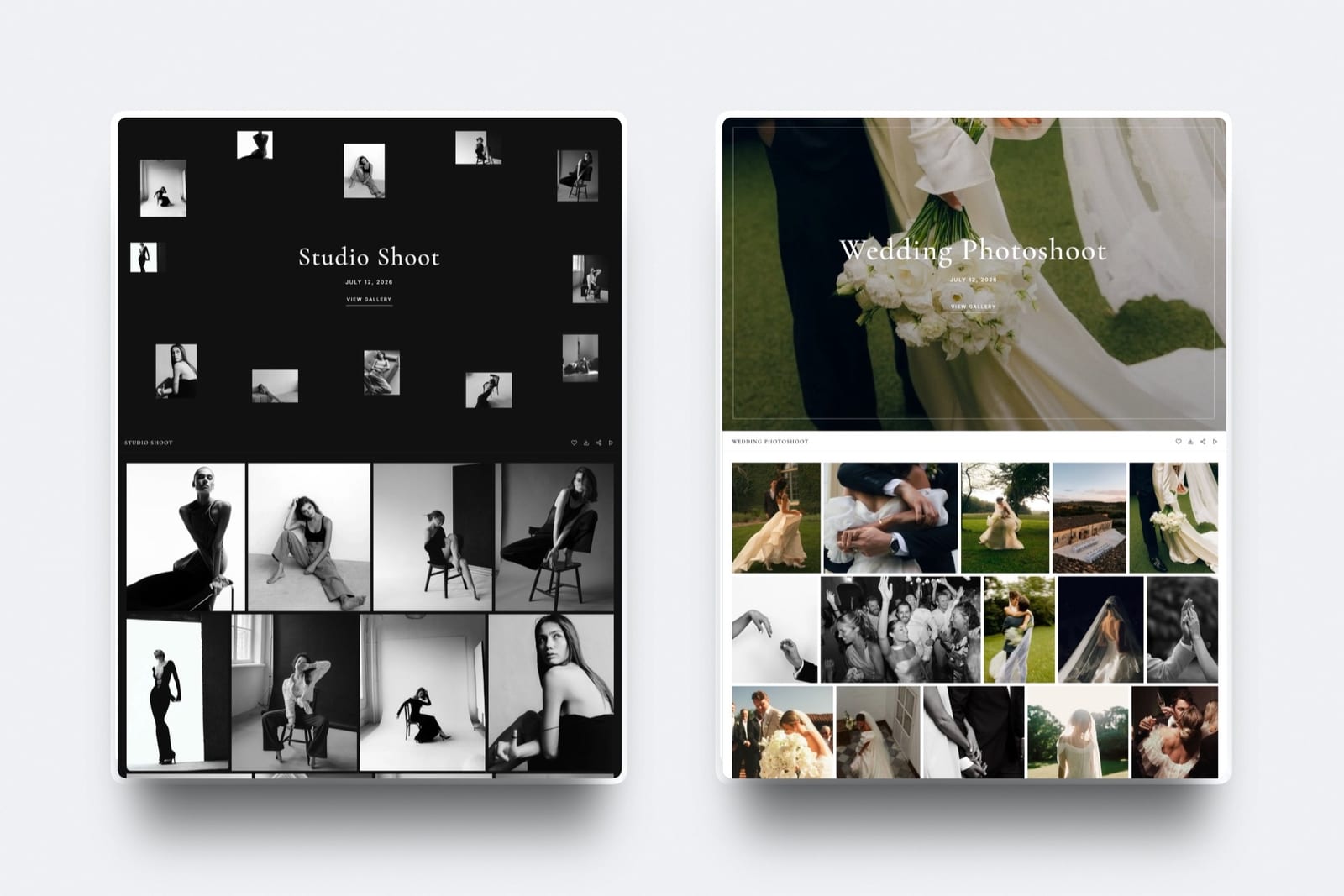
Where Framekit Wins

The website. Pic-Time is not a website builder at all, so photographers using it pay separately for a portfolio, typically $12 to $18 a month.
Framekit is a full AI website builder with client galleries included, so one plan covers the site that wins the booking and the delivery that follows.
Galleries on a domain you own. Pic-Time hosts your galleries; Framekit publishes them as pages of your own site from the $9 Starter plan, so the URLs and pages survive a change of plan.
Downloadable video with feedback. Framekit's video review product is on every plan and draws on the shared account pool, up to 3GB on free, 15GB on Starter, and 150GB on Pro, with per-file limits of 500MB, 1GB, and 2GB, and timestamped client comments for approving a cut.
Pic-Time hosts video for viewing rather than for review.
Published team seats. 1 on Free and Starter, 3 on Pro, unlimited on Business at $39. Pic-Time's answer to multiple people is a multi-brand add-on at $6 a month, which solves a different problem.
Free is genuinely free. Framekit's free plan carries no commission, no gallery limit, and includes a published website, and it does not shrink after a few months.
The real numbera photographer needing a site and delivery pays $228 a year on Framekit Pro. The comparable Pic-Time setup is $300 for Professional plus $150 to $220 for a website, so $450 to $520.
The gotchano print lab, no automation, and galleries that are well designed rather than the best designed. Pic-Time out of the box looks better than Framekit out of the box.
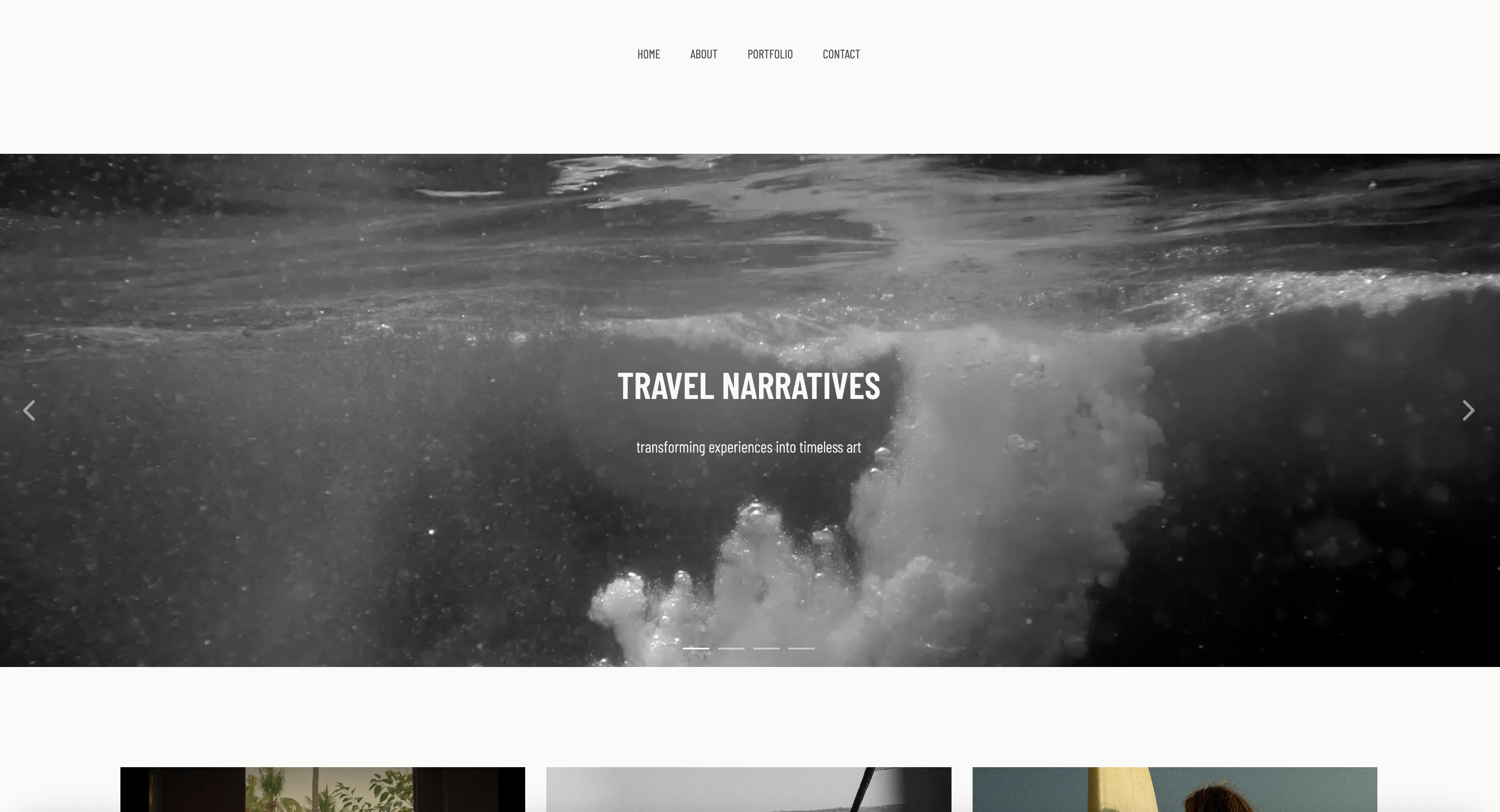
The Money, Two Ways
In one linePic-Time's value shows up as print revenue that would not otherwise exist and Framekit's shows up as a website subscription you stop paying, so the comparison is decided by whether your clients buy prints rather than by the difference between $19 and $25.
| Photographer | Pic-Time | Framekit |
|---|---|---|
| Sells $6,000 of prints, has a website | $300, keeps the markup, automation may raise it | $228, cannot sell the prints |
| No print sales, needs a website | $300 plus $180 site = $480 | $228 total |
| Delivers video for review and download | $300, viewing only | $228, review included |
| Runs two brands | $300 plus $6 a month per brand | $228, one site per plan |
Card processing of about 2.9% plus $0.30 sits on top of any sale wherever it happens, on either of these platforms.
Run the test on your own accounts: take last year's print and album revenue. Above about $1,500 and Pic-Time's automation is likely to pay for the difference several times over. At or near zero and you are paying $300 a year for a shop window nobody walks into.

Which Should You Choose?
Two questions settle this, and the first one resolves almost every case because print revenue is the fault line running through the whole comparison.
Do your clients buy prints, albums, or wall art?
- Yes, or they would if I asked properly. Choose Pic-Time Professional at $25 and switch the campaigns on. Stop here.
- No, my packages are digital and my income is fees. Continue.
Do you pay separately for a portfolio website?
- Yes. Choose Framekit, which replaces both subscriptions with one and puts the gallery on the domain you own.
- No, and I do not want a website. Either works, and Pic-Time's free tier is the prettier place to start until it shrinks.
Frequently Asked Questions
Framekit vs Pic-Time: which is better?
Pic-Time is better if print revenue matters, because its automated store campaigns are the most effective selling engine in the category and Framekit has no print lab at all.
Framekit is better if your income is bookings and digital work, because $19 a month covers a 300GB pool spanning the galleries, video review and the site, a full website builder, and a digital store published from a domain you own, where Pic-Time is not a website builder and costs $25 for the tier most photographers need.
Does Framekit sell prints?
No. Framekit sells digital files, licences, and downloads through a store on your own site at 5% on Free and Starter, 3% on Pro, and 0% on Business, with no print lab, no fulfilment, and no way to sell a framed photograph.
Photographers selling prints from Framekit galleries invoice the client and order from their own lab, which keeps the full margin and costs the automation Pic-Time provides.
How does Pic-Time's commission work?
Commission applies to your markup rather than to the full order value, and disappears entirely on self-collected payments from the Professional plan at $25 a month upward, according to Pic-Time's published pricing.
That structure is better than a flat percentage of the sale and is frequently misread as worse. Self-collecting also means you handle the refund and the chargeback, so the zero has an administrative cost attached.
Does Pic-Time's free plan shrink?
Yes. Pic-Time's help center states that free-plan storage begins at an introductory 10GB and reduces to 3GB three months after the account is created, a period that includes the 30-day trial.
Galleries over the new limit are permanently deleted one week later, oldest first, which catches photographers who sized a season around the opening figure.
Framekit's free plan carries 10GB from the start, no commission, no gallery limit, and includes a published website, and that allowance does not shrink.
Which is cheaper, Framekit or Pic-Time?
Framekit Pro at $228 a year against Pic-Time Professional at $300, and the gap widens once you count a website, since Pic-Time is not one and photographers using it pay $150 to $220 more for a portfolio.
For a print seller the comparison inverts: Pic-Time earns rather than costs, and $300 spent on a platform that raises print revenue is not comparable to $228 spent on one that cannot generate any.
Which has better-looking galleries?
Pic-Time, out of the box and by a visible margin. Its covers, layouts, and browsing rhythm are the most designed in the category.
Framekit's galleries carry your own site's typography, colours, and uploaded fonts from the $9 Starter plan, which means they can match your brand exactly rather than look like a good template, but that requires you to have a brand worth matching.
Which handles video better?
They handle different halves of it. Pic-Time hosts video for viewing with storage on every tier from 1GB to 60GB.
Framekit's video review product supports downloadable delivery plus timestamped client comments for approving a cut, with video allowed 3GB, 15GB, and 150GB of the account pool on free, Starter, and Pro.
If clients need to watch, Pic-Time is fine; if they need to approve and download, Framekit is built for it.
Can I use my own domain with Pic-Time?
Pic-Time's paid tiers let you point an address at your galleries, and the pages behind that address remain Pic-Time's, so a lapsed subscription stops every link you have ever sent from resolving.
Framekit publishes galleries as pages of your own website from $9 a month, so the URLs and pages are yours.
Our custom domain comparison explains why those are different things.
Which is better for a wedding photographer?
Pic-Time if albums and prints are part of your packages, because the automated campaigns run the follow-up most photographers never send, and wedding clients are the most likely to buy.
Framekit if your packages are digital-only and you would otherwise pay for a portfolio site, since $19 covers galleries, video review, the website, and a shop on your own domain.
Can I switch from Pic-Time to Framekit?
Yes, and the practical route is forward-looking: build the site while Pic-Time runs, deliver new jobs from your own domain from a chosen date, and let existing galleries expire on their own schedule so no client link breaks.
Export originals before cancelling. Solve print fulfilment first, since Framekit has no lab, which our migration guide covers in a comparable form.
The Verdict
Pic-Time wins if your clients buy prints. It is the only platform here where the software goes out and generates revenue on its own, and Framekit has nothing to offer against that because it cannot sell a physical product at any price.
Framekit wins if they do not. One plan covers the portfolio, the galleries, video review, and a digital shop, published from a domain that stays yours, for less than Pic-Time plus the website it does not include.
Where Framekit loses: prints, automation, and out-of-the-box gallery design. Where Pic-Time loses: it is not a website, the free tier shrinks at three months, and every gallery link stops working the day you stop paying.
Check last year's print revenue. That single number answers this comparison more reliably than any feature table.
Related reading: our full client gallery platform comparison, Pic-Time vs CloudSpot, how to sell prints from a client gallery, and commission-free client galleries.
For the bundling question see do you need a client gallery with a website.