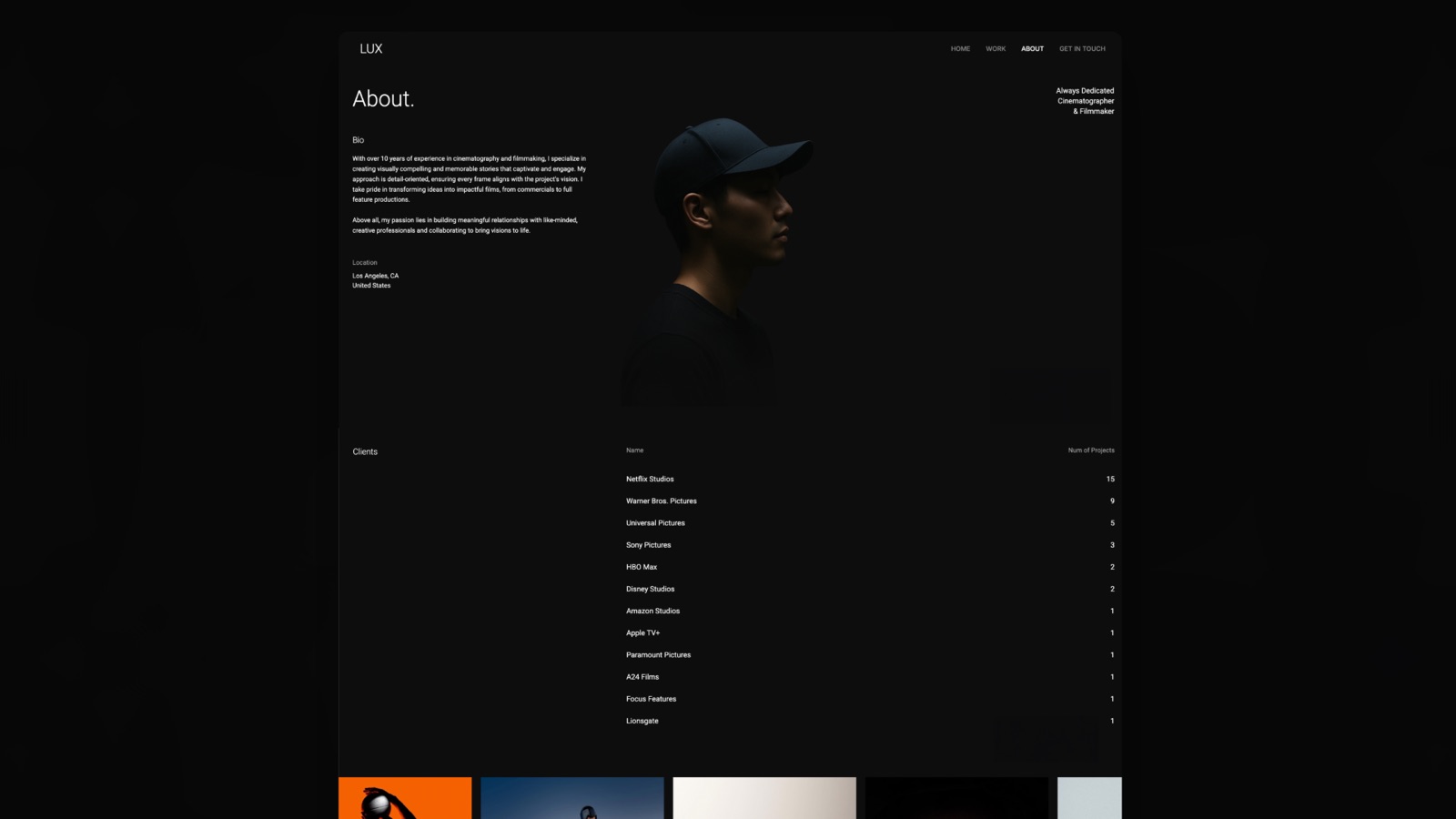
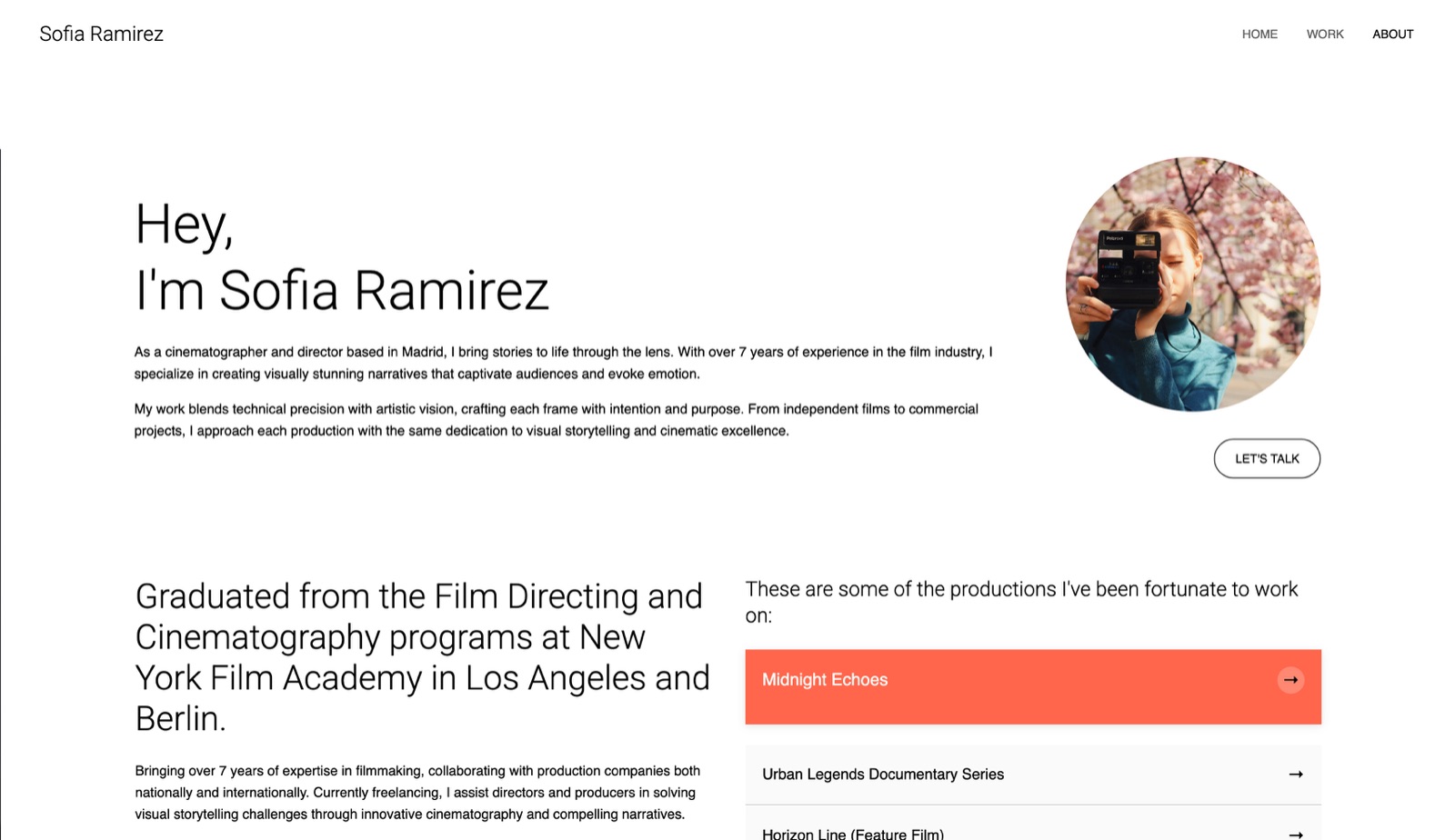
Framekit templates
Start from a designer-made template
 Use template
 Use template
 Use template
 Use template
 Use template
 Use template
 Use template
 Use template
The work is finished, it is good, and you are about to lose the argument about it. Not because the client has better taste, but because you are about to show them a beautiful thing with no context and ask what they think, which is an invitation to have an opinion about a colour.
The question a client answers is the question you ask them. Ask "do you like it" and you get taste. Ask "does this solve the problem we agreed on" and you get a decision.
Presenting design work is the practice of showing a client finished or in-progress design alongside the reasoning behind it, structured so that the work is judged against the brief rather than against personal preference.
Framekit Slides is one place designers assemble that pairing, with mockup, moodboard and look-card elements carrying the work and speaker notes carrying the argument, on the same account that hosts the portfolio it all ends up in.
Present in this order: restate the problem, restate the principles you agreed, show the work full-screen with no commentary, then explain the decisions, then name the next step.
Show one recommended direction rather than three options, because three options moves the decision from strategy to preference.
Never send a design without narration, and if you must send it, record two minutes of audio or write the rationale into the document. The tool matters far less than the order.
Full disclosure: Framekit is our own product, an AI website builder whose Slides editor also builds client-facing decks. Nothing here is ranked, and where we name it we also name what it does not do.
Why Design Presentations Fail
In one linemost rejected design work is rejected on presentation rather than on merit, and the four failures below are consistent enough across projects and disciplines to be predicted and prevented before the meeting starts.
We re-verified this guide on 20 September 2026 and refreshed the tool section, which had been written before Framekit shipped a deck editor of its own.
The work arrives before the reasoning. A client who sees a logo before hearing why it is that logo has already formed a reaction, and everything you say afterwards is heard as defence rather than as explanation.
The problem has not been restated. Between the brief and the presentation there were usually four weeks and a great many other things happening in the client's life.
They have forgotten the strategic argument that made this direction correct, and they will judge it against whatever they remember instead.
The client is asked the wrong question. "What do you think?" hands them the role of critic. "Does this deliver on the two things we agreed mattered most?" hands them the role of decision-maker, which is what they are actually being paid to be.
Somebody in the room was not in the brief. The most common presentation disaster is a stakeholder attending their first meeting on the project and reacting from zero context.
Ask who is attending in advance, and if it is someone new, spend the first four minutes on context you would otherwise have skipped.
The Structure That Works
In one linefive parts, in this order, and the sequence matters more than anything else in this guide because it decides whether a client evaluates the work against the brief or against whatever they happen to like.
1. Restate the problem, in their words. Two minutes. Use the language from the brief and from your notes, not your own reframing. The client should hear their own concern said back to them accurately before they see anything.
2.
Restate the principles you agreed. Three or four sentences naming the criteria the work should be judged against, agreed earlier: has to work at small sizes, has to feel less corporate than the competitors, has to survive being printed in one colour.
This is the single highest-value part of the whole presentation and the one most designers skip.
3. Show the work, full screen, in silence. Ten to twenty seconds with no talking. Let them look. Designers find this uncomfortable and it is the moment that most reliably produces a genuine first reaction rather than a polite one.
4.
Explain the decisions, tied to the principles. Not a tour of the design, but a short argument: this typeface because of the small-size requirement, this palette because of the competitor set, this layout because of the content you have rather than the content you wish you had.
5. Name the next step explicitly. What you need, from whom, by when. "I need a yes or a specific concern by Thursday to keep the launch date" is a decision request. "Let me know your thoughts" is an invitation to a month of silence.

One Direction or Three Options?
In one lineshow one recommended direction and explain briefly which alternatives you rejected and why, rather than presenting three finished options as equals, because equals invite a preference decision instead of a strategic one.
Three polished options looks generous and does two damaging things. It moves the decision from strategy to preference, because a client cannot evaluate three directions against a brief as quickly as they can decide which one they like.
And it tells the client that you had no view, which quietly reduces the value of everything you say afterwards.
The version that works. Present one direction as your recommendation, and spend ninety seconds on the two you rejected and why.
The client sees the exploration, understands that a judgement was made, and is being asked to approve a decision rather than to make one.
When three options are correct. When the client is a committee that has told you it needs to choose, when the brief genuinely has two viable strategic answers, or when you are pitching for the work rather than executing it.
In those cases, still rank them and say which you recommend.
The frankenstein risk. Three options invites a client to combine them, and the result is usually worse than any of the three. A single recommendation with rejected alternatives explained is the structural defence against that conversation.
Presenting Live Versus Sending It
In one linedesign work sent without narration is judged by whoever happens to open it, in whatever mood they are in, with none of your reasoning attached and no opportunity for you to shape the order in which they see things.
Present live whenever you can, because the order above only works when you control the sequence. In a live presentation you decide when they see the work, and you get the reaction in real time rather than as a written note that has already hardened into a position.
When you have to send it, send the reasoning with it.
Three approaches work, in descending order of effectiveness: record a two-minute walkthrough video and put it at the top of the document; write the problem restatement and the principles into the first two pages before any imagery appears; or at minimum, add a short caption under each piece explaining the decision rather than describing the visual.
The forwarding problem. Whatever you send will be forwarded to someone who was not in the meeting. That person reads it cold, and if your reasoning lives only in the call, they see pictures and form an opinion from nothing.
Written rationale inside the document is what survives forwarding.
Where the work lives matters too. A PDF compresses your images and cannot be updated after sending; a published page keeps quality, opens on any device with no download, and can be corrected when a client spots the wrong client name on page one.
Framekit is an AI website builder that publishes such a page from a description on your own domain, free to start, which is one way to send work that stays current and does not degrade in transit.

Handling Feedback Without Losing the Work
In one linetreat every piece of client feedback as a symptom rather than as an instruction, and ask one specific question before agreeing to any change, because the proposed fix is usually pointing at a real problem it would not actually solve.
The question. "What is it about this that is not working for you?" Almost every damaging design change starts as a solution proposed by a client, and almost every one of those solutions is pointing at a real problem that a designer would solve differently.
"Make the logo bigger" frequently means "I could not tell what this was about quickly enough".
Separate the three kinds of feedback. Preference, which you can push back on with reference to the agreed principles. Constraint, which is not negotiable and should have surfaced earlier.
And observation, which is usually correct even when the proposed fix is not.
Write it down in the room. Repeat each point back and confirm it before the meeting ends. The most expensive revisions are the ones nobody wrote down, where two people leave with different understandings and discover it a week later.
Set the number of rounds before you start. Two rounds of revision is a normal contractual position, and stating it in the proposal is what makes the fourth round a conversation about scope rather than a conversation about goodwill.
Our best client proposal software comparison covers tools that make that explicit at signing.
Tools That Help
In one linethe tool matters far less than the structure described above, and among paid features the only one that reliably changes outcomes is knowing whether the work was opened at all, which most design tools do not report.
For live presentationKeynote if you are on a Mac, because it handles large images better than anything else free, or Canva if you need templates.
Both are covered in our best presentation tools for photographers comparison, which tests image fidelity in detail.
Framekit Slides is worth a look when the same account should also hold your portfolio site, and is the wrong pick if two of you need to edit the deck at once, because there is no live co-editing.
For sendinga published page, so the images are not compressed and the document can be corrected, or a PDF linked from cloud storage rather than attached, which avoids the compression pass that damages fine detail.
For feedbacka tool that puts comments on the artwork rather than in an email thread.
Figma comments work well for design-literate clients; a numbered PDF with a written response list works better for everyone else, because it prevents the sprawling email thread where feedback arrives in four messages and contradicts itself.
For the reasoningwhatever you already write in. The rationale matters more than its container, and a well-written paragraph under an image beats an elaborate interactive presentation with nothing to say.
| Job | Sensible tool | Why |
|---|---|---|
| Presenting live | Apple Keynote, or Canva for templates | Best free image handling; templates if you need them |
| Sending the work | A published page, or a PDF linked from storage | No compression pass, and a page can be corrected |
| Collecting feedback | Figma comments, or a numbered PDF | Comments on the artwork beat an email thread |
| Writing the rationale | Whatever you already use | The paragraph matters, the container does not |
| Agreeing revision rounds | The proposal, before work starts | Turns round four into scope, not goodwill |
Design comment tools are not equally suited to non-designers.
For clients who do not work in design software, a numbered PDF with a written response list produces more usable feedback than an invitation into Figma, however capable its commenting is.

Mistakes That Cost Designers Work
In one linethese six mistakes recur constantly across studios and freelancers of every level, and not one of them is about design ability, which is why they are worth fixing before any investment in craft or tooling.
Showing work in progress without framing it as such. A client shown a rough layout without being told it is rough will react to the roughness. Say what stage it is and what you want feedback on, explicitly, before it appears.
Presenting to the wrong person. If the person who can approve is not in the room, you are running a rehearsal and should treat it as one. Ask who signs off before you schedule anything.
Defending rather than explaining. The first response to criticism should be a question, not a justification. Designers who explain immediately sound like they are protecting the work rather than solving the problem.
Showing too much. Three concepts, twelve applications and a font specimen in one meeting exhausts the client's ability to decide. Show the decision that needs making and hold the rest for later.
Letting the meeting end without a decision. A presentation that ends with "we will get back to you" has failed at its actual job. Name the decision you need and the date before you leave the call.
No written follow-up. Send a summary within a day: what was shown, what was agreed, what you are doing next, what you need. This single habit prevents more disputes than any contract clause.
Frequently Asked Questions
How do you present design work to a client?
Present in five parts, in order: restate the problem in the client's own words, restate the principles you agreed the work should be judged against, show the work full-screen in silence for ten to twenty seconds, explain your decisions in terms of those principles, and name the specific next step and deadline.
The order is what does the work, because it ensures the client evaluates against the brief rather than against personal preference.
Should I show clients multiple design options?
Usually one recommended direction, with a brief explanation of the alternatives you rejected and why.
Three finished options moves the decision from strategy to taste and signals that you had no view, and it invites the client to combine elements into something worse than any of the three.
Show three only when the client is a committee that has said it must choose, and even then, rank them.
How do I stop clients giving bad design feedback?
Ask what is not working rather than accepting the fix they propose, because almost every damaging instruction is a real observation with the wrong solution attached.
"Make the logo bigger" usually means the client could not tell what the piece was about quickly enough. Restating the agreed principles at the start of every presentation also prevents most preference-based feedback before it happens.
Should I email design work or present it live?
Present live whenever possible, because the order in which a client sees the work and hears the reasoning is the single largest factor in how it is received.
If you must send it, record a two-minute walkthrough at the top of the document or write the problem restatement and the principles into the first two pages, because whatever you send will be forwarded to someone who was not in the meeting.
How many revision rounds should a design project include?
Two rounds is a common and defensible standard, and the important part is stating it in the proposal before work begins rather than negotiating it when the fourth round arrives.
Naming the number turns a later request into a scope conversation instead of a test of goodwill, and clients who know the limit generally give more consolidated feedback within it.
What should I do if a client rejects the work entirely?
Ask which of the agreed principles it fails, and listen for whether the answer is about the brief or about taste. If it fails a principle, the work needs to change and you have a clear direction.
If the client cannot connect the rejection to any agreed criterion, the real problem is usually that the brief was never agreed properly, and the fix is a conversation about the problem rather than another round of design.
How do I present design work remotely?
The same five-part structure applies, with two adjustments: share your screen rather than sending the file in advance, so you control when the work appears, and ask for cameras on for the silent viewing moment, because you lose the room's reaction otherwise.
Send the document afterwards with written rationale included, since remote clients forward material more readily than in-person ones.
Should design presentations include the price?
Only if pricing is the decision being made in that meeting, and otherwise keep it in a separate document.
A price on screen while a client is evaluating creative work shifts the conversation from whether it solves the problem to whether it is worth the money, which are different questions best answered separately.
Our best client proposal software guide covers the commercial document.
How do I show design work in my portfolio?
Show the reasoning, not only the outcome, because a portfolio is a presentation to a client you have not met yet.
The strongest case studies restate the problem, name the constraints, and explain two or three decisions, which is the same structure as a live presentation.
Framekit is an AI website builder that generates a portfolio and case-study site from a description, free to start, if the work is currently living in a PDF.
What is the best format to send design work in?
A published page when image quality and updateability matter, and a PDF linked from cloud storage when the client requires a file.
Attaching a large PDF forces a compression pass that damages fine detail, and a file cannot be corrected once it is in someone's inbox.
Whichever you choose, put the written rationale inside the document rather than only in the email around it.
Final Verdict
The order is the technique. Problem, principles, silence, reasoning, next step, in that sequence, will do more for how your work is received than any presentation tool, template or animation.
Most design work that gets rejected was shown before the client had been reminded what it was supposed to solve.
Show one direction and explain what you rejected. Ask what is not working rather than accepting the fix. And end every presentation with a decision request and a date, because a meeting that ends politely without one has not finished.
Where this will not help: if the brief was never agreed properly, no presentation structure rescues it, and the recurring feedback you cannot satisfy is usually a symptom of a conversation that never happened at the start.
Keep reading: our best client proposal software comparison, the best brand guidelines software guide, and the best presentation tools for creative agencies.