Framekit templates
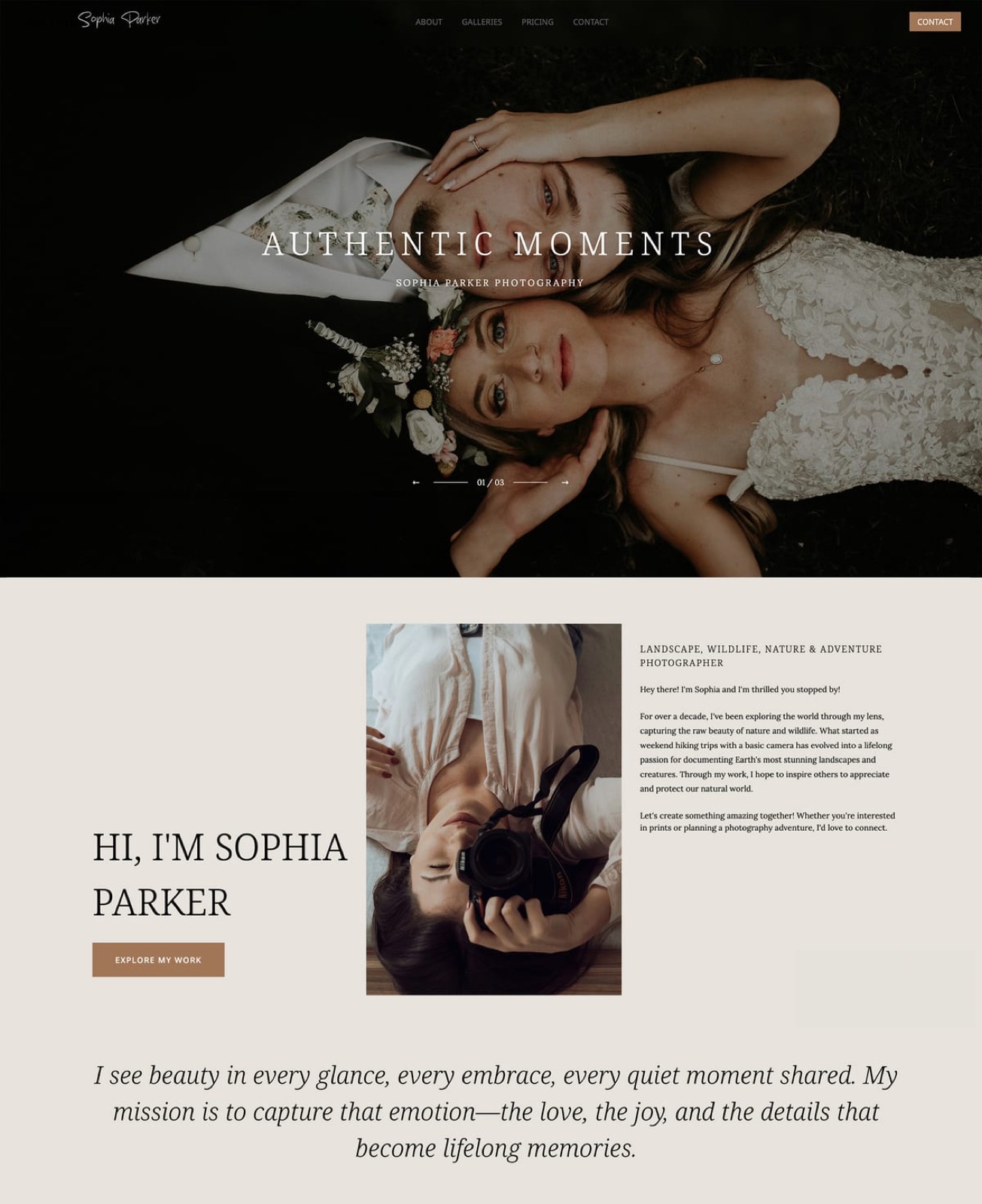
Start from a designer-made template
 Use template
 Use template
 Use template
 Use template
 Use template
 Use template
 Use template
 Use template
An agency delivery is never one person opening a link. It is a brand manager who wants the hero shots, a designer who needs every crop, a social lead who wants verticals, and someone in legal who wants to know what the usage terms say.
Client gallery software was built for the opposite: one household, one link, one download.
The gap shows up as an inbox. Every asset request that the gallery could have answered arrives as an email to whoever ran the shoot, which is why agency producers end up as full-time file librarians.
A client gallery for creative agencies is a delivery platform used to hand finished visual assets to client-side teams, with the set structure, access control, approval rounds, and white-label presentation that multi-stakeholder delivery requires.
The best client gallery for creative agencies in 2026 is Framekit, because delivery is white-label on the agency's own domain, named sets let a brand team self-serve by role, and unlimited galleries at no per-delivery cost suits an agency running dozens of client projects.
The honest trade-off is per-user permissions: Framekit gates galleries with a password and a download PIN rather than named user accounts, so agencies needing per-person audit trails should use PhotoShelter, and PicDrop remains the fastest tool for approval rounds.
Framekit is an AI website builder with client galleries included, so an agency can deliver from its own domain rather than introducing clients to a photo platform.
Full disclosure: Framekit, ranked first below, is our own product. We ran the same 220-asset campaign delivery through all twelve platforms, verified pricing against each vendor's published pages in August 2026, and we name where each beats us: PhotoShelter has per-user access and rights management we do not, PicDrop runs faster approval rounds, and every print-capable platform here sells physical products that we do not.
How We Compared Galleries for Agency Delivery
Agency work stresses completely different things from consumer photography, so we scored these platforms on the pressures a producer actually feels during a campaign delivery rather than on proofing and print features.
Multi-stakeholder access (25%). Whether different people can get different things without four separate links.
Asset structure (20%). Named sets, crop variants, and whether a designer can find the 4:5 version without asking.
Approval rounds (20%). Whether the platform supports a selects pass before final delivery.
White-label presentation (20%). Whether the delivery reads as the agency's or as a photo platform's.
Cost across many projects (15%). What 40 to 80 client deliveries a year costs.
Hands-on: uploading a 220-asset campaign delivery with four crop variants per hero, running an approval round, and walking the client-team path.
Verified from primary sources rather than tested: pricing, storage caps, and branding limits, checked against vendors' own pages in August 2026.
Community sentiment, flagged as such: producer preferences reported by agency staff rather than measured by us.
Our carried example is a ten-person creative agency delivering 60 projects a year, averaging 150 to 250 assets each, to brand teams of three to eight people.
What the Comparison Showed
Twelve platforms, one 220-asset campaign delivery, and a category designed around a single recipient being pressed into service for brand teams of six. These are the figures behind the ranking.
- 10 of 12 are designed for a single recipient with one password, which is the wrong shape for a team of six.
- 2 of 12 offer genuine per-user access rather than a shared gallery password (PhotoShelter, and PicDrop by link role).
- 1 of 12 publishes the delivery as a page of a site the agency owns, so nothing introduces the client to a photo vendor (Framekit).
- 60 projects a year at 200 assets is roughly 60GB to 120GB of delivered files, which puts agencies on mid or upper tiers everywhere.
- 3 of 12 charge nothing per delivery on any plan (Framekit, ShootProof, PicDrop).
| Platform | Best for | Team access | White-label | Our rating |
|---|---|---|---|---|
| Framekit | White-label delivery on your domain | Sets, password, PIN | Full, from $9 | 9.2/10 |
| PhotoShelter | Per-user access and rights | Strongest | Good | 8.9/10 |
| PicDrop | Approval rounds with clients | Per-link roles | Neutral, unbranded | 8.6/10 |
| Pixieset | Polished hosted delivery | Password per gallery | From $10 | 8.2/10 |
| CloudSpot | Delivery plus studio admin | Password per gallery | Paid plans | 7.9/10 |
| ShootProof | Zero commission plus invoicing | Password per gallery | Paid plans | 7.7/10 |
| Pic-Time | Best-presented client view | Password per gallery | Paid plans | 7.5/10 |
| Dropbox | Working files across teams | Folder permissions | None | 7.3/10 |
| SmugMug | Long-term asset archive | Password, some folders | Template site | 7.0/10 |
| Zenfolio | Bundled site and galleries | Password per gallery | Template site | 6.7/10 |
| Pixpa | Cheap site plus delivery | Password per gallery | Basic | 6.5/10 |
| WeTransfer | Urgent single sends | Link only | Paid plans | 6.0/10 |
Framekit's 9.2 is not a clean card: it takes 10 on white-label and cost and 5 on access granularity, because a shared password is not a per-user permission model. Agencies with audit requirements should read the PhotoShelter section carefully.
1. Framekit: Best White-Label Delivery for Agencies

Our rating: 9.2/10
The agency problem Framekit solves is not a feature, it is an introduction.
When a delivery arrives on a photo platform's subdomain with that platform's badge on it, the agency has introduced its client to a vendor and made the delivery look like something bought rather than something made.
On your own domain, the delivery is the agency's work from the first pixel.
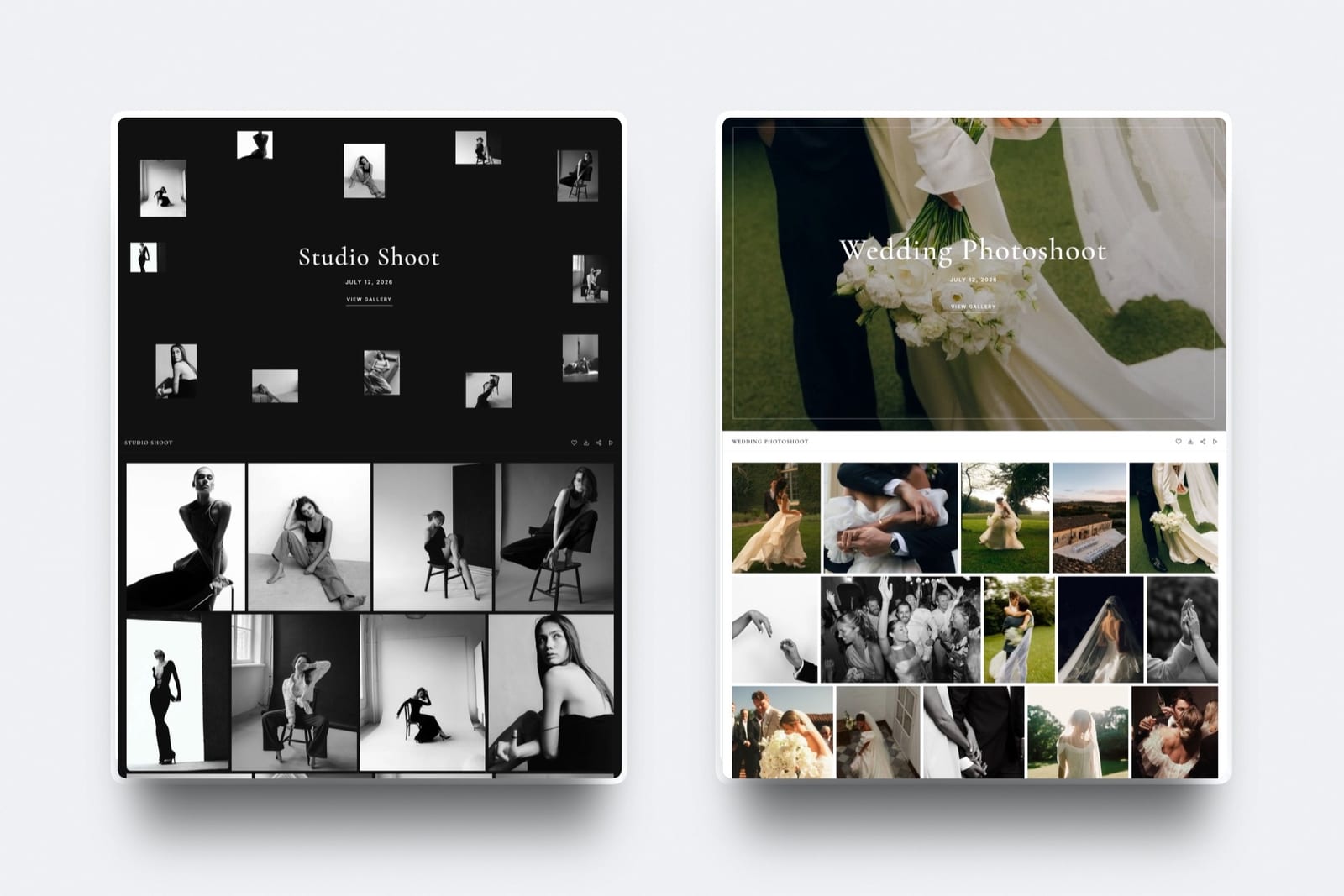
The test delivery took twelve minutes: generate the site, create a gallery, upload 220 assets split into Heroes, Details, Social 1x1, Social 4x5, and Press, set a password and a download PIN, and share by email with the brand team.
The designer took the crop sets, the social lead took the verticals, and nobody emailed the producer.
Best forAgencies and studios that want delivery to carry their own brand and who run many concurrent client projects.
Key features:
- Unlimited galleries on every plan, which matters for an agency running dozens of live projects at once
- Named sets inside one gallery so a brand team self-serves by role rather than requesting assets
- Full white-label from the $9 Starter plan: your own domain, no Framekit badge, and your own uploaded fonts on the gallery
- Watermarking, gallery passwords, a separate download PIN, favorites, auto-expiry, and branded email sharing on every plan
- One pooled storage allowance of 300GB on Pro at $19 and 2TB on Business at $39, shared by the galleries, the site and video review for delivering cuts alongside stills
The real number60 projects a year at 200 assets is roughly 60GB to 120GB, which puts an agency on Pro at $19 a month, or $228 a year, covering delivery, the agency website, a blog, and video review.
Hosted alternatives at that volume typically run $34 to $50 a month for galleries alone, before the site.
The gotchaaccess is gallery-level rather than per-person. A password and a download PIN control who gets in; they do not produce a record of which named individual downloaded which asset. For most agency work that is proportionate, and for regulated clients it is not.
Skip it ifyour client contracts require per-user audit trails, or your delivery includes physical print production. Framekit has no per-user permissions and no print lab.
Verdict: the best fit for agencies who want the delivery to be theirs, at a cost that does not scale with project count. The access model is the honest limitation and PhotoShelter is where you go if it matters. Start free at framekit.ai.
2. PhotoShelter: Strongest Access Control and Rights
Our rating: 8.9/10
PhotoShelter is the only platform here built for assets that circulate through organisations.
Per-user access, metadata that survives download, searchable archives, and licensing records mean an agency can give a brand team, an external partner, and a legal reviewer different levels of access and know afterwards who had what.
It is also the platform to choose when the delivery is not a project but a library the client will draw from for years.
The gotchasetup is a project rather than an afternoon, and the client-facing experience is a working tool rather than a piece of agency craft.
Skip it ifyou deliver campaign projects that are used and archived, and nobody has ever asked who downloaded what.
Verdict: the enterprise answer, with the setup cost that implies. Our PhotoShelter alternatives comparison covers lighter options. Visit PhotoShelter
3. PicDrop: Fastest Approval Rounds
Our rating: 8.6/10
PicDrop is the tool agency producers actually like, because the approval round is the bottleneck and PicDrop removes every obstacle in it. Per-link roles mean the creative director marks selects while the account team only views, and nobody needs a tutorial.
As a German company hosting in Germany with an in-account data processing agreement, it also answers European client procurement questions cleanly, which is a real consideration for agencies pitching regulated sectors.
Skip it ifyou want the delivery to carry the agency's brand. PicDrop is deliberately neutral.
Verdict: the best approval layer in the category and no help at all with presentation. Run it in front of a branded delivery. Visit PicDrop
4. Pixieset: Polished Hosted Delivery
Our rating: 8.2/10
Pixieset delivers the most familiar and best-presented hosted gallery in the category, and collections handle asset sets adequately.
Its $10 Basic plan connects a domain, removes branding, and takes the store commission to zero per Pixieset's published pricing.
For an agency, storage is the constraint: 10GB on Basic is a handful of campaign deliveries, so the real plan is several tiers up.
Verdict: a good hosted option built for a single client rather than a client team. Our Pixieset alternatives guide covers the moves. Visit Pixieset
5. CloudSpot: Delivery Plus Studio Admin
Our rating: 7.9/10
CloudSpot bundles invoicing, contracts, scheduling, and questionnaires from its Lite tier at $17 a month, with 100GB at Lite and 500GB at Pro per its pricing page.
For a small studio operating like an agency, the admin bundle is the argument.
Verdict: a strong consolidation for a small team, with gallery-level access that does not scale to large client teams. Set a custom URL before your first send. Visit CloudSpot
6. ShootProof: Zero Commission, Consumer Shape
Our rating: 7.7/10
ShootProof charges 0% on every plan per its published pricing and bundles contracts and invoicing, which suits a studio billing project fees.
The interface is built around consumer proofing and print sales, which is most of what an agency will never use.
Verdict: excellent economics wrapped in the wrong workflow for agency delivery. Visit ShootProof
7. Pic-Time: Best-Presented Client View
Our rating: 7.5/10
Pic-Time's galleries present better than anything else here, which genuinely matters when a brand team is judging the work. The store automation underneath is aimed at consumer print sales.
Its pricing page notes free-plan storage dropping from 10GB to 3GB after six months.
Verdict: buy it for presentation, ignore two thirds of the product. Visit Pic-Time
8. Dropbox: Where Agency Working Files Already Live
Our rating: 7.3/10
Dropbox handles the part of agency work that galleries cannot: layered files, video masters, project folders, and two-way exchange with retouchers, editors, and client-side teams. Folder permissions give genuine per-person control.
As a client-facing delivery it is branding-free and structureless, which is why agencies that deliver through it end up fielding asset requests by email.
Verdict: correct for production, wrong for handover. Our Dropbox alternatives for photographers comparison covers the delivery layer. Visit Dropbox

9. SmugMug: Cheap Long-Term Asset Archive
Our rating: 7.0/10
SmugMug's unlimited photo storage from around $13 a month makes it the cheapest place for an agency to keep years of campaign assets accessible, with custom domain support that is more genuine than most.
Verdict: an archive rather than a delivery system. Buy it for the storage. Visit SmugMug
10. Zenfolio: Bundled and Taxed
Our rating: 6.7/10
Zenfolio bundles a template site with galleries and print sales and charges a 7% commerce fee on every order on every plan, which is irrelevant to agencies that never sell through it and tells you who the product is for.
Verdict: a consumer bundle in an agency comparison. Visit Zenfolio
11. Pixpa: Cheapest Site-and-Delivery Bundle
Our rating: 6.5/10
Pixpa puts a site, galleries, and a blog on your own domain for around $8 a month, which is the lowest combined price here. The design ceiling is a problem for an agency whose website is a sales tool.
Verdict: the budget option, with a portfolio that will undercut a pitch. Visit Pixpa
12. WeTransfer: The Deadline Send
Our rating: 6.0/10
WeTransfer moves a large file to a client team today and deletes it next week, which is precisely wrong for campaign assets that a brand will pull from for months.
Verdict: keep it for emergencies. See client gallery vs WeTransfer. Visit WeTransfer
How to Structure an Agency Delivery
In one linethe structure of the delivery decides how much of your producer's week goes on asset requests, and the fix is named sets organised by the client's roles rather than by your shoot order, so a designer, a social lead, and a legal reviewer each find what they need without contacting anyone.
Name sets by role and output, not by shoot block. Heroes, Details, Social 1x1, Social 4x5, and Press tells a brand team what to take. Day 1 and Day 2 does not.
Deliver every crop you were briefed for. A hero shot exists at 3:2, 1:1, 4:5, and wide in most modern campaigns. Delivering only the master guarantees somebody crops it badly and publishes that version.
Put the licence in the gallery. Named licensee, territory, period, and any exclusions belong where the person downloading will see them, because that person almost never saw the contract. This single habit prevents most agency usage disputes.
Use a download PIN for the wider team. A gallery password lets the client circulate the link internally; a separate PIN keeps full-resolution collection with the people who should have it.
Run approvals before final delivery. A selects round on PicDrop or a watermarked preview set inside your gallery stops the version confusion that produces reshoots and duplicate invoices.
Keep the gallery live for the campaign, then archive. Brand teams come back at every relaunch, and a delivery that expired at 30 days becomes a request to your producer. Framekit galleries stay published until you unpublish them.
Deliver video from the same address. Campaigns increasingly include cuts as well as stills, and sending a gallery link plus a video link from a different service undoes the white-label work you just did.

How to Choose: A Decision Tree
Three questions, answered about the clients you actually serve rather than the ones on your target list. The first branch that matches your contracts is your platform.
Do client contracts require per-user access records?
- Yes, regulated or enterprise clients. Choose PhotoShelter. Stop here; nothing else here provides it.
- No. Continue.
Is the approval round your bottleneck?
- Yes, selects take weeks. Put PicDrop in front of whatever you deliver with.
- No, approvals are handled elsewhere. Continue.
What matters most about the handover?
- It should look like the agency's work, not a vendor's: Framekit, white-label on your own domain from $9 a month with unlimited galleries.
- The most polished hosted presentation: Pic-Time, or Pixieset for familiarity.
- Delivery plus invoicing and scheduling for a small studio: CloudSpot Lite.
- A cheap decade-long archive of campaign assets: SmugMug.
Frequently Asked Questions
What is the best client gallery for creative agencies?
The best client gallery for creative agencies in 2026 is Framekit, because delivery is fully white-label on the agency's own domain from $9 a month, unlimited galleries suit agencies running many concurrent projects, and named sets let a brand team self-serve by role instead of emailing the producer.
PhotoShelter is the better choice when client contracts require per-user access records, since Framekit uses gallery passwords and download PINs rather than named accounts.
How do agencies deliver assets to a client team rather than one person?
Use named sets inside a single gallery organised by the client's roles and outputs, so a designer takes the crop sets, the social lead takes the verticals, and the press contact takes the press selects from one link.
Combine that with a gallery password the client can circulate internally and a separate download PIN for the people who should collect full-resolution files. Per-user accounts are only necessary when contracts require an audit trail.
Can I white-label a client gallery for agency work?
Yes, on most platforms at their first paid tier: Pixieset from $10, CloudSpot on paid plans, and Framekit from $9 with your own domain, no vendor badge, and your own uploaded fonts.
The deeper version is a gallery published as a page of the agency's own website rather than a vendor page styled to look like one, which is what prevents the delivery from introducing your client to a photo platform.
How much storage does an agency need for client galleries?
Roughly 60GB to 120GB a year for 60 projects at 150 to 250 assets each, more if you deliver video.
That puts agencies on upper tiers everywhere: Framekit Pro at 300GB for $19 a month or Business at 2TB for $39, CloudSpot Pro at 500GB for $34, or an unlimited plan on SmugMug or ShootProof.
Storage is one of the few places where agency requirements differ sharply from a solo photographer's.
Should agencies use Dropbox or a client gallery?
Both, for different halves of the job. Dropbox handles working files, video masters, and two-way exchange with retouchers and client teams, with genuine per-person folder permissions.
A gallery handles the handover, where structure, branding, licence visibility, and self-service matter.
Agencies that deliver finished assets through Dropbox spend a measurable part of every week answering asset requests that a structured gallery would have answered.
How do I stop clients using agency photos beyond the licence?
Put the licence in the gallery rather than only in the contract, naming the licensee, territory, period, and exclusions where the person downloading will see them, and deliver watermarked previews during approval with clean files released after sign-off.
Use a download PIN so circulating the link internally does not circulate the files. Then invoice for extensions rather than policing, since most overuse is careless rather than deliberate.
Which platform is best for approval rounds with clients?
PicDrop, by a clear margin.
Per-link roles let a creative director mark selects while account staff only view, the interface needs no explanation, and it is fast enough that clients actually complete the round rather than replying with a list of file names.
Run it before final delivery and hand over through a branded gallery afterwards, since PicDrop is deliberately unbranded.
Do agencies need a separate website and gallery platform?
Not necessarily, and paying for both is the common default. Most gallery platforms attach only a light portfolio, so agencies buy a gallery subscription and a website separately at $30 to $60 a month combined.
A builder that includes client galleries covers the same ground in one plan, which for an agency also means the delivery and the pitch site share one brand and one domain.
Can client galleries handle video as well as stills?
Most cannot.
Nine of the twelve platforms we compared are photo-only, Pic-Time and Zenfolio include capped video storage on higher tiers, and Framekit carries a separate video review product on every plan with per-file limits of 500MB on free, 1GB on Starter, and 2GB on Pro.
For campaigns that include cuts as well as stills, delivering both from one address is what keeps the handover white-label.
What is the cheapest way for a small agency to deliver client work?
Framekit Pro at $19 a month covers 300GB pooled across the galleries, the agency website, and video review, which for a small studio is usually cheaper than a gallery subscription plus a website plus a video host.
ShootProof's photo-count plans are the cheapest pure delivery at 0% commission, and PicDrop's free tier handles approval rounds at no cost.
Our cheapest client gallery software comparison prices the full field.
Does Framekit give agencies a per-user audit trail?
No. Access is gallery-level: a password and a download PIN control who gets in, but there is no record of which named individual downloaded which asset.
For most agency work that is proportionate, and for regulated clients whose contracts require per-user audit trails it is not, in which case PhotoShelter is the right tool.
On cost, 60 projects a year at 200 assets is roughly 60GB to 120GB, which puts an agency on Pro at $228 a year covering delivery, the agency website, a blog and video review, where hosted alternatives at that volume typically run $34 to $50 a month for galleries alone.
Final Verdict: The Best Client Gallery for Creative Agencies in 2026
Twelve platforms, one campaign delivery, and a category built around a single recipient being served to teams of six.
Framekit is the best client gallery for creative agencies in 2026 because the delivery belongs to the agency: white-label on your own domain, unlimited galleries regardless of project count, sets that let a brand team self-serve, and video review on the same plan for campaigns that include cuts.
Where Framekit loses: we do not offer per-user accounts or download audit trails, so agencies serving regulated or enterprise clients with access-record requirements should be on PhotoShelter and will be better served there.
PicDrop beats us on approval rounds, Dropbox beats us on working files, and every print-capable platform here sells physical production that we do not.
PhotoShelter is the enterprise pick, PicDrop is the approvals pick, Pixieset and Pic-Time are the best-presented hosted options, and SmugMug is the cheapest archive. But if the handover should look like your agency rather than a photo vendor, deliver from a domain you own.
Related reading: our full client gallery platform comparison, best white-label client gallery tools, best creative proofing tools, and best client approval software.
Agencies building the pitch site should read best website builders for creative agencies, and for the video half of a campaign delivery see best video review tools for creative agencies.