Framekit templates
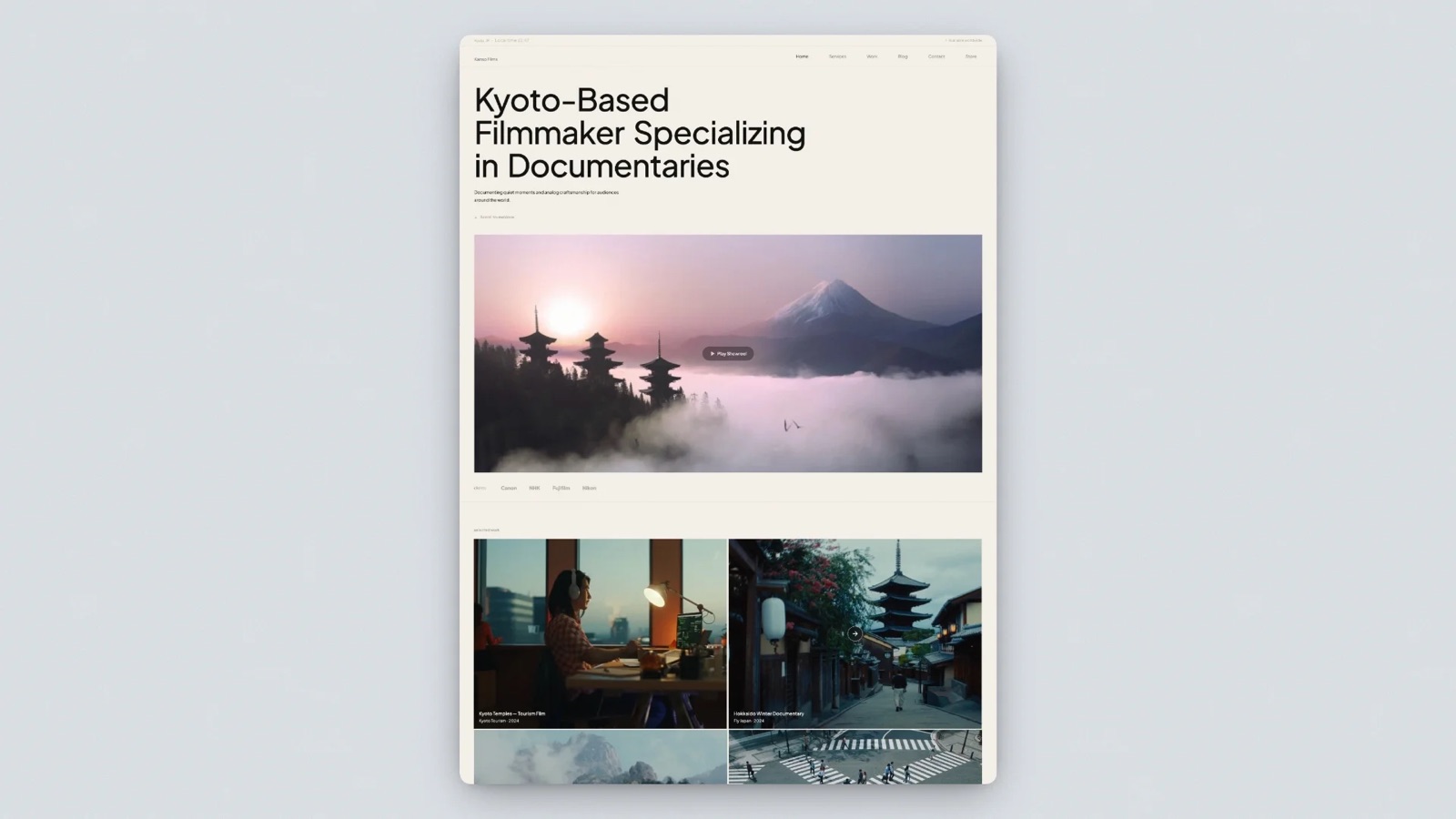
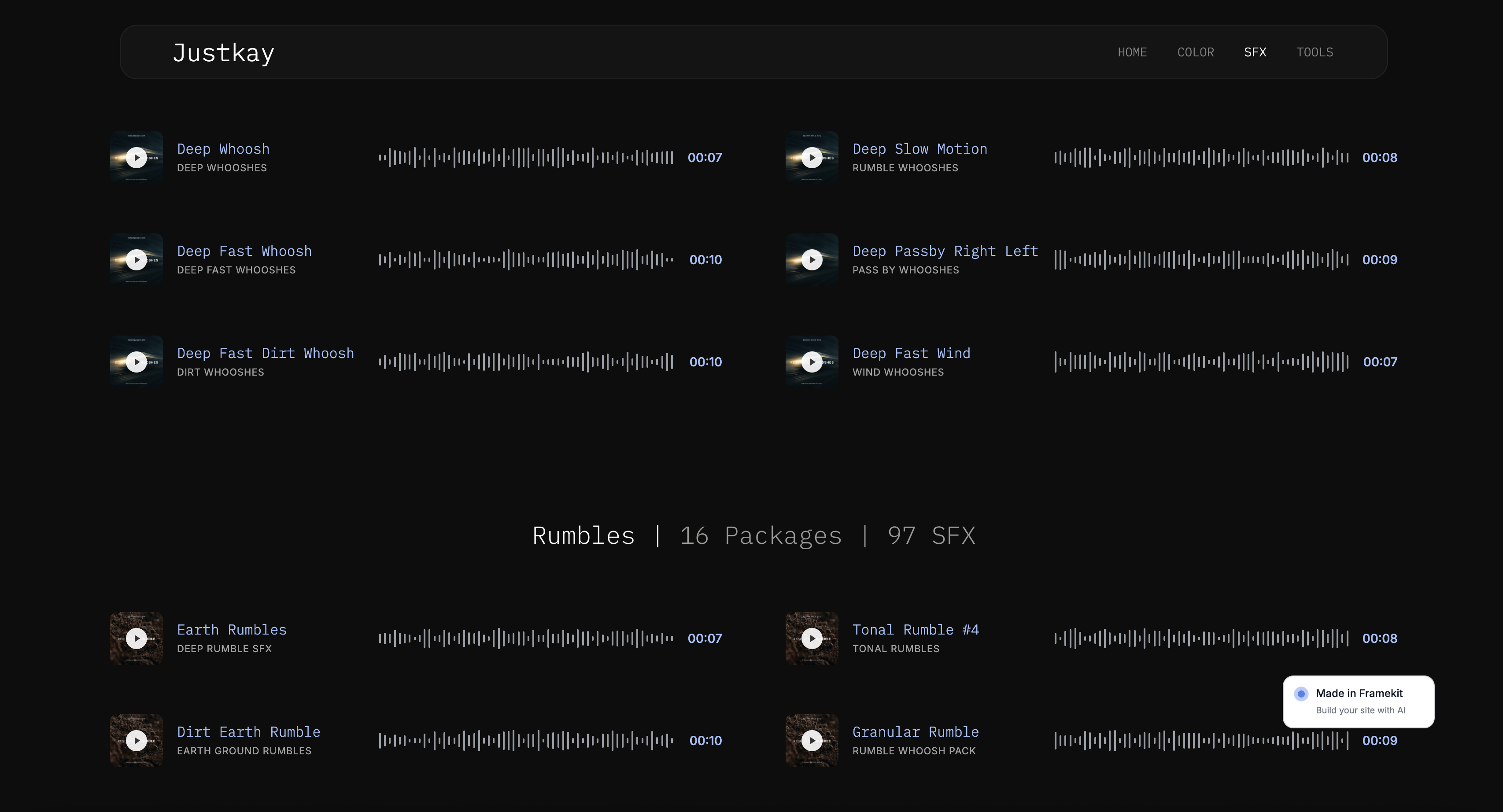
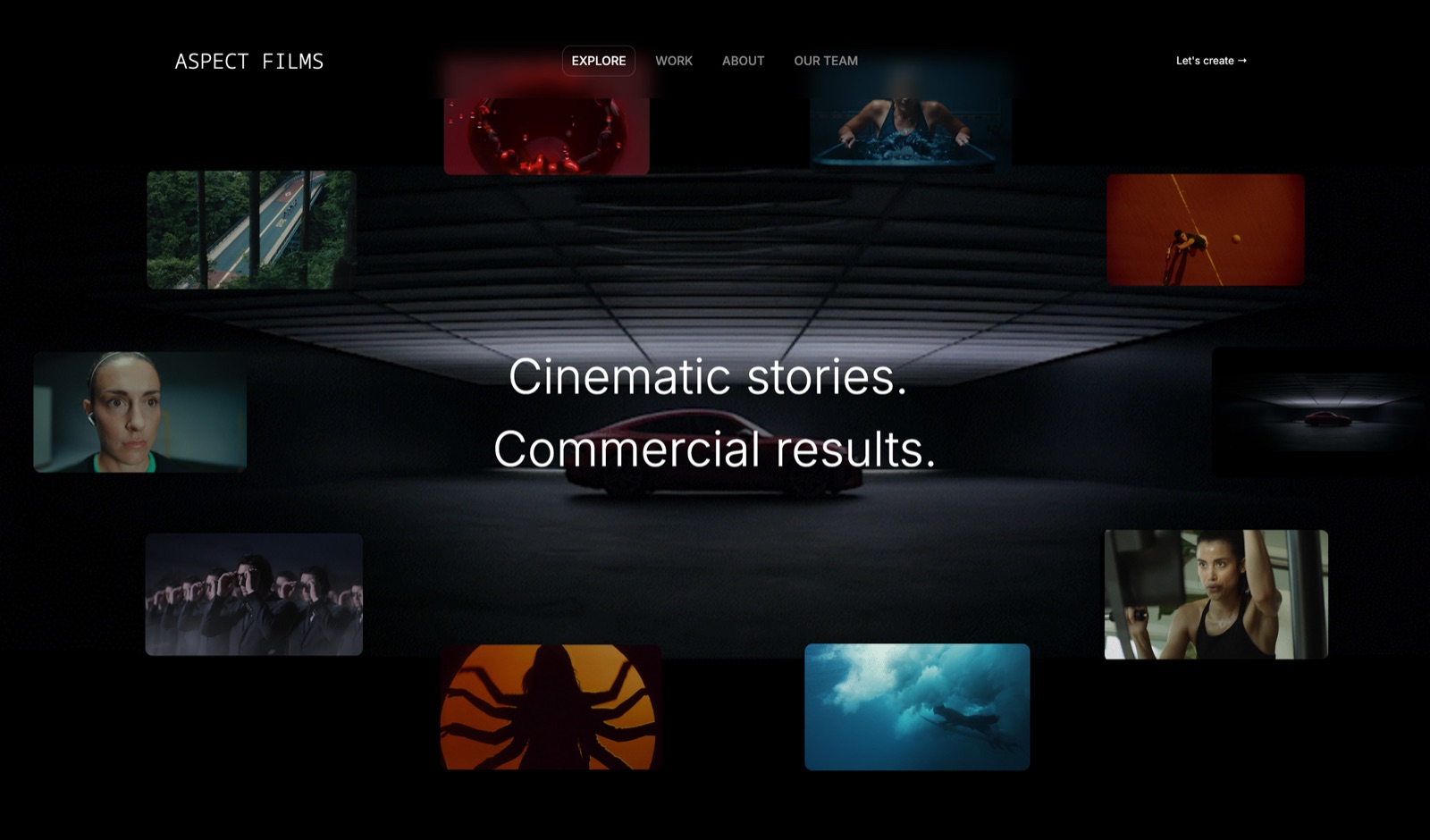
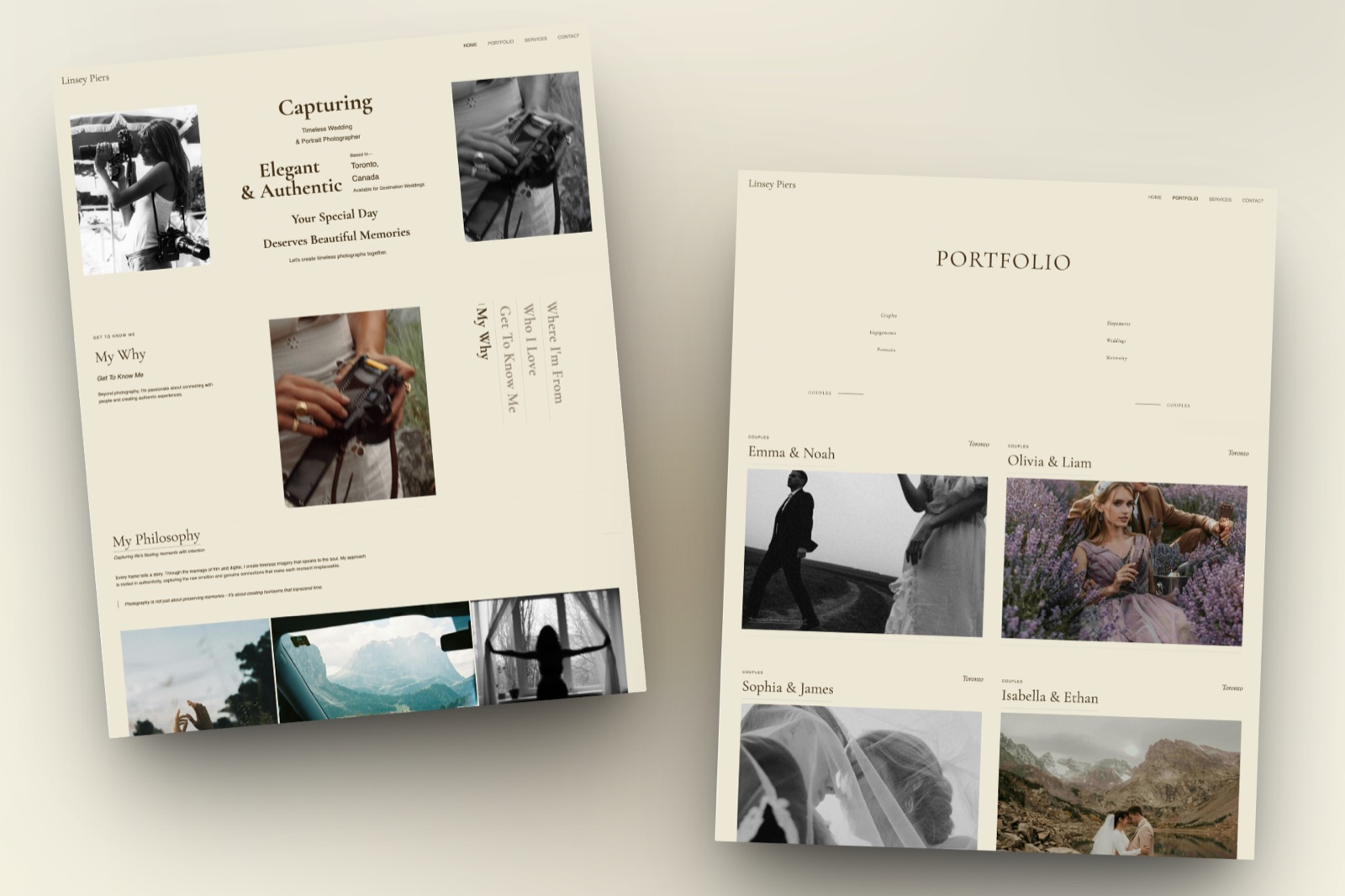
Start from a designer-made template
 Use template
 Use template
 Use template
 Use template
 Use template
 Use template
 Use template
 Use template
Somewhere between 70% and 85% of client galleries are opened on a phone first, which every photographer knows and almost no gallery is designed around. So platforms sell mobile apps, and photographers buy them assuming clients will install something.
They will not. A couple who has just received their wedding photos is not going to the App Store.
The useful question is not which platform has an app. It is what happens in the eight seconds after a client taps your link on a phone.
A mobile client gallery app is any of three different things: a photographer-side app for managing and uploading galleries on the go, a client-side branded app or home-screen shortcut for opening a specific gallery, or a mobile web gallery that requires no install at all and is what the overwhelming majority of clients actually use.
The best mobile client gallery app experience in 2026 comes from Pixieset, which pairs a photographer-side app with a client-facing gallery app that clients recognise, with Pic-Time a close second on presentation and CloudSpot offering per-client home-screen apps on every paid plan.
Framekit ranks third here and has no native app at all: it wins on mobile web delivery from your own domain with no install and no account, and if a native app in a store is your requirement, we are not the answer.
Framekit is an AI website builder with client galleries included, so the mobile gallery your client opens is a page on your own site rather than an app carrying someone else's name.
Full disclosure: Framekit, ranked third below, is our own product and we do not publish a mobile app. We tested each platform's phone experience on the same 480-image gallery, verified plan details against each vendor's published pages in August 2026, re-verified Framekit's own plans and gallery features on 19 September 2026, and we say plainly where each beats us: Pixieset, Pic-Time, ShootProof, and SmugMug all ship native apps and we do not.
The Three Things Called a Gallery App
This distinction decides the entire comparison, and vendor marketing blurs it constantly, because two of the three things called a gallery app have almost no effect on what your client experiences.
Type 1: the photographer app. A native iOS or Android app you install to upload, manage, and check galleries away from your desk. Genuinely useful, entirely irrelevant to your client's experience.
Type 2: the client app. Either a native app your client installs to view galleries, or a home-screen shortcut that opens the gallery like an app.
CloudSpot's version is the second kind: its own announcement describes per-client mobile apps available on upgraded plans, where the client saves the gallery to their home screen.
Type 3: the mobile web gallery. The page that opens when the client taps your link, with no install and no account. This is what 90% or more of your clients will ever see, and it is the only one that matters on delivery day.
| Platform | Photographer app | Client app or shortcut | Mobile web quality | Install required |
|---|---|---|---|---|
| Pixieset | Yes | Yes, client gallery app | Excellent | No |
| Pic-Time | Yes | Home-screen shortcut | Excellent | No |
| Framekit | No | No | Excellent, own domain | No |
| CloudSpot | Yes | Per-client home-screen apps, paid plans | Very good | No |
| ShootProof | Yes | Yes | Good | No |
| SmugMug | Yes | Yes | Good | No |
| Zenfolio | Limited | No | Good | No |
| Google Photos | Yes | Yes | Good, not a client gallery | Often prompted |
Every platform's gallery works on mobile web without an install. The apps are conveniences layered on top, and mostly conveniences for you rather than for the client.
How We Tested the Phone Experience
We uploaded the same 480-image portrait gallery to each platform and then walked the client path on a phone from the link onward, noting every tap, prompt, and failure rather than measuring anything with a stopwatch.
Tap to first photograph. How many taps and screens between the link and an image, including any sign-in prompt.
Scroll and browse. Whether the grid loads smoothly, whether the layout suits vertical scrolling, and whether pinch and swipe behave.
Favoriting on a small screen. Whether the heart is reachable with a thumb and whether the client can tell it registered.
Download on a phone. Individual images, sets, and whole galleries, and where the files land on iOS and Android.
Sharing. How easily a client forwards the gallery to family without handing over downloads.
What was hands-on: everything above, on a recent iPhone and a mid-range Android device. What was verified from published sources rather than tested: plan availability of app features, checked against vendor documentation in August 2026.
What is community sentiment: recurring reports about iOS download handling on large ZIP files, flagged as such.
1. Pixieset: Best Overall Mobile Experience
Our rating: 9.2/10
Pixieset has spent longer than anyone refining what a gallery feels like on a phone, and it shows in the details: the grid loads progressively rather than in jarring blocks, the favorites control sits where a thumb naturally rests, and downloading a single image behaves predictably on both platforms.
It also pairs a photographer-side app with a client-facing gallery app, which is the closest thing this category has to a complete answer.
Clients who have received photos from another Pixieset photographer already know how it works, and familiarity is worth more on delivery day than any feature.
Best forPhotographers who want the least friction possible on a phone and do not mind the gallery living on Pixieset.
The real numberthe $10 Basic plan is where mobile becomes properly yours, adding domain connection, branding removal, and 10GB of storage while dropping the store commission from 15% to zero, per Pixieset's published pricing.
The gotchathe mobile experience is excellent and it is Pixieset's. The client remembers the app, and the URL in their browser history is a Pixieset address unless you upgrade and connect a domain.
Skip it ifyou want the gallery to be part of your own website rather than a companion to it.
Verdict: the best phone experience in the category and the one most clients have seen before. If mobile is the deciding criterion, this is the platform. Our Pixieset alternatives guide covers the moves if the hosting model bothers you. Visit Pixieset
2. Pic-Time: Best-Looking Gallery on a Small Screen
Our rating: 8.9/10
Pic-Time's galleries are the most designed in the category and they hold up better on a phone than most, with covers that crop intelligently and a browsing rhythm that feels closer to a magazine than a file list.
Clients can save a gallery to their home screen, which is the practical version of a client app.
Its pricing page puts Beginner at $8 a month, Professional at $25, and Advanced at $50, and notes that free-plan storage drops from 10GB to 3GB after six months.
The gotchathe automated store campaigns that make Pic-Time compelling on desktop are more intrusive on a small screen, so tune them before a first delivery.
Verdict: the prettiest phone gallery, and worth it if presentation is what you are selling. Visit Pic-Time
3. Framekit: Best Mobile Web on Your Own Domain

Our rating: 8.7/10
Framekit has no mobile app, and we rank third here because of it.
What Framekit does have is the mobile experience that actually gets used: a gallery page on your own domain that opens in one tap, needs no install, needs no client account, and carries your fonts and colours rather than a vendor's.
On a phone the practical differences show up in three places. The gallery header is your site's header, so a client browsing photos is one tap from your portfolio. Downloads work without a sign-in, as the full set or favorites only.
And the address in the client's browser history is your studio rather than a platform.

Best forPhotographers who care more about where the mobile gallery lives than about having an icon in an app store.
Key features:
- Mobile galleries published on your own domain from the $9 Starter plan, with the Framekit badge removed and your own uploaded fonts
- Three grid layouts and 17 cover styles, so the phone layout can be set to suit vertical scrolling rather than inherited from a desktop design
- Favorites, slideshows, watermarking, gallery passwords, and a separate download PIN on every plan including free
- Full-resolution downloads up to 100MB per image with no client account required, as the full set or favorites only
- Photos and videos in the same gallery, with videos transcoded for smooth playback on a phone and never watermarked
- Galleries available in seven languages, which matters for destination and international work
The real numberthe free plan delivers unlimited mobile galleries from 10GB of pooled storage (3GB of it usable for video) with no commission, and $9 a month puts them on your own domain. Every competitor's equivalent step costs $10 to $17 and leaves the gallery hosted on their platform.
The standout detaila wedding film and the photos go out on one link, so the couple watching on a phone does not need a second app, a Vimeo password, or a separate download page for the video.
The gotchathere is no photographer-side app, so uploading a shoot from a phone means using a mobile browser rather than a native uploader. If you routinely publish galleries from the road without a laptop, that is a real inconvenience.
Skip it ifa native app in an app store is a requirement rather than a preference. Pixieset, ShootProof, and SmugMug all publish them and we do not.
Verdict: the best mobile web gallery you can send from your own address, and the wrong pick if you specifically want an app to install. We would rather be honest about the gap than claim a home-screen shortcut is an app. Start free at framekit.ai/client-galleries.
4. CloudSpot: Per-Client Home-Screen Apps
Our rating: 8.4/10
CloudSpot's mobile apps are the most interesting implementation here: each client gets their own home-screen app for their gallery, available on any upgraded plan, with the same purchasing, downloading, favoriting, and sharing as the browser gallery.
For photographers whose clients revisit a gallery repeatedly, particularly families and brand clients producing ongoing content, a home-screen icon genuinely reduces friction.
Its pricing page puts Entry at $7 with 15GB, Lite at $17 with 100GB and no commission, Pro at $34, and Unlimited at $50.
The gotchathe default gallery address is a shared generic domain rather than yours or CloudSpot's, so set a custom URL before the first send.
Verdict: the smartest take on client apps in the category, and a good reason to pick CloudSpot if repeat visits matter to your work. Visit CloudSpot
5. ShootProof: Solid Mobile, Best Economics
Our rating: 8.0/10
ShootProof's mobile gallery is functional rather than beautiful, which is a fair description of the platform generally.
What it has instead is the best commercial terms in the category: 0% commission on every plan, per its published pricing, with tiers from $10.99 for 1,500 photos to $50 for unlimited on annual billing.
Verdict: the phone experience is fine and the economics are excellent. If mobile polish is your priority, look at Pixieset instead. Visit ShootProof
6. SmugMug: Good Mobile, Great Archive
Our rating: 7.6/10
SmugMug's app is aimed at photographers browsing their own libraries more than at clients receiving a delivery, which reflects the product: an archive with galleries attached rather than a delivery tool.
The mobile gallery is competent and the storage economics remain the best in photography.
Verdict: a good mobile archive, a middling mobile delivery. Our SmugMug alternatives guide covers delivery-first options. Visit SmugMug
7. Zenfolio: Adequate on a Phone, Taxed on Every Sale
Our rating: 7.1/10
Zenfolio's galleries work on mobile without doing anything memorable, and the platform's real story is the bundled website and print sales rather than the phone experience.
The 7% commerce fee on every order on every plan remains the number to price in.
Verdict: fine on a phone, expensive on a sale. Visit Zenfolio
8. Google Photos: An App, Not a Client Gallery
Our rating: 6.2/10
Google Photos has by far the most-installed app on this list and is not a client gallery in any professional sense: no branding, no watermarking, no download control, no favorites that mean anything to you, and frequent prompts to sign in or install.
It appears here because photographers do use it, and because the comparison is instructive: an excellent consumer app is not the same as a professional delivery.
Verdict: a great photo app and a poor client delivery. Our Google Photos alternatives for photographers comparison covers the replacements. Visit Google Photos
What Actually Matters on a Phone
In one linethe features that decide a mobile gallery are the ones that happen in the first eight seconds, which means tap-to-photo count, whether a sign-in appears, how the cover crops on a vertical screen, and whether the download button does something predictable, and none of those require an app.
Count the taps. From the link to the first full-size photograph should be one tap, or two if there is a password. Every additional screen loses clients, and a forced account creation loses them entirely.
Design for vertical. Covers that work on a desktop hero often crop badly at 9:16. Choose a cover with space in the middle, and check the crop on an actual phone rather than a browser window resized to look like one.
Make the download obvious and the destination predictable. On iOS, whole-gallery ZIP downloads behave differently from single-image saves, and clients frequently believe a download failed when the file went to the Files app.
A one-line note in the gallery preempts most of these messages.
Separate sharing from downloading. Clients forward galleries within minutes on a phone. A gallery password plus an independent download PIN lets that happen without your full-resolution files travelling with it.
Test on a mid-range Android, not just an iPhone. Grid-heavy galleries behave differently on cheaper hardware and slower connections, and a meaningful share of your clients are on exactly that.
Remember the browser history. The address a client returns to weeks later is whatever was in the URL bar. On your own domain that return visit lands on your site; on a hosted gallery it lands on the platform.
How to Choose: A Decision Tree
Two questions settle this for almost every photographer, because the mobile decision is really a question about who needs the app and where the gallery should live rather than about browsing quality.
Do you specifically need a native app in an app store, for you or your clients?
- Yes, for managing galleries from my phone while travelling. Choose Pixieset or ShootProof, both of which have mature photographer-side apps.
- Yes, for clients who revisit galleries repeatedly. Choose CloudSpot on a paid plan for per-client home-screen apps, or Pixieset for its client gallery app.
- No, I just want the phone experience to be excellent. Continue.
Where should the mobile gallery live?
- On my own domain, next to my portfolio: Framekit, which delivers the gallery as a page of your own site with no install and no client account.
- On a hosted platform with the most polished phone experience: Pixieset, or Pic-Time if presentation matters more than familiarity.
- Wherever is cheapest with no commission: ShootProof.
Frequently Asked Questions
What is the best mobile client gallery app?
Pixieset offers the best overall mobile client gallery experience in 2026, pairing a photographer-side app with a client-facing gallery app and the most refined phone browsing in the category.
Pic-Time is close behind on presentation, CloudSpot provides per-client home-screen apps on paid plans, and Framekit has no native app but delivers the strongest mobile web gallery from your own domain with no install and no client account required.
Do clients need to download an app to view a photo gallery?
No, and almost none of them will. Every platform in this comparison serves galleries over mobile web, and the overwhelming majority of clients open the link, browse, and download without installing anything.
Client-facing apps and home-screen shortcuts are conveniences for repeat visits rather than requirements, which is why the quality of the mobile web gallery matters far more than whether a platform publishes an app.
Does Framekit have a mobile app?
No. Framekit does not publish a native iOS or Android app for photographers or clients, and we rank ourselves third in this comparison because of that gap.
Framekit galleries are mobile web pages published on your own domain, which open in one tap with no install and no client account, support favorites, slideshows, and full-resolution downloads, and carry your own fonts and branding rather than a vendor's.
Can clients download photos to their phone from a gallery?
Yes on every platform here, though the behaviour differs by operating system. On iOS a single image typically saves to Photos while a whole-gallery ZIP lands in Files, which is the most common source of "the download did not work" messages.
Adding one line to the gallery explaining where files land prevents most of them. Framekit delivers full-resolution originals up to 100MB per image with no account required.
What percentage of clients open galleries on mobile?
Most photographers report the large majority of first opens happening on a phone, which is consistent with general web traffic patterns across consumer categories.
The practical implication is that the phone view is the primary design target rather than a fallback: choose covers that crop well vertically, keep the tap count from link to first photograph at one or two, and test on a mid-range Android device as well as an iPhone.
Are photographer mobile apps worth it?
They are worth it if you regularly need to publish, check, or fix galleries away from a desk, which is common for photographers shooting multi-day events or travelling frequently. They make no difference to the client's experience at all.
If you work from a studio and deliver from a laptop, a photographer app is a convenience you will open twice and then forget.
Is a home-screen gallery shortcut the same as an app?
Functionally it is close and technically it is not.
A home-screen shortcut saves the gallery's web page as an icon so it opens like an app, with the same features as the browser gallery, while a native app is downloaded from an app store and can use device features more deeply.
CloudSpot's per-client mobile apps are the shortcut kind, which is the more practical approach for client galleries since it needs no store install.
Which gallery platform is fastest on a phone?
All the dedicated gallery platforms perform well on modern connections, and the differences that clients notice are structural rather than technical: how many taps stand between the link and the first photograph, whether a sign-in prompt appears, and whether the grid layout suits vertical scrolling.
A gallery requiring an account creation feels slower than one that does not, regardless of how quickly the images arrive.
Can I brand the mobile gallery my clients see?
Yes on paid plans across most platforms, though the depth varies.
Pixieset Basic at $10, CloudSpot's paid tiers, and Framekit Starter at $9 all remove vendor branding and allow a custom address; Framekit additionally allows your own uploaded fonts on the gallery page.
The deeper difference is where the gallery lives: on Framekit it is a page of your own website, so the mobile header and navigation are your site's rather than a vendor's.
Should I optimise galleries differently for mobile?
Yes, in three ways: choose a cover with visual space in the middle so it crops well at portrait aspect ratios, prefer a grid or rows layout over dense masonry for very large galleries, and lead with a highlights set so a phone user reaches your best work in the first screen rather than the hundredth.
The full checklist is in our guide to what to include in a client gallery.
Final Verdict: The Best Mobile Client Gallery Experience in 2026
Eight platforms, one 480-image gallery, and a category where the word app hides three different products. What clients actually experience is the mobile web gallery, and that is where the comparison should be decided.
Pixieset is the best mobile client gallery in 2026 on the strength of its phone browsing and its genuine client-facing app, with Pic-Time the best-looking and CloudSpot the smartest on repeat-visit convenience.
Where Framekit loseswe publish no mobile app at all, for photographers or clients, so if you upload galleries from your phone while travelling or specifically want an app-store presence, Pixieset and ShootProof beat us and we will not pretend otherwise.
Our answer is a mobile web gallery on your own domain with no install and no account, which is what most clients meet, and a photographer workflow that assumes a laptop.
If a native app is the requirement, choose Pixieset. If the phone gallery should open at your own address and send the client onward to your portfolio, that is a different requirement and a different pick.
Related reading: our full client gallery platform comparison, what to include in a client gallery, how to deliver photos to clients, and the best client galleries with custom domains.
If cost is the other half of your decision, see cheapest client gallery software and commission-free client galleries.