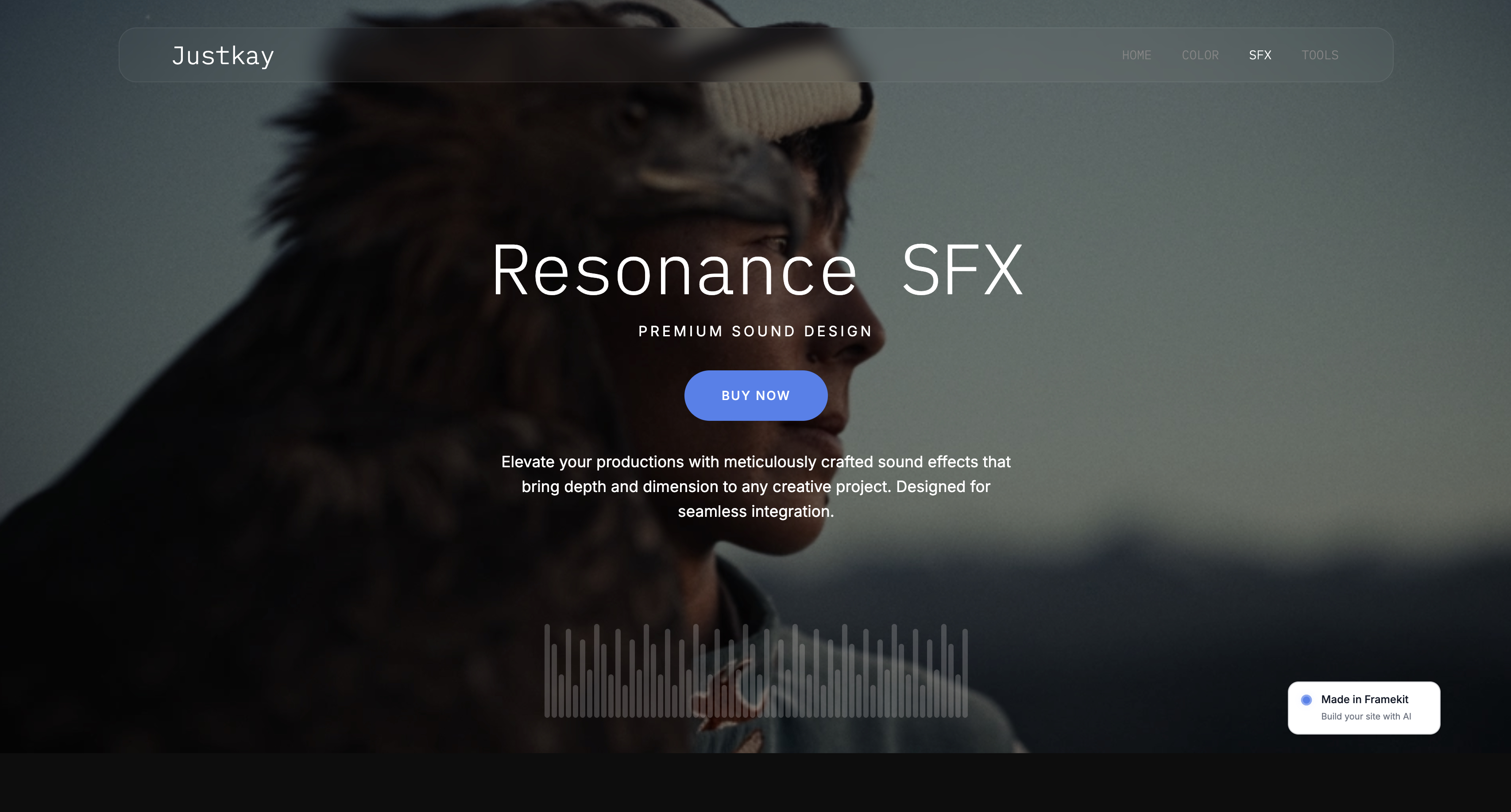
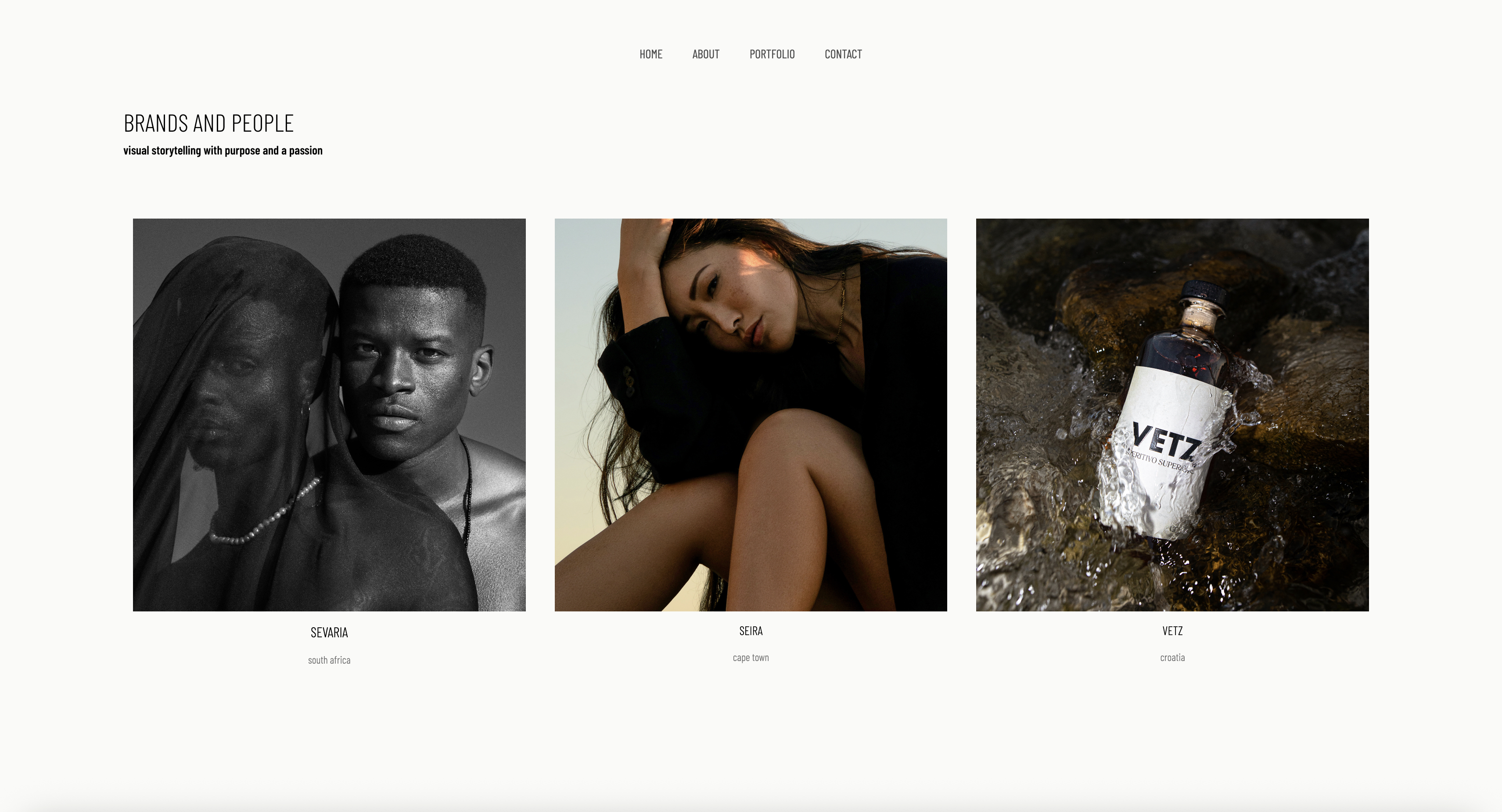
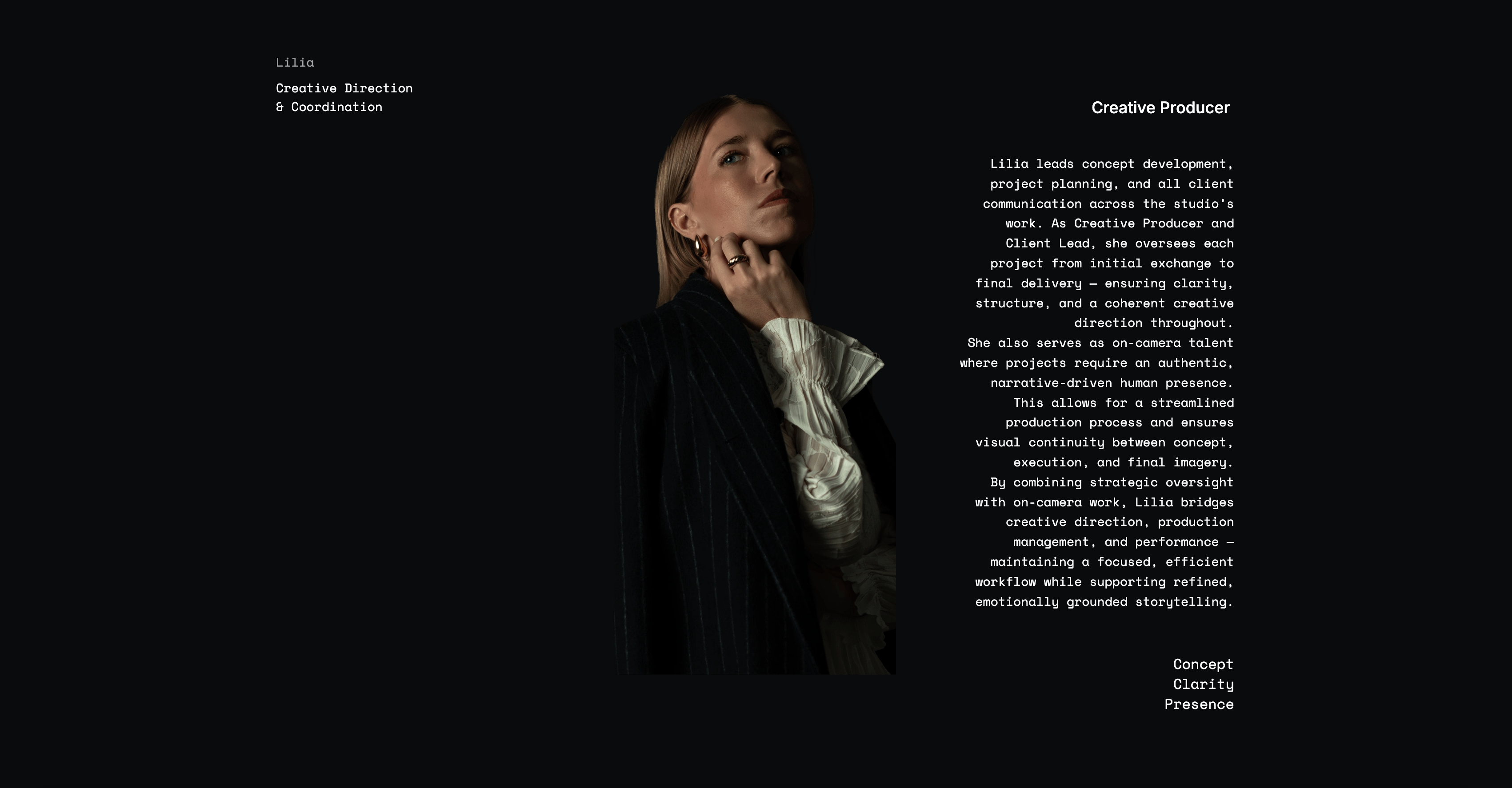
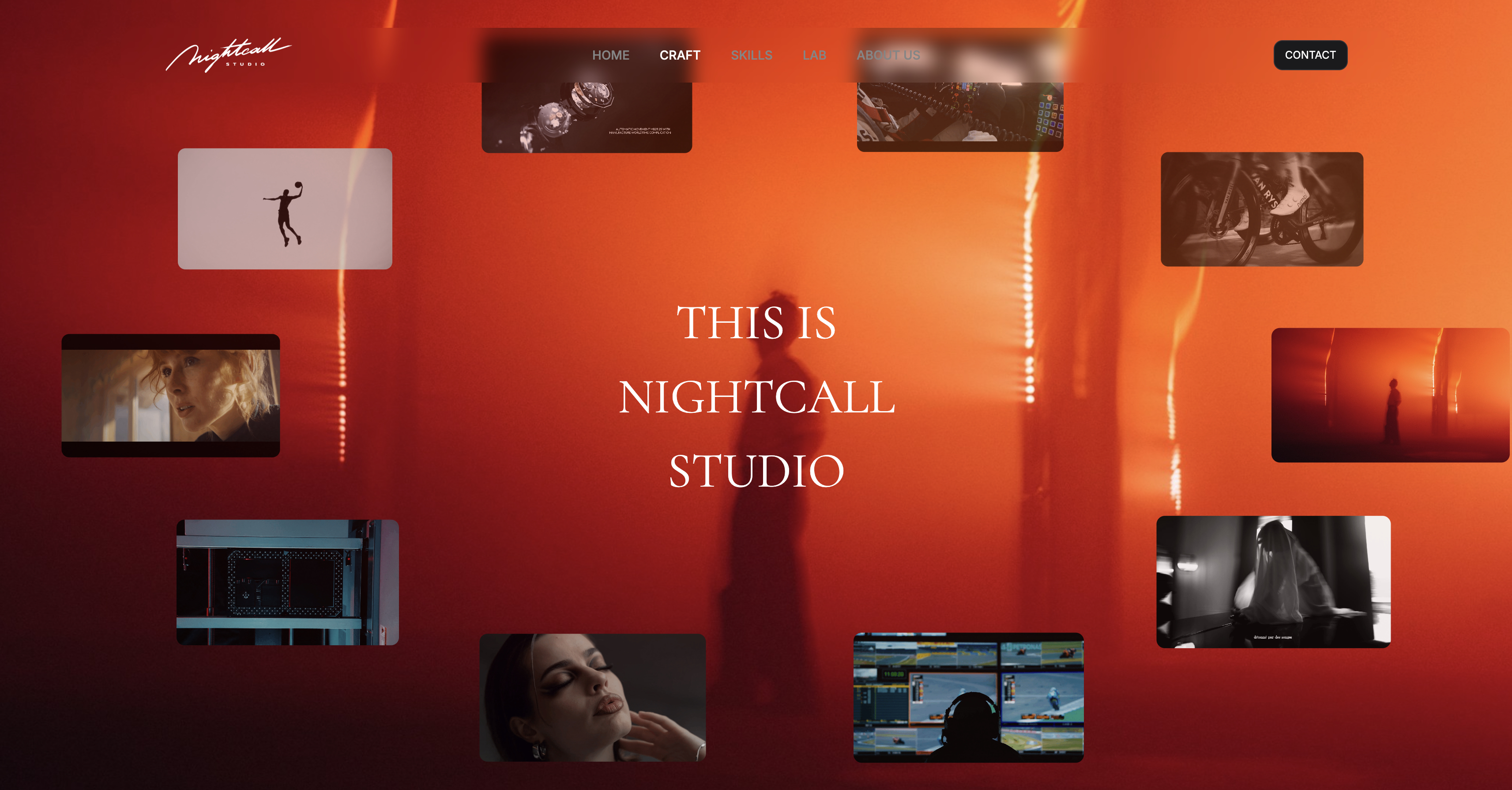
Framekit templates
Start from a designer-made template
 Use template
 Use template
 Use template
 Use template
 Use template
 Use template
 Use template
 Use template
A freelance editor added it up last month and stopped halfway through.
Video editor, colour tool, design app, audio suite, asset manager, upscaler, stock library: seven subscriptions, none individually outrageous, together more than a used camera body every year, renewing forever, for software that had not meaningfully changed since the year before.
The bill arrives whether or not the work does, which is the part that hurts in a quiet quarter.
That is the condition that makes one-time purchase creative tools worth writing about in 2026, and the honest news is mixed.
The subscription model won, and it kept winning this year: the best-known name in AI image enhancement quietly stopped selling perpetual licences altogether.
But a real counter-current survives, it includes some of the most capable software in professional use, and one of the biggest names in design went from paid to free rather than to rented.
So we priced every tool we could still buy outright against the subscription that replaced it, over five years.
A one-time purchase creative tool is software you buy once and keep using without a recurring fee, including perpetual licences with time-limited updates, and it differs from a subscription in that the vendor cannot switch it off when you stop paying.
DaVinci Resolve Studio at $295 is the best one-time purchase in creative software in 2026, because it is a full professional post-production suite and its free version is genuinely complete for most work, though it demands more from your machine than a subscription rival would.
Affinity is now free outright, REAPER at $60 for personal use is the best value in audio, and Final Cut Pro at $299.99 pays for itself against a subscription editor in about thirteen months.
Updated in September 2026: we re-verified Framekit's plans and state plainly that Framekit is a subscription with a permanent free tier rather than a one-time purchase, so it is not a candidate for this list even though it is our own product; perpetual licence prices are as read in August 2026.
How We Priced Buying Against Renting
We did not rank these on features.
We priced each tool against the subscription a creative would otherwise pay for the same job, over five years, at one seat, using figures read on the vendor's own page in August 2026 and no promotional discounts.
Where a licence includes a limited window of updates, we priced the realistic cost of staying current rather than pretending updates are free forever.
Five years is the right horizon and it is not arbitrary.
It is roughly how long a working creative keeps a tool they have learned, it is long enough for compounding to be visible, and it is short enough that the software is still recognisably the same product.
Over one year a subscription usually looks cheaper. Over five it rarely does.
Two things are labelled throughout. A price described as verified was read on the vendor's own page in August 2026.
A price described as reported comes from third-party listings because the vendor does not display it, which here applies to two entries and is stated in each rather than smoothed over.
Where a vendor's own page shows a plan with no figure at all, we say so instead of borrowing one.
We also drew a line about what counts. A perpetual licence with a fixed window of updates counts, because you keep working when the window closes. A subscription with an annual discount does not count, however it is described.
And a licence that excludes major version upgrades is flagged rather than counted cleanly, because that is a licence for this version rather than for the software.
In one linewe priced each one-time purchase against the subscription that does the same job over five years at one seat, using vendor-published figures from August 2026 and no promotional rates.
By the Numbers
Nine tools, one horizon, one seat. These figures are the argument, and the last two are the reason this article needed writing this year rather than three years ago.
- $295 buys DaVinci Resolve Studio outright, against roughly $1,379 for five years of the subscription editor most often recommended instead.
- $0 is now the full price of Affinity, which was a paid one-time purchase until Canva released it at no cost on 30 October 2025.
- $60 buys a REAPER licence for personal use or under $20,000 of yearly gross revenue, with free upgrades through version 8.99.
- $120 buys a Sketch Mac-only seat including one year of updates, against $144 a year for its own subscription.
- $29.99 buys LumaFusion, with four separate one-time modules at $19.99 each rather than a subscription.
- 60 days is REAPER's unrestricted evaluation, the longest trial in creative software we found this year.
- $1,200 is vMix Pro, the most expensive item here, and still less over five years than a browser studio at $88.99 a month.
- 1 major vendor stopped selling one-time purchases in the last eighteen months: Topaz Labs, whose pricing page now states that no one-time purchases are offered for current products.
- 6 of 9 are the strongest tool in their category regardless of pricing model, which is the finding that surprised us most.
The Full Comparison Table
Every figure below was read on the vendor's own page in August 2026 except the two rows marked reported. The five-year subscription column names the tool a creative would realistically rent instead, priced at its own published annual rate.
| Tool | Buys you | One-time price | Five years renting instead | You keep |
|---|---|---|---|---|
| DaVinci Resolve Studio | Editing, colour, audio, effects | $295 | About $1,379 on Premiere Pro | $1,084 |
| Affinity | Vector, raster and layout design | Free | Adobe design subscription | All of it |
| Final Cut Pro | Editing on Apple silicon | $299.99 | About $1,379 on Premiere Pro | $1,079 |
| Logic Pro | Music and audio production | $199.99 | About $960 on Descript Hobbyist | $760 |
| REAPER | A full audio workstation | $60 personal, $225 commercial | About $960 on Descript Hobbyist | $900 |
| Sketch | Mac-native interface design | $120, one year of updates | $720 on Sketch Standard | $600 |
| LumaFusion | Editing on iPad and phone | $29.99 plus $19.99 modules | About $900 on a mobile subscription | $820 |
| vMix | Windows live production | $60 to $1,200 perpetual | About $4,139 on StreamYard Advanced | Up to $3,939 |
| Eagle | A visual asset library | $34.95 reported, 2 devices | $348 a year on a hosted DAM | $1,705 |
The last column is the one to sit with. Those are not savings on a cheaper product; in six of the nine cases they are savings on the better product, which is the part of this argument people find hardest to believe until they check.
1. DaVinci Resolve Studio: The Best One-Time Purchase in Creative Software
Resolve Studio is the strongest answer in this entire article because it is not a budget alternative to anything. It is the application feature films are finished in, sold once, and its free version is complete enough that most creatives never need to buy it at all.
The real numbers: Studio is $295 as a one-time purchase. The free version supports up to 60fps at Ultra HD 3840 by 2160.
Studio raises that to 120fps at 32K and adds the DaVinci Neural Engine with facial recognition, Super Scale and speed warp, 45 extra Resolve FX including AI noise reduction, stereoscopic 3D, Dolby Vision and HDR10+ grading, immersive 3D audio, multiple GPU support for 10-bit professional formats, a remote scripting API, and full-screen playback on a second monitor.
Against a subscription editor at a reported $22.99 a month, $295 breaks even in about thirteen months and then costs nothing for as long as you keep working.
Over the five years we priced, that is roughly $1,084 kept, and unlike a subscription the project files keep opening if you stop paying attention to your card details.
The standout detail nobody puts in a comparison: the free version is not a demo with a watermark, it is the same application with a published list of features withheld.
That means the honest advice for most readers is to spend nothing until a specific greyed-out feature blocks a specific job, which is a sentence almost no software vendor would write about their own paid tier.
The gotchait is the most hardware-hungry application in this article, and on a thin laptop with integrated graphics you will work in proxies or you will be unhappy. Its learning curve is also genuinely steep, because it is four professional applications sharing one interface.
Skip it ifyou cut talking-head video and nothing else, where a text-based editor finishes the same job faster.
Verdict: The best one-time purchase in creative software at $295, and free until it stops you. Nothing else here offers that combination.
Owning your tools is half of it; our guide to what a photography website actually costs covers the other recurring bill.
2. Affinity: The One That Went From Paid to Free
Affinity is the most remarkable entry in this article because it moved in the opposite direction to the entire industry. It was the flagship one-time purchase in creative software, sold against Adobe's subscription for years, and in 2025 it stopped charging altogether.
The real numbers: Canva acquired Serif in March 2024 for roughly A$580 million, unified Affinity Designer, Photo, and Publisher into a single application released on 30 October 2025, and made the professional toolset available at no cost.
You switch between Vector, Pixel, and Layout modes inside one app. A free Canva account is required to download and activate it, and the AI features sit behind a Canva subscription while the core tools do not.
There is no five-year arithmetic to do, which is the point. A creative who was paying roughly $70 per application now pays nothing for all three, and a creative paying a design subscription can stop.
The standout detail: the files are local. This is not a free cloud tier with a storage cap and an export limit; it is a desktop application saving to your own disk, which means it belongs in this article rather than in a list of free web tools.
The gotchafree is a commercial decision and commercial decisions get revisited. Canva is monetising the AI layer, and the reasonable expectation is that more capability arrives there over time rather than in the free core.
That is a fair trade and it is worth knowing which half you are relying on.
Skip it ifyou need multiplayer editing or a design system shared across a team, neither of which Affinity does.
Verdict: The best free professional design software available, and the strongest evidence in this article that the subscription trend is not inevitable.
3. Final Cut Pro: One Payment, Then Nothing
Final Cut Pro is the fastest editing experience available on Apple hardware and it is sold the way software used to be sold.
On Apple silicon the optimisation shows in every operation, and the magnetic timeline makes reframing and recutting genuinely quicker rather than theoretically quicker.
The real number: $299.99 on the Mac App Store as a one-time purchase, with the listing showing version 12.3 released on 30 June and requiring macOS 15.6 or later.
That figure has historically covered years of feature updates within the version rather than a fixed twelve-month window.
Against a reported $275.88 a year for a subscription editor, it breaks even in about thirteen months.
Over five years that is roughly $1,079 kept, and the comparison against Resolve Studio at $295 is close enough on price that the decision becomes preference rather than budget: speed and simplicity here, colour and audio depth there.
The standout detail: no free trial appears on the App Store listing, which is unusual for a $299.99 professional purchase. Apple has historically offered one through its own site, so look there before buying blind rather than assuming there is no way to try it.
The gotchaMac only, permanently, and its project format is the least portable in this article. Sending a Final Cut library to a Windows collaborator is not a conversation you can have.
Skip it ifyou use Windows, or grading is central to your craft.
Verdict: The best Mac editing experience at $299.99 once. Choose it over Resolve for speed, and against it for colour.

4. REAPER: The Best Value in Professional Software, Full Stop
REAPER is a complete professional digital audio workstation sold for less than most subscriptions cost in a month, and its licensing terms are the most honest in this article by a distance.
The real numbers: REAPER sells a discounted licence at $60 and a commercial licence at $225.
The discounted licence covers individuals using it personally, individuals or businesses with yearly gross revenue not exceeding $20,000, and educational or non-profit organisations.
A new licence includes free upgrades through version 8.99. The evaluation period is 60 days with full functionality and no restrictions.
That revenue threshold is the detail that makes it unusual. Rather than a hobbyist tier crippled to protect a professional one, REAPER sells the same complete software at a price keyed to what you earn from it, and asks you to be honest.
Most podcasters, musicians, and creatives editing their own audio qualify for the $60 licence and get the identical application a studio pays $225 for.
The standout detail: 60 days of unrestricted evaluation. Not feature-limited, not watermarked, not nagging. Two months of a professional workstation before deciding is a level of confidence essentially nobody else offers.
The gotchait ships looking utilitarian and configurable to the point of intimidation, and podcasters routinely bounce off it in the first hour. The ones who stay usually installed a community theme and a starting template first.
Skip it ifyou want software that makes decisions for you. REAPER makes none, deliberately.
Verdict: The best value in professional creative software at $60 for personal use, with a 60-day trial that removes all risk from finding out.
5. Logic Pro: A Music Suite for the Price of Eight Months of Renting
Logic Pro is the most complete piece of software in this article measured by what is in the box, and it is sold once. Its noise and hum tools, compression, and mastering chain are better than anything else here, and the same purchase that cleans up a podcast will also score it.
The real number: $199.99 on the Mac App Store as a one-time purchase, with the listing showing version 12.3 released on 30 June and requiring macOS 15.6 or later. It is Mac only.
Against a subscription audio tool at $16 a user per month billed annually, Logic breaks even in about thirteen months.
Over five years that is roughly $760 kept, for software that is more capable rather than less, which is the pattern that keeps recurring in this article and is the opposite of what buyers expect.
The standout detail: the instrument and effect library included is enormous, and for a creative who occasionally needs original music rather than a stock licence, that alone can replace a recurring cost elsewhere.
A studio paying for a stock music subscription to avoid licensing headaches should price that against $199.99 once.
The gotchait is designed for music, so spoken-word workflows are not what its defaults optimise for. Expect to build a template and ignore most of the application, which is a reasonable trade at this price and an annoying one if you only ever edit speech.
Skip it ifyou are on Windows, or your audio work is trimming interviews, where REAPER at $60 or a text-based editor will suit you better.
Verdict: Extraordinary value at $199.99 once for anyone whose work touches music, and more application than a podcast editor needs.
6. Sketch: The Mac-Only Licence Almost Nobody Mentions
Sketch is usually discussed as a subscription competitor to Figma, and the more interesting fact about it is that it still sells a licence you buy.
The real numbers: alongside subscriptions at $12, $24, and $44 per editor per month billed yearly, Sketch sells a Mac-only licence at $120 per seat including one year of updates.
That licence gives the native Mac app, design, prototyping, illustration, offline work, and local document storage. It explicitly excludes real-time collaboration, online document sharing, iOS device previews, and a free trial.
For a solo designer who does not collaborate in the file, that is $120 once against $144 a year for the cheapest subscription tier, and the software keeps working when the update window closes.
Over five years the gap is roughly $600, and the honest version of that comparison is that you would likely buy a further year of updates at some point, which still leaves you far ahead.
The standout detail: local document storage. Among interface design tools this is now rare, and it is the reason a Sketch licence belongs in an article about ownership rather than only in an article about price.
The gotchathe exclusions are real and they are the whole modern workflow. No collaboration, no shared links, no trial. Buying this is a decision to work alone in a design tool, which suits fewer people than it used to.
Skip it ifanyone else opens your design files, or you are not on macOS.
Verdict: The best-kept secret in this article at $120 once, and only correct for a designer who genuinely works alone.

7. LumaFusion: A Professional Editor That Fits in a Pocket
LumaFusion is the only genuine multi-track editor here that runs on a phone and a tablet, and it is sold with a modular one-time structure rather than a subscription, which is increasingly unusual on mobile.
The real numbers: LumaFusion is $29.99 as a one-time purchase.
Four one-time in-app modules are listed at $19.99 each: Speed Ramping and Keyframing, Multicam Studio, FCPXML Export, and the CoreMelt PaintX plug-in.
A Creator Pass subscription exists at $9.99 monthly or $69.99 yearly, and it is optional rather than the route most users take.
The honest working price is therefore $29.99 for the app plus $19.99 for FCPXML export, which is the module that turns a tablet rough cut into a timeline you finish on a desktop.
Just under $50 buys a professional mobile editing workflow permanently, against mobile subscriptions that run to several hundred dollars over the same five years.
The standout detail: that FCPXML round trip is what makes this a professional tool rather than a travel toy. Cutting selects on location and finishing at a desk is a real workflow, and it is bought once.
The gotchathe headline is $29.99 and the useful configuration is closer to $50, which the App Store listing does not lead with. Buy the modules deliberately rather than all at once.
Skip it ifyou never edit away from a desk, where a desktop application does more for the same money.
Verdict: The best mobile editor and one of the few remaining modular one-time purchases, at $29.99 plus the module you actually need.
8. vMix: Broadcast Production You Own Outright
vMix is the most expensive item in this article and it produces the largest saving, which is the clearest illustration of how the arithmetic works once a subscription is priced over five years.
The real numbers: vMix sells perpetual licences at $60 for Basic HD, $350 for HD, $700 for 4K, and $1,200 for Pro, each including free updates for the first 12 months, with a $60 upgrade for a further 12 months of version updates.
A MAX subscription is $50 a month. There is a fully functional 60-day trial.
Set vMix Pro at $1,200 against a browser studio at $88.99 a month, which is $1,067.88 a year.
The subscription passes vMix Pro before the end of year two and reaches roughly $4,139 over five years, for a product that does considerably less production.
The HD edition at $350 is the one most creatives would actually use, and it is cheaper over five years than a single year of the subscription.
The standout detail: the 60-day fully functional trial. In a category where trials run 14 days and hide features, two months of unrestricted professional software is enough to produce an entire season of shows before deciding.
The gotchaWindows only, and the $60 Basic HD edition is genuinely basic, with instant replay and multi-camera recording starting at the 4K tier. Work out which edition your production needs before anchoring on the entry price.
Skip it ifyou are on a Mac, or your streams are a webcam and a screen share, where free software does the job.
Verdict: The largest five-year saving in this article, and the clearest case that buying professional software outright is still possible at the top end.
9. Eagle: A Visual Library That Is Not a Subscription
Eagle is the smallest tool here and it answers a problem almost every creative has: tens of thousands of reference images, screenshots, and inspiration saved over years with no system, and a category of software that wants to charge monthly to organise them.
The real number is reported rather than verified, because Eagle does not present a conventional pricing table.
Third-party listings and its own support documentation describe a one-time purchase reported at $34.95, activating on 2 devices, with free updates included.
Some listings still show $29.95, so treat the figure as approximate and confirm at checkout. The model itself is unambiguous: you pay once.
Against a hosted asset manager at $348 a year, roughly $35 once is a hundredth of the ten-year cost, and it does a different job well: local indexing, search by dominant colour, shape and format, and no upload of anything to anyone.
The standout detail: it indexes files where they already are. There is no migration, no upload, and no dependency on a company continuing to exist, which is the same property that makes local files valuable everywhere else in this article.
The gotchasingle-user by design. Two people cannot share a library the way two people share a hosted account, and syncing one through a cloud folder is possible rather than supported.
Skip it ifmore than one person needs to search the same library, or clients need access.
Verdict: The cheapest meaningful purchase here at a reported $34.95, and the right tool for one creative's reference archive rather than a studio's shared one.
What Stopped Being a One-Time Purchase
An article about buying software outright has an obligation to report the losses, and there were two significant ones in the last eighteen months. Both are more instructive than any of the wins.
Topaz Labs stopped selling one-time purchases. Its pricing page states that no one-time purchases are offered for current products, and the lineup is now subscriptions: Gigapixel at $149 a year Personal or 499 dollars Pro, Photo at $199 or $599, Video at $299 or $699, and the Studio bundle at $399 or $799.
Topaz built its reputation selling perpetual licences to photographers who dislike renting software, which makes this the most pointed example available of where the industry has gone.
A photographer who bought Gigapixel once and used it for five years now pays $745 for the same period on the Personal tier.
Filmora's perpetual plan is not what it appears. Its perpetual option is reported at $99.99 for Windows and $109.99 for Mac, and it is consistently reported to exclude future major version upgrades, so moving to a subsequent major release is a further discounted purchase.
That is a licence for this version rather than for the software, and it is why we flagged it rather than counting it alongside Final Cut Pro or Resolve Studio.
The pattern in both is worth naming, because it is how a one-time purchase usually disappears. It does not get withdrawn with an announcement.
The perpetual option stays on the page while the features move to the subscription tier, or the update window narrows until buying twice a year is the only way to stay current.
The check that catches it is simple: ask what the software will do in three years if you never pay again, and if the answer is "less than a competitor's free tier", you are on a subscription with extra steps.
In one lineTopaz withdrew one-time purchases entirely and Filmora's perpetual licence excludes major upgrades, and the way to spot both is to ask what the software still does in three years if you never pay again.

The Free Tools That Beat Both Models
The strongest position in this whole argument is not buying once, it is not paying at all, and in several categories the free option is genuinely the best tool rather than the budget one. Any honest article about avoiding subscriptions has to say so.
Video. DaVinci Resolve free handles editing, colour, audio and effects up to UHD at 60fps, which covers wedding, corporate, documentary and social work completely. Kdenlive and Shotcut are free and open source, and Kdenlive is the better choice on older hardware.
Design. Affinity is free as described above. Penpot is free and open source for up to 8 editors and self-hostable beyond that. Photopea opens PSD, Sketch, XD and Figma files in a browser at no cost.
Audio. Audacity is free forever with no paid tier, on Windows, macOS and Linux.
Streaming. OBS Studio is free and open source and more capable than most paid competitors.
Notes and assets. Obsidian is free without limits for personal use with files on your own disk, and Upscayl is free, open source and local for image upscaling.
A creative who assembled only from that list would have a complete professional stack for $0 with no expiry and no vendor able to change the terms.
The reason to buy anything in this article rather than use the free equivalent is specific and worth naming each time: Studio for AI noise reduction and HDR, Final Cut for speed on Apple silicon, Logic for the instrument library, Sketch for a mature Mac design system, vMix for real broadcast production.
Those are real reasons. "It is paid so it must be better" is not one.
In one lineResolve free, Affinity, Penpot, Photopea, Audacity, OBS, Obsidian and Upscayl together form a complete professional stack at $0 with no expiry, and every purchase in this article should be justified against that baseline rather than against a subscription.
The Five-Year Arithmetic, Worked Once Properly
The reason subscriptions win the comparison at the point of sale is that the monthly number is small and the horizon is short, and the reason they lose it over a working life is compounding.
Here is the calculation set out plainly so you can run it on whatever you are considering.
Take the subscription's annual cost and multiply by five. Take the one-time price and add the realistic cost of staying current, which for most tools here means either nothing or an occasional update purchase. Subtract.
That difference is what you keep, and for the tools in this article it ranges from about $600 on Sketch to nearly $3,939 on vMix against a browser studio.
Then apply two adjustments that people usually skip.
Subscriptions include continuous updates, which genuinely matters if you receive footage from cameras released last month or need format support that changes yearly, and matters very little for a design tool or an audio workstation.
And a one-time purchase carries obsolescence risk: an operating system update can eventually strand old software, which is a real cost that no article can price for your situation.
The honest summary of those adjustments is narrower than either side claims. In fast-moving categories where formats change, update velocity is worth paying for.
In stable categories, which is most creative software, it is not, and the five-year difference is close to pure saving.
There is a third factor that decides more purchases than either: whether the tool holds your work hostage. A subscription that lapses leaves project files you cannot open. A one-time purchase that goes unsupported still opens them.
That asymmetry does not show up in the arithmetic and it is the reason many creatives buy once even when the maths is closer than it is here.
In one linemultiply the subscription by five, add the realistic update cost to the purchase, and adjust only for update velocity in fast-moving formats, and the remaining difference is close to pure saving in most creative categories.
The Ten-Minute Audit to Run on Your Own Subscriptions
Open your card statement rather than your memory, because the two disagree, and list every creative subscription with its annual cost. Then answer three questions for each.
First, is there a free tool that does this job to the standard your work actually requires, which for video editing, design, audio, streaming and note-taking there now is.
Second, is there a one-time purchase in the same category, and what is its five-year total against what you are paying.
Third, and most important, what happens to your existing files if you stop paying this month: if the answer is that they become unopenable, that subscription is not a tool cost, it is a hostage arrangement, and it deserves a different level of scrutiny than the others.
Most creatives who run this find two subscriptions they had forgotten and one they can replace outright the same afternoon.
The Decision Guide
Work down these and act on the first that matches. Unusually for a comparison, several branches end in spending nothing, because in this category the free option is frequently the strongest one.
Start with the free baseline.
Is your job video, design, audio, streaming, notes, or upscaling? If yes, install the free tool for it first, meaning Resolve, Affinity or Penpot, Audacity, OBS, Obsidian, or Upscayl, and use it until something specific stops you.
Most readers stop here. If no, continue.
Did a specific feature stop you in Resolve free? If it was AI noise reduction, HDR grading, or output above UHD at 60fps, buy Resolve Studio at $295. If it was speed on Apple silicon rather than a missing feature, Final Cut Pro at $299.99 is the better purchase.
Is your work music, or does it involve original composition? Logic Pro at $199.99 once includes an instrument library that can replace a stock music subscription on its own.
Is your work spoken-word audio and you want to own the tool? REAPER at $60 for personal use or under $20,000 of yearly gross revenue, or $225 commercial, with 60 days to decide.
Do you design interfaces, alone, on a Mac? The Sketch Mac licence at $120 with a year of updates. If anyone else opens your files, this is the wrong purchase and a subscription is the right one.
Do you edit on an iPad or a phone? LumaFusion at $29.99 plus $19.99 for the FCPXML module if the rough cut finishes on a desktop.
Do you produce real live broadcasts on Windows? vMix, choosing the edition rather than the price: Basic HD at $60 for simple work, HD at $350 for most creative production, 4K at $700 for instant replay, Pro at $1,200 for broadcast. Take the 60-day trial first.
Any branch. Before you buy anything, ask what happens to your existing files if you stop paying your current tool this month, because that answer usually decides the purchase more honestly than the price does.
Where Your Website Fits In
There is one recurring cost in a creative business that cannot be bought once, and it is worth being straight about that in an article arguing for ownership. A website needs hosting, a domain, and somebody keeping it working, and none of those are a single payment.
Framekit is our own product and that is the cost we charge for, so weigh this section accordingly. It is not a one-time purchase and it does not appear in the rankings above.
Framekit is an AI website builder for photographers, filmmakers, designers, and illustrators, producing a portfolio, a store, and client galleries on a domain you own.
What is worth saying in the context of this article is which part you actually own. The domain is yours and it moves. The work is yours and it exports.
What you are renting is the building and the maintenance, which is genuinely a recurring cost for anyone whose site is on the public internet, whether they pay a platform, a developer, or a hosting company plus their own weekends.
Framekit starts at $0 with a 5 percent fee on product sales, Pro is $19 a month with a 3 percent fee, and Business is $39 a month with the transaction fee removed, and the free plan is a real plan rather than a trial.
The honest framing for a reader who has just spent this article avoiding subscriptions: buy your tools once wherever you can, and be deliberate about the two or three recurring costs that genuinely are recurring.
The clearest example of that is image editing, where the strongest paid product in the category became free in late 2025. We tested the full field in the best Photoshop alternatives guide.
Frequently Asked Questions
What creative software can you still buy once in 2026?
DaVinci Resolve Studio at $295, Final Cut Pro at $299.99, Logic Pro at $199.99, REAPER at $60 personal or $225 commercial, Sketch's Mac-only licence at $120, LumaFusion at $29.99 plus optional $19.99 modules, vMix from $60 to $1,200, and Eagle at a reported $34.95 are all genuine one-time purchases.
Affinity went further and became free outright on 30 October 2025. Between them they cover video, design, audio, live production, and asset management.
Is buying software outright cheaper than subscribing?
Over five years, substantially, and in most cases the one-time tool is also the more capable one. Resolve Studio at $295 against roughly $1,379 for five years of a subscription editor keeps about $1,084.
Final Cut Pro at $299.99 keeps about $1,079. vMix Pro at $1,200 against a browser studio at $88.99 a month keeps nearly $3,939.
Over a single year the subscription usually looks cheaper, which is why the comparison is normally presented that way.
Did Topaz Labs stop selling perpetual licences?
Yes.
Topaz's pricing page states that no one-time purchases are offered for current products, and its lineup is now subscriptions: Gigapixel at $149 a year Personal or 499 dollars Pro, Photo at $199 or $599, Video at $299 or $699, and the Studio bundle at $399 or $799.
This matters because Topaz built its reputation selling perpetual licences to photographers who dislike renting software, making it the clearest example of the direction the category has moved.
Is Affinity really free now?
Yes. Canva acquired Serif in March 2024 for roughly A$580 million, unified Affinity Designer, Photo, and Publisher into one application released on 30 October 2025, and made the professional toolset available at no cost.
You need a free Canva account to download and activate it. The AI features require a Canva subscription; the core vector, pixel, and layout tools do not, and the files are local rather than cloud-locked.
What is the catch with a perpetual licence?
Usually the update window.
Most perpetual licences include a fixed period of updates, after which the software keeps working but stops improving: REAPER includes free upgrades through version 8.99, Sketch's Mac licence includes one year, and vMix includes 12 months with a $60 renewal.
The licence to watch for is one that excludes major version upgrades entirely, as Filmora's perpetual option is reported to do, because that is a licence for this version rather than for the software.
Do I need to buy anything at all?
Frequently not. Resolve free covers most video work up to UHD at 60fps, Affinity and Penpot cover design, Audacity covers audio, OBS covers streaming, Obsidian covers notes, and Upscayl covers upscaling, all at $0 with no expiry.
That is a complete professional stack for nothing. Every purchase in this article should be justified against a specific thing the free tool will not do, rather than against a subscription's price.
DaVinci Resolve Studio or Final Cut Pro?
They cost almost the same, $295 against $299.99, so the decision is preference rather than budget. Choose Final Cut for speed on Apple silicon and a magnetic timeline that makes recutting quicker.
Choose Resolve Studio for the best colour tools in the category, deeper audio, and cross-platform work with collaborators outside the Apple ecosystem.
Resolve also has a genuinely complete free version, so you can prove the point before spending anything.
Is REAPER's $60 licence legitimate for professional work?
Yes, and the terms are published rather than implied.
The $60 discounted licence covers individuals using it personally, individuals or businesses with yearly gross revenue not exceeding $20,000, and educational or non-profit organisations, and it is the same complete software as the $225 commercial licence.
Most podcasters, musicians, and creatives editing their own audio qualify. Above that revenue threshold the correct licence is $225, still less than a year of most alternatives.
What happens to my files if I stop paying a subscription?
They remain on your disk and you lose the application that opens them, which is the defining difference between the two models and the factor that decides most purchases once people notice it.
Before ending any creative subscription, export your projects to an interchange format, such as XML or EDL for video and stems for audio, while you still have access.
A one-time purchase that stops being updated still opens your work; a lapsed subscription does not.
Are one-time purchases risky if the company disappears?
Less risky than the alternative, which is the counterintuitive part. Software you have installed keeps running if the vendor closes, while a subscription stops at the next billing failure.
The genuine risk with a perpetual licence is operating-system obsolescence over a long horizon rather than vendor failure, and the mitigation is the same as for everything else in this article: keep your source files in formats that other applications read.
Which one-time purchase gives the biggest saving?
vMix, in absolute terms. vMix Pro at $1,200 against a browser studio at $88.99 a month, which is $1,067.88 a year, saves nearly $3,939 over five years, and the HD edition at $350 costs less over five years than a single year of that subscription.
Proportionally, Eagle at a reported $34.95 against a hosted asset manager at $348 a year is the largest multiple, and Affinity at $0 is unbeatable by definition.
Final Verdict
DaVinci Resolve Studio at $295 is the best one-time purchase in creative software in 2026, and the reason is not that it is cheap.
It is that it is the best tool in its category by most measures, sold once, with a free version complete enough that a large share of readers will never need to buy it.
Against roughly $1,379 for five years of the subscription editor usually recommended instead, that is about $1,084 kept for the more capable product.
Where the one-time model loses is worth stating rather than glossing. Update velocity is genuinely valuable in categories where formats change monthly, and a subscription earns its price there.
Perpetual licences carry obsolescence risk over a long horizon. Sketch's $120 licence excludes every collaborative feature, which suits fewer designers than it used to.
And Eagle's price is reported rather than published, which is a caution in an article otherwise built on figures read at source.
The honest summary after pricing all nine against what they replace: start free, because in video, design, audio, streaming, notes, and upscaling the free tool is now genuinely professional.
Buy once when a specific named feature stops you, which usually means Resolve Studio for noise reduction and HDR, Final Cut for speed, Logic for music, REAPER for audio ownership, or vMix for real broadcast.
Treat any remaining subscription as a decision you re-make each year rather than a fact of life.
And keep the distinction clear between tools and infrastructure.
Software can be bought; hosting a website that clients can reach cannot, which is why what a website actually costs is a separate calculation from this one and worth doing just as carefully.
Related readingThe best video editing software tools, the best podcast editing software, and website builder renewal prices.
Also in this serieswhat a creative software stack costs digital asset management tools, 2D animation software, where six of the twelve programs now cost nothing, and screenwriting software, where the industry standard still sells a perpetual licence.