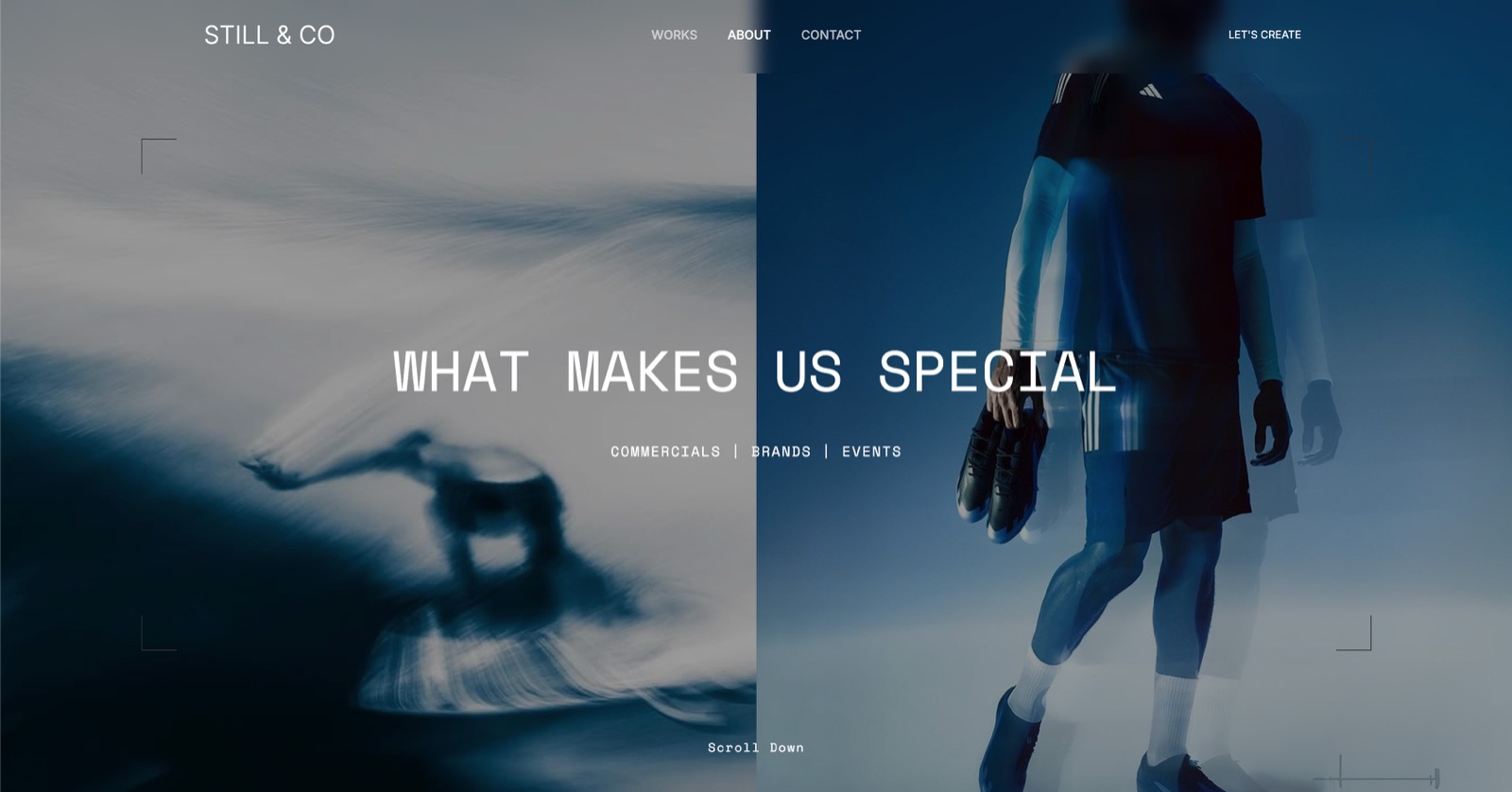
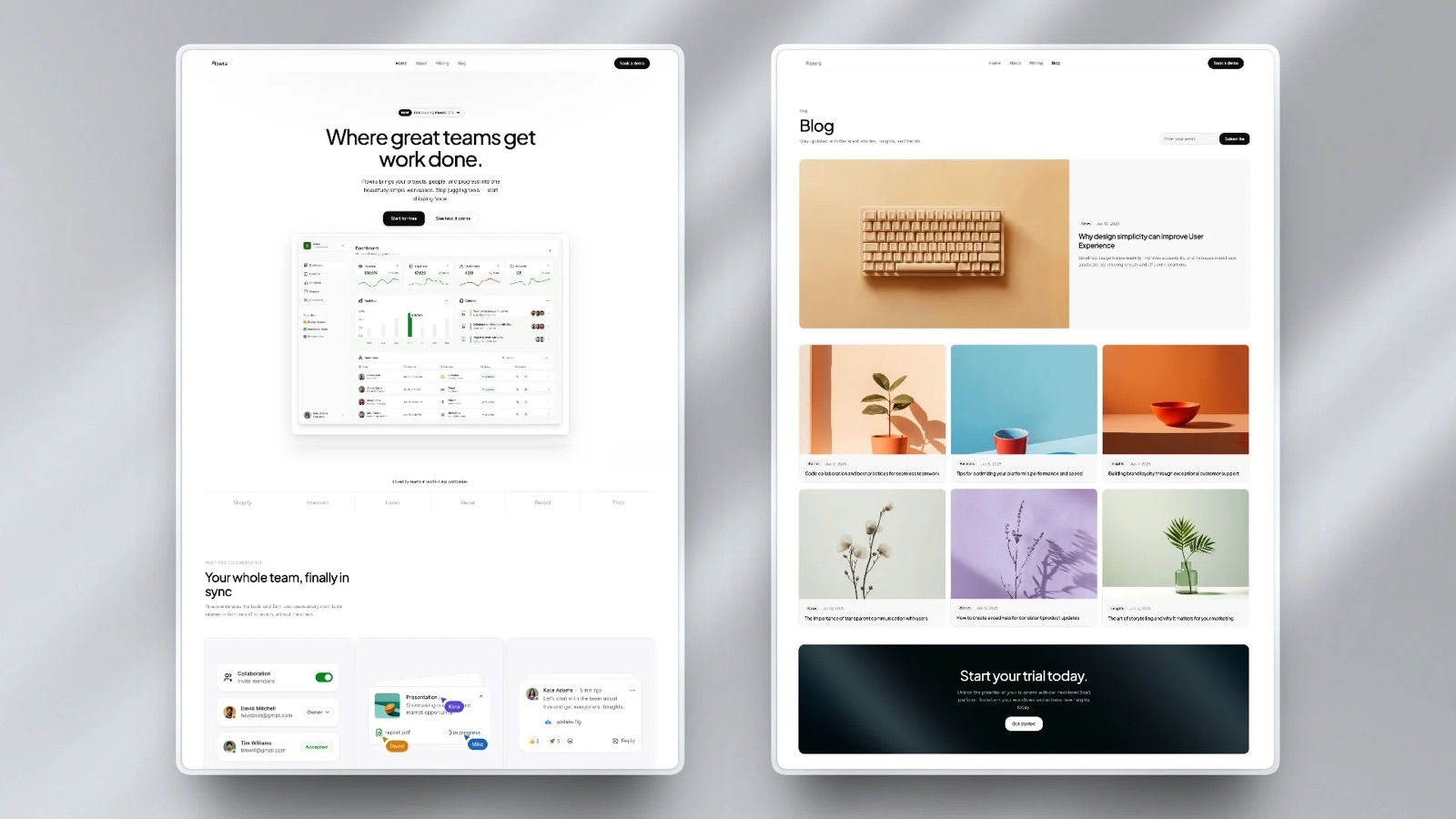
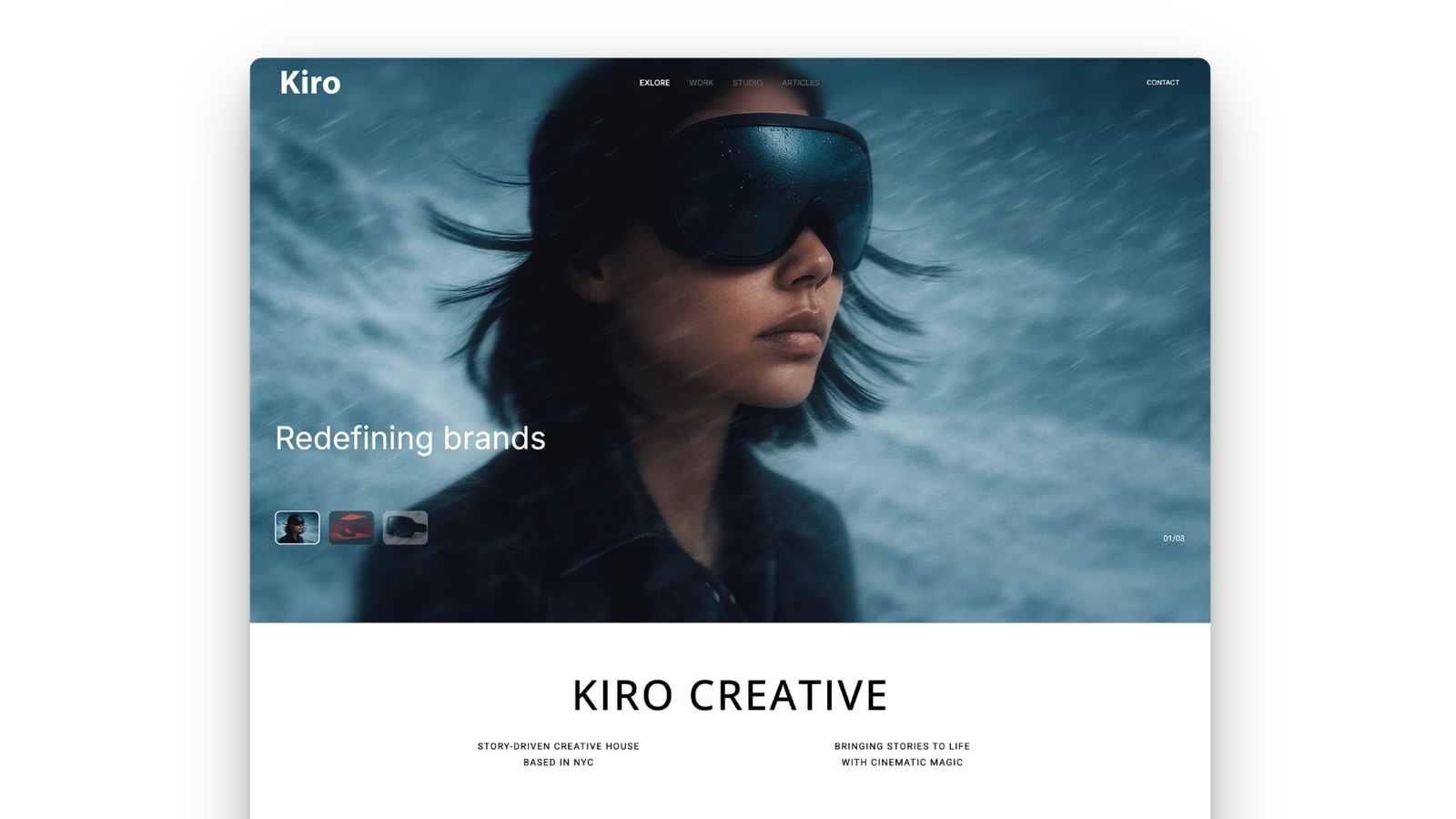
Framekit templates
Start from a designer-made template
 Use template
 Use template
 Use template
 Use template
 Use template
 Use template
 Use template
 Use template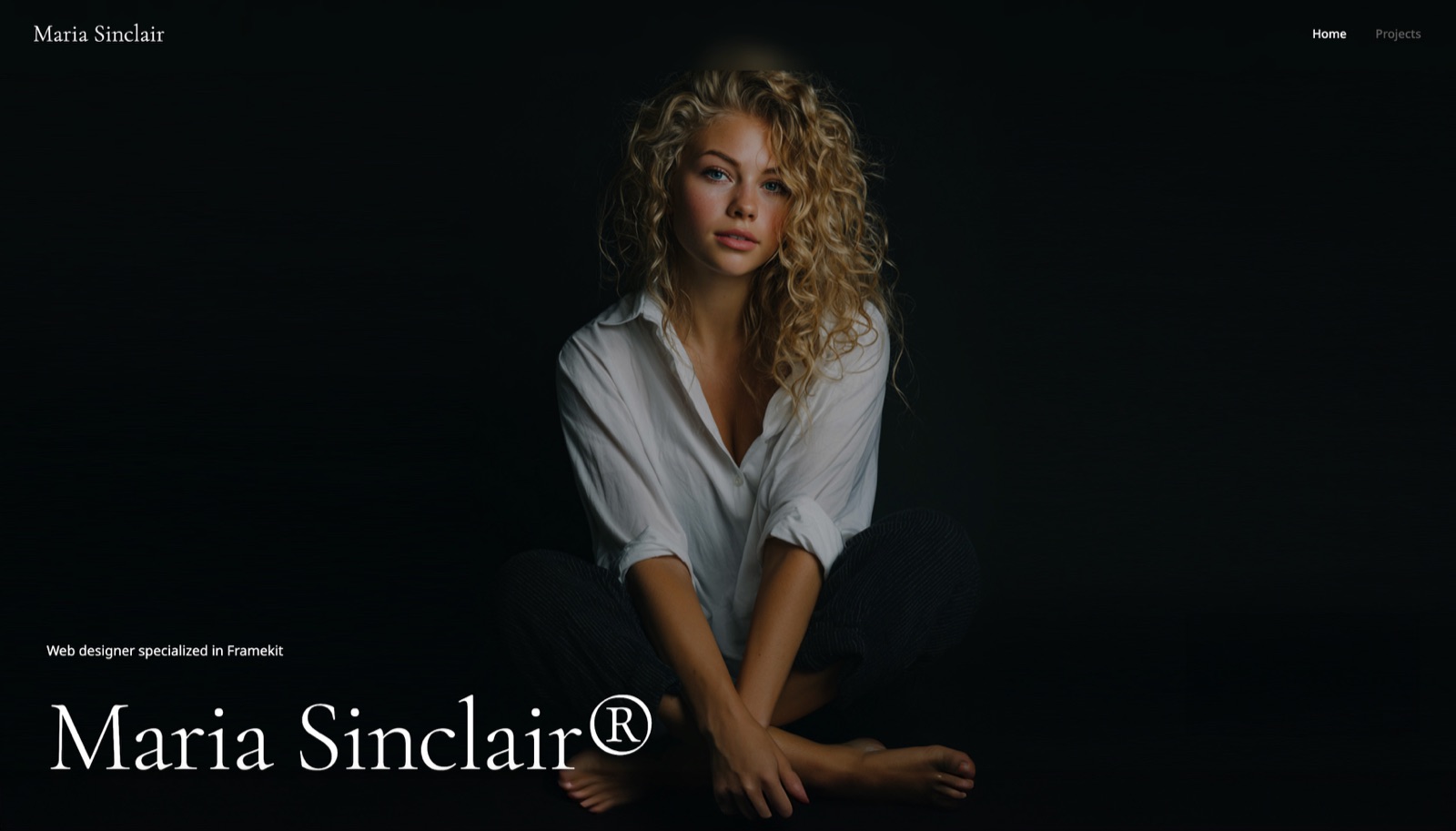
For years the answer to Canva versus Figma was so obvious that the question was rarely asked. Figma was where interfaces were designed. Canva was where the marketing team made a social post without bothering the designer. Two audiences, no overlap, no argument.
That is no longer true in either direction. Figma now ships Slides, Sites, Draw, Make, and Buzz. Canva now owns Affinity and gives away a professional page-layout application for nothing. Both sell whiteboards, both sell website building, and both want the other's users.
A design platform is a tool for producing visual work in a browser, covering layout, typography, image handling, and collaboration, with a template and asset system that determines how much of the work you start from rather than build.
Framekit, which we make, covers a slice of that for creatives: an AI-built portfolio site, plus Slides for the pitch deck, treatment or lookbook that site is supposed to win you.
Use Figma in 2026 if you design interfaces, maintain a design system, or hand work to engineers, because components, variants, variables, and Dev Mode have no real equivalent in Canva.
Use Canva if your output is marketing material, decks, print, and social, because its template depth and asset library let a non-designer produce good work quickly and its subscription covers jobs Figma does not attempt.
The most useful pricing fact in this comparison is Figma's Collab seat at $3 a month, which gives full editing in FigJam and Figma Slides and is cheaper than any Canva paid tier.
Framekit is the runner-up for a solo creative whose real output is a portfolio and the decks that go with it, and it is no substitute for either tool on interface work or print.
Framekit is an AI website builder for creatives whose account also holds Slides, client galleries and a digital store, which is a narrower spread than either tool here but aimed squarely at one person's studio, and it is free to start.
How We Compared Canva and Figma
We ran four real jobs through both tools rather than comparing feature lists, because the feature lists now overlap in ways that hide the actual differences.
Re-verified 20 September 2026: every seat price below was rechecked against Canva's and Figma's published plans, and our own description was widened to cover the Slides editor and galleries Framekit has since shipped.
Job one: a twenty-slide client pitch deck. Timed from blank file to finished deck, then exported to .pptx and opened on a machine without our fonts.
Job two: a six-screen mobile app concept with a reusable button component in three states, handed to a developer for inspection.
Job three: a social campaign of nine assets in three aspect ratios from one master design.
Job four: a printed sixteen-page brochure at CMYK with bleed, sent to a commercial printer's preflight check.
We also priced every seat type both companies sell, because the seat structure, not the sticker price, is what determines what a team actually pays.
What is evidence and what is reading: the four jobs, the timings, the export tests, and the preflight submission are ours, done in August 2026.
Prices come from Canva's and Figma's own published pages, linked where the number carries weight. Anything attributed to reviewers is public sentiment rather than a result we produced.
Canva vs Figma at a Glance
| Canva | Figma | |
|---|---|---|
| Free tier | Yes, substantial | Yes, with file limits |
| Entry paid price | $18/mo, $144/yr (Pro) | $3/mo Collab, $16/mo Full (annual) |
| Team price | $25/user/mo (Teams) | $16/user/mo Full seat (annual) |
| Reusable components with variants | No | Yes |
| Design tokens and variables | Brand Kit, limited | Yes, full |
| Developer handoff | No | Yes, Dev Mode |
| Stock asset library | Very large | Small, community plugins |
| Print output with bleed and CMYK | Yes, plus fulfilment | No |
| Presentations | Yes | Yes, Figma Slides |
| Websites | Yes | Yes, Figma Sites |
| Page layout application | Affinity Publisher, free | No |
Job One: The Client Pitch Deck
Canva won on speed and Figma won on structure, which is the pattern for this whole comparison.
The Canva deck took thirty-two minutes and the Figma Slides version took forty-eight, and the extra sixteen minutes bought a header that was a real component, so changing the client name updated eighteen slides at once.
The decisive difference showed up at export. Canva's .pptx opened correctly on a font-less Windows machine with our licensed display face substituted silently.
Figma's .pptx opened with the layout intact and every component flattened into static groups, and the embedded prototype we had placed on slide fourteen became a screenshot.
Neither export is good. Canva's is the better of the two if someone else has to edit the file, because at least the structure was never load-bearing.
In one linefor decks that leave your team, Canva is the safer origin, and for decks rebuilt every month from the same components, Figma Slides at a $3 Collab seat is both cheaper and more maintainable.

Job Two: The App Concept and Developer Handoff
Figma won this outright, and it is not a close contest or a matter of taste. Canva has no component system with variants, no auto-layout equivalent that survives resizing, no variables, no interactive prototyping worth the name, and no developer inspection mode.
Our button in three states took four minutes to build as a Figma component set and was reusable across six screens. In Canva, the same thing is three grouped shapes copied nine times, and changing the corner radius means changing it nine times.
The handoff is where the gap becomes unbridgeable. Dev Mode gives a developer measurements, spacing, exportable assets, and code snippets from the file itself. Canva has nothing in this direction and does not claim to.
In one lineif the output of your work is something engineers build, Canva is not a competitor to Figma in any sense, and this single job is why the comparison is not symmetrical.
Job Three: The Social Campaign
Canva won comfortably. Nine assets in three aspect ratios took eleven minutes using Magic Switch, which reflows a layout into a new ratio rather than scaling it naively, so the type stayed readable and the crops stayed sensible.
The same job in Figma took thirty-four minutes. Figma has no resize intelligence of this kind, so each ratio was a manual reconstruction, and while auto-layout helped, it did not think about the composition.
The asset library compounds the difference. Canva's stock photography, video, audio, and graphics are included in Pro, and for a campaign that would otherwise mean licensing images separately, that is a real cost avoided rather than a convenience.
In one linefor repeatable marketing output at volume, Canva is not merely easier, it is structurally faster, and the gap widens with every extra aspect ratio you need.
Job Four: The Printed Brochure
Canva won by default, because Figma does not attempt print. Figma has no CMYK support, no bleed handling, no spot colours, and no press-ready PDF export.
Sending a Figma file to a commercial printer means exporting to PDF and hoping, and our preflight check flagged colour space immediately.
Canva handled bleed and produced a printable file, though its own preflight is basic.
The more interesting answer is Affinity Publisher, which Canva now owns and gives away. Affinity's applications are free, and Publisher handles master pages, CMYK, spot colours, and proper preflight at professional standard for nothing.
In one lineprint is the one job where Figma has no answer at all, and Canva's is now backed by a free professional page-layout application that most designers have not yet noticed they can use.

The Seat Pricing Nobody Reads Properly
This is the section that changes the most decisions, because both companies price by seat type and the details are buried.
Canva has one paid individual tier at $18 a month or $144 a year, and Canva Teams at $25 per user a month. Everyone on a team pays the same, whether they design daily or open the tool twice a month.
Figma sells three seat types on the Professional plan, and the difference between them is where the money is. A Full seat is $16 a month billed annually. A Dev seat is $12.
A Collab seat is $3 a month, and it includes full editing in FigJam and Figma Slides with no design-file editing.
That last number reframes team pricing entirely. A five-person team with one designer and four people who need to co-edit decks and whiteboards pays $192 plus four times $36, which is $336 a year. The same five people on Canva Teams pay $1,500.
In one lineFigma's Collab seat at $36 a year is the cheapest real collaborative editing either company sells, and Canva has no equivalent tier for people who consume rather than create.
What Each Costs a Five-Person Team Over Two Years
Neither of these is expensive in absolute terms. The spread comes from how each company charges for the people who are not designers.
| Setup | 2 years | What you get |
|---|---|---|
| Figma, 1 Full + 4 Collab seats | $672 | Design files for one, Slides and FigJam for all five |
| Canva Pro, 1 seat only | $288 | One person with full Canva, no shared brand controls |
| Figma, 5 Full seats | $1,920 | Full design editing for everyone |
| Canva Teams, 5 seats | $3,000 | Brand Kit, shared folders, Magic Switch for everyone |
| Both, realistic mixed stack | $3,672 | Figma for product, Canva Teams for marketing |
Run this on your own team. Count how many people need to create original layouts, and how many only need to edit copy in a deck or leave a comment on a board.
If the second number is larger, Figma's Collab seat is the cheapest way to give them access, and Canva's flat per-user price is charging designer rates for non-designer work.
Where the Overlap Is Real and Where It Is Marketing
Both companies now list slides, whiteboards, and websites, and the parity is uneven. Figma Slides and Canva presentations are genuinely comparable products. FigJam and Canva Whiteboards are comparable.
Figma Sites and Canva Websites both exist and both remain thinner than a dedicated website builder, which is a limit worth stating rather than glossing.
Where the overlap is not real: Canva cannot design an interface, and Figma cannot produce a print job. Neither of those gaps is closing, because they reflect what each company's file format was built to represent.
In one linetreat the overlapping features as convenience rather than as a reason to consolidate, because the jobs each tool cannot do are the ones that will force you back to buying both.

Where Neither One Is the Answer
Both tools now offer website building and both are weaker at it than the rest of what they do.
A portfolio, a studio site, or a client-facing case study library asks for things neither is built around: a content model you can update without opening a design file, pages that behave properly on every screen without being redesigned, and a site that keeps working after the design file moves on.
We build Framekit, so treat that as an interest rather than a neutral view.
The limits are worth naming: Framekit does not design interfaces, has no component system, and does not produce print files, so it is not an alternative to Figma for product work or to Canva for a campaign.
It is a narrower tool for the specific job of publishing and maintaining a site.
Which Should You Use?
The honest answer for a lot of teams is both, so the useful question is which one you buy seats for and which one you keep to a single licence. Work through these in order.
1. Do you design interfaces or maintain a design system? Figma, on Full seats. Nothing in Canva approaches components, variants, and variables.
2. Is your output marketing material at volume across many formats? Canva, for Magic Switch and the asset library.
3. Do you produce print work? Canva, and download Affinity Publisher, which is free and better at it.
4. Do most of your team only need to edit decks and boards? Figma Collab seats at $36 a year each, which is the cheapest path in this comparison.
5. Is nobody on the team a designer? Canva. Figma will consume more time than it saves.
6. Do developers build from your files? Figma, for Dev Mode.
7. Do you need one subscription to cover social, decks, documents, and print? Canva. Figma covers none of the last two.
8. Is the deliverable a website you will maintain for years, with the decks and client galleries that hang off it? Neither is built for that, and a dedicated builder such as Framekit will cost you less time.
Frequently Asked Questions
Is Canva or Figma better for presentations?
Figma Slides is better for presentations built from reusable components and rebuilt often, and it is cheaper at $3 a month on a Collab seat.
Canva is better for one-off client decks that need to look designed quickly, and its export to PowerPoint keeps more usable structure because Figma's flattens components into static groups.
Can Figma replace Canva?
Figma cannot fully replace Canva, because it has no print output, no CMYK or bleed handling, a far smaller stock asset library, and no equivalent of Magic Switch for resizing a design across aspect ratios.
It replaces Canva well for teams whose output is digital, structured, and made by designers.
Can Canva replace Figma?
Canva cannot replace Figma for interface design, because it has no component system with variants, no variables or design tokens, no meaningful interactive prototyping, and no developer handoff mode.
For marketing, social, decks, and print, Canva replaces Figma comfortably and usually faster.
How much does Figma cost per user in 2026?
Figma's Professional plan sells three seat types billed annually: a Full seat at $16 a month, a Dev seat at $12, and a Collab seat at $3, with monthly billing costing more in each case.
The Collab seat includes full editing in FigJam and Figma Slides but no design-file editing, which makes it the cheapest way to give non-designers real access.
Is Canva Pro worth it compared to Figma?
Canva Pro at $144 a year is worth it if you produce marketing assets, decks, and print work, because it bundles a large stock library, Brand Kit, background removal, and Magic Switch.
If your work is interface design, a Figma Full seat at $192 a year does something Canva cannot do at all, and the comparison is not really about price.
Is Affinity really free now that Canva owns it?
Affinity's applications, including Publisher, Designer, and Photo, are free following Canva's acquisition of Serif, which puts professional page layout, vector design, and image editing at zero cost.
For print work in particular this is the strongest free option available and is better at CMYK, bleed, and preflight than Canva's own editor.
Which tool is cheaper for a team of five?
Figma is cheaper for a mixed team of five, at $336 a year for one Full seat and four Collab seats, against Canva Teams at $1,500 a year for five seats. If all five need full design-file editing, Figma costs $960 a year and Canva remains the more expensive option at $1,500.
Does Figma do print design?
Figma does not do print design in any professional sense, with no CMYK colour space, no bleed or trim handling, no spot colours, and no press-ready PDF export.
Files sent to a commercial printer from Figma commonly fail preflight on colour space, which is why print work belongs in Affinity Publisher or InDesign.
Do designers use both Canva and Figma?
Many design teams run both, using Figma for product and system work and Canva for marketing output, decks, and print, because each tool's weakest area is the other's core.
The cost of running both for a five-person team is roughly $3,672 over two years, which is often less than the time lost forcing one tool to do the other's job.
Is Figma Sites or Canva Websites good enough for a portfolio?
Figma Sites and Canva Websites both publish working pages and both remain thinner than a dedicated website builder on content editing, responsive behaviour, and long-term maintenance.
For a portfolio you intend to update for years rather than ship once, a purpose-built site tool will cost you less time than either.
Final Verdict
Figma and Canva are converging on the middle and diverging at the edges, which means the right answer is decided by the jobs at the edges rather than the ones in the overlap. If engineers build from your files, Figma is not optional.
If your work goes to a printer, Figma cannot help you and Affinity Publisher, now free, is the best answer either company offers.
The pricing insight worth taking away is the Collab seat. At $36 a year it is the cheapest real collaborative editing in this comparison, and Canva has nothing equivalent for the people on a team who consume designs rather than make them.
Framekit is not competing with either of these tools and does not do interface design or print.
The one place we would disagree with both is the assumption that a website should be maintained inside a design file, because that is where most portfolio sites quietly stop being updated.
Related reading: our roundups of the best Figma alternatives, the best Canva alternatives, the best free graphic design software, and the best website builder for graphic designers.
Seat prices above are taken from Canva's and Figma's published pricing in August 2026. Figma restructured its seat types within the past year, so check which seat includes which product before buying for a team.