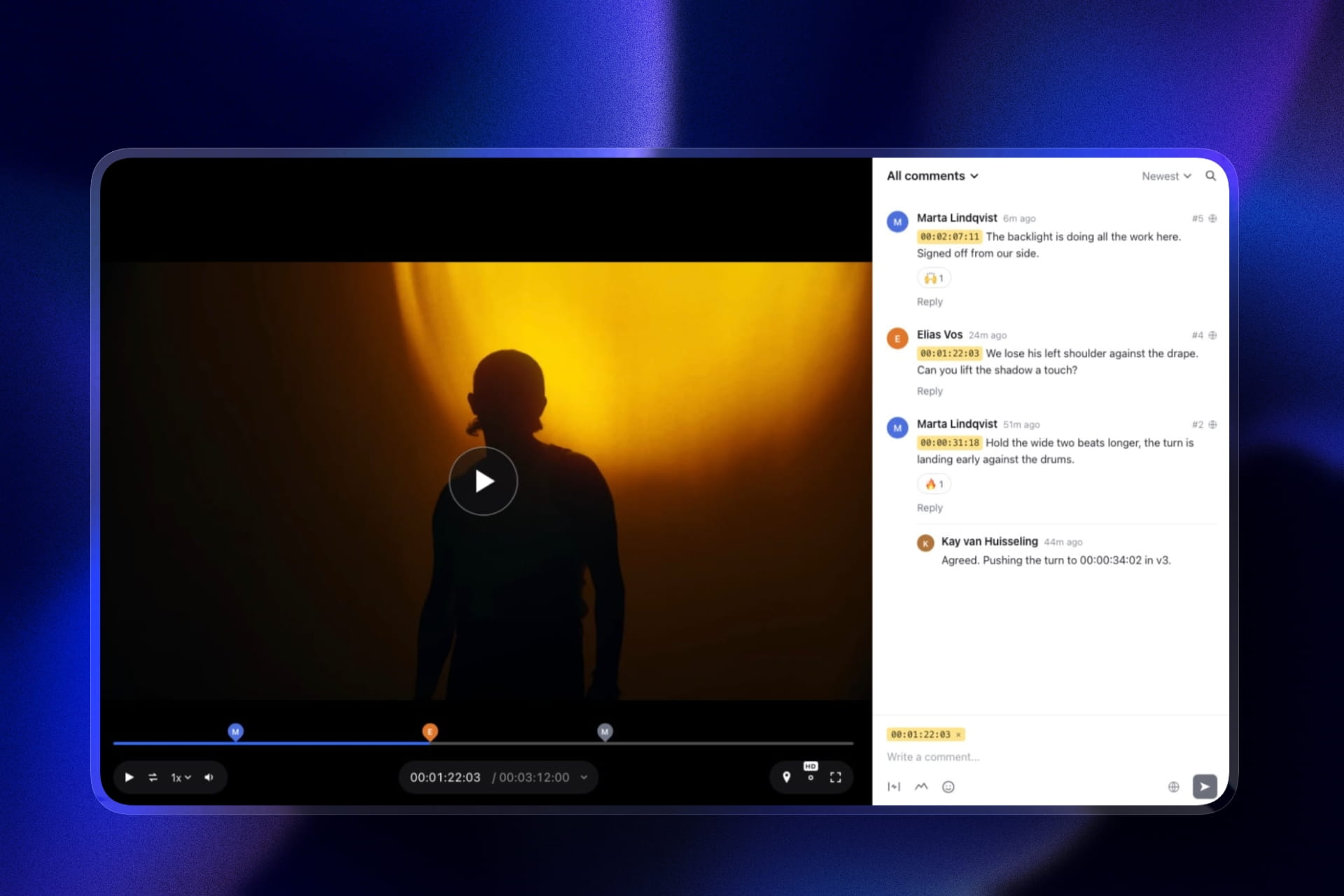
Framekit templates
Start from a designer-made template
 Use template
 Use template
 Use template
 Use template
 Use template
 Use template
 Use template
 Use template
Storage caps are printed on every pricing page. Per-file caps are not, and they are what actually break a delivery.
A 60-megapixel medium-format TIFF is 180MB. An eight-minute 4K edit is 1GB to 4GB. A 900-image wedding zipped for download is 12GB. Each of those hits a different limit, and you usually discover which one at nine in the evening with a client waiting.
The gallery said unlimited. The upload said no.
Large file delivery means handing clients individual files or whole sets that exceed the sizes consumer platforms are designed around, typically anything above 100MB per file or 5GB per download, where per-file caps, ZIP behaviour, and browser download handling become the limiting factors rather than storage.
The best client gallery for large file delivery in 2026 is Framekit, because it accepts photos up to 100MB each with whole-gallery ZIP downloads and carries a separate video review product on the same plan with per-file limits of 500MB on free, 1GB on Starter, and 2GB on Pro, so a mixed large-file job travels under one address.
The honest trade-off is that Framekit galleries do not accept RAW, TIFF, or PSD at all, so genuine working-file exchange still belongs in cloud storage, where Dropbox remains the correct tool.
Framekit is an AI website builder with client galleries and video review included, which is why the photo cap and the video cap sit on the same subscription.
Full disclosure: Framekit, ranked first below, is our own product. We tested each platform with the same oversized set: 40 files at 90MB to 150MB, one 3.2GB video, and a 12GB whole-gallery download. Pricing and limits were verified against each vendor's published pages in August 2026, and we name where each beats us, starting with the fact that cloud storage handles formats we reject outright.
The Limits That Actually Matter
Storage is the number every vendor publishes on its pricing page. The numbers below are the ones that decide whether a given delivery actually completes, and almost none of them appear in the marketing.
| Limit | Typical range | What breaks when you hit it |
|---|---|---|
| Per-file upload cap | 25MB to 500MB for photos | The upload fails silently or with a vague error |
| Accepted formats | Usually JPEG, PNG, WebP, GIF | RAW, TIFF, PSD, HEIC rejected at upload |
| Video per-file cap | 500MB to 2GB where offered | Long-form edits refused |
| ZIP download size | Varies, often 5GB to 20GB | Download fails or times out on the client's side |
| Concurrent upload throughput | Varies by platform | Multi-hour uploads on large sets |
| Client-side download behaviour | Browser and OS dependent | Phone downloads fail on very large archives |
The fourth row causes the most support emails.
A 12GB ZIP is technically within many platforms' limits and practically beyond what a client on a phone or a modest connection can complete, which is why splitting a large delivery into named sets is a protection rather than a nicety.
How We Tested Large File Delivery
We put the same deliberately oversized job through all ten platforms rather than reading feature lists, because stated caps and real behaviour diverge most at exactly the sizes that matter here.
Per-file ceiling (30%). The largest single photo and video file the platform accepted without error.
Format tolerance (20%). Whether TIFF, PSD, HEIC, or RAW uploaded at all.
Whole-set download behaviour (20%). Whether a 12GB gallery downloaded successfully on desktop and what happened on a phone.
Mixed-media handling (15%). Whether stills and a 3.2GB video could be delivered under one link.
Cost at large-file volume (15%). What a year of oversized deliveries costs in storage.
Hands-on: uploads, downloads, and failures on each platform, on a fibre connection and a mid-range mobile connection.
Verified from published sources rather than tested: stated caps and plan limits, checked against vendor documentation in August 2026.
Community sentiment, flagged as such: reports of timeouts on very large archives, which we could not reproduce consistently.
| Platform | Photo per-file cap | Video support | RAW or TIFF | Our rating |
|---|---|---|---|---|
| Framekit | 100MB | Yes, 500MB to 2GB per file | No | 9.0/10 |
| Dropbox | Effectively unlimited | Yes | Yes | 8.8/10 |
| SmugMug | Large, plan-dependent | Yes, plan-based | Partial | 8.4/10 |
| Pic-Time | Generous | Yes, 1GB to 60GB storage | No | 8.2/10 |
| PhotoShelter | Large | Limited | Yes | 8.0/10 |
| WeTransfer | Very large per transfer | Yes | Yes | 7.8/10 |
| Pixieset | Moderate | Limited on paid plans | No | 7.5/10 |
| ShootProof | Moderate | No | No | 7.2/10 |
| CloudSpot | Moderate | Embeds only | No | 7.0/10 |
| Zenfolio | Moderate | Yes on higher tiers | No | 6.8/10 |
Framekit's 9.0 is not a clean card: it scores 10 on mixed-media delivery and 4 on format tolerance, because RAW, TIFF, PSD, and HEIC are rejected outright. That is precisely why Dropbox sits second and not tenth.
1. Framekit: Best for Large Mixed Deliveries to Clients

Our rating: 9.0/10
Framekit handles the large-file case that most photographers actually have, which is not RAW exchange but big finished files going to a client: 100MB photos, whole-gallery ZIPs, and a multi-gigabyte video edit alongside them.
The structural advantage is that video is not an afterthought.
Client galleries and a video review product sit on the same plan and the same domain, so a job containing 80 large stills and a 3.2GB edit arrives as one branded delivery rather than a gallery link plus a transfer link plus an apology.
Best forPhotographers and hybrid shooters delivering large finished files, especially those handing over stills and video on the same job.
Key features:
- Photos up to 100MB each, which covers 60-megapixel exports and high-quality medium-format JPEGs
- Whole-gallery ZIP downloads plus individual file downloads, with no client account required
- Video review on every plan with per-file limits of 500MB on free, 1GB on Starter, and 2GB on Pro, and a video allowance of 3GB, 15GB, and 150GB inside the account storage pool
- Named sets inside one gallery, so a 12GB delivery can be split into downloadable chunks a client can actually complete
- One account storage pool of 10GB free, 50GB Starter, 300GB Pro, and 2TB Business, shared by the site, the galleries and video
The real numbera 900-image wedding at 12MB per file is about 11GB, which fits the 300GB Pro pool at $19 a month with room for a dozen more weddings alongside the 150GB that plan allows for video edits.
A hosted gallery plan plus a separate video host plus a website typically runs $45 to $70 a month for the equivalent.
The gotchagalleries accept JPEG, PNG, WebP, and GIF only. RAW, TIFF, PSD, and HEIC are rejected at upload, so if your definition of large file delivery is sending a retoucher layered masters, this is not the tool for that half of the job.
Skip it ifthe files you need to move are working files. Use cloud storage for that exchange and a gallery for what the client sees.
Verdict: the best answer for large finished deliveries and mixed stills-and-video jobs, and explicitly not an answer for working-file exchange. Start free at framekit.ai.
2. Dropbox: The Correct Tool for Working Files
Our rating: 8.8/10
Dropbox handles anything: RAW, TIFF, PSD, ProRes, multi-hundred-gigabyte project folders, and two-way exchange with a retoucher or editor. For moving large working files between professionals, nothing in this comparison comes close.
What it is not is a delivery. No cover, no sets that mean anything, no favorites, no watermarking, no download gate, and no branding.
Skip it ifthe recipient is a paying client whose impression of your studio matters. See client gallery vs Google Drive for how that trade plays out.
Verdict: the right half of the workflow, and the wrong end of it. Keep it for the pipeline. Our Dropbox alternatives for photographers guide covers the delivery layer. Visit Dropbox
3. SmugMug: Large Files and a Vast Archive
Our rating: 8.4/10
SmugMug combines generous per-file allowances with unlimited photo storage from around $13 a month, which makes it the cheapest home for years of large deliveries. Video support is plan-based and partial RAW handling exists under separate terms.
The gotchait takes a cut of print sales that no plan removes, which is irrelevant if you never sell and expensive if you do.
Verdict: the best archive for photographers whose files are large and numerous. Our SmugMug alternatives guide covers delivery-focused options. Visit SmugMug
4. Pic-Time: Generous Limits, Real Video Storage
Our rating: 8.2/10
Pic-Time handles large photo files comfortably and includes real video storage on every tier, running from 1GB on free to 60GB on Advanced according to its pricing page.
For a hybrid shooter who wants a hosted platform, it is the strongest option.
That page also notes free-plan photo storage dropping from 10GB to 3GB after six months, which is worth planning around rather than discovering.
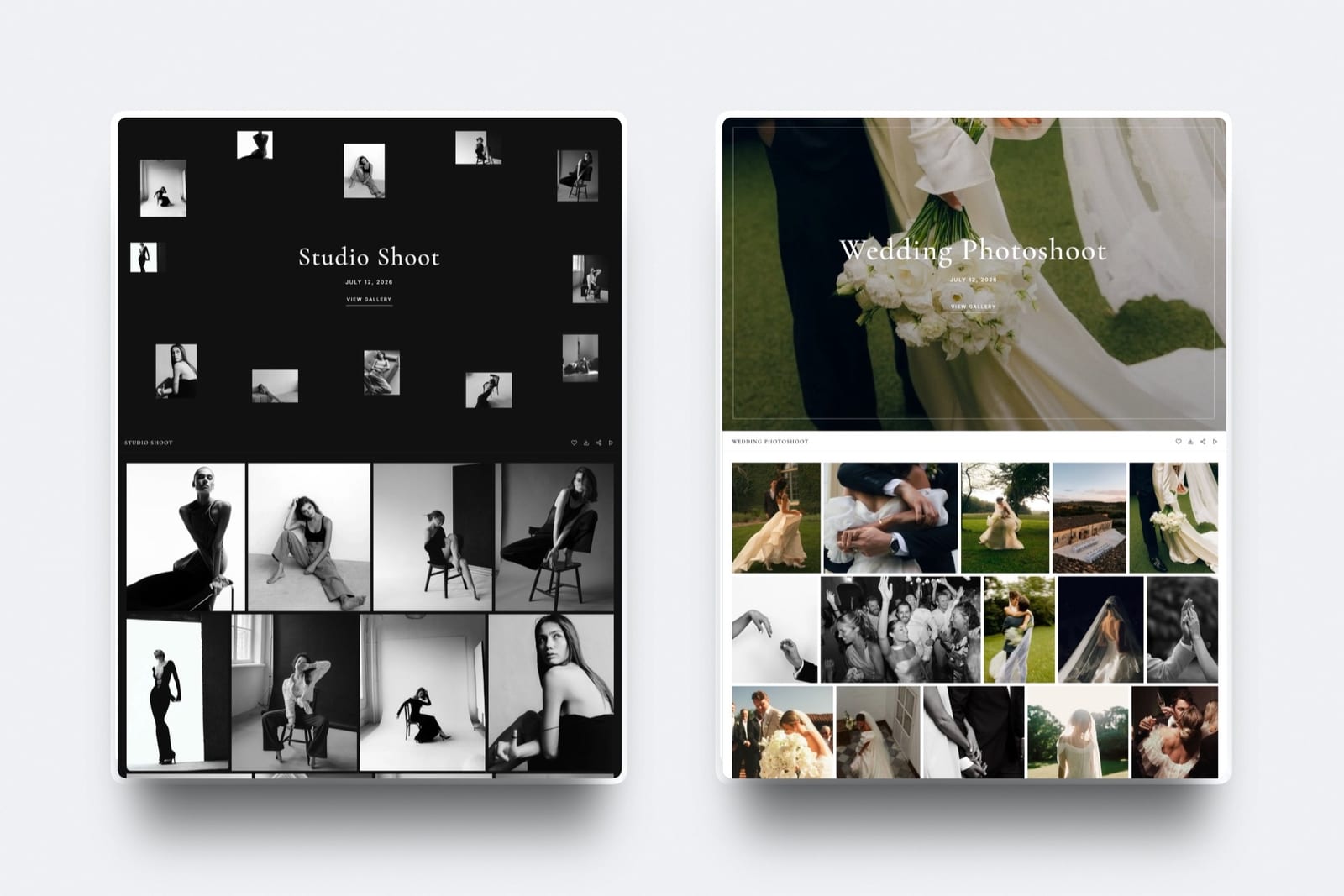
Verdict: the best hosted platform for large mixed deliveries, and the best-looking gallery in the category while it does it. Visit Pic-Time
5. PhotoShelter: Large Files With Metadata Intact
Our rating: 8.0/10
PhotoShelter accepts large files and, unusually, preserves the metadata that travels with them, which matters when a large TIFF is heading to a printer or a publication. Video support is limited and the client-facing experience is a working tool.
Verdict: the right choice when large files and their metadata both need to survive the journey. Our PhotoShelter alternatives comparison covers lighter delivery. Visit PhotoShelter
6. WeTransfer: Biggest Single Transfer, Shortest Life
Our rating: 7.8/10
For one very large send, WeTransfer is still hard to beat: no account needed on either end, generous transfer sizes, and any file format. Then the link expires within days and the delivery is gone.
Verdict: unmatched for a one-off large transfer and unsuitable as a client delivery system. See client gallery vs WeTransfer. Visit WeTransfer

7. Pixieset: Polished Delivery, Moderate Ceilings
Our rating: 7.5/10
Pixieset's per-file allowances suit typical wedding and portrait JPEGs rather than oversized exports, and video is limited to paid plans.
Its $10 Basic plan lifts storage to 10GB, connects a domain, and removes the 15% store commission per Pixieset's published pricing.
Verdict: excellent for normal-sized deliveries, average for genuinely large ones. Our Pixieset alternatives guide covers heavier options. Visit Pixieset
8. ShootProof: Great Economics, No Video
Our rating: 7.2/10
ShootProof charges 0% commission on every plan per its published pricing and prices by photo count, with storage up to 1,250GB on its 25,000-photo tier. It does not deliver video, which halves its usefulness for hybrid work.
Verdict: strong on photo capacity and economics, absent on the video half of a large modern delivery. Visit ShootProof
9. CloudSpot: Embeds Rather Than Hosted Video
Our rating: 7.0/10
CloudSpot handles photo deliveries well and treats video as embeds rather than hosted downloadable files, which is a meaningful gap when the client needs the edit rather than a stream.
Its Lite tier at $17 a month gives 100GB and removes the 15% commission per its pricing page.
Verdict: good for photos, wrong shape for large video deliverables. Visit CloudSpot
10. Zenfolio: Video on Higher Tiers, Fee on Everything
Our rating: 6.8/10
Zenfolio's Advanced tier includes 150GB of video alongside unlimited JPEG storage, which is genuinely generous, and the 7% commerce fee applies to every order on every plan.
Verdict: capacity at the top of the ladder with a fee attached at every rung. Visit Zenfolio
How to Deliver Large Sets Without Failures
In one linemost large-delivery failures happen on the client's side rather than yours, because a 12GB ZIP on a phone or a modest connection will not complete, so the fix is splitting the delivery into sets a client can actually finish rather than finding a platform with a higher ceiling.
Split by set, not by size. Four named sets of 3GB each are far more reliable than one 12GB archive, and they also make the gallery easier to navigate. Name them by content so the client knows what they are downloading.
Offer web-sized alongside full-resolution. Most clients want the large files once, for printing, and the small ones repeatedly, for sharing. Giving them only the masters guarantees badly resized versions of your work in circulation.
Tell the client what to expect. One line saying the full gallery is 11GB and downloads best on a computer prevents the most common support message in large delivery, which is a failed phone download reported as a broken link.
Compress deliberately, not accidentally. A quality-90 JPEG export at full pixel dimensions is visually indistinguishable from quality-100 for almost all uses and roughly half the size. Halving your delivery size halves every problem on this page.
Keep working files out of the gallery. RAW, TIFF, and PSD belong in cloud storage. Gallery platforms including Framekit reject them at upload, and even where they are accepted, a client gallery is the wrong place for a retoucher exchange.
Check the download yourself. Download your own gallery on a phone before you send it. The gap between what uploads successfully and what downloads successfully is where deliveries fail.


How to Choose: A Decision Tree
Three questions, in order, and the first one removes most of the field immediately because it decides whether you need a gallery at all.
Are the large files working files for another professional?
- Yes, RAW, TIFF, PSD, or project folders for a retoucher or editor. Use Dropbox. No client gallery accepts them and no gallery should. Stop here.
- No, they are finished deliverables for a client. Continue.
Does the job include video as well as stills?
- Yes. Choose Framekit for galleries and video review on one plan and one domain, or Pic-Time if you prefer a hosted platform with video storage on every tier.
- No, stills only. Continue.
What is the constraint?
- Very large photo files and a huge archive: SmugMug, or PhotoShelter if metadata must survive.
- Normal-sized files with the best client presentation: Pixieset on Basic, or Pic-Time.
- One enormous urgent send: WeTransfer, and accept the expiry.
Frequently Asked Questions
What is the best client gallery for large file delivery?
The best client gallery for large file delivery in 2026 is Framekit, which accepts photos up to 100MB each, delivers whole-gallery ZIPs without a client account, and carries video review on the same plan with per-file limits of 500MB on free, 1GB on Starter, and 2GB on Pro.
Dropbox is the better tool when the large files are RAW, TIFF, or PSD working files, since Framekit and every other client gallery reject those formats at upload.
What is the maximum file size a client gallery accepts?
It varies widely and is rarely published prominently: photo caps typically run from 25MB to 100MB per file, and video caps where offered run from 500MB to 2GB per file. Framekit accepts photos up to 100MB and video up to 2GB on Pro.
Cloud storage services have effectively no per-file ceiling, which is why working-file exchange belongs there rather than in a delivery gallery.
Can I deliver RAW or TIFF files through a client gallery?
No on essentially every client gallery platform, including Framekit, Pixieset, Pic-Time, CloudSpot, and ShootProof, all of which accept JPEG, PNG, WebP, and GIF rather than camera or working formats.
PhotoShelter and cloud storage services handle them. If a client is contractually entitled to working files, treat that as a separate transfer with a written release rather than a gallery download.
Why do large gallery downloads fail for my clients?
Almost always on the client's side rather than yours: a 12GB archive requires a stable connection and enough free space, and mobile browsers handle very large ZIP downloads unpredictably. The fix is structural rather than technical.
Split the delivery into named sets of 2GB to 4GB, offer a web-sized option alongside full resolution, and tell the client in the delivery email that the full download works best on a computer.
How do I deliver photos and video to a client together?
Deliver both from one address rather than sending a gallery link plus a transfer link.
Framekit is the only platform in this comparison carrying client galleries and a video review product on the same plan and the same domain, and Pic-Time is the strongest hosted alternative with video storage on every tier.
Sending two links from two services with two different brands is the most common cause of clients downloading the wrong version.
How much storage do I need for large file delivery?
Roughly 11GB per 900-image wedding at 12MB per file, 1GB to 4GB per eight-minute 4K video edit, and 20GB to 35GB a year for a commercial photographer delivering large finished stills.
That puts most working photographers on a 100GB-plus tier: Framekit Pro at 300GB for $19 a month, CloudSpot Lite at 100GB for $17, or ShootProof's 25,000-photo plan at $26.67.
Halving your export file size by using quality-90 JPEGs halves the requirement.
Is WeTransfer better than a gallery for very large files?
For a single urgent send of any format, yes, because it has the highest per-transfer ceiling and needs no account on either end.
For anything you want the client to keep, no, because free transfers expire within days and there is no gallery, branding, favorites, or download control around the files.
Most photographers keep it for emergencies and deliver everything else through a gallery.
Should I compress photos before delivering them to clients?
Export at full pixel dimensions with quality around 90 rather than 100, which is visually indistinguishable for practically every use and roughly halves file size, then deliver a web-sized set alongside for sharing.
What you should not do is reduce pixel dimensions for paying clients, because that removes their ability to print. The compression decision affects storage cost, upload time, and download reliability simultaneously.
Which platform handles multi-gigabyte video for clients?
Framekit through its video review product at up to 2GB per file on Pro, where video may take 150GB of the 300GB account pool, Pic-Time with video storage from 1GB on free to 60GB on Advanced, and Zenfolio with 150GB on its top tier.
CloudSpot handles video as embeds rather than downloadable hosted files, and ShootProof does not support video at all.
For pure video review workflows, our best video review tools comparison covers the specialist options.
Do large galleries slow down for clients?
Large galleries behave differently rather than uniformly slowly: the browsing experience depends on how the platform loads thumbnails, while the download experience depends on archive size and the client's connection.
Splitting a delivery into named sets improves both, because the client browses a manageable group and downloads a completable archive. This is why set structure matters more than raw platform capacity for very large jobs.
Can I send a retoucher layered masters through a Framekit gallery?
No. Galleries accept JPEG, PNG, WebP and GIF only, and RAW, TIFF, PSD and HEIC are rejected at upload, so the half of large-file delivery that means moving working files to a collaborator is not this tool's job.
Use cloud storage for that exchange.
Where Framekit does fit is the finished delivery: a 900-image wedding at 12MB a file is about 11GB, which sits inside the 300GB Pro pool at $19 a month with room for a dozen more weddings and the 150GB that plan allows for video edits.
The equivalent hosted gallery plan plus a video host plus a website typically runs $45 to $70 a month.
Final Verdict: The Best Client Gallery for Large File Delivery in 2026
Ten platforms, one deliberately oversized job, and a category where the published number and the limiting number are never the same.
Framekit is the best client gallery for large file delivery in 2026 for finished client work, accepting 100MB photos, delivering whole-gallery ZIPs without an account, and carrying video review on the same plan so a mixed job travels under one address you own.
Where Framekit loses: we reject RAW, TIFF, PSD, and HEIC at upload, so for working-file exchange Dropbox beats us outright and we do not compete.
SmugMug holds more for less if the archive is the point, PhotoShelter preserves metadata through the journey in a way we do not, and WeTransfer moves a single enormous file better than any gallery.
Dropbox is the working-file pick, Pic-Time is the best hosted mixed-media platform, SmugMug is the cheapest large archive, and WeTransfer is the emergency. But if the large files are finished work going to a client who is paying you, deliver them from a site you own.
Related reading: our full client gallery platform comparison, best client gallery platforms with video, best WeTransfer alternatives, and best cloud storage for photographers.
If file size is driving your storage bill, see how many photos to deliver to clients and best image compression tools.