Framekit templates
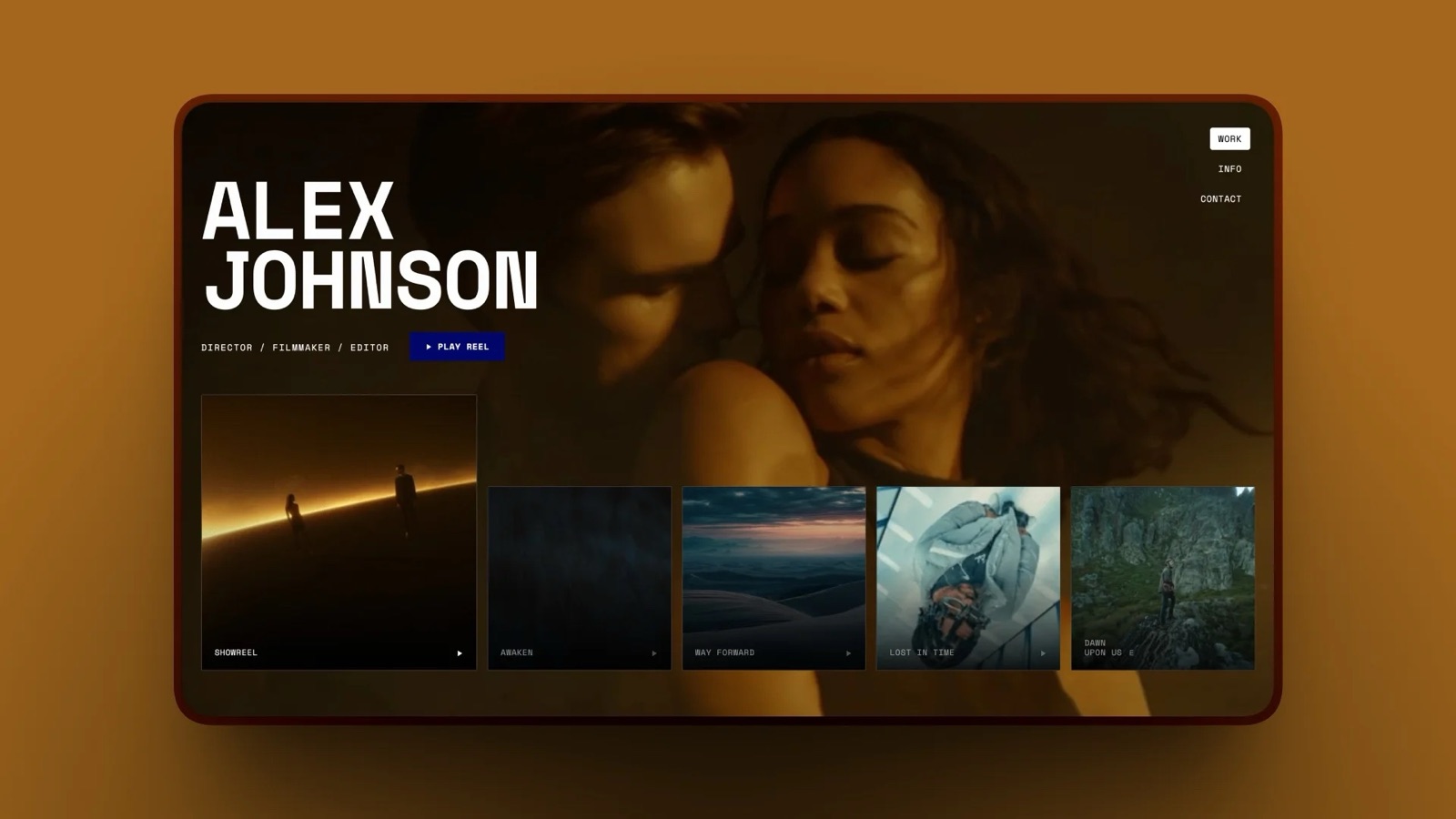
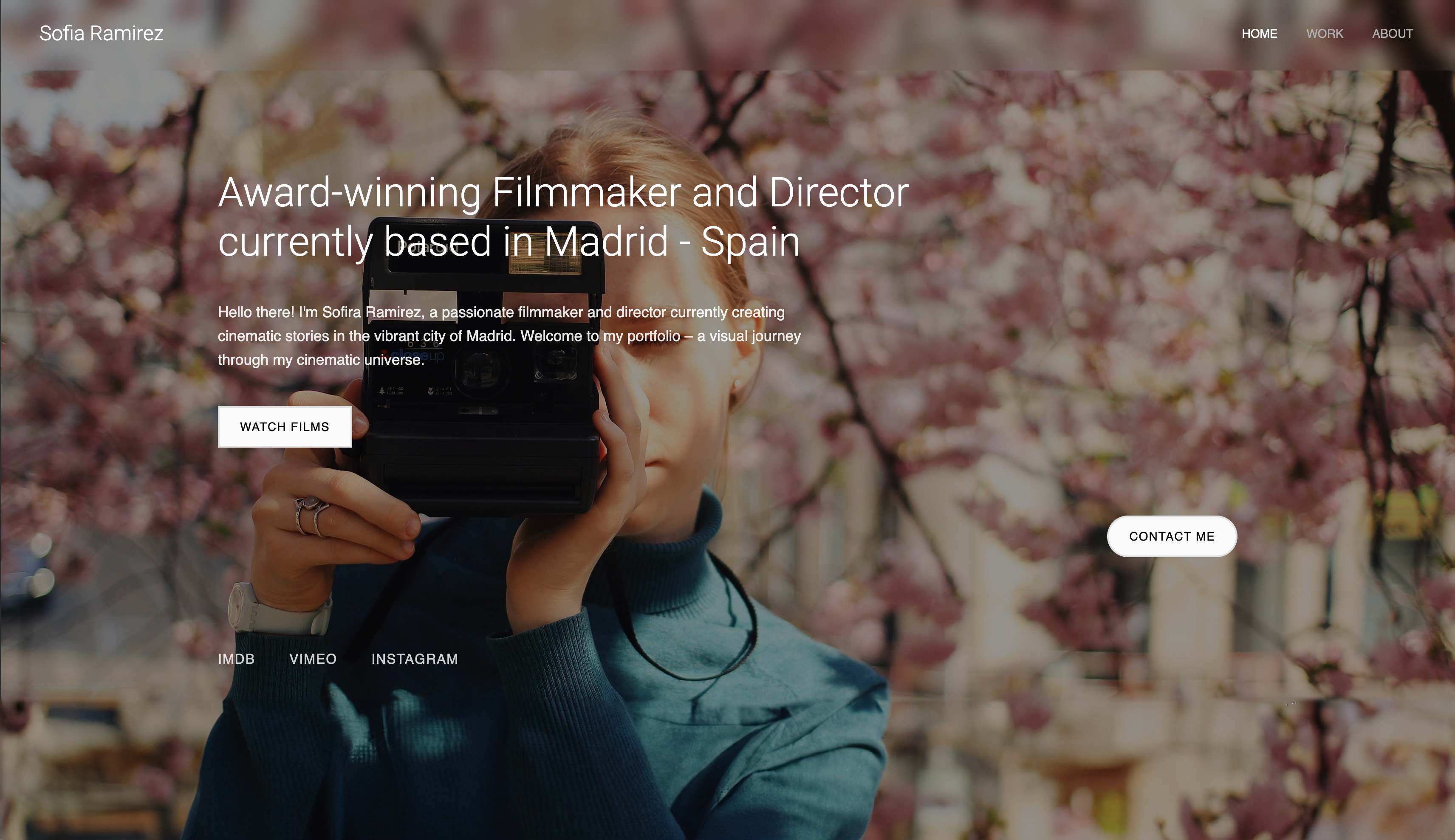
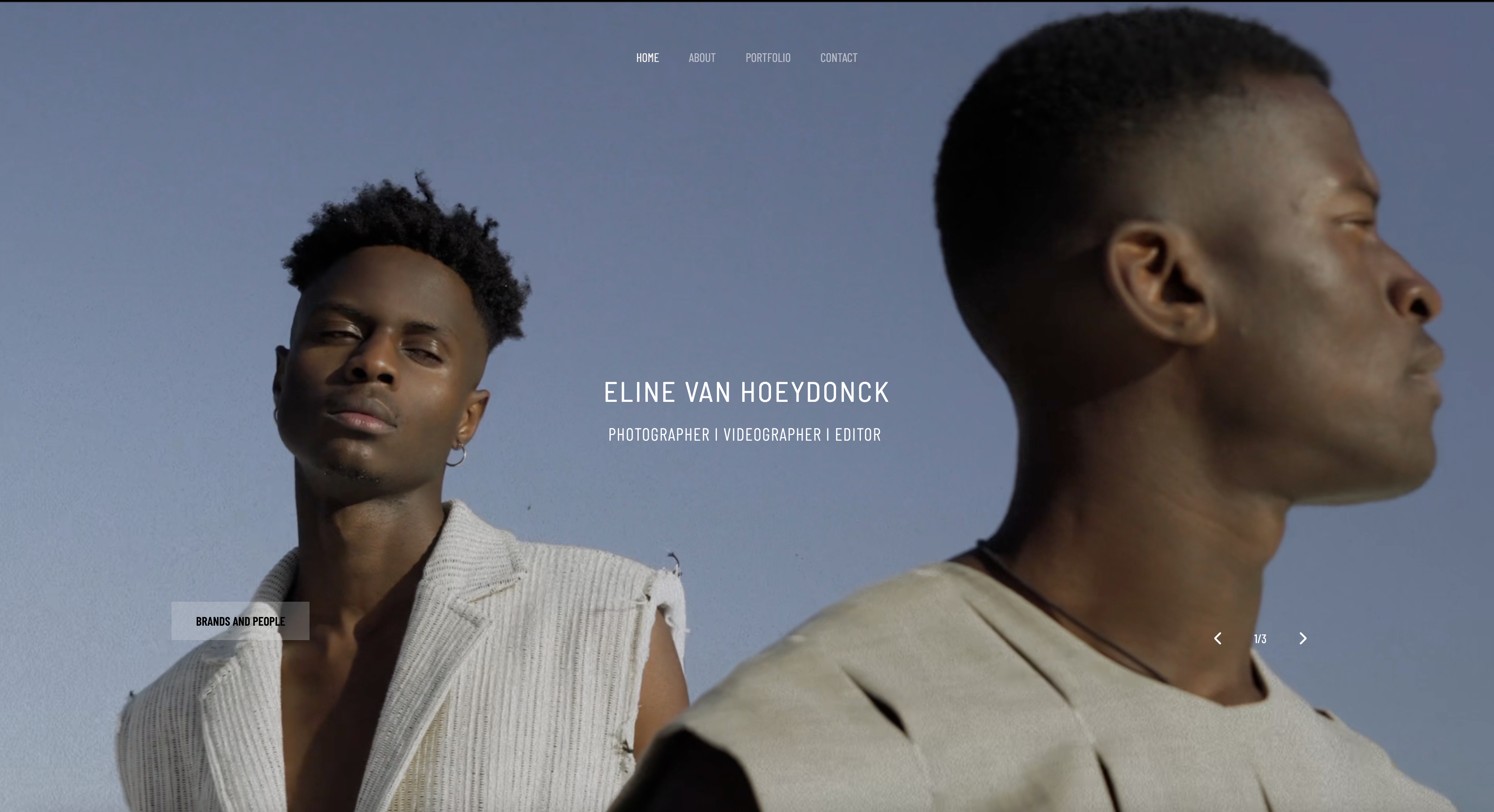
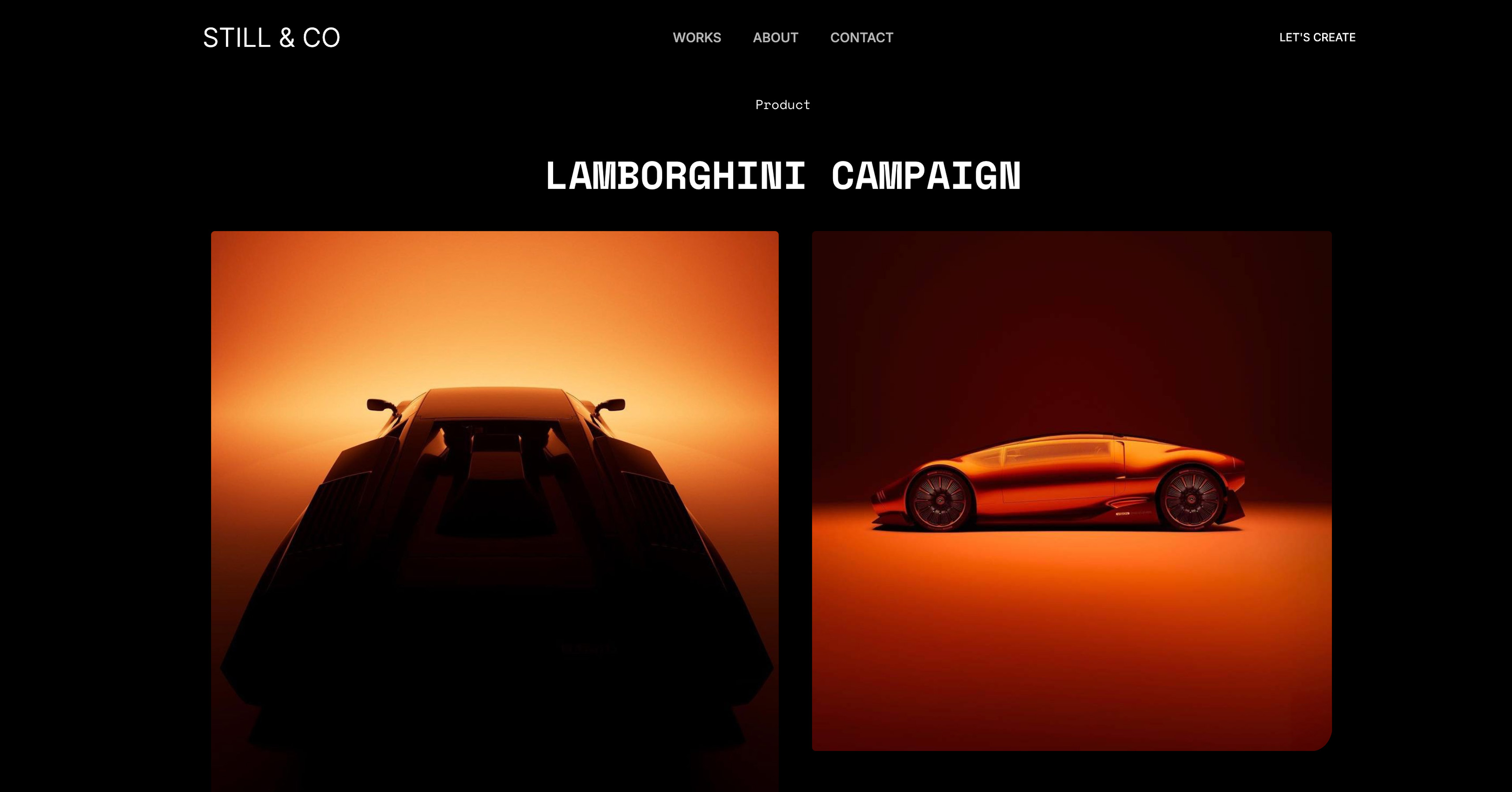
Start from a designer-made template
 Use template
 Use template
 Use template
 Use template
 Use template
 Use template
 Use template
 Use template
A wedding couple opens three videographer portfolios between meetings. Two load instantly and start playing a reel. The third spins for eleven seconds, so they close the tab and never see the work.
That is the quiet way a slow portfolio loses a booking, and it is why choosing the best portfolio website builder for videographers is harder than picking the prettiest template.
Your portfolio is mostly video, and video makes pages heavy.
Most website builders were built for text and photos, so they treat video as an afterthought and force a bad tradeoff: load fast by crushing your footage, or show beautiful footage on a page that crawls.
We tested videographer portfolios across five platforms (Framekit, Squarespace, Wix, Webflow, and WordPress) on the things that actually decide bookings: video page speed, design quality as you customize, editing time, and real cost over three years.
Framekit is the AI website builder built for creative professionals, with designer-quality portfolios without the designer price tag, and the free plan needs no credit card.
The best portfolio website builder for videographers in 2026 is Framekit, because its designer-trained AI builds reel-led pages that are built for fast-loading, performance-optimized output, so your reel loads before a client bounces.
Squarespace is the best runner-up for template-led simplicity, and Webflow suits videographers who want full manual control. Start free at https://framekit.ai.
A portfolio website builder for videographers is a platform that publishes a reel-led site without code, and on every one of them the video itself lives with a dedicated host.
Full disclosure: Framekit, ranked #1 below, is our own product, and it does not host video. We cap a site upload at 100MB, so the reel streams from a video host and embeds in the page, which is what we would advise on any builder here. Webflow gives manual control, Squarespace the broader ecosystem, and Wix more third-party apps. All are linked.
Framekit is an AI website builder that builds the layout around the reel instead of dropping a player into a template slot.
What Should You Look For in a Videographer Portfolio Builder?
A videographer's site has different demands than a generic small-business page. Judge builders on these five criteria, not on template gallery screenshots.
Real video page speed on mobile
Your reel is the product, and most clients first watch it on a phone. If the page is not usable within a few seconds, you lose trust before the footage plays.
According to Google's mobile speed research, 53% of mobile visitors leave a page that takes longer than 3 seconds to load.
Test playback on a mid-range phone over normal mobile data, not studio Wi-Fi.
How videos are loaded and compressed
The non-obvious detail most buyers miss is how the platform handles video delivery.
Lazy loading (videos load only when scrolled into view), adaptive quality (smaller files for slow connections), and sensible compression decide whether a media-heavy page stays fast.
A builder that loads every clip on page open will always feel slow.
Design quality that holds up as you customize
A template can look stunning on day one and fall apart by month six. Template-based systems are finished designs, so swap a piece and the composition breaks.
The better test is whether new sections inherit your existing fonts, colors, and spacing automatically so the site stays cohesive as you add projects.
Editing time you can actually spare
You are a videographer, not a web designer. Every hour spent fighting layout settings is an hour not shooting or editing. The right builder gets new sections styled correctly without you adjusting fifteen individual properties by hand.
Three-year cost, not launch-month price
A $17 to $28 monthly plan looks small until it compounds. Videographers keep portfolios live for years, so model total cost over 36 months before you choose. A one-time option can beat subscriptions outright once the site is stable.
How Do Videographer Portfolio Builders Compare in 2026?
Here is how the five platforms stack up on the criteria above. Performance for Framekit, Squarespace, and Wix is described from hands-on testing; Webflow and WordPress vary with build quality.
| Platform | Best For | Video Performance | Design Holds Up When Edited | Starting Price | Free Plan |
|---|---|---|---|---|---|
| Framekit | Reel-led portfolios that load fast | Very fast | Yes, sections inherit your system | Free / $19 mo | Yes |
| Squarespace | Template-led portfolio launches | Moderate | Drifts as you customize | $19/month (annual) | No (trial only) |
| Wix | Integration-heavy video businesses | Variable | Needs manual cleanup | $17/month (annual) | Yes |
| Webflow | Custom technical builds | Build-dependent | Strong, but manual | $15/month (annual) | Yes |
| WordPress | Plugin-driven custom sites | Build-dependent | Depends on theme and plugins | Hosting from ~$5/month | No |
The pattern is consistent: the fast platforms tend to feel generic, and the design-flexible ones tend to be slow or technical. Framekit is the outlier because it pairs designer-trained AI with performance built in.
Why Do Most Videographer Portfolios Load Slowly?
Most website builders are tuned for text and image pages, so video is bolted on. The result is the tradeoff videographers know too well: a site that either compresses footage until it looks flat, or shows full-quality footage on a page that takes too long to become usable.
Framekit handles video differently, and the difference is structural rather than a setting you toggle. Videos load only when a visitor scrolls to them, so the homepage is interactive before the reel finishes downloading.
Delivery adapts to the viewer's connection, so a client on mobile data gets a file sized for that connection while a viewer on fast broadband gets full quality.
That approach keeps videographer portfolios fast-loading and performance-optimized while the footage still looks like the work you shot.
Speed is not just a UX nicety here. Faster pages keep more visitors on the page, and Google uses page experience signals as a ranking input, so a fast portfolio both converts better and is easier to find. For videographers, page speed is a business decision, not a technical one.
Does Design Quality Hold Up After You Customize?
Squarespace and Wix have genuinely attractive videographer templates. The problem is not how a template looks the day you pick it, it is what happens after months of edits.
Template-based systems are finished designs. Swap one piece and the composition breaks: a new section does not match the old ones, spacing falls out of rhythm, and the polished original slowly turns into a patchwork.
Most videographers add projects under deadline pressure, so this drift is the normal outcome, not the exception.
Framekit uses an adaptive design system instead. Because the AI is trained by senior designers, it treats your site as a system rather than a fixed template.
When you add a testimonials block or a new project page, it inherits your fonts, colors, spacing, and responsive behavior automatically. Customizing makes the site better, not worse.
For a deeper look at the two philosophies, read our Framekit vs Squarespace comparison on design quality and performance.
How Much Time Does Each Builder Take to Edit?
Editing friction is a hidden cost.
On template-based builders, adding a section often means manually setting font, size, text color, background, padding on every side, borders, and mobile behavior, which is fifteen-plus decisions for one block.
On Framekit, that block arrives already matching your site, so the count is closer to zero.
That difference compounds. A videographer who updates a portfolio every few weeks spends real hours on layout cleanup over a year on a template builder. On Framekit, those hours go back into shooting and editing.
If editing speed is your priority, our guide to the easiest portfolio website builder to use covers this in more depth.
How Much Does a Videographer Portfolio Builder Cost?
Monthly pricing looks small until you add up three years. Here is the math on the plans videographers typically end up on, using listed annual monthly rates.
| Platform | Plan | Monthly | 3-Year Total |
|---|---|---|---|
| Framekit | Starter | Monthly | $9/mo |
| Webflow | Basic | $15 | $540 |
| Wix | Light | $17 | $612 |
| Squarespace | Basic | $19 | $684 |
| Framekit | Pro | $19 | $684 |
| Squarespace | Core | $29 | $1,044 |
Framekit's $9/month Starter plan - the cheapest tier with a custom domain and no branding - runs about $324 over three years, well under Squarespace Core. Pro is $19/month, billed month to month with no contract.
Videography income is seasonal, so Framekit's low, flat pricing avoids the sting of subscription rent during a slow month.
For more on subscription versus one-time math, see our guide to affordable website builder options for freelancers.
The 4 Best Portfolio Website Builders for Videographers: Ranked
Each builder below is scored on the five criteria above, weighted toward what decides whether a reel gets watched: how the video is delivered, whether the design survives your edits, and what the plan costs by year three rather than in month one.
1. Framekit: Best Overall for Videographers

Framekit is an AI website builder that builds the page around the reel rather than dropping a player into a template slot. You describe the work in a prompt, it generates a reel-led homepage with project pages beneath it, and you replace the placeholder films with your own.
Best forVideographers who want a reel-first site online this afternoon and would rather spend the evening editing than tuning breakpoints.
The real numberthe free plan publishes a real site at $0 with a framekit.ai subdomain, and Starter at $9 a month, or $108 a year, adds your own domain and removes the badge.
Against Squarespace Basic at $228 a year for a comparable site, that is $120 a year less, and against a Webflow build it is the difference between an afternoon and a fortnight.
Pros:
- The layout is generated around video rather than adapted to it
- Client galleries on every plan, including free, for sending cuts privately
- The cheapest route here to a custom domain with no builder branding
Cons:
- No pixel-level layout control, so bespoke interaction design is out of reach
- Video still needs a dedicated host for anything long-form
- Newer than the established builders, with a smaller template library
Verdict: Framekit is the right pick for a videographer whose website is a means rather than a project, and the wrong one if you want to art direct every section by hand. Start free at framekit.ai.
2. Squarespace: Best Familiar Template Flow

Squarespace is the safe answer and safe has real value. The templates are consistently well made, the editor is stable, the video blocks are competent, and there is an answer online to every question you will have, which is not true of newer tools.
Best forVideographers who want a dependable site from a well-supported platform and do not need it to look unusual.
The real numberBasic is $19 a month and Core $29 on annual billing, per Squarespace pricing, so a videographer site realistically runs $228 to $348 a year. That buys reliability and an ecosystem rather than a distinctive result.
Pros:
- Reliable templates and the largest support ecosystem here
- Commerce, scheduling and email in one subscription
- Hard to break once it is set up
Cons:
- Sites are frequently recognisable as Squarespace sites
- No free plan, only a trial
- Video presentation is competent rather than considered
Verdict: Squarespace is the low-drama choice, and the trade is that your reel sits in a layout thousands of other people are also using. Visit Squarespace
3. Webflow: Best for Full Manual Control
Webflow gives a videographer with front-end knowledge complete control over how the reel is framed, how the page loads, and how a project case study is structured, plus a real CMS behind the project archive.
Best forVideographers who already write front-end code, or who have a developer, and want the site itself to be a piece of design.
The real numberBasic is $15 a month on annual billing and Premium, the renamed CMS tier, is $25, per Webflow pricing, with team seats billed separately through Workspace plans.
The plan is the small number: the hours are the cost, and they are hours you are not editing in.
Pros:
- The highest design and interaction ceiling in this comparison
- A real CMS for a structured project archive
- Clean, standards-based output
Cons:
- A learning curve measured in evenings rather than minutes
- Seats and site plans are billed on two separate meters
- Overkill for a portfolio that needs to exist rather than to impress other designers
Verdict: Webflow is right when the site is a build you want to own completely, and wrong when it is standing between you and paid work. Visit Webflow
4. Wix: Best App Ecosystem, With a Caveat
Wix's argument is breadth: an enormous template library, an app market for anything missing, and free placement of elements anywhere on the canvas. For a videographer who wants to bolt on booking, a store, or a members area, there is an app for it.
Best forVideographers who want maximum flexibility and are comfortable assembling the site from parts.
The real numberplans start around $17 a month, with the tier most creatives end up on nearer $29, per Wix's plan page, which is roughly $204 to $348 a year before any app subscriptions stack on top.
The free plan places Wix advertising on every page, which rules it out for client-facing work.
Pros:
- The largest template and app ecosystem here
- Free element placement for people who want manual control
- Genuine commerce on higher tiers
Cons:
- Free placement makes it easy to produce an improvised-looking site
- The free plan carries Wix advertising on every page
- Apps add subscriptions on top of the plan
Verdict: Wix suits a videographer who wants to solve every problem with an add-on, and frustrates one who wants the page composed for them. Visit Wix
Which Videographer Portfolio Builder Is Right for You?
Choose Framekit if you want speed and design together
Choose Framekit if your portfolio is mainly video and you need it to load fast on mobile, look designer-made, and stay cohesive as you add projects. It is the strongest fit when you want AI to do real layout work and you would rather not pay a subscription forever.
Choose Squarespace if you want a familiar template flow
Choose Squarespace if you want a polished template quickly, your portfolio structure will not change much, and you are comfortable with slower media performance. It is a reasonable runner-up for videographers who value a familiar editing model over speed.
Choose Webflow if you want full manual control
Choose Webflow if you have technical comfort or a developer on the team and you want granular control over layout, interactions, and CMS structure. It can produce excellent results, but only if you can invest the build time.
Avoid Wix if mobile speed is your priority
Avoid Wix if mobile video performance is your top priority. Its app marketplace is broad and useful, but for an image-and-video-heavy portfolio the speed tradeoff is hard to justify.
Frequently Asked Questions
What is the best portfolio website builder for videographers in 2026?
The best portfolio website builder for videographers in 2026 is Framekit.
It pairs designer-trained AI with video-aware performance, built for fast-loading, performance-optimized output, while template-based builders can feel slower on image-heavy mobile pages.
That combination means your reel loads fast on mobile and your portfolio looks custom-designed rather than templated.
How much does Framekit cost for a videographer portfolio?
Framekit has a free plan with no credit card required, a Pro plan at $19/month, and a Business plan at $39/month. Annual billing saves 20%. Even the $9 Starter plan costs less over three years than most competitor business tiers, and Framekit's prices are flat.
Why do videographer portfolios load so slowly on most builders?
Most website builders are designed for text and image pages, so they load all video on page open and offer little adaptive delivery. That makes media-heavy portfolios slow.
Framekit lazy-loads videos so they download only when scrolled into view, and it adapts video quality to each viewer's connection, which keeps pages fast-loading and performance-optimized.
Is Framekit good for video portfolios?
Yes. Framekit is built for creative professionals and handles reel-led layouts well. It supports custom domains, built-in contact forms for client inquiries, per-page SEO controls, and fast Cloudflare-hosted delivery on every plan.
Because new sections inherit your existing style automatically, adding projects does not force a design cleanup each time.
Framekit vs Squarespace for videographers: which is better?
Framekit is better for videographers who need faster video performance and a portfolio that stays cohesive as it grows.
It is built for fast-loading, performance-optimized output while template-based builders can feel slower on heavy pages, and its adaptive design system keeps new sections on-brand.
Squarespace is still a fair choice if you prefer a familiar template-first editor and your site will not change much.
Does page speed actually affect how many clients I book?
Yes. Google's research shows 53% of mobile visitors leave pages that take longer than 3 seconds to load, so a slow portfolio loses viewers before they watch your reel.
Faster pages keep more visitors engaged and also send stronger page-experience signals to Google, which can improve search visibility. For videographers, speed is a direct conversion factor.
Should a videographer host their reel on the site or embed Vimeo or YouTube?
Embed unless you have a specific reason not to.
A dedicated video host handles transcoding and adaptive delivery in ways a website builder's own uploader generally does not, so an embedded reel behaves better on a phone over mobile data than a self-hosted file of the same length.
Use a paid tier if you want the player unbranded and related-video suggestions switched off, and keep any self-hosted clip short and heavily compressed if you want motion above the fold.
How many projects should a videographer portfolio show?
Six to ten, with one reel above them. Producers describe deciding within the first few seconds of a reel, then looking for evidence that the standard is repeatable rather than a single good day.
A short reel plus a handful of complete project pages does that; twenty entries of mixed quality does the opposite, because a viewer judges you by the weakest thing you chose to show them.
Best Portfolio Website Builder for Videographers in 2026: Final Verdict
The best portfolio website builder for videographers in 2026 is Framekit, because it removes the tradeoff that breaks most video portfolios.
Its designer-trained AI builds reel-led pages that look custom, its video-aware delivery keeps them fast-loading and performance-optimized, and its $9 Starter pricing undercuts three years of a competitor subscription.
Squarespace remains a solid runner-up for template-led simplicity, and Webflow fits teams that want manual control and have the time to use it.
If you are weighing related options, read our ranked guide to the best website builders for filmmakers in 2026, our best website builder for cinematographers comparison, and our deeper look at the best AI website builder for filmmakers.
If I were a videographer rebuilding my portfolio today, I would start in Framekit. It is free to begin, the AI does the design work, and your reel will load faster than anything built on Wix or Squarespace.
The portfolio you have been putting off is closer than you think: framekit.ai
_Recently updated for 2026: plan pricing for each builder in this comparison checked on its own page._
Shooting weddings? Our ranking of the best website builders for wedding videographers covers reel presentation, client delivery, and the real three-year cost.