Framekit templates
Start from a designer-made template
 Use template
 Use template
 Use template
 Use template
 Use template
 Use template
 Use template
 Use template
Every photographer has the same moment eventually, and it is the moment that proves whether you organise client galleries or merely name them.
A client emails asking for one image from a shoot two years ago, and you spend forty minutes opening galleries called Smith, Smith Final, and Smith 2 before finding it in a folder named after a date you no longer recognise.
The problem is never the storage. It is that galleries get named at the end of a long edit, when naming feels like admin rather than like the thing that makes the next two years cheaper.
A client gallery organisation system is a consistent structure applied across every delivery: how galleries are named, how images are grouped into sets inside them, how files are named on export, and when galleries move from live to archived, so that any photograph can be found in under a minute for as long as you are in business.
Framekit is an AI website builder with client galleries included, where named sets and a gallery list on your own site make this structure visible rather than something you hold in your head. Its gallery behaviour was re-verified for this guide in September 2026.
Use one naming pattern everywhere, date first and client second, so galleries sort chronologically without any effort: 2026-06-14 Smith Wedding.
Inside each gallery, split images into named sets that match how the client thinks about the shoot rather than how you shot it, name exported files with the same prefix as the gallery, and archive on a fixed schedule rather than when storage runs out.
The honest trade-off is that a system only works if it is applied to every job including the rushed ones.
Name Galleries So They Sort Themselves
The single highest-value habit in gallery organisation takes about four seconds per gallery to apply and pays back for years, because a naming scheme that sorts itself removes the need to search at all.
Date first, in ISO order. 2026-06-14 sorts correctly in every list, on every platform, and in every operating system. June 14 2026 does not, and 14/06/2026 sorts differently depending on where you are.
Client second, job type third. 2026-06-14 Smith Wedding tells you everything at a glance and matches what the client will say when they email you.
Never version in the name. Smith Final, Smith Final v2, and Smith FINAL USE THIS are how archives die. One gallery per job, updated in place.
Match the client's language. If the couple calls it their engagement shoot, do not file it as a portrait session. You will search for the word they used, not the word you used.
Add a location only when it disambiguates. Two Smith weddings in one year need it. One does not, and a longer name is a name you will abbreviate inconsistently.
The result is a gallery list that is chronological, searchable, and identical across your delivery platform, your backup drive, and your accounting records, which is the only way those three ever agree.
Structure Inside the Gallery
In one linethe sets inside a gallery should match how the client thinks about the shoot rather than how you shot it, because a client browsing Ceremony and Reception can find what they want while a client browsing Card 1 and Card 2 is looking at your workflow rather than at their day.
Lead with a highlights set. Forty to eighty of your strongest frames at the top gives the client something shareable and gives you control over first impressions. Everything else sits behind it for the people who want completeness.
Name sets in the client's words. Getting Ready, Ceremony, Portraits, Details, Reception for a wedding. Heroes, Details, Social 1x1, Social 4x5 for commercial work. Selects, Full Take, Verticals for editorial.
Keep set structure consistent within a genre. Every wedding you deliver should use the same five sets in the same order. Consistency is what turns a structure into a system, and it is also what lets you find a frame in someone else's gallery.
Order deliberately inside each set. Chronological for events, strongest-first for portraits and commercial work. What does not work is whatever order your export produced.
Cap the sets at five or six. Beyond that a client stops navigating and starts scrolling, which defeats the purpose.
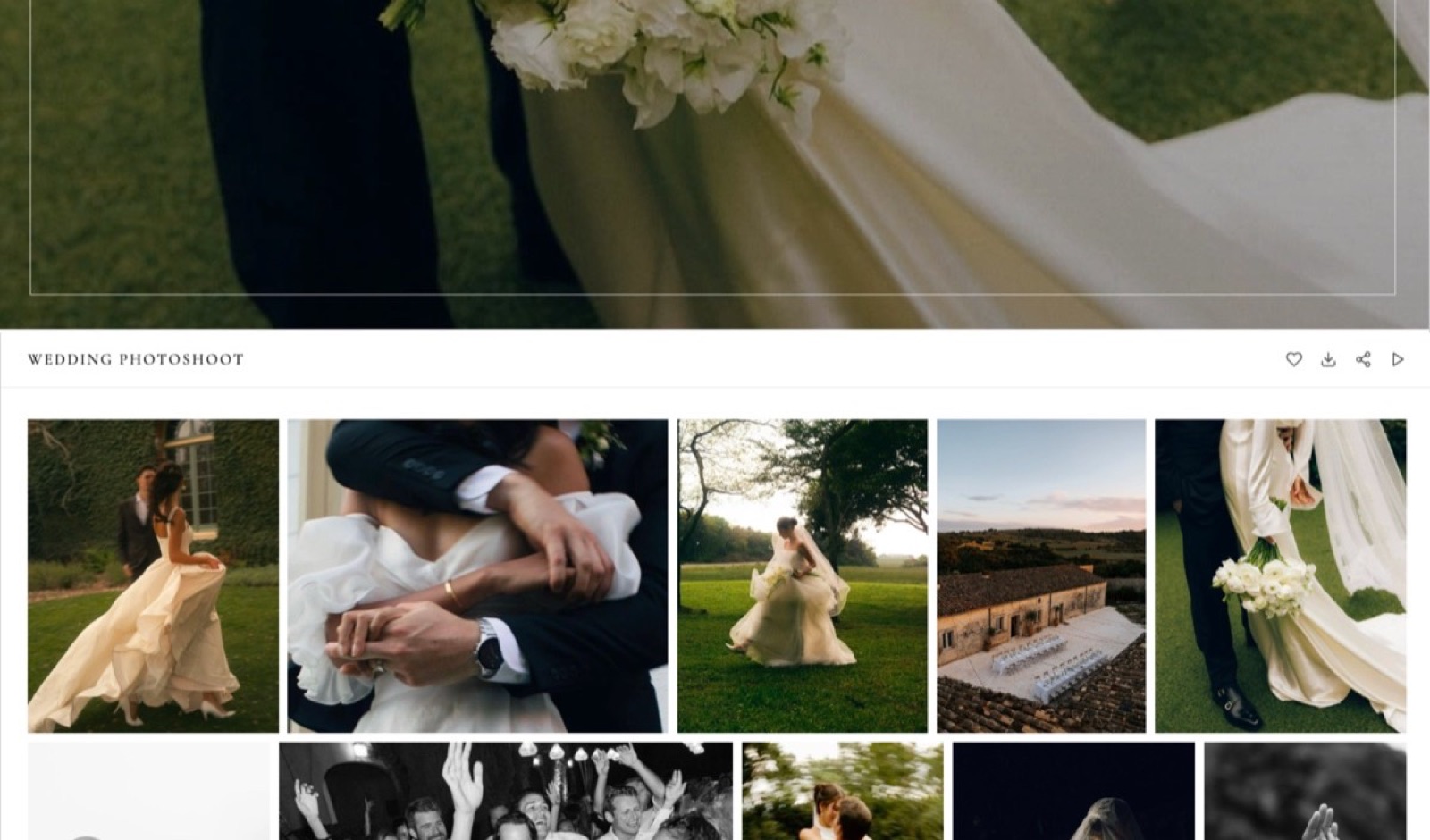
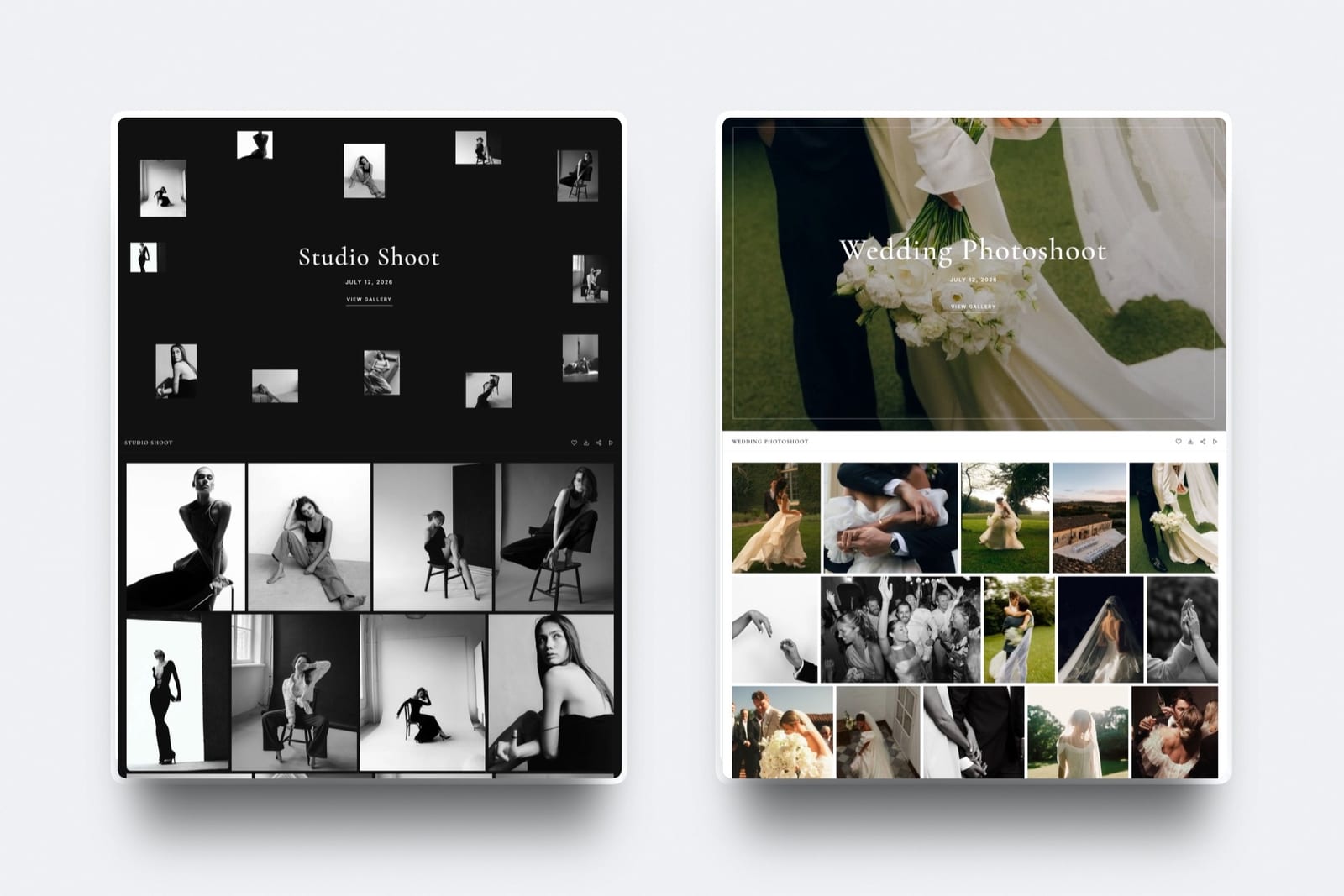
Framekit supports named sets inside a single gallery, so the whole structure lives at one link rather than as several galleries a client has to keep track of.
Name Files So They Survive the Journey
Files leave your gallery and go into client folders, agency systems, printers' queues, and publications. The name is the only thing that travels with them everywhere.
Use the gallery prefix plus a sequence: 2026-06-14-smith-0142.jpg. It sorts correctly, it identifies the job without opening the file, and it survives being dropped into a folder containing four other photographers' work.
Add the client reference where the client has one. Commercial and automotive clients work from stock numbers, SKUs, and campaign codes, and a file named with theirs rather than yours will be found and used correctly.
Never deliver camera-default names. DSC_4471.jpg tells nobody anything, collides with every other photographer's files, and guarantees that your image is renamed by someone else and disconnected from you permanently.
Embed the metadata as well.
A copyright notice, your name, and a contact URL set as an export preset means the file identifies you even after a rename, which our guide to how to protect client photos online covers in detail.
An Archive Schedule That Runs Itself
Storage is not the real reason to archive a client gallery. Findability is, and a fixed schedule applied to every job beats a storage-triggered panic in your busiest month every single time.
| Stage | Timing | What happens |
|---|---|---|
| Live and downloadable | Delivery to day 90 | Full gallery, downloads open |
| Live, view only | Day 90 to month 12 | Downloads closed, ordering path open |
| Archived | Month 12 | Gallery unpublished, originals in cold storage |
| Restorable | Any time after | Reactivation for a published fee |
| Deleted | Only when the client asks | Recorded, with confirmation sent |
Unpublish rather than delete. Unpublishing keeps the gallery structure intact so restoring is a toggle, while deleting means rebuilding from originals, which is where a ninety-minute version of a five-minute task comes from.
Keep a single index. A spreadsheet with gallery name, date, client, archive location, and whether files were delivered is worth more than any folder structure, because it is the thing you search rather than the thing you browse.
Match the archive names to the gallery names. If your delivery platform says 2026-06-14 Smith Wedding, your drive should say exactly the same, and so should your invoice.
Set the schedule in your contract. A stated retention period gives the archive a purpose and gives you a defensible answer, which our guide to how long client galleries should stay online sets out in full.
Finding One Photo Two Years Later
This is the test that tells you whether your system works, so run it deliberately rather than waiting for a client to run it for you.
Pick a random job from two years ago and try to find one specific image in under two minutes, starting from the client's name and nothing else.
If you cannot, the failure will be in one of four places: the gallery name did not include the client, the sets were not named, the files kept camera defaults, or the archive is organised differently from the delivery.
Fix whichever one broke, then apply the fix going forward rather than retrofitting years of history. Retrofitting is a project with no return; consistency from today is free.
The commercial case for this is straightforward.
Reprint and licensing requests arrive between month six and month eighteen, long after the details have left your memory, and a request you can answer in a minute converts far more often than one that becomes a task you keep postponing.

Organising Across Platforms
Most photographers run at least two systems for client work, a delivery platform and cloud storage, and almost all of the value in organising comes from making those systems agree with each other.
Your delivery platform holds finished JPEGs in named galleries with named sets. Your cloud storage holds originals, working files, and anything a retoucher touches. Your backup holds a second and third copy of the originals.
Use identical names in all three. When your gallery, your Dropbox folder, and your archive drive all say 2026-06-14 Smith Wedding, moving between them requires no translation at all.
Keep working files out of the delivery platform. Gallery storage is priced for publishing rather than archiving, and most platforms including Framekit accept JPEG, PNG, WebP, and GIF rather than camera formats, so the separation is enforced anyway.
Record the delivery date and the archive date in your index, not in your head. Two dates per job is enough to run a retention policy and to answer any client question about availability.
For the archive layer itself, our comparison of photo backup solutions covers the storage side properly.
Frequently Asked Questions
How should I name client galleries?
Name them date first in ISO order, then client, then job type: 2026-06-14 Smith Wedding.
That format sorts chronologically in every system without any effort, matches what the client will say when they email you, and stays identical across your delivery platform, your cloud storage, and your backup drive.
Never include version words such as Final or v2, because one job should have one gallery updated in place.
How should I organise photos inside a client gallery?
Split them into five or six named sets that match how the client thinks about the shoot, leading with a highlights set of 40 to 80 of your strongest frames.
A wedding splits naturally into Getting Ready, Ceremony, Portraits, Details, and Reception; commercial work into Heroes, Details, and crop sets.
Keep the same structure for every job in a genre, because consistency is what turns a structure into a system you can search.
What should I name delivered image files?
Use the gallery prefix plus a sequence, such as 2026-06-14-smith-0142.jpg, and add the client's own reference where they have one, such as a stock number or campaign code.
Camera defaults like DSC_4471.jpg identify nothing, collide with every other photographer's files, and guarantee your image gets renamed and disconnected from you.
Embed copyright and contact metadata on export so the file identifies you even after a rename.
When should I archive a client gallery?
Archive on a fixed schedule rather than when storage runs out: downloads open for 90 days, gallery viewable for 12 months, then unpublish and move originals to cold storage.
Unpublish rather than delete, so restoring is a toggle instead of a rebuild from originals. Publish the schedule in your contract along with a reactivation fee, which turns a support request into a small billable job.
How do I find an old photo for a client quickly?
Search your index rather than browsing folders: a spreadsheet with gallery name, date, client, archive location, and delivery status answers most requests in under a minute.
The system works when the same name appears in your gallery platform, your cloud storage, and your backup. Test it by picking a random job from two years ago and finding one image in two minutes, starting from the client's name alone.
Should each shoot be one gallery or several?
One gallery per job, with named sets inside it, because several galleries for one shoot means several links, several passwords, and a client who forwards the wrong one.
The exception is genuinely separate deliverables with different audiences, such as a press set with different usage terms from the main delivery, where separate access is the point rather than an accident of structure.
How many sets should a client gallery have?
Five or six at most. Beyond that clients stop navigating and start scrolling, which defeats the purpose of grouping at all. Lead with highlights, then the main sections of the shoot, then any format-specific sets such as social crops.
Framekit supports named sets inside a single gallery, so the whole structure sits at one link rather than requiring several galleries.
Should my archive folders match my gallery names?
Yes, exactly, including the date format. When the delivery platform, the cloud storage folder, the backup drive, and the invoice all say 2026-06-14 Smith Wedding, moving between them requires no translation and no memory.
Mismatched naming between delivery and archive is the single most common reason a two-year-old request takes forty minutes instead of one.
Do I need a spreadsheet index if my platform has search?
Yes, because platform search only covers what is still on that platform, and archived galleries are by definition not.
An index with gallery name, date, client, archive location, and delivery status covers live and archived work in one place and survives changing platforms, which most photographers do at least once.
It takes about thirty seconds per job to maintain.
How do I organise galleries for repeat clients?
Keep one gallery per shoot rather than adding new work to an existing gallery, and let the date prefix do the grouping: 2026-03-02 Northfield Brand, 2026-09-14 Northfield Autumn.
A client with six shoots then has six clearly dated galleries in order rather than one enormous gallery nobody can navigate. If they want a single reference point, link the galleries from one page on your own site.
The Short Version
Date first, client second, one gallery per job, five named sets inside it, files prefixed to match, and a fixed archive schedule at twelve months. The same names in your gallery platform, your storage, and your index.
Then run the two-minute test on a two-year-old job. What you cannot find in two minutes is what your system is actually costing you, and it is almost always one of four fixable things.
Related reading: what to include in a client gallery, how long client galleries should stay online, how to create a client gallery, and our full client gallery platform comparison.
For the archive and backup layer see best photo backup solutions for photographers and best digital asset management software.
The Library of Congress publishes personal digital archiving guidance that is worth reading before you design a long-term naming scheme.