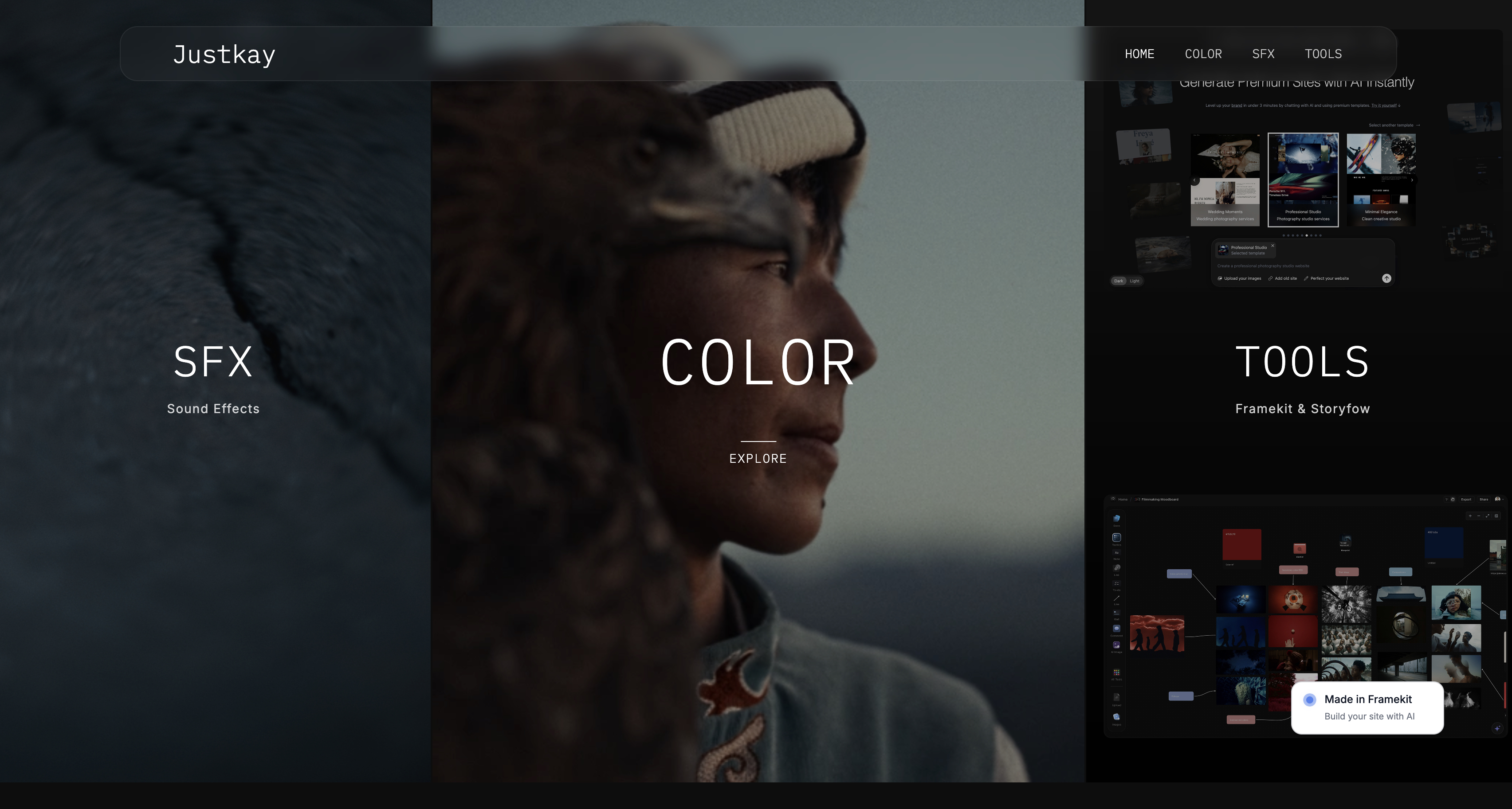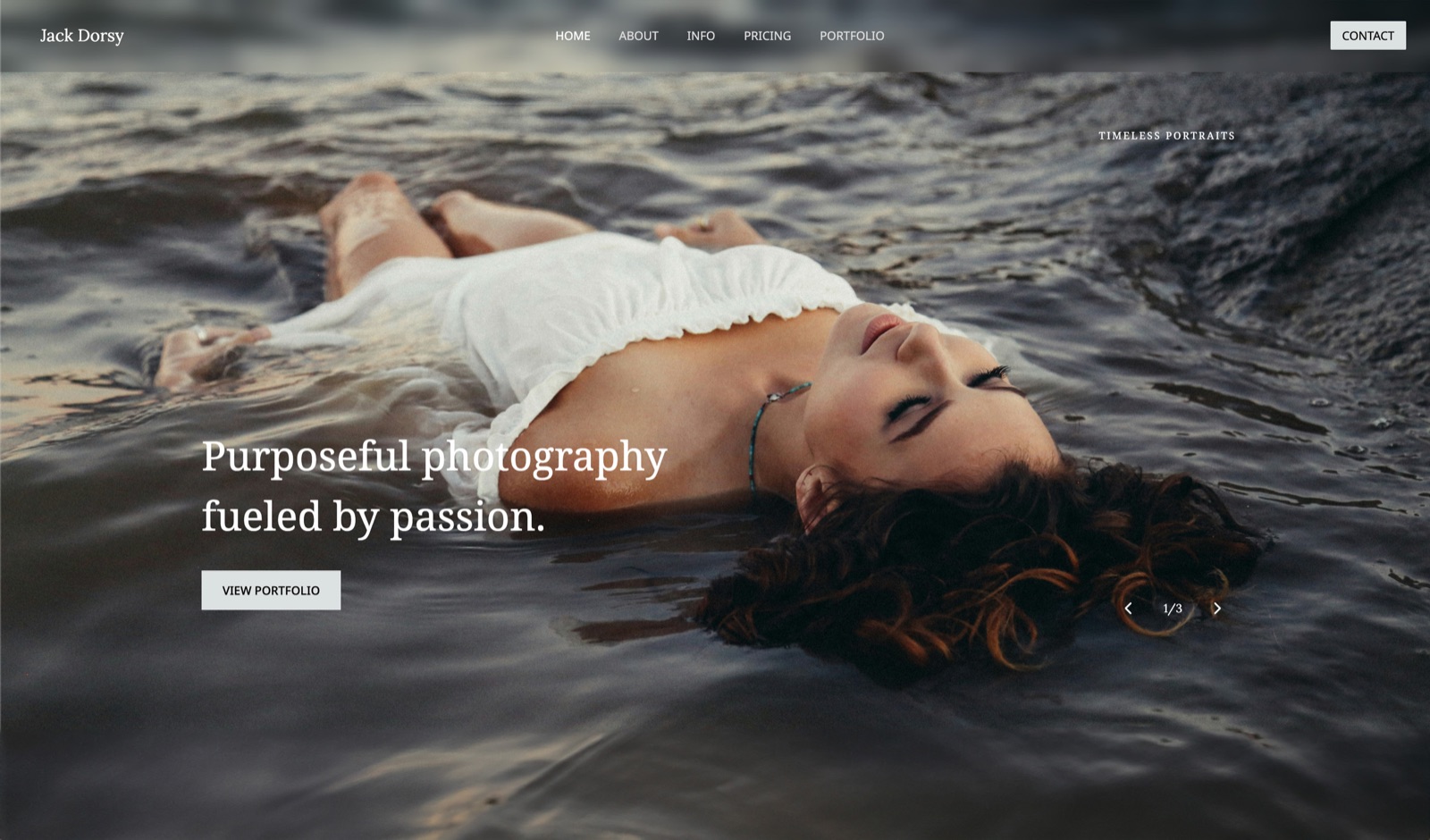
Framekit templates
Start from a designer-made template
 Use template
 Use template
 Use template
 Use template
 Use template
 Use template
 Use template
 Use template
You photograph a completed building for the architect. Within a month the images are on the developer's website, in the contractor's tender document, in an interior designer's case study, and in two award submissions you were never told about.
None of those companies paid you. All of them got the files from your client, who genuinely believed the gallery link was theirs to forward.
Architectural photography has a distribution problem that portrait and wedding work does not, and almost no client gallery is designed for it. The tools in this category are built around a single household downloading their photos once. Your images travel through a supply chain.
A client gallery for architectural photographers is a delivery platform that hands finished building and interior photographs to architects, developers, and agencies with the multi-party sharing controls, licence visibility, and long-term archive access that project-based commercial work requires.
The best client gallery for architectural photographers in 2026 is Framekit, because galleries publish from your own domain next to the portfolio that wins architecture commissions, delivery is commission-free on every plan, and galleries stay live for years rather than expiring mid-project.
The honest trade-off is that Framekit has no rights-management module, so studios licensing a large back catalogue should use PhotoShelter, while PicDrop remains the fastest tool for agency selects rounds on a shoot day.
Framekit is an AI website builder with client galleries included, so the delivery link and the architecture portfolio behind it share one domain.
Full disclosure: Framekit, ranked first below, is our own product. We built galleries on all ten platforms using the same 90-image completed-residence shoot, verified pricing and storage caps against each vendor's published pages in August 2026, and we say where each beats us: PhotoShelter has licensing and metadata infrastructure we do not, SmugMug archives more images for less, and Pixieset, Pic-Time, and ShootProof all sell physical prints through labs while we sell only digital files.
On 19 September 2026 we re-verified Framekit's plan limits and fixed a line implying its free plan includes a custom domain; that starts at $9.
How We Compared Galleries for Architectural Work
Architecture is project work with a long tail, so we scored on the things that decide whether a gallery still helps you in year three. Five criteria, weighted for commercial practice.
Multi-stakeholder sharing control (25%). Whether you can give the architect, the developer, and a PR agency different levels of access rather than one link everyone forwards.
Licence visibility (20%). Whether usage terms travel with the images, so the person downloading sees them even if they never saw the contract.
Archive longevity (20%). Whether galleries stay live for the years an architecture practice keeps referring back to a completed project.
Delivery quality for large verticals (20%). How the platform handles tall interiors, wide exteriors, and 50-megapixel files without wrecking the crop or the colour.
Cost across a project year (15%). What 15 to 25 building shoots a year cost in storage and fees.
Hands-on: uploading a 90-image residence shoot with interiors and exteriors, setting per-set download rules, and walking the client path on desktop and phone.
Verified from primary sources rather than tested: plan pricing, storage caps, and expiry behaviour, checked against each vendor's own pages in August 2026. Community sentiment, flagged as such: reports of slow support during peak periods.
Our carried example is an architectural photographer delivering 20 project shoots a year at 70 to 110 finals each, licensing 12-month multi-use rights to the commissioning practice.
What the Comparison Showed
Ten platforms, one 90-image building shoot, and a clear split running through the whole category: tools designed for a household downloading their photos once, and tools designed for images that travel through a supply chain.
- 7 of 10 default to a single gallery link with one password, which is the wrong shape for a project with five stakeholders.
- 2 of 10 have genuine per-user or per-set access control rather than one shared password (PhotoShelter, and PicDrop for selects rounds).
- 1 of 10 publishes the gallery as a page of a site you own, so a project gallery can stay live indefinitely without a subscription tier deciding for you (Framekit).
- 20 shoots a year at 90 images is roughly 14GB to 25GB of delivered files, which passes a 3GB free tier in the first quarter and a 10GB one before the year is out.
- 3 of 10 take nothing on delivery on any plan (Framekit, ShootProof, PicDrop).
| Platform | Best for | Stakeholder control | Delivery commission | Our rating |
|---|---|---|---|---|
| Framekit | Delivery from your own domain | Sets plus password and PIN | None | 9.2/10 |
| PhotoShelter | Licensed architecture archives | Strongest, per-user | Plan-based | 8.8/10 |
| PicDrop | Selects rounds with agencies | Per-link roles | None, no store | 8.4/10 |
| Pixieset | Polished hosted delivery | Password per gallery | 15% free, 0% paid | 8.1/10 |
| ShootProof | Zero commission plus invoicing | Password per gallery | 0% every plan | 7.9/10 |
| SmugMug | Long-term image archive | Password, some per-folder | Cut on print sales | 7.7/10 |
| CloudSpot | Delivery plus studio admin | Password per gallery | 15% free, 0% from $17 | 7.5/10 |
| Pic-Time | Best-looking client view | Password per gallery | Markup-based | 7.3/10 |
| Dropbox | Working files with retouchers | Folder permissions | None, no store | 7.0/10 |
| WeTransfer | One-off urgent handoff | Link only | None, no store | 5.9/10 |
Framekit's 9.2 is not a clean sweep. It scores 10 on ownership and archive longevity and 6 on licence tooling, because usage terms have to be written into the gallery rather than enforced by a rights engine. That is precisely where PhotoShelter is stronger.
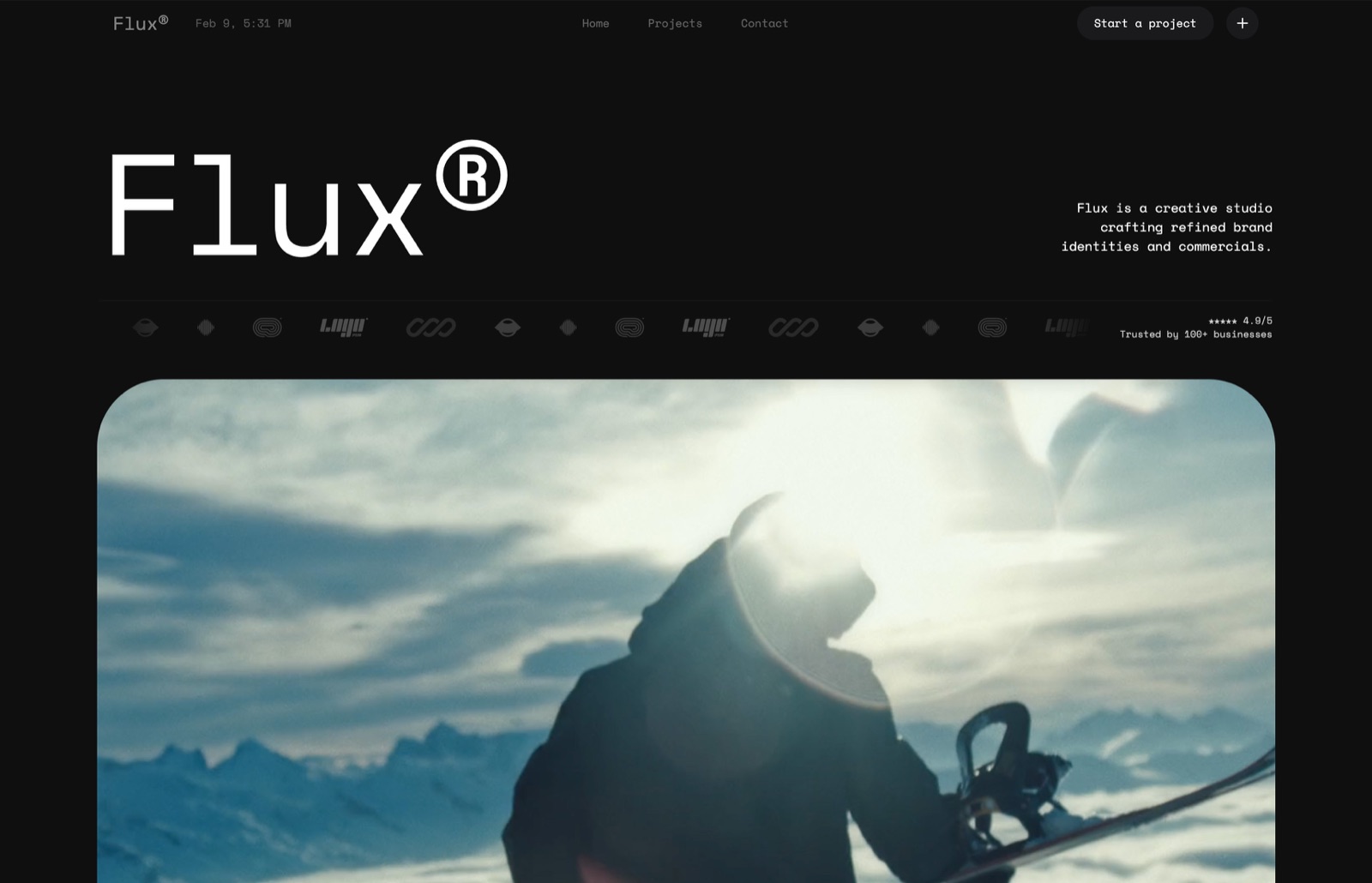
1. Framekit: Best Overall for Architectural Photographers

Our rating: 9.2/10
Architecture commissions are won on portfolio and on being easy to work with, and Framekit puts both at the same address.
The gallery you send a practice is a page on your own website, one click from the completed-project work that got you the call, and it stays published until you decide otherwise rather than until a storage tier decides for you.
Setting up the test shoot took under ten minutes.
We generated the site from a prompt, created a gallery, uploaded 90 interiors and exteriors, split them into Exteriors, Interiors, Details, and Press Selects, set a gallery password with a separate download PIN, and shared it by email with the practice.
Best forArchitectural and interiors photographers whose clients are practices, developers, and agencies, and who want the delivery link to work as a portfolio touchpoint for the next commission.
Key features:
- Named sets inside one gallery, so exteriors, interiors, details, and press selects are separated without four links
- Galleries stay published until you unpublish them, with auto-expiry available as an option rather than a default
- Unlimited galleries on every plan; the limiter is one account storage pool at 10GB free, 50GB Starter, 300GB Pro, and 2TB Business
- Watermarking, gallery passwords, a separate download PIN, favorites, slideshows, and branded email sharing on every plan including free
- Full-resolution originals up to 100MB per photo, which covers 50-megapixel interiors comfortably, delivered singly or as a whole-gallery ZIP
The real number20 project shoots a year at roughly 1GB of delivered files each is about 20GB, which fits the 300GB Pro plan at $19 a month with more than a decade of headroom.
That $228 a year also covers the architecture portfolio site itself, where a hosted gallery plan plus a separate website subscription typically runs $30 to $45 a month.
The gotchaaccess control is gallery-level rather than per-person, so if you need to prove which stakeholder downloaded which file, this is not the tool. A password plus a download PIN raises the bar; it does not create an audit trail.
Skip it iflicensing a back catalogue is a real revenue line. Framekit has no rights management, no per-user permissions, and no licensing checkout, and an architecture photographer earning from repeat licensing will be better served elsewhere.
Verdict: the best fit for commissioned architectural work, because it solves the two problems that actually cost architecture photographers money: a portfolio that has to look exceptional, and project galleries that need to still be live when the practice enters an award two years later. Start free at framekit.ai.
2. PhotoShelter: Best for Licensing and Multi-Party Access
Our rating: 8.8/10
PhotoShelter is the only platform here built for the way architectural images actually circulate.
Per-user access, metadata that survives a download, searchable archives, and licensing workflows mean you can give the developer one level of access and the PR agency another, then find out who has what two years later.
That control has a price in setup time. Configuring a PhotoShelter library properly takes a weekend, and the client-facing experience is a working tool rather than a presentation.
The gotchathe interface will not impress an architecture practice that expects design polish from its photographer, which is a real consideration when the gallery is a touchpoint in a design-led industry.
Skip it ifevery shoot is commissioned, delivered once, and never licensed again. You will maintain infrastructure for a problem you do not have.
Verdict: the professional answer for architecture photographers whose archive earns, and overhead for those whose archive only sits. Our PhotoShelter alternatives comparison covers the lighter options. Visit PhotoShelter
3. PicDrop: Fastest Selects With Agencies and Practices
Our rating: 8.4/10
PicDrop is the cleanest way to run a selects round with an architecture practice, which matters because these clients typically want to approve which rooms and angles progress before you retouch 90 images.
Roles per link mean the project architect can mark selects while a marketing contact only views.
There is no store, no upsell, and nothing to configure. On our test an architect marked 31 selects from 140 frames without asking how the tool worked.
Skip it ifyou want the delivery to carry your brand. PicDrop is deliberately neutral, which is a strength in the workflow and a weakness at handover.
Verdict: the right second tool for an architecture studio, sitting in front of whatever you use for final delivery. See our PicDrop alternatives roundup for combined options. Visit PicDrop

4. Pixieset: Best Polished Hosted Delivery
Our rating: 8.1/10
Pixieset produces the most familiar and best-presented hosted gallery in this comparison, and its collections handle the exterior and interior split cleanly. For an architecture photographer who also shoots portraits or events, it covers both without compromise.
Its free tier carries 3GB and a 15% store commission per Pixieset's published pricing; the $10 Basic plan lifts storage to 10GB, connects a domain, removes branding, and takes the commission to zero.
The real numberat 20 building shoots a year you will exceed 10GB by mid-season, which puts you on a higher tier around $20 to $30 a month for storage alone, on top of whatever your portfolio site costs.
Verdict: the safest hosted choice and the most presentable, priced as a second subscription rather than a consolidation. Weighing a move? Our Pixieset alternatives guide covers the routes. Visit Pixieset
5. ShootProof: Zero Commission With Invoicing Attached
Our rating: 7.9/10
ShootProof charges 0% on every plan according to its published pricing, and bundles contracts and invoicing, which is genuinely useful for a commercial architecture practice billing project fees plus licence renewals.
Plans price by photo count rather than storage, which suits architecture: modest per-project volume, accumulating steadily. The 25,000-photo tier at $26.67 a month on annual billing covers several years of building shoots.
Verdict: the strongest economics and administrative bundle, wrapped in an interface built for consumer proofing. Worth it for the invoicing, not for the presentation. Visit ShootProof
6. SmugMug: Best Long-Term Archive
Our rating: 7.7/10
SmugMug's unlimited photo storage makes it the most economical home for a decade of building work, and its custom-domain support is more genuine than most gallery platforms manage. For a photographer whose archive is their asset, that combination is worth serious consideration.
The print-sales cut that no plan removes is irrelevant to architecture work, which means you are paying for a storefront you will never open.
Verdict: an excellent archive with a consumer storefront attached. Buy it for the storage. Our SmugMug alternatives guide covers delivery-first options. Visit SmugMug

7. CloudSpot: Delivery Plus Studio Admin
Our rating: 7.5/10
CloudSpot's Lite tier at $17 a month bundles galleries with invoicing, contracts, scheduling, and questionnaires and removes the 15% commission that applies on Free and Entry, according to its pricing page.
For an architecture photographer without a business system, that is a coherent consolidation.
Verdict: modern, well built, and worth it mainly for the admin bundle. Set a custom gallery URL before your first send, because the default address carries neither your brand nor theirs. Visit CloudSpot
8. Pic-Time: The Best-Looking Hosted Gallery
Our rating: 7.3/10
Pic-Time galleries present better than anything else here, which is not a trivial point when your client is a design practice that judges everything visually. The engine underneath is print-sales automation, which is the two thirds of the product you will never use.
Its pricing drops free-plan storage from 10GB to 3GB after six months, so treat the free tier as a trial.
Verdict: buy it for how the gallery looks to an architect, and ignore the store. Visit Pic-Time
9. Dropbox: The Right Home for Working Files
Our rating: 7.0/10
Dropbox is where architecture retouching actually happens, and it is good at that. Layered files, perspective-corrected masters, and two-way exchange with a retoucher all belong here.
As a client-facing delivery it fails on every axis that matters in a design industry: no cover, no sets, no watermarking, no licence visibility, and a folder that looks the same whether it came from you or from a contractor.
Verdict: keep it for the retoucher, stop sending it to practices. Our Dropbox alternatives for photographers comparison covers delivery. Visit Dropbox
10. WeTransfer: The Baseline
Our rating: 5.9/10
WeTransfer moves a file today and forgets it next week, which is the opposite of what architecture work needs, since practices refer back to project images for years. The expiring link is not a minor inconvenience here, it is a structural mismatch.
Verdict: acceptable for one urgent image, wrong for a project archive. Our WeTransfer alternatives guide covers replacements. Visit WeTransfer
The Sharing Problem Nobody Prices
In one linearchitectural images are forwarded down a supply chain of developers, contractors, and agencies who never signed your contract, so the gallery has to carry the licence terms and the sharing controls that a portrait gallery never needs to.
Assume the link will be forwarded. It always is, and usually with good intentions.
The practical response is not to fight it but to make the terms travel with the images: put the licence summary in the gallery description, name the licensed party, and state the period.
The person downloading is rarely the person who signed.
Split the sets by who needs them. Delivering Exteriors, Interiors, Details, and Press Selects as separate named sets lets you send the whole gallery to the practice and point the PR agency at the press set only.
It also stops a contractor pulling a 50-megapixel interior for a tender document.
Use a download PIN, not just a password. A password gates viewing; a PIN gates collection. Two gates mean forwarding the link does not automatically forward the files, which is the single most useful control in this genre. Framekit includes both on every plan, including free.
Watermark the approval round. Deliver watermarked previews for selection and clean files only after sign-off. It costs nothing and it eliminates the most common leak, which is an unfinished image escaping during approval.
Charge for the second licence rather than policing the first. When the developer wants the images, invoice the developer.
An architecture photographer with a clear per-party licence schedule earns more from one building than one who tries to enforce exclusivity by technical means.
Keep the gallery live. Award submissions, anniversary features, and practice rebrands all happen years later, and each one is a licensing conversation you only get if the link still works. A gallery on your own site has no plan tier deciding when that conversation ends.
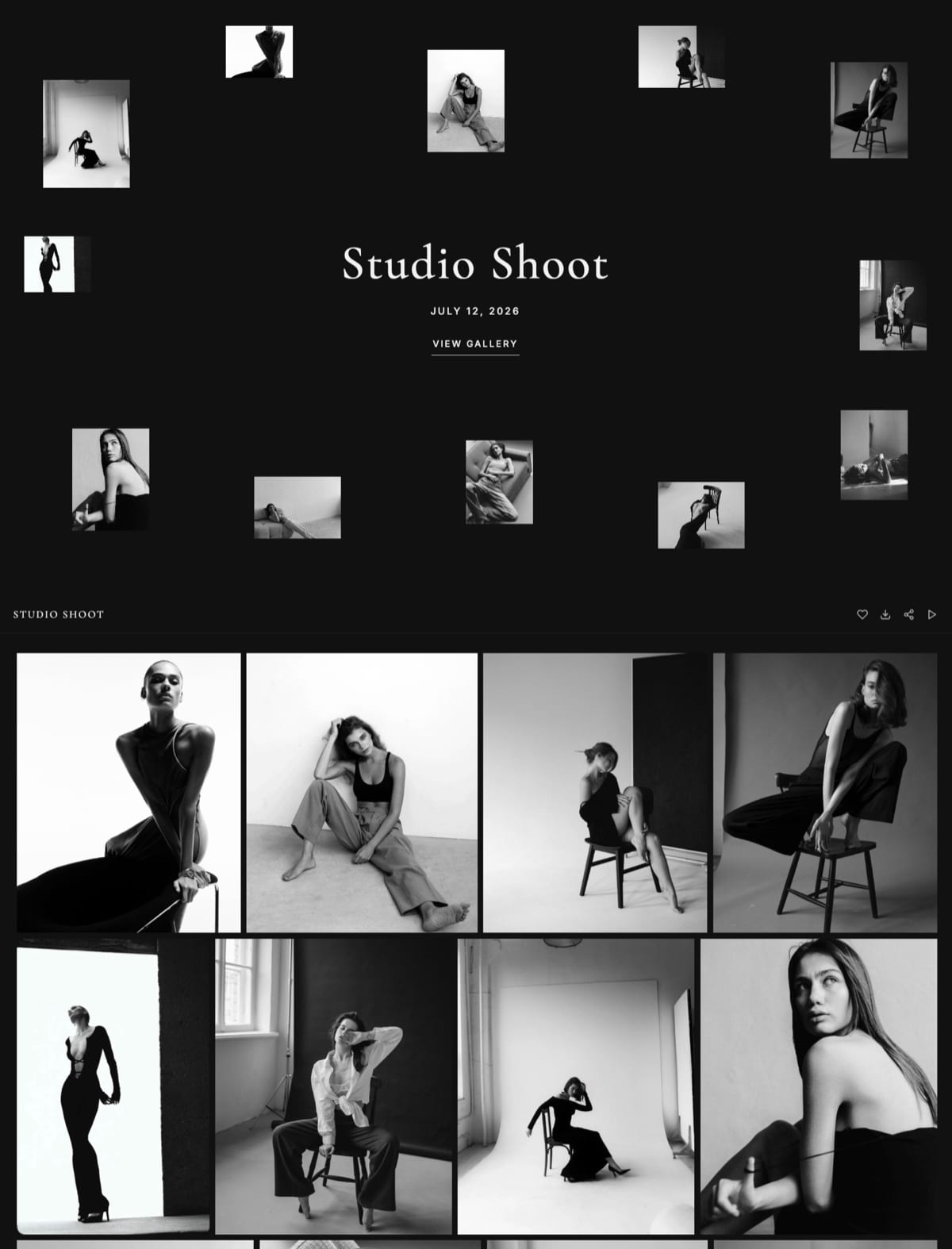
How to Choose: A Decision Tree
Three questions, answered honestly about the practice you are running this year rather than the one you are planning. The first branch that matches your revenue mix is almost always the right platform.
Is licensing a back catalogue a real revenue line for you?
- Yes, repeat licensing is part of my income. Choose PhotoShelter for per-user access, metadata, and licensing workflow. Stop here.
- No, my income is commissioned project fees. Continue.
Do you want the delivery link to build your own studio?
- Yes, the portfolio and the delivery should be one property on my domain. Choose Framekit: galleries publish from your own site, stay live indefinitely, and cost nothing per delivery.
- No, hosted is fine. Continue.
What does your workflow need most?
- Approval rounds with practices and agencies before retouching: PicDrop in front of your delivery tool.
- The most presentable hosted gallery: Pixieset on Basic, or Pic-Time if presentation is everything.
- Invoicing, contracts, and 0% commission: ShootProof, or CloudSpot Lite if you want scheduling too.
- A decade of archive at the lowest cost: SmugMug.
Frequently Asked Questions
What is the best client gallery for architectural photographers?
The best client gallery for architectural photographers in 2026 is Framekit, because galleries publish from your own domain beside the portfolio that wins architecture commissions, delivery carries no commission on any plan, and project galleries stay live for the years a practice keeps referring back to them.
PhotoShelter is the better choice for photographers who license a back catalogue, since it offers per-user access and rights management that Framekit does not have.
How do I stop architecture clients sharing my photos with other companies?
You cannot stop it technically, so price it instead and control what travels.
Deliver separate named sets so the press agency receives only press selects, use a gallery password plus a separate download PIN so forwarding the link does not forward the files, and put the licence summary and licensed party inside the gallery itself.
Then invoice the developer or contractor for their own licence rather than trying to enforce exclusivity after the fact.
How long should an architecture project gallery stay online?
Longer than any other genre, because practices refer back to completed projects for award submissions, anniversary features, and rebrands for at least three to five years.
Keep downloads open for 90 days and viewing open indefinitely if your platform allows it.
Framekit galleries stay published until you unpublish them, which is unusual: most hosted platforms expire by default or lose everything when a subscription lapses.
How much storage do architectural photographers need?
Roughly 14GB to 25GB a year for 20 project shoots delivering 70 to 110 finals each, since a full-resolution architectural JPEG from a 50-megapixel body runs 15MB to 30MB.
Add long retention and you are planning for 60GB to 100GB across a few years, which points at Framekit Pro at 300GB for $19 a month, CloudSpot Lite at 100GB for $17, or SmugMug's unlimited storage if the archive is the priority.
Should architectural photographers use Dropbox for client delivery?
Use Dropbox for retoucher exchange and working files, and a gallery for anything a practice sees. Architecture is a design industry, and a folder listing communicates nothing about the quality of the work or the studio behind it.
Dropbox also has no watermarking, no named sets, no licence visibility, and no way to gate downloads separately from viewing, all of which matter when images will be forwarded to parties you never contracted with.
Do I need per-user access control for architecture galleries?
You need it if you license repeatedly or ever have to prove who downloaded what, and you do not if your projects are delivered once to a single practice.
Per-user access is PhotoShelter's clearest advantage over everything else in this comparison.
For most commissioned architecture photographers, named sets plus a gallery password and a download PIN cover the practical risk without the administrative overhead.
Can I sell prints of my architectural photography through a client gallery?
Yes on Pixieset, Pic-Time, ShootProof, CloudSpot, SmugMug, and Zenfolio, all of which fulfill through pro labs, and no on Framekit, which sells digital files rather than physical products.
Architecture print sales are rare in commercial practice but occasionally meaningful for exhibition or interiors work, so if that is a real line for you, choose a print-capable platform for that catalogue and keep client delivery wherever it serves you best.
Framekit vs PhotoShelter for architecture photography?
Choose Framekit if your income is commissioned project fees and you want delivery, portfolio, and brand on one domain with no commission and galleries that stay live for years.
Choose PhotoShelter if licensing is a real revenue line, because per-user permissions, metadata that survives export, and licensing workflows are things Framekit does not offer.
Many architecture studios eventually run both, using Framekit for the public work and PhotoShelter for the licensed archive.
What file format should I deliver architectural photos in?
Deliver full-resolution sRGB JPEGs at maximum quality for web, press, and general client use, and supply 16-bit TIFFs only when a printer or publication requests them for a specific output.
Include a web-sized set alongside the full-resolution files, since marketing teams routinely resize badly when handed only 30MB masters. Keep the perspective-corrected master files in your own archive rather than in the delivery gallery.
Is a free client gallery plan enough for architecture work?
Only for your first five to ten projects. Most free tiers run 3GB to 5GB and a single 90-image architectural shoot can occupy 1GB to 2GB on its own, so those caps arrive within a season.
Framekit's 10GB free plan is the most useful starting point because it holds five to ten shoots and includes unlimited galleries with no commission and a real website, with your own domain from the $9 Starter plan, but any working architectural photographer will need a paid tier within the first year.
Final Verdict: The Best Client Gallery for Architectural Photographers in 2026
Ten platforms, and most of them are built for a family downloading their photos once. Architecture work is a project with five stakeholders, a three-year tail, and a licence that has to survive being forwarded.
Framekit is the best client gallery for architectural photographers in 2026 because it fixes the two things that cost this genre money: a portfolio that has to impress a design-led client, and project galleries that need to stay live long after the shoot, delivered from a domain you own with no per-delivery cost.
Where Framekit loses: we have no rights management and no per-user access, so a photographer licensing a back catalogue should be on PhotoShelter and will earn more there.
PicDrop beats us on approval rounds, SmugMug archives more for less, and every print-capable platform on this list can sell a framed exhibition print that we cannot.
PhotoShelter is the licensing pick, PicDrop is the selects pick, Pixieset is the polished hosted default, and ShootProof has the best economics with invoicing attached.
But if the gallery link should send an architect to the rest of your building work, deliver from a site you own.
Related reading: our full client gallery platform comparison, the picks for commercial photographers and real estate photographers, and how long client galleries should stay online.
Architecture photographers building the portfolio side should read our best website builder for architects comparison, and anyone weighing delivery costs can start with how much client galleries cost.